
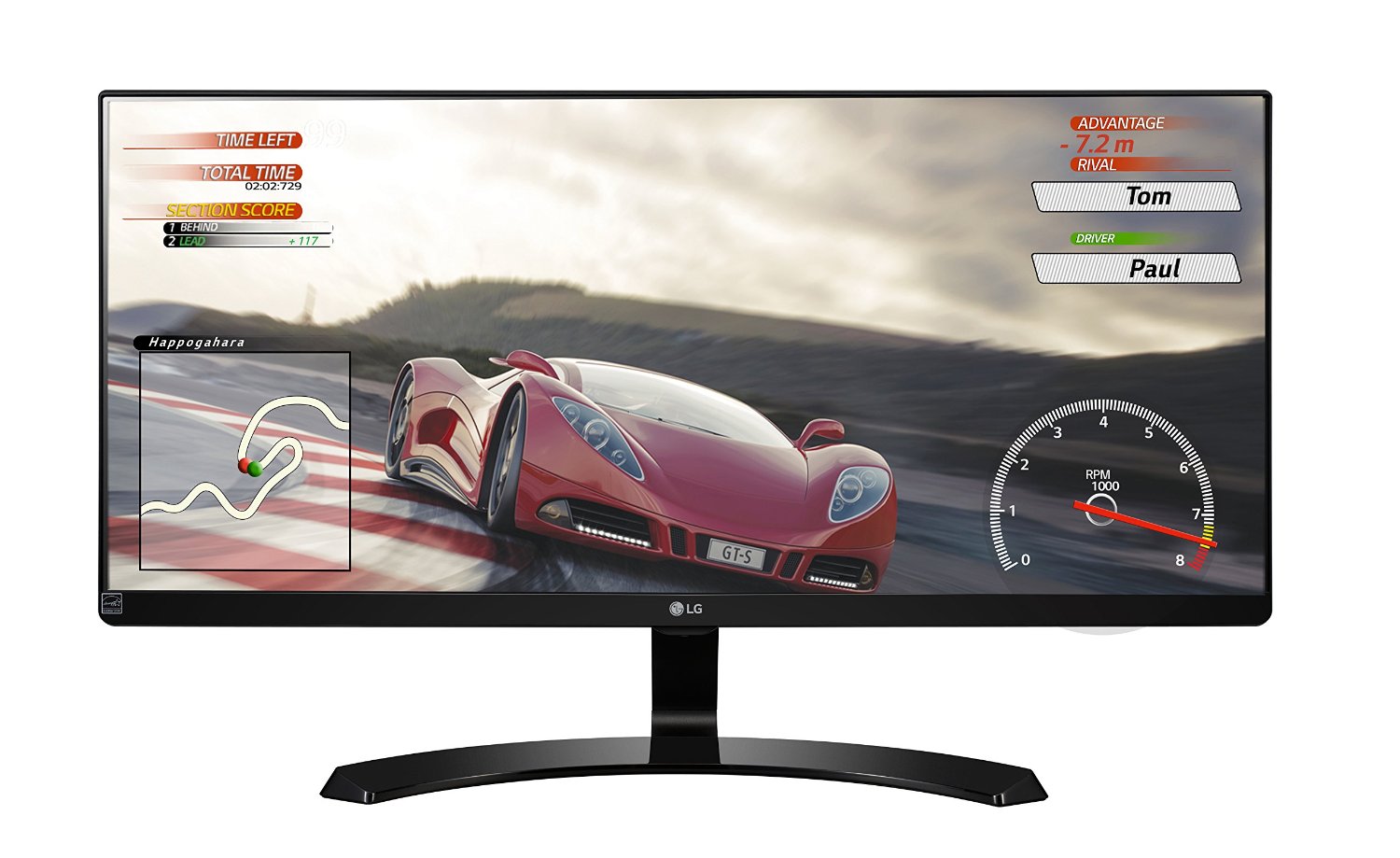
Manufacturer: LG Electronics
Release Date: 1/15/2016
MSRP: $399.99
Ultra-widescreen monitors are the future of PC gaming as resolutions increase, FOV is pushed, and refresh rates skyrocket. Standard 1080p 60Hz monitors are becoming a thing of the past, and PC gaming is finally passing them up. Sure, there are amazing-looking 1080p monitors out there, but for high-end PC gaming, you need to break out the Benjamins to push your system to its limits. While Nvidia has many G-Sync UWD monitors, they start at $500 at around 27″. AMD has cheaper FreeSync monitors, which are more widely available, as they use DisplayPort 1.2 and higher to control their Vsync. I, sadly, have an Nvidia GPU and got a FreeSync monitor, which I learned is not compatible and vice versa. Instead, I get a really nice 75Hz UWD monitor.
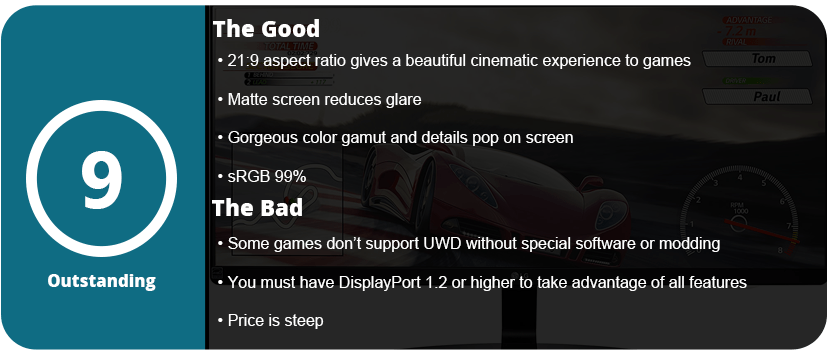
Firstly, let’s talk about the advantages that UWD monitors give you. For one, you get a much wider view of everything, which is great for pretty much everyday use in gaming. The downside is that most videos do not have a 21:9 ratio, so you get black borders. I recommend having a secondary 16:9 monitor running right next to it. An advantage is PIP, so you can split your screen into two and eliminate the second monitor altogether. This is best for monitors over 27″. In gaming, you will notice more around you as the FOV is pushed back from 70 to around 100–105. The higher resolution means a sharper and clearer image, but the disadvantage is that you need powerful hardware to render at this resolution. While the UM68 is 2560×1080, it has double the resolution horizontally, thus still needing a powerful GPU.
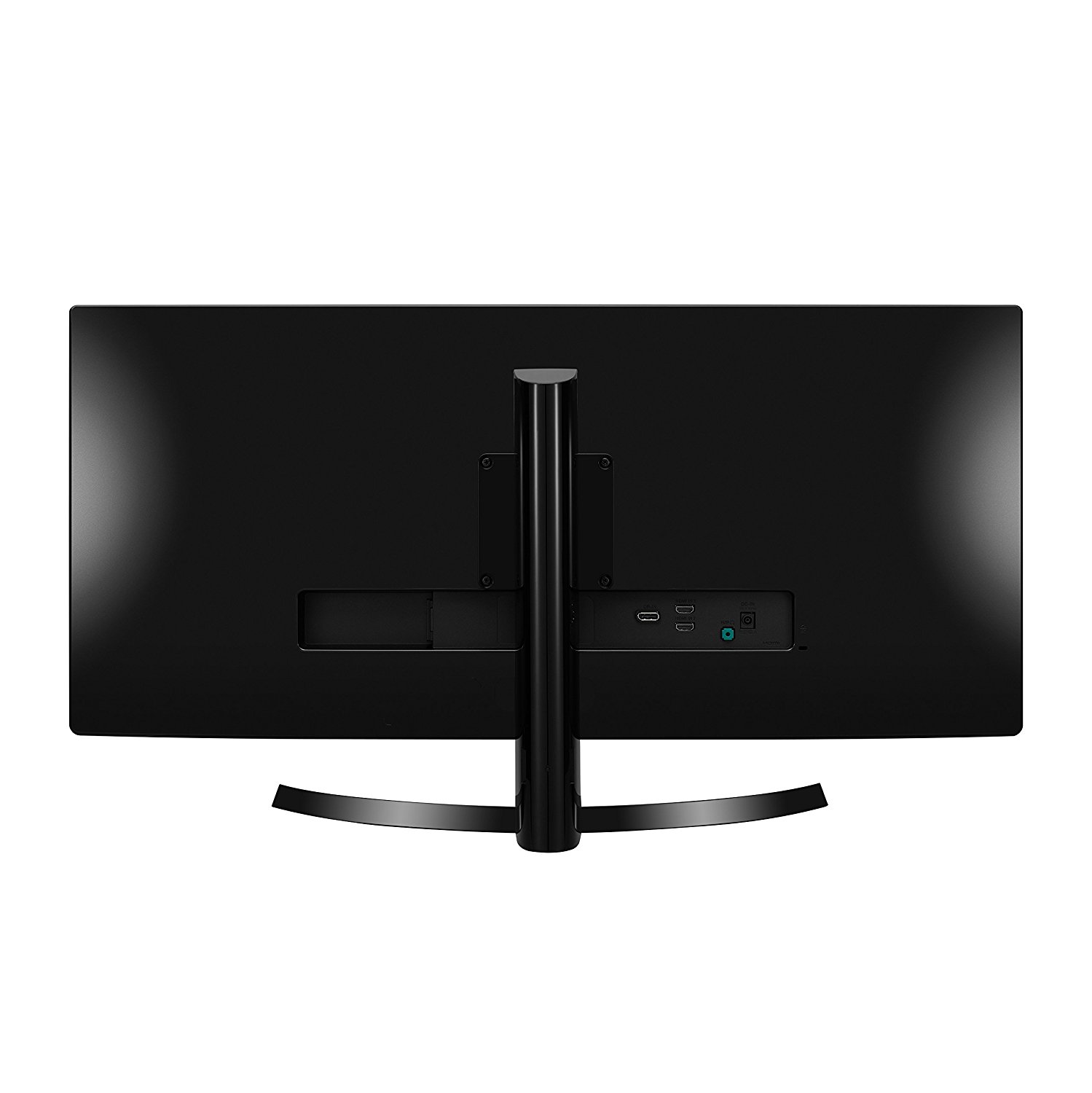
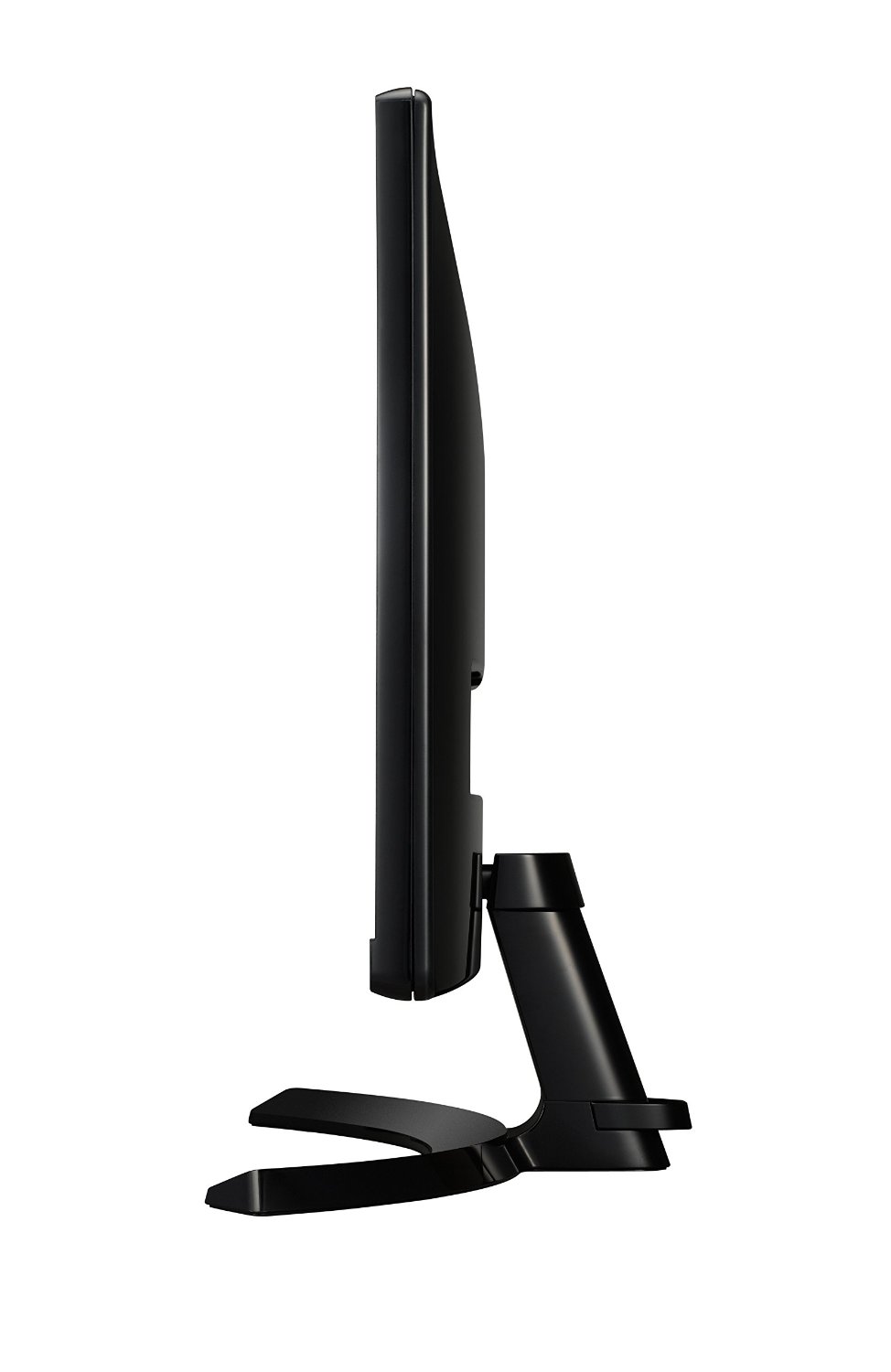
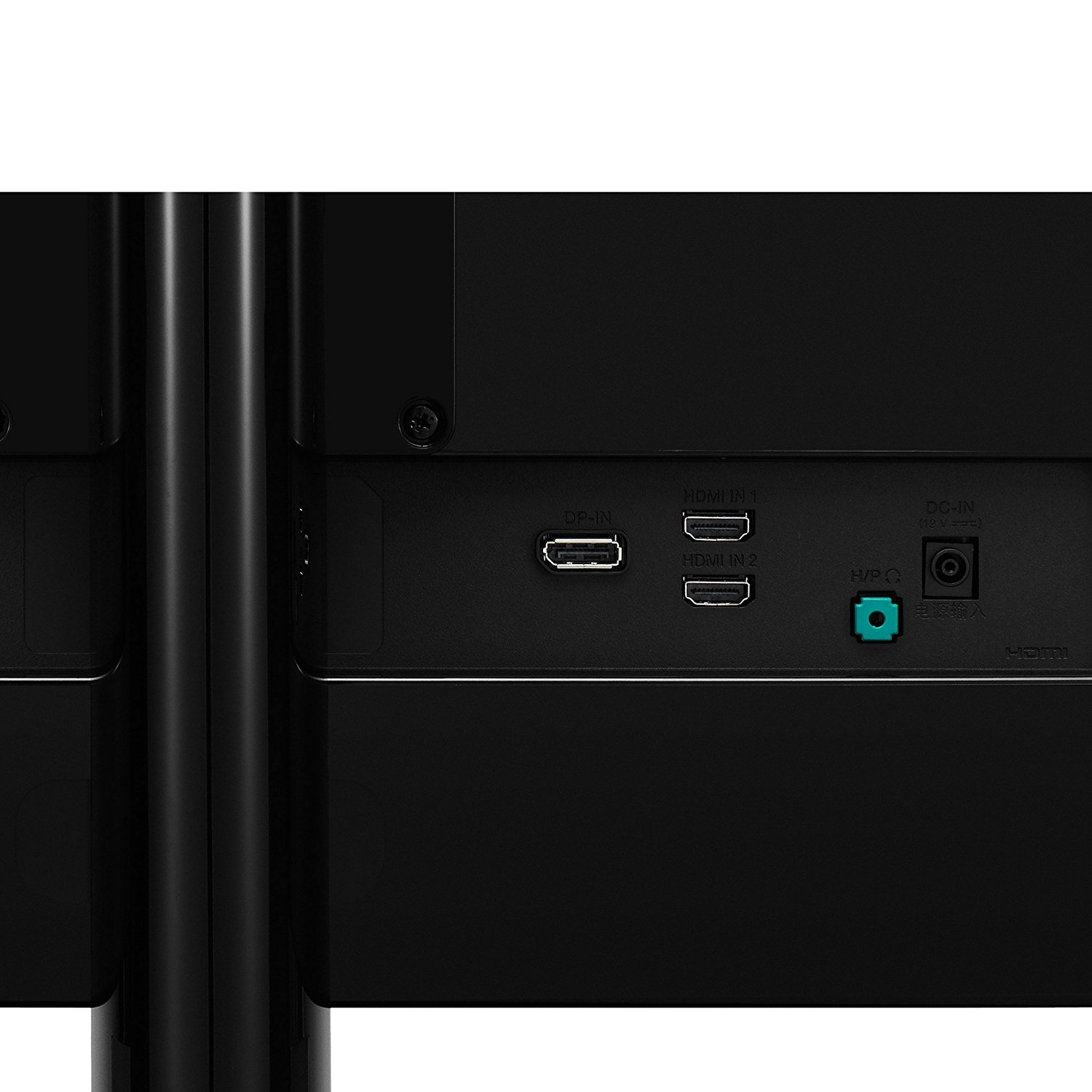
I highly recommend connecting this display to the display port, as the picture will be much better. DP is the future of higher-resolution displays and has a much faster transfer rate than HDMI. Once I set up the monitor by attaching the stand, I turned it on and noticed it had a buzzer. Yes, this monitor makes a chime when you turn it on and off, which is nice or annoying depending on the person. The first thing you need to do is go into the settings menu and decide what setting you want. I preferred the custom game mode with sharpness at 50% and everything else at default. LG monitors tend to have fantastic default settings that don’t need much tweaking. Make sure you turn on FreeSync and set the response rate too high. That’s all I needed to do, and everything looks fantastically sharp and brilliant. The monitor itself isn’t the thinnest out there and is quite thick, but it has a matte screen that is anti-glare and still looks sleek and sharp.
This is the nicest monitor I have ever seen or owned. I have it next to my older 32″ LG 1080p monitor, and I realize that there’s some blurriness to that monitor, and it’s not as crisp. Not saying it’s a bad monitor, but it shows how amazing these UWD monitors can look. In games and movies, the colors just pop and are so vibrant and alive that it’s something I can’t really explain. With 75Hz, you get more than 60FPS in games if your rig does it, and it’s a nice touch. It also allows you to dip a bit in FPS and stay close to your target 60FPS goal if you don’t have a powerful enough rig. However, the downside is that some games don’t support ultra-widescreen, and you’re stuck with a 4:3 game. The only solution is a program called Flawless Widescreen that will patch certain games to fit your monitor, and that includes FOV fixes as well. Two games I have already played that don’t support UWD are Skyrim and Mortal Kombat X. Thankfully, Flawless fixed UI, FOV, and menu issues in both games without any crashes or errors.
Ultimately, I can only recommend spending the money on a UWD monitor if you game or do art of some sort. For someone who just uses their computer as a glorified Facebook and Instagram machine, you’re throwing money down the drain. While everyday use is nice on a monitor like this, there’s no advantage over a normal 16:9 monitor that can justify the double price jump. You also need to have a pretty high-end rig to start rendering at these resolutions so you can keep your FPS up to take advantage of the monitors’ Vsync features. While the monitor changes its own refresh rate according to the FPS, it helps to keep it stable and as high as possible.
My biggest gripe is that FreeSync is not compatible with Nvidia GPUs, and the main reason why I wanted a UWD monitor was for the built-in features. Maybe soon I’ll switch to an AMD card to take advantage of this monitor’s features, but for now, I have a really crisp and sharp 75Hz UWD monitor, and I couldn’t be happier. Just make sure you really want to spend twice the amount of money.


 thebinarymessiah.com
Try multiplayer. A lot of fun !