
Everyone has probably owned or at least used an iPad at some point in their lives. Everyone now owns a smartphone, so where do e-readers come into the mix? Everyone has heard of a Kindle before at this point. Some might even remember the tablet or e-reader race of the late 2010s by Amazon, Barnes & Noble, and Borders. In the end, Amazon won, as they are the Apple of e-readers. But what makes e-readers so different from tablets? It’s the e-ink inside that makes them special. With this special display, it makes the reader only usable for a niche audience and totally limits the reader to just text and black-and-white images. This may sound like old and ancient technology, but when you’re dealing with novels, you don’t need OLED or LCD displays, as they just drain batteries.

I have pondered getting an e-reader for over a decade now. While the technology itself hasn’t changed much over that time, the Kindle now has multiple models for various types of readers and budgets. Just a couple of weeks ago, I was at the Amazon 4-Star store in our local Bellvue, WA, mall with the family, and I hadn’t seen a Kindle in person in about a decade. I picked up the Oasis and fell in love with it. While I’m a huge advocate for physical books and grew up getting lost in fantasy and sci-fi novels, I just don’t have the room for any more novels. I already own several dozen, and they take up a lot of space. I love the feeling of turning a physical page, the smell of a new book, going to Barnes & Noble and reading the backs and first few pages, and exploring for a new book. It’s an adventure that never gets old.
These days, I love the compact idea of a Kindle. a simple device that’s just for reading. No distractions are possible. I’ve tried reading books on iPads and Android tablets, and it’s just not comfortable. They’re too big and too bright, and you can easily get distracted by other apps and notifications. Again, this may sound stupid to some, but the Kindles are just for reading, and that’s it. I went straight for broke and picked up the 32GB Champagne Gold Oasis 3, the highest-end and top-end Kindle model you can get now. With ads supported, it came out to $279. The ad part is in the form of the splash screen, which shows an ad for various Kindle things. It’s not too intrusive, as you only see this screen for a few seconds a day, and it saves you $20 if that matters to you. You can always turn off ad support in your Amazon account and pay $20. This also unlocks book covers as splash screens instead, which is much nicer.
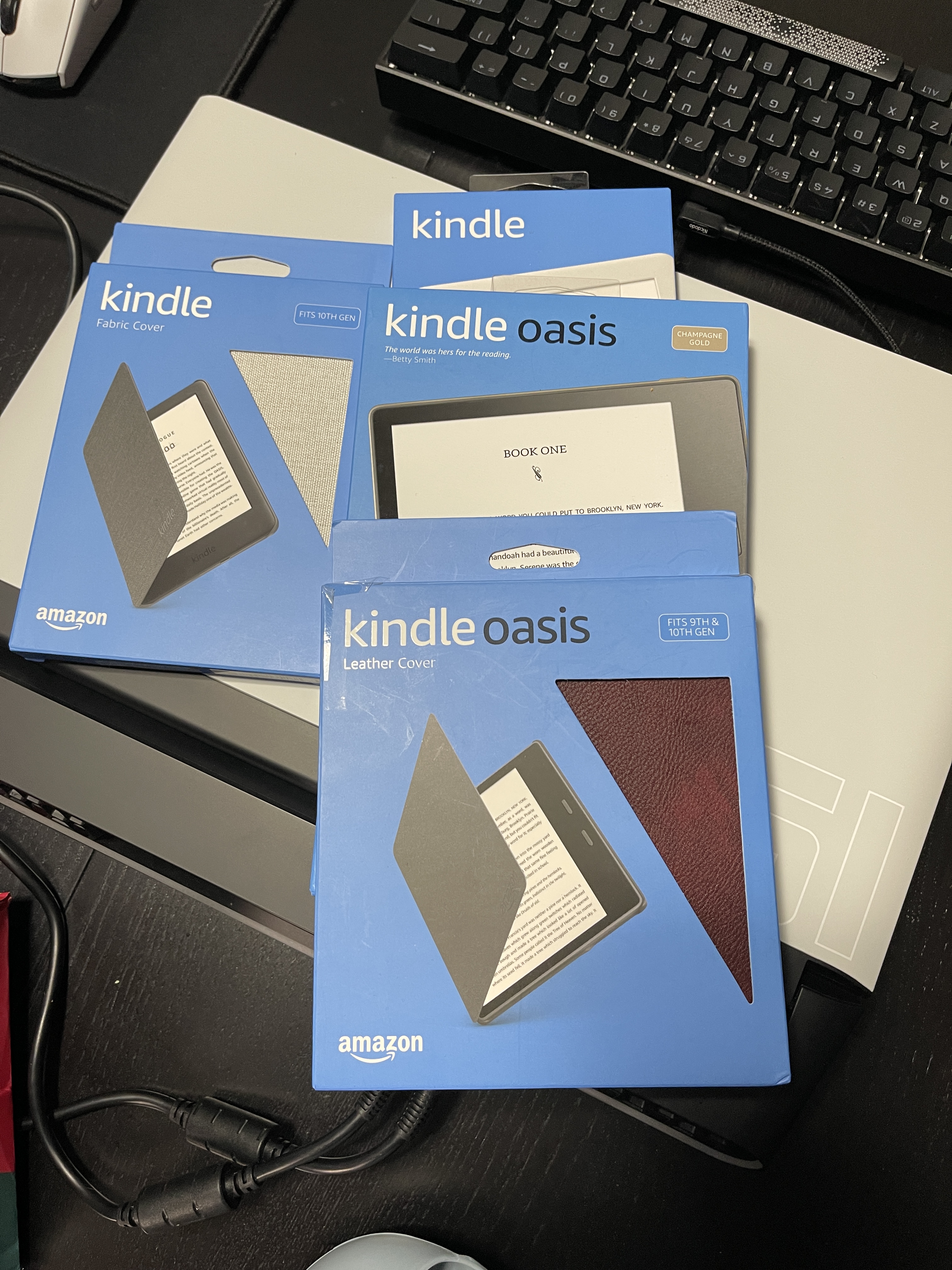
I also picked up a nice leather hard-case for the Kindle. These are expensive; mine was $50, but man, are they nice? super high-quality cases. The packaging is very minimal and only comes with a USB micro-B cable (yuck) instead of USB-C, which is pretty dumb even for a 2019 device. The device itself is incredibly sleek and lightweight, and the physical buttons on the “bump” are what attracted me. I like anything physical on a device as long as it doesn’t gimp the design itself, and these buttons are awesome. The touchscreen swiping works well enough, but you can change how the buttons turn pages by selecting which one goes forward or back. These feel perfect in the hand, especially for those like myself who have large hands. The 7″ display looks bright and crisp, and anyone who has never used e-ink before will be surprised that the screen has to “refresh” in a weird way. The entire display flashes white and then fills in black in the areas it needs. When turning pages, it won’t do a hard refresh, and you can see a faint outline of everything that showed before it, but it’s not distracting. Hard refreshes are used when doing anything else on the screen, including shopping on the Kindle Store.
The newer e-readers now have built-in WiFi (2.4 GHz) and can shop on the Kindle Store, which is really nice. Book downloads are usually in the kilobytes to a few megabytes at the most and take seconds to download. After you download what you need, you can put the Kindle in airplane mode to disable the antennas and save lots of battery life. The Oasis does have the shortest life of the three current readers available, but this is mostly due to the added LEDs on the screen to light the display. The Oasis 3 has 25 LEDs and displays 16 levels of grayscale. This better lighting will use more battery life, but it’s still nothing to scoff at. I bought this Kindle almost two weeks ago, and I am still on the first charge. I’ve already finished a novel, and I am four chapters into a new one. The batter is sitting around 40% right now as I type this review. That’s fantastic! I would have had to have charged a regular tablet a dozen times over for the same period of time. I haven’t tested using Bluetooth for audio books, but you will obviously get a much shorter battery life using these.

The Oasis 3 has some nice built-in software features for easier reading. You can adjust the font, font size, spacing, and margins, and set the display to an automatic schedule to turn on the yellow lights for less eye strain. There’s also a dark mode, so the screen is white text on black backgrounds, which I much prefer. You can also highlight text, take notes, and look up words online, but these all drain the battery, which I find unnecessary, to say the least. The warmth and brightness will mostly affect the battery if you turn everything else off, but the Oasis 3 also has a 300ppi display, and that also drains more battery compared to other models. It looks incredibly sharp—just as sharp, or maybe sharper, than an actual novel.
Overall, after reading my first novel, I have to say that I keep my Kindle with me everywhere I go because I know I will have some downtime. I bring it to bed, the bathroom, to work, and anywhere that I might have to sit in the car for a long period of time. It’s so portable and compact that it fits in your pocket or a bag, and you don’t need to bring a charger for it. You could easily bring it on a one- or two-week trip and never charge it during that time. I read the thing for about 1-2 hours per day for the last two weeks, and it was very enjoyable. While the refresh rate of e-ink displays is almost zero, navigating the Kindle Store isn’t that bad, and having a wishlist ready to go for books helps as well.

With this being the high-end model, I can only recommend it to people who want physical buttons or a much sharper and brighter display, as it’s well worth the extra price. You can even knock the price down to $250 by just getting the 8GB ad-supported model. I also recommend the excellent, high-quality cases, despite the high price point. This is for hardcore readers only as well. Don’t expect to read comics and graphic novels with this device. You’re just going to get straight-up text reading out of this, but remember that the display is built for this by design and regular tablets are not. You can read this thing for hours on end and not get any eye strain. It’s a wonderful device for all ages, and I can’t recommend it enough despite the price being too high for some. Think about this, though. After about 20 book purchases, you’ve paid for the Kindle itself and saved that much room in your house.


 thebinarymessiah.com
Try multiplayer. A lot of fun !