
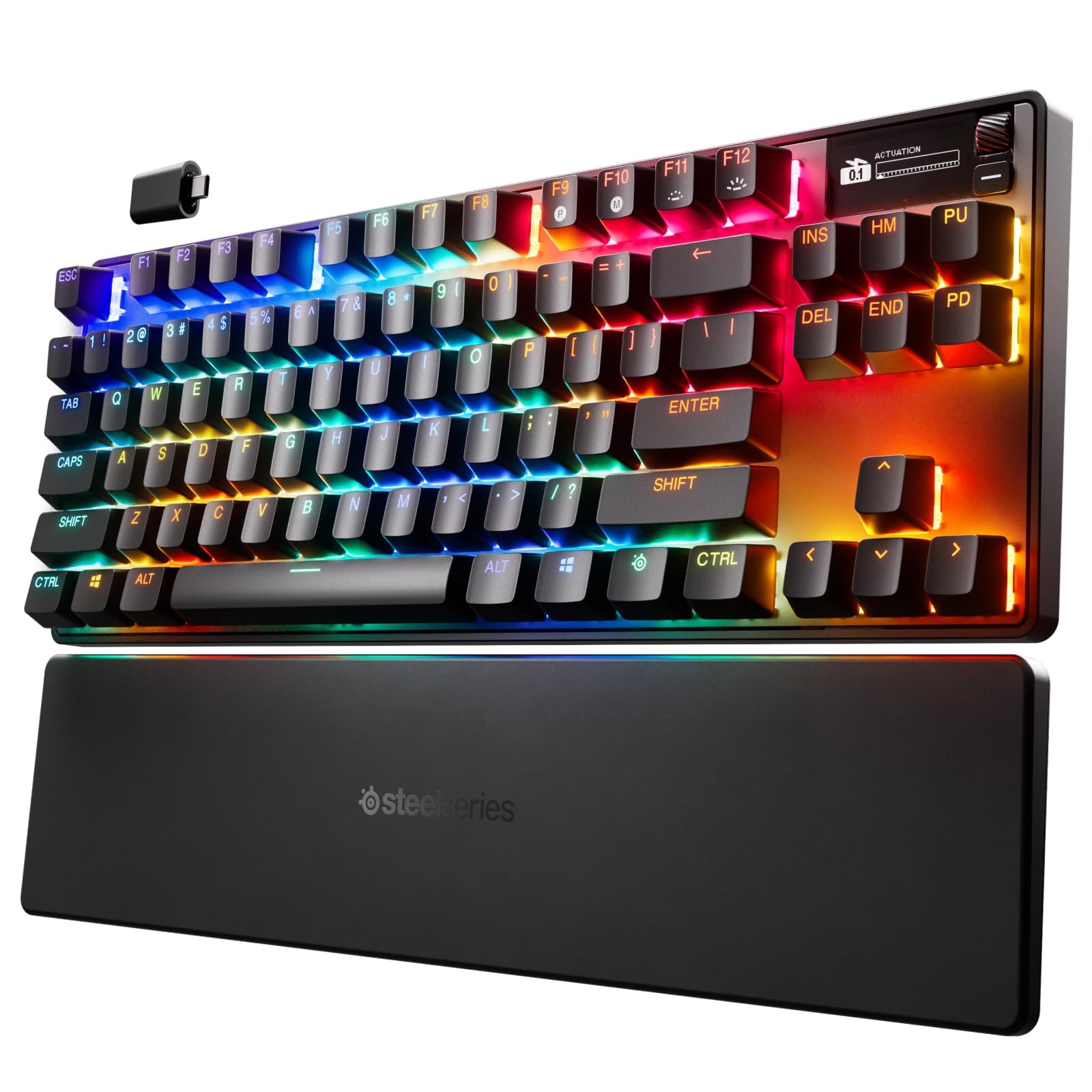
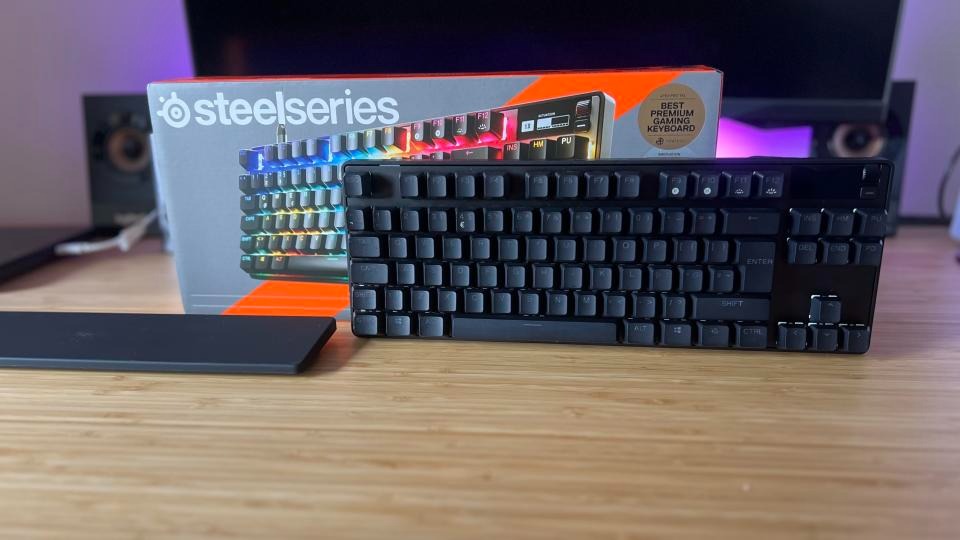
This keyboard features an additional OLED screen. There’s also a premium price tag for this as well as less customizability. I have never owned any SteelSeries products outside of an RGB mouse mat years ago. The packaging was decent, nothing special, and it came with a keycap puller, a USB-C cable, and a USB-C dongle, which was nice. The keyboard also works with Bluetooth, but the software has limitations in this mode. Once I got the keyboard out and the palm rest, I was surprised at how comfortable it was to type on. The biggest gimmick is the screen and their Omnipoint actuation adjustability to change the sensitivity of key presses. No, this isn’t like a DualSense controller in which your key switches get “harder,” but they just become more or less sensitive and register with a stronger keypress or light press. It’s a neat feature, but mostly unnecessary.
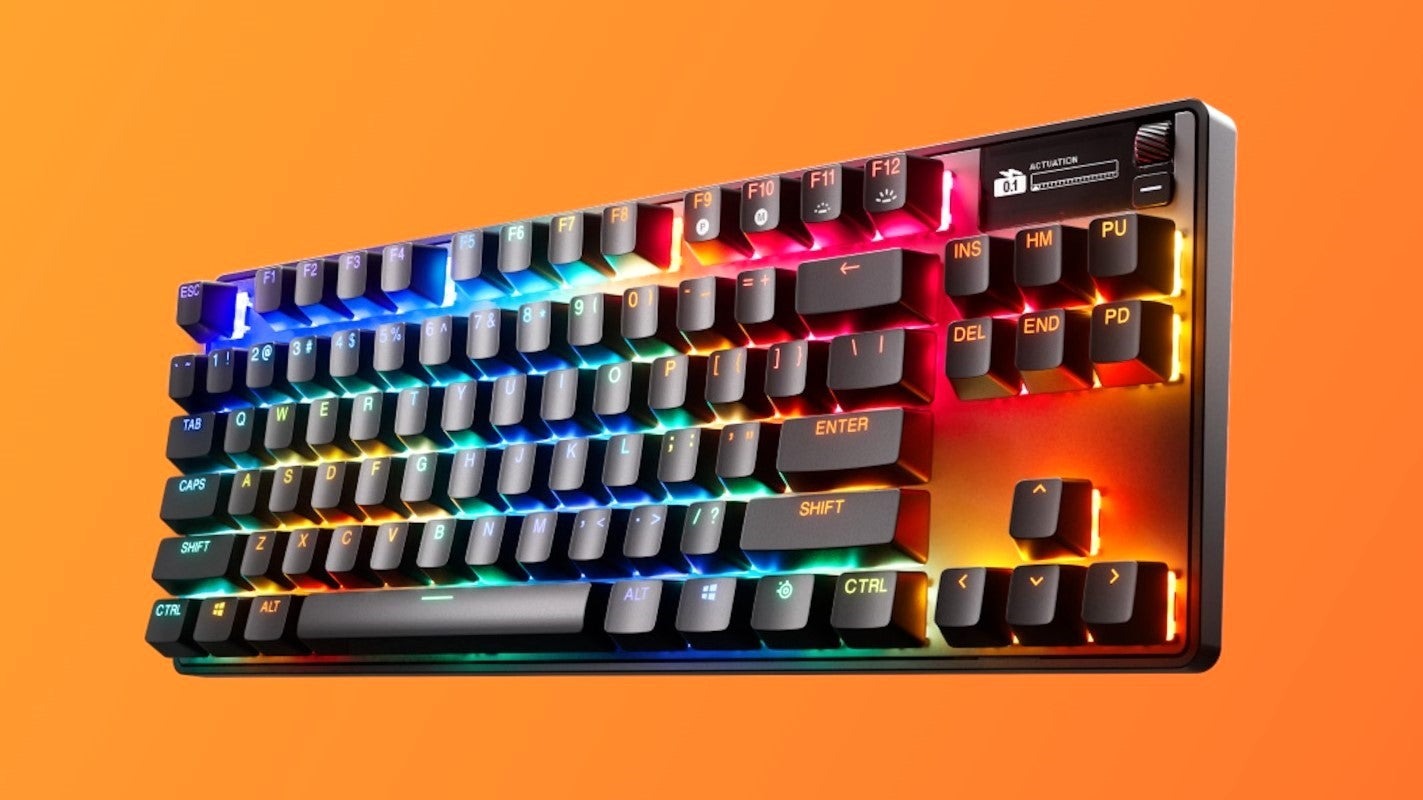
The Omnipoint 3.0 switches felt good to type on, and the foam mod at the bottom of the PCB prevents any ping. I did think the switches lacked a more tactile feel than I’d like, but that’s personal preference. The keyboard itself is unremarkable looks-wise. This keyboard appears to be a standard black “gamer” keyboard, complete with RGB illumination. The black and white two-line OLED display is the only feature that will draw your attention. The display is rather primitive for being OLED and honestly doesn’t do much. Outside of showing your actuation meter, PC temp, GIF animations, and a few app integrations like Tidal (not official Spotify support), there’s not much here. I had the most fun with the GIF animations, but the limited display can’t show anything with detail. You need very chunky 8- or 16-bit graphics for anything to show up well. There isn’t a dedicated repository for GIF animations, with the exception of an Imgur album containing approximately 60 animations that someone has created. Any other support requires using their GameSense SDK, which no one has really made anything for. One individual has created a GameSense Essentials app on GitHub, which merely displays Spotify artist and song information along with a clock. The lack of support is really sad.
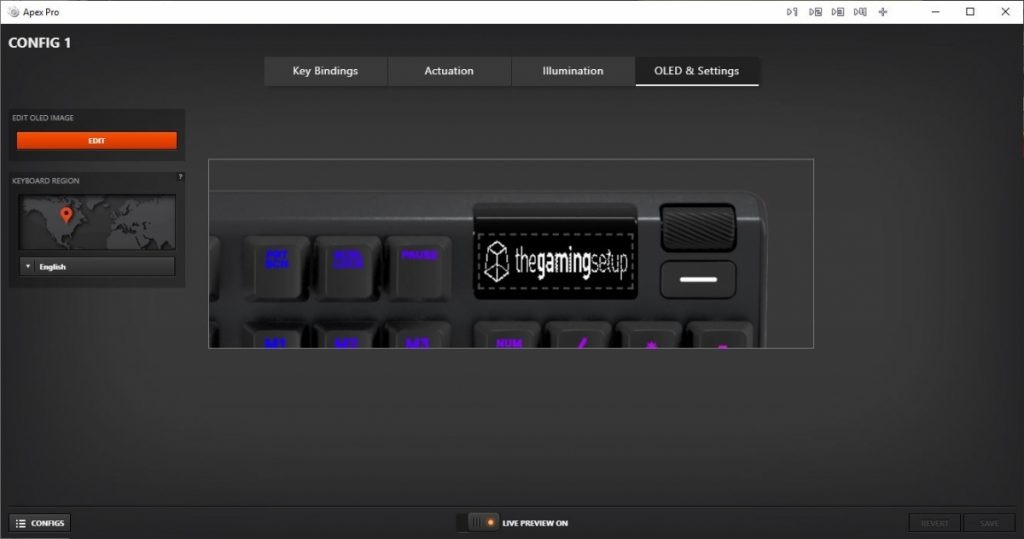
I did like the power-saving features, such as the OLED and lights turning off after a certain amount of idle time. However, even with this, the battery went down to 50% in just a few hours of use. You’re lucky if you will get 8-10 hours before the battery dies. This was achieved while using the wireless mode, not Bluetooth. Sadly, the SteelSeries Engine app works fine but isn’t as flashy or robust as Logitech or Razer’s offerings, but at least it works. I found making macros and changing the settings of the actuation rather cumbersome due to flipping through so many screens. The OLED screen options are pitiful, and even just navigating the screen is a chore. There’s a tiny scroll wheel and a button. With the limited app support, this screen doesn’t offer much beyond being there just for the sake of it.
Sadly, this keyboard doesn’t support hot-swappable switches. They are soldered on and only support the Omnipoint switches thanks to the actuation and Rapid Trigger gimmick. This also supports only a select few keys. If you need different actuation on switches, you are better off just buying a custom keyboard with the switches you really want in them. Relying on software drive actuation just isn’t the same. It can come off as just unresponsive to some people. I honestly didn’t notice much of a difference outside of the hardest of key presses. There’s not much play in between. Adjusting individual key actuation is useful for WASD keys or harder keys. There is also a feature to prevent nearby keys from being accidentally pressed.
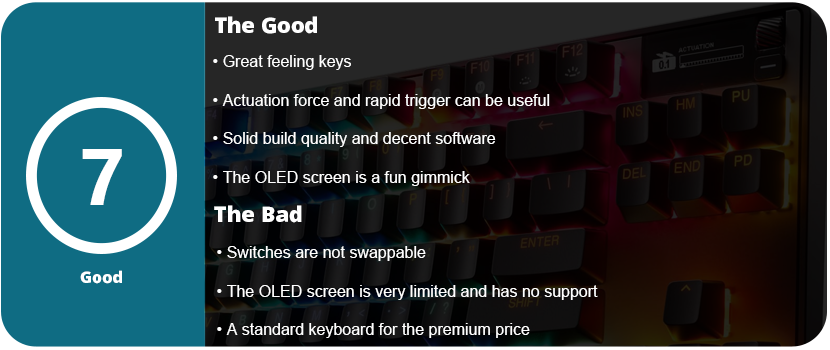
Overall, an underutilized OLED screen and gimmicky, non-replaceable switches contribute to the keyboard’s premium top-tier price. The keyboard’s overall design is a classic black “gamer” keyboard featuring RGB lighting. The software is decent and usable, but the actuation force and rapid triggers feel like gimmicks outside of specific use cases. The keys feel nice, and the sound is dampened, and the palm rest is nice, but overall, you’re better off spending the $270 on a custom keyboard.


 thebinarymessiah.com
Try multiplayer. A lot of fun !