
Manufacturer: Corsair
Release Date: 01/05/2017
MSRP: $199.99
I’ve had various keyboards over the years, but there’s always something off about them. The keys don’t feel right; I never use the features on them; the software is horrible; or something along those lines. I’ve held off on Corsair keyboards for so long because they’re the most expensive ones on the market, but after 6 months with the K95 Platinum, I can see why, and it’s justified.

The K95 is one of the most solid keyboards I’ve ever used. Just holding it out of the box, you can feel the solid build with an aluminum body and very satisfying keycaps. From the sleek media buttons, the subtle yet useful proprietary keys up top, and the awesome wrist wrest. The K95 just oozes quality and style before you even plug it in. The K95 has a thick braided cable and also features a USB 3.0 passthrough, which I actually love and use myself.
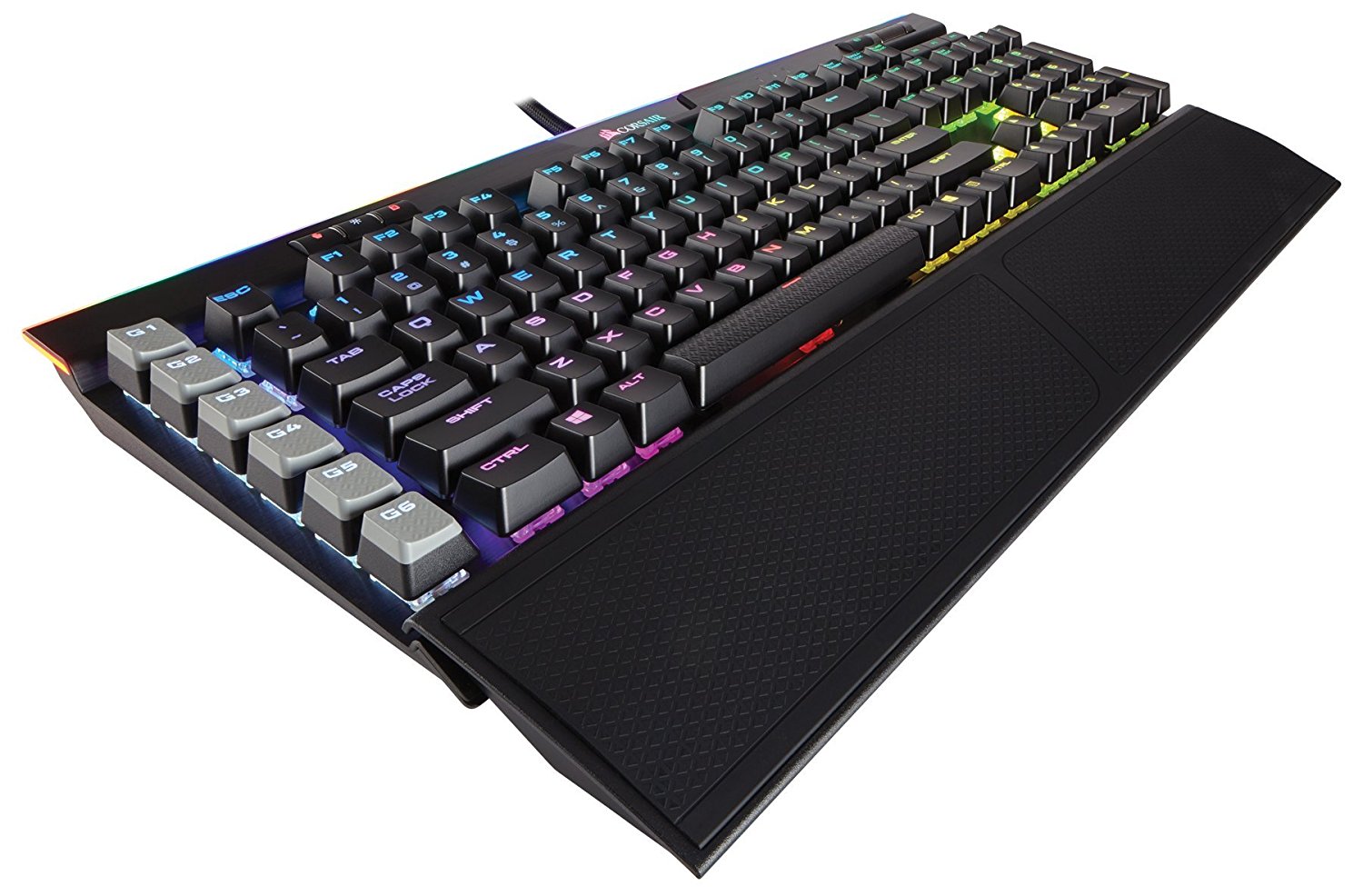
I want to start with the proprietary buttons on this keyboard before talking about anything else. On the right side, you have six shortcut or macro keys, and I love the placement of these. They are out of the way enough to allow you to ignore them, or if you use them, they are easily accessible. Along the top, you have three buttons on the left that are used with Corsair iCUE. The little person icon allows you to flip through RGB profiles, while the sun icon has three brightness stages, and the lock button keeps the Windows button locked. Further right are three white LEDs for Scroll Lock, Caps Lock, and Num Lock. I love how small and minimal these are. They are just big enough to tell you what’s going on. To the far right are a volume wheel and a mute button. I honestly love these to death. An easy-to-use mute button and the volume wheel feel amazing as they have some weight, aren’t plastic, and feel good to use. I’ve never once had a useful volume adjustment option on my keyboard until now. Below that, just above the Numpad, are the four media keys. Again, it’s the best I’ve ever used. There is no need for a function button; just press the buttons, and they will work. I use these all the time when listening to music, and they feel solid and are actually shaped differently than the other buttons.

The keys themselves are nice and big and just feel right. I can’t do the keyboard justice by just describing it. This is the most satisfying keyboard I’ve ever used, as it just feels perfect. The actuation distance is perfect, the keycap size is perfect, and each key is spaced perfectly apart. I’ve spent 6 months with this keyboard, so I can really tell if it’s all that different from other premium keyboards. I don’t think I can use any other keyboard, as they all feel subpar compared to this one. The other major attraction is the RGB lighting, as Corsair has the best RGB in the business, and the K95 is beautiful. With a lightbar up top and bright, vivid lights underneath each key, I have never seen a better RGB keyboard. Nothing tops this. Corsair iCUE is the most versatile RGB software out there, and the customization options are endless. You can make scrolling logos and insane patterns, with endless possibilities. I have seen some of the craziest RGB setups on this thing, and it looks amazing with all of my other Corsair products.

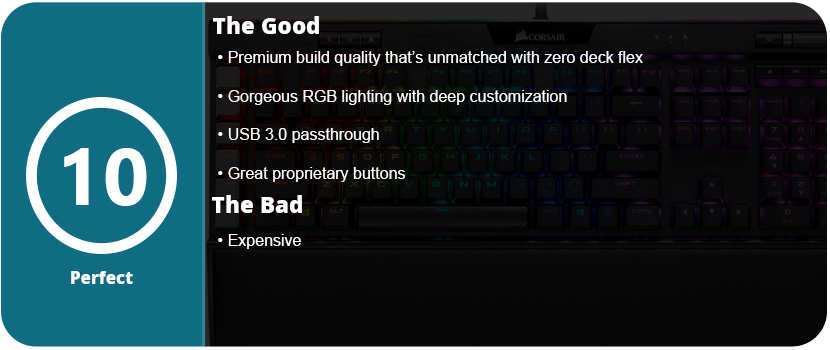
The wrist rest actually has a magnetic, reversible rubber pad that sits inside the rest. It’s not adjustable, but I highly recommend using it. I also haven’t found the rubber to deteriorate over time like other products. It’s a very hard rubber material, and the rubber under my wrists is the same as it was when I bought it. Overall, the K95 Platinum is expensive but well worth the price, as you won’t get a better experience anywhere else. Corsair is a master in their class and has perfected the keyboard over the years, and it clearly shows.












 thebinarymessiah.com
Yeah, it's pretty damn awful. Notoriously one of the worst games on the PSP. A 4 was actually being generous.…