
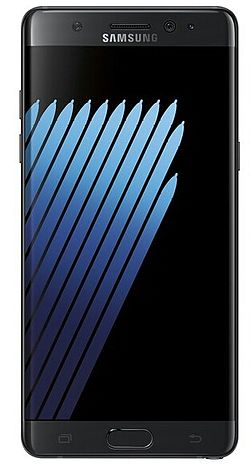
Manufacturer: Samsung Electronics
Release Date: 8/19/2016
MSRP: $849.99
Colors: Coral Blue, Silver Titanium, Black Onyx
Android Version: 6.0.1 Marshmallow
Carrier: T-Mobile US
History
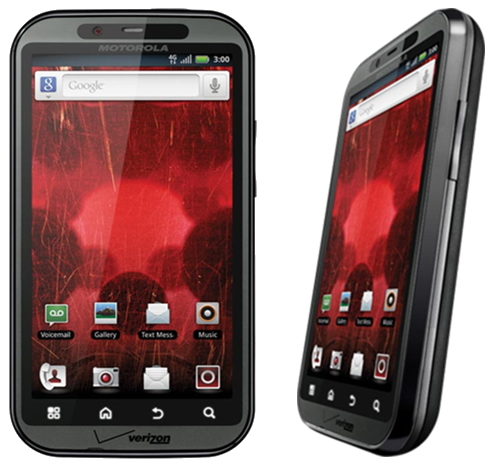
Well, here we are, six years after getting my first Android phone, and the Android environment has grown and changed faster than any other technology I can think of. In the early days of Android, it was obviously trumped by iOS, and rightly so. The operating system didn’t’ do much; it was extremely buggy, very ugly, and not streamlined at all. I remember the early days before Google Play was the Android Store, and it was full of awful apps that either crashed your phone or were spam, and there was no organization whatsoever. Not a single major developer wanted their app in this untrusted “iOS clone,” but I stuck by. It wasn’t just the operating system that was unable to keep up with user demands, but the hardware. Apple perfected its hardware and software with the iPhone 3S, and it hasn’t changed much since. Motorola was one of the best headliners for Android, but their phones were awful and slow, and the custom Android ROM was terribly designed. Trust me, I owned the original Droid and Bionic—the worst phones I have ever had.
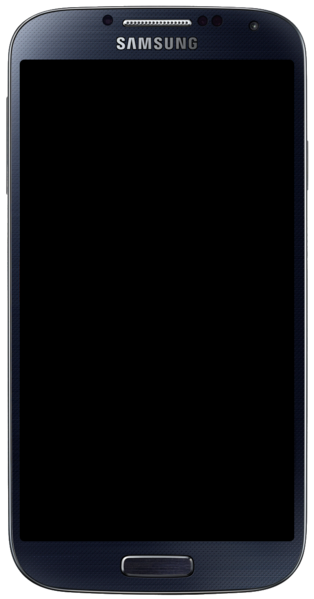
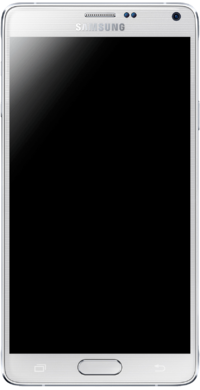
I then switched to Samsung with the release of the Galaxy S4. The issue with Android phones back then was that the manufacturers would master the current OS version and then create the phone around that. Once the new OS was released, the phones were slow, buggy, and unusable. My S4 turned into an overheating paperweight, and I hated it. With the Note 4, it was a little faster and more streamlined with KitKat, but once Lollipop was released, it ruined the entire phone. It became slow, buggy, and also unusable. It wasn’t until the Note5 that Samsung perfected its hardware and got a strong grasp on Android. Google even stopped adding features and released Lollipop as mostly a speed and battery upgrade, and it did wonders.
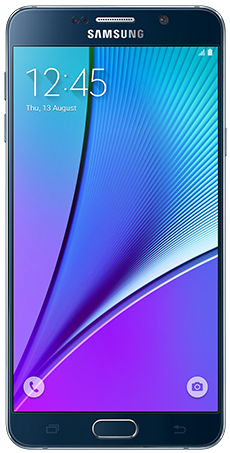
The Looks
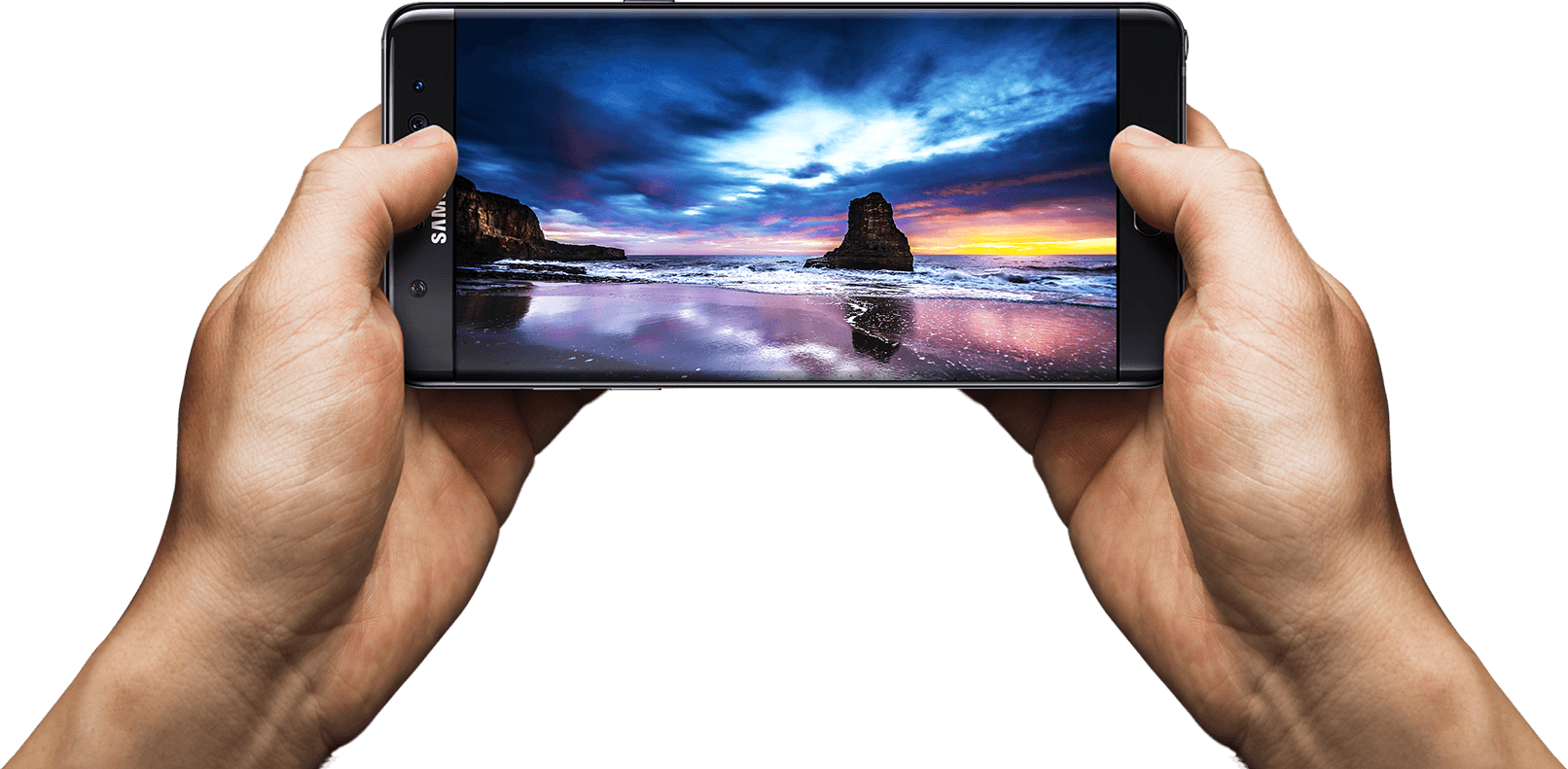
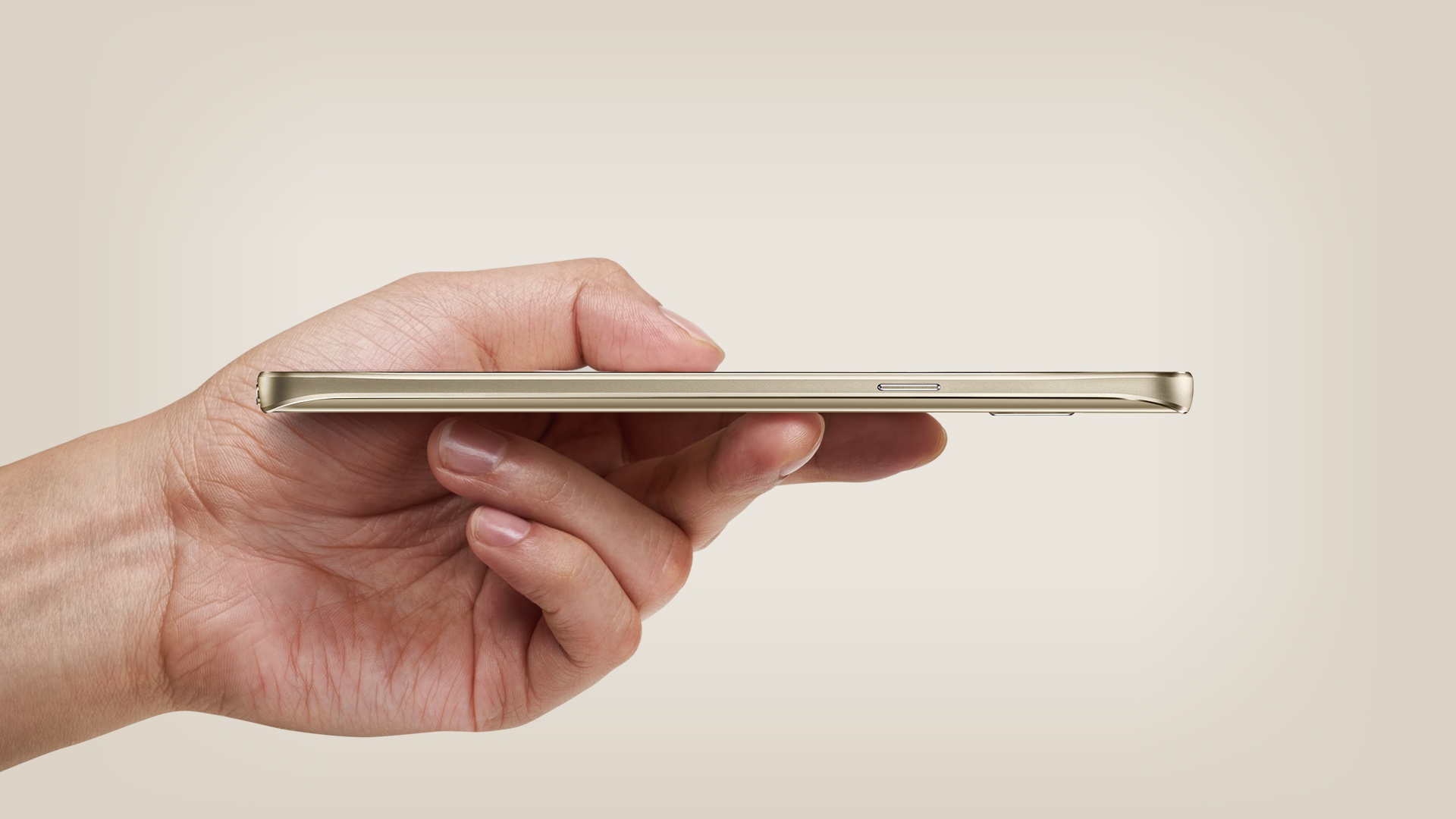
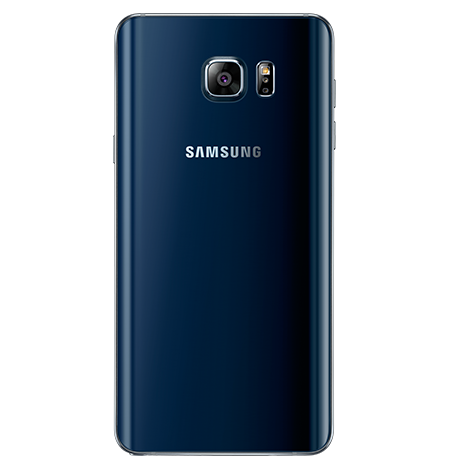
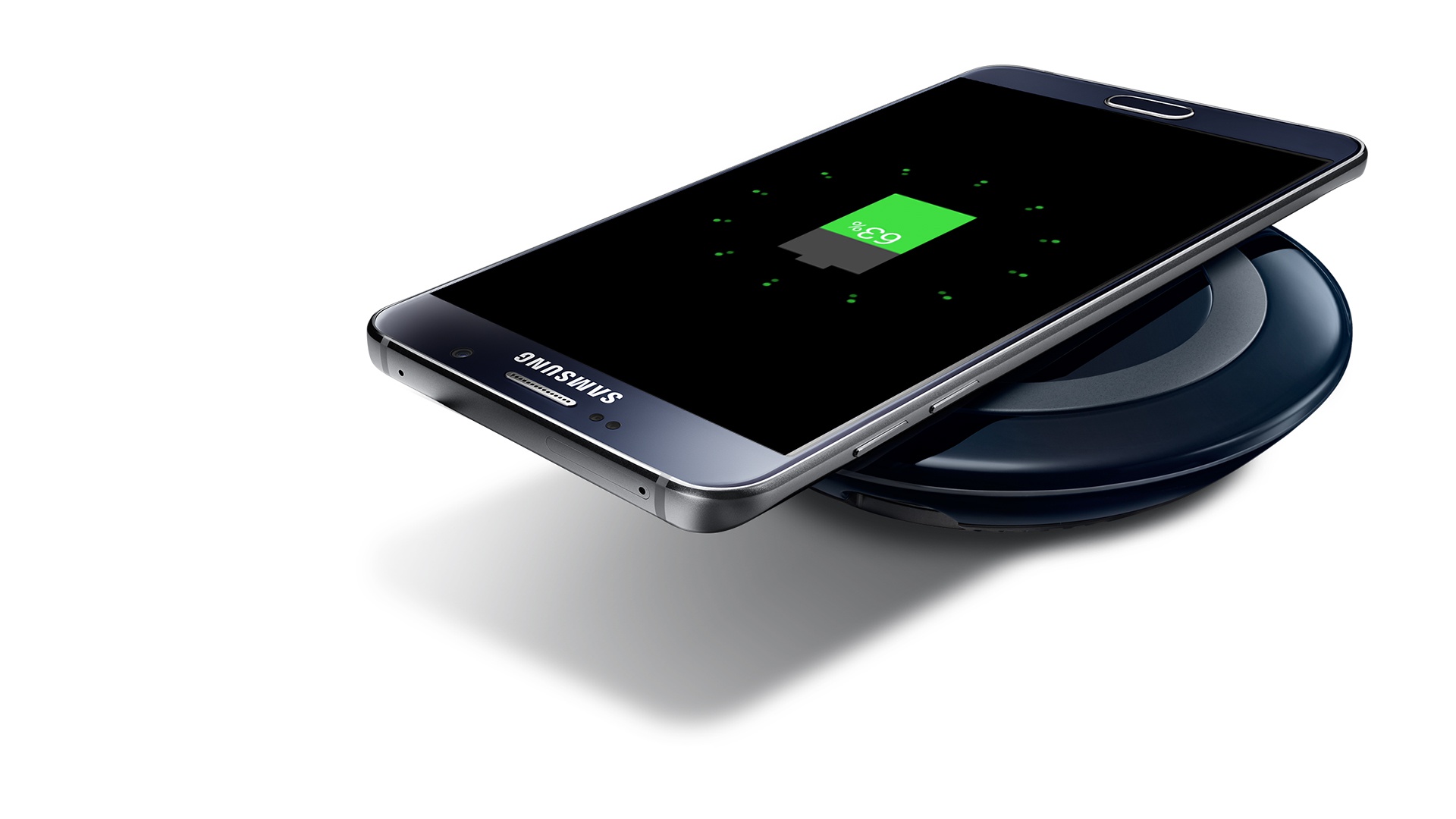
So, here we are in 2016 with a brand new set of Android phones. It’s no longer about being bigger and solely relying on who has the highest screen resolution and best camera. These things are all standard and easy to come by, even on budget devices. Samsung is pushing the envelope with its design. That’s right, we’re over new hardware features so much now that we can worry about how a phone looks. When you whip out a phone, you get judged as much as the car you drive these days. The Note5 was one of the sleekest phones ever released, and the Note7 trumps that. It takes the basic body design of the Note5, slims it down a tad, and adds a curved display. It may not seem like much, but it’s so much more enjoyable to view a curved screen. It creates a much more immersive experience, and it’s easier on the eyes. It’s a true edge-to-edge display and looks better than Samsung’s other flagship S series. The new glass and aluminum body that was carried over from the Note5 is perfected in every single way.
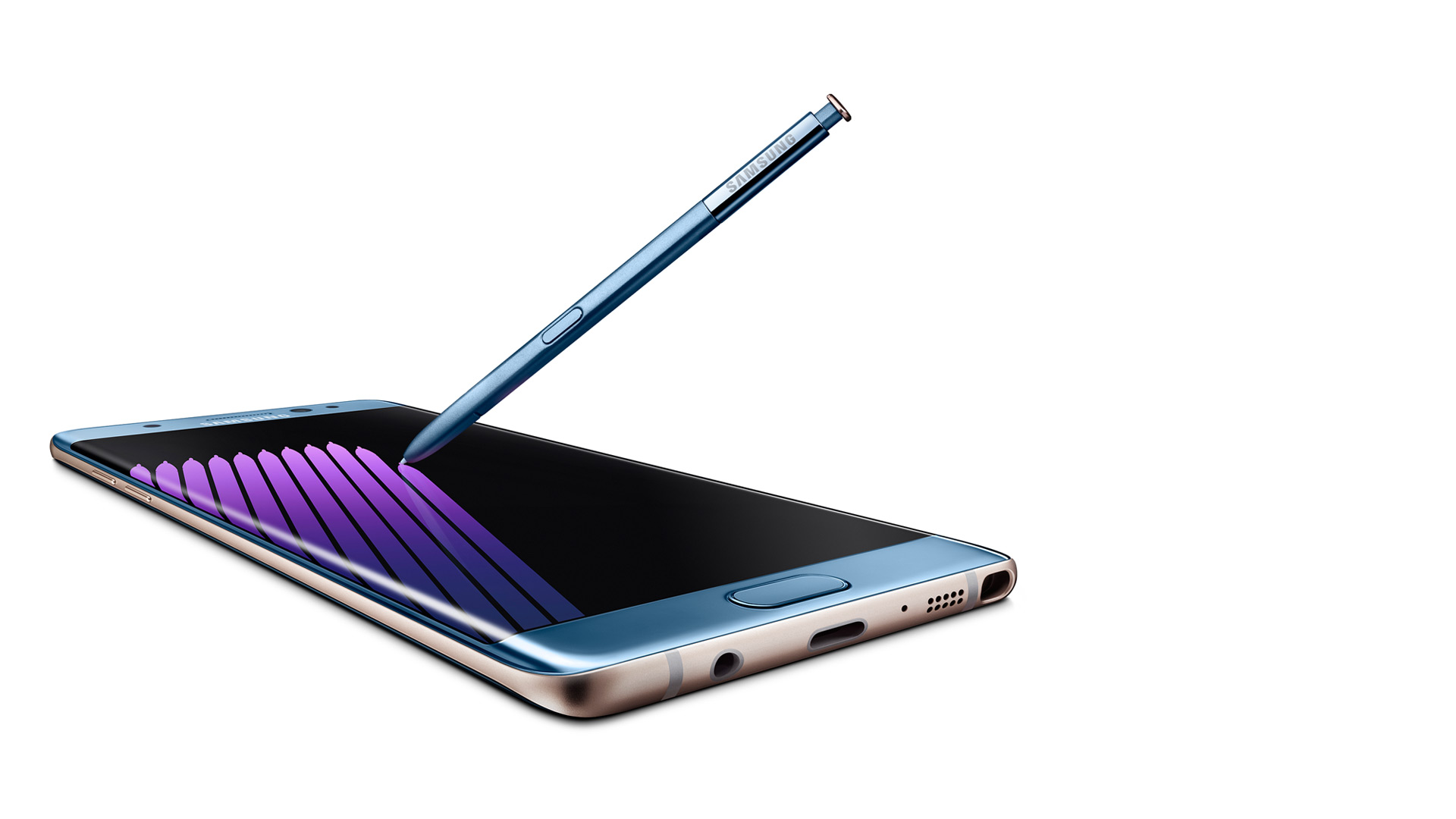
Hardware – External
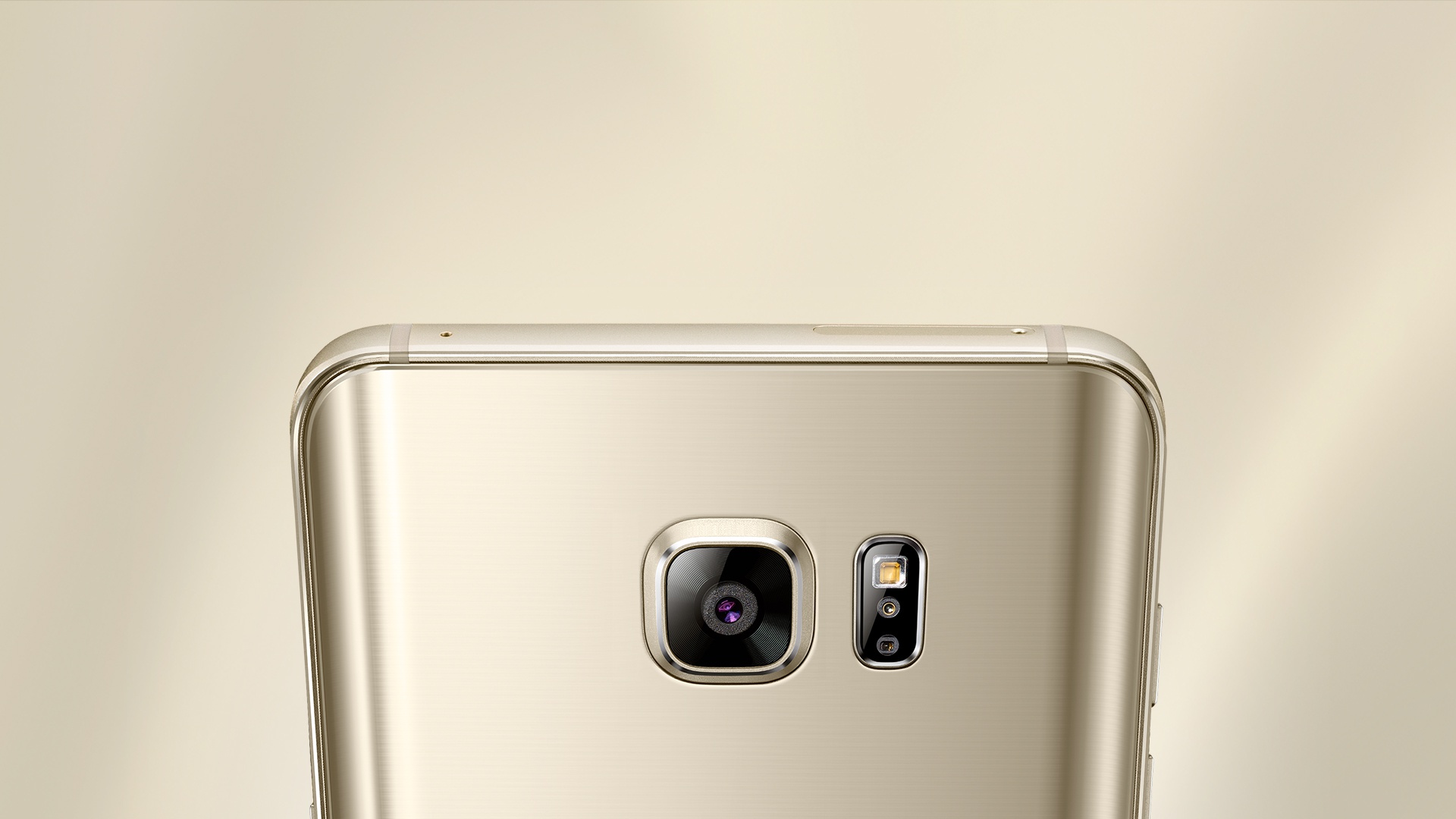
Outside of the sleek look and colors (which look gorgeous, especially Coral Blue), you will start to notice the actual hardware design features. There are additional round circles at the top, which are the new iris scanner and the physical home button, which have been perfected. Yes, I’m bragging about the home button, which has been a Samsung staple since the first Android smartphone. It’s not a solid piece that clicks down, but it’s softer and rocks with your finger. You can roll your thumb over it, and it forms on your thumb, so it’s a smooth press. It also no longer clicks but just presses and feels “mushy,” which is a good thing. So one thing has been perfected so far.
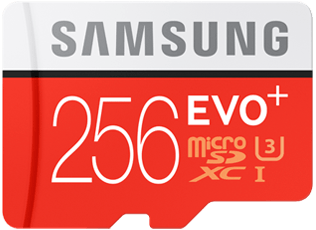
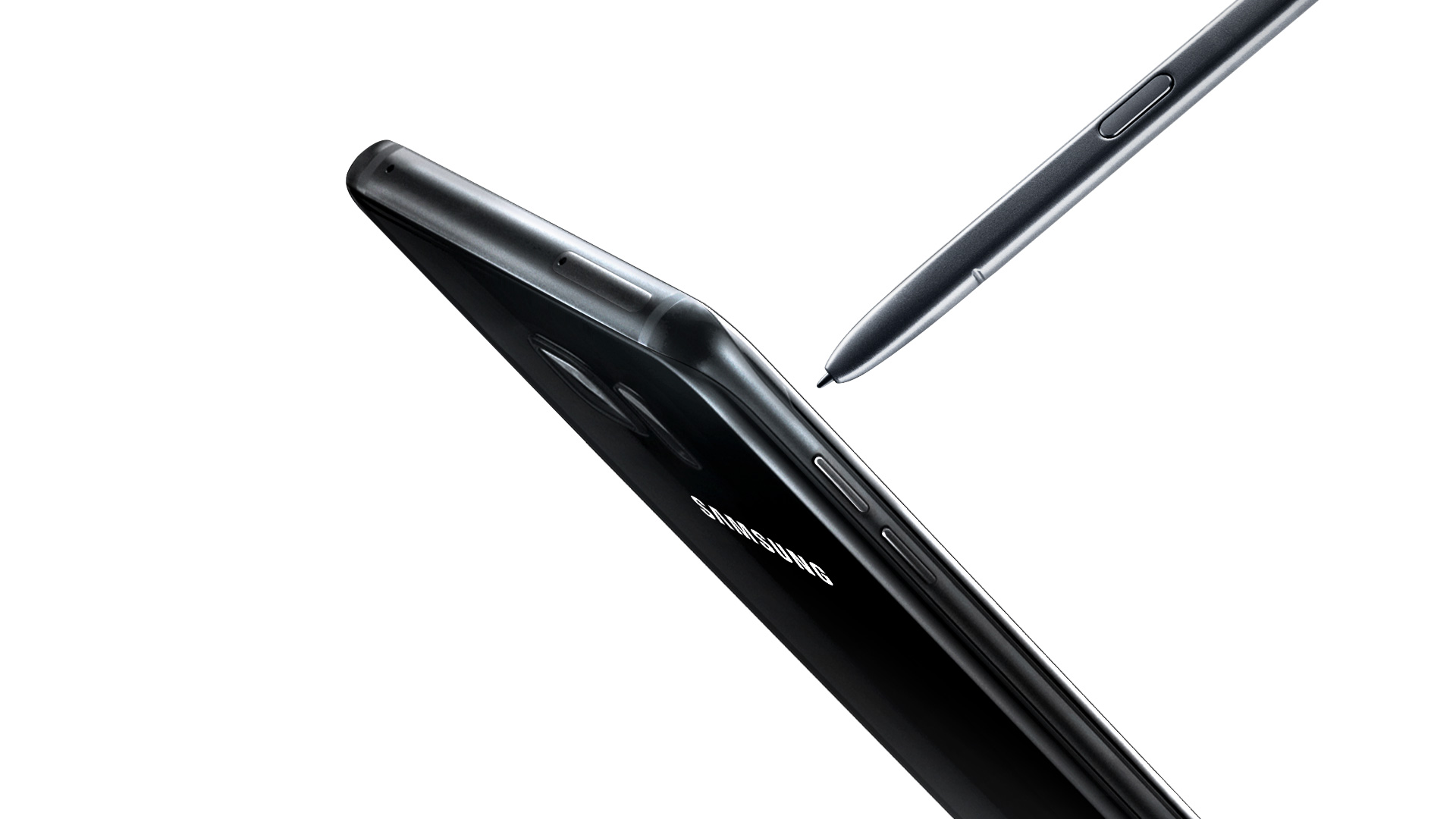
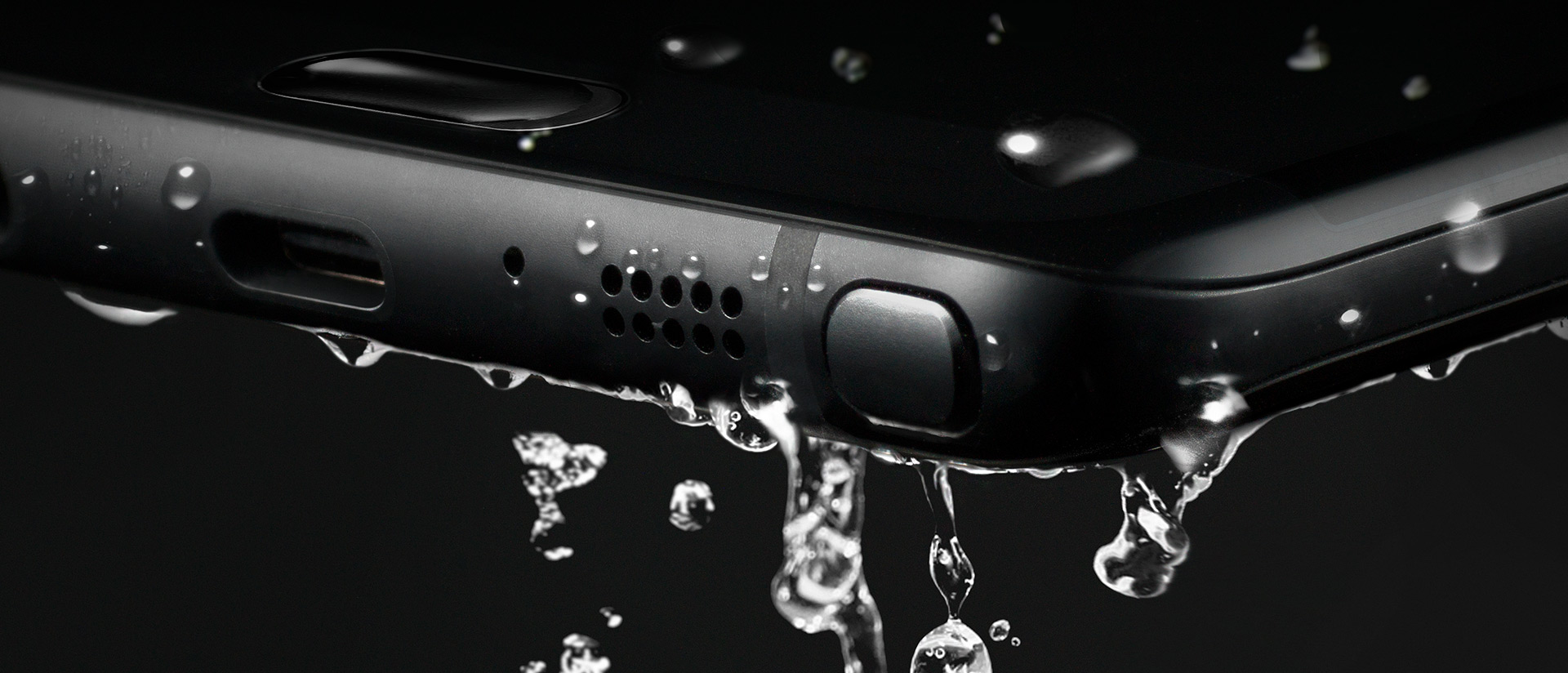
Next, you will notice the usual bottom stuff like the 3.5mm headphone jack, speaker, mic, and S-Pen. This is the same S-Pen used in the Note 5, but more on that later. On the top are your SIM card and microSD card carriage (yes, it’s returned!). and the side features the same power button and separated volume buttons (not a rocker) like the Note5. So, as for the outside of the phone, it’s perfect, and everything fits in your hand just right. Oh yeah, and this phone is water-resistant, meaning you can submerge the phone and it won’t get ruined. It’s not waterproof, as you can’t go a certain depth or have it wet for too long, but a quick dip in a toilet won’t hurt this baby a bit.

Getting Started
As for the setup experience, Samsung has gotten this down pat and it was even easier than with my Note5 last year. Samsung’s new Smart Switch app allows you to plug in a cable to each phone (an OTG adapter is included) and allows you to select what you want to transfer. Files, photos, documents, videos, and apps. You can also select each individual file if it’s to your liking. The downside is that it’s a slow transfer, and impatient people who are excited to mess around with their new phone may bypass this. I chose just a few apps, and it still took 15 minutes to transfer everything. It’s still a great feature and puts your mind at ease about whether you backed everything up or not.
Once the phone was set up and everything transferred, I started to notice how beautiful this screen is. Being QHD (2560×1440) and curved is just mesmerizing. This is the most beautiful smartphone screen I have ever seen. Everything is bright, crisp, and just so true to its real colors. Before I talk about more software features, though, let’s see what’s under the hood.
Hardware — Internal
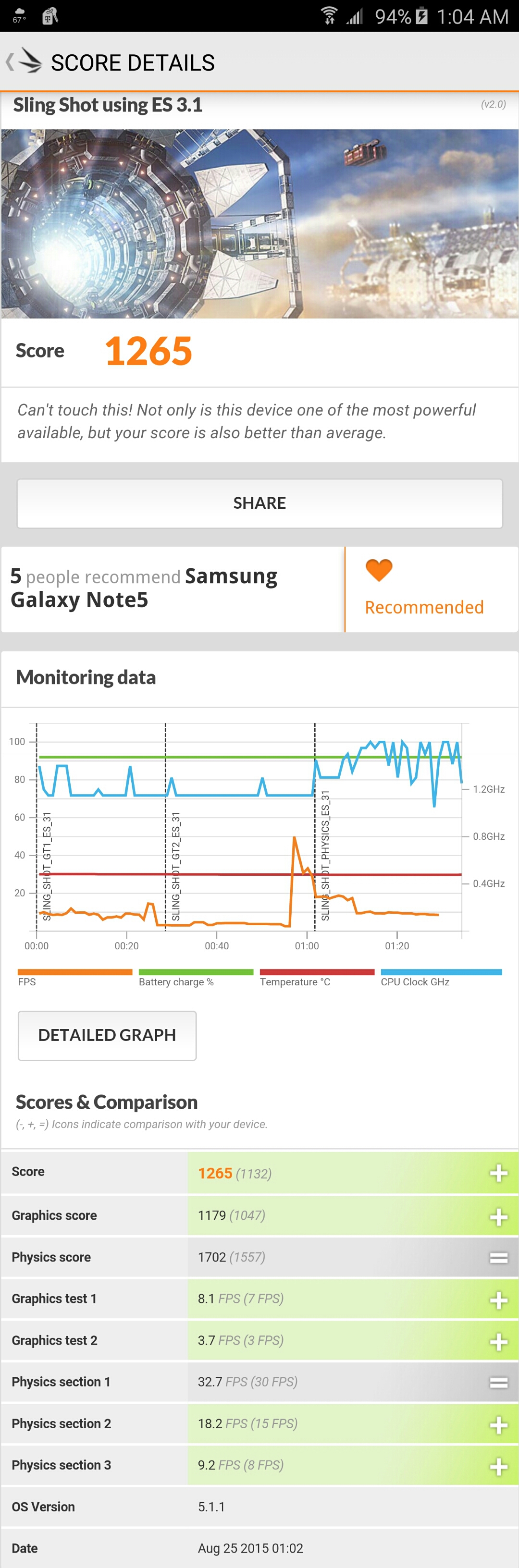
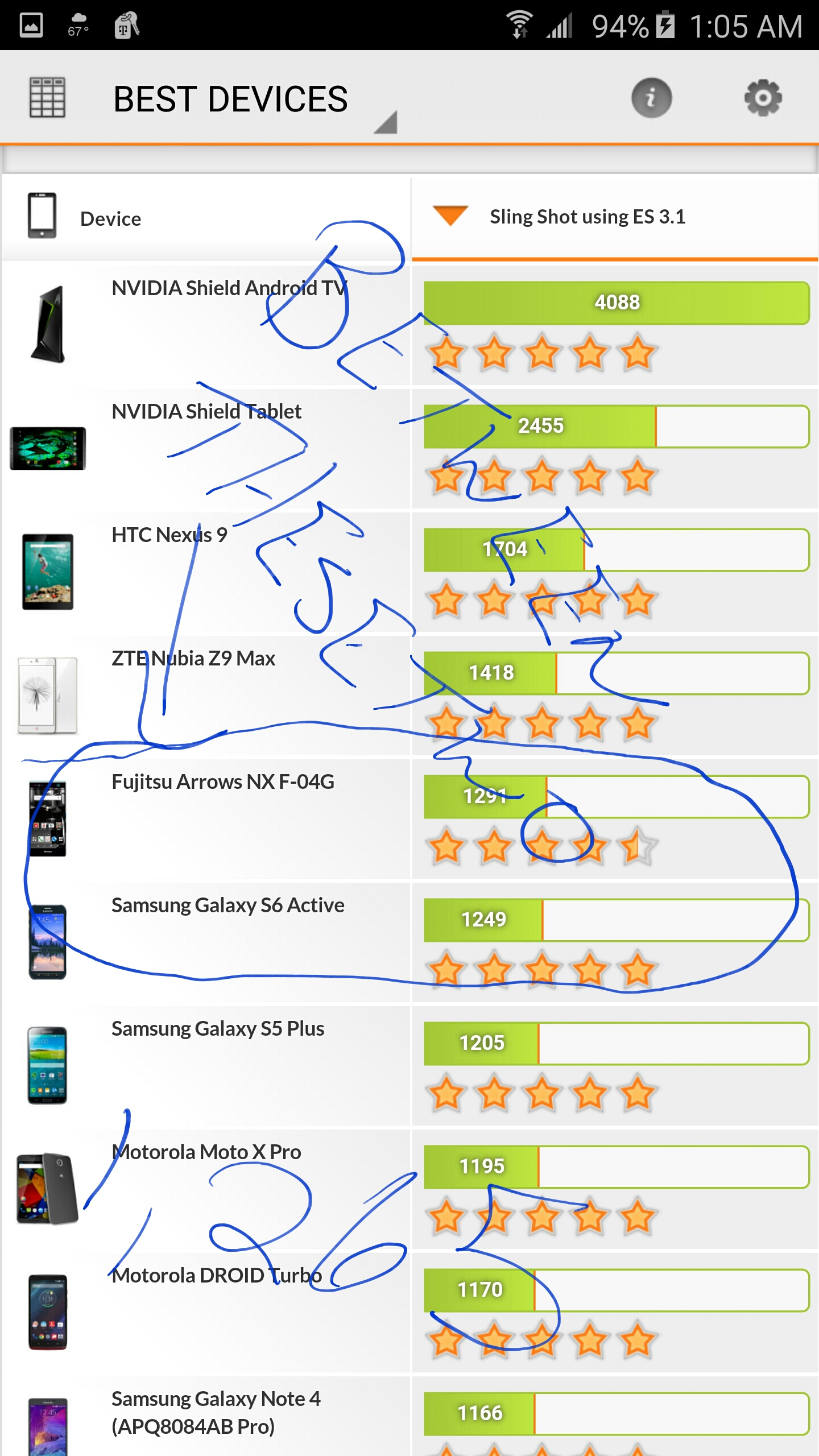
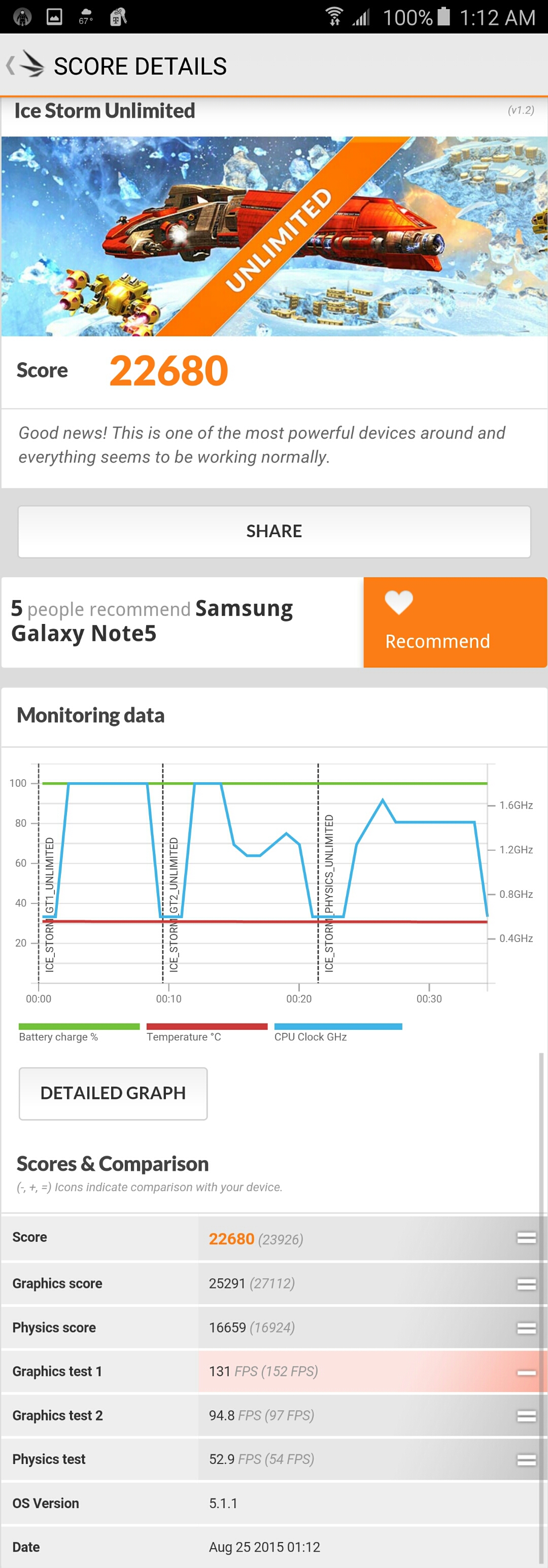
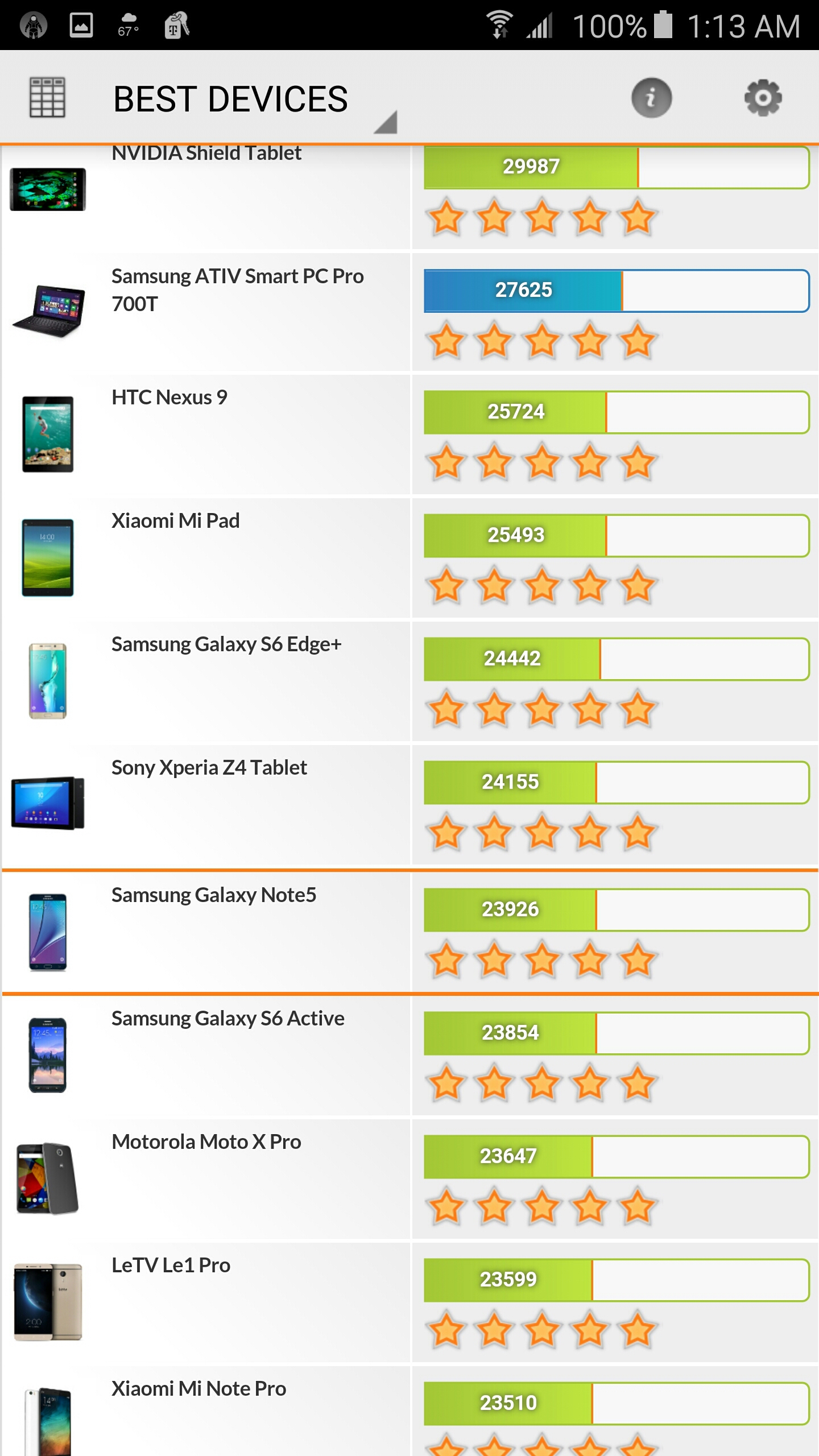
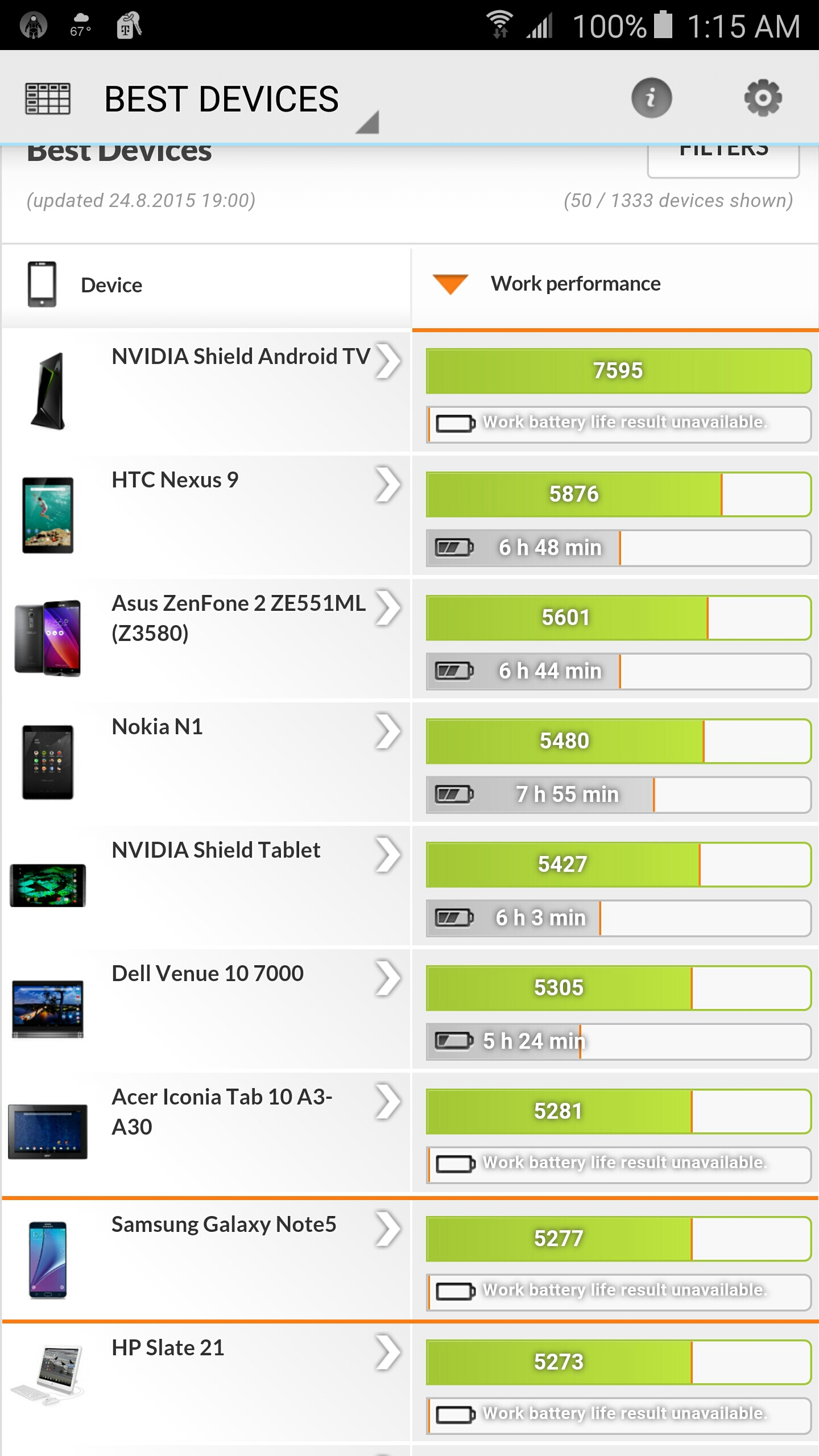
For the first time in a while, Samsung ditched their own Exonys chipset for a Snapdragon 820 (for North America anyway). It’s a huge difference, as Samsung’s chipsets aren’t really the best, and Snapdragon already has very fast and reliable chipsets. The CPU may have fewer cores and lower clock speeds, but it’s more streamlined, which makes it faster on the software side. The Snapdragon 820 sports 4 cores: 2 running at 2.15 GHz and 2 running at 1.59 GHz. Again, don’t let the low numbers make you think this phone is slow. The GPU is the Adreno 530, which is the latest and greatest for gaming. It sports a whopping 624 MHz clock speed for maximum gaming compared to the Note5’s Mali-T760, which ran at an even 600 MHz. I was able to notice games running at 60 fps, which were done through the software as it was streamlined enough to allow this. Samsung has a great gaming suite (discussed later).
The phone also has Bluetooth 4.1, the latest cellular bands and WiFi, 64GB of internal ROM across the board, and 4GB of LPDDR4 RAM, which is lightning fast and plenty for all your apps. The phone features a snapper from Sony again, which is the new Sony Exmor R IM260, but Samsung’s own front camera, which is their ISOCELL camera, This is the first phone that actually records video in 720p at 240 fps, which looks phenomenal on the screen. If you thought 60FPS at 1080p was amazing (which is standard now), 240FPS is something else.
Write Like a Pro
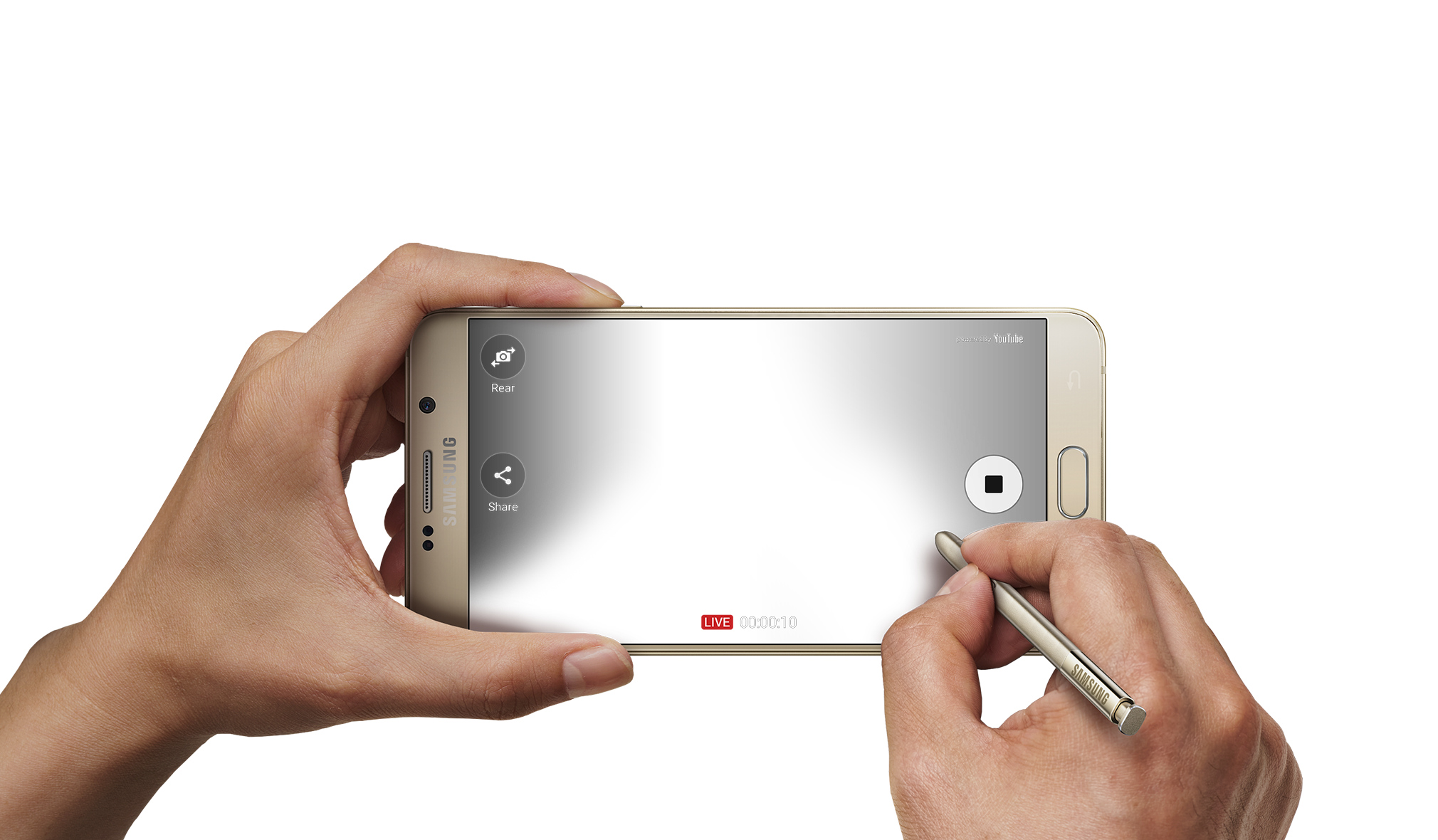
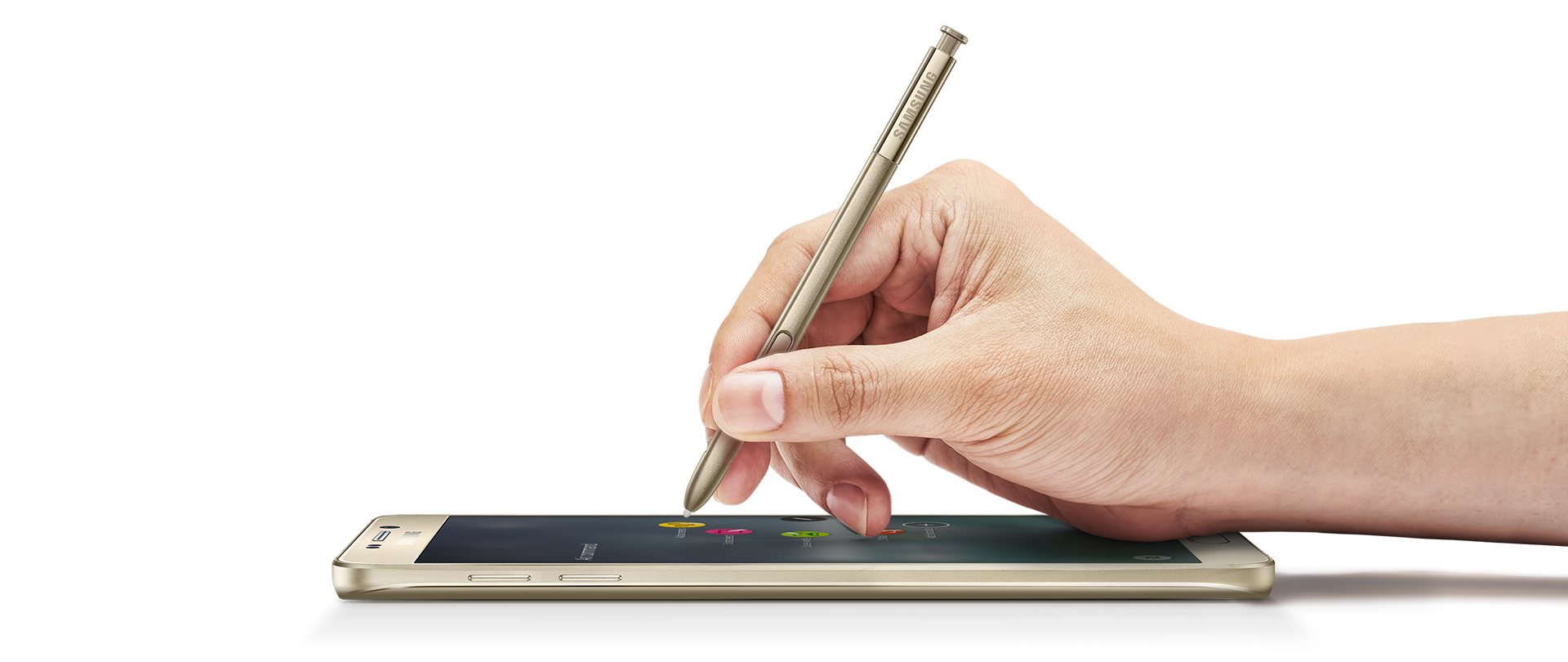
With that said, let’s get to the S-Pen. It’s not just a copied Note 5 pen with a new color. It looks slightly smaller, and the button is located higher on the pen, like the Note 5. It also has a much finer tip, and this is due to the pressure points being bumped up from 2,056 to 4,096, which is double the sensitivity rate. There’s a huge difference in the way it writes, as it feels like an actual pen on paper. There are also several new software features that make upgrading well worth it. For starters, the screen-off memo has been improved. The phone supports the always-on display, and the AMOLED screen allows the software to control each individual pixel to save battery power. The screen-off memo is now actually truly off, and the pixels turn on as you write, saving power. The Note5 just had a black screen that you wrote on, but the screen was always on.
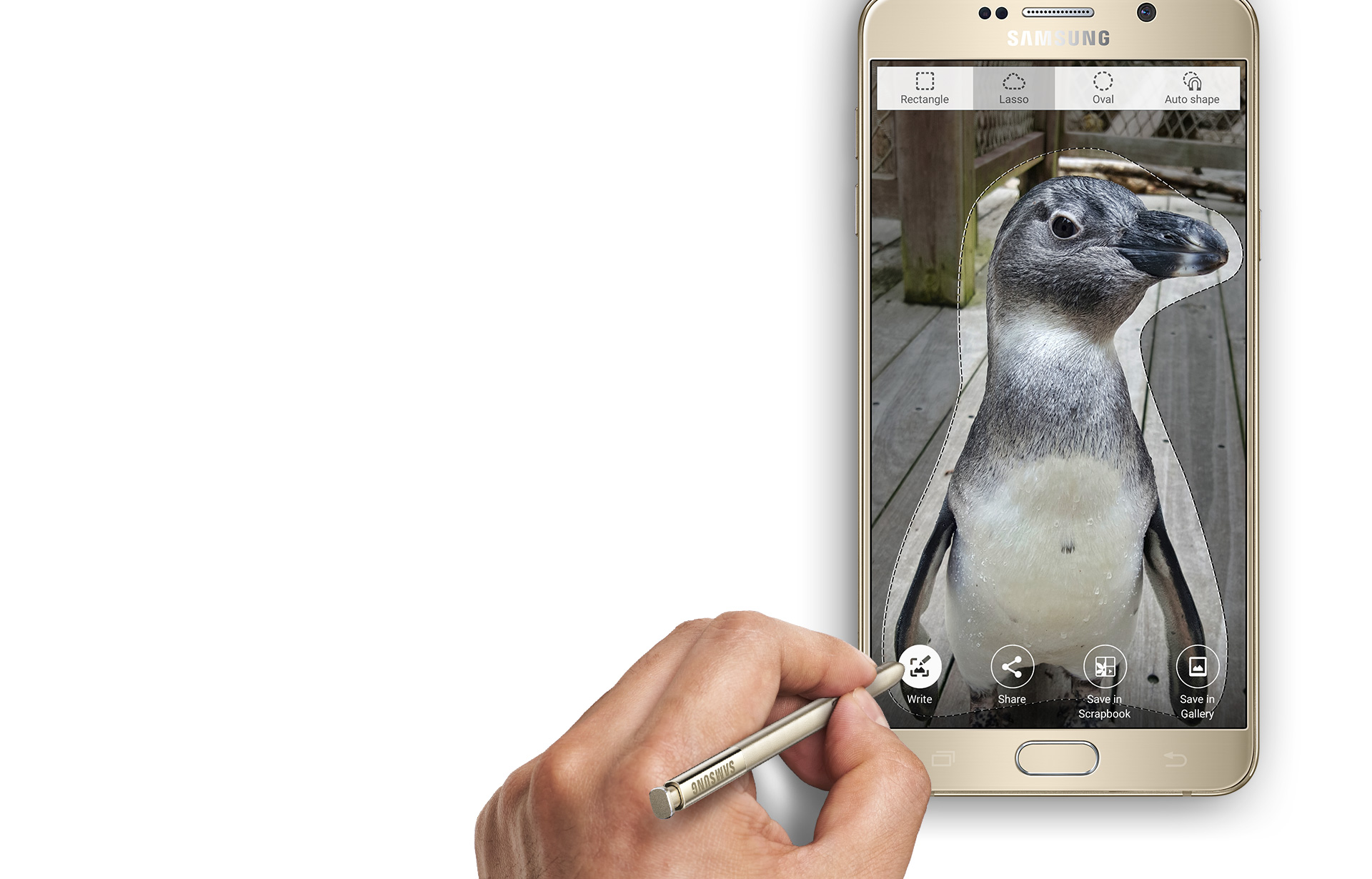
There’s also a new GIF animation feature that is an upgrade for Smart Select. You can draw a square marquee around a video, record a short GIF, and then later edit it. This is exciting for people who want to send goofy things to their friends. The next brand new feature is the translate button, which allows you to hover over a word, and it will pop up with the translation and audio from Google. This works very fast, but I’d like to see the ability to do more than one word at a time.

Software
There are several other software features that make the Note 7 a perfected Android and Samsung phone. Samsung completely redid their TouchWiz custom ROM, and it looks fantastic. The new pull-down shade, menus, and overall look are gorgeous and complement the curved display and AMOLED screen. I personally don’t like any manufacturer home launchers, but those who hated TouchWiz should take another look. Second, the phone features several new settings, such as a blue light filter if your eyes hurt you when looking at the phone for too long, better WiFi calling, a fingerprint scanner (it’s more accurate), and more accurate smart screen features such as swiping for a screenshot, smart stay, and quick view. The new gaming suite is awesome, and I love it so much.
Gaming Taken Seriously
There are two new tools called Game Tools and Game Launcher. The Game Launcher is a streamlined app that shows all of your games, auto-detects everything (you haven’t had a game that it didn’t detect), and allows you to customize the power-saving features for that game. Already, most games run at 60FPS on the Note 7, but to save power, you can cut it down to 30FPS and even turn off various features of the phone. This is great for lower-end games like Clash of Clans that don’t need to run the phone at maximum capacity. The new Game Tools is a small little red icon (you can move it around) that opens up into a wheel that allows you to take a screenshot, record footage (with audio commentary), turn off notifications, lock the menu and back keys, and minimize the game into a small icon. All these features work smoothly and wonderfully, and I take full advantage of them all the time. I can now record my best hits in Golf Star or make some funny jokes while raiding a village in Clash of Clans and send them to my friends via a Dropbox link.
Biometrics of the Future
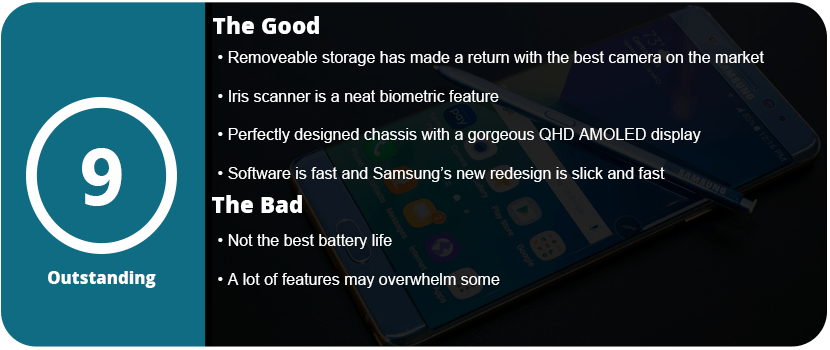
I’m saving the best for last; I haven’t forgotten about the iris scanner. Now, this thing works better than I originally thought. The fingerprint scanner in the Note 4 was awful, and I thought the first outing for a new biometric security feature would be the same. I’m dead wrong. The iris scanner works so well that I don’t quite understand how it works. I look at the top portion of the screen, and it just scans my eyes with some sort of night vision camera. Sometimes the iris scanner works faster than the phone can display what’s going on, which isn’t a bad thing. It’s neat, the first of its kind, and a whole new layer of technology. I had someone tell me that it just recognizes the shape of my eyes, but I used three people to unlock my phone, and they couldn’t do it. It can actually read your iris and won’t unlock it for anyone else. This is a wonderful technology, and I feel even more secure knowing that no one will be able to access my phone. Now we just need third-party apps to start implementing it into their software.
Overall, the Note 7 is a perfect phone. I mean, perfected to a T. I even had a hardcore Apple fanboy comment that Samsung has finally done it and created the perfect phone (he’s currently sweating out the long backorders). From the physical design to the software design, the Note 7 is the pinnacle of smartphone technology. With the return of the microSD card, water resistance, a larger battery, and overall better design, it’s just the perfect phone. It’s fast, powerful, secure, and gorgeous all at once. I know each phone iteration becomes more and more perfect, but the Note5 wasn’t quite perfect, but I can happily say the Note7 is.



 thebinarymessiah.com
Try multiplayer. A lot of fun !