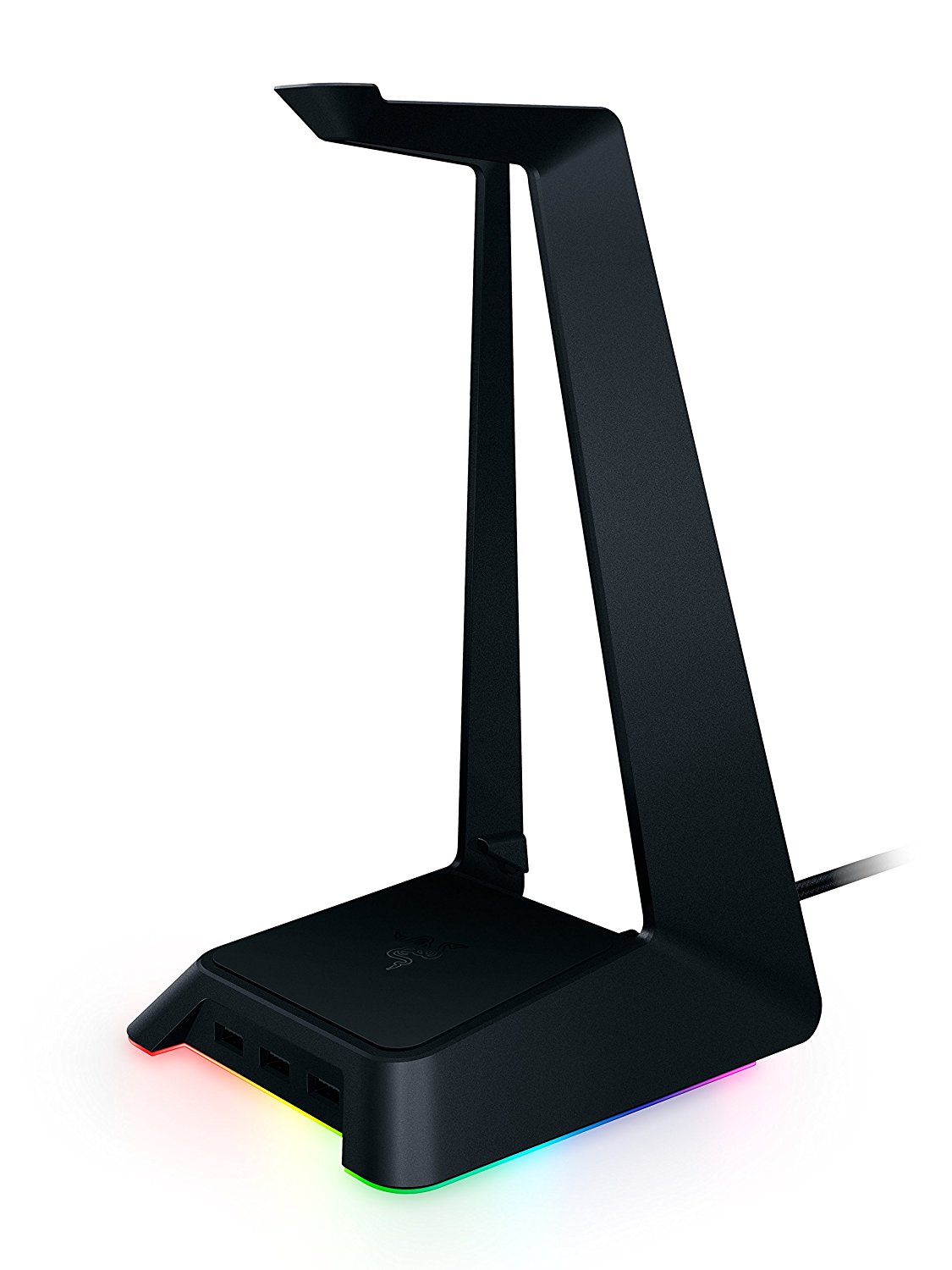
If you have an expensive pair of headphones, you probably want a way to store them, and a headphone stand is the best way to go. Yes, they take up desk real estate, but it’s worth it in the end. While you can get any cheap headset stand out there, why not go flashy and get an RGB stand? Razer has made a fantastic piece of hardware, and it looks beautiful next to your other Razer and/or RGB stuff.
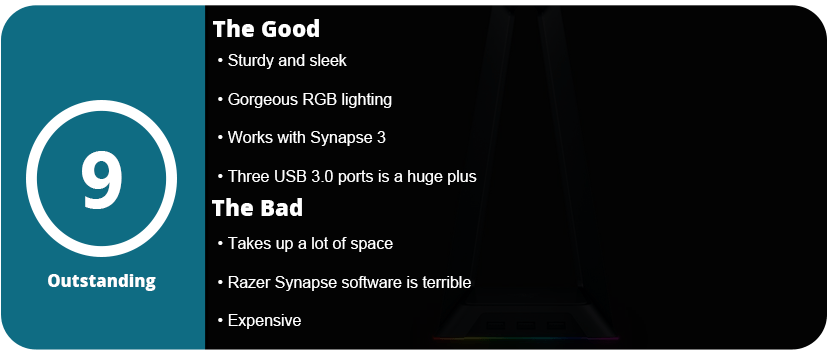
This is a simple piece of hardware with just a plastic piece that goes into the base and a USB cable, and you’re done. The base has three USB 3.0 ports, which is awesome if you need some more ports for accessories or USB drives. The RGB band around the base looks amazing, and it’s fully compatible with Razer Synapse 3, which is a huge plus in my book.
This means that it can sync with all your newest Razer products and has a fully customizable Chroma suite. The lights go all the way around the sides and front, and it leaves a nice reflective glow off your tabletop. When you set your headset on top, it holds up really well and doesn’t tip or slide around. It looks sleek, neat, and high-end, like any Razer product does.
I do have to say it’s probably a little too extra for most PC gamers, but it’s nice for people who love their RGB stuff and want more USB ports. The price is a little hard to justify as it’s the same price as a mid-range mouse or keyboard from them or a new game. This is specifically for a certain audience, and Razer knows it.
Razer has been the spokesperson for PC gaming hardware for years now, and there seems to be a divide in their products. Some live and die under Razer, and some can’t stand them. I personally have mixed feelings. I’ve only ever used their wireless mice, and I had bad experiences with both. The Razer Mamba cut out constantly, and the material it was made out of slowly fell apart. The Ouroboros was a better-designed mouse, but the laser and software were just plain awful. I then acquired a Razer Firefly mousepad, only to have it die on me in a month. I also owned the Razer Kabuto and Vespula mousepads, only to have both of them slowly disintegrate over the course of a few months. I eventually gave in and bought a Man O’ War headset to be pleasantly surprised by the quality and durability of the product. So, it was time to buy another keyboard, and I realized I had never bought a Razer keyboard before. What could go wrong?
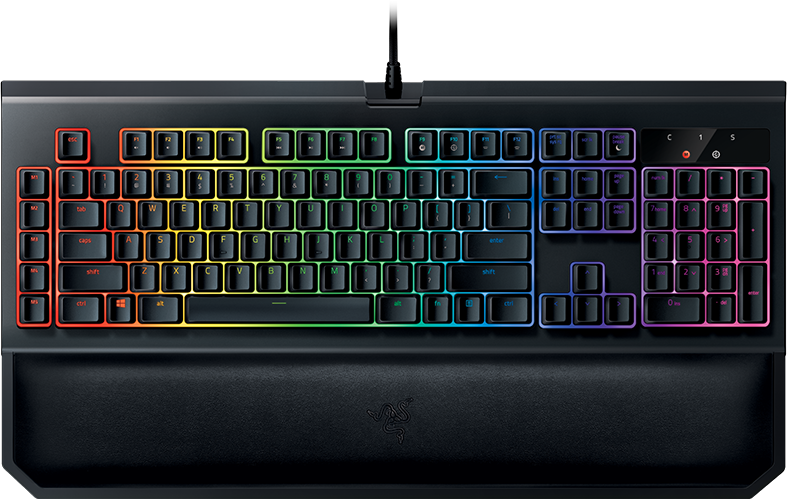
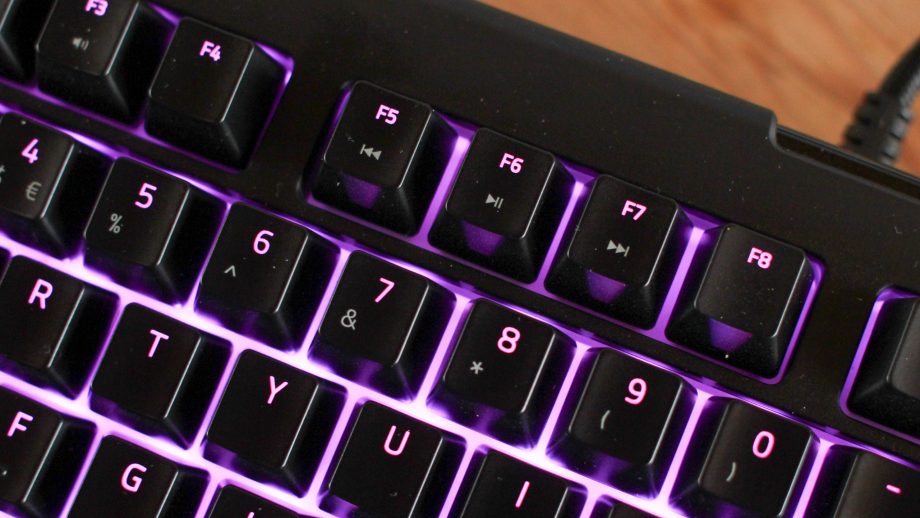
I felt a little lost choosing a Razer keyboard, as there are so many of them. There are the smaller Tournament Editions of the standard keyboards, membrane keyboards, and keyboards with their own version of Cherry keys. I saw mobile keyboards, Chroma keyboards, and licensed keyboards. I started off by knowing I wanted a Chroma keyboard that supported the latest Synapse 3, as I hate Synapse 2 as it is. I had a choice between Blackwidow X and Chroma V2. The Chroma V2 just seemed like a better keyboard all-around, had a wrist rest, and felt better ergonomically.
Once I plugged the keyboard up, I noticed it had three plugs. One for USB passthrough, and then a 3.5mm jack. I didn’t bother with the jack as I have a headset and a speaker and never used standard headphones, but the passthrough was nice. What I do like about Razer products is that you don’t have to go download drivers and firmware updates. Once you plug in your device, Synapse will recognize it and download everything for you. This is one thing Razer has above most other hardware companies.
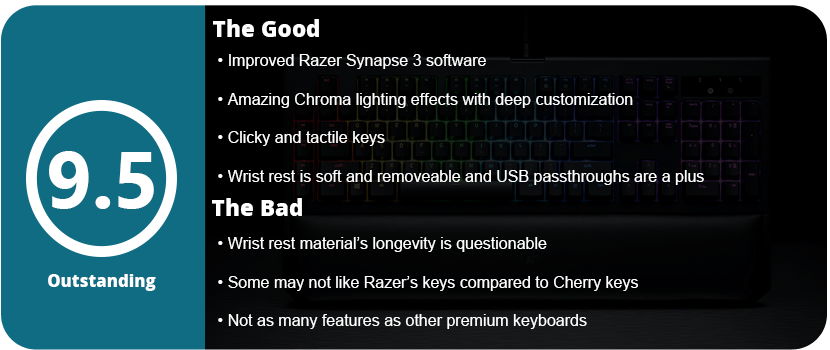
Once I plugged it in and started fiddling with Synapse 3, I was surprised at how much customization the Chroma lights have. You can literally change every key individually, which is amazing and something I have never seen before. Razer really has a leg up in the lighting department over all other keyboards. The standard effects were really nice, with fire being my favorite. Sadly, Synapse 3 is still in beta as of this review, and chromosome profiles cannot be imported. So, for now, you have to make your own. The Chroma V2 doesn’t have insane customization button-wise like other keyboards, but I bought this as I have learned my lesson, and gimmicks on keyboards are mostly useless and just drive up the price. There are 5 macro keys on the side, media controls, an on-the-fly macro recording feature, and a gaming mode that disables the Windows key.
These features are all fine and all I will ever really use. I prefer lighting on keyboards over other features, and this keyboard has all that. Now, as for actually using it, the keys are a little different than what I’m used to. While they are clicky, they don’t require as much force as Cherry keys, and the clearance is higher than standard membrane keys. They are clicky but feel a little soft, which is weird at first. The wrist rest feels nice and soft and is magnetic, so you can just remove it from the keyboard whenever you want. I am going to question the material of the pad, as it feels soft but seems like cheap vinyl that will crack and fade over time.
Overall, the Blackwidow Chroma V2 is a fantastic keyboard and the best one I have owned. It may not have as many gimmicks or features as other keyboards, but its quality and overall usefulness are at the top. From the amazing Chroma lighting to the magnetic wrist rest and great-feeling keys, as well as the USB and 3.5mm passthrough, the Chroma V2 has a few tricks, and I doubt anyone would be disappointed.
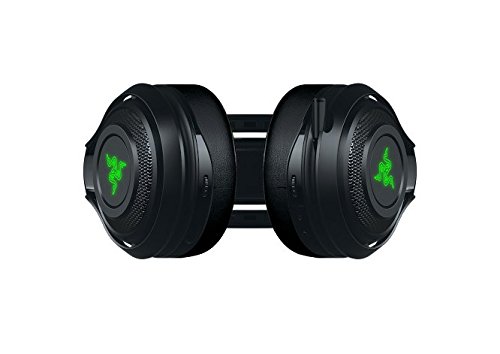
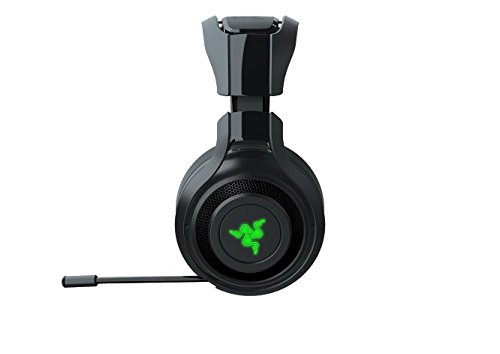
I’m not normally a headset person. I prefer to use good speakers, but with the recent move of my son into his own room, which is right next to my computer area, I had no choice. I normally shy away from Razer due to my poor experiences with their mice, software, and the Firefly. However, I know and have heard that Razer makes great headsets, so I gave the Man O’ War a try. What I was looking for was wireless, surround sound, good battery life, and a lot of software features, and thankfully, I got all of those with this headset.
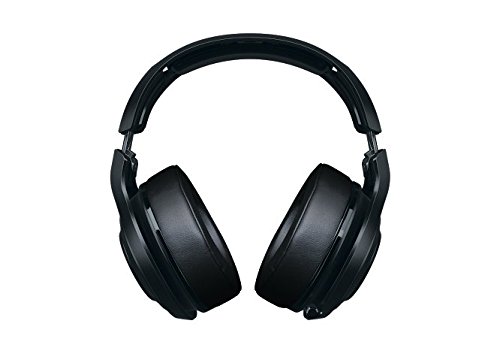
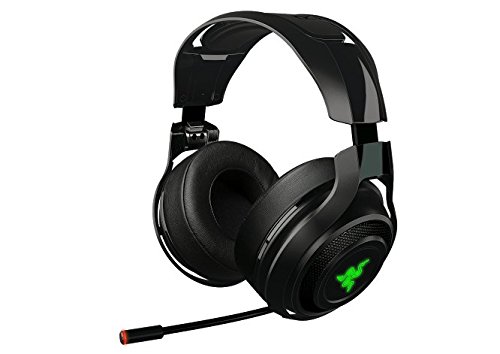
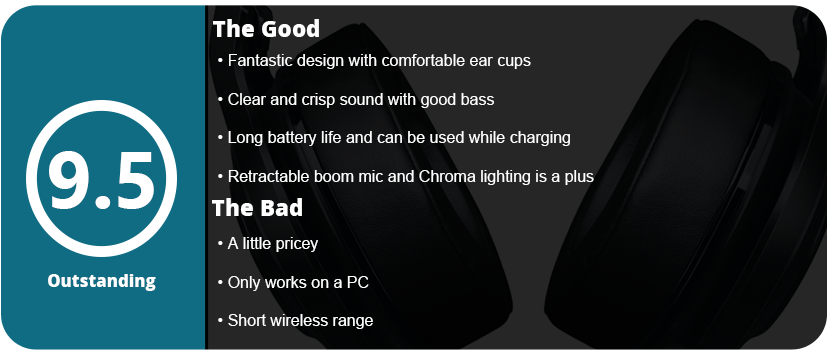
The box comes with everything you would need or don’t need. On top of the USB charging cable, you get a 6-foot extension dock, which is neat if your computer is on the other side of the room. It is also useful if you want to use the headset plugged in, but with the 14-hour battery life, this item was needed for me. The USB dongle is located on the headset cup, which is a really cool feature and keeps you from losing it. The headset itself looks amazing, with large cups, comfortable foam, and Razer logos that use Chroma through Synapse. One feature I really like is the retractable mic rather than being removable. It tucks away and is out of your face if you don’t need it, which I will rarely use.
The software is simple enough to install, and once that is done, you are greeted with a calibration setup for the 7.1 surround sound. Being able to adjust each channel for your own ears is an awesome feature, as some people hear differently or one channel may sound slightly off. The default settings were good enough for me. There are many enhancements available, such as bass boost, normalization, voice clarity, mixer, equalizer, and other features. The features are pretty robust, and I was able to tune my headset to the perfect listening environment. After wearing the headset for an hour, I didn’t get a headache and didn’t have sore ears, and this is all due to the headband being just strong enough to keep it on your head and the cup foam being very soft. The worst I get is that my ears get a little hot after a couple of hours, but this is normal for any set of ear cans.
Playing music sounds fantastic with these, but playing games is even better. I booted up Battlefield 1, turned on surround sound, and was blown away. I could hear each direction of every bullet, shout, explosion, and scream. It helped drag me into the experience more, and I forgot this was what I was missing out on with headsets. I had one back in 2009 for consoles, and now I remember why I missed it so much. It’s an experience you can’t get without spending thousands on high-end speakers and subs. Playing various other games allowed me to hear ambient sound effects, background noises, and other effects that I had never noticed before. It’s a great experience and, clearly, one you can only get with good headphones.
After using this set for 3 days, I have to say that I am completely satisfied. They don’t hurt my ears or head, they sound amazing, the software works, and the chroma lighting is just a small touch to add to that great pile. It’s a shame these aren’t for consoles, as console owners are really missing out. I should be happy with these until they break or die on me, and from the looks of it, that could be quite some time.
Mousepads aren’t something that most hardcore PC gamers should overlook. A great gaming mouse is only half the battle, as the surface you move it on affects everything. I used the Razer Vespula for over 2 years and loved it, but I was ready for something bigger, with no wrist pad, and cool-looking.
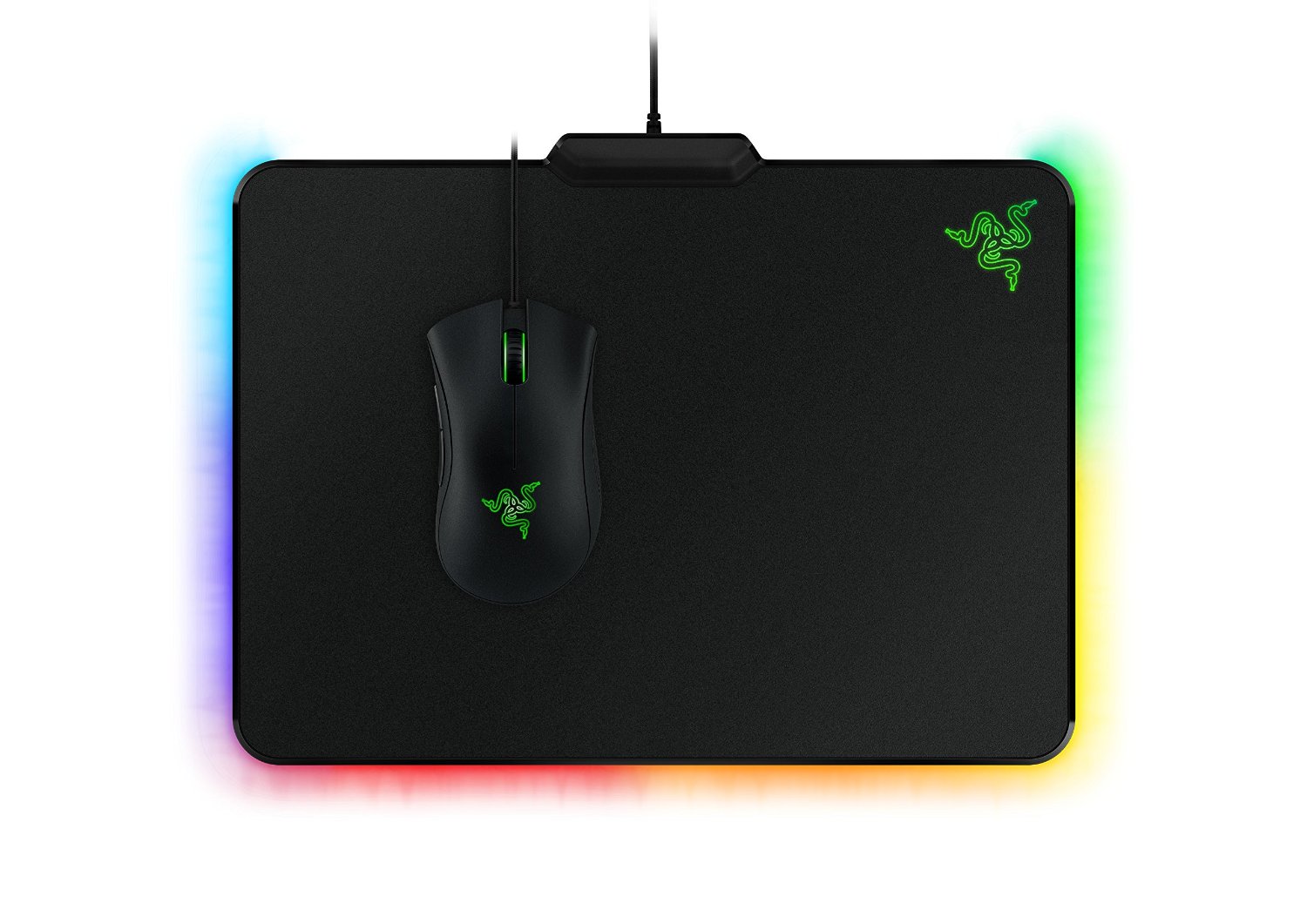
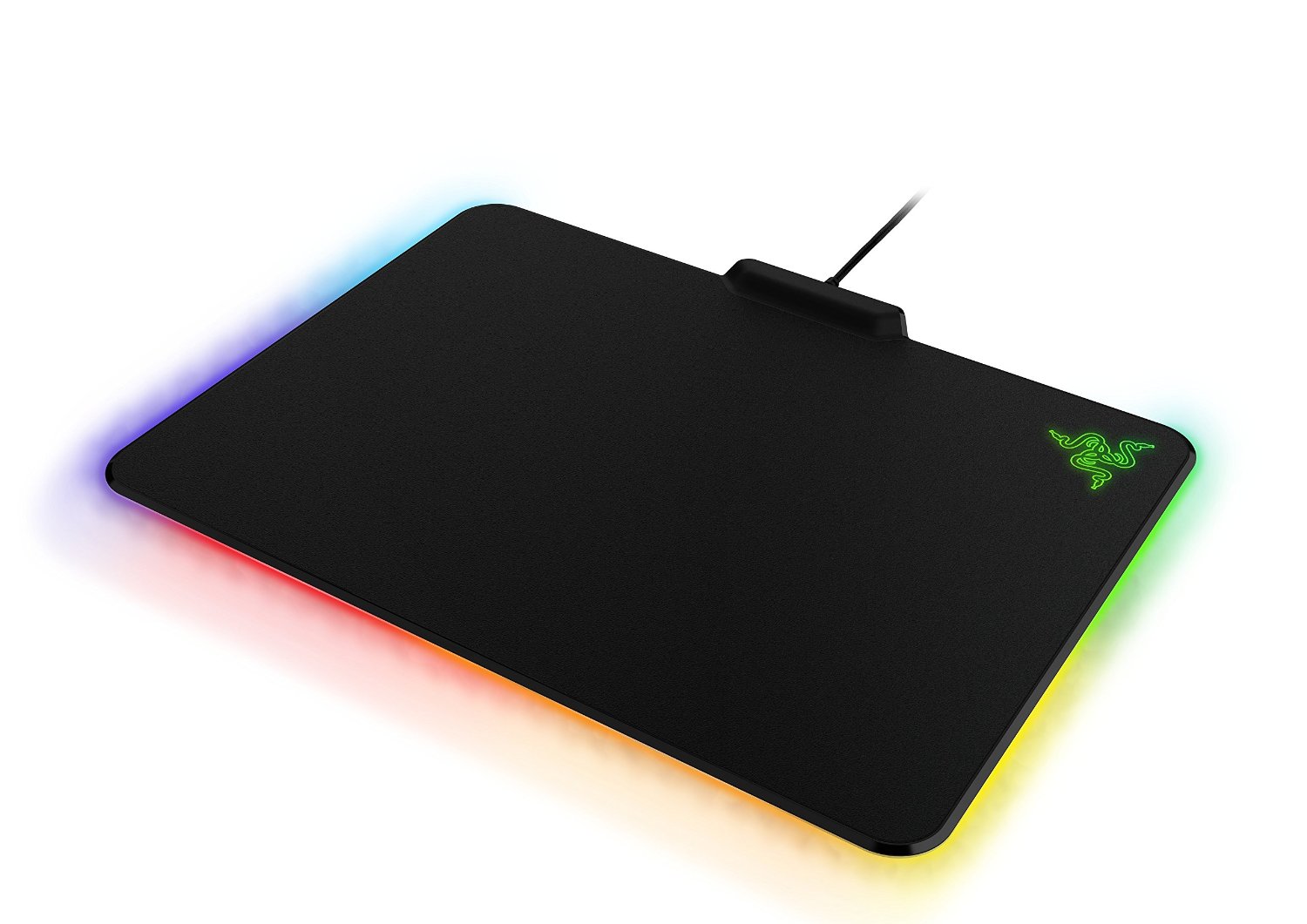
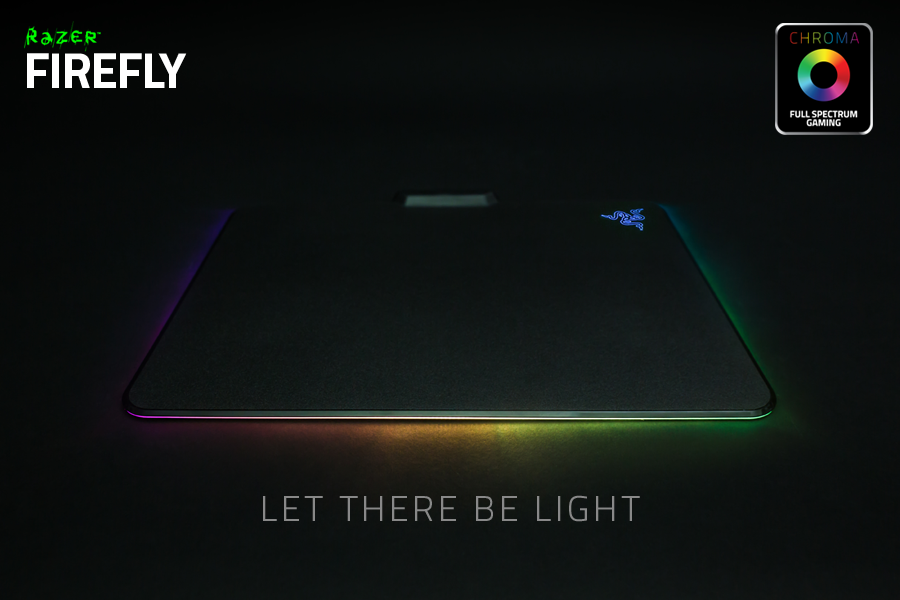
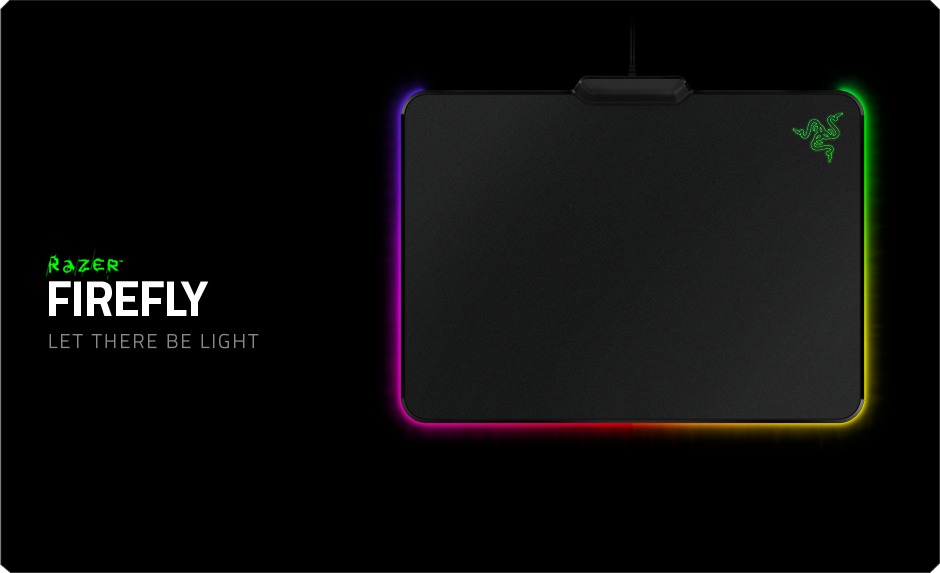
There are various types of mouse pads, from size to surface type. Most are made for low DPI or high DPI, and some mousepads can fit your entire desk. I was looking for something bigger, a little less smooth, and flashy, and the Firefly was perfect. My initial thoughts were that the chroma effects were a gimmick and that it was a crappy mousepad. After initial testing, I was dead wrong. This is the nicest mousepad I have ever used, and the lighting effects are just icing on the cake. It’s very minimal, with a Razer logo in the top right corner, an LED bar along the bottom and sides, and then a small bar at the top where the power cord goes. Yes, this is probably the only powered mousepad in existence, and while some may naysay this, it’s needed for the LED lights. If you’re on a Mac or gaming laptop, this may be an issue due to the few USB ports. However, my PC has 8 USB ports in the back and 2 in the front, so it doesn’t make a difference for me.
When I first opened the box and felt the slightly rough surface, I was worried it would be too rough and drag my mouse down. I am currently using a Logitech G700S with a 2900 DPI setting. After setting the mouse down, it was actually perfect. It made me realize just how smooth the Vespula was, and I needed that little extra grit. The playing surface is perfect and not too small or big. However, the $60 price tag is for those cool LED lights, right?
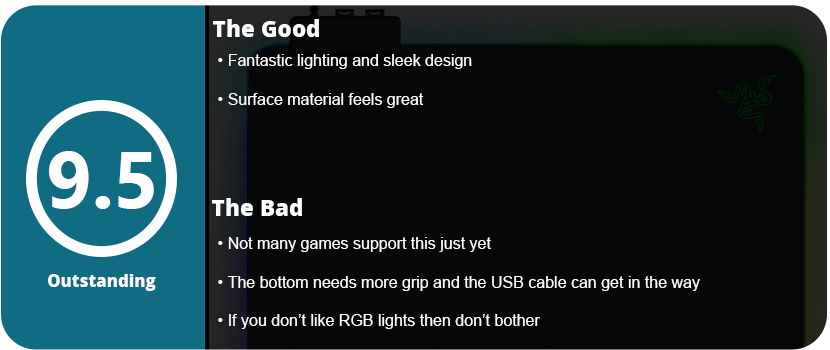
They are worth it. Razer’s Chroma SDK doesn’t support much right now, but the effects you can change in Razer Synapse 2.0 are enough for just a light bar, and the ambient glow it gives off when on a surface is fantastic and cool. I currently only have seen Rise of the Tomb Raider and Overwatch support (that I own); the pad with Overwatch only uses an orange glow at startup. Right now, I use the Audio Visualizer app in the Chroma store that flashes the bar with sound, which is just fantastic. Hopefully, over time, the Chroma features will be embraced by developers and not abandoned like their touchpad or Hydra devices.
My only complaint is that the bottom of the mat isn’t sticky enough, and I’m having to reset the position of the mat at least once an hour during heavy gaming. A small gripe and nothing that I feel deters the price point. The USB cable is going to be hated, person by person. I don’t mind it, and the cord is long enough to reach almost anywhere. However, if you don’t care for LED lighting, I can’t recommend this for just a really good mousepad either.
I love gaming mice, and I am slowly building a collection of them. It may sound odd to some people, but gaming mice are the most advanced mice out right now, and companies are innovating them physically and technologically. We have come a long way since the first mouse, which was just one button. They almost look like spaceships or android robots. Razer is one of the biggest innovators when it comes to gaming technology, and their mice have reigned supreme for the past decade. While I love the Naga and Mamba 2012, the Ouroborous is by far their best product yet. It seems physical customization is a new thing since Cyborg’s series of R.A.T. mice has come out, and the Ouroboros looks like it’s taken a few pages from R.A.T. 9.
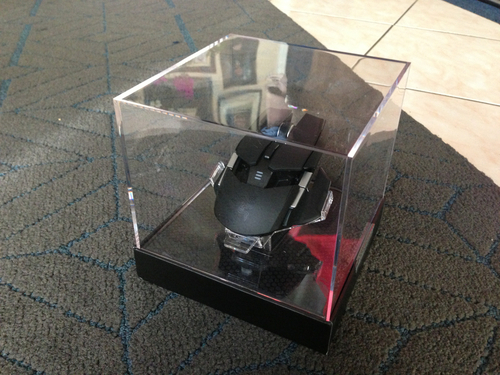
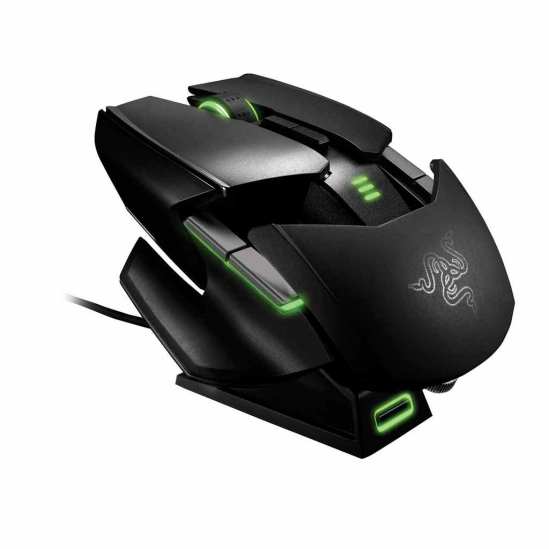
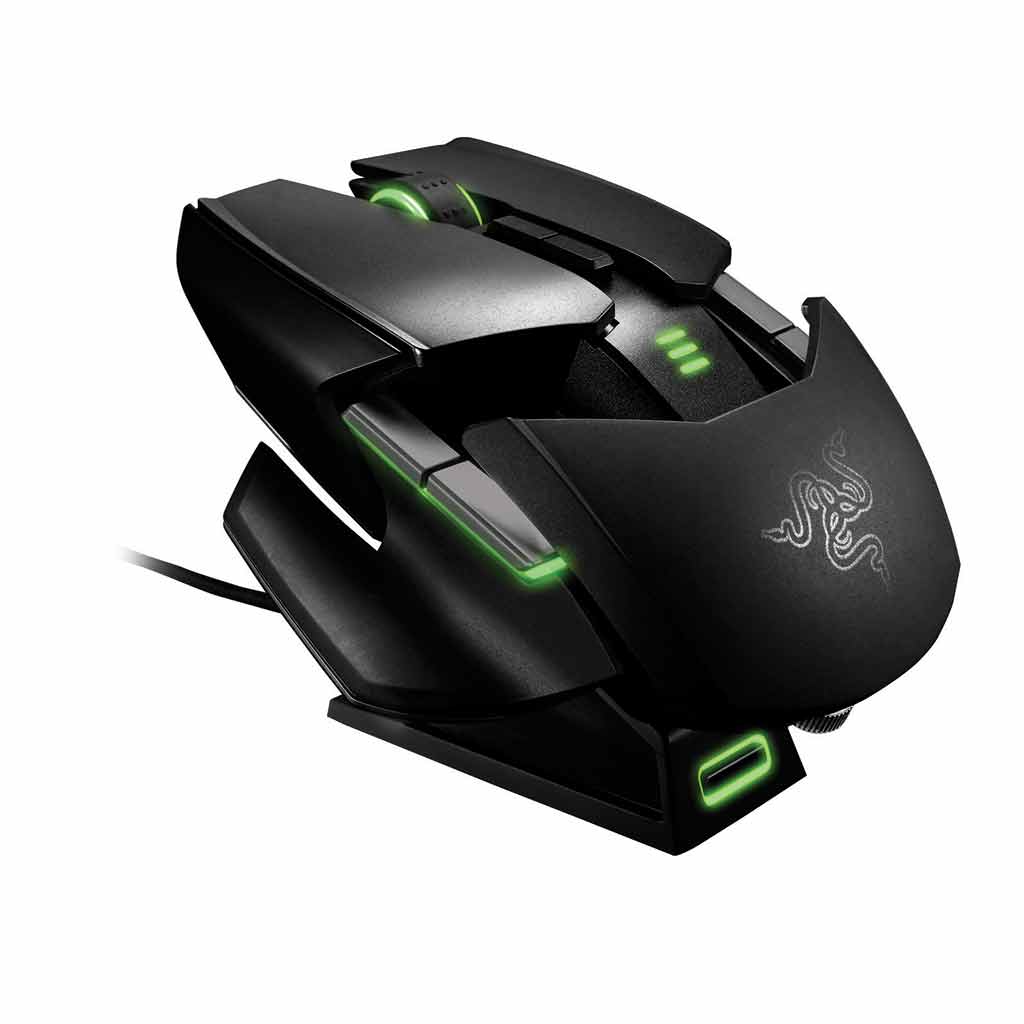
First off, the box just makes you ogle at the mouse. Sitting on that pedestal in the plastic case. It even made the employee at Best Buy (where I purchased my mouse) gaze in amazement since she had never seen anything like it. Razer products are boisterous and bold, and they are also sleek. The Ouroborous is the sleekest mouse I have ever seen or held. The low profile and sharp angles, accompanied by the perfect LED placement, make this mouse look like something out of the future. While looks can be deceiving, the mouse performs beautifully.
Having 8200 DPI may seem like overkill to most. This is one of the few mice out there that supports it. After using my Mamba 2012, which had a max of 6400 DPI, I figured it couldn’t get any higher. I have to say 8200 DPI is so sensitive that a sneeze could make it move. Barely flexing my fingers and muscles allowed me to move the entire mouse across the whole screen. Some people prefer little movement, while others prefer lower DPI. While I personally would never use 8200 DPI (I prefer around 3000), it’s there for someone. I also felt that the laser itself was just so much better than any other mouse I have used. It glides just right and has the technology to detect what mat surface you are using. You can select your Razer mousepad in the Synapse 2.0 software, which is great, and I noticed a huge difference while using my Razer Vespula (speed side).
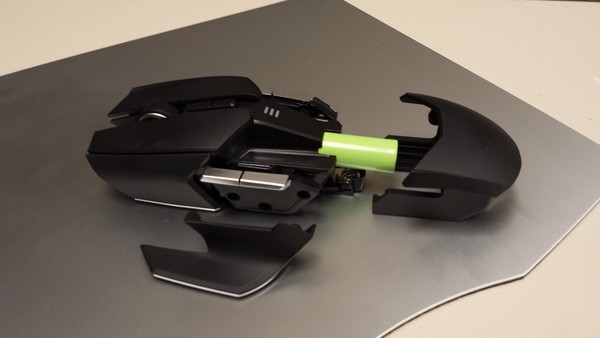
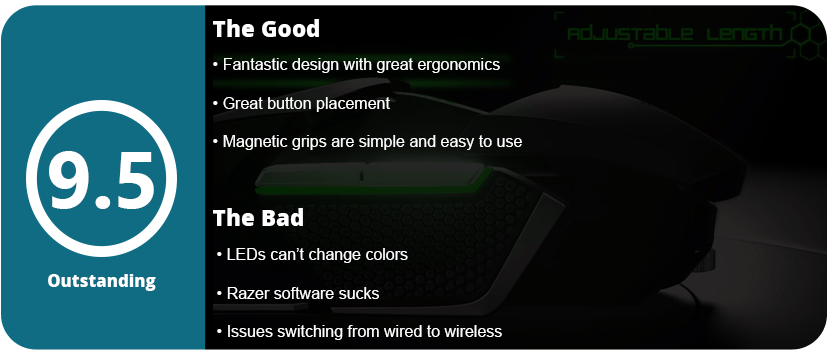
While the device may feel smooth and respond well in both wired and wireless modes, it’s also about how it feels in action. The Ouroborous comes with magnetic finger grips and/or rests. This is great for people who have a more fingered grip, use more palm, or just have big hands and don’t want their pinky or thumb to drag. The magnetic grips snap right on, which is ingenious and much more practical than the R.A.T. 9’s need for a tool. Now, the Ouroboros does come with a screwdriver, but it’s separate and only needs to extend the palm rest and insert the rechargeable AA battery. One feature that I love about the Ouroboros is the wheel underneath the palm rest that allows you to tilt it for better grip. It allows you to fill in that gap in your palm if you’re a finger grip gamer or lower the palm rest for a more palm-heavy gamer. This allows you to essentially suck the mouse into your hand rather than just trying to form the mouse into your hand, like in the R.A.T. series by Cyborg.
With that said, the buttons themselves feel amazing. This mouse has a dedicated clutch below the scroll wheel dedicated to DPI switching, which is a must as certain games register DPI differently. With this being an ambidextrous mouse, the mouse is symmetrical. One feature I was surprised at was that the thumb rests were clutches for shortcuts or macros. This works surprisingly well, and I never accidentally clicked it by gripping the mouse too hard. It requires the right amount of force to not be accidental. Each clutch can be individually locked if you don’t like it or want only one side to work. The side buttons are great since they allow four shortcuts/macros instead of just two by your thumb. The scroll wheel is also fantastic, and I am usually unhappy with most scroll wheels. This one has a nice grip, clicks down just right, and isn’t too stiff. I feel there are just enough buttons because they are in places that make sense and are also immersive. The final thing would be the battery indicator located above the palm rest. A simple three-light system is great for keeping an eye on your battery.
Most gamers scoff at wireless mice as they can lag and the battery can die mid-game. This battery can last about 12 hours on a charge on lower DPIs. The wired mode works just as great. I also have to mention that this mouse comes with the best dock I have ever seen. It is very small (must be smaller than the Mamba dock) and uses magnets to pull the mouse down right on top. It also looks good as it doesn’t stick out past the mice, giving it a feeling of levitation, which looks nice. My biggest downside would be that I had issues switching from wired to wireless mode. I had to fiddle with drivers and restart, but I tend to stay in wireless mode, so I’m not too concerned. I also wish the lights changed colors instead of just being that “Razer green” like the Mamba 2012. However, the green color does look nice and isn’t overused on the dock or mouse.
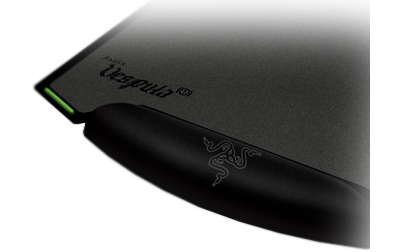
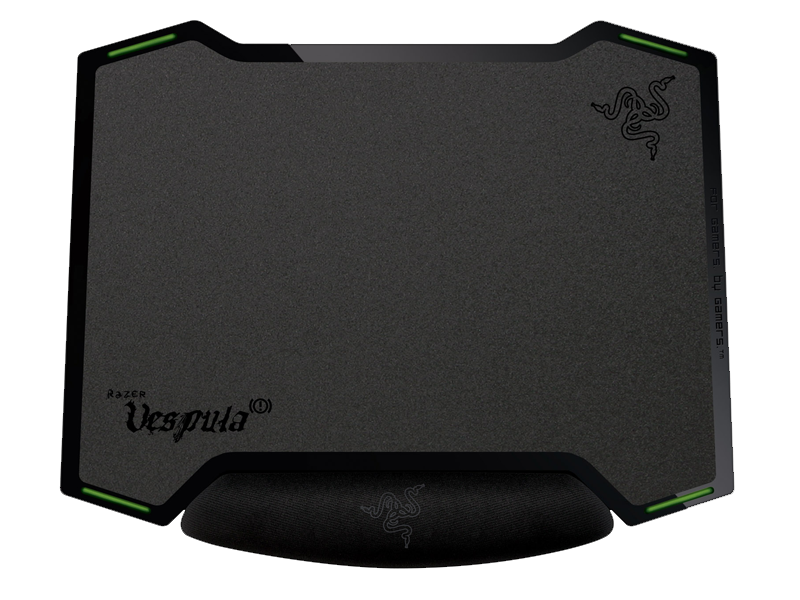
Razer is one of the best gaming peripheral manufacturers out there, and their mousepads are unmatched. They have a large line of them for different types of gamers, whether you want speed, control, portability, or a large area. The Vespula is a mix of control and speed and is so well designed. The mat itself is double-sided, with one side for speed and one for control. The side for control is a little more gritty than the reverse side, but they are both a solid gray color, so it doesn’t interfere with high-end laser mice. I actually like both and will change the side depending on what mouse I am using.
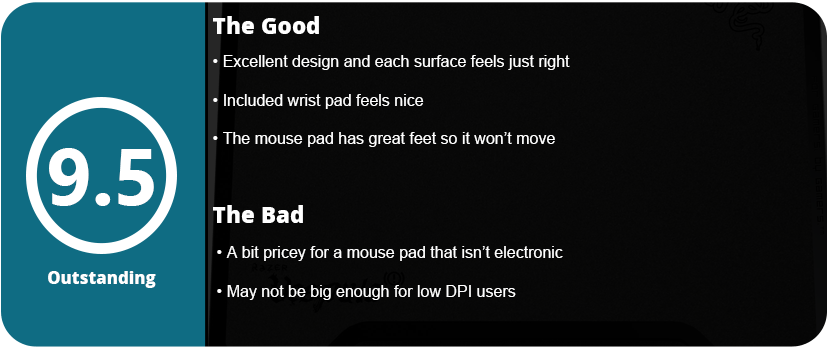
The pad comes with a rubber mat that has a wrist pad attached to it. This is so ingenious because the wrist pad feels just right. Some gamers scoff at the use of a mouse pad, but it keeps your hand steady for players who aren’t waving their arms around like crazy people. The wrist pad isn’t too soft or too hard, and it isn’t too big. I found it very hard to get this mouse pad to move at all, which is a good thing; it will stay put. You also don’t have to use the wrist pad because the mat has four rubber feet that are neon green to make the company’s art style. Yes, the mouse pad does look very cool and has some neat cutouts.
When you open the package, you get a thank-you card from Razer and two sticker decals, like with all their other products. This mouse pad may be a bit pricey for most gamers, but I thought it was well worth it. You’re essentially getting two mouse pads and a wrist pad for one price. I really love this pad, and it works so well with my Razer Mamba and R.A.T. 9 that I can’t help but recommend it to everyone.
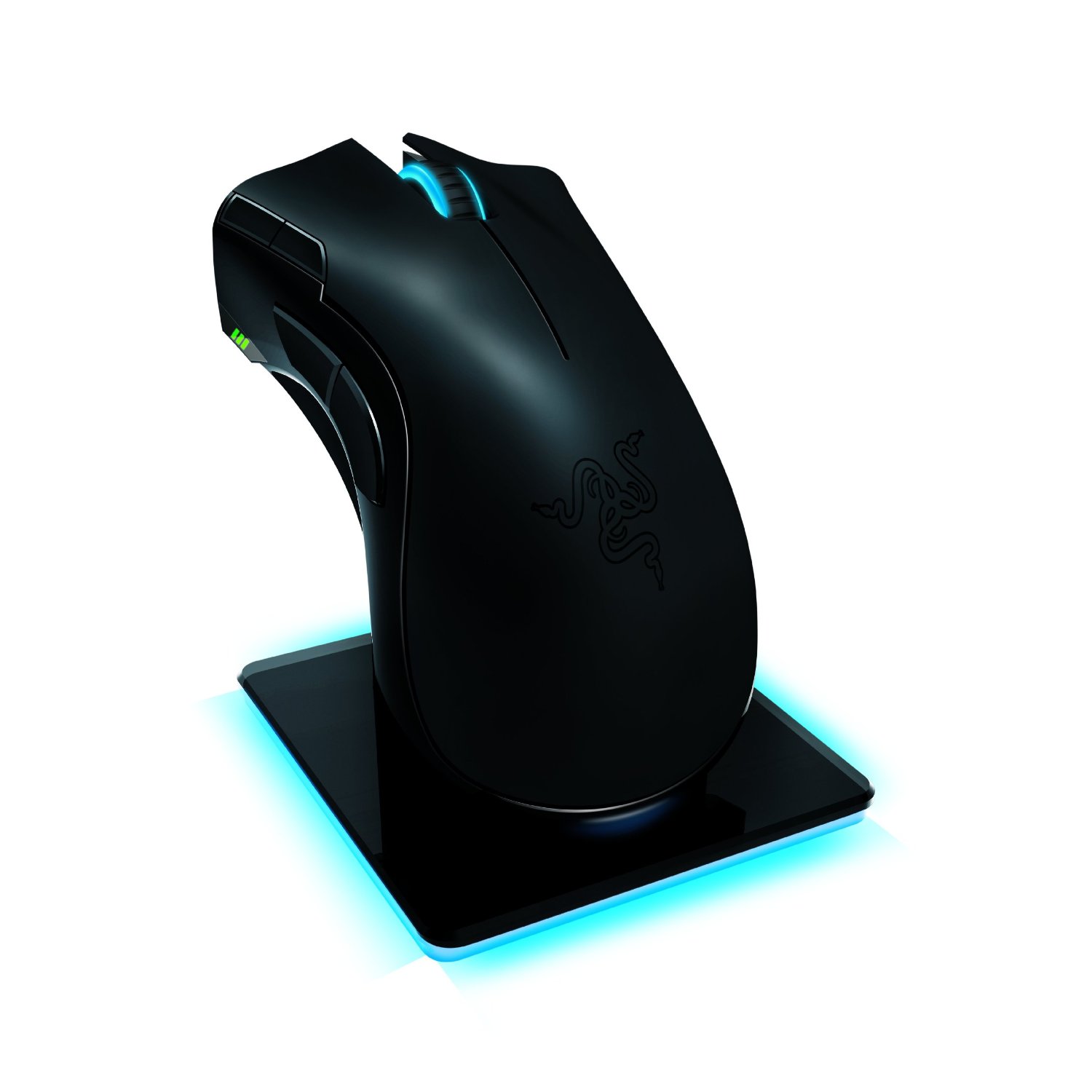
I loved my Razer Naga MMO mouse, and it has lasted almost two years without a hitch. I also love my Cyborg R.A.T. 9 mouse, but I am getting bored with it and want to move on. The Razer Mamba is the other high-performance, high-tech gaming mouse out there. Bottom line: This is the best money you can buy. While being cheaper than the R.A.T. 9 by $20, it does more hardware-wise but less software-wise in a way. I don’t want to turn this into a Razer Mamba vs. Cyborg R.A.T. 9 review, but I can’t help but compare two of the best gaming mice out right now.
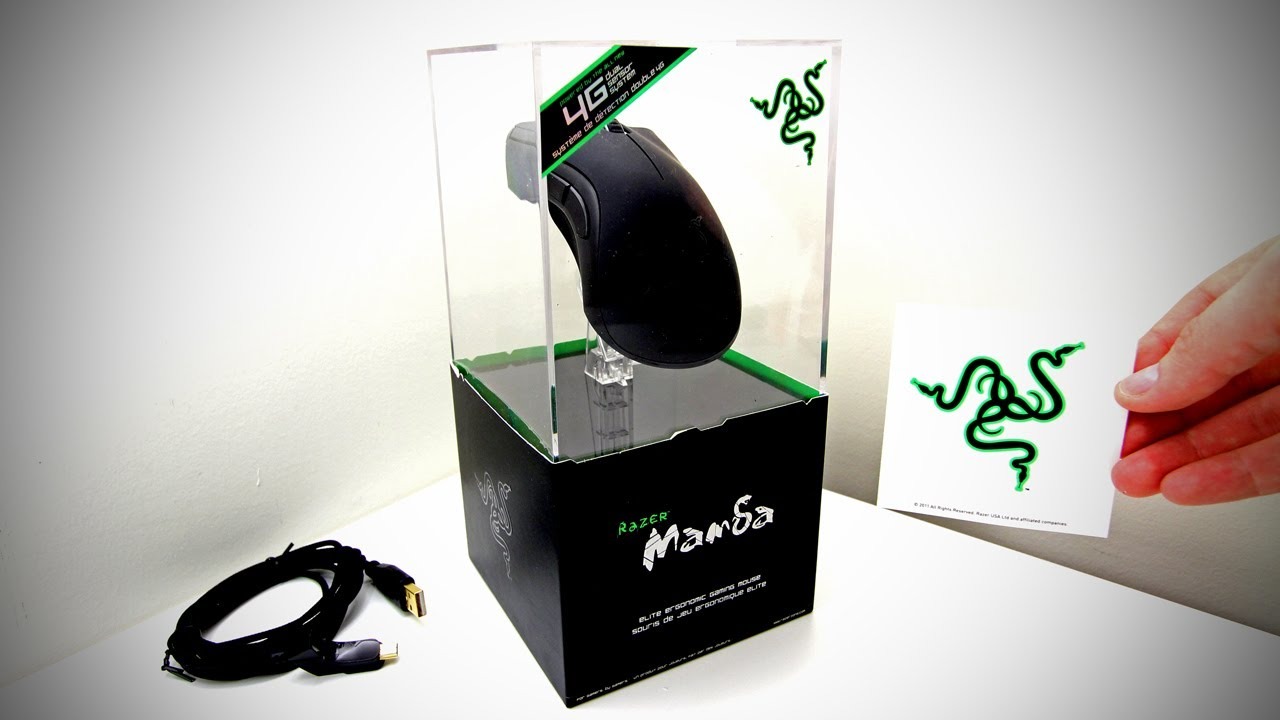
The first thing you will notice is the epic box the mouse comes in. It’s on a stand like a holy relic, and inside are drawers with your cord, charger base, manuals, battery, and cover. It’s a slick-looking box and is just asking you to buy it, and hey! You get a free sticker. When you plug it in, you need to download the firmware updater and software, which is easy. Once your firmware is updated on both the base and the mouse, you can check out the beefy software. But first, let’s see what this mouse does hardware-wise.
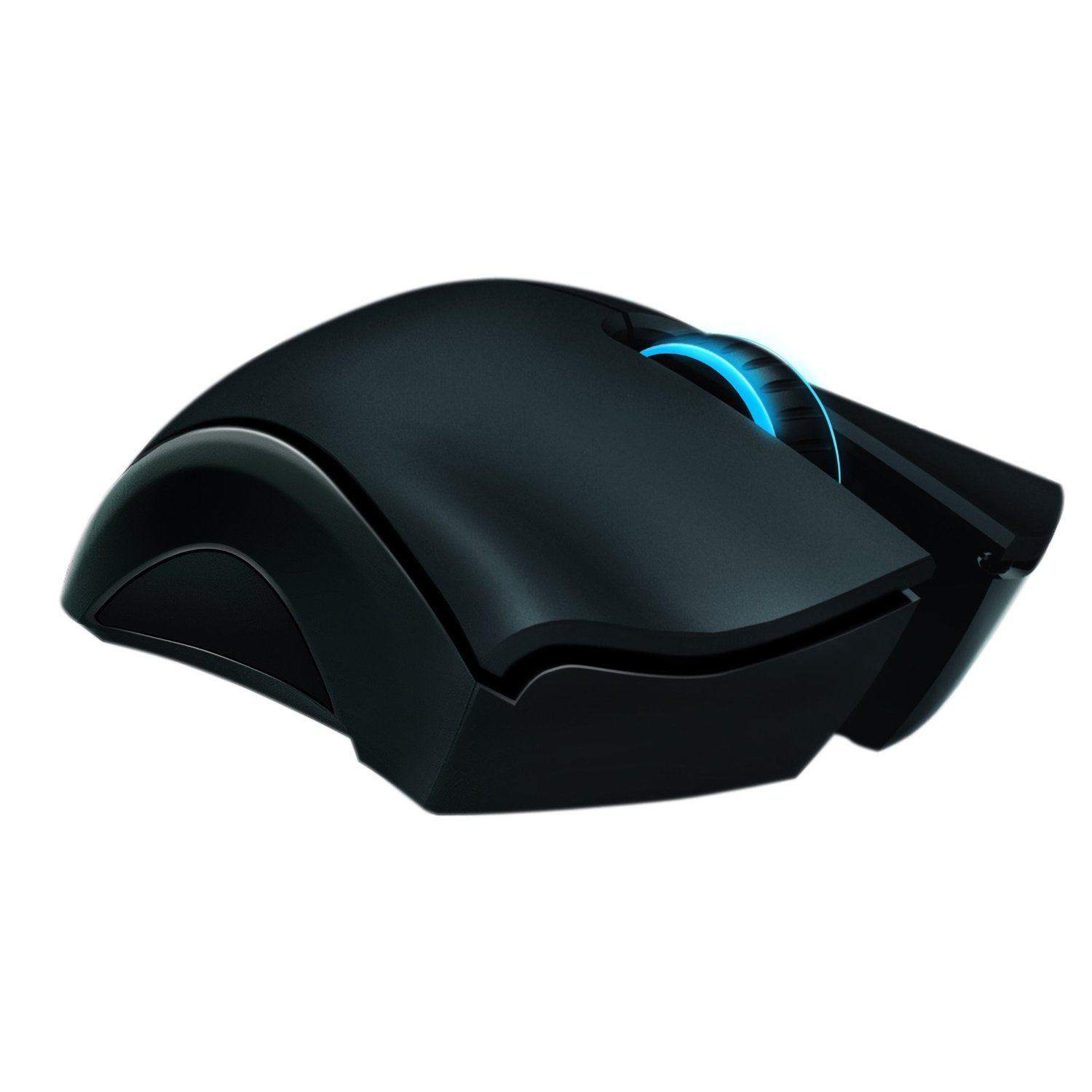
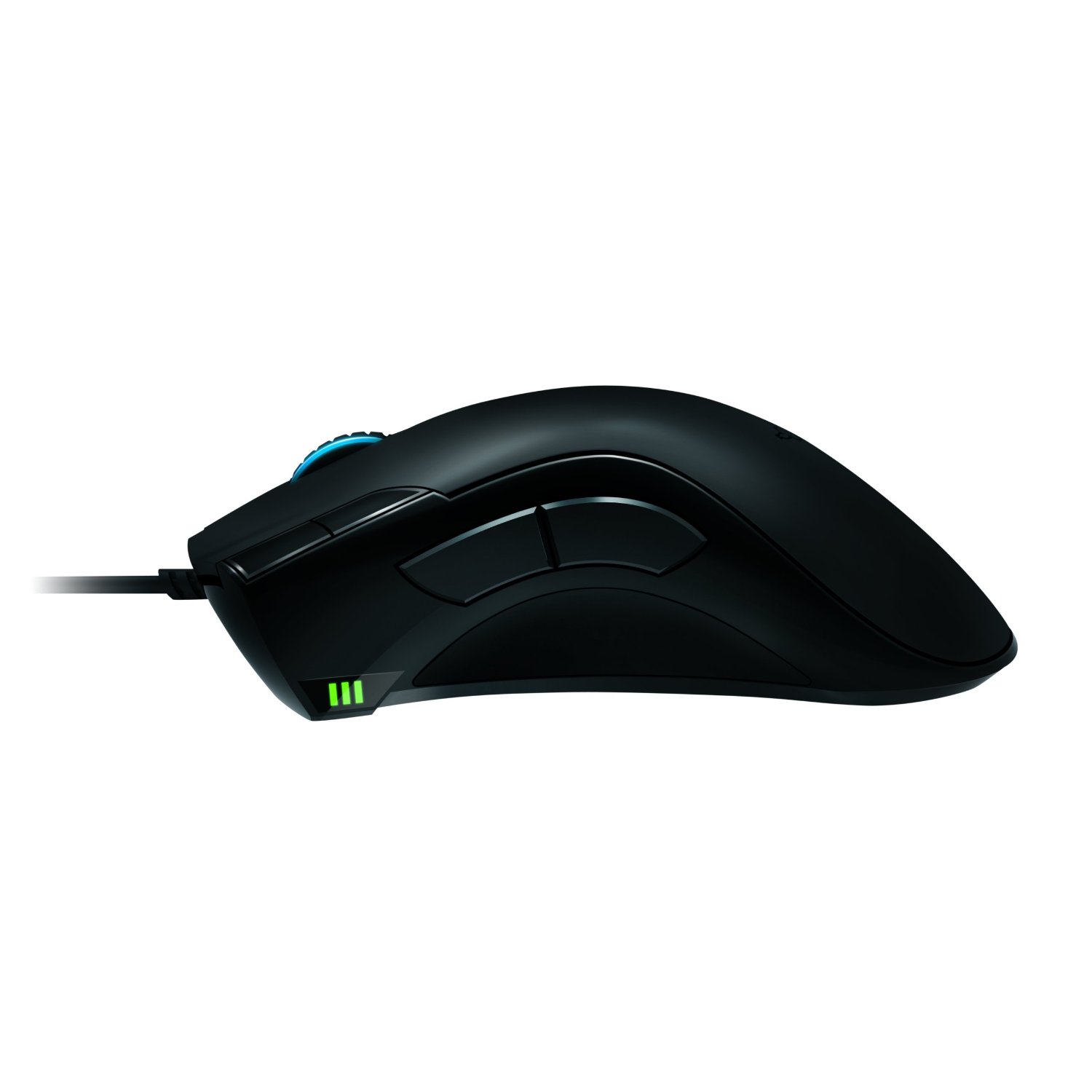
The mouse has the usual Razer ergonomics that you’re used to with the Naga or the DeathAdder, but it feels concave just right on the thumb side. There are two big buttons just above your thumb for easy access, as well as two others near your left-click button. Below that, you have a battery indicator as well as a sensitivity indicator (they are the same), which wireless mice do not have. Underneath, there is a lot going on with a battery, wireless switch, connectivity button, and USB release button. Thankfully, none of this interferes with the smooth glide of the mouse.
This mouse has a 4G dual sensor that detects the type of surface you are on and can adjust on the fly. It also has lift detection for gamers that use low DPI and like to lift their mouse constantly (which is annoying to watch, by the way). You will also notice the wheel lights up, which is nice, but sadly, the Razer logo does not light up. What makes up for it is the awesome charging base that does light up, and this mouse uses a full-color spectrum that you can rotate or just use one color. In the dark, the base looks amazing and has a nice ambient effect.
My favorite feature of the mouse is that it can go from wired to wireless by just unplugging the cable from the dock to the front of the mouse. The 6′ braided cable is sturdy and gives you great length, but you can also charge while in wired mode. There isn’t an easily swappable battery, so once it dies in wireless, you have to stop and plug it in, which I find pretty annoying, but you get used to it. The battery lasts 16 hours when all the performance features are off, like the mouse light, polling, and the calibration sensor. With everything on, you get about 7-9 hours, which isn’t too bad.
The software is a great suite that allows you to use macros, profiles, adjust performance, and fine-tune your mouse. This mouse has a whopping 6400 DPI, which is ultra-sensitive, but you can change this on the fly in several ways. Press a button and use the mouse wheel to adjust, or use buttons for preset DPI. Acceleration and a 1000 Mhz polling rate give you ultimate silky smooth precision for both low DPI gamers and high DPI gamers.
Overall, the mouse performs like silk, and I played a shooter with ease and was a lot better using this mouse. I do have a few complaints about not being able to use Windows functions like volume control and media playback via macros. The software is slow and unresponsive in wireless mode and will sometimes freeze and crash. This can probably be fixed with a patch, but it shouldn’t happen at all. I couldn’t even get On-the-Fly Sensitivity to work in wireless mode. Like I stated earlier, the battery life is low unless you turn most features off and only have one battery. The charging base is huge and not very portable, so if you need something on the go, you will probably choose wired. Other than that, this is an excellent mouse, and gamers, as well as Razer fans, should own it.















 thebinarymessiah.com
Try multiplayer. A lot of fun !