Some longtime followers of my site may actually laugh at this review, and some may have noticed I’m a hardcore Android user. Sure, I have a ton of iOS reviews from years ago, but after my last iPod Touch 4G, I hadn’t looked back at the platform. As the years went by, there were a ton of iOS games that just never made it to Android, from Infinity Blade to Civilization VI, not to mention timed exclusives. Why an iPad and not a Touch? Well, for starters, the Touch devices are being phased out and haven’t been updated since the iPhone 6 hardware. Second, the iPad series is still frequently updated and features more powerful hardware and a better experience than the Touch. Third, price. You can finance an iPad at wireless carriers, as the full price of these things is outrageously expensive.
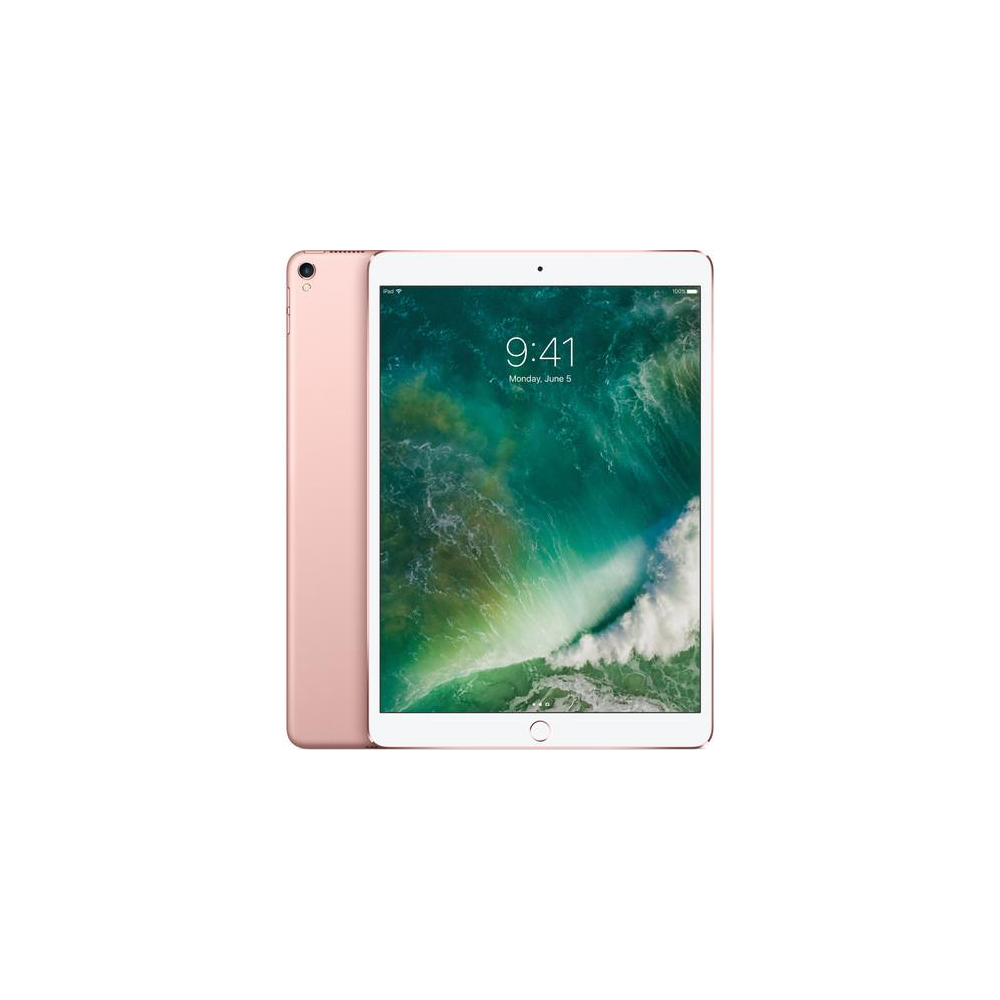
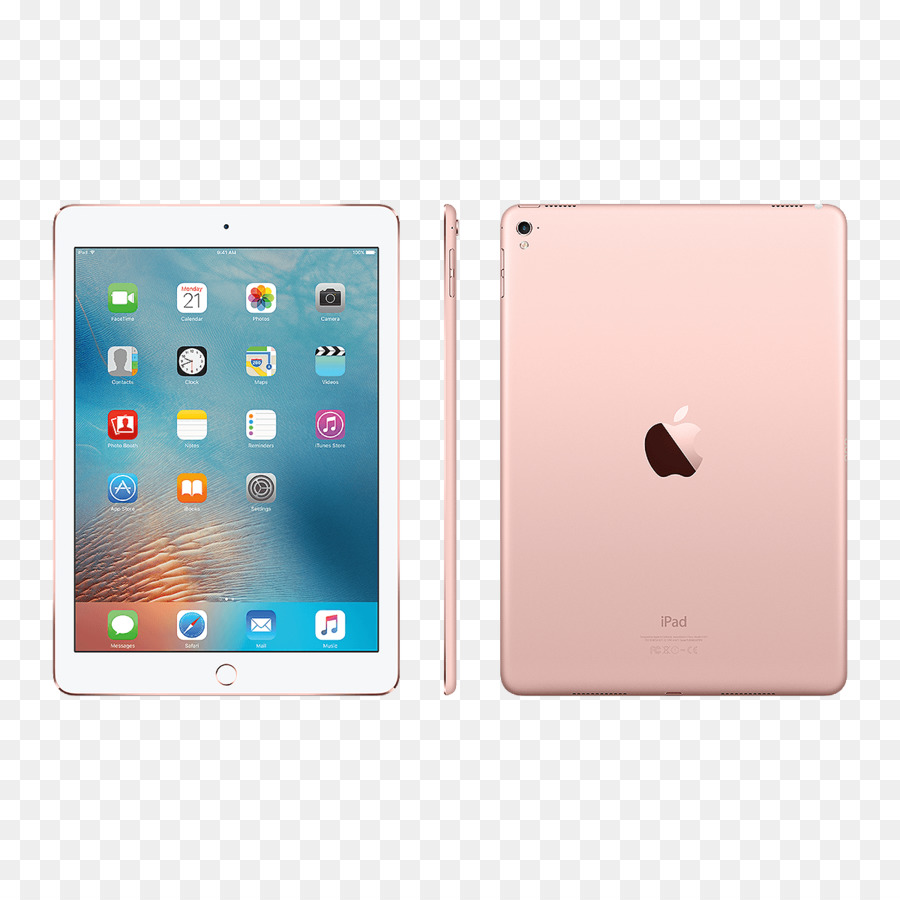
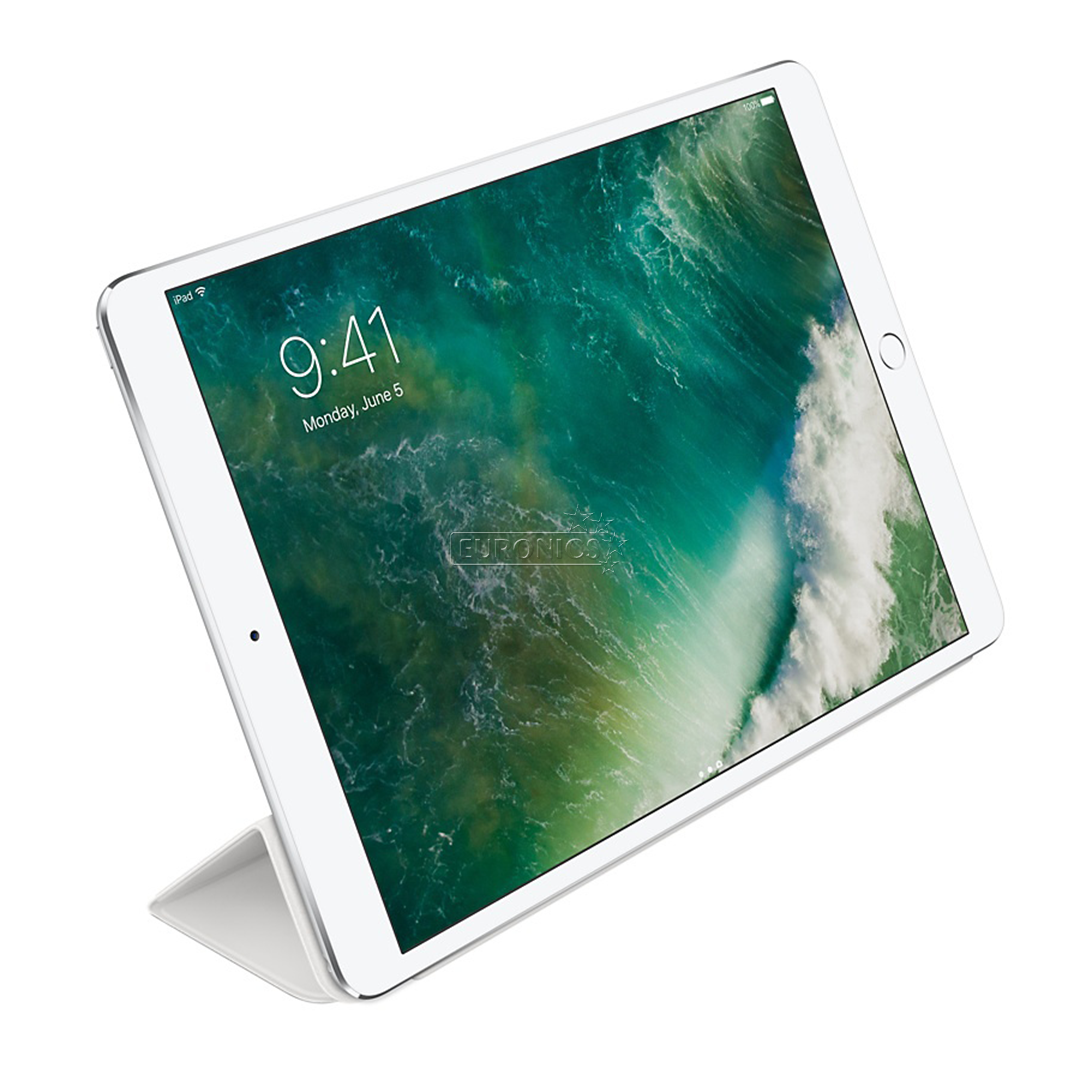
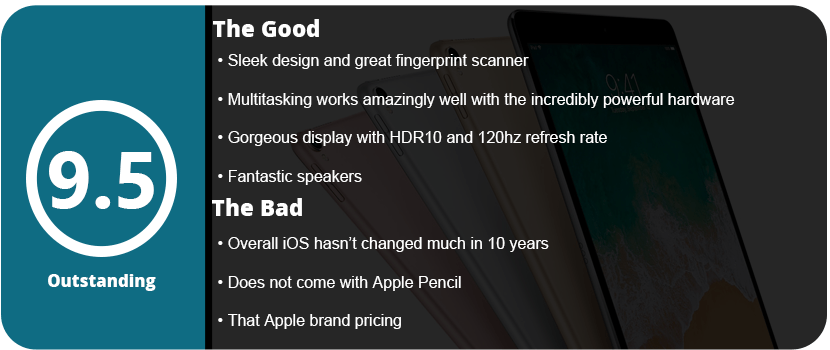
For starters, the device is about what I expected; it’s sleek and fairly slim (not as slim as the Samsung Tab S tablets, however), and the 10.5″ size makes a huge difference over the standard 9.7″ tablets I am used to. The screen is gorgeous, and the speakers are phenomenal. So what’s powering this iPad? The A10X processor is Apple’s latest and greatest chip offering and runs everything at lightning-smooth speed. It is accompanied by the PowerVR 7XT GPU, which will run the latest and greatest games at high framerates. The display has an odd 4:3 aspect ratio at 1668×2224 resolution, which is also odd, and has a 12 MP rear-facing and 7 MP front-facing camera. The iPad features HDR10 and a 120Hz refresh rate for HDR content on YouTube and Netflix, as well as lightning-fast framerates. It’s probably the best-looking tablet camera I’ve ever seen. Let’s not forget those speakers. I thought the Samsung Galaxy Tab S3’s speakers were great, but these blow those out of the water. I can actually feel the bass rumble in my hands at max volume, and the sound projects very well and actually sounds like PC speakers rather than tinny muffled garbage.
The iPad Pro also features the new lightning charger cable that was featured in the iPhone 5. It’s no big deal to longtime Apple users, but for me, coming from the older iPod Touch hardware is really nice. Sadly, the tablet has no wireless charging, which should be available by now but just isn’t due to Apple’s stubborn design quirks. With that said, the tablet features a great physical home button with a responsive fingerprint sensor that’s quite impressive. You can clearly tell the iPads aren’t second-rate hardware like some other manufacturers on the Android side.
Onto the software, and this is where the impressions kind of sizzled away; the iOS suite hasn’t changed much in 8 years. It looks nearly the same, just more streamlined, sleek, and faster. My iPad came with iOS 11.4 and the new dock and multitasking features actually impressed me as they are more intuitive than Androids. Swiping up from the bottom on any app to get to the dock and then long-swiping for the control panel is genius. Snap multitasking works so smoothly by dragging an app from the dock into the screen, having an overlay, or tapping the title bar to bring up true multitasking. It works so well, and they seemed to have gotten it right. The only downside is that you need the apps you want to snap into the dock, or it won’t work.
I do like how iTunes is dying and is no longer required to tether to your PC to download apps and music. The App Store is now separate from iTunes, which is awesome, as back in the day, these were all in one. There are plenty of customization settings and ways to tweak your device, much more than 8 years ago, and I was pretty satisfied. However, customization is still absent after all these years. No widgets, custom home launchers, or any of those awesome features that Android offers, including the more intuitive drop-down menus. What iOS offers is simple, easy to use, and very smooth, but it hasn’t really evolved in 10 years.
Games look and play amazingly well on the iPad Pro, and the Apple Pencil is the big selling point for these tablets. I don’t have one myself, but I’ve used my wife’s as she draws with it, and it’s so smooth and responsive; it’s a fantastic piece of hardware. The pencil alone has evolved the iPads into something more than just steamrolled iPhones. They are true productivity devices that can do things laptops can’t even do.
Overall, the iPad Pro is an amazing tablet and offers Apple’s best tech. It’s great for mobile gaming, drawing, watching videos, and overall everyday use.
The Galaxy Tab S2 was the best tablet I have ever owned. It’s sleek, powerful, includes a familiar Samsung Android OS, has a beautiful screen, and I never had a single issue with the tablet. That was three years ago, and I felt it was time to upgrade. While I understand that the Tab S3 isn’t the dramatic change that the S2 was from the original Tab S, to me at least, it’s a marginal difference to justify an upgrade, especially if you are growing tired of your S2 or realize, like I did, that Samsung is no longer supporting it.
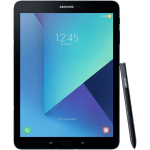
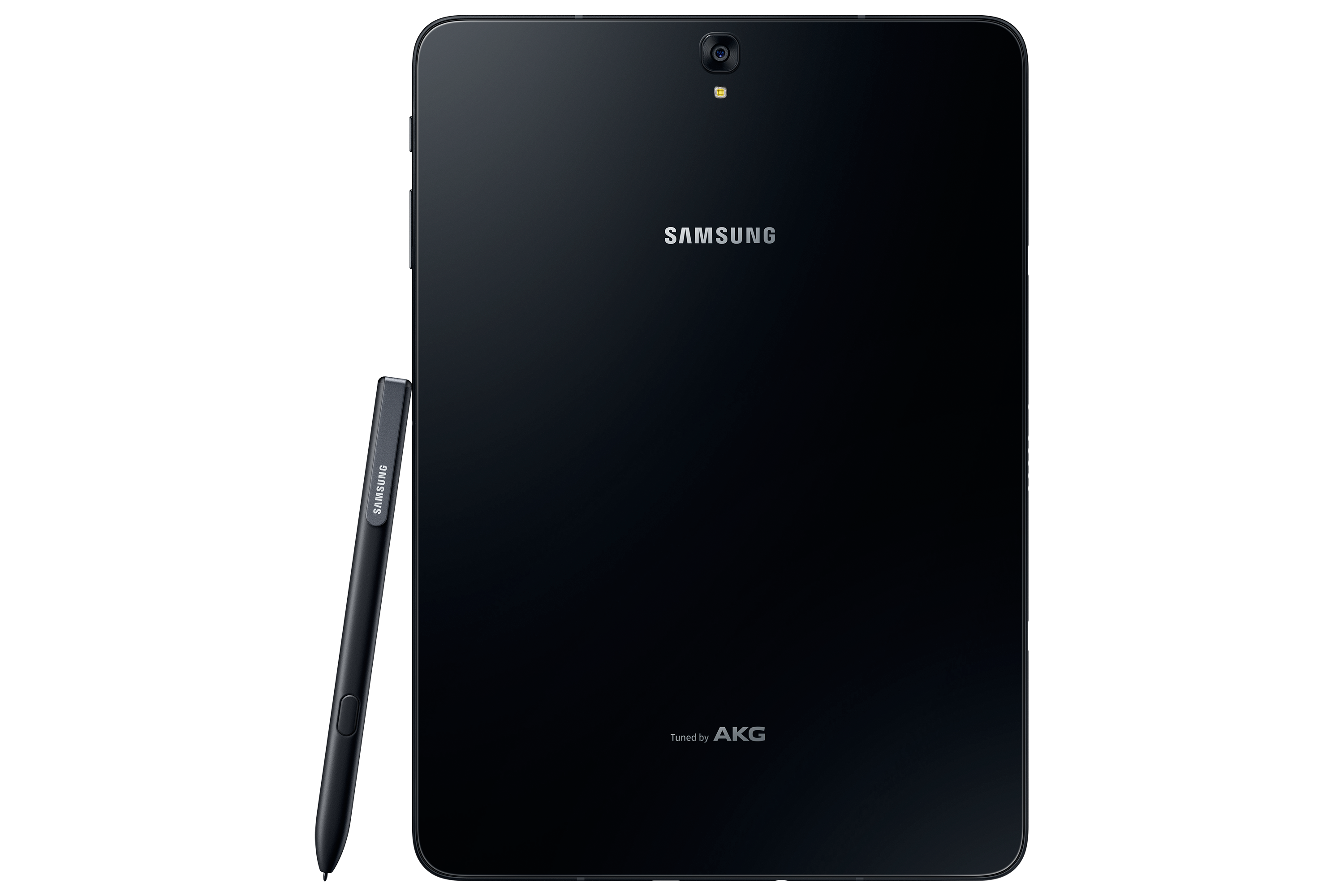
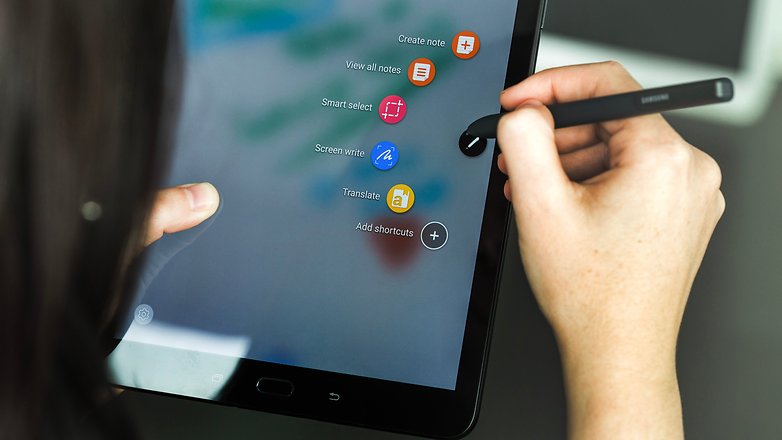
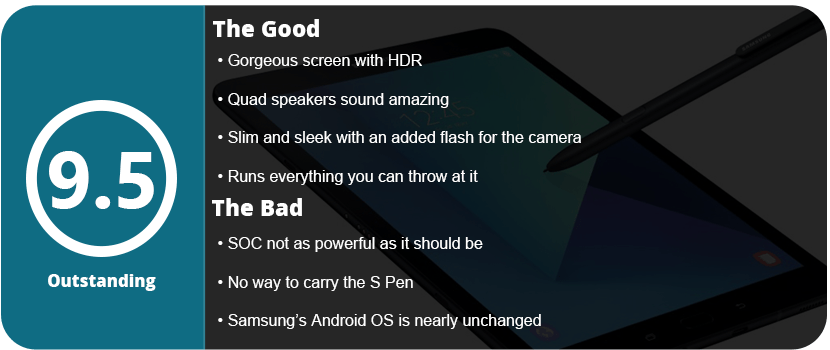
When I took the tablet out of the box, the differences were noticeable right away. While it’s shaped the same way, is the same size, and looks familiar, it’s made completely out of glass, so that plastic feeling is gone. It’s also half the weight and thickness of the S2, which is insane as the S2 was the thinnest tablet around for the longest time. The Tab S3 also includes the S Pen for the first time since the Note 10.1 tablet. The S Pen is large and full-sized, unlike the pens for the Note phone series, and it doesn’t go into the tablet. This is a bit of an issue because you always have a loose pen floating around unless you buy a case for the tablet that can hold the pen.
Once I turned on the tablet, it was a familiar experience. The Nougat OS is exactly like the S2, with a few added features. Sadly, I noticed that Samsung themes are absent from this tablet as well and seem to be exclusive to the newer Samsung phones. I did notice that everything ran a bit smoother and was more responsive overall.
The biggest change of all would be the sound and screen. The S3 features four speakers for surround sound by AKG, which sounds fantastic. As I was playing games or watching videos, I could hear the sound differential change with each speaker, which was a huge change from the S2’s stereo speakers. The screen features HDR, which was the first tablet to do so. Watching HDR videos on Netflix or just high-res videos, in general, look fantastic on this screen and almost look better than on Samsung’s high-end phones. I can’t stress enough how great everything looks on this tablet; these two features alone are worth the upgrade.
Let’s get under the hood of this beast. While there are more powerful tablets on the market, the Tab S3 is one of them. The S3 boasts the Snapdragon 820 SOC with a quad-core CPU running at 2.15 GHz. We get 4GB of LPDDR4 RAM and an Adreno 530 GPU. It’s not the biggest leap over the S2, and it disappointed a lot of people, but as a whole, it’s a worthy upgrade and still more powerful than the S2. It has a 13 MP rear camera and a 5 MP front-facing camera, which is just fine. Who really takes photos with their tablet? I took maybe a dozen with my S2 over the last 2 and a half years, and it never got used. Thankfully, the S3 has a flash on the back this time, so your photos will turn out a bit better.
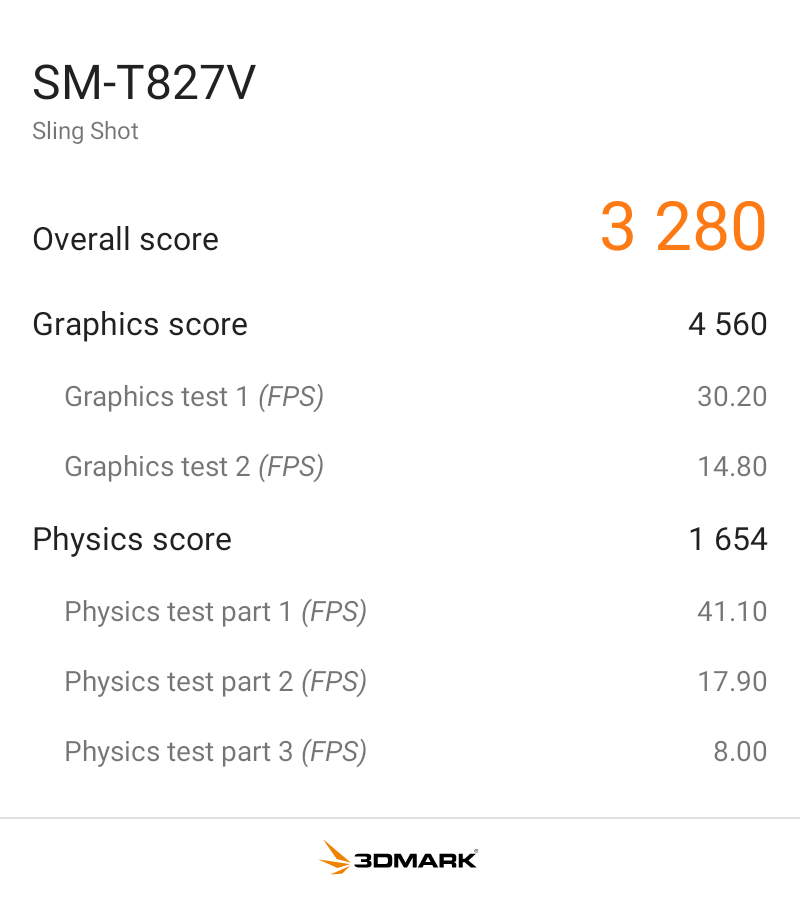
I benchmarked the S3 with 3DMark Sling Shot Extreme, and it did fairly well with the Vulkan and OpenGLES 3.1 APIs. As you can see, when the system is pushed fairly hard, it can maintain a solid 30FPS, so it’s ready for games for the next few years.
Overall, the Tab S3 is a fantastically powerful and feature-packed tablet. It’s a worthy upgrade from the S2, or if you want an all-new tablet, this is a great one to jump into. With a gorgeous screen, HDR support, a versatile S Pen, quad speakers, and a slim design, there’s nothing wrong here at all. While the SOC isn’t as powerful as I’d have hoped, it’s not enough to deter me from recommending it.
It’s been a long time coming, but I have held off for years on larger tablets. This is mainly due to battery life and power, but most importantly, the screen. Sure, the iPads have decent screens, but I wanted something amazing that all my larger content could look sharp on—something akin to a PC monitor. I have had my seven-inch Nexus tablets for a few years now, and they were great for reading comics and books and playing tablet-style games. I have used various other tablets, like the Samsung Galaxy Tab 3, but it was just awful and slow.
After purchasing the Note 5, I took a look at all of Samsung’s newest hardware. The sleek, paper-thin design of the Tab S2 caught my eye, but I was wary that it was weak and had an awful screen. I heard great things about the Tab S and Note Pro 10.1, so I took a further look. To my surprise, the Tab S2 was powerful and sported Samsung’s very popular Super AMOLED screens that I have grown to love over the years, starting with my Galaxy S4.
Some naysayers may gripe about tablets being steamrolled phones (this was said a lot about the original iPad), and honestly, Microsoft is the only company that has put a PC OS onto a tablet. Apple needs to get OSX working on an iPad, and Google needs to seriously think about getting Chrome OS onto tablets, but that’s a debate for a different time. Right now, tablets have been nearly perfected, and it’s okay to have larger versions of their phone counterparts. Think about it: What do we use tablets for? Movies, reading, and the overall enjoyment of a large screen. First, I would like to help people on the fence about tablets and think about these five things when buying one.
1. For the Movie Lover
There are dozens of movie apps on Google Play right now, and anyone who watches Netflix in bed or out of the house should be a tablet owner. This also goes for anyone who uses Hulu or any other streaming app. This is also great for people who love ripping or downloading movies and loading them directly from the device.
2. Productivity
If you’re a busy student or work in a place that requires a lot of note-taking, then a tablet is great for you, but why not a laptop? Tablets are ultra-light, ultra-portable, and do only what you want them to do. There’s no hassle of things going wrong with your laptop, such as crashes, BSODs, or anything like that.
3. Gamer
Of course, most games are fine on phones, but there are so many great tablet games that you are missing out on. This War of Mine, Talisman, The Witcher Adventure Game, Baldur’s Gate II: Enhanced Edition, Star Wars: Knights of the Old Republic, Desktop Dungeons, Bard’s Tale, and many more games are better suited for larger screens. Not to mention that any gamer loves playing on bigger screens.
4. Reader
Tablets became popular due to ebooks. This is what put tablets on the map, thanks to devices like the Amazon Kindle. There are many great book apps, with Amazon’s Kindle being the most popular. With millions of books available, the list is endless. Laying down and reading on a tablet is more convenient, as you can do other things in between reading. Take a break and watch a YouTube video or two, video chat with a friend for a little, and go back at it. Tablets are just great to relax with, thanks to all the things you can do with them. I personally love reading manga and comics.
5. Artist
Most artists naysay digital art, especially on tablets, but they are great for getting ideas out of your head quickly before they are forgotten. There are many great styli out there for tablets, and while you won’t be able to pump out masterpieces like on your Cintiq tablet at your desk, it can save you from frustration for not being able to get a good idea out.
With that said, these are the people that tablets are aimed at. I nay-said tablets a long time ago, thinking I was just fine with my phone, but realized the potential I was missing out on.
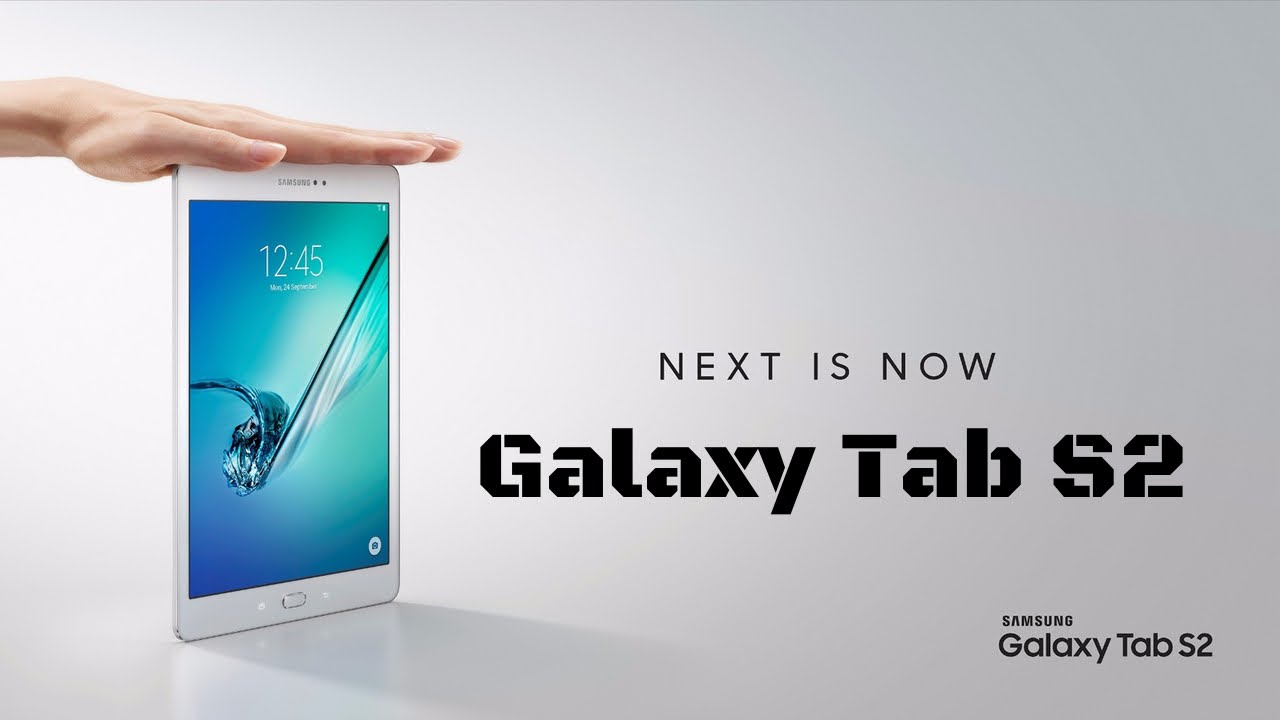
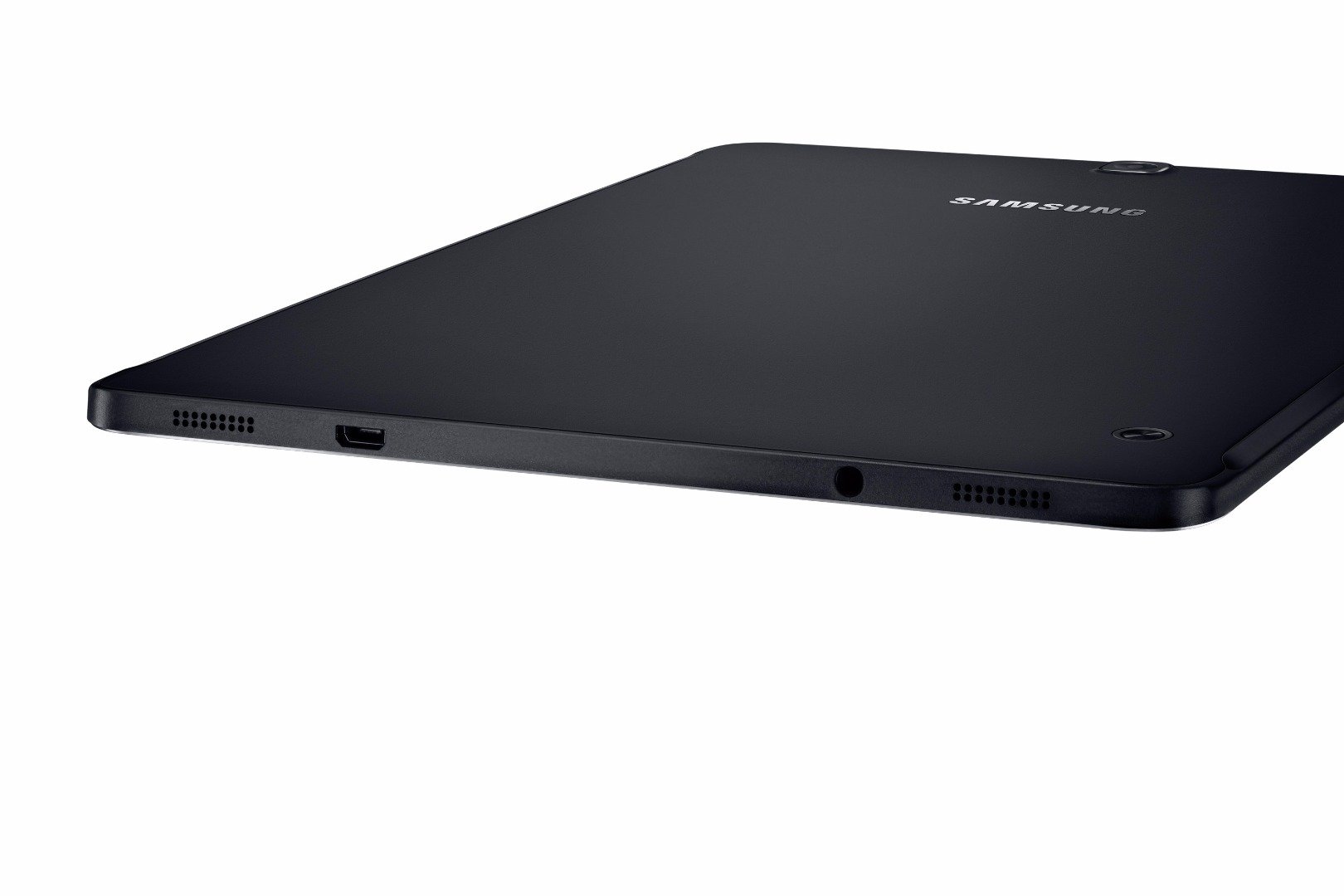
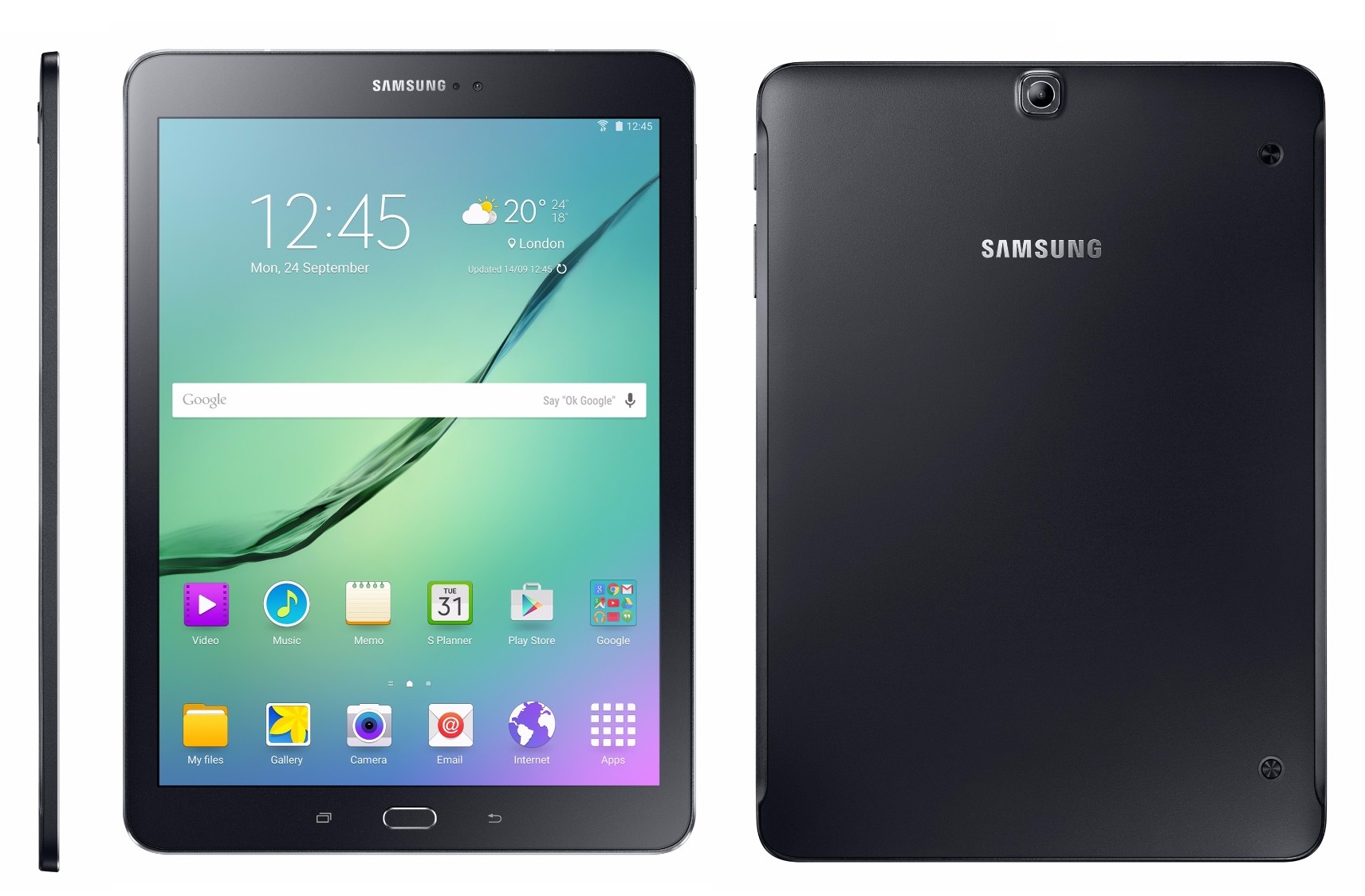
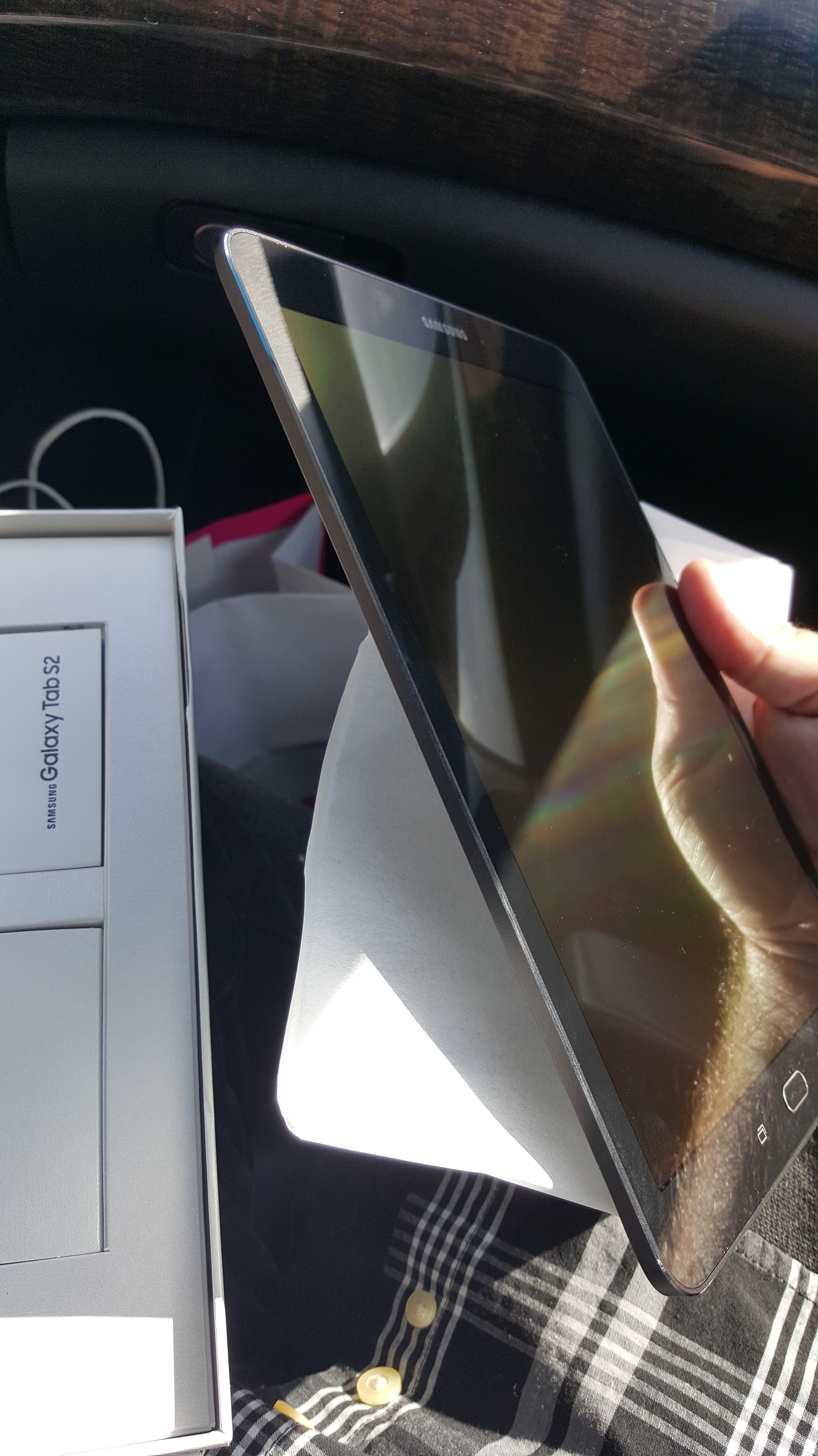
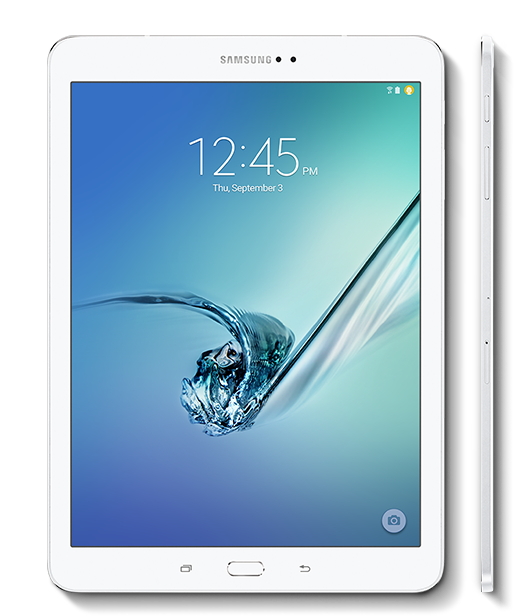
The Samsung Galaxy Tab S2’s first feature you will notice when opening the box is the form factor. This is the thinnest tablet I have ever seen, and it just looks so sleek and incredibly gorgeous. The tablet is a perfect rectangle shape with rounded edges but has a face that’s familiar to Samsung phone owners. The recent apps button and back button, with a physical home button sandwiched in between, are iconic. I was also surprised at how light this tablet was, at nearly 10″. The style is borrowed from the current Galaxy series phones, which have solid power and volume keys (not rockers) and a minimal design.
If you have a WiFi tablet, you won’t have to worry about this step, but inserting the SIM card for the 4G version was quite easy thanks to the little tool that was provided. Just pop the pin in and insert the card into its carriage, and off it goes. The SD card slot is also located just below that slot and works the same way. I was actually so grateful that this tablet came with expandable memory (up to 128GB), as I can now load it with movies, music, and comics while the internal space is used for apps and games. With my Nexus 7, it was a constant balancing act of games and apps over comics, with only 32GB to use. The 9.7″ Tab S2 comes with 32GB built-in, but that’s nothing to complain about thanks to the expandable memory.
Once I turned the device on, I was amazed at the screen quality. While it was expected, it just looked so beautiful in this size. Everything is clear and crisp, which is what you would expect from a Samsung display. I will say that the tablet is a typical Samsung Android experience, and that’s not really bad, but there are not many device-specific features. There is a fingerprint scanner, which is really nice, but I noticed the device lacked the themes that are present in the current Galaxy phones. Anyone new to a Samsung device will find everything quite convenient, but coming from using Samsung phones, I could just dive right in and start setting up the device.
The device ships with the latest version of Lollipop (5.1.1), and Marshmallow is currently in development for the device. There are several features I would like to mention that I love on this tablet, regardless of whether they are standard Android or Samsung features.
First off, the tablet has some great power-saving features as well as an ultra-power-saving mode that turns everything black and white and only allows minimal usage. The battery actually lasts quite a while for such a large device and power-hungry screen. I can go on a full charge for about a day before the device dies, which is great. I also like the palm mute feature that allows you to place your hand on the screen to mute whatever is going on. While there aren’t as many features as the phones from Samsung, I felt what was here was just right and didn’t feel too gimmicky or overbearing. The more features are added, the more the battery can drain. Another feature I liked was the private mode. Enable this, and whatever files or folders you select won’t show up but can still be accessed by apps. Hiding private photos and videos has never been easier. The Tab S2 also has a slew of security features for finding a lost or stolen device and encryption options. This is great for people with sensitive information on their devices.
Let’s talk about performance. The Tab S2 is the fastest tablet I have used. While the Nexus 7 2013 was fairly slow during KitKat and Lollipop 5.0–5.2, it did speed up with 5.1.1. However, the Tab S2 is as fast as my Note 5 and hasn’t stuttered at anything I have thrown at it. The tablet has some pretty beefy hardware under the hood for such a slim device. The device sports Samsung’s flagship CPU chip, which is the Exonys 5433, sporting a 1.9 GHz quad-core CPU and another Cortex-A93 chip at 1.3 GHz (quad-core). This provides ultra-fast processing and allows the buttery smooth operation that you experience. The device has 3GB of RAM, not 4 like the Note 5, which was a little bit of a surprise. I noticed no slowdown or chugging when switching and opening up a lot of apps. The tablet comes with the latest Mali GPU, the TMP760, at 700 MHz, to be exact. This will allow you to play the latest and greatest games without any slowdown.
The Tab S2 also has one of the best tablet cameras I have seen in a while. Now, tablet cameras have been notorious for being subpar to phones; mainly, this is due to tablets not being used for pictures quite as often as phones. To reduce production costs, the camera is cut down, usually to half as many megapixels as current phones, which can make the tablets thinner. The Tab S2 has a rear 8MP camera (no flash) and a 5MP front camera. Both take pictures very well, but the rear camera does not take 60 FPS video, which is a disappointment. But we do get Samsung’s newest camera software suite, which we have seen in the Galaxy S6 and Note 5. There are plenty of different ways to take photos, and the suite is quite powerful for a tablet. As a secondary source for a camera, I can say I’m pretty happy with what’s here.
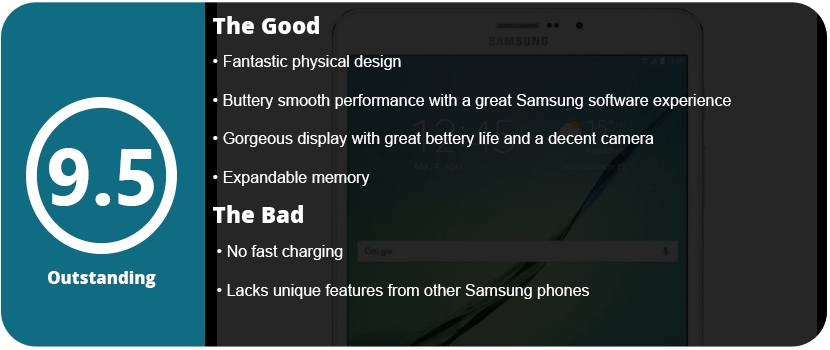
To conclude, the Tab S2 has brought tablets a long way. With super-fast speeds and an experience similar to their flagship phones, Samsung fans and Android fans will have one of the best tablets on the market in their hands. Of course, this isn’t a budget tablet, and the $500–$650 price range will drive most people away compared to sub-8-inch tablet prices. If you want the latest and greatest, a gorgeous display, and extremely fast performance, then look no further than the Samsung Galaxy Tab S2.
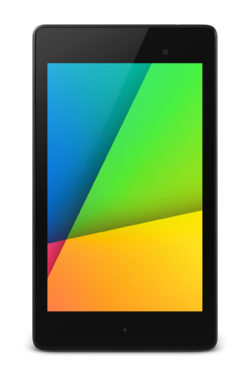
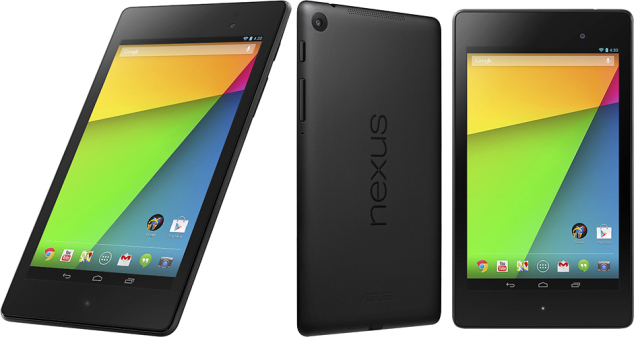
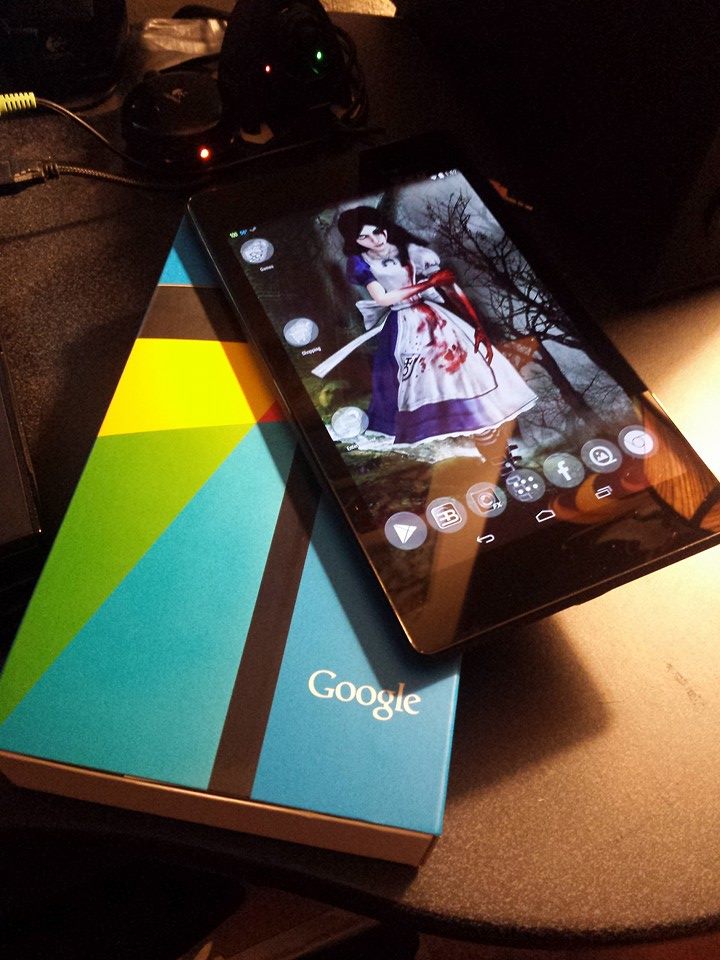
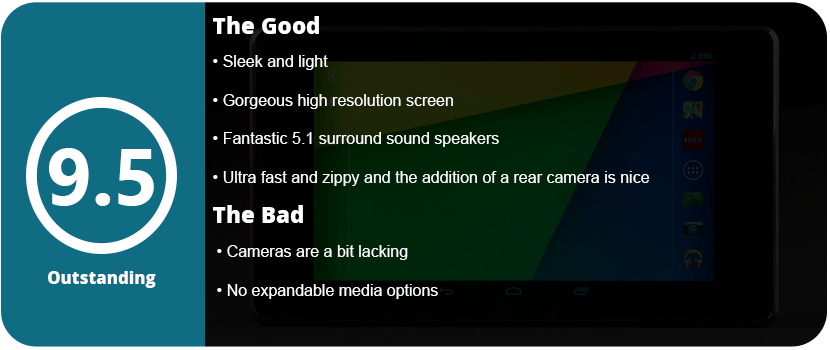
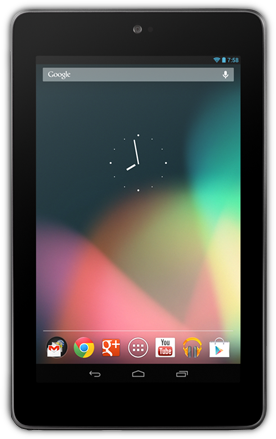
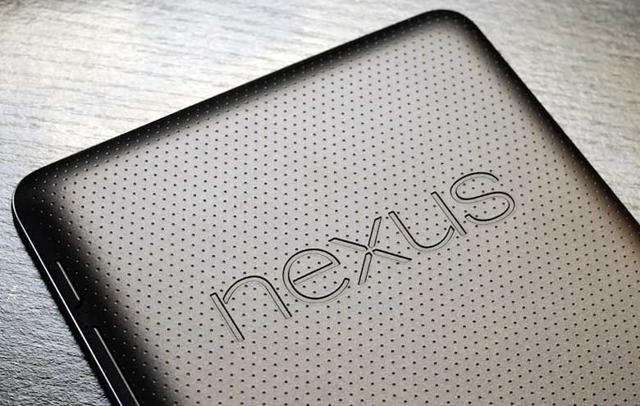
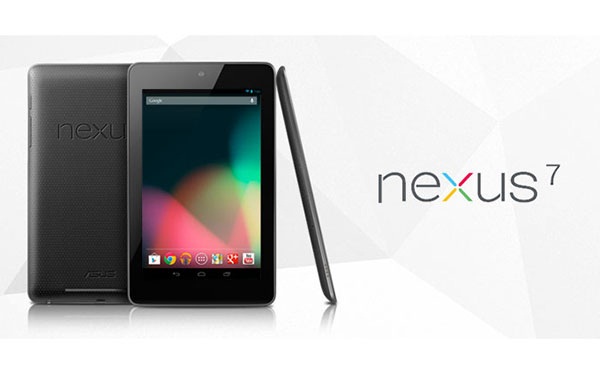
The Nexus 7 was the best 7-inch tablet on the market at the time. With the powerful Tegra 3 chipset, it seemed like it was unstoppable—that is, until its cousin came along to trump it. Not only is the 2013 addition thinner and sleeker, but it’s also four times as powerful and well worth upgrading. Google partnered with Asus once again, but this time ditched the Tegra chipset and threw in the Snapdragon CPU and Adreno GPU. Once you open the box, you will immediately notice the physical changes to the tablet. The deep black and the overall more rectangular shape and sharper edges look slick and clean. Gone is the soft bumpy back from before, replaced with plastic and a beveled Nexus logo. I do miss that softback, as it didn’t scratch, but the new back still has a soft, fuzzy feeling to it.
Apart from that, you will also notice the front-facing camera has moved to the right, as there is now a back camera that is 5.0 MP. The front camera has improved slightly by 0.1 MP, but it makes a difference. While other tablets have more powerful rear-facing cameras, the Nexus 7 does record in 1080p and looks pretty good in well-lit areas. I would have liked to see at least an 8 MP camera, but just having a camera added is a great addition. There isn’t a flash, so the camera is nearly useless at night.
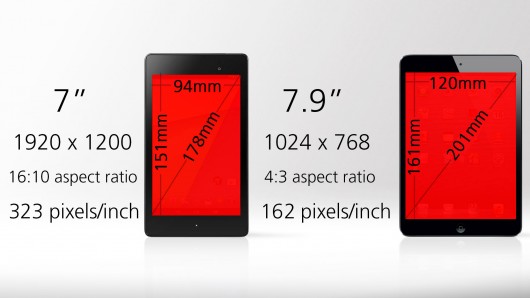
Let’s talk about the screen. It’s absolutely gorgeous. The 1920×1200 resolution LCD screen looks clear, bright, and crisp. The resolution upgrade is very noticeable compared to the 2012 model. With 323 PPI, everything is going to pop out at you, from games to comics. The sound is also something I love on this tablet that most tablets don’t have. We have 5.1 surround sound in this thing. There are two small speakers at the bottom and one large one at the top. The speakers are made by Fraunhofer, who is the guy who invented the MP3. I immediately noticed the sound difference when I started playing games. It sounds like everything is coming at you from all angles; it’s rich, crisp, and so much clearer than the 2012 model.
So what’s under the hood? The speed increase is incredible, as apps load faster and things just process at a much faster rate. My comics rendered faster, games loaded quicker, and I had zero hangs when loading graphics-heavy websites in Chrome or switching apps quickly. The Snapdragon Krait 300 CPU is clocked at 1.51 GHz and is quad-core. This is much faster than the 2012’s 1.3 GHz CPU. The Adreno 320 GPU helps a lot as well and loads faster than the Tegra 3. The games looked better, and everything loaded so much faster. For example, on the 2012 model, I could not select the best graphics option in Rival Knights; on the 2013 model, I could. I also had a lot of slowdown with low framerate on the 2012 model in Joe Dever’s Lone Wolf. On the 2013 model, it ran at 60 FPS.
The battery also lasts a good while for a slimmer battery. You will get hours of gaming or reading out of this thing, even with WiFi on. Besides processing speed, the 2013 model has Bluetooth 4.0, screen mirroring, Qi wireless battery charging, and a notification indicator at the bottom of the tablet. These may not seem like much, but they make a big difference in an upgrade. Not to mention the loose charging port from the previous model has been fixed with a more sturdy USB slot. The tablet is also 2 ounces lighter, so you can’t really complain.
Bottom line: The Google Nexus 7 (2013) is the best 7-inch tablet you can get your hands on at a great price. If you own the 2012 model, I highly recommend upgrading like I did. It’s fast, sleek, has a gorgeous screen, and has fantastic surround and sound speakers.
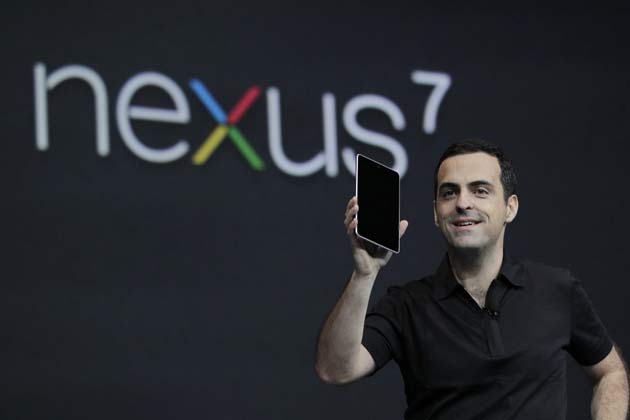
So here I am with my first tablet, I swore up and down that, I had no use for one because I have a laptop and a 4″ phone. Why would I need a tablet? Apparently for a lot and this is one of the best devices I have used in a long time. It’s sleek, powerful, and well designed. Why a Nexus 7? Well, the 7″ size is perfect where it isn’t too small or too big. I don’t like 10″ tablets because they just feel big and clunky. You are probably wondering what’s under the hood, why not an iPad Mini, and is the screen nice?
The Nexus 7 is powered by Nvidia’s Tegra 3 chipset which is one of the most powerful on the market. Directly competing with Apple’s A5x chipset in their iPad 3, the Nexus 7 is extremely powerful for a 7″ tablet. This tablet has a whopping 16 cores, a quad-core 1.3Ghz CPU, and a 12-core Geforce ULP GPU. The tablet CPU has a fifth core that is dedicated to running in a power-saving mode during times of low processing needs. That is one powerful tablet. The Tegra 3 chipset allows for some of the most advanced graphics seen on a tablet as well. Games like Dead Trigger, Dark Meadow, Zombie Driver, and a few others optimize their games for the Tegra chipset adding extra effects and higher FPS. The tablet has 1GB of DDR3L RAM rather than DDR2 RAM which is in both the iPad 3 and Mini and it is twice as fast. The Tegra 3 chipset is even more powerful than the iPad Mini and iPad 3 with the Mini having a single-core 1Ghz CPU and the iPad 3 having just a dual-core 1Ghz CPU. Even the ULP graphics chip is more powerful than the iPad 3’s with 416Mhz. If that doesn’t impress you…I don’t know what will.
Asus just stopped producing the 16GB models so only the 32 are available now, but that’s fine. 16GB really isn’t enough space anyway, but there are no expandable storage options. You can use an OTG cable and a USB stick, but most people won’t know to do that. 32GB is plenty for games, movies, music, and books. I have over 30 games on my tablet and still have plenty of room. I found the battery life is pretty decent for such a powerful device. Running high graphic games you get about 3 hours and everything else will last you most of the day, but that’s with Wifi on. With it off it is probably 30% less power-consuming.
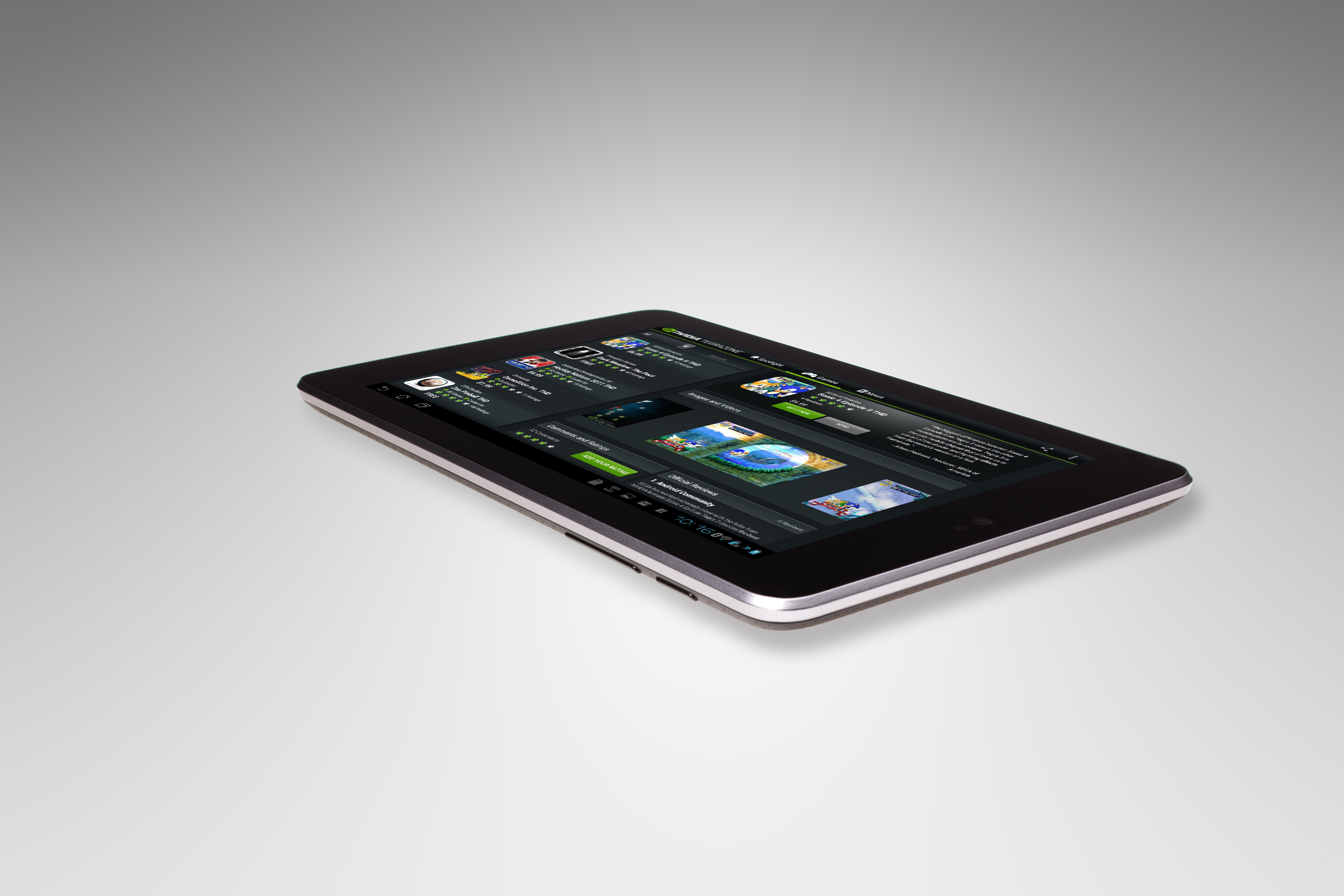
The screen is gorgeous. Being better than the iPad Mini with a 1280×800 resolution rather than 1024×768. It also has double the PPI at 216 rather than 163 for the Mini. It also is a 16:10 aspect ratio rather than the Mini’s 4:3 aspect ratio so it is a widescreen tablet. The text is crisp and-and the images are sharp and vibrant. You won’t be disappointed watching high-definition movies or games. I also found the screen to feel very nice to touch and my finger would just glide across. The tablet is also fitted with scratchproof Corning fitted glass, also known as Gorilla Glass to some. The glass is alkali-aluminosilicate sheet glass which is the best out there right now. On the back, the device has a bumpy, leathery texture which makes holding the device easier. I love this texture and feels so much nicer than the hard plastic of other tablets with their sharp edges. You also don’t have to worry about setting it down and scratching it up. The whole device just looks so sleek and smooth.
The tablet comes stock with android Jelly Bean 4.1, but as of a week ago the new 4.2.2 update is out. Nothing else to expect software-wise other than a great Google Android OS experience. However, if you’re a gamer check out Nvidia’s TegraZone app to get started on what games were specifically designed for the Tegra chipset. My only complaint is that there is no rear-facing camera. Just a front-facing 1.2MP camera for video chatting. However, most people don’t use their tablets for taking pictures (unless you are one of those iPad people)
Overall, the Nexus 7 is one of the most powerful tablets on the market and the most powerful 7″ tablet you can get your hands on. With the 16-core chipset, bright vivid screen, and sleek design, any hardware fan will want this tablet. For the low price of $250 for 32GB of storage…nothing beats it! Once you pick this up you will realize why it was chosen as 2012’s best tablet.
The Nexus 7 is powered by Nvidia’s Tegra 3 chipset which is one of the most powerful on the market. Directly competing with Apple’s A5x chipset in their iPad 3, the Nexus 7 is extremely powerful for a 7″ tablet. This tablet has a whopping 16 cores, a quad-core 1.3Ghz CPU, and a 12-core Geforce ULP GPU. The tablet CPU has a fifth core that is dedicated to running in a power-saving mode during times of low processing needs. That is one powerful tablet. The Tegra 3 chipset allows for some of the most advanced graphics seen on a tablet as well. Games like Dead Trigger, Dark Meadow, Zombie Driver, and a few others optimize their games for the Tegra chipset adding extra effects and higher FPS. The tablet has 1GB of DDR3L RAM rather than DDR2 RAM which is in both the iPad 3 and Mini and it is twice as fast. The Tegra 3 chipset is even more powerful than the iPad Mini and iPad 3 with the Mini having a single-core 1Ghz CPU and the iPad 3 having just a dual-core 1Ghz CPU. Even the ULP graphics chip is more powerful than the iPad 3’s with 416Mhz. If that doesn’t impress you…I don’t know what will.
Asus just stopped producing the 16GB models so only the 32 are available now, but that’s fine. 16GB really isn’t enough space anyway, but there are no expandable storage options. You can use an OTG cable and a USB stick, but most people won’t know to do that. 32GB is plenty for games, movies, music, and books. I have over 30 games on my tablet and still have plenty of room. I found the battery life is pretty decent for such a powerful device. Running high graphic games you get about 3 hours and everything else will last you most of the day, but that’s with Wifi on. With it off it is probably 30% less power-consuming.
The screen is gorgeous. Being better than the iPad Mini with a 1280×800 resolution rather than 1024×768. It also has double the PPI at 216 rather than 163 for the Mini. It also is a 16:10 aspect ratio rather than the Mini’s 4:3 aspect ratio so it is a widescreen tablet. The text is crisp and-and the images are sharp and vibrant. You won’t be disappointed watching high-definition movies or games. I also found the screen to feel very nice to touch and my finger would just glide across. The tablet is also fitted with scratchproof Corning fitted glass, also known as Gorilla Glass to some. The glass is alkali-aluminosilicate sheet glass which is the best out there right now. On the back, the device has a bumpy, leathery texture which makes holding the device easier. I love this texture and feels so much nicer than the hard plastic of other tablets with their sharp edges. You also don’t have to worry about setting it down and scratching it up. The whole device just looks so sleek and smooth.
The tablet comes stock with android Jelly Bean 4.1, but as of a week ago the new 4.2.2 update is out. Nothing else to expect software-wise other than a great Google Android OS experience. However, if you’re a gamer check out Nvidia’s TegraZone app to get started on what games were specifically designed for the Tegra chipset. My only complaint is that there is no rear-facing camera. Just a front-facing 1.2MP camera for video chatting. However, most people don’t use their tablets for taking pictures (unless you are one of those iPad people)
Overall, the Nexus 7 is one of the most powerful tablets on the market and the most powerful 7″ tablet you can get your hands on. With the 16-core chipset, bright vivid screen, and sleek design, any hardware fan will want this tablet. For the low price of $250 for 32GB of storage…nothing beats it! Once you pick this up you will realize why it was chosen as 2012’s best tablet.












 thebinarymessiah.com
Try multiplayer. A lot of fun !