Lifeline was a fantastic text adventure game that delivered a memorable atmosphere, character, and story. It was the first of its kind—an actual texting adventure. Taylor, the main character, would describe his settings and actions, and you had two choices you could respond to. Some actually changed the course of the story for the better or worse. Silent Night is the sequel toLifeline 1, with Taylor being rescued by a mining ship, but more disasters with the Occupiers continue.
Silent Night is disappointing in the sense that it doesn’t bring about the loneliness and desolate atmosphere that made the first game so great and memorable. Silent Night has a cheesy sci-fi Alien-type feeling to it, with generic crew members and a claustrophobic ship. I also hate Taylor’s cheesy sense of humor, as it’s in the wrong place at the wrong time and is overdone. A tense scene is broken down by a stupid one-liner or pop culture reference, and I absolutely hate that. Humor has its place, but every other line? I don’t think so.
If the humor wasn’t badly written, the game is so short you can finish it within a couple of hours. What made the first game so awesome was actually waiting in real-time for Taylor to respond. I feel this is sped up too much, and the choices aren’t as varied or branching as in the first game. I got the perfect ending without even really trying, and that’s not a good thing. In the first game, I rewrote the story just to see the different outcomes.
With that said, this is the end of the line for Taylor, but there are spin-offs and prequels bound to come, which I will welcome. Silent Night is probably the worst game in the series so far, but it’s still worth a play for hardcore fans.
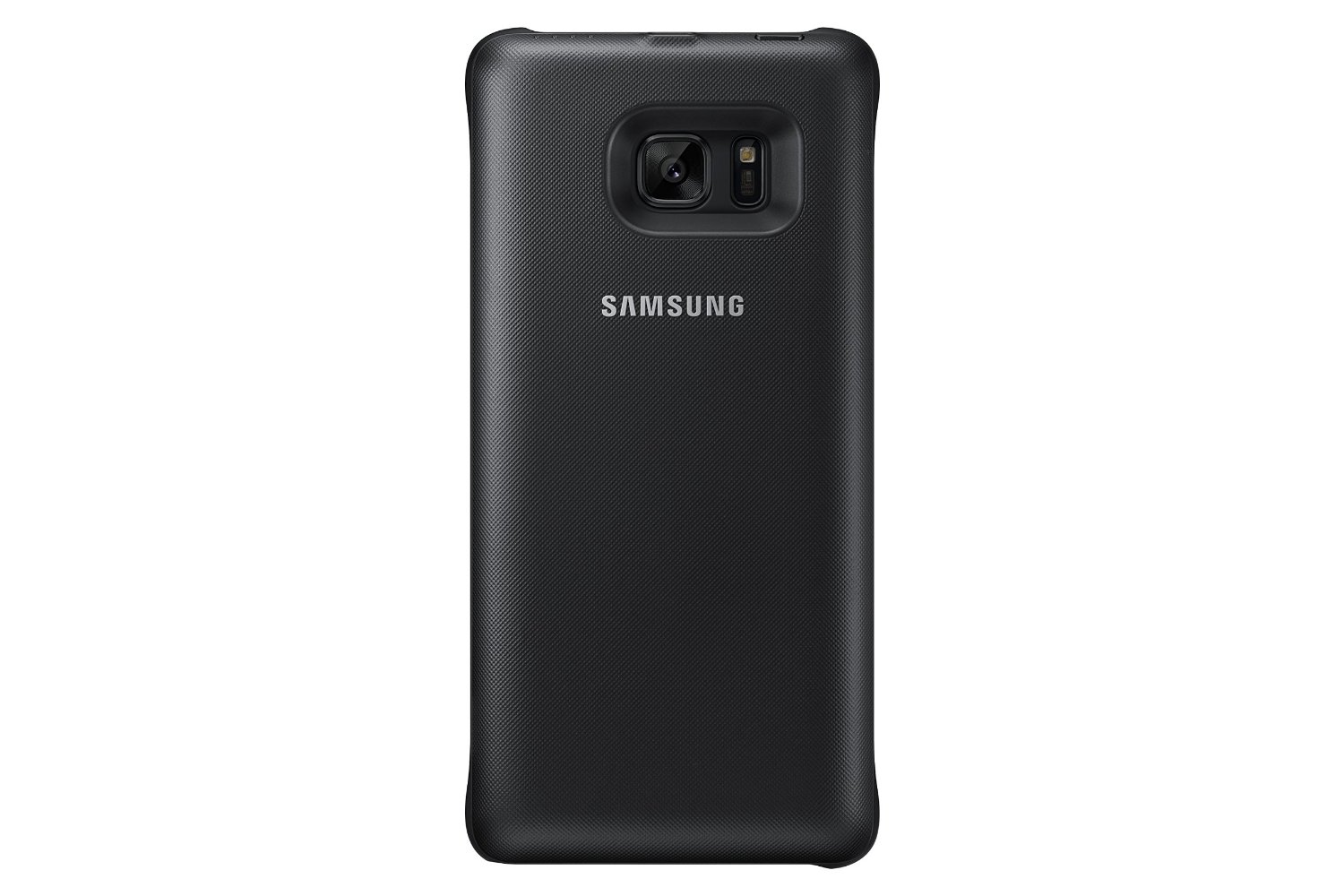
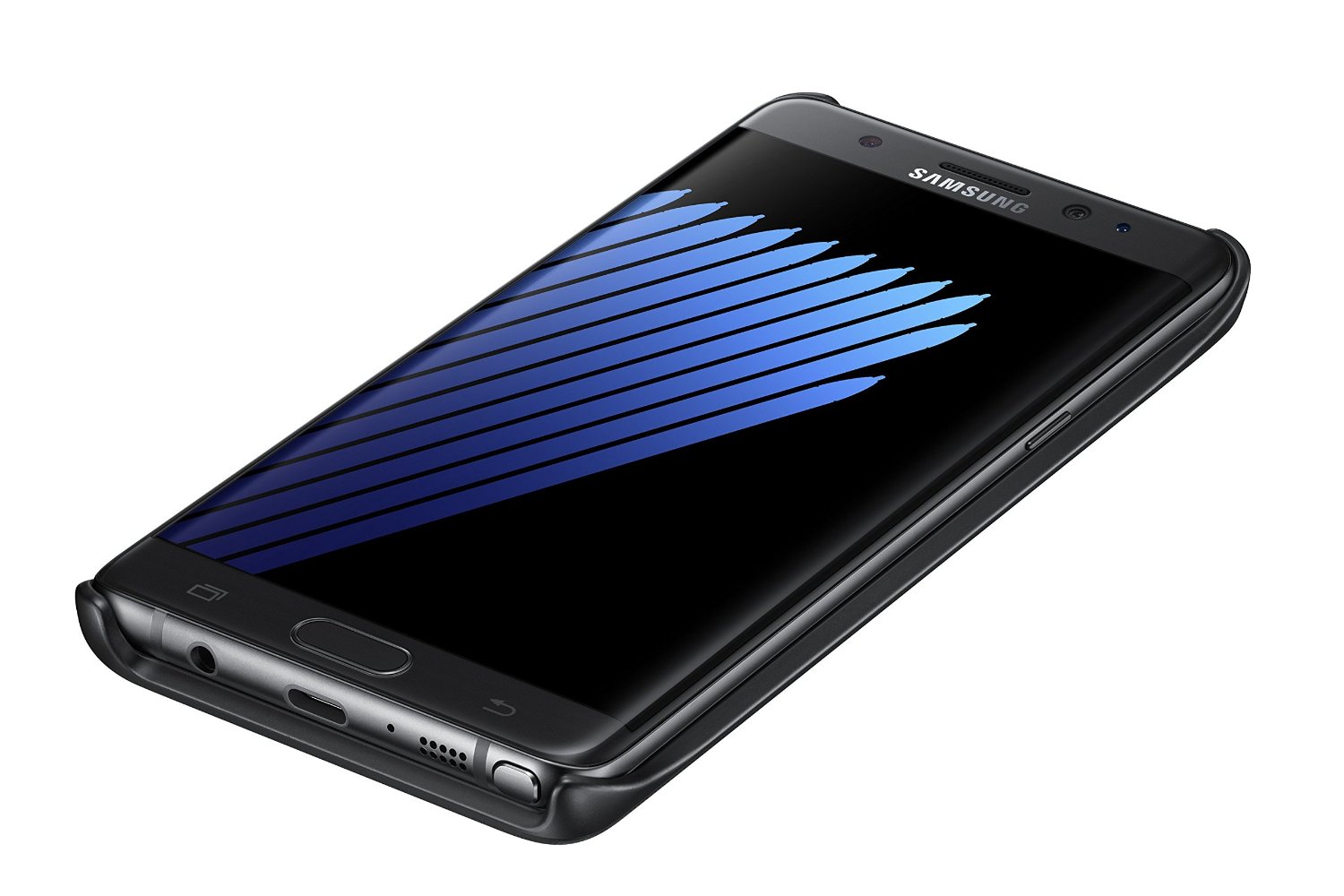
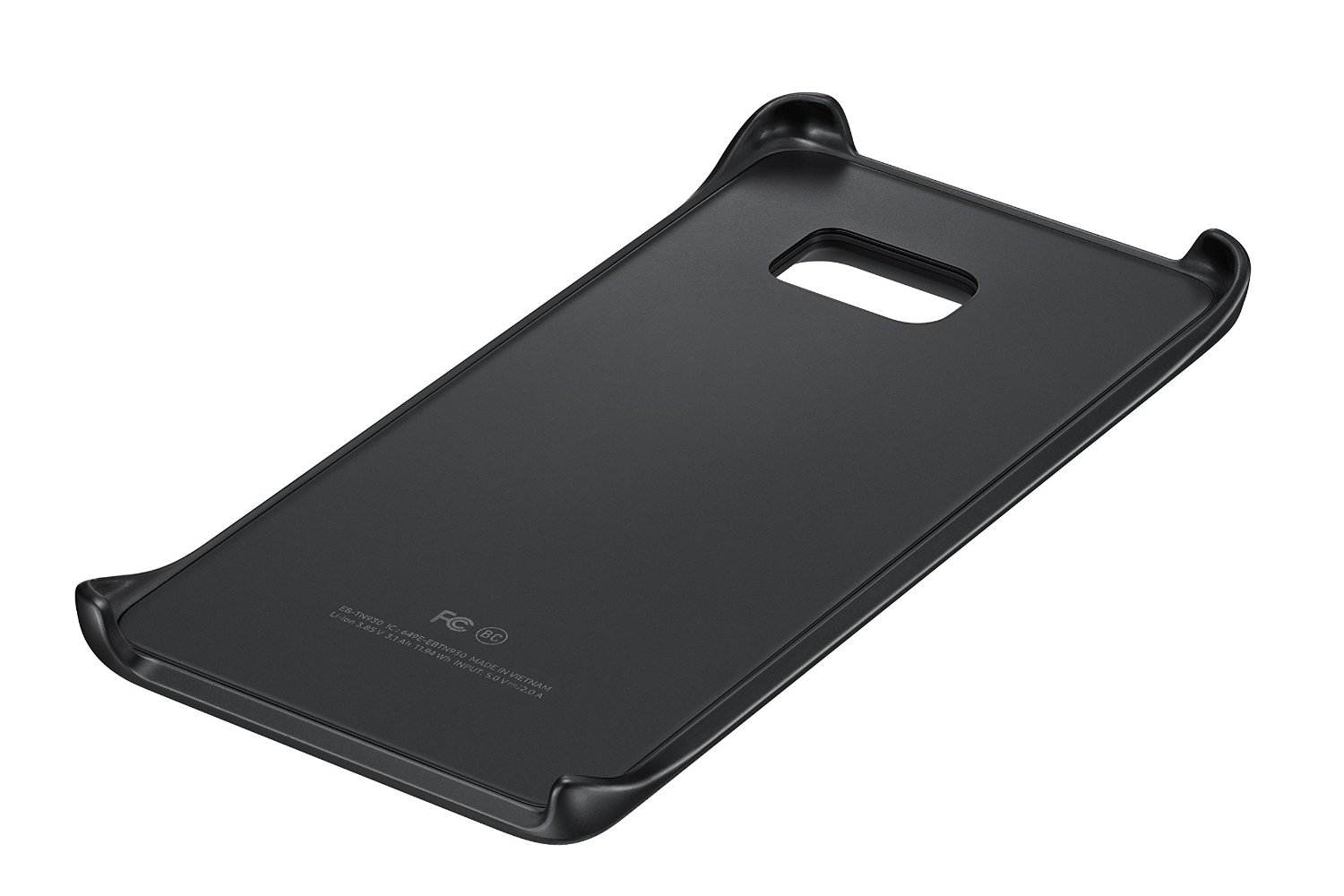
I love the wireless charging features of the new Galaxy phones, but you’re still tethered to a cable at work, in the car, or on the go. Samsung finally thought about bringing about a wireless charging snap-on cover to keep your cord-free. The cover looks sleek, is ultra-light, and complements the design of the Note 7, but it’s not perfect and almost not worth a purchase.
The battery pack itself is perfect design-wise, but for practical use, it’s for emergencies only. It says right on the packaging that it doesn’t charge the phone all the way but “about 1/2 charge,” meaning 40–50%, which is fine. It does support a pass-through charge, meaning the cover will charge your phone and then charge itself if you have the cover plugged in. The other big issue is that this isn’t fast charging. It takes about 1 hour to charge the phone 50%, and if you use the phone, you’re lucky if you get a 35–40% charge. This also isn’t a huge issue, as you can snap the cover on when it’s 100% and keep it there for a couple of hours. I honestly only see this as useful if your phone actually died or is within 30% of dying and you’re away from a charger.
If this cover was fast charging, I could forgive it a lot more, but for the asking price, this is very hard to recommend. I love the convenience, but it’s got a smaller battery than the Note 7 itself. If you find yourself always killing your phone when you’re out or you take long trips, this is for you, as it doesn’t take up much room. If you can always access a charger, then skip this entirely.
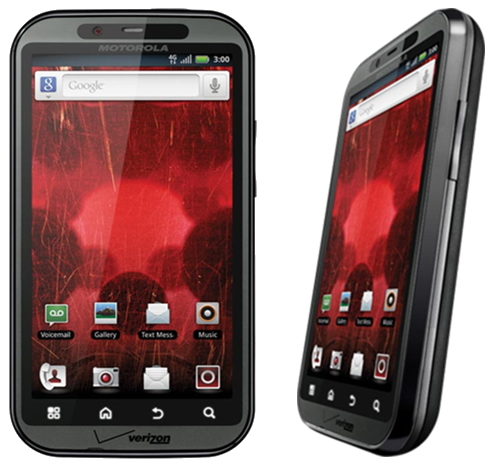
Well, here we are, six years after getting my first Android phone, and the Android environment has grown and changed faster than any other technology I can think of. In the early days of Android, it was obviously trumped by iOS, and rightly so. The operating system didn’t’ do much; it was extremely buggy, very ugly, and not streamlined at all. I remember the early days before Google Play was the Android Store, and it was full of awful apps that either crashed your phone or were spam, and there was no organization whatsoever. Not a single major developer wanted their app in this untrusted “iOS clone,” but I stuck by. It wasn’t just the operating system that was unable to keep up with user demands, but the hardware. Apple perfected its hardware and software with the iPhone 3S, and it hasn’t changed much since. Motorola was one of the best headliners for Android, but their phones were awful and slow, and the custom Android ROM was terribly designed. Trust me, I owned the original Droid and Bionic—the worst phones I have ever had.
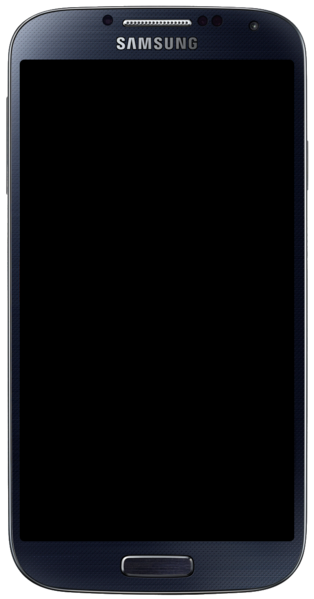
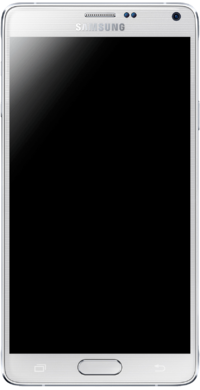
I then switched to Samsung with the release of the Galaxy S4. The issue with Android phones back then was that the manufacturers would master the current OS version and then create the phone around that. Once the new OS was released, the phones were slow, buggy, and unusable. My S4 turned into an overheating paperweight, and I hated it. With the Note 4, it was a little faster and more streamlined with KitKat, but once Lollipop was released, it ruined the entire phone. It became slow, buggy, and also unusable. It wasn’t until the Note5 that Samsung perfected its hardware and got a strong grasp on Android. Google even stopped adding features and released Lollipop as mostly a speed and battery upgrade, and it did wonders.
Motorola Droid Bionic. One of the first phones to have a dual-core CPU and 4G LTE. Hated it right out of the box.
Samsung Galaxy S4. The first step in getting Android phones right, but all the gimmicks drained the battery.
Samsung Galaxy Note 4. A great step in perfecting the phablet, but future Android versions ruined this phone.
Samsung Galaxy Note 5. Nearly perfected. Future updates just made the phone better.
The Looks
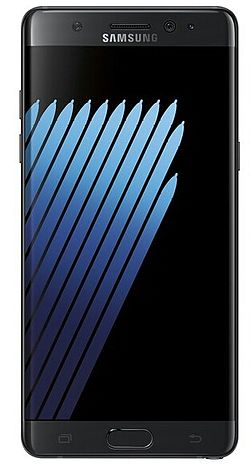
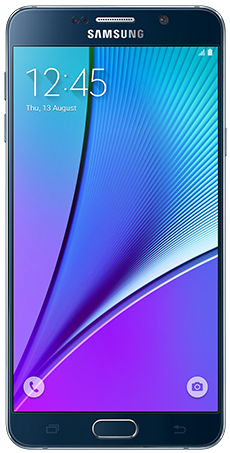
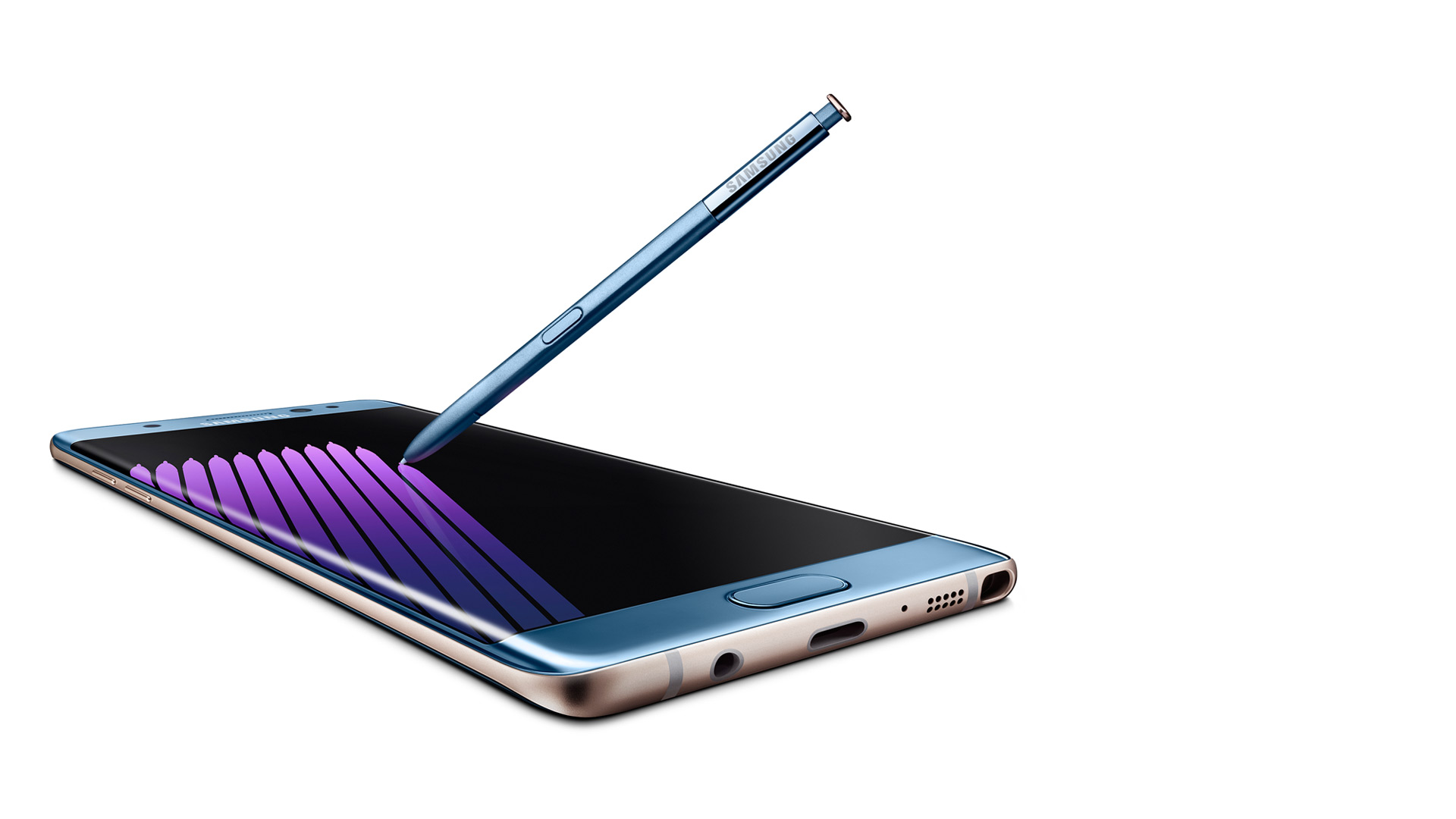
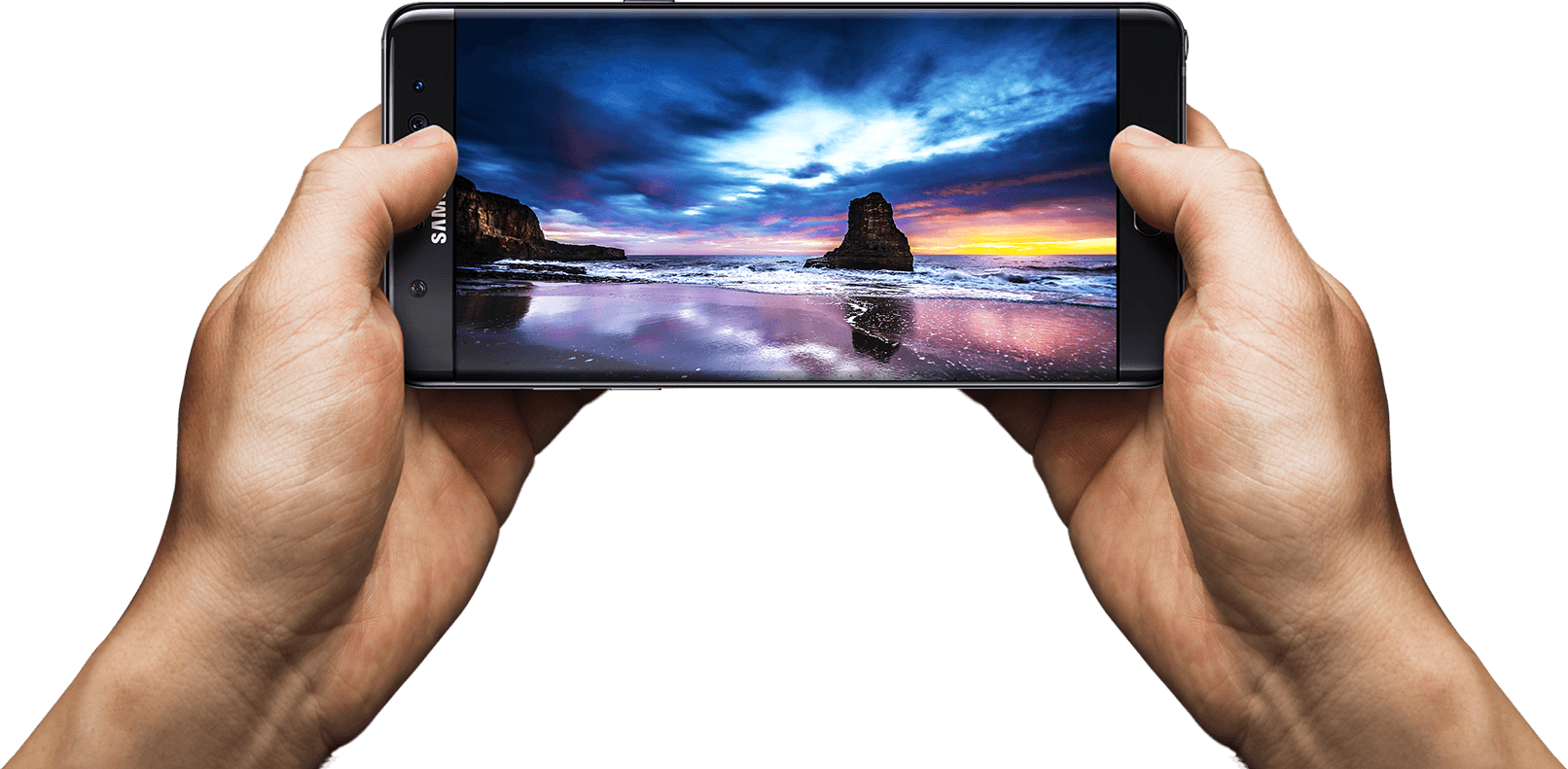
So, here we are in 2016 with a brand new set of Android phones. It’s no longer about being bigger and solely relying on who has the highest screen resolution and best camera. These things are all standard and easy to come by, even on budget devices. Samsung is pushing the envelope with its design. That’s right, we’re over new hardware features so much now that we can worry about how a phone looks. When you whip out a phone, you get judged as much as the car you drive these days. The Note5 was one of the sleekest phones ever released, and the Note7 trumps that. It takes the basic body design of the Note5, slims it down a tad, and adds a curved display. It may not seem like much, but it’s so much more enjoyable to view a curved screen. It creates a much more immersive experience, and it’s easier on the eyes. It’s a true edge-to-edge display and looks better than Samsung’s other flagship S series. The new glass and aluminum body that was carried over from the Note5 is perfected in every single way.
Hardware – External
Outside of the sleek look and colors (which look gorgeous, especially Coral Blue), you will start to notice the actual hardware design features. There are additional round circles at the top, which are the new iris scanner and the physical home button, which have been perfected. Yes, I’m bragging about the home button, which has been a Samsung staple since the first Android smartphone. It’s not a solid piece that clicks down, but it’s softer and rocks with your finger. You can roll your thumb over it, and it forms on your thumb, so it’s a smooth press. It also no longer clicks but just presses and feels “mushy,” which is a good thing. So one thing has been perfected so far.
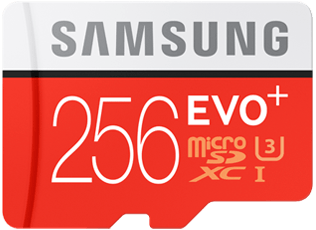
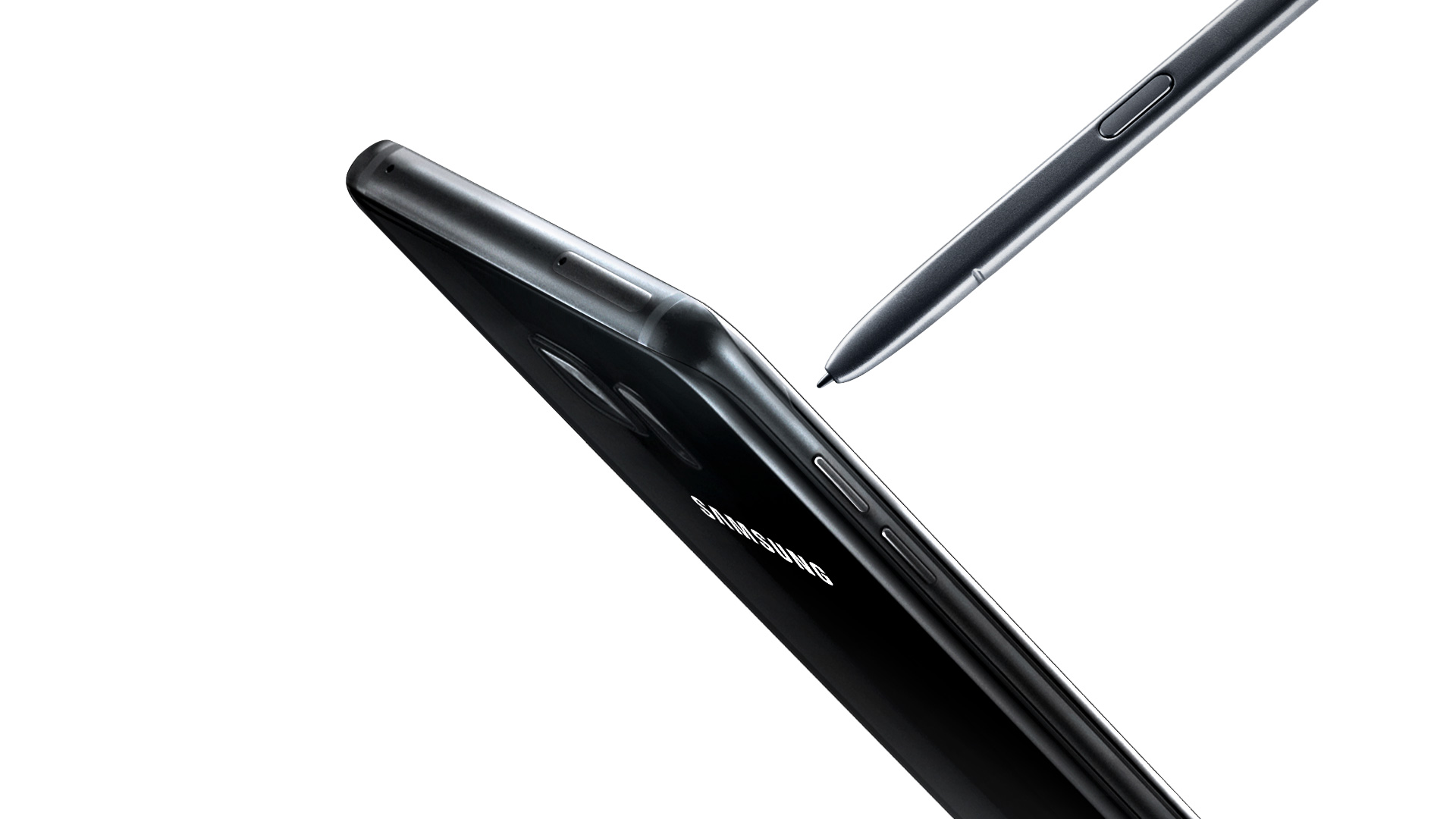
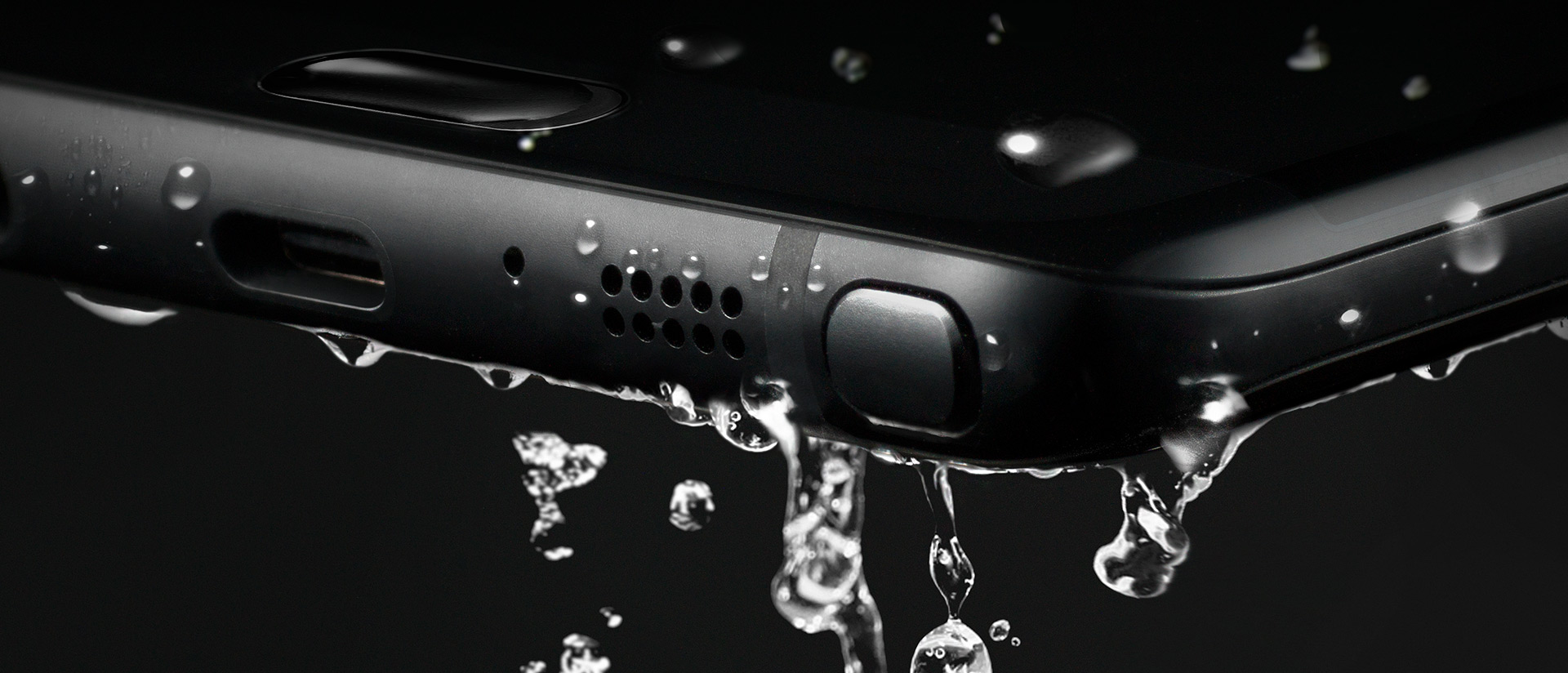
Next, you will notice the usual bottom stuff like the 3.5mm headphone jack, speaker, mic, and S-Pen. This is the same S-Pen used in the Note 5, but more on that later. On the top are your SIM card and microSD card carriage (yes, it’s returned!). and the side features the same power button and separated volume buttons (not a rocker) like the Note5. So, as for the outside of the phone, it’s perfect, and everything fits in your hand just right. Oh yeah, and this phone is water-resistant, meaning you can submerge the phone and it won’t get ruined. It’s not waterproof, as you can’t go a certain depth or have it wet for too long, but a quick dip in a toilet won’t hurt this baby a bit.
Getting Started
As for the setup experience, Samsung has gotten this down pat and it was even easier than with my Note5 last year. Samsung’s new Smart Switch app allows you to plug in a cable to each phone (an OTG adapter is included) and allows you to select what you want to transfer. Files, photos, documents, videos, and apps. You can also select each individual file if it’s to your liking. The downside is that it’s a slow transfer, and impatient people who are excited to mess around with their new phone may bypass this. I chose just a few apps, and it still took 15 minutes to transfer everything. It’s still a great feature and puts your mind at ease about whether you backed everything up or not.
Once the phone was set up and everything transferred, I started to notice how beautiful this screen is. Being QHD (2560×1440) and curved is just mesmerizing. This is the most beautiful smartphone screen I have ever seen. Everything is bright, crisp, and just so true to its real colors. Before I talk about more software features, though, let’s see what’s under the hood.
Hardware — Internal
For the first time in a while, Samsung ditched their own Exonys chipset for a Snapdragon 820 (for North America anyway). It’s a huge difference, as Samsung’s chipsets aren’t really the best, and Snapdragon already has very fast and reliable chipsets. The CPU may have fewer cores and lower clock speeds, but it’s more streamlined, which makes it faster on the software side. The Snapdragon 820 sports 4 cores: 2 running at 2.15 GHz and 2 running at 1.59 GHz. Again, don’t let the low numbers make you think this phone is slow. The GPU is the Adreno 530, which is the latest and greatest for gaming. It sports a whopping 624 MHz clock speed for maximum gaming compared to the Note5’s Mali-T760, which ran at an even 600 MHz. I was able to notice games running at 60 fps, which were done through the software as it was streamlined enough to allow this. Samsung has a great gaming suite (discussed later).
The phone also has Bluetooth 4.1, the latest cellular bands and WiFi, 64GB of internal ROM across the board, and 4GB of LPDDR4 RAM, which is lightning fast and plenty for all your apps. The phone features a snapper from Sony again, which is the new Sony Exmor R IM260, but Samsung’s own front camera, which is their ISOCELL camera, This is the first phone that actually records video in 720p at 240 fps, which looks phenomenal on the screen. If you thought 60FPS at 1080p was amazing (which is standard now), 240FPS is something else.
Write Like a Pro
With that said, let’s get to the S-Pen. It’s not just a copied Note 5 pen with a new color. It looks slightly smaller, and the button is located higher on the pen, like the Note 5. It also has a much finer tip, and this is due to the pressure points being bumped up from 2,056 to 4,096, which is double the sensitivity rate. There’s a huge difference in the way it writes, as it feels like an actual pen on paper. There are also several new software features that make upgrading well worth it. For starters, the screen-off memo has been improved. The phone supports the always-on display, and the AMOLED screen allows the software to control each individual pixel to save battery power. The screen-off memo is now actually truly off, and the pixels turn on as you write, saving power. The Note5 just had a black screen that you wrote on, but the screen was always on.
There’s also a new GIF animation feature that is an upgrade for Smart Select. You can draw a square marquee around a video, record a short GIF, and then later edit it. This is exciting for people who want to send goofy things to their friends. The next brand new feature is the translate button, which allows you to hover over a word, and it will pop up with the translation and audio from Google. This works very fast, but I’d like to see the ability to do more than one word at a time.
Software
There are several other software features that make the Note 7 a perfected Android and Samsung phone. Samsung completely redid their TouchWiz custom ROM, and it looks fantastic. The new pull-down shade, menus, and overall look are gorgeous and complement the curved display and AMOLED screen. I personally don’t like any manufacturer home launchers, but those who hated TouchWiz should take another look. Second, the phone features several new settings, such as a blue light filter if your eyes hurt you when looking at the phone for too long, better WiFi calling, a fingerprint scanner (it’s more accurate), and more accurate smart screen features such as swiping for a screenshot, smart stay, and quick view. The new gaming suite is awesome, and I love it so much.
Gaming Taken Seriously
There are two new tools called Game Tools and Game Launcher. The Game Launcher is a streamlined app that shows all of your games, auto-detects everything (you haven’t had a game that it didn’t detect), and allows you to customize the power-saving features for that game. Already, most games run at 60FPS on the Note 7, but to save power, you can cut it down to 30FPS and even turn off various features of the phone. This is great for lower-end games like Clash of Clans that don’t need to run the phone at maximum capacity. The new Game Tools is a small little red icon (you can move it around) that opens up into a wheel that allows you to take a screenshot, record footage (with audio commentary), turn off notifications, lock the menu and back keys, and minimize the game into a small icon. All these features work smoothly and wonderfully, and I take full advantage of them all the time. I can now record my best hits in Golf Star or make some funny jokes while raiding a village in Clash of Clans and send them to my friends via a Dropbox link.
Biometrics of the Future
I’m saving the best for last; I haven’t forgotten about the iris scanner. Now, this thing works better than I originally thought. The fingerprint scanner in the Note 4 was awful, and I thought the first outing for a new biometric security feature would be the same. I’m dead wrong. The iris scanner works so well that I don’t quite understand how it works. I look at the top portion of the screen, and it just scans my eyes with some sort of night vision camera. Sometimes the iris scanner works faster than the phone can display what’s going on, which isn’t a bad thing. It’s neat, the first of its kind, and a whole new layer of technology. I had someone tell me that it just recognizes the shape of my eyes, but I used three people to unlock my phone, and they couldn’t do it. It can actually read your iris and won’t unlock it for anyone else. This is a wonderful technology, and I feel even more secure knowing that no one will be able to access my phone. Now we just need third-party apps to start implementing it into their software.
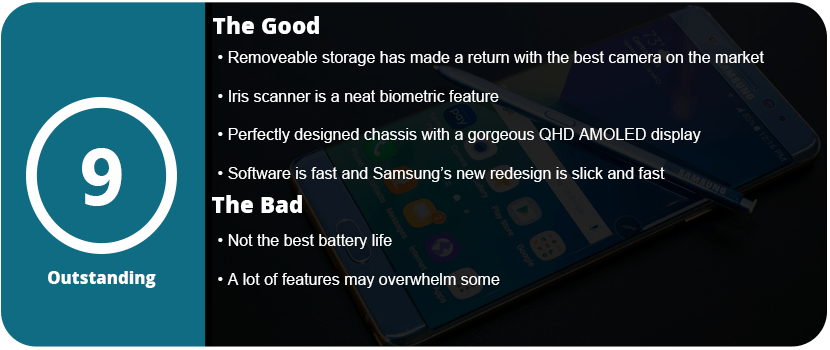
Overall, the Note 7 is a perfect phone. I mean, perfected to a T. I even had a hardcore Apple fanboy comment that Samsung has finally done it and created the perfect phone (he’s currently sweating out the long backorders). From the physical design to the software design, the Note 7 is the pinnacle of smartphone technology. With the return of the microSD card, water resistance, a larger battery, and overall better design, it’s just the perfect phone. It’s fast, powerful, secure, and gorgeous all at once. I know each phone iteration becomes more and more perfect, but the Note5 wasn’t quite perfect, but I can happily say the Note7 is.
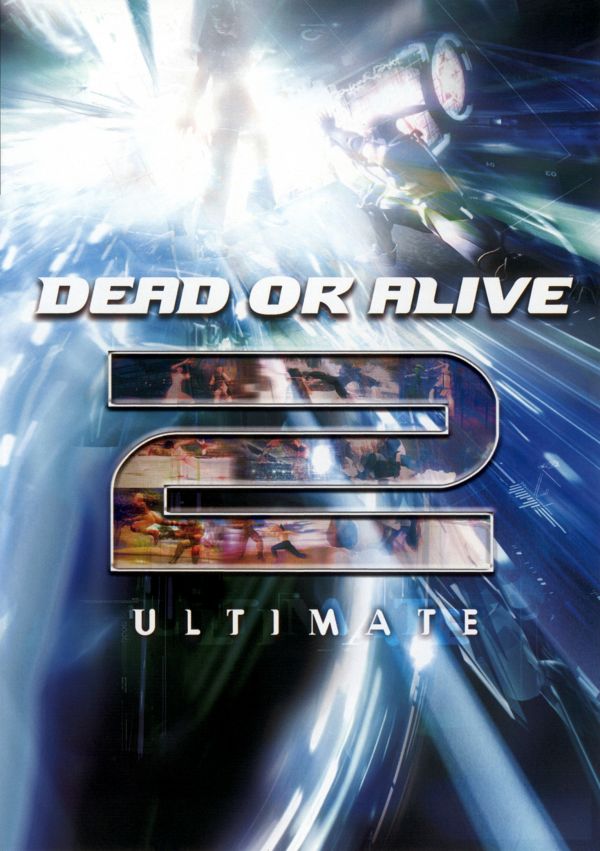
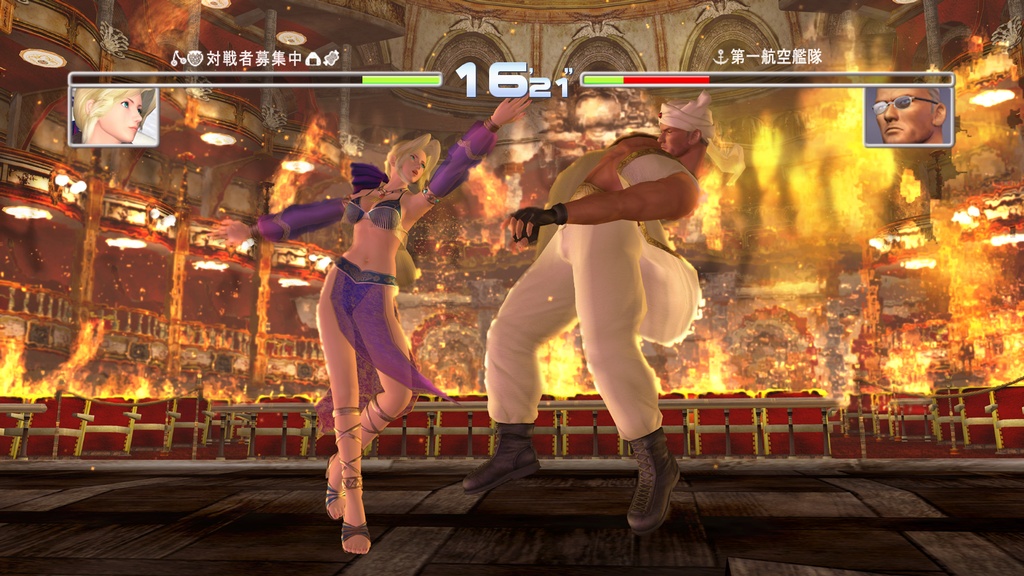
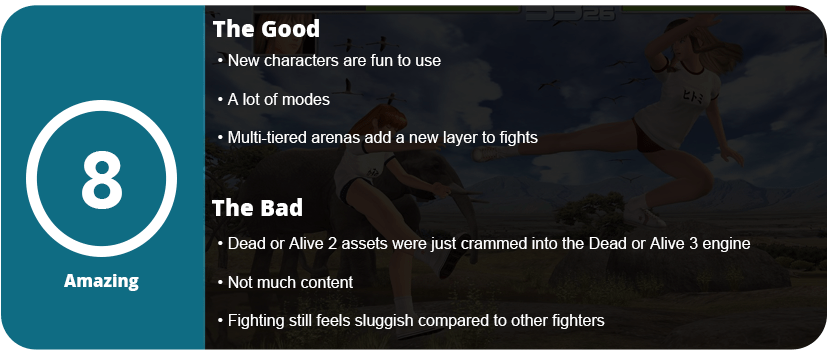
The shining gem in this bundle is actually the remaster of DoA 2, which debuted on the PS2. On the downside, it uses the DoA 3 engine and nearly looks identical to that game, and I’ll explain how and why.
The first thing you will notice is that the menu looks exactly like the DoA 3 menu. Nearly the same modes and even the same graphics engine and character models. That’s not to say this game isn’t worth playing, as, like DoA 1, this is more enjoyable to play than to just try out for educational or nostalgic purposes. If you have already mastered DoA 3, then DoA 2 won’t do much for you outside of educating you on the series’ progression. The fighting system is actually much better and faster than DoA 1. When you jump between the two, it’s like night and day. The fighting system is slightly altered with more moves, animations, and combos. There’re even more characters here, as it almost doubles the roster. What was considered a lot of content back then is standard now, as double match rounds, endless mode, and time attacks just don’t cut it these days.
What I do love is that the arenas took the danger zone idea and added a step by making them multi-tiered way before Mortal Kombat: Deception did it. It’s exciting to knock your opponent off a ledge to get an extra edge over them, and playing chicken with the edges of the arena is a blast. Despite all these great additions, the fighting system just isn’t as refined as in the newer games in the series and still feels a bit sluggish compared to other fighting games.
The visuals look amazing on the Xbox and hold up even today, despite the awful aliasing seen everywhere. I would have preferred a more direct port than taking the assets and shoving them into the DoA 3 engine. Call it what you want, but DoA 2 is a fun game to play and should be in every DoA fan’s collection.
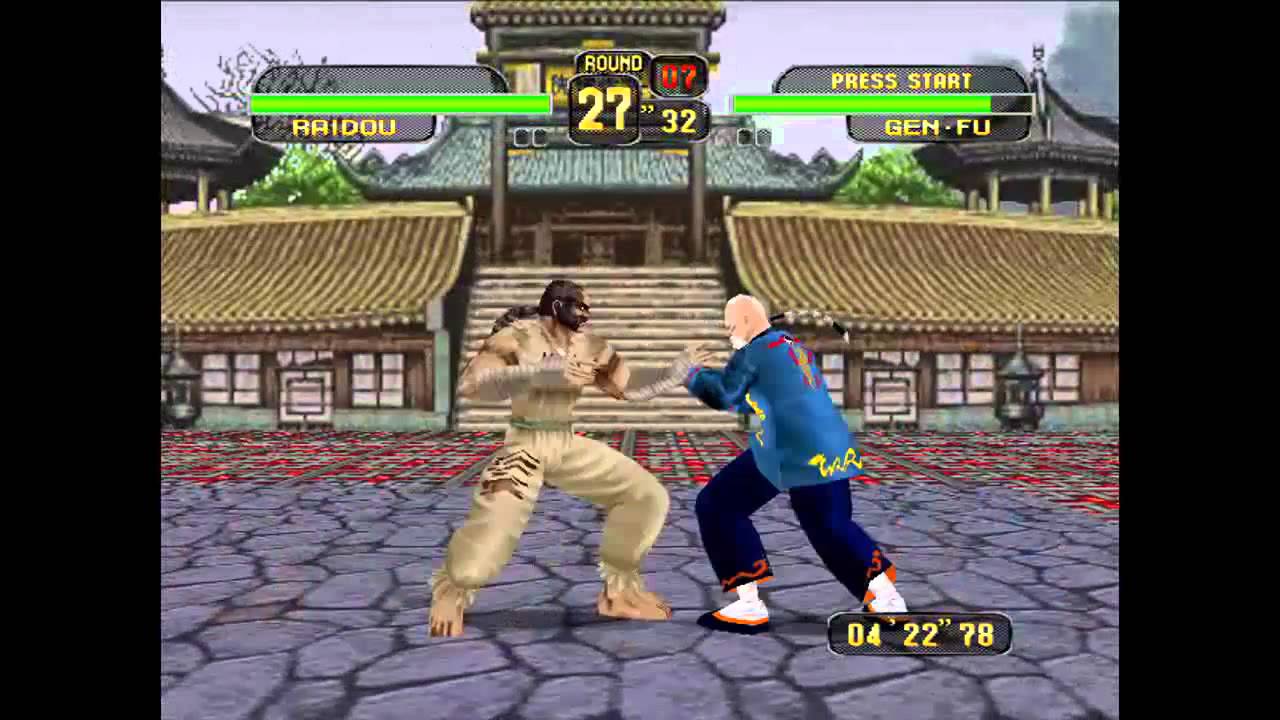
Dead or Alive wasn’t exactly cutting edge for its time back on the original PlayStation, but the game made enough of an impact due to its sex appeal with its female fighters. Dead or Alive is so basic, in fact, that I can’t really recommend this game as something to really get into and master, but more of something to have in a Dead or Alive collection. The combat system is all about holds, counters, and throws rather than fast-paced, crazy action like Mortal Kombat or Street Fighter. It was a slower-paced 3D fighter that was competing with the likes of Tobal, Virtua Fighter, Tekken, and various other 3D fighters of the time.
The story is pretty ridiculous and non-existent at this point outside of what’s in the manual and character profiles, so I’ll spare you the torture. The game actually plays quite well even today, with the baseline of the Dead or Alive fighting system we know today. There are several punch and kick moves along with the counter hold button and throw button. The game feels a bit floaty due to the old engine and physics, but it works. There’s a bit of charm to an old fighter like this. The game also features some of the first interactive stages with “danger zones” around the arena that do extra damage if knocked into.
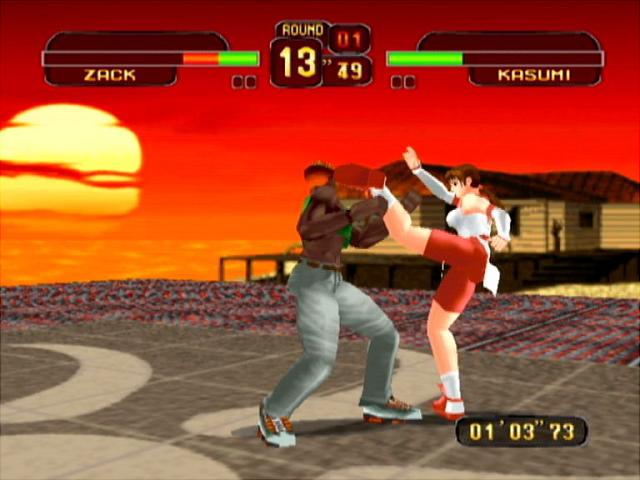
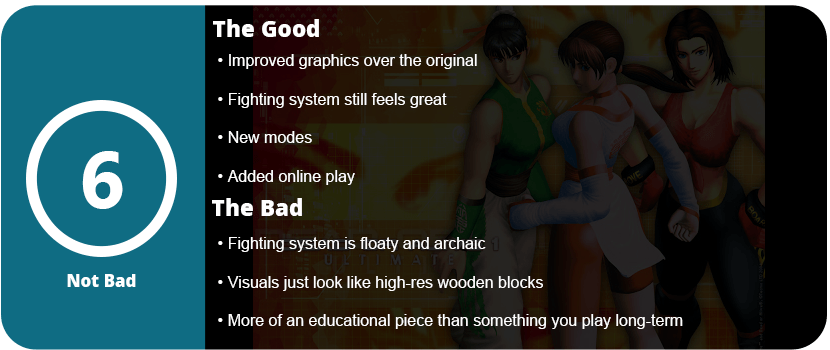
The game received a kind of HD remaster for the Xbox. The visuals are cleaned up with new textures and less blocky character models. What we get is an overly smooth, almost wooden block look to everything, but it still looks miles better than the original game on PlayStation. This version also adds breasts physics, as if that’s needed for something this ancient, as well as a flew of new modes and online play. Even with all these modes, I can’t see myself playing for more than 30 minutes at a time because the newer DoA games just make this one feel so stiff and archaic.
With that said, DoA 1Ultimate feels like a nice bonus compared to DoA 2 Ultimate, which is the far superior game. If you’ve never played the original game, you’re not missing much, but it’s nice to dabble if you’re a hardcore fan.
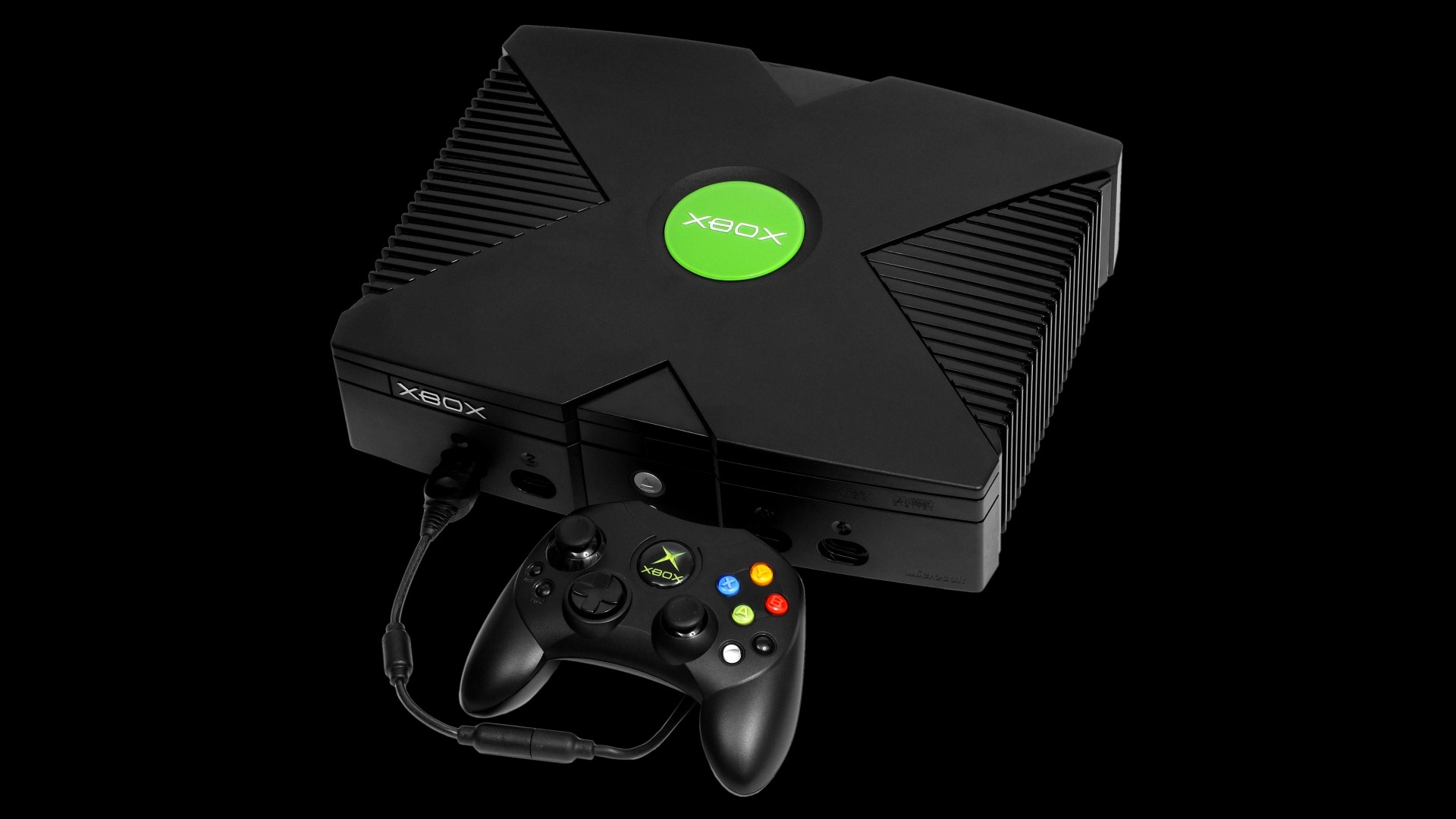
Here’s something funny. All these years, I passed up the original Xbox as just a failed experiment by Microsoft. Not until recently did I realize just how great this system was, what it was capable of, and how advanced it was for its time. I honestly think it got so much hate and low sales because no one understood what it was trying to do. No one really caught on until the Xbox 360 came out, which had nearly the same system and design process, but because it was 5 years later, everyone got it. I don’t think so.
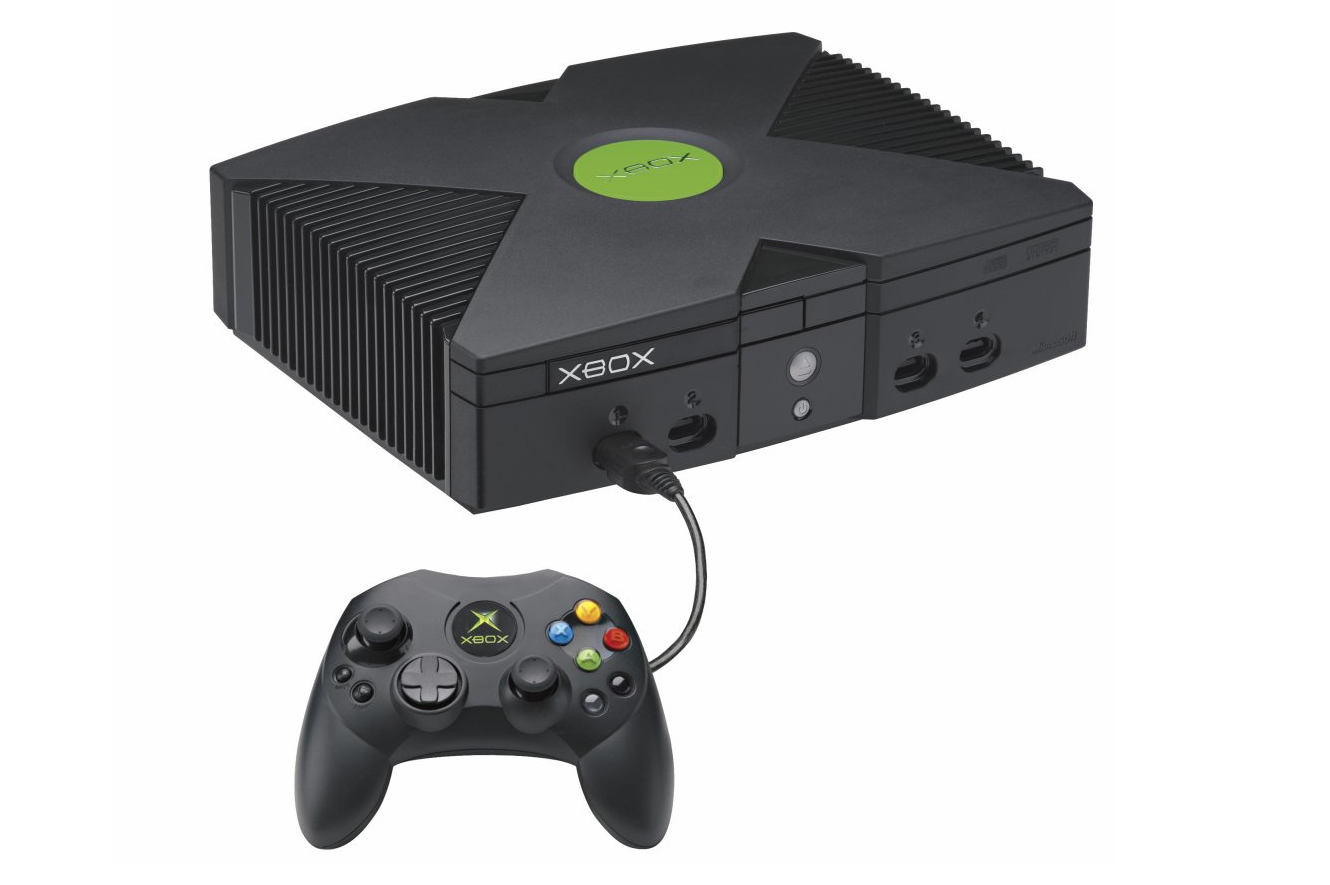
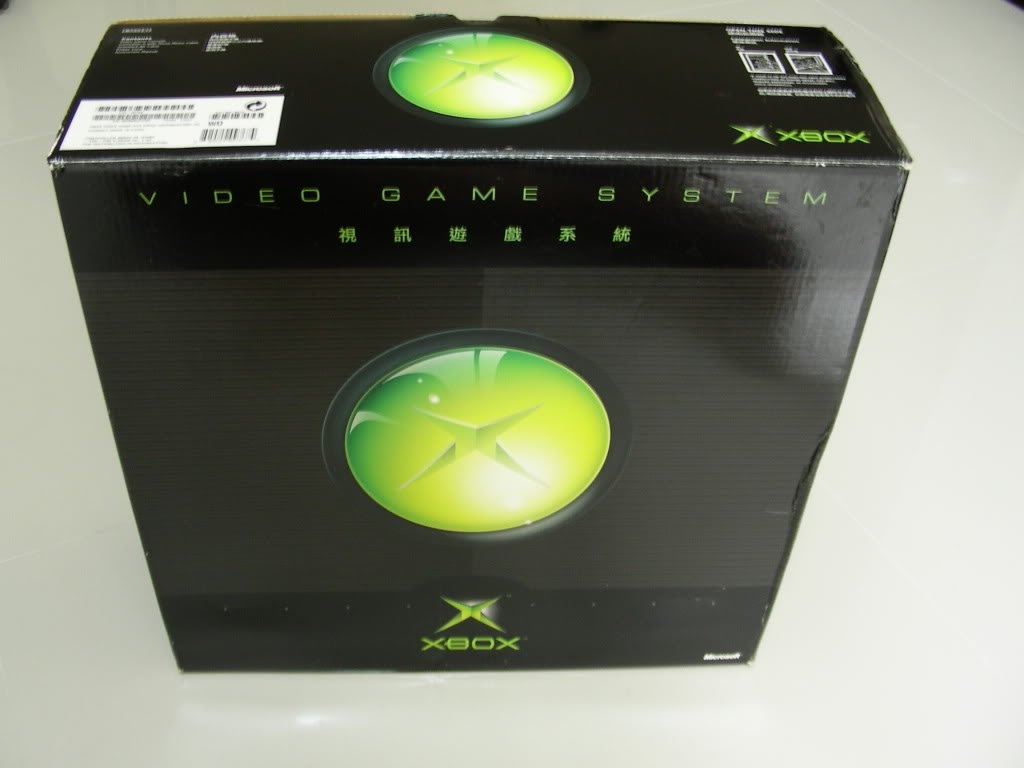
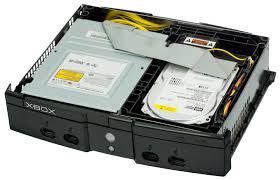
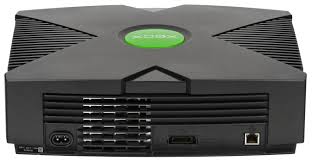
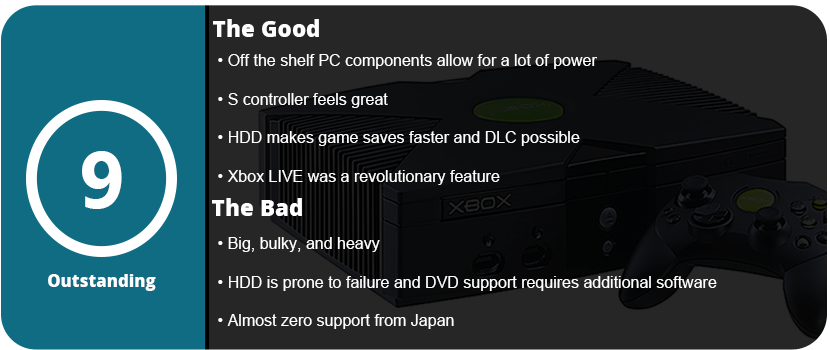
I have to say that the size of the system didn’t help. Sure, the original PS2 wasn’t the slimmest system ever, but it was nearly half the size. This thing is the biggest console I have ever owned or seen. The reason for the huge bulk is that Microsoft thought making a PC into a home video game system was a good idea, and it was. The main bulk of the system is the standard IDE DVD-ROM drive and 8GB HDD. These things are massive and heavy, and this is what contributes to the majority of the weight. The system has the power to throw around, though it is three times as powerful as the PS2 and GameCube. The system was the first to feature PC-type architecture with an Intel Pentium III at 733 Mhz and an Nvidia GPU called the NV2A at 233 Mhz. This made the system very easy to program, resulting in frequent PC game ports and higher-end visuals. Games like Half-Life 2, Halo 2, Splinter Cell: Chaos Theory, and many others looked astounding on the system, and even most multi-platform games were superior on the Xbox.
That’s not to say the Xbox is better than the PS2 software-wise. The PS2 was a much simpler system to use, with just a memory card and disc drive. The Xbox Dashboard and Xbox LIVE were revolutionary, causing Sony to push their PS2 Network Adapter faster and thus the eventual creation of PlayStation Network with the PS3. The Dashboard is the baby version of what we know today. You can change your system settings, and these stay stored thanks to the HDD. You can rip music to the HDD, which was a huge feature and allowed custom soundtracks in games, and you can allow soft modding of the system, which became a huge scene online. Sadly, Xbox LIVE was taken down a few years ago, so this is a single-player system only. The system firmware can actually be updated to the latest with a copy of Halo 2 that has the firmware on the disc. DLC is also no longer available unless you soft-mod your console and download it online. However, most DLC for the Xbox was multiplayer maps, which are really not good anymore.
So with a bunch of processing power, a built-in HDD, and a proprietary online service, what stopped the Xbox? Japanese developers did. While Sega had an exclusive deal with Microsoft to create over a dozen games for the system, Square Enix cut off nearly all support thanks to Microsoft executives’ snotty and arrogant attitude toward foreign developers. This is what gave the PS2 a huge boost and quadrupled sales thanks to many Japanese exclusives that we have known to love, such as Final Fantasy, Okami, Ico, Shadow of the Colossus, and many other Japanese-developed games. Microsoft was stuck with its own in-house studios and everything but the Japanese market. That’s not to say the Xbox didn’t have its own excellent suite of games.
One feature I love about the Xbox is that it supports HDTVs, which the PS2 and GameCube did not. The Xbox was so advanced that it even supported 1080i, which very few TVs touched back in the early 2000s. Growing up, I didn’t know a single person with 1080i input, let alone know what that was. The Xbox also supports widescreen, making it a perfect retro console for newer TVs. I plugged the system in via component and set the Xbox to HD output, and all the games looked crisp and clear. The PS2 had very few games that supported 480p output, as the system didn’t have the power to do so. With that said, the Xbox has 5.1 Dolby Digital and DTS, which sound great even on newer systems. This is supported by the system, thanks to the extra power that can process these channels.
The Xbox also had a fantastic S controller after the infamous Duke was discontinued. The S controller went on to evolve into the Xbox controllers we love today. I’m still not a fan of the Start, Back, Black, and White buttons that are on the arms of the controllers. It’s also odd to not have the bumpers on top, but most of the bulk is from the two memory card slots in the controller that were used to transfer saves to other systems. On the downside, the Xbox does not use the controller to play DVD movies, which requires a separate remote and dongle. This seemed like it was to get more money into Microsoft’s pockets, as the controller could easily be programmed to work.
Overall, the Xbox is a fantastic system that has many flaws but many high points that make it a must-buy for game collectors. It’s really cheap to collect for the Xbox, and the system runs around $50 on average. They are easily moddable, and they have a vast library that you won’t get bored with anytime soon.
I can count on two hands the number of JRPGs I have actually finished from start to finish. I’m not a completionist with these games, as they are long-winded, difficult, and usually very complicated and complex. The Golden Sun is no exception. It starts out as a light-hearted, easy-going JRPG, but then things turn around quickly once you get into the meat of the game.
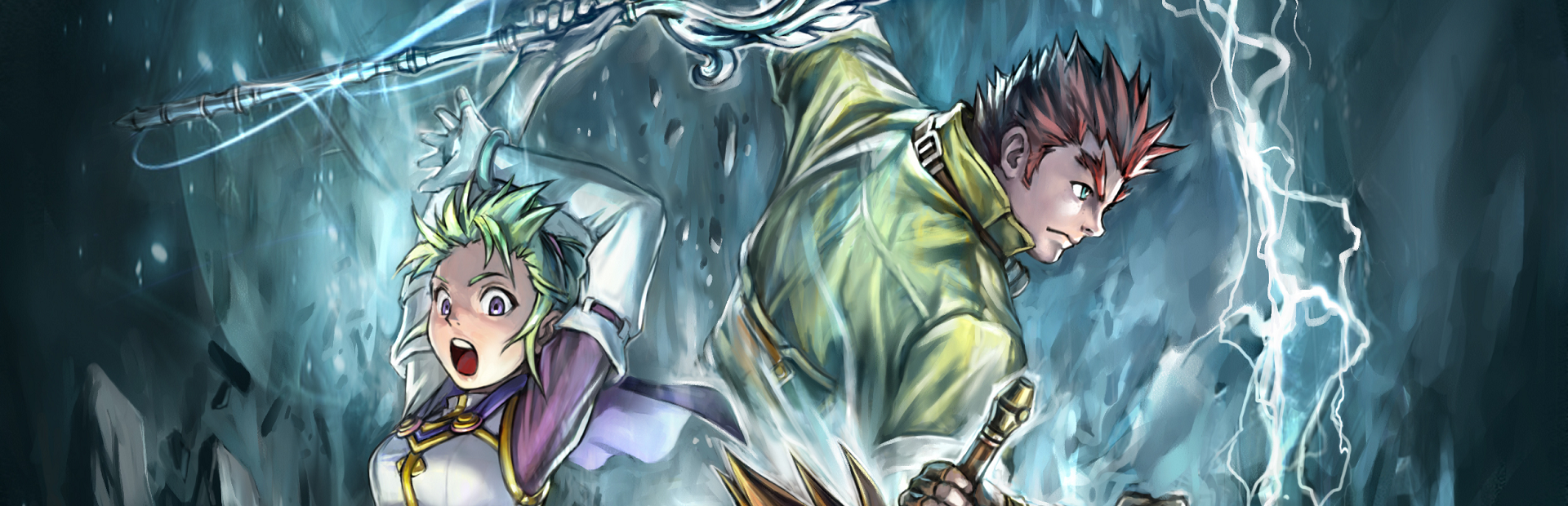
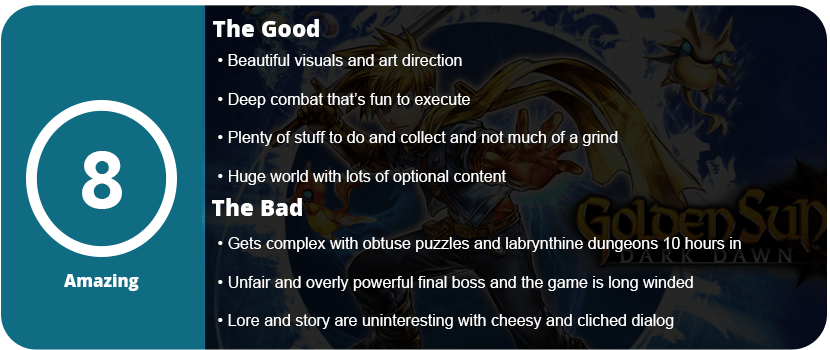
That’s not to say Dark Dawn is bad at all, but it’s the only Golden Sun game I’ve actually played. I dabbled in the first game a bit but never got through it. The first things that got me hooked on Dark Dawn were the visuals, some of the best on the system, and the deep combat system. Golden Sun isn’t just about attacks and magic powers. The lore uses elements of the earth to create psynergy that each hero can harness and unleash, which you will use more than regular attacks. Djinni are little creatures that you can equip to enhance stats, add new synergy powers, and summon giant creatures. The combat system requires quite a bit of strategy, and you can’t ignore this Djinn system. You must go around collecting at least half of them, or you will never be able to finish the game. This is part of where my issues started to set in.
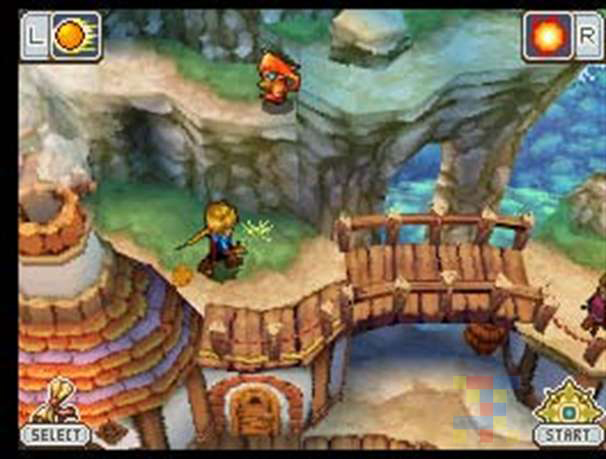
While combat is deep, complex, and quite fun, the exploration part of Golden Sun is just as deep. Every dungeon is full of puzzles that require you to use your psynergy powers to pull blocks, grow vines, smash rocks, and slap stuff around. You unlock these powers as you acquire new party members and go along in the game. The game is actually quite large, spanning a huge map and a couple dozen dungeons, which is quite a lot for a handheld title. Once you get a third through, you unlock your ship, which allows you to access the rest of this world. There are many towns to explore, people to talk to, and weapons and armor to acquire. I never had an issue always having the most powerful stuff, as the game is generous with money during battles. I also found this was the easiest game to level up in, but more on that later.
So, while the first few dungeons were easy and just the right amount of hard to figure out, they became obscure, downright confusing, and labyrinthine later on. I actually needed a walkthrough for the last half of the game. I had no idea where to go or what to do, and the game requires certain objects to be obtained before you can even continue the story. I would never have known this without a walkthrough. When I got to the final boss, I actually had to level up 20 whole levels to beat him because I didn’t acquire all the Djinn in the game. I had to compensate with much higher base stats, even though I had the most powerful weapons and armor in the game. Thankfully, in the final dungeon, the enemies are really easy, and I could level up every two battles, which is something I’ve never seen in a JRPG. The 20-level climb took only about 2 hours, which is fast compared to most.
How about the story? Well, there’s a lot of lore here, and I appreciated all of it, but it’s just really forgettable and not all that interesting. You start out trying to find a bird feather to power a flying machine you broke, and then you end up saving the world? The dialog and writing are extremely cheesy and cliche, and I just wanted everyone to shut up. The characters are nice, but once again, forgettable. I had higher hopes for the story in this series, the lore, and everything else, but it’s just not very fulfilling.
Overall, Dark Dawn is still one of the best games on the DS and one of the best-looking. The graphics are fantastic, with clean texture, high-res models, and so much detail. The game is just brimming with variety and beautiful locales. I can only recommend this game to the hardest of hardcore JRPG players. The game is so complex and full of optional bosses, hidden weapons, and armor that it won’t appeal to most players. It’s fun and pretty straightforward until about 10 hours in, when it gets complex and overwhelming.
Point-and-click adventures are becoming big on mobile platforms, which is nice. Sitting down and relaxing with a great story and exercising your brain with puzzles is a perfect fit for mobiles. Sinless is a strange game, as it doesn’t make any sense, but it is still enjoyable.
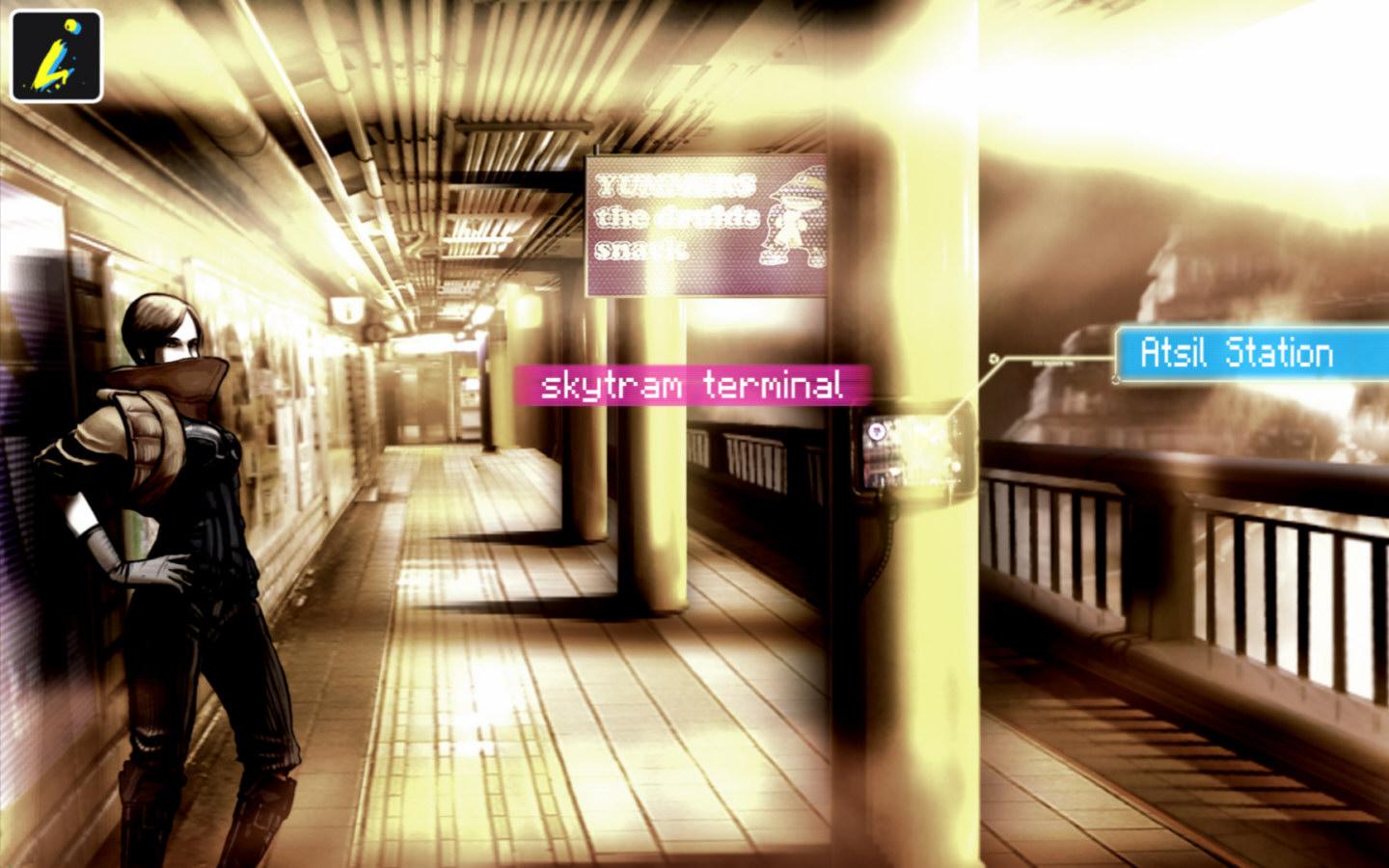
You play in a cyber-dystopian world where everyone is controlled via computer chips called “progs,” which have pre-programmed attitudes and moods. You just so happen to be someone who is immune to this control, and the government wants to kill you. You travel through a strange city trying to find your girlfriend and realize you are part of some prophecy and are some sort of messiah for this desolate world.
The strangest thing about the game is the art style. While it’s great and very stylized, it’s muddy and washed out and almost doesn’t quite work for this game. It’s very hard to see things in these images and find objects to click on. I really love the art, but I feel it’s not right for this type of game. With that said, it really gets the mood and atmosphere of being tense, controlled, and lonely; everyone is living in constant fear. My issues didn’t set in until about an hour into the game, when I realized there were no clues on what to do or where to go next. I had to resort to a walkthrough.
This is usually common in adventure games, but this is a 3-hour game at most. Yes, only three short chapters. There is so much backtracking and obscure conditions you have to meet to finish the game; it was just too damn confusing for me. I was really into everything but the way the game was played. I also didn’t like that the clickable dots only appeared if you left the screen alone for a while. With the washed-out visuals, I wanted them on screen at all times.
At least this game has some pretty cool mini-games that make you smile and appreciate it a bit more. There are also some video game references, such as Mirror’s Edge, which was nice to see. Overall, Sinless is worth the purchase price, but don’t expect much out of it after a 3-hour sitting.
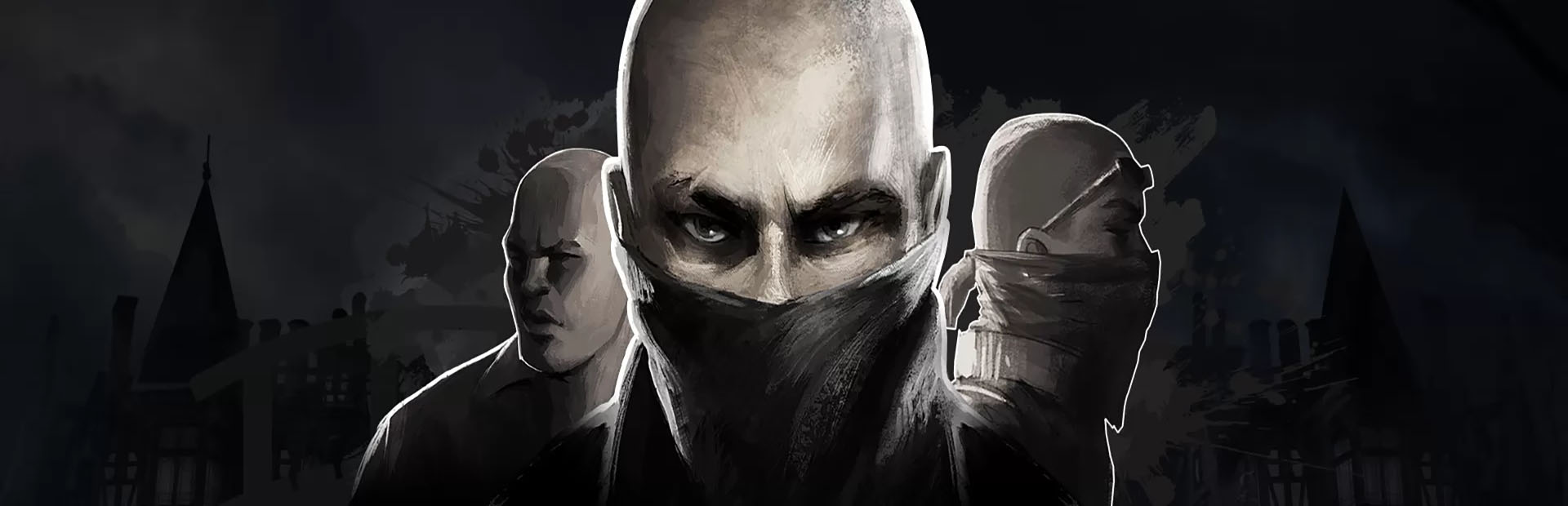
I’m not really a fan of these mobile sniper games, but Lonewolf caught my eye due to the art style and mature content. The game has a noir/mob gang comic vibe to it, and it is actually quite entertaining, albeit formulaic. You play as a military veteran who used to be a sniper and loves killing. You pick up work for a mob boss and stay neutral through the whole thing. Nothing to write home about, but enough to keep you pumping through levels.
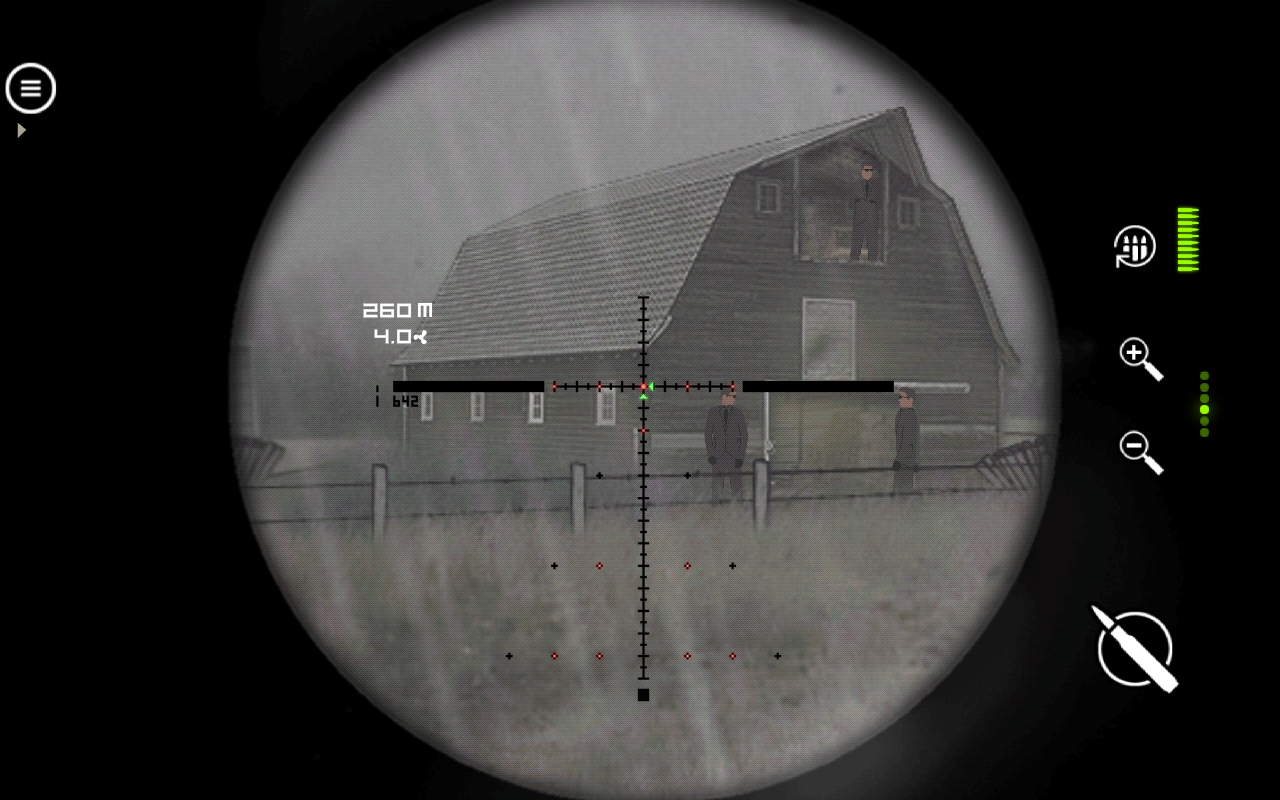
The game is seen through the scope of a sniper rifle. There are plenty of rifles to pick from in the game that are real-world models. You can upgrade them and buy new parts for them, which is quite fun. There’s a zoom button, reload, and shoot—the only three you need in a game like this. Each mission is completely different, which is why I kept playing the game and didn’t want to put it down. After a while, there’s a wind aspect, and you need to lead your shots, which is a huge challenge and actually requires skill rather than luck. Each mission just has a few guys set up to kill, and it’s the order and precision that count. If you shoot the wrong one, someone might see it and blow the mission. There’s a lot of trial and error later on, and it got quite frustrating, especially during the few shoot-out scenes where your aim is really important as you die quickly.
This is also a freemium game, but you have the choice of buying it without ads. With ads, you have to watch videos to reload your retries, or you have to wait. With how hard the game is later on, it felt like this was done more for money than the player’s entertainment value, which is something that’s consistent in the mobile realm.
Overall, Lonewolf is well worth your time as it provides varied missions and relies on your skills to proceed rather than luck or something else. It’s well worth the purchase to remove ads, but if you have the patience, it’s also free.
As if zombie games weren’t already in abundance, we get yet another crappy indie zombie first-person shooter. This game caught my eye due to the live-action cut scenes, and the screenshots looked decent, but man, I was wrong. Not only are the story and the main character, Jack, laughably bad, but the live-action cut scenes are just downright hilarious.
The game starts out with you ejecting from a spaceship for some unknown reason and then crashing into a plane on Earth. You need to stop the plane from crashing, but on your way are zombies. As I picked up the revolver and started shooting, I immediately knew what I was in for. The aiming is bad, the guns feel awful to shoot, the AI is bad, and the physics are stupidly overexaggerated. Sure, some of the zombie models look decent, but this looks like a first-gen Xbox 360 game at best. The textures are muddy and pixelated, the models are awful, and the overall design of the levels is just plain bad and cramped.
So, let’s have an open mind and overlook the bad gameplay design, overly stupid story, bad AI, and awful gunplay. But if you do that, there’s nothing left to forgive, right? The game is already too long, clocking in at about 4-5 hours, but I couldn’t make it to the third level; it was so bad. Even if you just want to enjoy the awful live-cut scenes, that’s not even an option. Hell, even the menu is bad, and as soon as I booted this game up, I knew what to expect. Could this game even be a little good? Maybe for a laugh with a couple of friends, but you won’t get any value out of this game at all.
Overall, Chasing Dead may have had something with live-action cut scenes if it was done right, but there’s not a thread of hope for any part of this game that the developers could build off of. It’s a typical bad zombie shooter to please 12-year-olds who have $10 to blow on Steam.



































 thebinarymessiah.com
Try multiplayer. A lot of fun !