Due to the lack of console exclusives now I had to add some categories. This new one is all about which system just had the best year. This can include really well-done hardware upgrades, great console exclusives, the least amount of terrible launches, the least amount of bad controversy, new software upgrades that are a major deal.
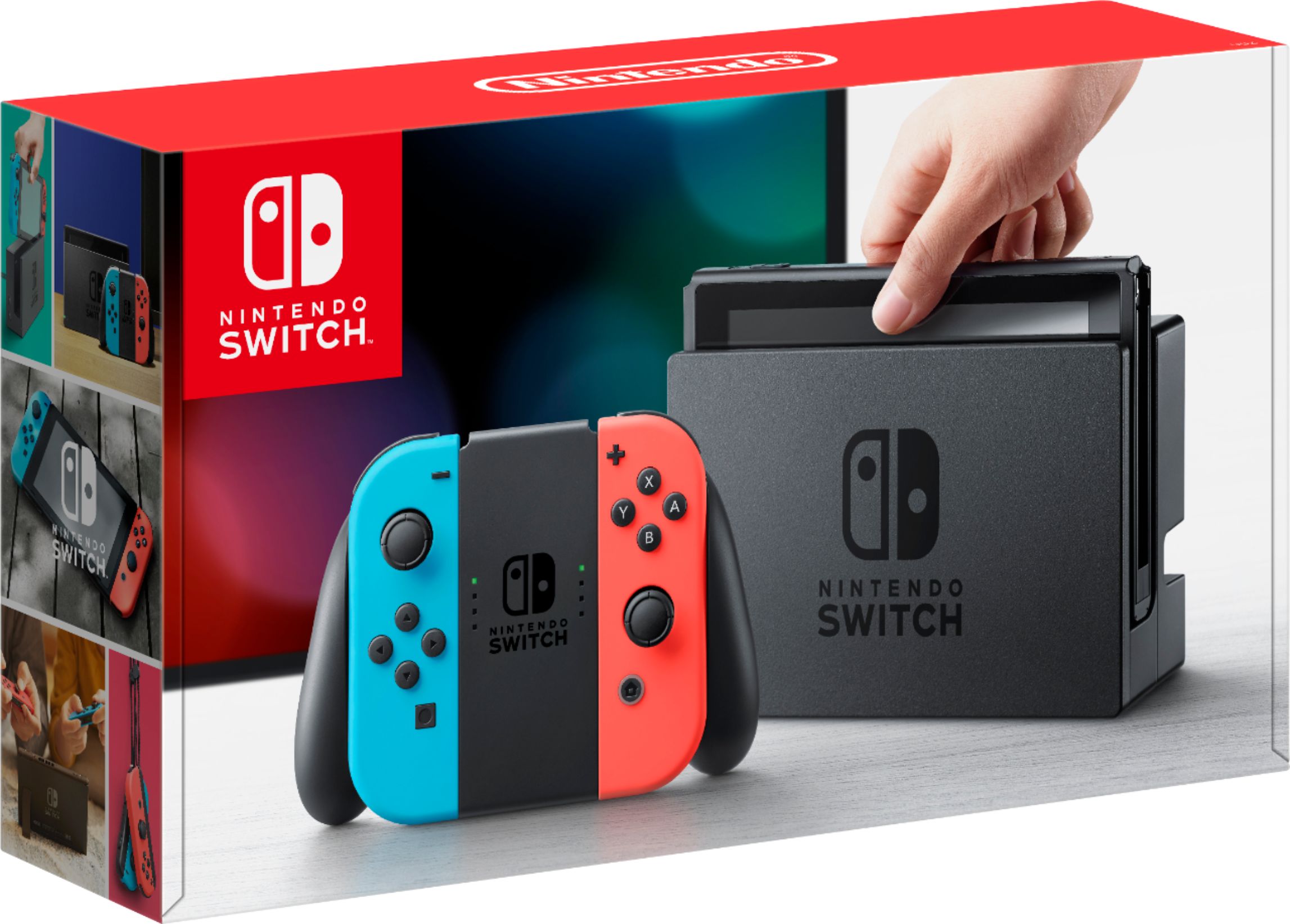
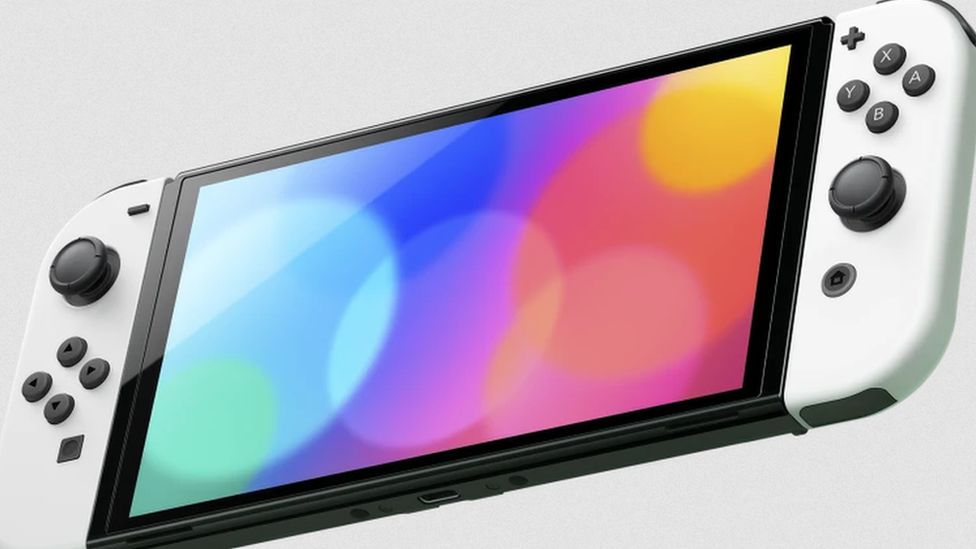
The Switch had a rock solid year despite chip shortages. The Switch Lite and even the bigger version were available all year in stores — the only console you could pick up all year. The Switch OLED launched in October with a higher price point, but a more premium feel and a fantastic OLED screen. There were also rock solid exclusives releasing nearly every month and many of them reviewed well and were worth owning. We didn’t get many awful launches, and bluetooth audio was added as a feature this year as well which was a huge deal. There was some great official accessories released like the Skyward Sword HD Joy-Cons. Overall, this was just a positive time to be a Switch owner.
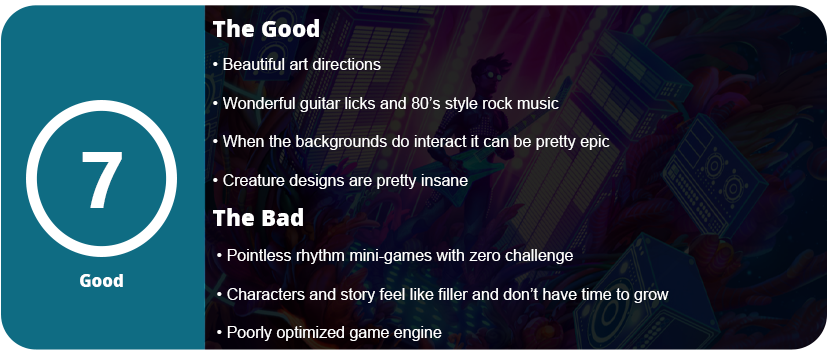
Space rock operas aren’t something you see in gaming much, and The Artful Escape is a visual and auditory treat for the senses. You play a young boy who is living in the shadows of his late uncle, who was a famous folk singer in the town he lives in. He feels forced to follow in his footsteps when he is actually a metalhead at heart. You are sent on an acid trip of a space rock opera through a universe of weird space creatures and worlds. You meet a man named Lightman (voiced by Carl Weathers of Rocky and The Predator fame), who is the most famous person in this universe and shreds like no other. He wants to help you overcome your fear of being yourself, and you go on a journey together to impress the tastemaker, who is the ultimate deciding creature in this universe.
Don’t think too much into the story, as it’s mostly filler for just a sidescrolling walking simulator with light rhythm mechanics. You always move to the right and can hold down a button to shred your guitar. It sounds awesome, and I never got tired of hearing the licks repeat. Each planet has its own licks, but the visual flair and usefulness of these are never explained, and despite being able to just hold down the button and shred while you slide down slopes, jump over platforms, and bounce on things, sometimes the background interacts and the background music will swell as you jump and shred. It’s cool when it does and sometimes gives me goosebumps because the music is so good, but 75% of the time I was just holding down the button, not sure when it would trigger an interaction.
At the end of each stage, you come across a boss of sorts that displays a Simon Says-style rhythm pattern. There’s zero challenge here, as you don’t need to memorize anything as you can play as the buttons appear. You also don’t get penalized for messing up, and that note just starts over. I found this mechanic fairly pointless and just filler, as some of these sessions are only a few notes long. It sounded and looked cool, but that was it. There’s pretty much zero gameplay here. The sidescrolling and shredding are literally an excuse to turn this story into a game. I also loved the art. There are crazy creature designs and lots of vaporwave aesthetics going on, with a multitude of lights and colors all over the place. Sadly, that’s all the game really offers. While the voice acting is also good, the dialog isn’t anything exciting, and I didn’t care at all about any of the characters. The game is so short that you don’t get any time to really invest in these characters.
So what we get is a three-hour adventure with great visuals and music but boring gameplay mechanics that only enhance the game in rare moments. I also found the engine poorly optimized, as even on high-end hardware, the game dipped well below 60FPS in some areas with lots of lighting effects going on. Turning everything down to low didn’t help much, so this is clearly an optimization issue. With that said, The Artful Escape is great for metalheads who want to chill out for a few hours and enjoy the visual treat, but otherwise, you aren’t missing much here. This is sadly just another adventure game where the developers think it’s cute or revolutionary to forgo any gameplay and solely focus on the visuals and music, but they forget this is a game first.
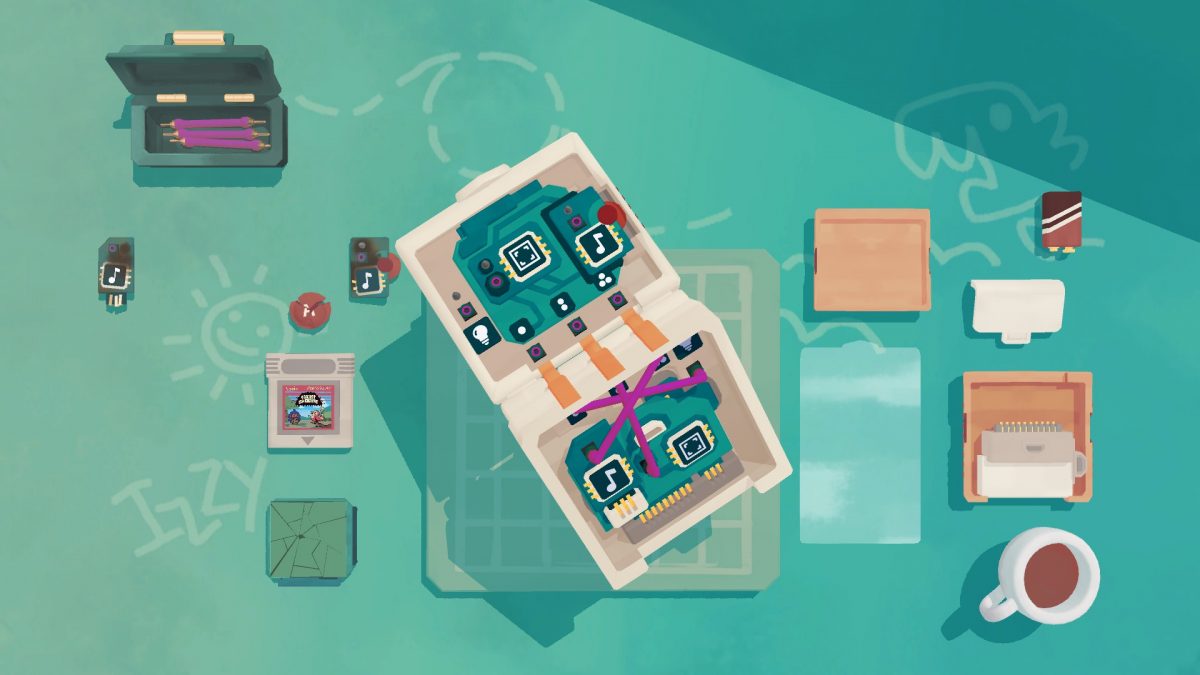
When I think of casual games, I usually think of games that are relaxing, stress-free, usually offer a good story and characters, and have a great world to explore. With mobile games, this is true as well, but I feel that despite how great Assemble with Care is, it’s held back by the casual game constraints too much. The mechanics and idea of taking apart devices and fixing them is an itch that games like House Flipper and PC Building Simulator scratch, and when I saw Assemble with Care, I thought it was going to be the same. The fact that a voiced narrative is included was just a bonus.
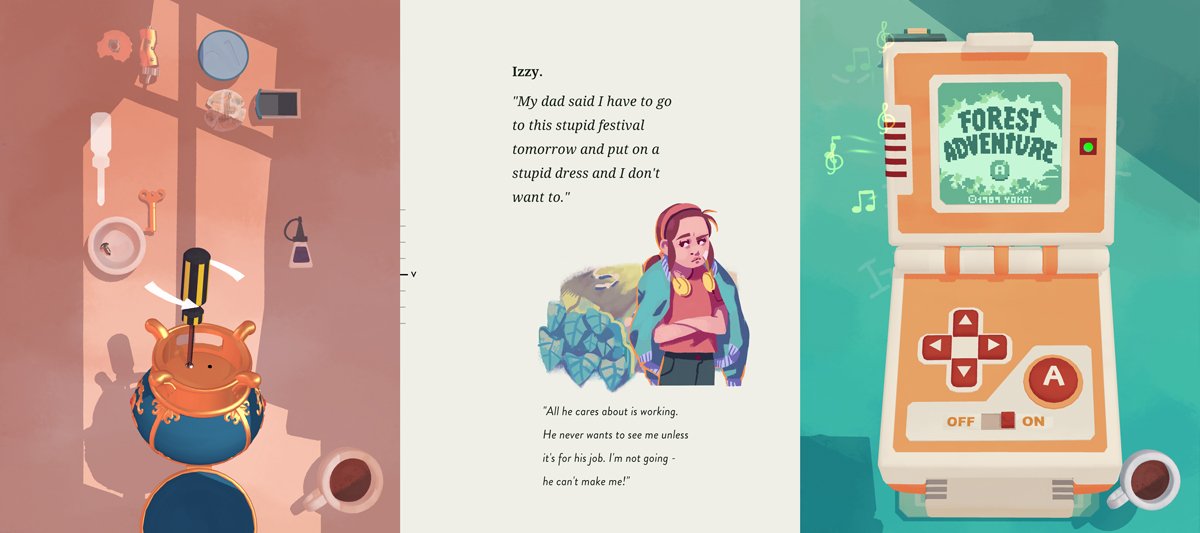
You play as a female hobbyist repair woman who travels to Belariva for a vacation and relaxation when she ends up getting involved in the town’s squabbles. She runs into a mayor and his daughter, and a cafe owner and her sister. She is the key to getting each party to resolve their family issues, and of course, her tinkering helps that. The story itself is well voiced, and UsTwo games are well known for gorgeous visuals and unique gameplay, but the game falls short here. Every chapter, out of thirteen, has a device you need to disassemble and fix and it’s really neat. I couldn’t wait to get the next device, as they did get slightly more intricate as you went on, but the game handicaps itself by allowing snapping of parts that are allowed only in one spot, so it’s not really a puzzle anymore. The biggest challenge came in disassembly, as there’s not much to tell you about how to do this.
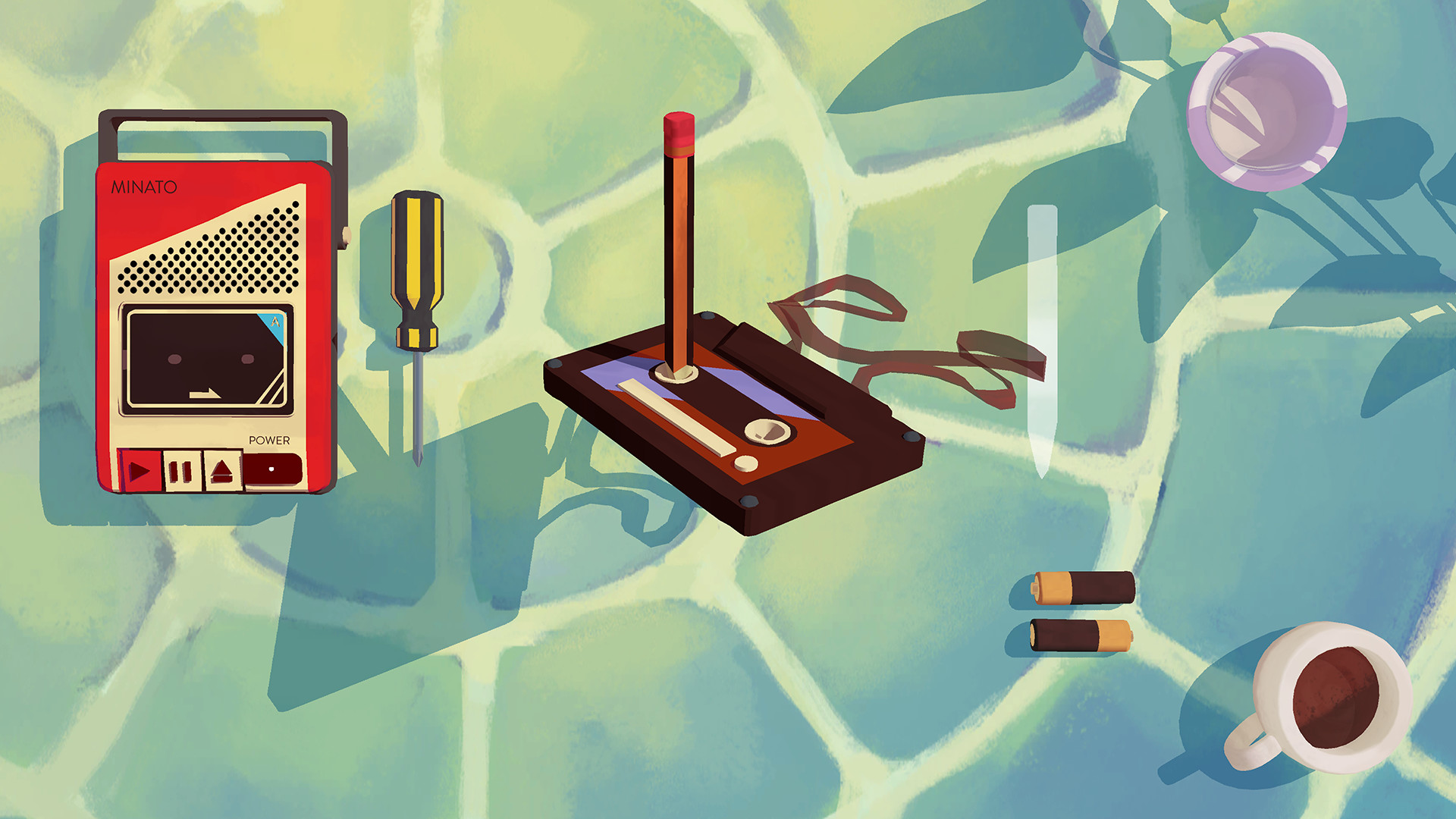
Various devices range from a GameBoy Advance SP to a watch, a music box, a record player, a portable cassette player, and others. You get everything you need laid out in front of you, such as a screwdriver, cables, or various parts to repair the item. Long pressing allows you to take things apart, and there is a swiping motion for screwing things in and out. You can rotate the device, as every side needs to be inspected. Most of these puzzles can be completed in just a few minutes, and each chapter has voice dialogue at the beginning and end.
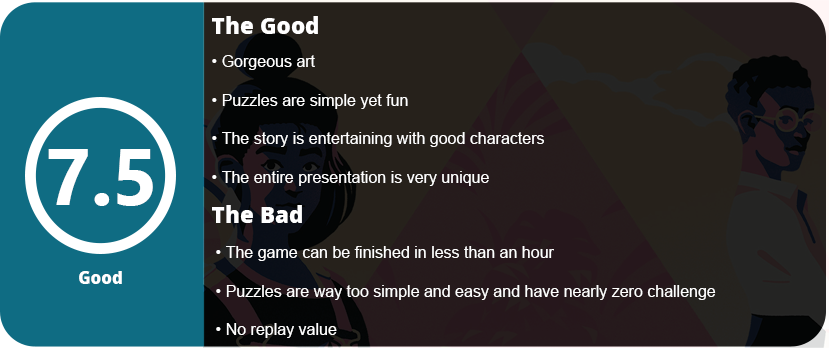
The art is great in both the story stills and the 3D graphics of the objects. Bright watercolor drawings and flat pastel textures just pop on the screen. I didn’t want the game to end, however. I felt like more chapters could be added, as the story isn’t memorable but entertaining and a bit touching. I still wanted to know the fate of each party’s families, and for less than an hour of gameplay, UsTwo did a great job with the storytelling. Sadly, once the game is over, there’s no reason to go back at all. The puzzles will never change, and they’re way too easy to be replayed. I wish the puzzles weren’t as easy and had more intricate and smaller parts, or just something more complicated.
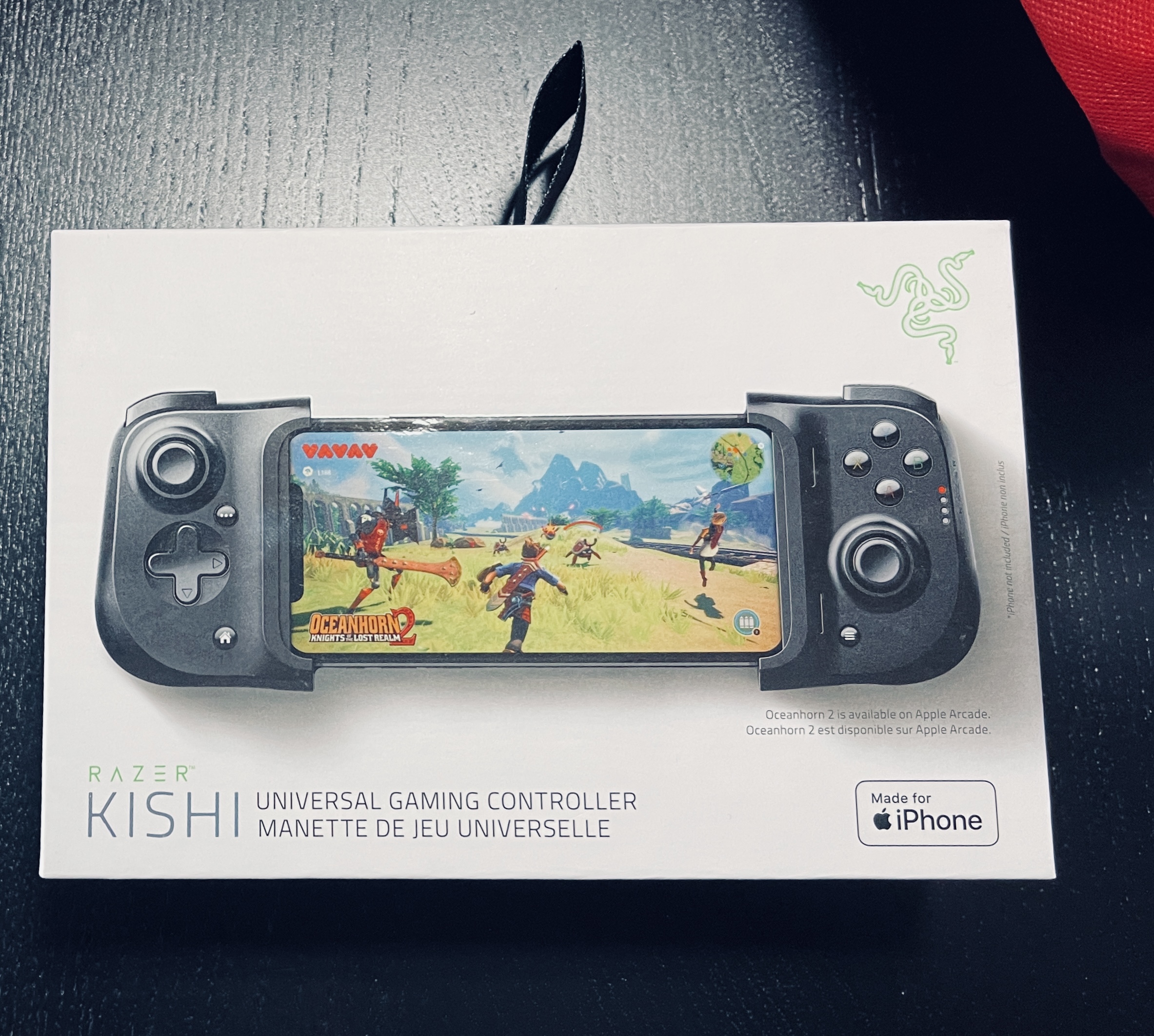
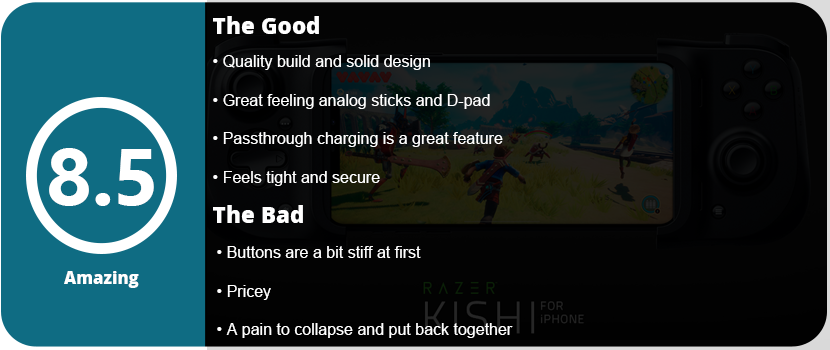
When it comes to “vise”-type” controllers for phones, there’s been an increasing demand for quality now that mobile games are pretty much console quality. We still get nice, simple games, but sometimes we want our console experience to be super portable. It used to be that Apple took quite a while to catch on to official controller support. It wasn’t until iOS 13 that Bluetooth controllers were officially supported. They have been available on Android for nearly a decade, but the cheap Chinese devices never quite held up. So there are two animals you can tame. The traditional controller with a phone clip or the vise-style controller I personally prefer the console, as it feels more like the Switch or a traditional handheld console. I always felt the controller and clip were super heavy, and view angles got weird.
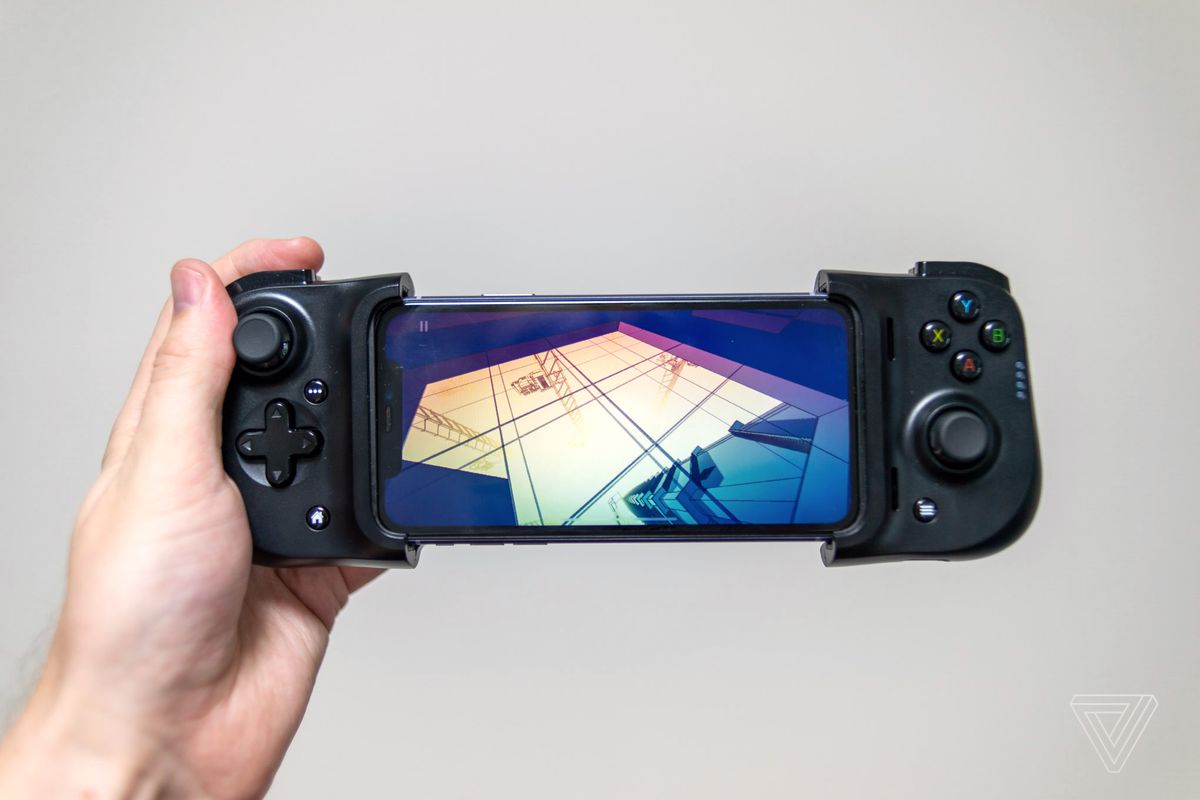
Within the last couple of years, major gaming companies have been making official controllers for phones. With games like Call of Duty: Mobile, PUBG, and GRID: Autosport, there’s a reason why. These games play phenomenally better with controllers. The Kishi isn’t perfect, but it does a great job of giving us quality where we need it. The vise actually folds into itself, which is something I can’t say for cheap Chinese devices that I have used. They have this weird sliding mechanism that’s spring-loaded and just feels too rigid and universal. This controller is hand-tailored for iPhones, and using my iPhone 12 Pro Max was a dream with this controller.
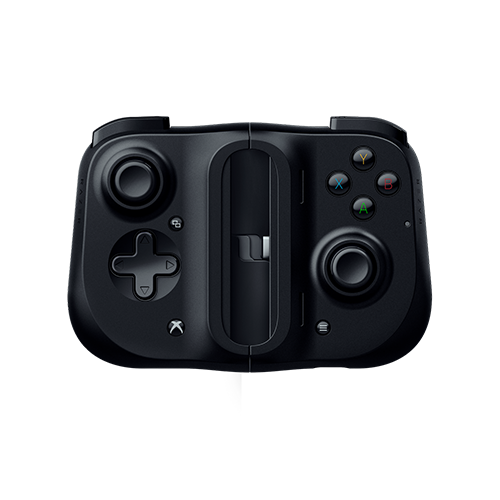
The first issue I ran into is that unfolding the device is a pain. There are two pull tabs that are oriented awkwardly and don’t have a nice snap or click when they unlatch. You have to pull the controller simultaneously and just let the controller kind of fall apart, and some wiggling is required. The controller is basically two halves of a controller that are connected with a soft rubber band that is anchored with plastic pieces at the end that have a peg that allows for stretching. There’s a rectangle backpiece in the middle that has support pegs that rest on the back of the phone. It feels tight, and I never felt like the device didn’t stretch enough or too far. There are spacers for smaller iPhones, so the band still gets tight. You insert your phone into the lightning port side and slide the other half on and it just pulls tight and it works. The right side is solid, but the left side has a bit of giving and wiggle, but this is because there’s no port to keep it in place. I never noticed this while gaming.
The controller feels solid in the hands and like a handheld system. Of course, ergonomics are only half the battle, and the other half is how the buttons feel. The alternate analog placement (Xbox style) feels amazing. These are some damn fine analog sticks, and I felt they weren’t too loose or tight. They click nice and are just full-size analog sticks that feel similar to an Xbox One controller. The D-Pad is weird, but at least it rolls and rocks and isn’t separated like the Switch or PS4. You can easily use this with fighting games, which is my point. The face buttons are similar to the Switch but feel a tad stiff. They aren’t loud and clicky like Moga controllers are, but you eventually get used to them. I noticed that after a week, they loosened up a tad. The Kishi has triggers similar to those on the Xbox and two shoulder buttons. The shoulder buttons are stiff as well, and the analog triggers are a little loose for my taste, but you get used to them, and they aren’t a deal-breaker.
There are three other buttons: one for recording and taking screenshots, a home button, and a menu button. They are located below each analog stick and are out of the way. Other than that, my next favorite feature is the passthrough charging, but it’s oriented at the bottom and out of the way of your hands. This allows for longer tethered gaming sessions. You can use a power bank in your pocket or sit near an outlet; it’s great. When you’re done the controller easily snaps back together, but only after you figure out how. You have to orient the tabs inside just right or it won’t go together. It took me too much time trying to figure this out, but essentially the small gray tabs on the inside need to touch and you know it’s oriented correctly. Then the back plastic piece just snaps on to keep the halves together. It’s a rather compact thing when it’s all said and done and easily fits into small pockets.
With that said, there’s not much left to say. There is an app that upgrades the firmware, but mine didn’t need it. Other than that, if the game supports controllers, it will recognize this device. I have yet to play a game that supports controllers that won’t see the Kishi. The only issue was Real Racing 3, but there’s been a long-time glitch that requires you to put the game in airplane mode to use controllers, so that’s not Kishi’s fault. For the price point, you’re paying for quality, and this is well worth $100. I know console controllers are $40 cheaper, but this thing is a bit more complicated to make and has more moving parts. I think it’s well worth the money, and it turns your iPhone into a portable handheld gaming device.
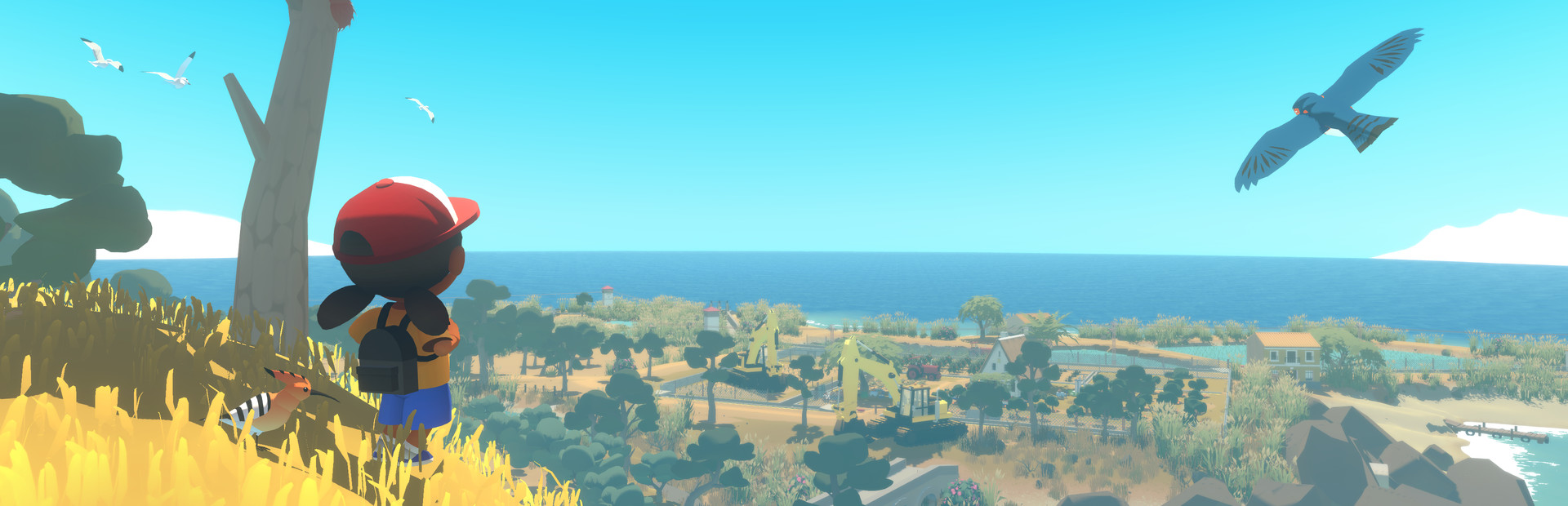
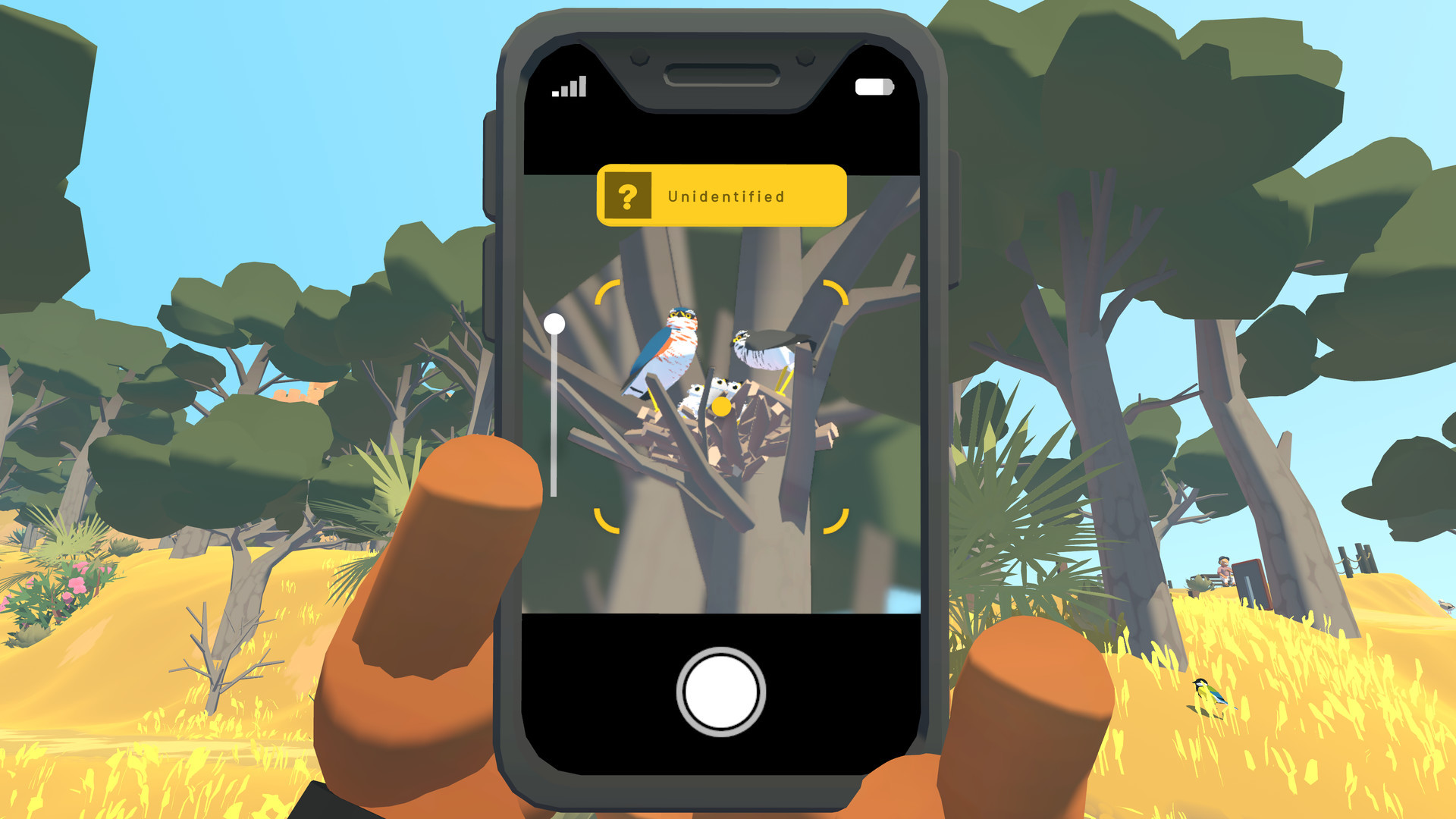
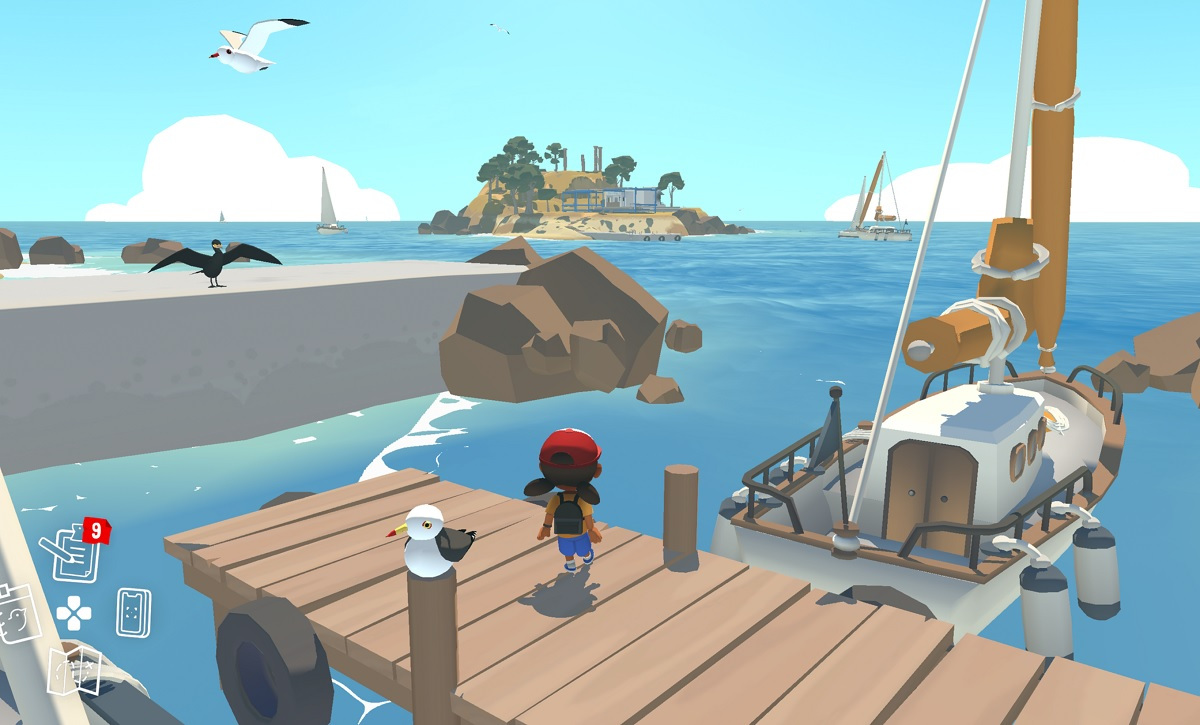
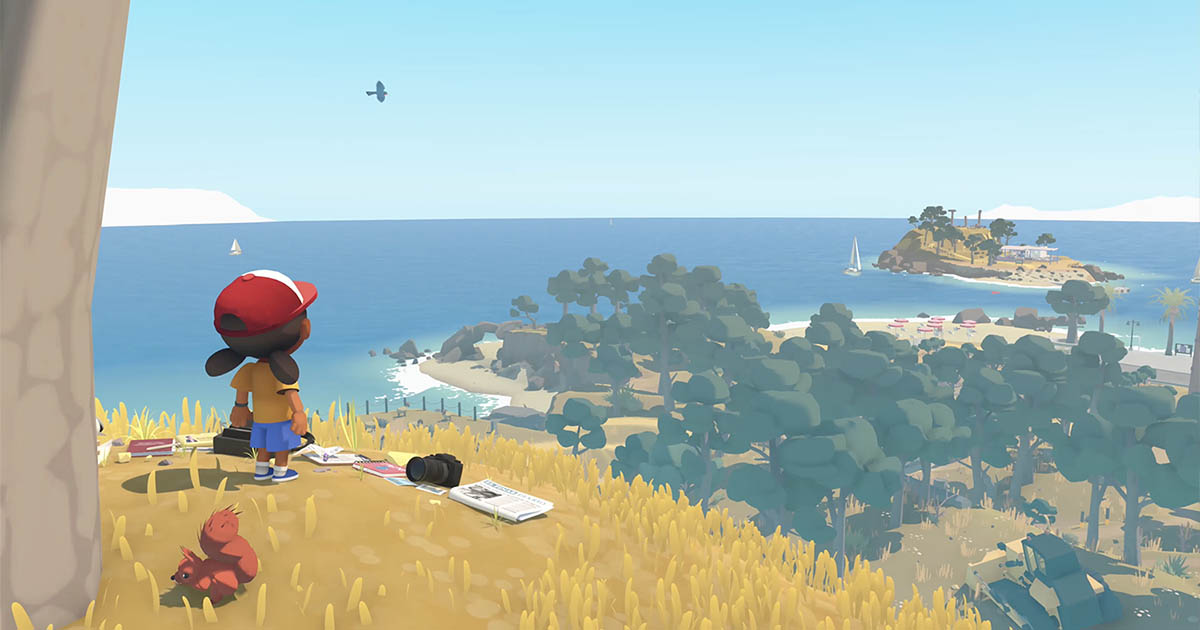
UsTwo’s next game is a small adventure game where you play as a girl named Alba, who is trying to save the local wildlife reserve from corporate hotel moguls. You run around the island trying to gain 50 signatures on a petition to give to the mayor in hopes it will stop the construction. The main gameplay loop of the game is taking photos of 62 different animals on the island via your phone and scanning them with an app. Other objectives include picking up trash, restoring birdhouses and feeders, and rescuing animals from toxic chemicals.
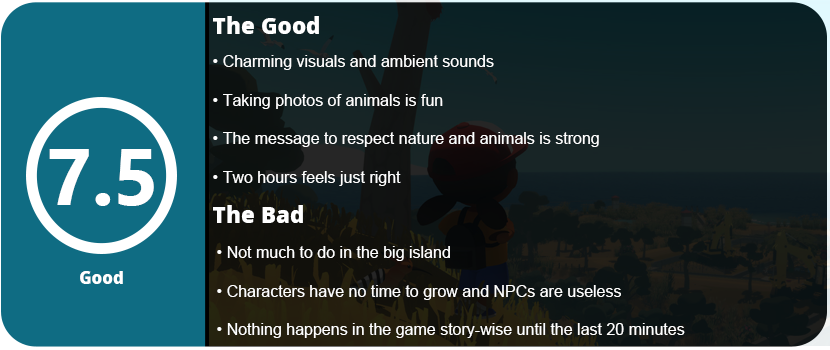
The island is broken up into small areas, so it’s easier to navigate and find where you need to go. Side quests have a green arrow, and the main objectives have gold ones on the map. The entire game is broken up into three days, and you will complete most of the game within two hours fairly easily. Sadly, most of the game is running back and forth between areas with very little to actually do. Picking up trash and fixing items is about all there is to do here. You can also replace photos on info boards, but most everything is done during the main story, as you will come across every area at some point. You can talk to most of the townsfolk, but they have nothing important to say except to waste your time as per NPC regulations. They don’t even offer side quests, which feel odd.
I did enjoy taking photos of the animals, as tracking them was a lot of fun, but sometimes there is just one bird you can’t find somewhere to complete a side objective, and it’s quite irritating and frustrating. While the idea of respecting nature and animals is a great message to get across in a game, I felt nothing for the characters as there wasn’t enough time to do any world-building. For most of the game, you’re just trying to get the 50 signatures, and nothing really happens until the last 20 minutes of the game. For such a large island, I felt there could have been more to do with maybe some mini-games or more side objectives. Even adding more animals that aren’t 90% birds would have been nice as well. Animals are categorized as rarities, but I don’t see how this has any bearing as there’s no point or rating system for finding these animals. Hell, there isn’t even an achievement for finding all the animals in the game!
The game at least looks really pretty, and the low-poly art style with bright, vivid colors is great. The game has good lighting effects, and the sound effects of animals everywhere are a nice touch. Alba controls well as she runs around the island, and I didn’t run into any bugs or crashes of any kind. However, on my iPhone 12 Pro Max, I still ran into frequent slowdowns, especially when zooming in on the phone. This phone is more than capable of running this game at 60FPS, but it needs better optimization. You will end up seeing what the entire game offers in the first 30 minutes of the game, but that’s not to say this game is boring. Two hours is probably just the right length, to be honest, as any more would overstay its welcome due to the lack of things to do. I highly recommend this game to young players for the message it delivers and to any gamer for just a relaxing and chill game.
Well, this is an awkward position I thought I would never be in. A lifelong Android user is switching to an iPhone. Both sides would ask why, and I have many reasons for the switch. For one, Samsung hasn’t impressed me outside of their ungodly-priced fold phones since the Note 5 was released. Every phone since has been almost the same, with just newer parts inside. While technically Apple is guilty of this as well, I feel their ecosystem evolves, changes, and improves within itself, while it almost seems every phone manufacturer is held back by Android itself.
I switched over mostly for the games, as Apple always gets the better games, whether they are console ports or not. Apple Arcade is a huge step up over Google Play Pass any day. I also haven’t done a phone review in a few years, because what’s the point? Every Android phone is basically the same these days, minus any gimmicks. I feel I’m well qualified to do this review as a contrast and comparison, as I have had nothing but Android phones for the last decade. My first phone was a Motorola Droid back in 2010, and that review is on this site now. The last iOS device I had that wasn’t an iPad was an iPod Touch 4, which is also on this site. So, this is my first ever iPhone, and it has been a very interesting transition.
The Unboxing and Setup
Well, I was shocked that I walked out of a T-Mobile store in Portland while I was on vacation with a brand new, sealed iPhone 12 Pro Max, and it was blue, by the way. A gorgeous color for the phone. My wife also made the switch about 3 weeks ago, but she’s gone back and forth between the two companies since the iPhone 4S came out. As I opened the box, did the usual SIM swap, and started the phone up, I felt I was in for a rough transition. I had so many paid games and apps on Android; how was I ever going to switch over? Sure, I had some paid games on iOS from my iPad I had a couple of years ago, but a phone?
Well, the unboxing was pretty underwhelming even for an Apple device, and I checked my first box for things I don’t like about the iPhone and Apple in general: No charging adapter is included. The second checkmark was a lightning cable to USB-C. You can’t use just regular USB-C cables, but only these cables. Apple’s stupid proprietary crap strikes again, and I hate it. I had to order a set of cables and chargers on Amazon as my Samsung Galaxy Note20 Ultra cable won’t work and it doesn’t even recognize charging on the adapter.
With that out of the way, I tried doing the Android to iPhone transfer app, and it’s complete garbage, of course. The iPhone said it would take over an hour to transfer 8GB of mostly just photos over, and that’s unacceptable with a good wifi connection and fast speeds. There is also no way to stop the process, as you must shut the phone down and reboot. I then ran across the app just freezing and locking up, and even after I selected just texts and smaller files to transfer, it never transferred anything in the end. Wonderful. The rest of the setup was easy enough, but I found another thing I hate about Apple. Their security is good but too strict for the user. I realized I had a passcode on my iPad, and I was trying to figure it out but just couldn’t after signing in. I wanted to reset the password, and I was told it could take days or weeks as my request has to be manually processed to make sure it’s me. Excuse me, what? I just spent over $1,000 on your device, and you can’t let me reset my password like everyone else automatically? Even worse, if I didn’t remember my iPad passcode, I was boned for good, as Apple can’t reset these. Why? Thankfully, I remembered my iPad pin lock passcode, and I had the Apple account password saved in Google Passwords, so I was safe there, but I just really hate their security on the user’s end. It’s just too blasé.
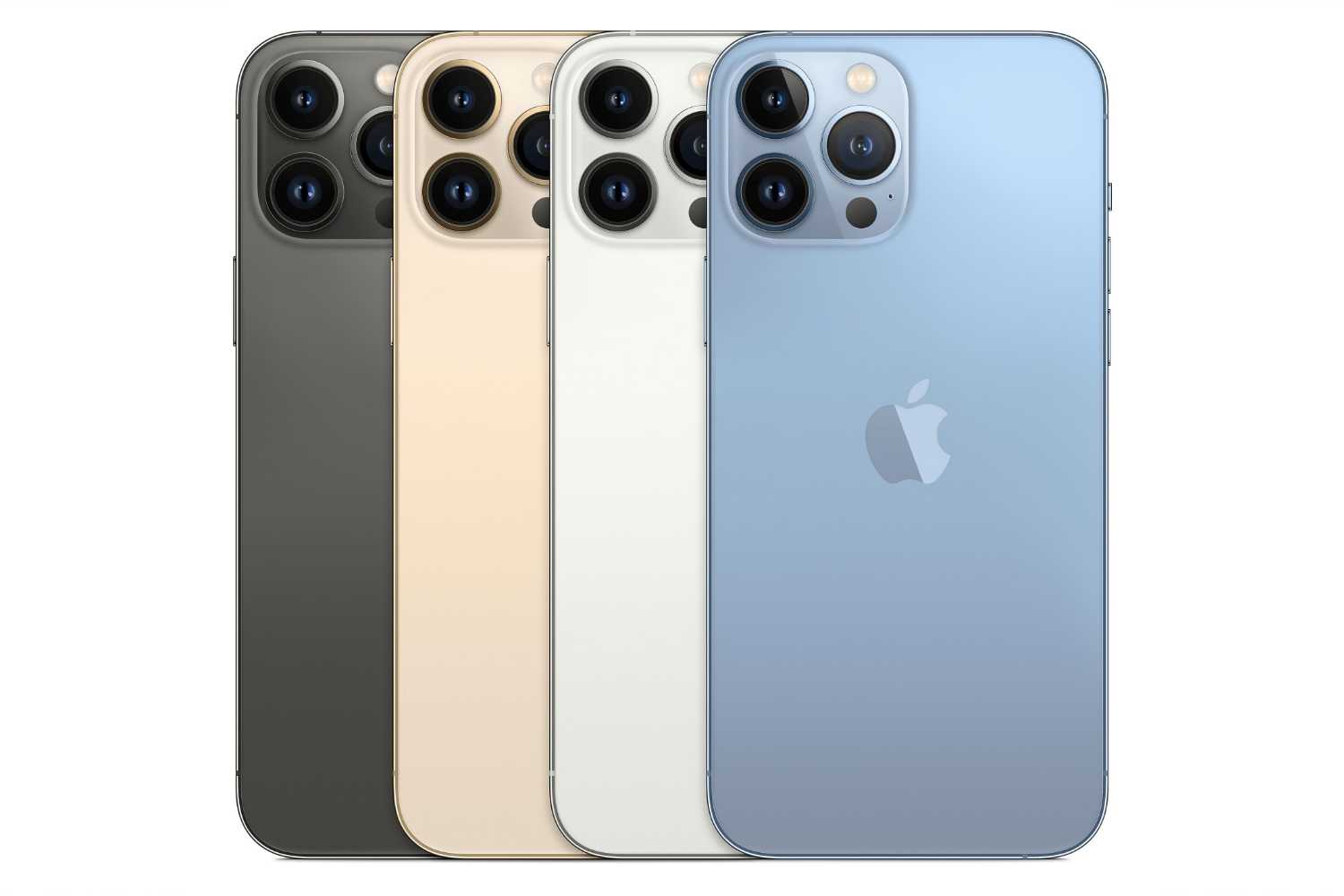
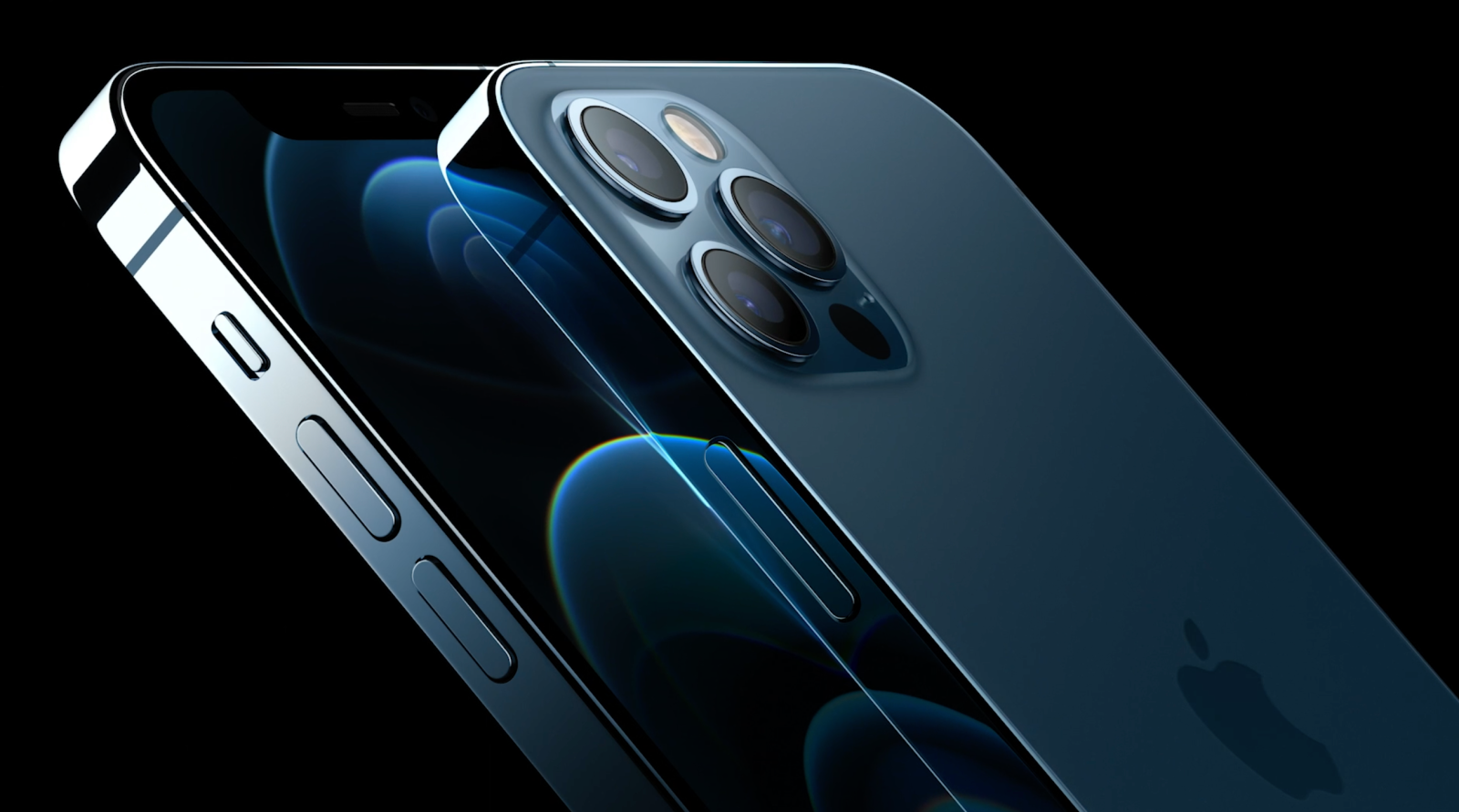
After the initial setup, I took a good look at the phone itself. It’s sleek, sexy, and well-designed, like always. The iPhones started to look ugly around the 5th generation era up until it was redesigned again with the iPhone X. I’m glad the aluminum back is back as well as the sides. I hate the glass backs, as they make the phone more fragile. Samsung loves this for some reason, and I’ve always hated it. The phone feels like an iPhone again. Round edges and no curves around the sides. It’s sleek and uniform, and I really do like it. The blue color is subtle yet fits the design well, but these big-ass camera bumps will always be ugly.
Hello iOS, My Old Friend
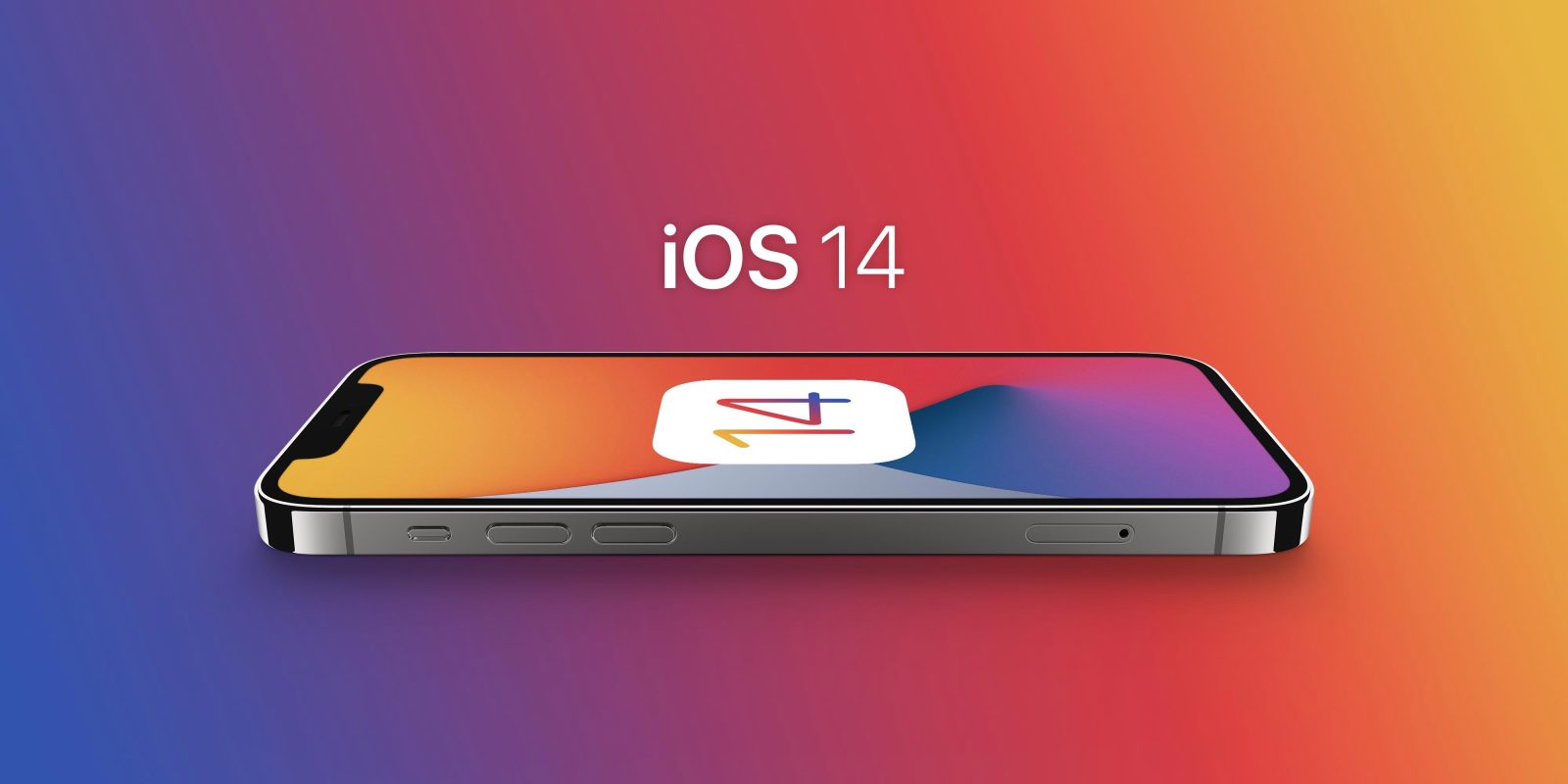
Once I was plunked onto the home screen, I sighed. It’s the same! Nothing has changed in 13 years. While that’s true on the surface, I know iOS has evolved a lot in other ways since the 4th generation. Even then, I could make folders. Apple thought to finally give us something similar to the Android app drawer with the App Library that is accessed by swiping all the way left. It auto-organizes into categories, and you can search, which is nice but very limited. Apple also finally allowed widgets, which have always been a big selling point for Android phones. They work well, but since this is a newer implementation, not a lot of apps support it. It’s nice to finally have my email, weather, news, and calendar all on one screen rather than switching through apps or that horrible swipe-down window thing they did a while back.
However, there are still no themes, alternate third-party home screens, or anything like that you can get on Android. I can’t truly make the phone look unique without jailbreaking it. Not even colors! I can only change the wallpaper, and that is it. I understand Apple has their own thing going, and it’s their OS and their own phones, but let us do what we want! At least create an official theme store on the App Store. I could change the always-on image, theme, and many other things on my Note 20, and that will be greatly missed, probably the biggest thing that will be missed. While some people feel it’s a hassle and too much, it’s a staple of the Android ecosystem.
Let’s talk about ringtones as well. What’s with this Garage Band nonsense? I either have to buy ringtones on the iTunes Store or import them with a third-party app. Zedge is the go-to app for ringtones on Android, but it still stinks on iOS. It’s such a hassle. I just wound up buying some ringtones, and I’m upset that you can’t change ringtones for each app like you can on Android, only system apps. Unless the developer creates special ringtones for you to pick, you have to hear the same sound as everyone else. Get with the program in terms of customization already, Apple; it’s not that hard.
As I dove into the settings, I felt simply lost. Even five days later, I’m still trying to find things and noticing stuff that needs to be adjusted. Part of this is Apple’s incredible security, as I am now able to choose whether apps can track me or use GPS, and I have complete control and am told what each app wants to do. That’s amazing! Android is still lacking in this matter, and it’s still too much of an afterthought over there, but Apple has nailed it, and they keep all of these app developers in check with it. I feel the system settings need a serious overhaul, as these haven’t ever changed, not even once. They keep the same categories and just add more stuff inside. While most of it seems security-related, at least there are a lot of options, and you do have control over what every app does. Screen time was a recent thing a few years ago, and even this is something not available on Android phones. Everything is well categorized, but there’s just so much here that it can feel overwhelming.
Apple took out the fingerprint scanner and now relies on Face ID, and I have to say it just works really well. Compared to Samsung, it’s a joke how bad Samsung’s facial recognition is. Even their in-screen fingerprint scanner is finicky and doesn’t always unlock when you want it to. Face ID just works fast, and I haven’t had any issues with it in any lighting conditions. However, I do hate that I have to still swipe my phone after unlocking it. This is a dumb thing that needs to change already.
There’s an App for That
While Android phones still sell ten to one over iPhones, everyone caters to Apple. Anything and everything is on the App Store, and it all runs and feels better on iOS than Android. While most apps work fine on Android, you still get compatibility issues across devices. The upside to the App Store is that it’s all made for one device, and most apps just feel better. I ran apps on this phone that have been on Android for years, and I noticed features that didn’t exist on Android or that just ran better or looked better. You also don’t get as much garbage on the App Store, and it’s at least filtered out better. The App Store is just better-looking and sleeker than the Google Play Store. You get front-page feeds, articles, and lists that make it feel like a store. While Google Play is sleeker and better designed, it’s still essentially a mess of apps all over the place. Apple does a good job siphoning apps into your interests and keeping the good stuff away from the garbage. Not to mention Apple Arcade is a much better value than Google Play Pass. There are so many console ports that are top-notch quality because it’s just one phone you have to develop for. Android gaming is so hit or miss because if you run a lower-end phone, you’re not going to be able to play much, and Apple gets all the timed exclusives. While there are quality games on Android and pretty much every mainstream game, there are so many on iOS, and they just run and feel better.
A lot of the time, with games on Android, I would be locked out of higher graphics settings because my phone is too new and it takes months for the developers to fix it. Another issue would be that higher-quality assets won’t download because the phone is too new as well. I would also have crashes, or the game just simply wouldn’t be available for my phone for some strange reason despite being the most popular and newest device on the market. Android users get locked out of a lot of stuff if a developer doesn’t enable the app to be compatible with certain devices.
That’s the joy of iOS—everything just works. There are always crashing issues on Android with something or something on the phone that is somehow broken, in beta, or needs to be fixed and is ignored. Google leaves everything up to the phone manufacturers to add or fix anything they didn’t do in the latest Android build. That also leads to phone updates. With iOS, you get them the day Apple makes them available. I can’t tell you how sick and tired I was of waiting months or sometimes a year after Google released the latest Android build. There is so much waiting and even then there are things always wrong with the latest build with Android. I used to have to reformat my phones after each major Android update. Then there’s the blockade of the mobile provider, as Samsung might have the build ready, but it might take 3 months for T-Mobile or Verizon to approve the OTA update. While it’s gotten better over time, I still have to wait months for the next update, and Samsung only supports their phones for 2 years, and then they stop updating. With iOS, you get support until that architecture just can’t be supported anymore.
So with that said, if you have the latest iPhone, you know every game will have the best graphics settings and run the best. It’s that simple. With Android, there are low-end devices, mid-tier devices, and high-end devices, all with different results. Android phones also use off-the-shelf parts, and literally, up until the last 2-3 years, the Android OS has finally stopped getting laggy and constantly freezing over time. iOS is snappy, always feels fast, and rarely ever freezes or crashes. A lot of times, apps would just freeze and crash or completely stop working on my Note 20 Ultra. It was rare, but it shouldn’t happen at all. Sometimes a new phone would cause my emails to not come through, I’d have mobile data connectivity problems, wifi calling wouldn’t work properly, or something along those lines every single time. With iOS, you have a worry-free experience all around.
Please Die iTunes
My #1 complaint about the iPhone still stands to this day, and it hasn’t gotten easier. You still can’t transfer files and photos over with any ease unless it’s already on an iOS device. I spent an entire afternoon trying to figure out how to transfer photos over from my old phone. I know there’s the iTunes method, but you have to keep everything in a single folder, and there’s no sub-folder option. I’d essentially have to reorganize everything. I can’t drag and drop, and third-party transfer software is still limited. It’s all complete nonsense, and it shouldn’t be this hard for just photos. I wound up just storing them all in the cloud in the end, because unless you transfer everything to iCloud, you’re pretty much screwed if you want it on your phone. With Android, you can copy anything over to the phone or SD card with ease, like any removable storage. I thought by now that at least regular media would be easy to transfer over. iTunes still stinks; it hasn’t changed one iota in the last decade, and it’s still limiting.
To Stay or Not to Stay
After less than a week with my iPhone, I have to say I’m really impressed. Very little needed transferring, as any of my old accounts on apps still support Google, even on iOS. I will say that Apple Maps is awful, and I still prefer Google Maps, and the same goes for Chrome. While it’s not as feature-rich on iOS as on Android, it’s still miles better than Safari. There are some built-in apps that are great, like iMovie, Clips, the AR measuring app, and Pages. Apple has always been the best at productivity software, and there’s nothing like this on Android at all. Google itself has barebones offerings like Google Docs and Notes, and every other manufacturer is laughable in comparison. These built-in apps are top-quality and incredibly useful.
The thing is, iOS feels polished and stable, while Android still feels like an ever-evolving OS because it is. It started out very rough, and because of the open-endedness and hundreds of different phones, it took much longer for Google to get where it is than Apple. Even 10 years later, Google still isn’t where Apple is in terms of controlling and keeping a lockdown on their ecosystem. I have to learn every new Android phone because each manufacturer has its own version of the OS, and this can get tiresome after so long. Each major Android update seems to offer and do less and less, while Apple still has major features implemented into each major update. While I love the customization and overall openness of Android, I am not such a die-hard fan that I refuse to see its issues. Android has a long way to go still before it becomes as well-established and polished as iOS. On the gaming front, iOS feels like its own platform, like Nintendo. Android has always felt like a third-rate generic video game system platform, and that has never changed. Sure, you can run emulators easier, which is a huge selling point for mobile gamers, but iOS is just a better-polished platform. It feels like the phone version of Nintendo. Complete control, top-notch quality, and they don’t play games with developers. It’s Apple’s way or the highway, and sometimes that’s for the best.
I miss not being able to charge apps to my phone bill; customization is still very limited; and overall, the majority of the OS hasn’t changed at all, while Android feels like night and day compared to 10 years ago. But is that a good thing? Apple hit its stride and was happy with it, while Android 2.0 felt like some beta OS that you sign up for for fun. If I don’t complain about Google themselves, I can point my finger at phone manufacturers. Samsung’s software has gotten much better over the years, but there are still problems. OnePlus is less bloated than Samsung, but their phones are always all over the place. LG relies on gimmicks, and Google themselves can’t even make a solid, stable phone with their own OS. Google’s phones always feel like Kickstarters. This type of varied quality control is literally the bane of Android’s existence and what’s stopping it from completely taking over iOS for good despite having a majority of the market. I feel if Google made a bold decision and kept Android for themselves, they could seriously compete and fine-tune Android just for their own phones, but instead, they’re using off-the-shelf parts like everyone else with lesser results. The fact that Samsung is the flagship for Android is indeed strange.
So, the question remains. Will I stay with the iPhone? It’s too early to tell, but so far, unless Samsung or Google does something truly impressive with Android, I don’t have a real reason to go back. When you think about it all, we are really at a plateau in terms of the raw power of smartphones and the features they can have. In the end, most people won’t notice a speed difference between the two systems, and I don’t see the point of even benchmarking my iPhone here. It plays games well, and most at 60FPS. We’re getting to the point where video game consoles are. They’re all the same, with different OSs and controllers. The lines are blurring as barriers are being broken down every year.
Quality of Life Differences
This is what both OSs come down to. What quality of life things have I noticed over the week of having the iPhone? For starters, I can’t say it enough: organization on the iPhone is bare bones. Why can’t’ we at least alphabetize the apps in folders? On Android, you can even rename the apps and change the icons! On the plus side, controllers work better with iOS, and Apple really pushes and advertises games that have controller support. I used a Razer Kishi with my iPhone, and every game that supports controllers had zero lag with it. I do like how the contacts can have more details within them, such as how each person is related to you, and you can even create an emergency medical ID that gets sent to emergency responders if it’s supported in your area. I like the swipe-down shortcut drawer, as this is usually only a feature on Samsung devices, but it’s customizable here with large buttons and works well. Dark Mode also works much better on iOS than Android. Every app just works with it, while it has to be implemented into each app on Android. I got so tired of half my apps not supporting dark mode or glitching.
I also prefer how Apple Pay works over Google Pay. Double-clicking the power button brings up the wallet, and most shopping apps support it. I never used Google Pay because it was such a hassle, and it fought with Samsung Pay. Samsung Pay was a permanent, weird swipe-up tab at the bottom of the phone, and most of the time I’d accidentally bring it up. You also have to manually keep NFC on, which sucks battery life; there’s no shortcut for Google Pay, and it doesn’t work within apps.
With that said, hate it or love it, and despite some limitations, what’s here, limited or not, just simply works. You can’t say that with Android, even after 10 years of being a user. Something’s always broken on Android no matter what phone manufacturer you go with, and while I’ve used everything from OnePlus, Samsung, LG, and Motorola, I have to say it’s nice to not have to worry about that anymore.
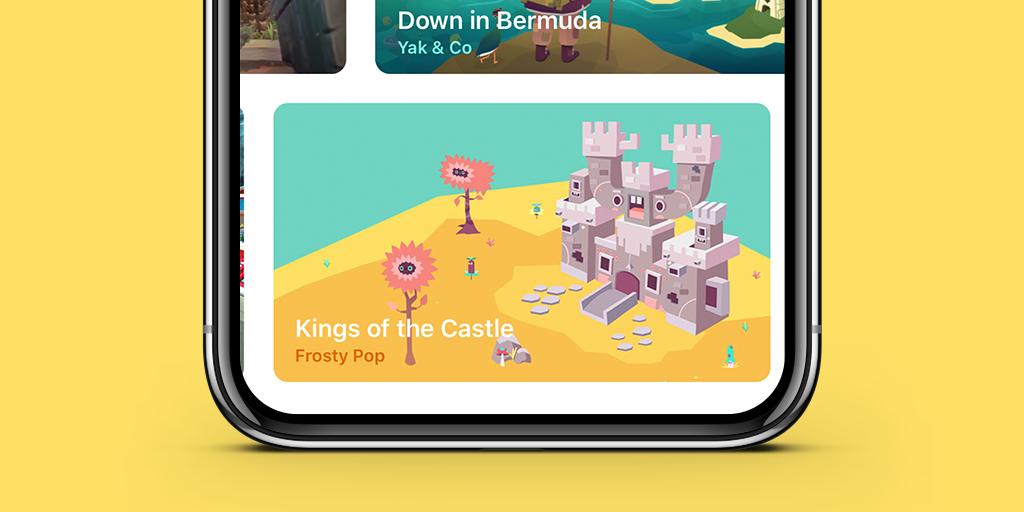
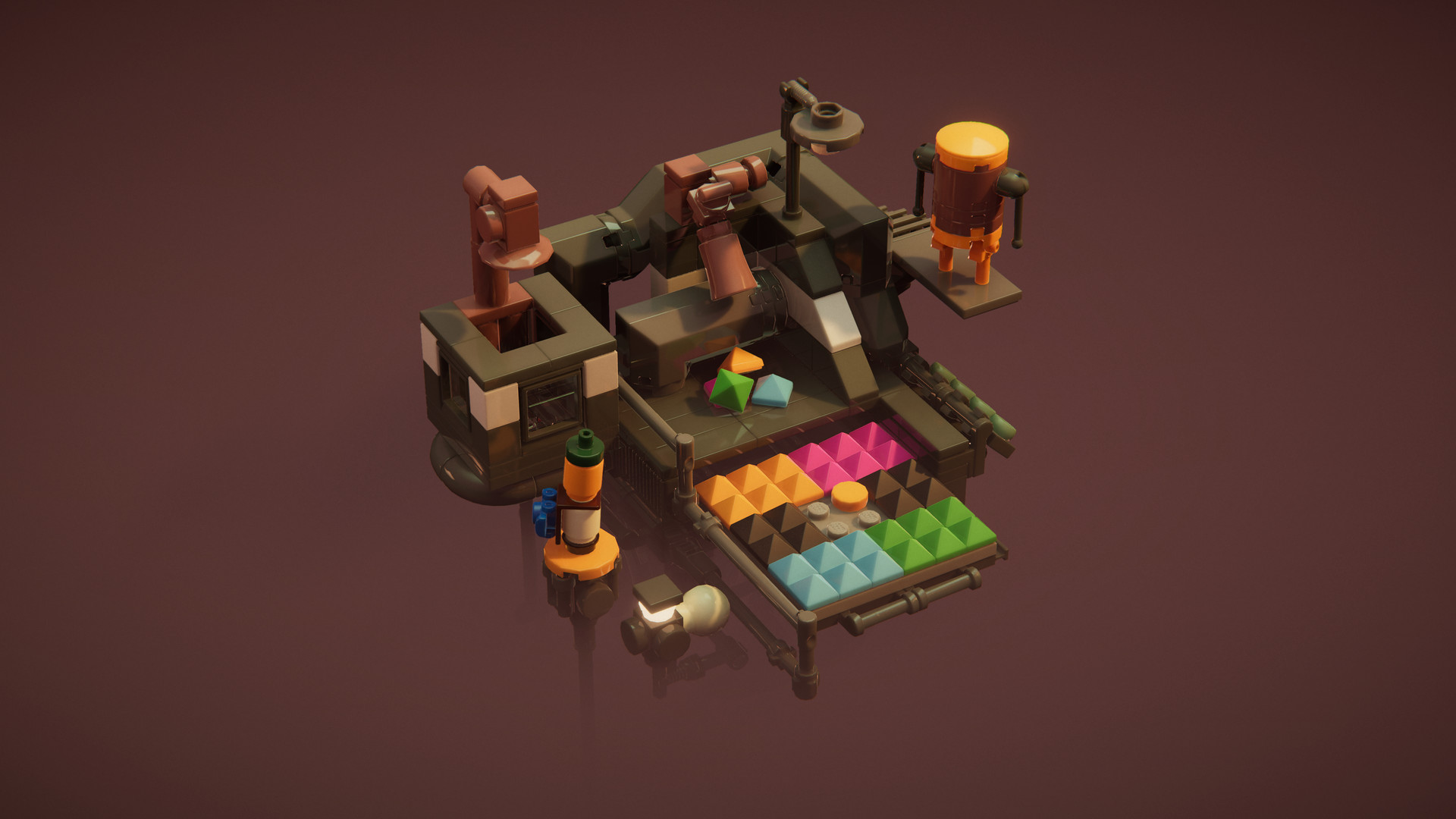
When I first saw Builder’s Journey, the first thing that popped into my mind was Monument Valley. It looks similar with a bright and colorful art style, no voice acting, and a story told through actions. It features small, spinnable tower-like levels that only take a couple of minutes to solve. The game is imaginative and a nice departure from the typical movie license LEGO games we get from Traveler’s Tales. It’s relaxing, fun, and feels like you’re using Legos to get around these levels to reach your destination.
You play as a boy and his father, who are essentially trying to take down some evil company the dad works for. The game is so short that there isn’t time for a feel-good story or emotions to set in, but the game at least tries. You pick up Lego pieces and set them down on the round pegs like you would in real life. You hold the pick-up button to let go, and that’s about it. You can spin the level a little bit, but the great thing about this game is that there’s no preset design you need to follow. You get a few pieces, and the puzzle is to figure out how to put them together with the limited pegs in the level to get your characters across. Each character has two orange platform pieces that you use for them to hop around on. Sometimes you need to build something, but the game gets tough towards the end.
Puzzles towards the end involve two screens in which you need to either place blocks a certain way or get blocks to the other screen in a certain way. Each area has maybe five puzzles before the next idea is brought in. One idea is using race track-type pieces with curves and straights to get across on a roller skate. Another idea is using blocks to grow more if you put them down. It’s all very imaginative, and it never gets boring or old. The game has a “just one more puzzle” feel to it. You get breaks in between with a scripted puzzle that just requires putting a few pieces together, but it’s a nice break. I did have issues placing and dropping blocks as the camera would be at a weird angle. The blocks do snap over the pegs they need to go in, but sometimes I just couldn’t get them positioned right, which required fiddly placement.
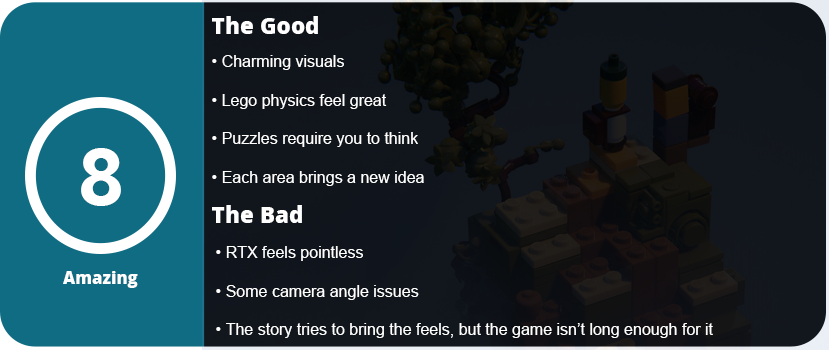
There were a few occasions in which where to go in the level wasn’t obvious or my character wouldn’t start hopping across the level because a certain block was too high or too far away, and I couldn’t figure out which one. The levels that take this kind of trial and error are frustrating and ruin the pacing, but thankfully there were only a few. I also feel that this game could have been made without the Lego branding. While it feels and looks charming, generic blocks would have worked just as well too. There’s nothing that the Lego branding brings to this game to make it feel unique.
That’s basically it for the entire game. It ends in 90 minutes, as it was originally designed for iOS devices with 5–10 minute pick-up-and-play sessions. There is an RTX option for PC, which is super weird for this kind of game, and it looks okay, but why cut your frames in half for a game like this? There are only a few levels that use light that uses RTX, so it feels kind of pointless. Other than that, the game looks great, and the physics are also good. I highly recommend this game if you want a zen-like, relaxing puzzle game to kill a couple of hours. It’s not memorable, but it sure is fun.
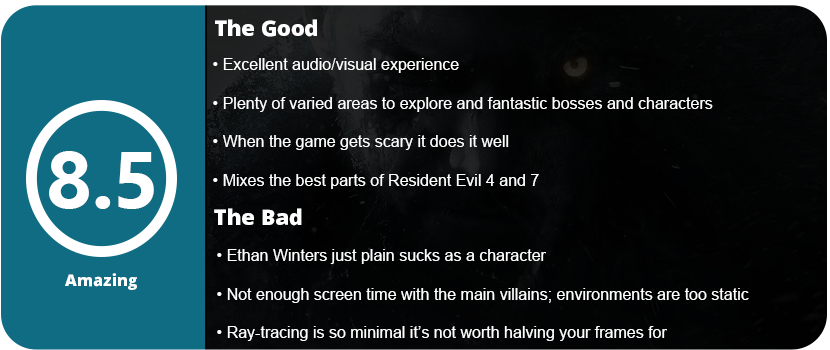
I will come right out and admit that I never finished Resident Evil 7. The game was just scary for me, but I plan to go through it now that I have finished the game. Resident Evil Village is the direct sequel to RE7, where you play Ethan Winters trying to save his daughter Rose, who was taken by Mother Miranda. You end up in a strange village full of new evil villains and a bunch of places to explore.
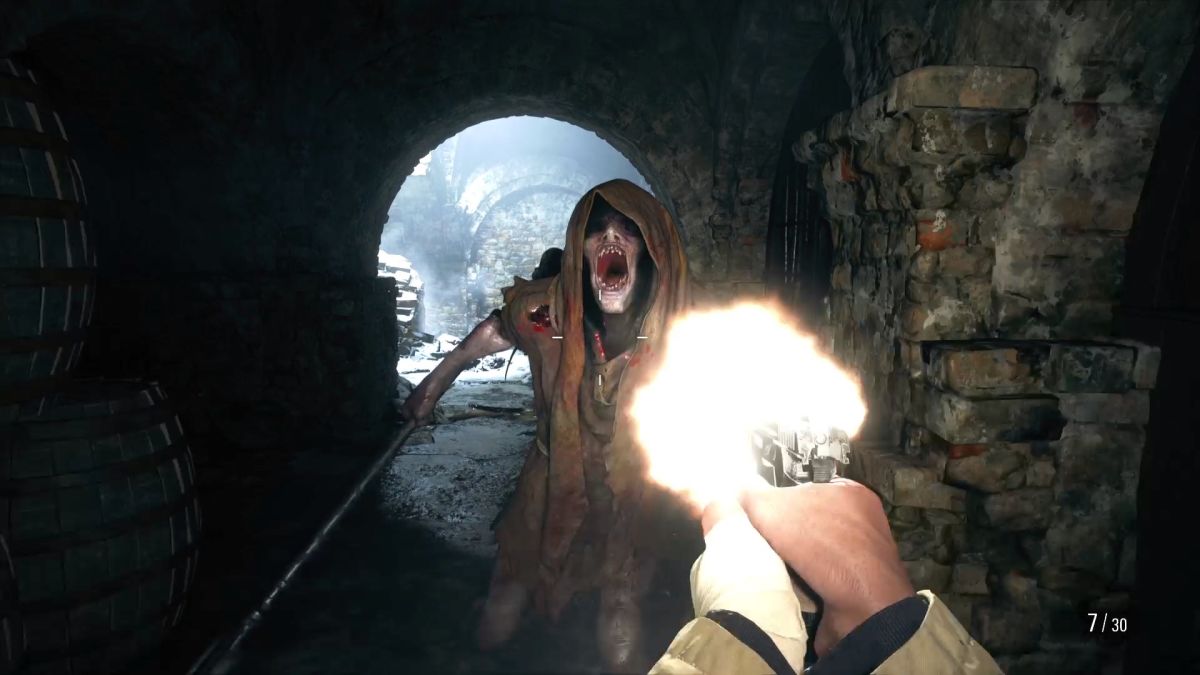
The entire game is played in the first person again, and the game’s settings and scare factor are set right off the bat. You end up in a seemingly abandoned village, and eventually you end up running away from Lycans. I don’t want to spoil too much of the story by giving away details about each area, but I will describe them. You spend a good bit of time inside the village, acquiring your first couple of weapons and learning the layout and controls. As you meet villagers and try to escape the Lycans, you end up in Lady Dimitriscu’s castle, one of the only areas that have been shown in great lengths for months leading up to the game’s release. This is where you learn to explore, solve a few puzzles, and understand that the entire game revolves around exploring an area and acquiring a key or item that unlocks the next part. This may involve a mini-boss or the onslaught of enemies.
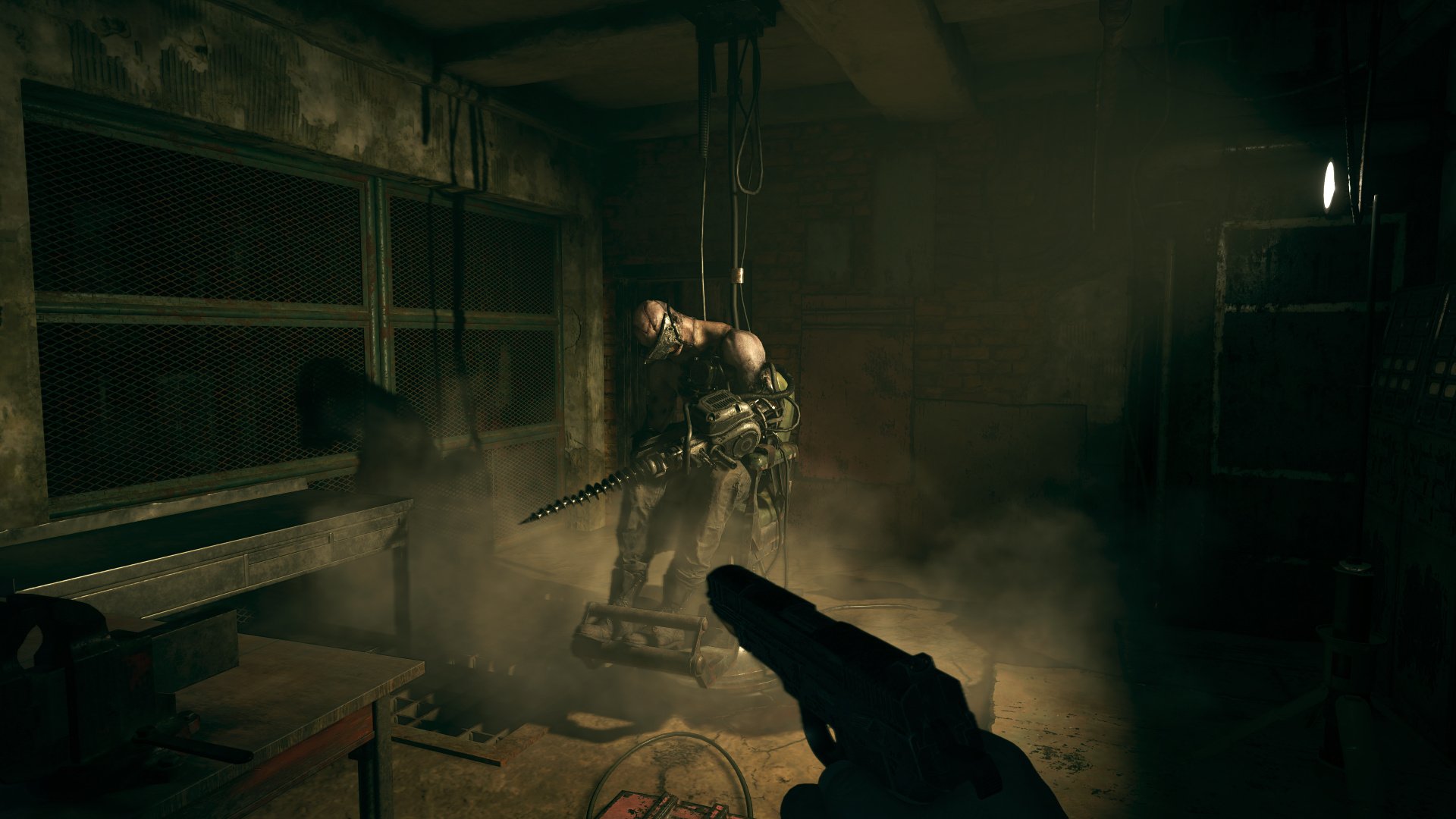
Lady D’s castle has her three daughters chasing you, and they end up becoming mini-bosses. Lady D stalks you through the castle eventually, like Mr. X or Nemesis in previous games. If you spend too much time in one room, she will come through the door in her 9′ glorious beauty. She’s a fantastic character, as all of them in this game are, but sadly, there are only two cutscenes with her, and you don’t get to know her well enough before you finish her off and move on to the next area. There are three more areas that end up being the boss’s lairs. A marsh, a machine factory, and an old mansion. Each area is unique and a blast to explore, but the scare factor in this game is kind of weak. The game gets scary only in certain areas, and the majority of the game is just an eerie atmosphere, but not so creepy. Sadly, a lot of the environment is static and enemies don’t respawn, so the game feels tenser in some areas, especially with a lot of enemies around.
There’s a lot of action in this game, and it ramps up as the game moves on. Just like in Resident Evil 4, you can expand your cache storage and buy weapons from The Duke. He sets up shop in each area you explore and has a central hub that you eventually get to. There are many weapons to buy, some of which are upgraded over others. You buy things with Lei, of which the majority are acquired by selling crystals, gems, and various rare treasures. Large enemies, bosses, and mini-bosses all drop these crystals. You can buy upgrades for weapons as well as parts, just like in RE4. Duke has some limited ammo and explosives you can buy, but you can also craft items by finding parts laying around everywhere. This includes crafting ammo, explosives, and health. At some points, you must make every shot count, but I never ran out of ammo completely and got myself into a bad situation.
One issue I did have with the game was the confusing level design. You have to backtrack a lot, and in some areas, I ran around for 20 or more minutes trying to remember my way back to a particular area because I found the key to move on from there. It got frustrating, and the machine factory is an absolute chore to navigate. Nothing but endless hallways and dead-end rooms. Once you do find the key or door you need, it’s rather satisfying, and there’s a constant sense of progression throughout the whole game. Bosses aren’t very hard, but they just require you to stay on your toes and learn their patterns, and you must aim carefully.
The visuals in RE8 are pretty damn good, and they look great on PC. Sadly, the ray-tracing effects are minimal and not worth the halved frame rate even on my RTX 2080 in 1440p. I noticed no difference with it on or off. The lighting looks great, the textures are well detailed, and it runs well on any system. However, as I mentioned earlier, the environment is very static, and there’s not much interaction or dynamic things to look at. The game is also very linear, despite the areas being quite large to explore. It’s just a bunch of twisting hallways, and the village isn’t all that big. There are some extra things you can do, like shoot all the bobblehead goats, find all the treasures, and defeat optional mini-bosses for treasures, but most people will probably look past all of this. The sound design is amazing, with some really creepy sounds that are both loud and quaint. Being in the large mansion and anticipating something coming around in dead silence was great, and Lady D’s castle is haunting. You expect something to come around every corner.
Resident Evil Village is an evolution of the series, mixing RE4’s gameplay and RE7’s first-person shooter goodness. I do have to say that Ethan Winters stinks as a character, and I hate him. He’s horribly written, and I wanted to spend more time with the main villains, but alas, here we are. It’s sad we don’t get to see more of Lady D or anyone else, for that matter, except when you have short encounters with them in their respective areas. RE8 is a lot more accessible than RE7, and many people will probably finish this game. The difficulty is just right; it looks and sounds good, and it’s just a blast to play through. The scare factor is all over the place, the main areas can be labyrinthine in design, and the extra modes after you finish have varied mileage.
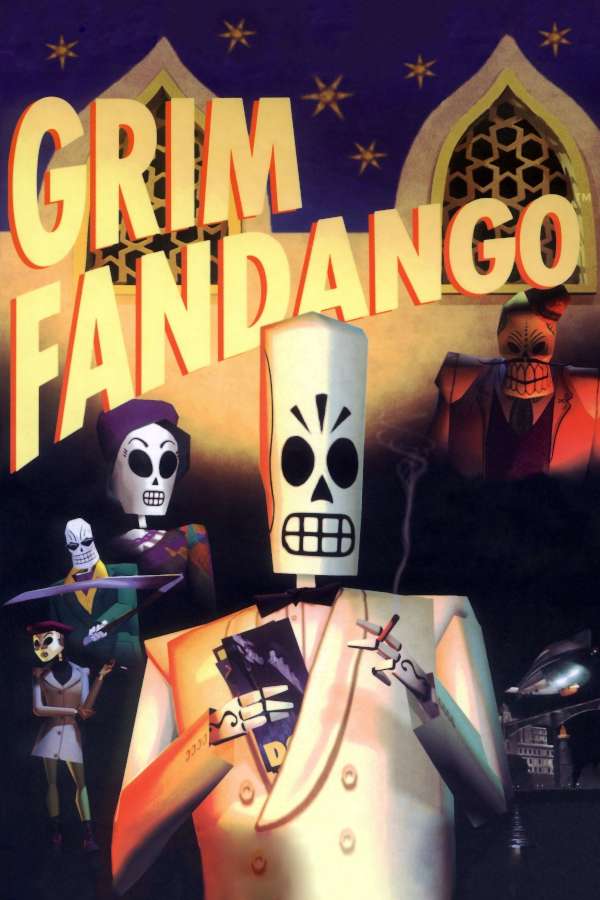
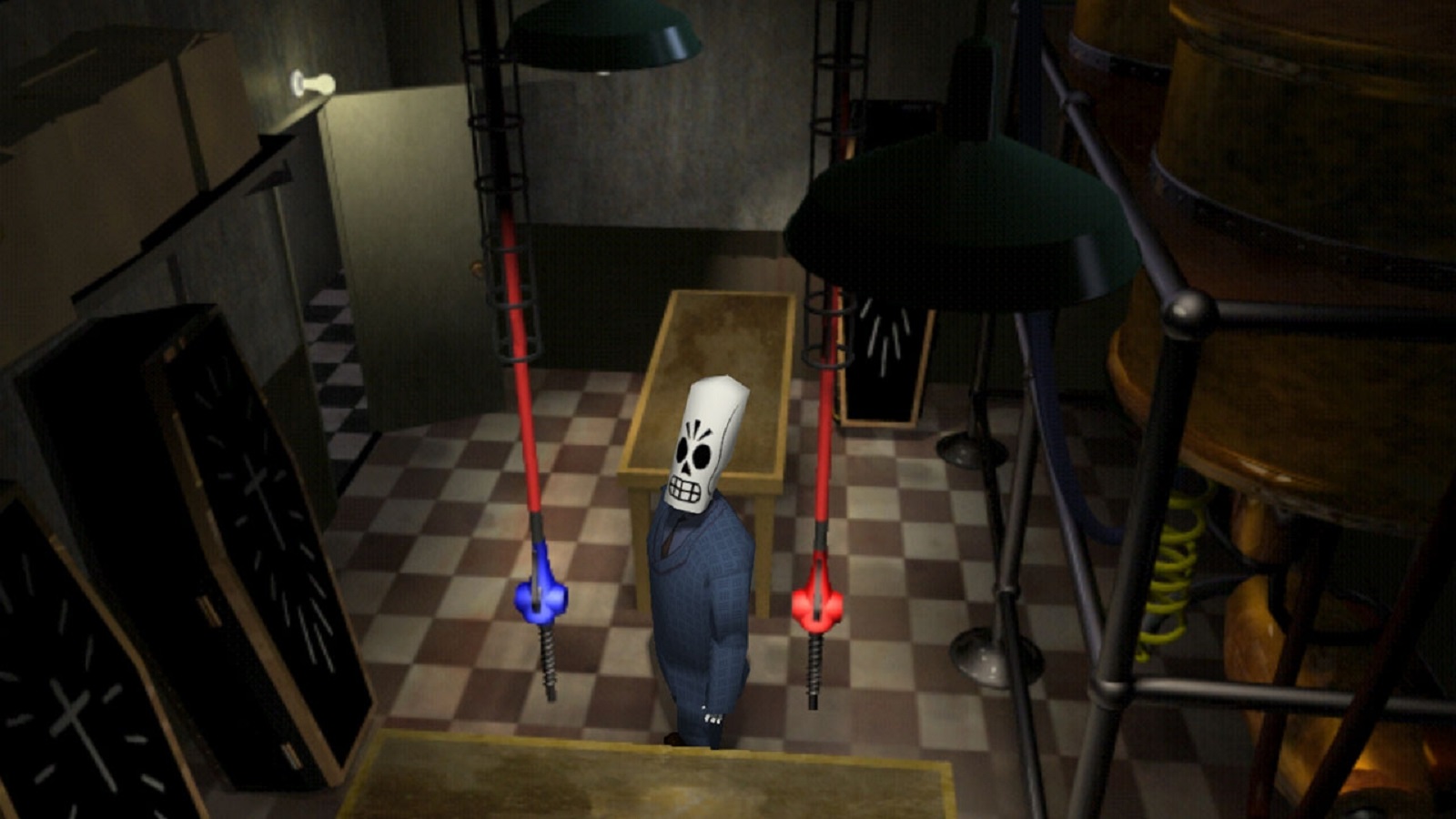
Tim Schaffer games are always hit or miss. He may be a great story writer or character creator, but he’s not a great game designer. I don’t want to come out swinging with everyone, thinking I hate Grim Fandango or all Schaffer-made games. A lot of his work is considered some of the best games ever made on PC, which I get, but they’re remembered for their story, atmosphere, and characters—not so much their gameplay.
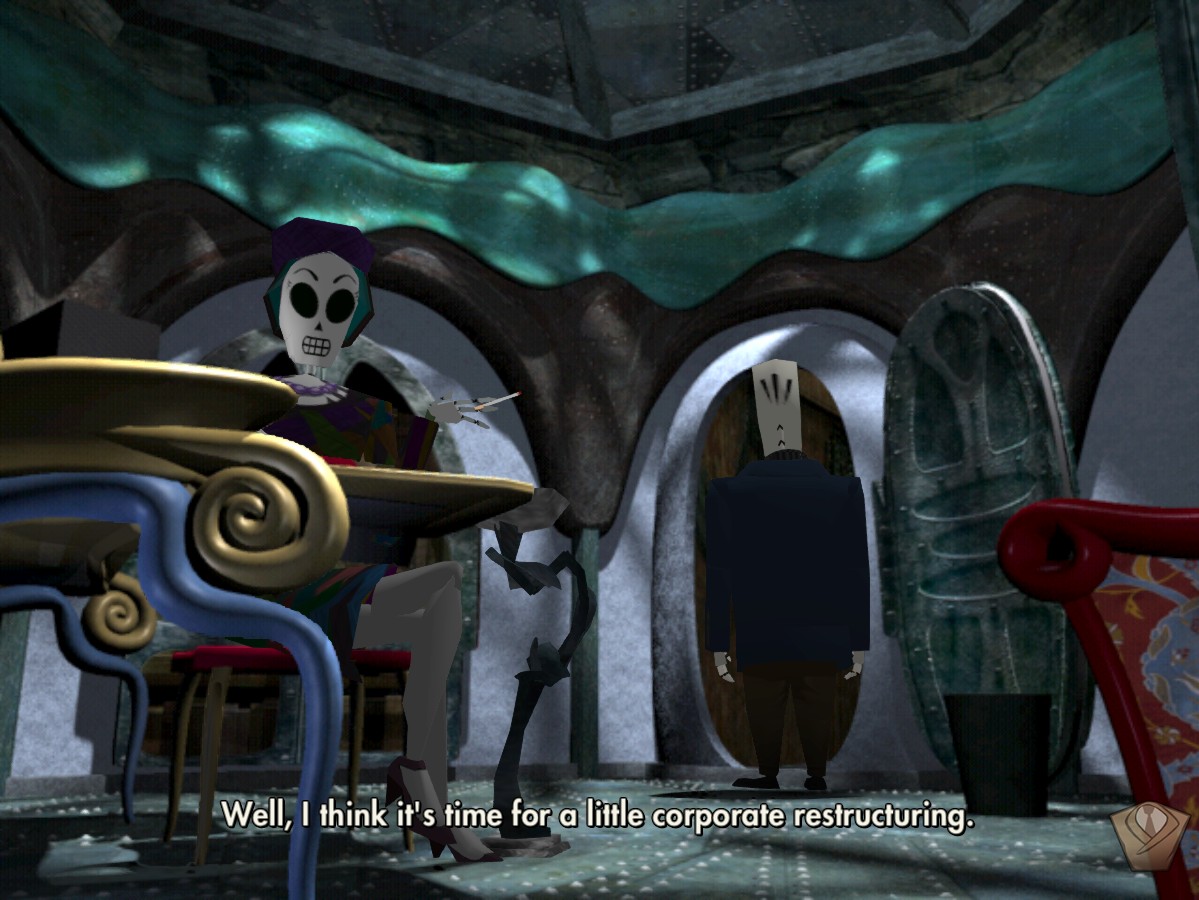
You play as Manual Calavera. A Mexican salesman of the dead gets wrapped up in a huge film noir-style story trying to save a mysterious girl, get back at his evil overlord of a boss, and also an evil co-worker. The game is split up into four years. It takes four years for people to travel by foot to the Ninth Level if they don’t qualify for an express train ticket. For some reason, Manny can’t get any good clients, yet his co-worker Domino can. You wind up uncovering a plot of fraud, sabotage, subterfuge, and love. I can’t go too far into story details, but they’re quite entertaining enough to keep you pushing on.
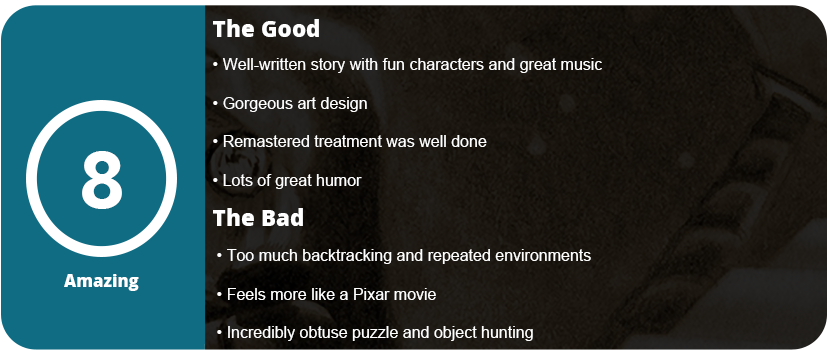
And pushing on will do. The game’s object-hunting obtuseness varies from minimal to I will never figure this out without a walkthrough. The way objects are used is very illogical at times, and you wonder how Schaffer thought gamers would think in these ways. It doesn’t help that the areas you explore are massive, with dozens of hallways and rooms, and you can easily miss something that needs picking up or completely bypass something that needs to be interacted with. LucasArts had a lot on their hands with this game, as it was the first 3D game they developed and the most sophisticated to date. There’s no object mixing, either. Manny stores everything in his cloak or jacket, and you must either try everything on every interactive object or simply think in odd, obscure ways.
One example early on requires Manny to gum up a pneumatic tube system and get the maintenance demon to open the door. That was fine and all, but the demon left, and I couldn’t get in the door. I then had to re-acquire all the items needed to gum up the system again by running down hallways and doing a ton of backtracking, all because I didn’t realize I had to throw the bolt to stop the door from closing. How was I supposed to guess that? You run into these situations every step of the way, and it gets exhausting and discouraging. Another scenario requires Manny to take a sign and use it to find a hidden doorway in part of a forest. This forest has doorways that loop back around to the same room and do nothing. How would you know to take that sign from the previous room and use it as a compass to find the hidden doorway in this room? The puzzles are insane and poorly designed, which leads to constant frustration. I felt my progress halted every five minutes.
With puzzle obscurity out of the way, there’s nothing else to this game. There are pretty environments to look at, great music and voice acting to listen to, and some great characters, although none of them are very memorable. You can unlock quite a few achievements by talking to certain people at certain points or looking at certain objects. I find this in tune with the puzzle’s obscurity. I also didn’t like how many areas are reused over and over again while, in new ways, they’re still the same. Things are just spread so far apart, and so many sub-plots and hints are given to you that you can’t make heads or tails of any of them. There’s no journal to keep track of what’s said or even what you’re really supposed to be doing next. It can become quite frustrating.
Thankfully, the game isn’t very long, especially if you use a walkthrough. My adventure was over in about 6 hours, and I enjoyed it while it lasted, but it’s not something I will be talking about for years to come. The gameplay time isn’t enough to really flesh out the characters more than you wanted, and it almost plays out like a Pixar movie. It’s a fun blast while you’re in it, but once the credits roll, you quickly move on to something else and probably won’t remember it a year down the road. Something about this whole game just didn’t stick with me, and I can’t put my finger on it. If the puzzles weren’t so obscure, I might be more inclined. At least there’s fun developer commentary all over the place, and the remastered upgrades are nice. Everything looks sharp and clean and is rendered in a much higher resolution. However, there are still many collision and animation bugs.
Overall, Grim Fandango is a fun story with some fun characters while you’re in it, but you will quickly move on to other things as something about this game doesn’t quite stick. It feels more like a Pixar cartoon with gameplay bits in between than a full-blown game. It looks good, sounds good, and the voice acting is excellent, but many won’t finish the game just due to how obscure getting through everything really is.
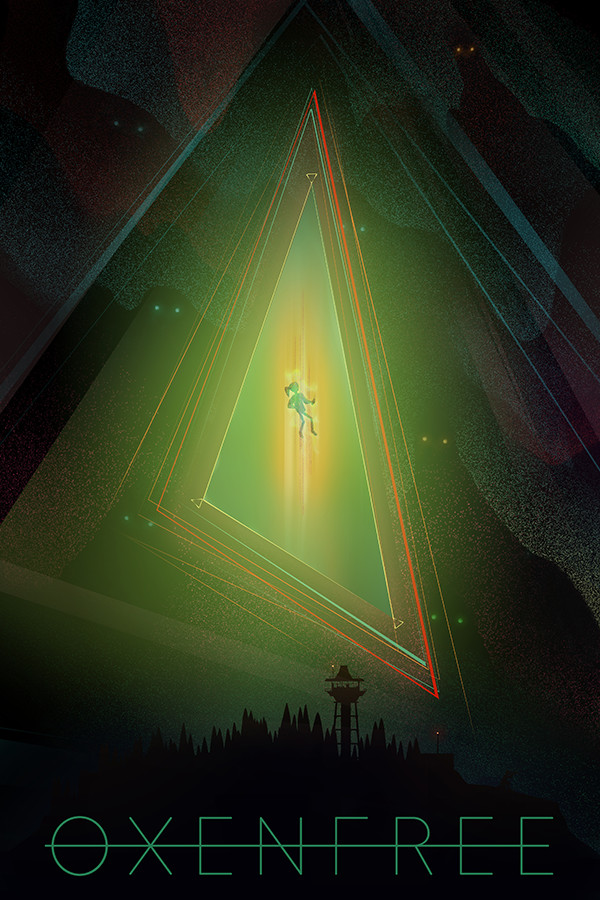
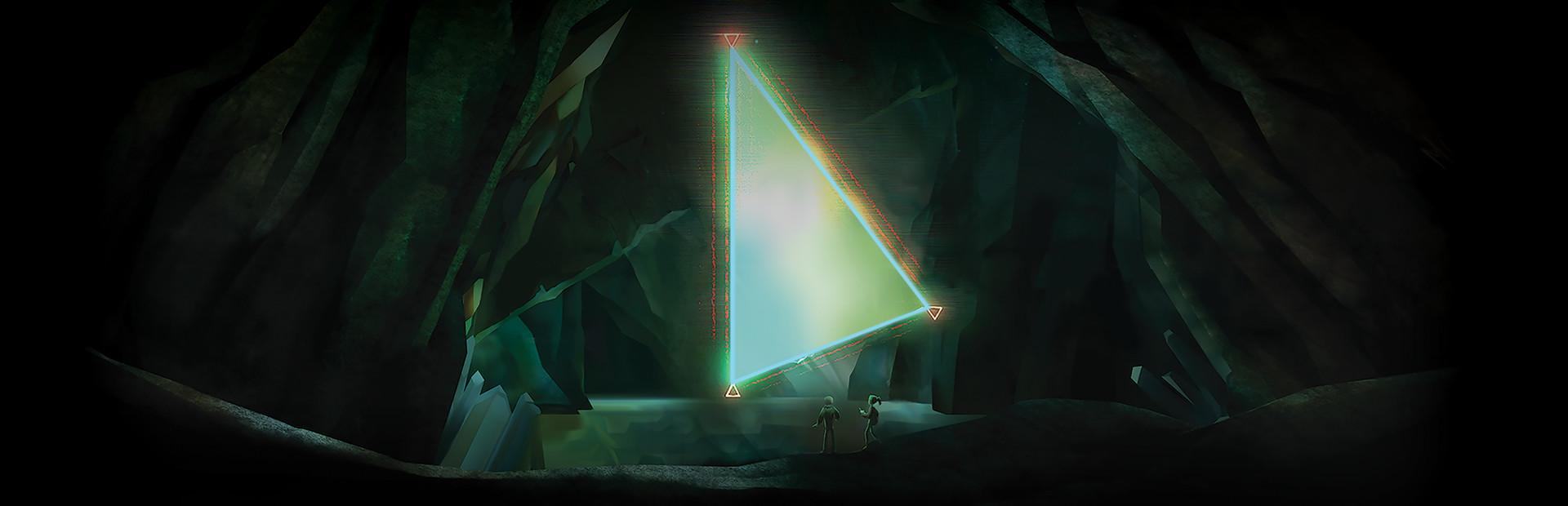
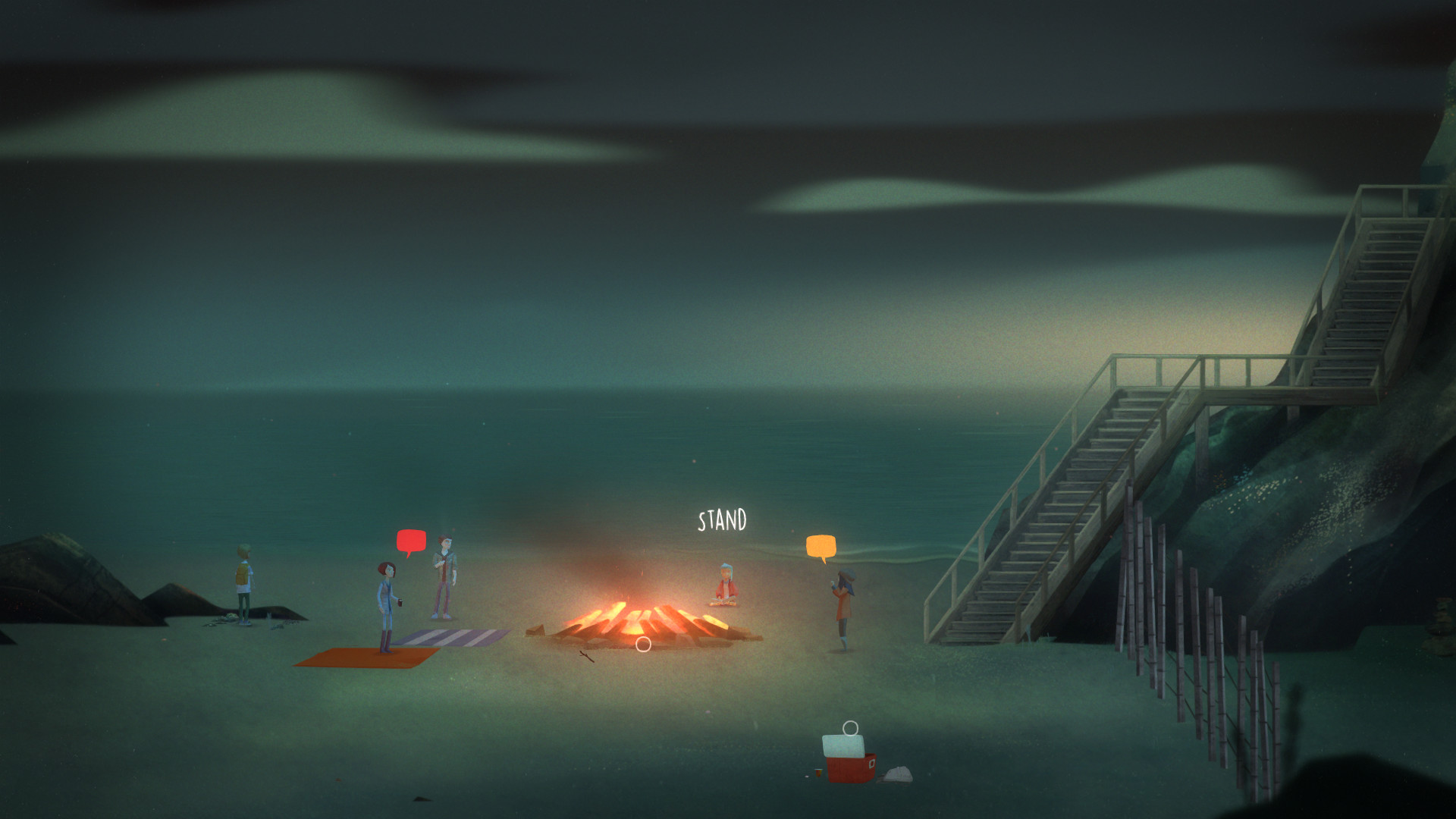
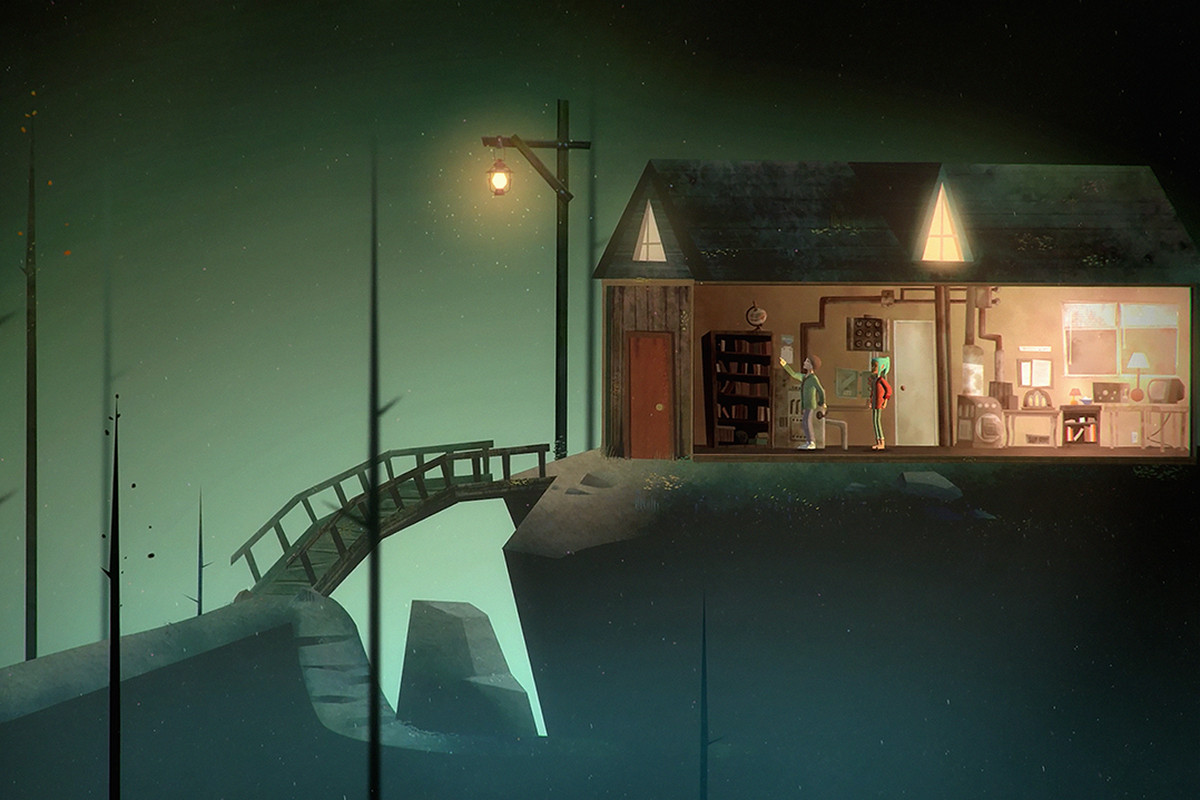
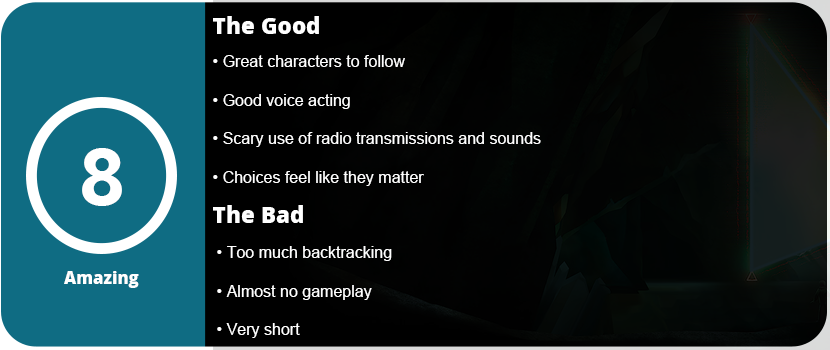
Oxenfree is all about horror and mystery. It starts out with five students in their early 20s arriving at a small town in the Pacific Northwest to discover some sort of weird thing that goes on in the caves there when you tune a radio to a certain frequency. After a good amount of dialog, plot, and character development, you tune your radio and discover a rift in time. You also discover the island is actually haunted, and you are trying to free the ghosts within. Why, how, and what they are in the mystery that I won’t spoil.
The horror elements are mostly audio-related and are something I have not really heard in a game before. The game uses the eerieness of radio static and voices. Have you ever gone down a scary YouTube rabbit hole and watched “Top 10 Scariest Sounds” or something like that? Well, if you ever heard one that was about strange radio call signs that were used in the Cold War, then you know what you will hear in this game. It made the hair on my neck stand up and was very chilling to hear. There are various stones you can find throughout the game that give you tidbits of stories about the island, and these creepy radio calls are part of this.
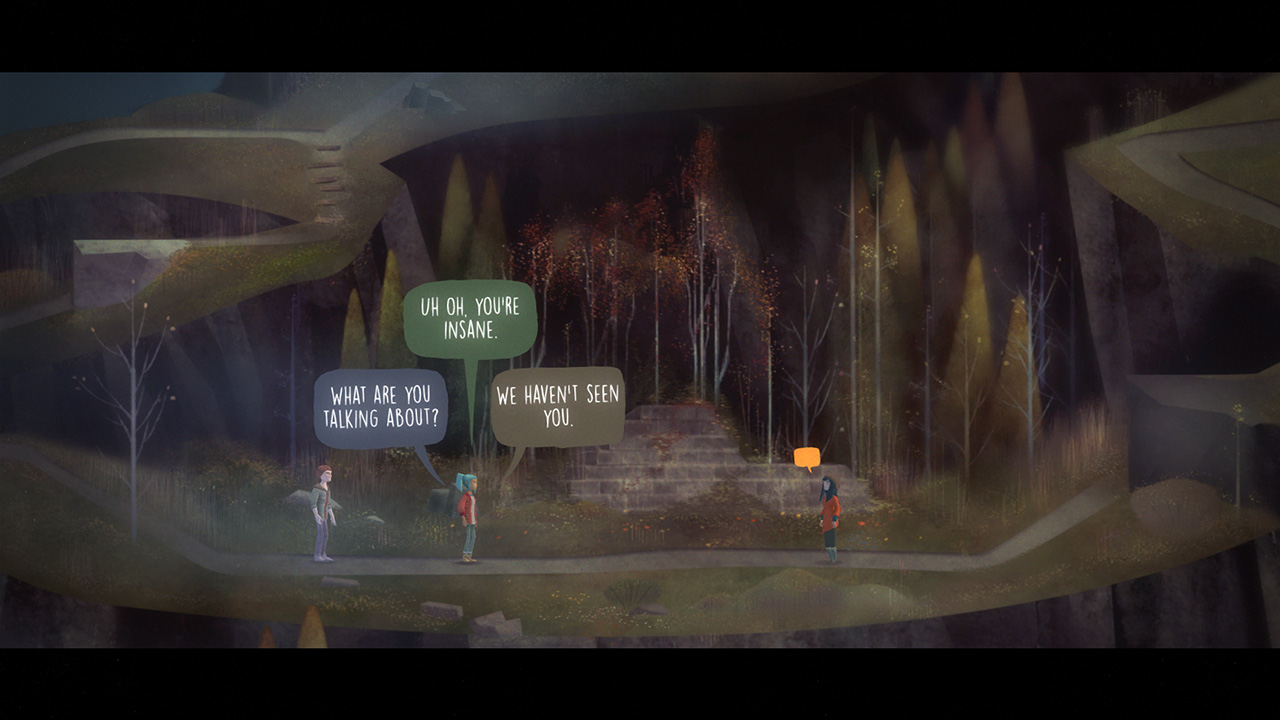
You wander around the island, listening to the dialog, as there are no puzzles in this game. It’s very much a “walking simulator,” but you walk and talk with the characters and choose from three different dialog options as they pop up in conversation. Some of these are story-altering, and some are not. These choices determine the ending you get, which I found was a little too short and disappointing. I really got to like the characters here, and the game is so short that you can’t invest a lot of time into them. Every so often, the game will bring you into a time loop, and these are when a lot of important choices are made. Even for a 4-hour game, the story is done quite well and has a beginning, middle, and clear ending, and you wind up exploring most of the island, albeit at a snail’s pace. You can wander around further to collect letters and find these frequency stones, but I honestly didn’t find the story of the island as interesting as the characters.
The voice acting is actually really well done, and I like that when you answer before someone finishes a sentence, Alex, your character, will interrupt with a correct tone and inflection in her voice. The constant bantering between the characters is the most entertaining part of the game, and I was always looking forward to hearing what they had to say. The game also looks really good with 2D backgrounds and 3D models. It’s a 2D side-scrolling adventure, so it’s hard to get lost here. I found the game’s pacing was all over the place; however, there would be sections where I felt I was progressing quickly only to get slowed down by too much backtracking or lots of cut scenes and dialog. You don’t have to really think to finish the game, and I felt collecting everything was too tedious due to the slow pace of the game.
Overall, Oxenfree is a great horror mystery game that, while not very memorable, will entertain you for an afternoon and might be something you discuss with friends as the story does have a twist ending. It looks good, has great voice acting, and the characters are interesting, but the constant backtracking, slow pace, and almost zero gameplay may put some off.















































 thebinarymessiah.com
Try multiplayer. A lot of fun !