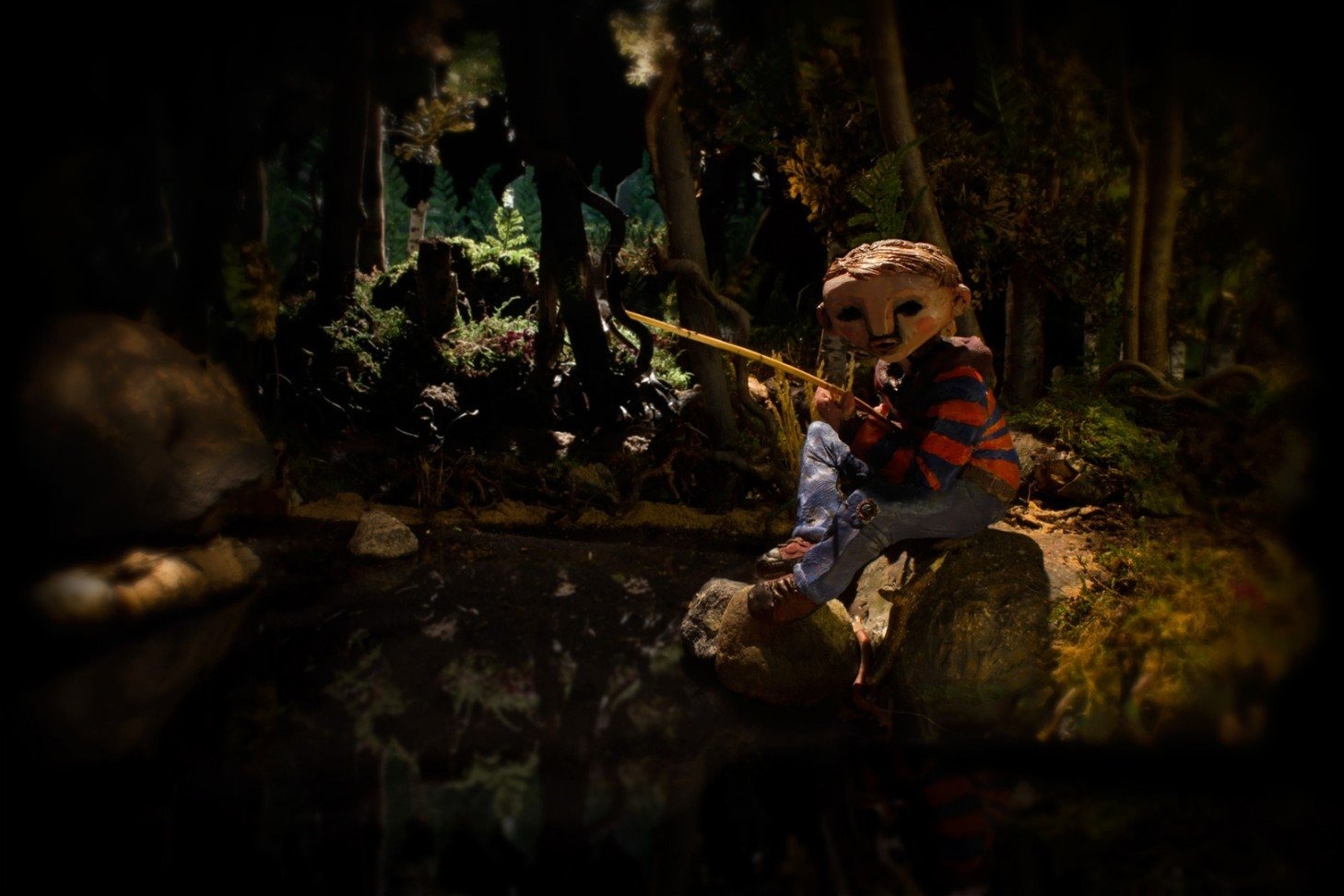
We all played with our imaginations as children. Pretending to go on adventures, or actually going on adventures against our parents chagrin, was what made up our most precious childhood memories. Whether it was spending long summer days playing with friends or staying inside with your siblings playing the latest revolutionary video game, That is what Lost in Play is about. Making adventures and memories as a child.
You play as a brother and sister, Gal and Toto, who wake up on a bright summer day and decide to get lost in their own imaginations. The first few chapters have you going from their reality to actual reality to give you this idea of what’s going on. The game is full of a lot of puzzles and figuring out what items go where. This can be both fun and frustrating at the same time. I wasn’t a fan of most of the puzzles, but the screen increases in numbers as you look for objects and figure out what needs to go where.
The first screen is a perfect way to introduce this. It’s just a single screen, and you learn to click on objects that are standing out. The characters will interact with it or talk to the person. A bubble will pop up with the item the character wants, or your player character will pop a bubble up explaining in one single picture what they need to do. There is a generous hint system that shows a single picture of what to do next or helps you get started with a puzzle. I love this, and it doesn’t punish the player at all; however, some of the hints were not helpful.
As you progress through the game, you get to chapters with many screens and many things to interact with. Once you find your first object, you can usually build momentum and realize who needs what and where. The puzzles are the worst part of the game. Extremely hard slider puzzles; some games are won purely on chance, which is frustrating. Sometimes rules aren’t explained well enough. A particular puzzle with lasers and having to slide animals around to deflect gets very frustrating as it’s a sliding puzzle. The worst one in the game is the final puzzle, in which you have to trap a jumping frog on a grid. It’s done by pure chance, and no walkthrough will help you. There are also some puzzles with symbols, and it seems impossible to figure out what they represent or how to interpret them.
The puzzles aren’t very common, but they do hamper some of the experience. I really loved seeing all of the detail poured into this game’s animation. It feels like a high-quality cartoon. Every interaction is a new animation. One particular point where this stood out was Gal or Toto picking up the same type of object numerous times. Instead of the same pick-up animation, each one was unique. They didn’t have to do that. It makes the entire game feel alive and soulful. The story itself isn’t anything complex or deep, and there’s no voice acting. Characters speak in a simple fashion, which adds to the charm of the game. The visuals are bright and colorful, and every screen and moment feels special. They don’t make many games like this.
Outside of the puzzle issues, there was just a small annoyance with touch controls on mobile. Tapping the screen can sometimes cause you to interact with the same object or character, but it was nothing serious. Every area felt unique and different, and I couldn’t put the game down until the end. You can probably finish this in 2-3 hours, but it’s so much fun and constantly feels fresh and new. Lost in Play is a rare adventure game that I actually might remember and talk about later with people. This game proves that every little detail can make a difference.
Have you ever wondered what it’s like to play a game as the actual code or program inside the game? Well, now you can! TING is a game in which you embark on an adventure with the game’s code. You start out at the title screen and must dismantle the entire screen to get the code’s attention. In this process, you discover a “glitch” that is trying to destroy everything. You get sucked into other dimensions and try to find your way back. The entire game is in the style of a point-and-click adventure, but instead of controlling a single character, you are the “user” that the code talks to. He gives you hints along the way as well as being able to unlock actual hints, which makes some of the more obscure puzzles easier.
You have to really think outside the box with this game, as you can take down parts of the UI and completely break the smaller games inside to progress. You will end up with a classic adventure title and a JRPG that makes fun of Zelda tropes. The game also pokes fun at other games and mechanics, such as microtransactions and free-to-play mechanics. I don’t want to spoil the Easter eggs, but the game has a great sense of humor, and anyone who has watched a few behind-the-scenes videos on how games are made will appreciate this game and the message it’s getting across.
Every area is new and different, and no two puzzles are the same. Some areas have multiple screens, and you can manipulate them in interesting ways, such as unscrewing the computer monitor you’re playing the game on and getting the back of the scene through the back panel. You have to also be okay with dragging the objects onto everything and trying combinations. Some things may not look obvious, but they make sense once you get the object or discover its use. Things like a mouse cursor popping a balloon, a metal letter T being used as a screwdriver, and the sign to a game title being used as a bridge. Almost every puzzle can be figured out with a bit of thinking, but a few were so obscure that I had to use all the hints available to me. When you press the hints button, it will show locks over the object that has hints. This can also be useful just to figure out what objects can be interacted with or what your focus should be without even using a single hint.

There are cutscenes in the game that can’t be interacted with, and this is shown with filmstrips going up the sides of the screen. Because this is a “joke” game and you can break actual games inside, you need other cues as to what’s a joke and what is not. Sometimes I didn’t know what was a joke and wound up restarting the game, but you also need to trust the game. There isn’t much else in terms of gameplay, but there doesn’t need to be. This is a very clever idea for a game that I have never seen before. The story is interesting, the characters are likeable, and it’s just an overall fun time and something really unique. The visuals are charming and switch up all the time, which makes you think outside the box.

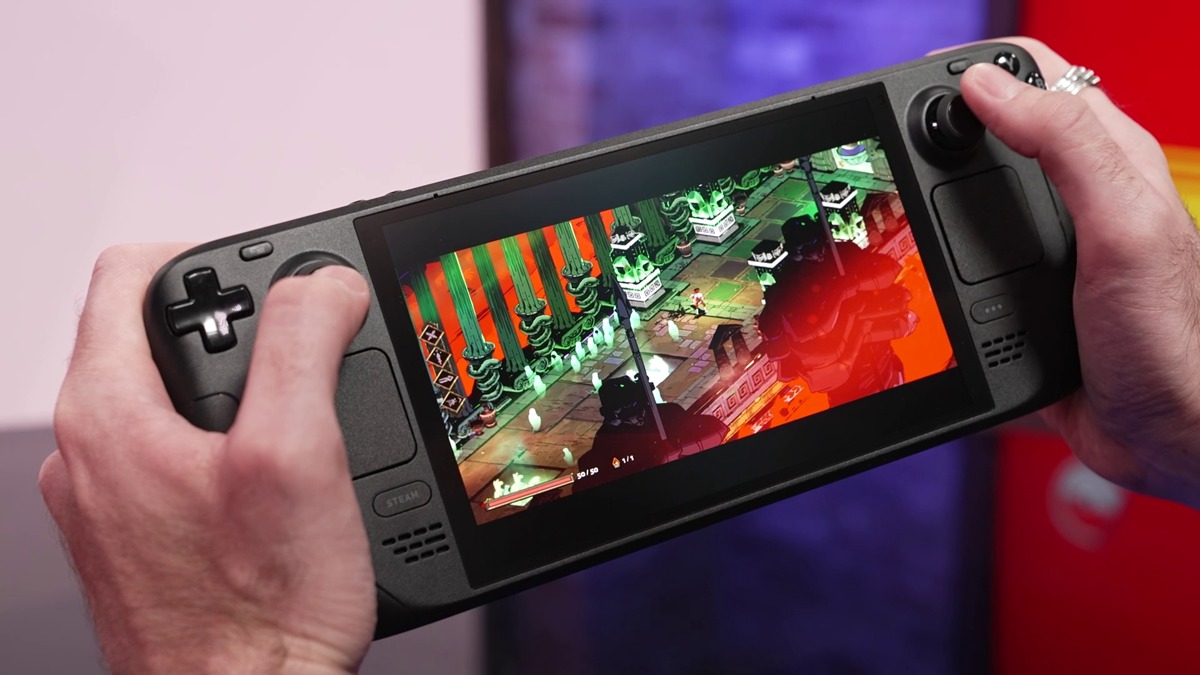
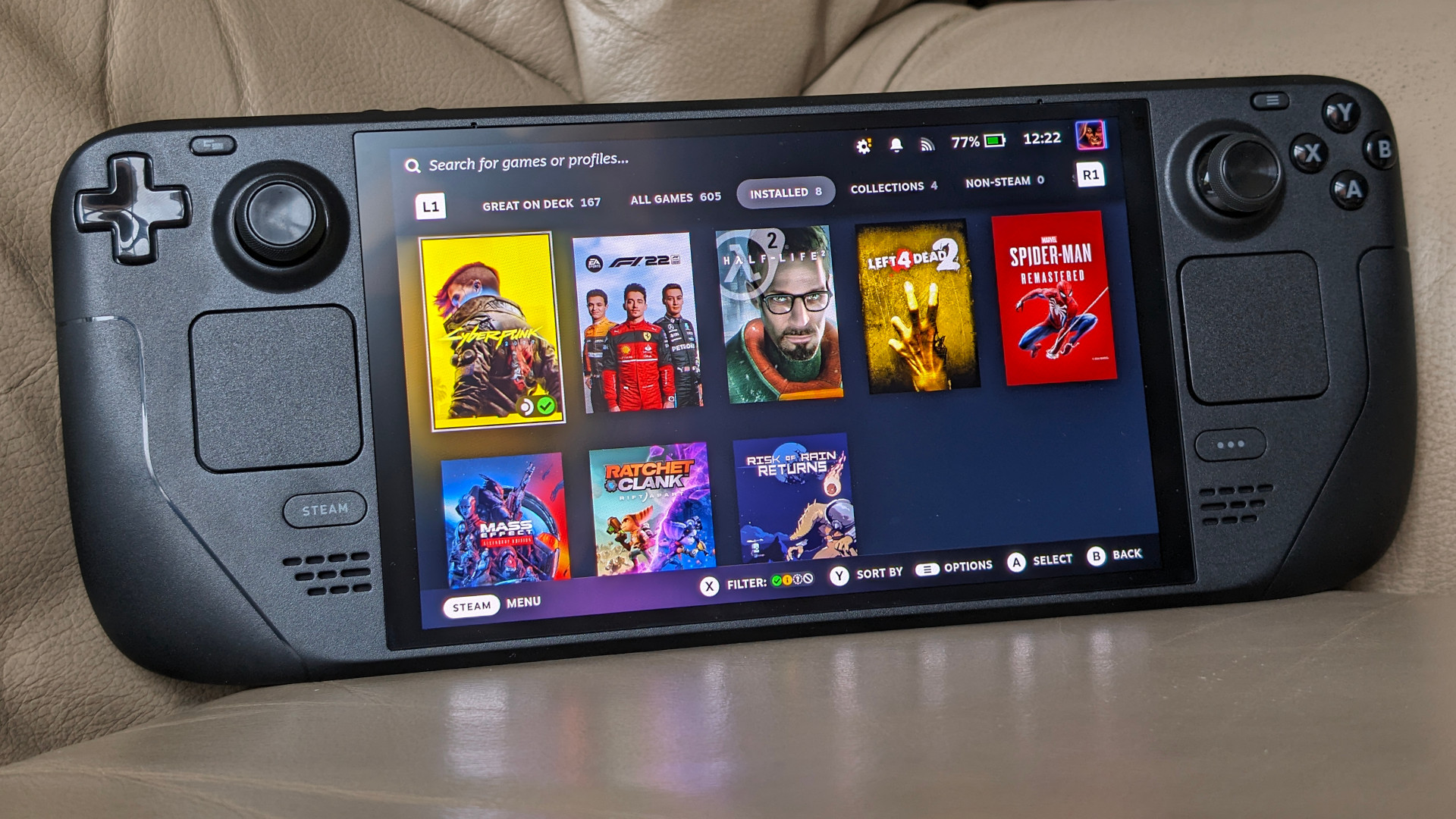
The battle for handheld PCs is the next evolution in gaming. Handheld gaming has made a comeback thanks to Nintendo’s Switch and Valve’s Steam Deck. Sony released the PlayStation Portal, and Logitech released their G-Cloud handheld device. While streaming handhelds isn’t very popular and there is a huge crowd of detesters (me included), it doesn’t change the fact that portable gaming is coming back, just not in the traditional sense we all grew up with, like the Game Boy, DS, or PSP. Those days are still long gone.
Lenovo of all people threw their hat into the ring, and I think people are taking them less seriously than ROG. While the handheld is brand new, there is a lot of potential, and Lenovo is actively listening to their community, taking a page out of Valve’s book that’s essential for the handheld PC gaming space: Ignore the player base, and your product is dead in the water. Specs-wise, the Legion Go is a direct competitor to the ROG Ally. It sports the same APU, the AMD Z1 Extreme, the same amount of RAM, 16GB, but differs with unique controls and a massive 8.8″ 144Hz screen. This is a huge game changer for the handheld PC space that has sported 7″ displays up until now, thanks to Nintendo pushing this size with the Switch OLED. Lenovo takes ideas from everyone in this space—Valve, Nintendo, and ROG—and creates their own take on the portable PC, but it’s not without its flaws.
Unboxing
The unboxing experience for Legion Go is similar to the Steam Deck. It comes inside its own carrying case but needs a retail-friendly box around that as this is sold on store shelves, unlike the Steam Deck. The Legion case is bigger but of about the same quality, holds the controller mount, and allows you to charge the system through the case, which is a nice change, but it takes one step back by not having a spot for the charger. This will be a recurring theme with Lenovo. One step forward, but one step back into something else. The system is the heaviest of them all, weighing in at nearly 2 pounds, or 864 grams, with controllers attached. It’s a heavy beast, but that large display and removeable controllers come at a cost. Outside of the unboxing, that’s where things start getting complicated.
Windows 11 Headaches
This is a Windows 11 device, and it’s not a portable gaming console. This is marketed as a portable PC, and it shows. Setting this thing up is exactly like setting up any Windows 11 gaming laptop or desktop, including all the problems and pains. Bloatware, display-changing issues, controller issues, and everything in between. This is not a pick-up-and-play device like the Steam Deck or Switch. There’s no proprietary OS running in the background doing all the heavy lifting for you. The first complication is Lenovo’s choice of using a 2K display for hardware that can’t run any current AAA games at that resolution. This leads to the need to rely on AMD Interger Scaling technology to make the games look good. Most casual gamers picking this up will get frustrated as running games natively at 1280×800, just like the Steam Deck, looks like a blurry mess, but most higher-end games can’t run anything higher than this if you want a decent frame rate. Interger scaling will allow you to essential upscale by pixel “quadrupling” in this case to make the image much less blurry, and it works really well here.
This is done in the AMD Adrenalin driver software and can be done system-wide or on a game-by-game basis. You can tell it’s working if you open up the Lenovo Space side panel (another page from Valve) and select one of the smaller resolutions. The screen will shrink down into a window. When you want to play a game at 1280×800, you select it in the side panel, and the game usually needs to be in fullscreen bordered mode for this to work. If you want to play a game in native resolution, you don’t need to change it in the side panel before launching.
There’s also an issue with Lenovo Legion Space, which is a terrible piece of software that doubles as a game launch hub. It’s not Steam, but it’s needed to change some settings for the system. Drivers are also not easily updated, like with the Steam Deck, where they are delivered with regular Steam updates. You need to go onto the Lenovo site and manually check or use their auto-check software, just like a laptop. Other qualms include needing to navigate Windows with a touchscreen and using an onscreen keyboard, but thankfully there is a touchpad on the right controller that also has vibration feedback. It doesn’t compete with the Steam Deck’s dual touchpads, but having one at all is a nice addition, and it works just fine with no issues.
Another issue I ran into was the low volume output of the speakers. They are upfiring speakers, unlike the Steam Deck, and I needed the Fxsound software to increase the volume and make the overall soundscape sound better. I also had to adjust settings in the Realtek audio driver software. This isn’t a good thing, and these power user adjustments need to be done by Lenovo through some sort of overlay on top of Windows. Legion Space needs to make huge strides to even compete with SteamOS. I also had to use BloatyNosy to remove Windows 11 bloatware and background processes to get more frames out of games. Windows 11 is not an optimized portable experience by any means.
Controllers. Yay or Nay?
You can use Steam Big Picture Mode and have the Legion auto-start this on bootup, which helps, but there’s an issue with the controllers, which Lenovo calls TrueStrike Controllers. They took an obvius note from Nintendo and created their own Joy-Cons, essentially. They feel good, they are much more ergonomic than Joy-Cons, and they have great-feeling joysticks, but some of the ideas behind them don’t make sense. They put the system functions buttons where your menu, start, and select buttons usually go. Thankfully, the Legion Space software lets you swap these, but this was a dumb move on their part. The left function button opens Legion Space, and you have to wait for it to load every time. Accidental presses were really frustrating.
These controllers are read as Xbox controllers or Xinput in Windows. Sadly, there is no Xbox menu button outside of a button combination, and there’s no way to map one as the rear buttons can’t be mapped. Lenovo blocked access to these, which are only usable in “FPS” mode with the right controller in the controller stand. This essentially turns it into a mouse, as the stand has feet that allow you to slide it around. There is a mouse sensor on the bottom of the controller and a switch to change to FPS mode. This can also double as a desktop mouse, but Steam has default desktop controls that work only in controller mode. The FPS mode feels like a gimmick, but it works and is really responsive, and it’s a nice middle ground for those who don’t like using controllers for FPS games and want a mouse on the fly. Again, this is one step forward and another backward. These extra buttons on the back feel a little hollow and cheap-sounding, but they work fine.
Another step forward is having detachable controllers to use the system as a standard Windows tablet, but then they detach and attach very poorly. The switch in the back feels clumsy and cheap, and the controllers slide down rather than up on a full rail like the Switch. This means you need to hold the system awkwardly to slide them up, and they don’t click in a satisfying way. They kind of “clunk” in, and you’re never quite sure if they snapped in or not.
The Legion also has a built-in kickstand similar to the Switch OLED, which is nice and has two charging ports. One on top and the other on bottom, so you can orient the cable however you need. If you have the system on the kickstand, you can still charge it at the top, so this is really nice. This kickstand is also required if you want to use the controllers attached, just like the Switch.
The Games Are What Matter the Most
At the end of the day, we want to just play games, right? They are great on Legion Go, and you can squeeze a higher resolution out of some games. Nothing but smaller indie and older games will run at the full 1600p, but many do at 1200p, and they look fantastic. The upside of the Steam Deck is its compatibility with Windows. All games just work and don’t need tweaking. This is why Microsoft would be smart to release a stripped-down handheld version of Windows 11, as the compatibility is already there. We just need an easier console-like experience to navigate to the actual game. Many games that would get sub-60fps reached so or beyond on Legion Go. Either with higher graphics settings or the exact same—just more frames per second.
The other upside to being a Windows device is playing games with any type of anti-cheat system in place. They all just work. Games like Destiny 2 and Genshin Impact work because the Legion is not an unsupported Linux system. A lot of the same tweaks on PCGamingWiki will also work, as will mods from Nexus Mods. You can also just use the Vortex mod manager and run everything like you would on a regular desktop PC. With a keyboard and mouse, modding is a breeze, and this is one thing I avoided on the Steam Deck.
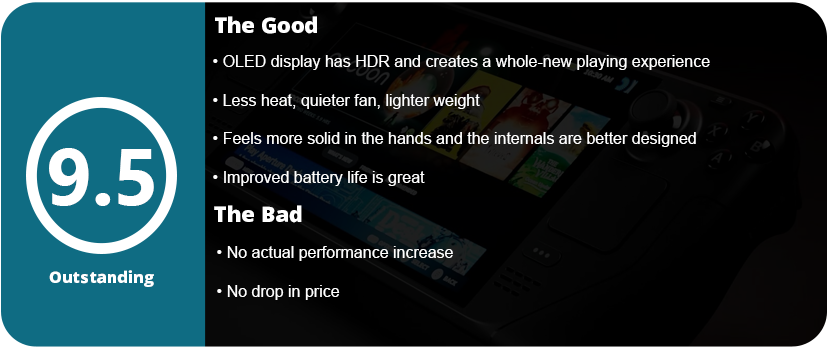
Overall, the Legion Go is a fantastic handheld PC that brings new ideas and pushes the envelope for hybrid machines. With the power of the ROG Ally that we already had and the compatibility of Windows combined with Switch-like hardware, there is a lot here to like. While the detachable controllers aren’t of the highest quality and aren’t as intuitive to use as the Switch, they offer a hybrid way of gaming and are still fun to use. The gigantic, vibrant screen looks great at 144 Hz as well. There’s a lot here to like with little to dislike, and most of the problems lie within Windows and aren’t the Legion’s fault.
The original Alan Wake is one of my favorite horror games of all time. Its gameplay may not hold up well today, but overall, the game is still solid. The atmosphere really pulled me in when the game was released, and here I am now, 13 years later, living in the PNW near where the first game was inspired. The story was full of mystery and suspense and always saw-sawed between being confusing and then suddenly making sense—always being a mystery. The story of light vs. dark and the definition of insanity play a big role in the world of Alan Wake, and that goes even further in the sequel.
Alan Wake II is pretty much an entire reboot on the surface. Taking some design questions from Remedy’s previous entries, like Quantum Break and Control, they have integrated the series into their “Remedyverse” (you can borrow that one if you want!). The story has an entirely new way of being told via live-action cutscenes and in real-time. The new playable character, Saga Anderson, is introduced as an FBI agent who is investigating cult murders in the town of Bright Falls. She gets sucked into the story of Alan as he tries to write his way out of his own madness and destroy the main antagonist from the first game, Scratch. The story continues that constant teetering of not making much sense and then wrapping around multiple times to have it all click, but I highly recommend playing the first game (there’s a remastered version out now) before playing this one, as there are many references. I also recommend playing Control first as well, as the stories are intertwined.
The game starts out so much different than the first game. Instead of a long, drawn-out, time-ccut scene of sunshine and beauty, you are tossed straight into something straight out of Silent Hill. You’re a naked, bloated man running from cultists. It’s a crazy way to start a game, and it shows the cinematic quality and effort put into this game. However, you control Saga first, and this is where the first half of the game starts. You jump between Alan and Saga, but their levels are unique on their own. Saga’s side is more action-oriented and collectible hunting. There are three main large areas in the game. Watery, Bright Falls, and Cauldron Lake. Bright Falls is a main hub town that you can walk around in and also find collectibles. These range from cult stashes, breaking open locks with a screwdriver or boltcutters (found later in the game), Alex Casey lunchboxes, and nursery rhymes. These are all fun to find, and they all reward you with different things. The lunchboxes give you manuscript scraps used to unlock weapon perks; the rhymes unlock charms; and the cult stashes have various usable items in them.
The combat itself is familiar from the original game, but it’s more refined and feels like a solid third-person shooter. You still blast the darkness from vulnerabilities to make them vulnerable to your gunfire, but it’s less frequent. Alan Wake felt like an action title and less like a survival horror due to so many enemies thrown at you at once. Like any survival horror game with guns, the best ones are locked away and require puzzle-solving skills to acquire them. Usually it’s a three-digit code, and you need to figure out the clues in the room you are in. It’s usually not super hard, and the answer is right in front of you. You just need to be observant. Weapons feel good to shoot, and while there aren’t many, they feel unique. The pistol, shotgun (sawed-off, double-barelled, and pump variety), crossbow, revolver, and hunting rifle make up the majority of your weapons, but Saga and Alan’s sides play differently even with combat.
Alan isn’t a fighter. He has much more limited ammo than Saga gets and usually only has the revolver and flare gun through most of the game. The shadows usually won’t attack you if you side-step them, but in some cases, they require you to fight. He has less health than Saga, and his levels are mostly backtracking puzzle-solving-style affairs. This leads me to talk about the Mind Place. This is essentially an interactive pause screen that would normally be a menu with flipping pages. It’s a room that loads instantly, and you advance the story here. Saga’s Mind Place is more complicated and involved. She has cases on the wall, and as you discover things, you can place evidence on said wall, and when you find everything for that chapter, the case will be solved. However, solving these cases isn’t required. You just need to place the main ones to advance the story. She also has a profiling section in which she can talk to characters in her mind. This gives her ideas when she is stuck and needs to move on further. There are also areas to listen to radio programs you found, TV shows, and manuscripts.
Alan’s Writer’s Room is similar, but you use it less often. Instead of profiling and cases to solve, Alan can switch scenes he finds through echos found throughout the levels. These are black-and-white orbs that shimmer, and you must align them with the camera to activate the scene. This is where a lot of the puzzle-solving comes in, and honestly, it is the weakest part of the game. Switching between scenes can become frustrating because you don’t know which one you need to be in to access a certain area. When you switch scenes, rooms get closed off and new ones open. This also doubles down on the light-holding feature. Alan can absorb certain bright lights that open up a new path in that room. Some areas have up to three or four lights that need to be absorbed or put back in a certain order, and it can cause frustration. I didn’t like this part of Alan’s story. You can switch between Saga and Alan at any time with portals in certain levels and play any chapter in any order. Alan’s side is mostly cinematic adventure stuff with a lot more storytelling than Saga’s. Saga has larger areas to explore (three whole large maps), and Alan is mostly confined to one small area and kept inside various buildings in a more urban setting.
Outside of the Writer’s Room scene switching and the confusing mess some of the levels can be, the game is solid with a 15-20 hour play time. There is so much content in this game that it’s hard to hate it. The visuals are state-of-the-art and push PCs and consoles to their absolute limits and beyond. On PC, Alan Wake II sports the latest ray-tracing and path-tracing tech and mesh shaders, which have been crippling the highest end of hardware. Unless you have a 4xxx series RTX card that can utilize the DLSS Frame Generation, you’re going to struggle with ray-tracing. Even with DLSS on balanced and ray-tracing set to medium (and other settings optimized through guides online), I would dip below 60FPS at 1440p. Without ray-tracing, the game runs much better, but this is one of the few games where RTX actually makes the game a different experience.
The game’s horror elements are full of haunting atmospheres and fewer jump scares. There are a few, but they were done well and got me good. The monster designs are well done, but not overdone and made to be unbelievable. The game straddles reality and fiction just right to make this seem like it could really happen. The story really does a good job of making Saga and Alan worthwhile and memorable characters and delves deep into their backstory and psyche. Very few AAA games can do this right. Alan Wake II is not just one of the best games of 2023, but of all time. This is how you can do a sequel without making it a full-on reboot or changing very little. The entire game rides the middle ground on every level, which makes it nearly perfect.
World War I was a horrific time in the world. The creation of mustard gas and the deaths of 20 million people are just a couple of things that came from that war. You play Paul von Schmidt, a German man who returned from the war. Paul and his brother Johannes are raised by their father, who is a wartime cripple. Over the course of the game, you explore Paul’s mind and how he feels and represents the events of his childhood and the trauma from the war. Sadly, most of this is only pieced together by letters found throughout the game, as the cut scenes themselves explain little and just muddle the otherwise generic feeling of the story.
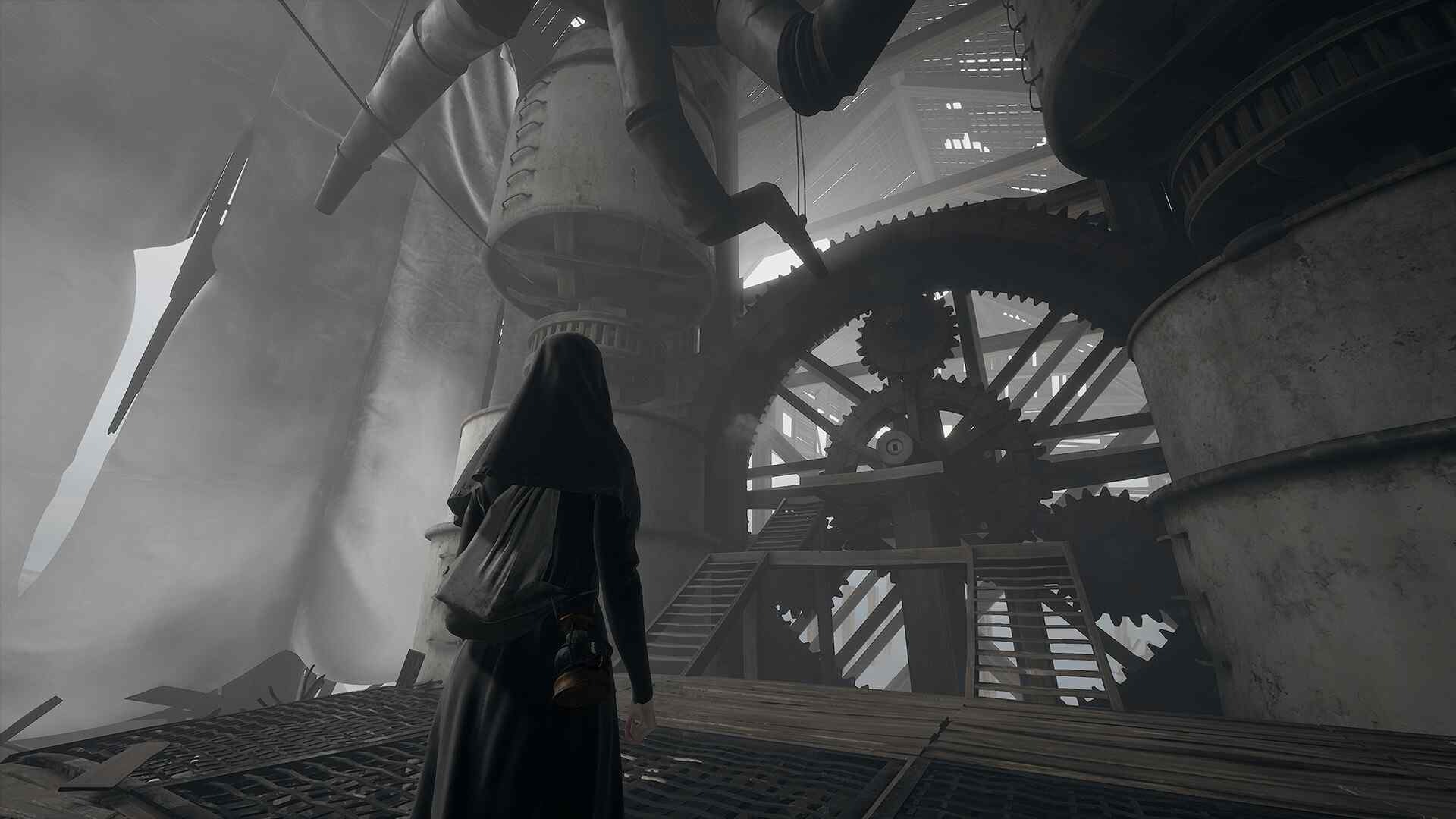
The game is broken up into two gameplay styles. An adventure/walking simulator-style mansion exploration where you solve puzzles. This part of the game is rather dull and uninteresting. Many other games do house explorations better (Layers of Fear, Gone Home, What Remains of Edith Finch) as the game slowly opens the house to you, but the key is to find objects to solve puzzles and find something that triggers a dive into Paul’s mind and thoughts. Each chapter (there are three) consists of one of his family members represented as a horrific monster. You can either choose to kill them or let them live to get different endings. Most of these “boss fights” require you to flip switches and run away for the most part, but they are rather intense, so I didn’t mind them.
The second part of the game is the trenches gameplay, in which the horror part sets in. You need to run around solving the occasional puzzle while also hiding from enemies. There is no combat in this game, so you have to sneak around and find your way through the dark in various environments. The creature designs are awesome, but this is probably the most exciting part of the game. It was intense sneaking past enemies, and thankfully there’s only one small section in each chapter, but the horror elements that are actually good can be counted on one hand. There are moments in which each main monster is introduced, and these scenes are fairly creepy, and outside of weird sound effects and haunting ambience, there’s not much else here. The game does portray the gruesome horrors of the war, with bodies spread everywhere, the barbaric medical practices, and the overall brutal nature of everything people endured during that time.
With the game being as linear as it is, there isn’t a lot of room for exploration outside of finding dog tags, and this only grants an achievement. There are a few extra gameplay items you can find, such as a pickaxe to break down walls, a dynamo flashlight, a gas mask, and wire cutters to cut down barbed wire, which is actually quite annoying. The barbed wire moves and is related to the story (I won’t spoil why), and you have to cut the non-moving wire or it will grab you, and that will trigger a quick-time event. This could have been done better. To be completely honest, all of these items don’t really add anything to the game. The gas mask is used a few times to get through corridors with some gas, and it lasts a few seconds. The flashlight is annoying to use, as it only lights up for a few seconds before needing to be charged again.
The game overall isn’t very exciting. The horror elements fall flat, and the walking simulator-style gameplay is void of almost any gameplay. The story itself is convoluted and difficult to figure out if you don’t read the papers spread throughout the game. The visuals are at least good, if not necessarily unique or interesting, because of the monster designs. There are nice lighting effects, but the character models are something to be desired. The mansion areas are also a chore to play through, and it just feels like mindless wandering through rooms to find objects.
Overall, Ad Infinitum doesn’t do anything particularly well or is interesting enough to not be forgettable. There are some good horror moments, but they aren’t anything special, and the game overall lacks a cohesive story or a way to tell it. There are many games out there that are similar and do a better job of everything listed.
While the main next-gen console version of the game is considered to be an all-time classic and helped revolutionize the online FPS genre, the lower-powered hardware versions were completely different games. While they share the same name, you wouldn’t know these were Call of Duty games if you played them and no one told you.
Modern Warfare for the DS loosely follows the plot of the main game but instead takes liberty with its own unique levels and design choices. Obviously, we are working with barely better-than-PS1-level hardware here. n-Space really had to be creative and make entirely new games, mostly “themed” around the franchise. The game is still in first-person view, and you can switch between two different weapons. By default, you always start out with a pistol and another firearm. You can pick up weapons with the touch screen (a hand icon) and use that as your main weapon will not have any extra ammo available when you run out unless you die. When you die, you start out with your default weapons again and lose whatever you picked up, but your ammo is refilled. Weapons in this game feel decent, but the slowdown from the DS being pushed too hard (especially when enemies pop in) makes aiming a bit sluggish and janky.
Aiming with the touch screen feels fine. Using the D-pad or face buttons to strafe isn’t an issue either, but using the R or L button to fire can give you massive hand cramps even with larger DS systems. Most everything is controlled by the touch screen. Double-tap to bring up the ADS (Aim Down Sights), switch to grenades, and tap the weapon icon to reload. There are a few quality of life things that n-space did think of, such as when you reload, you go back to ADS if you are in that mode already, and spriting pulls you out of ADS mode. My issue with ADS is that while it’s more accurate, there’s a delay in bringing it up on screen, and that delay can cost you your life. When enemies pop in and the slowdown happens, it won’t respond to my double-taps fast enough, and I would constantly bring up the ADS and back out a few times caused by the delay. It’s not game-breaking, but very annoying.
There are two mini-games when setting explosives and defusing bombs. I found the pipe puzzles annoying, and following the wires to defuse bombs isn’t really fun or challenging. These were just thrown in here to make use of the touch screen. Honestly, who wants to solve puzzles while playing Call of Duty? It’s weird and just doesn’t fit. It really breaks the flow of combat. The enemy AI is also pretty dumb. Enemies just stand there and shoot at you; don’t take cover or move out of the way. This is literally an on-rails shooting gallery and is insanely linear. Levels are way too long, and some objectives have unfair checkpoint placements or none at all. Objectives range from collecting something to planting a bomb or just shooting everything in sight. I found the scripted mounted machine gun levels pretty fun, but the AC-130 level (similar to the console version) is awful and boring. You can barely make out any enemies, and you can’t use larger weapons against smaller enemies. There are only a couple of buildings to blow up, and you just mow down dozens of enemies over and over again in almost complete silence. It was a bad level, for sure.
The visuals are decent for what the system can do. They are definitely sterile and boring to look at, with no artistic flair. The game tried capturing the hyper-realism of the consoles, and the DS just can’t quite do this. It’s a very brown and beige-looking game. There’s no personality put into this game. It feels like a copy-and-paste FPS that you could attach any name to. Multiplayer is the same as single-player, but with another person. It’s not very exciting, and your friends will get bored fast. I appreciate n-space for trying to capture the excitement of the console versions on the limited hardware, but it needs something else. Better enemy AI, less linear-feeling levels, more interesting scripted levels, and fewer storyboard-cut scenes. It’s a great first start, but it has a lot of work before it becomes a staple DS shooter.
Minimalistic, story-driven games can be quite memorable and fantastic. The lack of gameplay requires you to have a laser focus on the story and characters, and the subtle gameplay can bring a visual element that no other medium can provide. Three Fourths Home isn’t one of these, sadly. While the visuals are striking and minimal, the story and writing have so much potential, but they are let down by a short and disappointing ending.
You play a teenage girl named Kelly who is driving home in a violent storm in rural Nebraska while talking to her family on the phone. Gameplay consists only of holding down a button to continue driving and choosing a few dialogue options. Holding down a single button for the entirety of the game is a really dumb idea. It introduces hand cramps and constantly breaks your focus on the story. You can honk your horn and turn off your lights, which is entirely pointless, and you can’t move the car at all. You can also choose to turn the radio on and off. There is no spoken dialogue in the game, but this requires you to make up voices and visuals for the game in your head. This may sound really dumb to most people, and some might argue that you should just read a book, and in this specific context, this would be a better medium for this story.
Choices in dialogue don’t seem important at first, but your response to your family plays into how they react to you on the phone. I guess multiple playthroughs could be worth it as there are a couple of different endings, but with how mundane the gameplay is, no one will want to sit through the hand cramps to make it worthwhile. I had issues with the controls, causing me to choose the wrong option as well. You need to skip through dialogue with a button to advance each line while holding down another to keep driving, and some times you wouldn’t know that a dialogue option would be coming up and you would just advance forward.
See, with minimal games like this, you need some sort of gameplay hook to keep it interesting enough. Three Fourths doesn’t do this at all. The mom, dad, and brother are all interesting characters, and you slowly learn about this family dynamic through this phone call. You learn about why you “ran away,” what kind of person the dad is, whether or not this is a broken home, etc. The dialogue is tight and interesting enough to keep you glued until the end, that is, if the hand cramps don’t send you packing first. I also wish more was going on visually. Occasionally, a background object will be brought up in the conversation, but it’s just black-and-white visuals without any type of payoff. The visuals, gameplay, and everything else are just an excuse to call this interactive story a game, and it does the bare minimum to qualify as that.
Most games like this have a story that ends in sudden tragedy to flip the entire thing on its head and stun the player, but this one doesn’t really do that either. If it did and the pay-off was incredible, all of this could be worth it, and there are plenty of games similar to this that pull that off. As it stands, Three Fourths Home is a well-written story in a terrible game with an even worse gameplay mechanic.
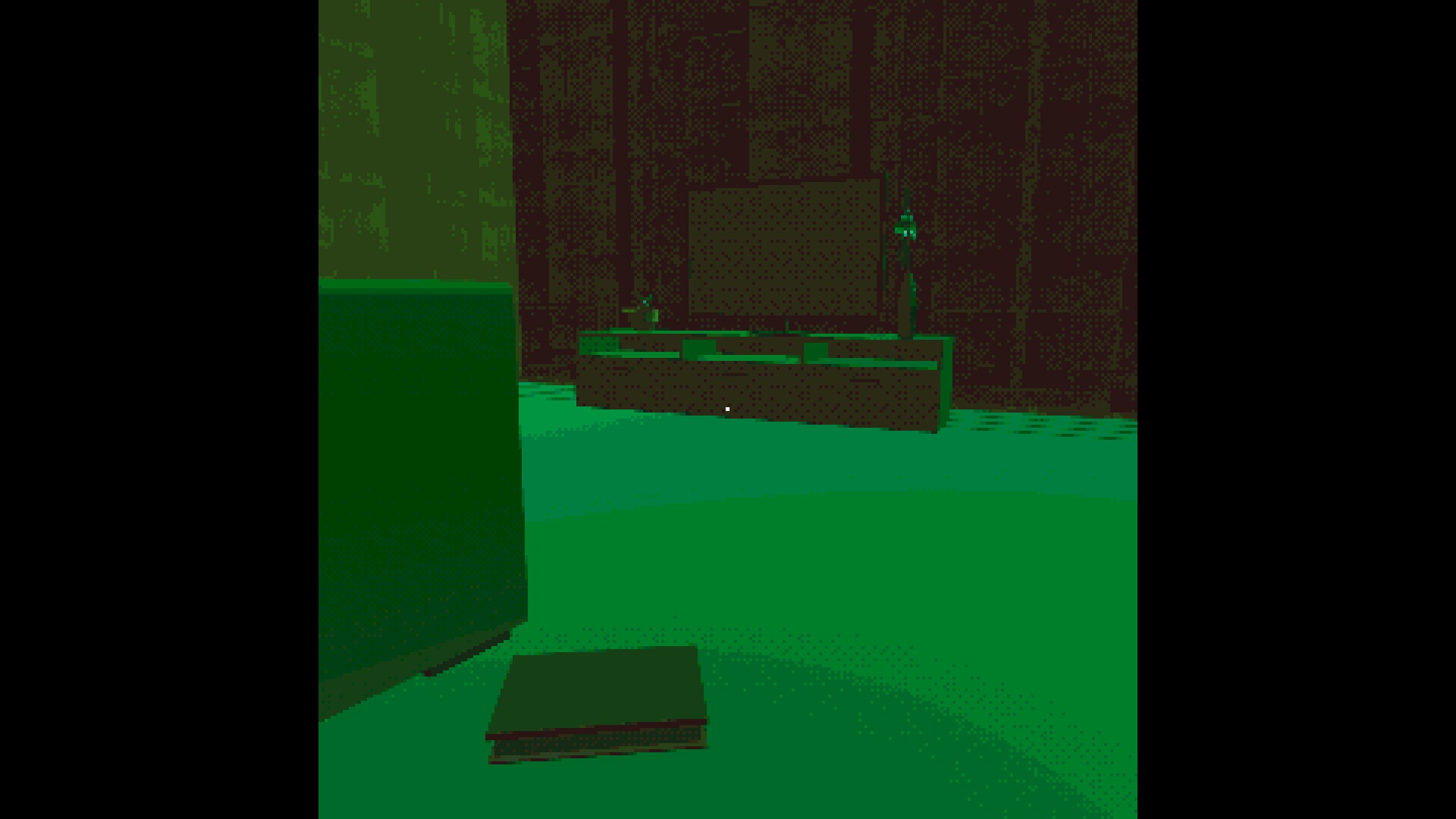
Analog horror is a huge fascination for me. After exploring this idea on YouTube and seeing Local 58 and Gemini Home Entertainment, I became hooked. It’s a mix of 90’s nostalgia, analog media, and that feeling of older technology being unclear and playing tricks on your senses. Home Safety Hotline tries its best to be the next analog horror viral sensation, but it doesn’t quite hit the nail on the head like the above-mentioned videos. While this is a video game and not a series of videos, I will say that it captures the atmosphere well.
You are an employee, plopped down in front of a 90’s beige box, and you are presented with a desktop. You will see exclamation marks on items that have new information. There are videos you can watch on the desktop as well as check your email, and then the main program is where you will spend most of your time. Once you launch this program, you clock in and are presented with a series of informational links. You are answering calls and have to prescribe the correct Home Safety Hotline information package to the caller regarding their problem. Entries are locked until you progress through the days of the week and give the correct answers.
It’s incredibly important to read every single entry thoroughly and actually remember it. You want to remember the symptoms and signs these things cause people. At the beginning, you get basic information about things like ants, bats, moles, and flies. As the days move on, the analog horror part starts to come into play. Stranger and stranger entries for things like Spriggans, Hobbs, Cellar Grottos, and Reanimations. The artwork is superb and accompanies these entires as well as some audio entires. It’s creepy for sure, but never quite the same. Turn on the lights and get goosebumps vibes. There’s some cheese added to this game that takes away from the realism factor. Analog horror is so great because it seems like it could be real. Some of the drawings, while good, don’t look like they were captured on video or with a crappy digital camera. They look drawn-in. The videos on the desktop are some of the best parts of the game that capture that analog horror atmosphere.
This is a riddle or puzzle game, so you have to guess the correct answers or get fired and have to restart the day. After each call, there is a ten-second pause until the phone rings again, but when you put the caller on hold, there is no time limit or penalty. You can take your time, read all of the entries, and make your decision. Some calls are obvious, while others are vague, and they can get quite tricky towards the end. There are anomalies and disturbances that accompany analog horror, such as weird phone calls, network interruptions, and strange messages. While I would have liked more of this, what’s here is fine for a short horror game.
Overall,Home Safety Hotline starts out pretty disturbing and odd, but slowly evolves into cheese, and it kind of ruins the whole vibe. Being an employee at a mysterious hotline is fun, and there is a lot of potential for a sequel or something more. Solving the riddles is fun, and the artwork and entries created give a slow trickle of “what the hell is going on here?” vibes, but it never quite peaks like some of the classics in the genre.
Simulator games that mimic mundane, everyday jobs can be surprisingly cathartic and relaxing. The zen-like repetitive tasks that give you the serotonin boost of progress over time, organization, or customization flood Steam and are eeking out onto consoles if they become popular enough. Sadly, most aren’t done very well and either have janky mechanics, a very low budget, or feel like copy and paste or an asset flip. Very few do it well, with PowerWash Simulator, Truck Simulator, Cooking Simulator, and PC Building Simulator being some of the top kings that do it right. House Flipper was one of those, and it felt janky but had so much potential. It was almost there, and I feel they got there with House Flipper 2, but there’s still tons of room for improvement.
The first thing you will notice are the much improved graphics. Better lighting, effects, higher resolution textures, and an overall better-feeling game. It feels less low-budget and more like how it really should be. There’s also a lot more variety, and the game’s new grid-based placement system completely rewrites how the game plays. Forget everything you knew from the first game. That game feels essentially like the foundation for this new vision the developers have. The game now has a story mode, which is of course unimportant and pretty much filler, but there is some voiced dialogue and you can answer phone calls. Your email map that you take jobs from is sectioned into different types of neighborhoods. Rich, suburbs, oceanside, rural, etc. Once you accept a job, the game starts very slowly. Just simple cleaning, washing windows, picking up trash, and selling items. That’s about it for a good while. The perk system still exists but feels more useful. As you do each type of job, you will be able to make it faster, better, and more efficient for much larger jobs.
Just the simple tasks of trash pickup and cleaning are much better. You eventually get spray that can turn all the dirt soapy, it’s easier to wipe up, and things go faster. Trash pickup eventually expands your pickup grid, so it goes faster. Vacuuming is better and looks nicer. Leaves, coffee beans, rice, marbles, and many other forms of dirt are new and present, so it doesn’t feel so repetitive. Stains range from paint to foot prints now as well and can be on any surface. When you start demolishing, building, painting, and surfacing, some of the most repetitive and boring tasks from the first game are more fun now. The entire game is based on a 1×1 block grid system, so these tasks let you fill out a grid on a wall or floor and fill that in more efficiently. Demolishing lets you hold the button back and fill out a grid. As you get more perks, this grid fills. Painting now lets you select a border, and you can just fill it with your brush. Eventually, your brush gets bigger, and you use less paint.
The same goes for surfacing and building. You can select borders for the building and fill in the bricks this way. Everything just goes faster, feels more satisfying, and feels less like a chore. When you buy objects from the quest list, you can place them easier thanks to this 1×1 block system. You can place any item anywhere, even stack items, as long as it fits. There are so many more items to choose from, and they look better as well. Just the effects of paint trying and demolishing walls crumbling better add to a much better overall experience. I also like how assembly is now stripped away from building and left as a mini-game. There are only a dozen objects you can assemble, and it’s time-based. These were done in your workshop and are much more detailed. They come together like IKEA furniture, where you drill holes, hammer wooden pegs, and attach every screw. This makes remodeling homes less tedious, and your assembly score gives you discounts in the store. Now you can just place radiators, tubs, showers, etc. without having to assemble every single one.
When you finish the story, you can still complete jobs, build homes from the ground up, and just have fun in sandbox mode. There isn’t a lot of story content—about 15-20 hours—but you will blow through it due to how much fun you are going to have. This is one of the best job simulator games next to PowerWash Simulator, and I can’t wait for the third game to see where the developers will go with it. My only real complaint is that the requested furniture doesn’t have the required layout, which would have been nice. You can just throw it all in the middle of the floor, and it counts as complete. This makes buying furniture pretty boring unless you just want to make these homes look nice without any type of reward. As it stands, House Flipper 2 is a night-and-day improvement over the original and is heading in the right direction.
Telltale is mostly known for licensed adventure games such as The Wolf Among Us and The Walking Dead. They shut down and started back up, and now they probably don’t have the money to license these franchises anymore. I actually prefer this. Telltale has created their first original IP in years, and it has so much potential. The biggest takeaway from this game is the usual Telltale style of storytelling and choice-making. You think you know what you’re going to choose ahead of time and how it will pan out in your head, but things always make a left turn and change on you, and you’re left speechless. They are also, sadly, known for having almost no gameplay and very dated visuals.
Gameplay is more frequent in this game, but you just control your character in a walking simulator situation, walking or gliding down long hallways. There are a couple of elementary puzzles thrown in, and that’s your lot for gameplay. It’s fine, as I go into Telltale games for the story and characters and not much else. You can use zero-G movement in some areas and move around that way. You can also optionally scan a few items here and there for collectibles, but it’s very limited and linear in scope.
The best part about the game is the atmosphere, characters, and overall story. While this game is the beginning of a larger story arc that will give us more lore and behind-the-scenes politics on the goings-on of this world, this game solely focuses on establishing Captain Drummer as a brand new protagonist, and I love her so much. She has a lot of charisma and is a dark and brooding character without being cringy and formulaic. Her voice actress does a fantastic job portraying this. The other characters are written in your typical telltale manner, which allows you to constantly hate or like a character and then suddenly doubt everything in the end. The cast is small, but the game has a fantastic pace that keeps things interesting.
You’re essentially scrappers, and there is an established order of inners: people who live inside the astroid belt and those who love outside of the astroid belt. There are pirates involved, and there is a secret treasure that everyone is fighting over. I don’t want to go too much into the story, but the game’s atmosphere is dark and haunting, but there’s no horror. The monster here is the human element and just how brutal we can be to each other in a split second. I found the ending very satisfying, and it opens up for a clear sequel that hopefully expands this entire universe that Telltale has created.
The visuals are a huge improvement over their past games. While they aren’t ground-breaking and are required to run on previous generation hardware, the stylized visuals look great, and the blacks, whites, and grays really make you feel alone and claustrophobic all the time. The voice acting is top-notch, as always, and the only thing I left with was wanting more from this series. I also wanted more gameplay, as quick-time events are incredibly dated and there are other things you can do for adventure titles other than these dated gameplay elements. More side quests, an actual gameplay loop, and more side dialogue would be nice to be able to expand upon everything. As it is, the game takes 6-7 hours to finish, but it’s incredibly enjoyable, and I couldn’t put the game down.
Yep! The fact that I forgot about this game until you made a comment proves that.