The Galaxy Tab S2 was the best tablet I have ever owned. It’s sleek, powerful, includes a familiar Samsung Android OS, has a beautiful screen, and I never had a single issue with the tablet. That was three years ago, and I felt it was time to upgrade. While I understand that the Tab S3 isn’t the dramatic change that the S2 was from the original Tab S, to me at least, it’s a marginal difference to justify an upgrade, especially if you are growing tired of your S2 or realize, like I did, that Samsung is no longer supporting it.
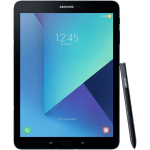
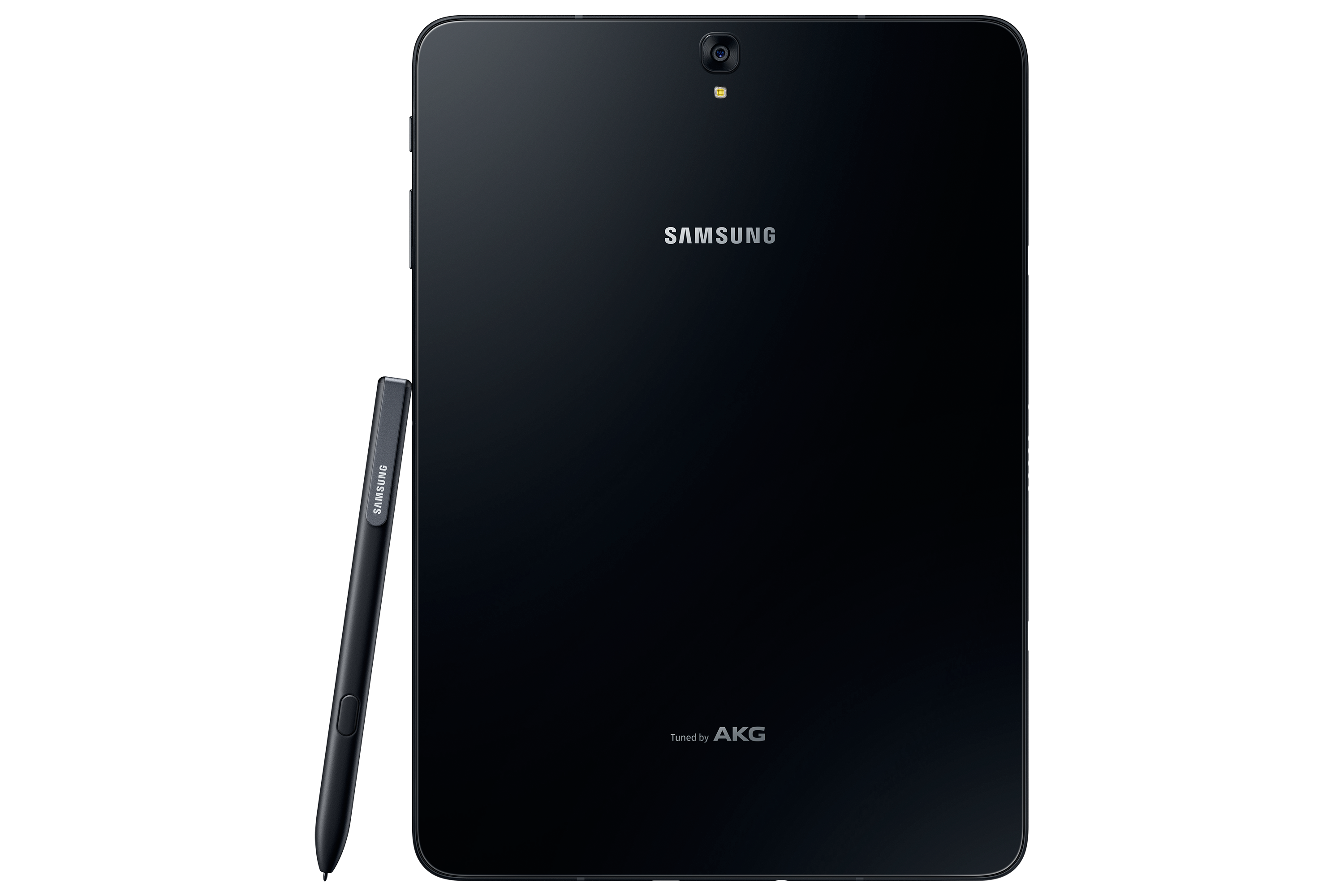
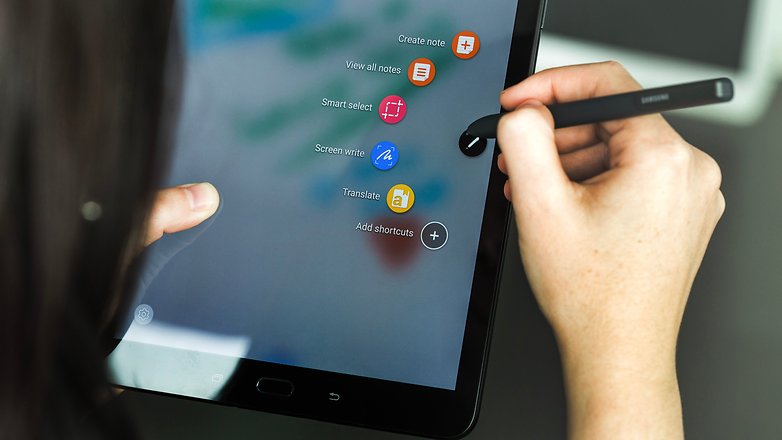
When I took the tablet out of the box, the differences were noticeable right away. While it’s shaped the same way, is the same size, and looks familiar, it’s made completely out of glass, so that plastic feeling is gone. It’s also half the weight and thickness of the S2, which is insane as the S2 was the thinnest tablet around for the longest time. The Tab S3 also includes the S Pen for the first time since the Note 10.1 tablet. The S Pen is large and full-sized, unlike the pens for the Note phone series, and it doesn’t go into the tablet. This is a bit of an issue because you always have a loose pen floating around unless you buy a case for the tablet that can hold the pen.
Once I turned on the tablet, it was a familiar experience. The Nougat OS is exactly like the S2, with a few added features. Sadly, I noticed that Samsung themes are absent from this tablet as well and seem to be exclusive to the newer Samsung phones. I did notice that everything ran a bit smoother and was more responsive overall.
The biggest change of all would be the sound and screen. The S3 features four speakers for surround sound by AKG, which sounds fantastic. As I was playing games or watching videos, I could hear the sound differential change with each speaker, which was a huge change from the S2’s stereo speakers. The screen features HDR, which was the first tablet to do so. Watching HDR videos on Netflix or just high-res videos, in general, look fantastic on this screen and almost look better than on Samsung’s high-end phones. I can’t stress enough how great everything looks on this tablet; these two features alone are worth the upgrade.
Let’s get under the hood of this beast. While there are more powerful tablets on the market, the Tab S3 is one of them. The S3 boasts the Snapdragon 820 SOC with a quad-core CPU running at 2.15 GHz. We get 4GB of LPDDR4 RAM and an Adreno 530 GPU. It’s not the biggest leap over the S2, and it disappointed a lot of people, but as a whole, it’s a worthy upgrade and still more powerful than the S2. It has a 13 MP rear camera and a 5 MP front-facing camera, which is just fine. Who really takes photos with their tablet? I took maybe a dozen with my S2 over the last 2 and a half years, and it never got used. Thankfully, the S3 has a flash on the back this time, so your photos will turn out a bit better.
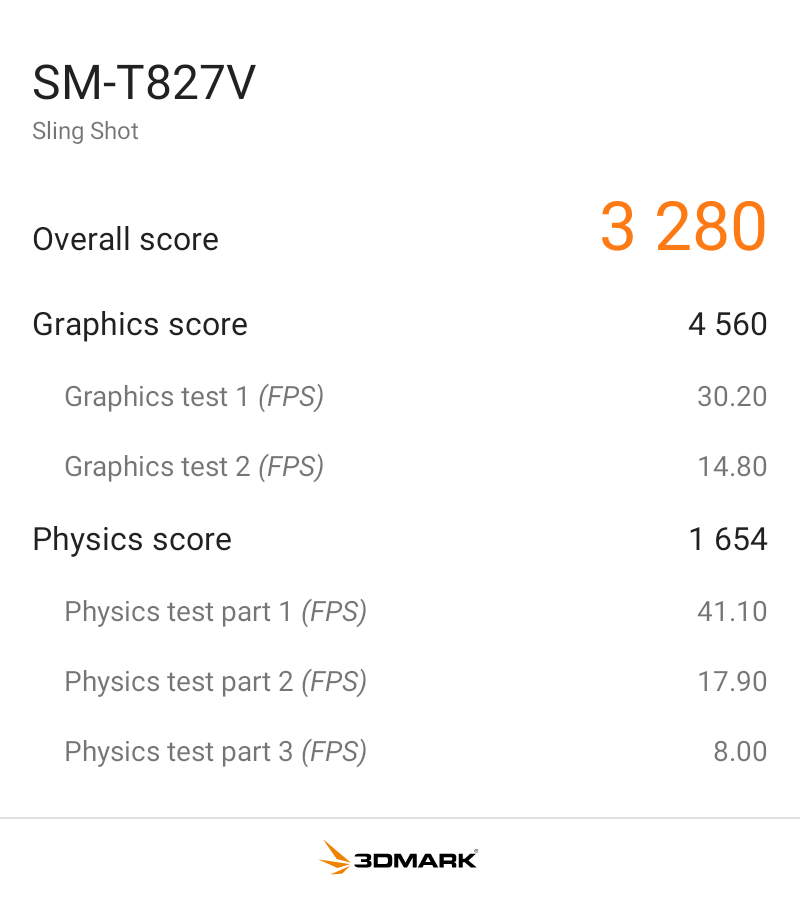
I benchmarked the S3 with 3DMark Sling Shot Extreme, and it did fairly well with the Vulkan and OpenGLES 3.1 APIs. As you can see, when the system is pushed fairly hard, it can maintain a solid 30FPS, so it’s ready for games for the next few years.
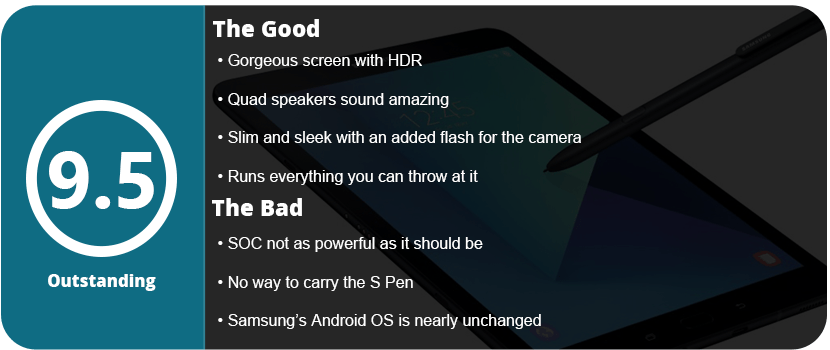
Overall, the Tab S3 is a fantastically powerful and feature-packed tablet. It’s a worthy upgrade from the S2, or if you want an all-new tablet, this is a great one to jump into. With a gorgeous screen, HDR support, a versatile S Pen, quad speakers, and a slim design, there’s nothing wrong here at all. While the SOC isn’t as powerful as I’d have hoped, it’s not enough to deter me from recommending it.
Samsung has been one of the top leaders in the mobile department for a long time, and for good reason. They continue to push their products with new ideas and reinvent them. They aren’t scared either, as every 2–3 generations we see an entirely different device. While the Note7 was a fantastic piece of hardware, it was seriously flawed, and the Note8 is already a huge jump forward from that device. It shares similarities with the S8+ that was released earlier this year, and that’s actually a good thing.
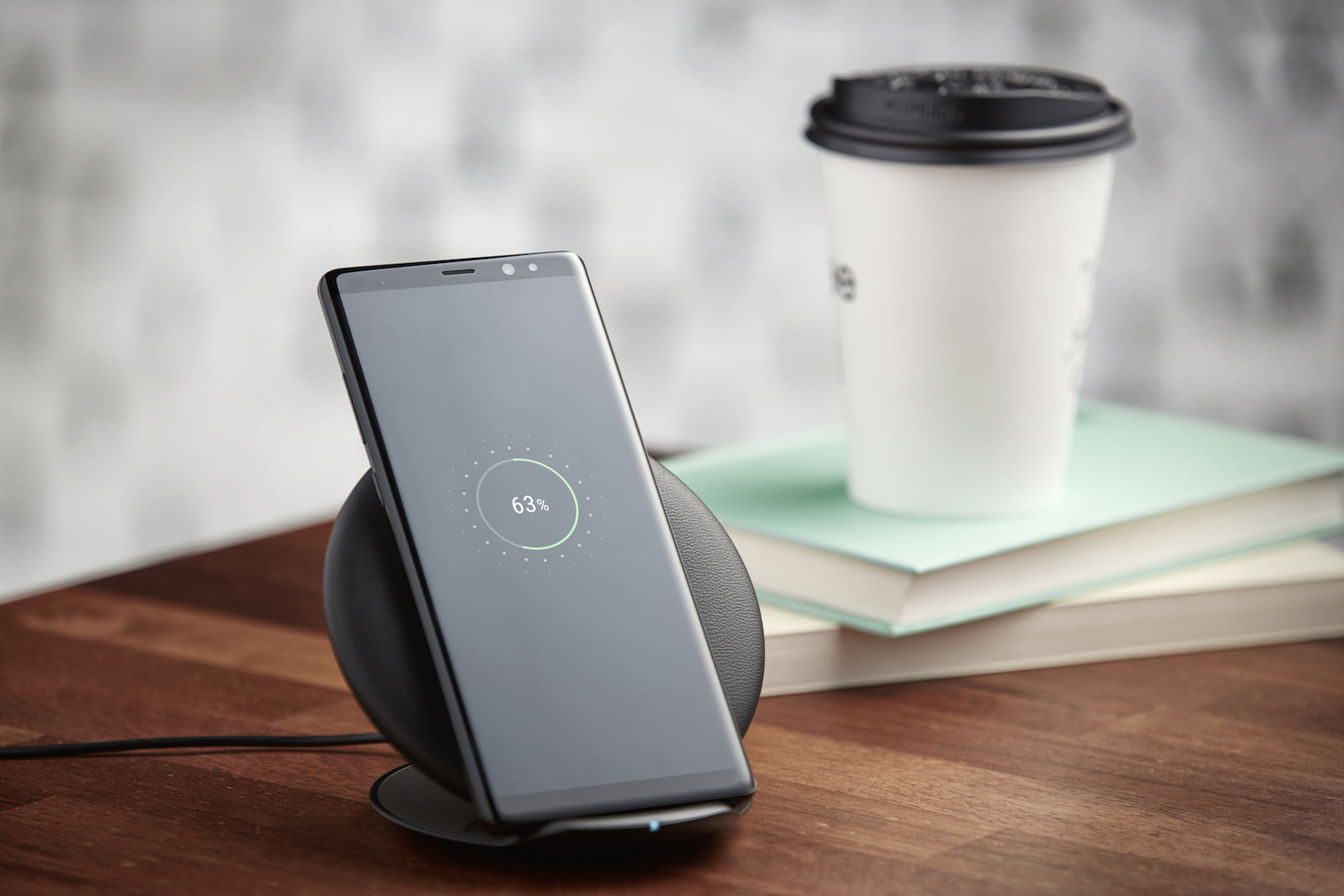
You will notice it looks identical to the S8+ outside of the more rectangle edges, and the screen is a smidge bigger. It features the same galaxy black design and gorgeous infinity display. From this point, it seemed not much different than the S8+ I had earlier, so I wasn’t too surprised, but new owners upgrading from older phones will be more amazed.
It’s still quite a beautiful-looking phone. However, the key feature of the Note series is the S-Pen. It hasn’t changed at all from the Note 7, and that’s not a problem at all. It still feels light and easily fits in the hand. The Bixby button is located a little further down, but if you hated it on the S8, you won’t like it here.
Note8 using Live Focus
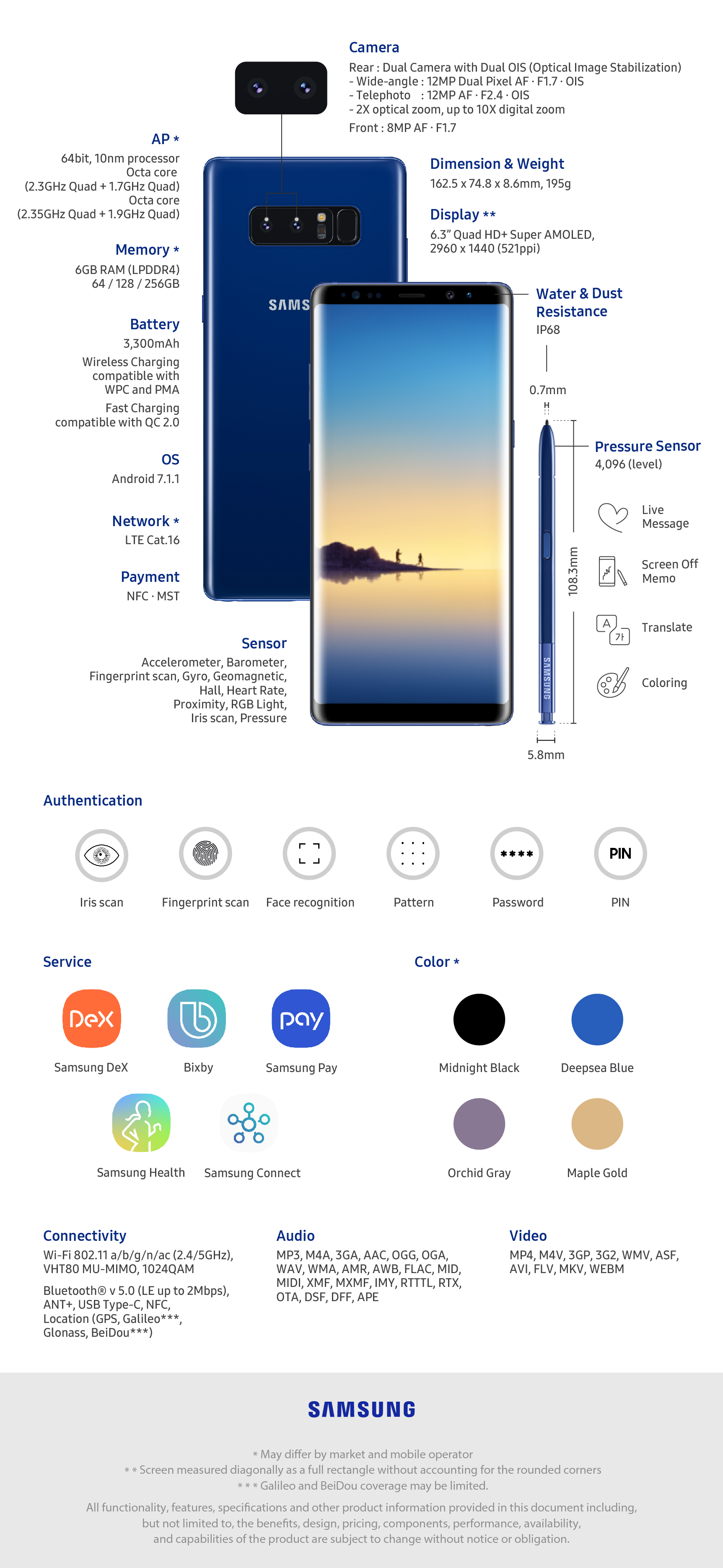
The Note8 does feature the same Snapdragon 835 chipset as the S8, but it has 6GB of RAM instead of 4, so apps do load a bit faster, but the biggest addition to this phone is the camera this time around. It features a 12MP dual-lens setup that allows Bokeh to focus on fantastic-looking images. It’s the first time Samsung has had a dual-camera setup on their phones, and it’s the best smartphone camera around, hands down.
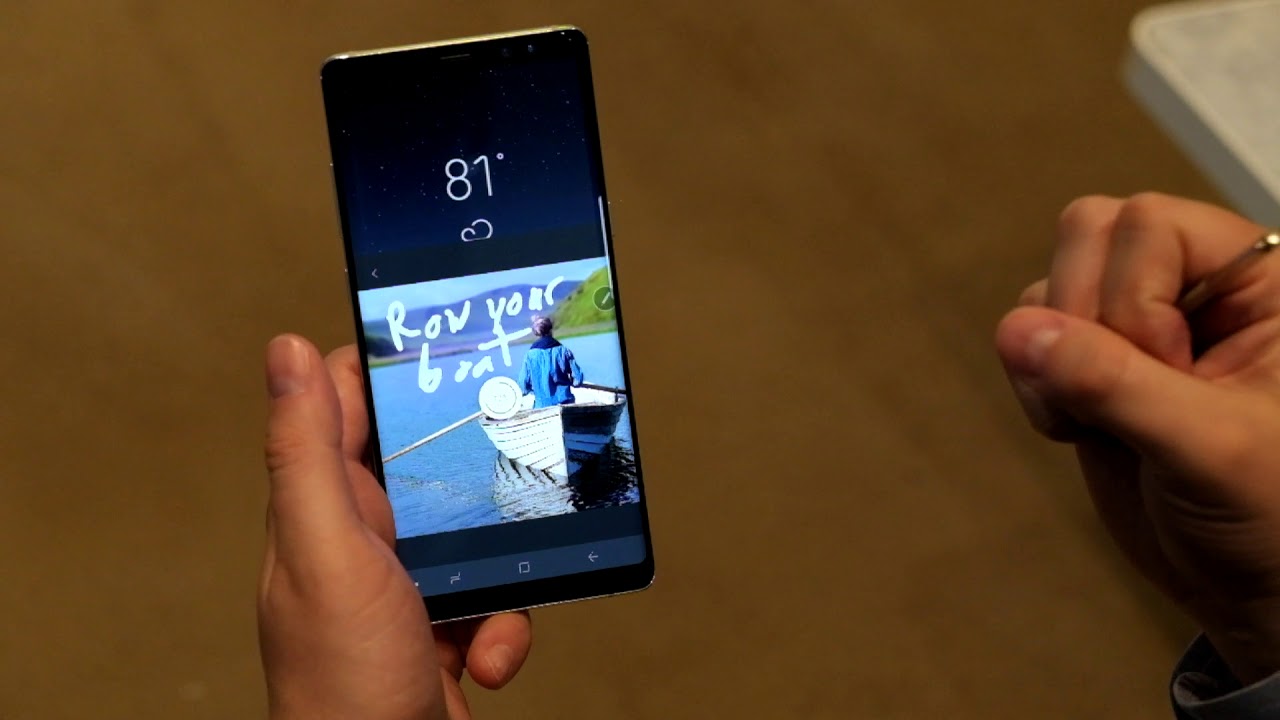
Outside of what we saw with Nougat on the S8+, the UI is the same, and there’s only one extra software feature, and that would be Live Messages using the S-Pen. When you write, you can choose between glowing, sparkly, or other inks that turn into a GIF as you write. It’s a neat feature and a great piece to add to the Note 8’s S-Pen suite. Bixby is also rather used this time around, being a little more of an AI assistant and not an obtuse nuisance. Most people may still prefer OK Google over this, but I liked being able to hold down a physical button and ask Bixby questions. It just seemed faster and more reliable.
The screen is one of the main reasons I stick with Samsung, and they don’t disappoint, with this screen being slightly better than the S8 screens. 4K content looks fantastic at 60FPS on here, and playing games never looked better.
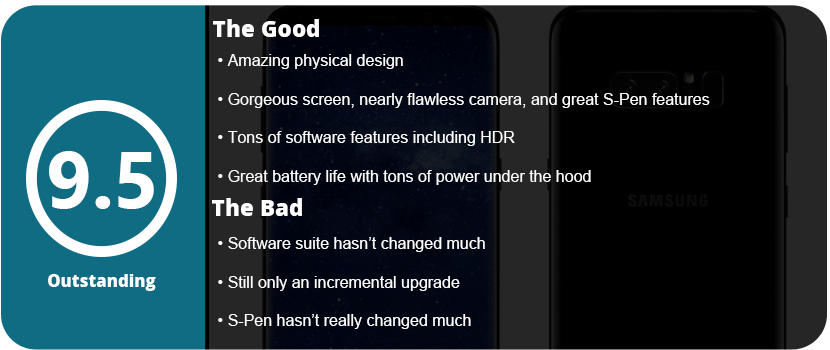
Bottom line: you can’t go wrong with the Note8, especially with the great battery life I have been getting. It has only needed one charge in a single day, even for heavy use. From the camera, screen, S-Pen, larger RAM, and many other features packed in here, the Note8 is a beast of a phone and the best you can get on the market right now.
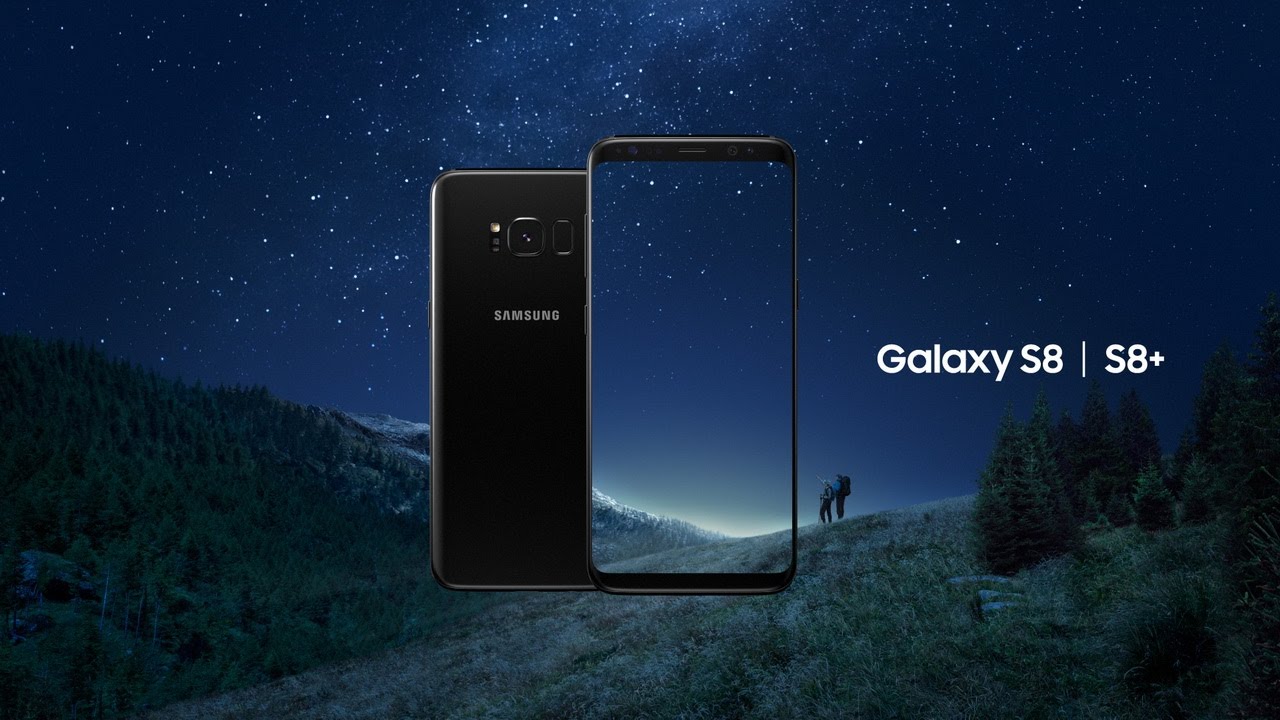
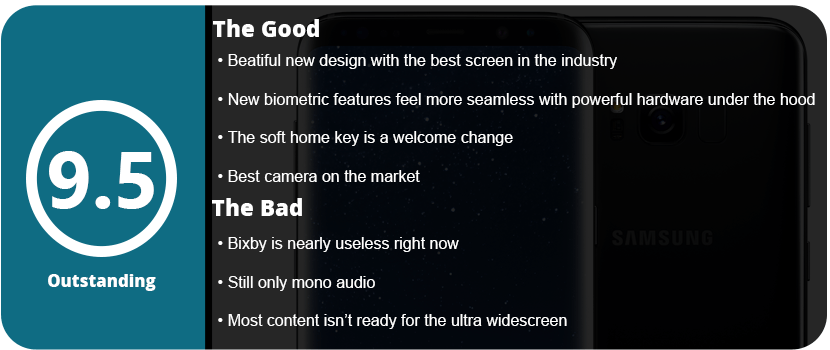
Well, this is a bit awkward. Here we are, barely 6 months after the Note 7 fiasco, and we have the all-new Galaxy S8 series that can be claimed as the final iPhone killer. The Note7 was the biggest cell phone disaster in history, and yet somehow Samsung was able to slingshot around all of this over a corruption scandal, exploding batteries, and a well-thought-out but failed recall. Relying on sales of the S7 and S6 phones, Samsung poured all the Note7 features into the S7 Edge and called it a day. It kept everyone busy while LG and other manufacturers stole the Note 7 market. The Galaxy S8 isn’t just a new and slightly updated Galaxy phone; it’s practically all new in terms of design and hardware. There are more features than the iPhone could ever imagine; it’s sleeker, slimmer, and more robust than the iPhone 7 ever could be. Did Samsung really create such an amazing phone in the span between the S7 and Note 7? Let’s find out.
The Design
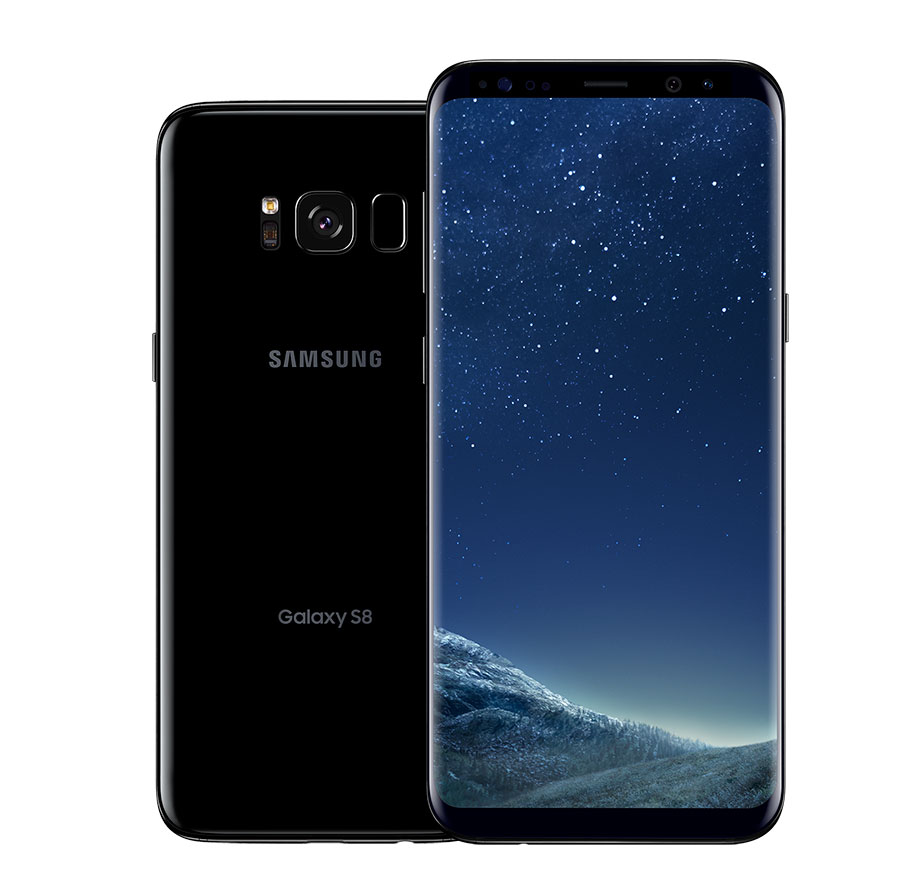
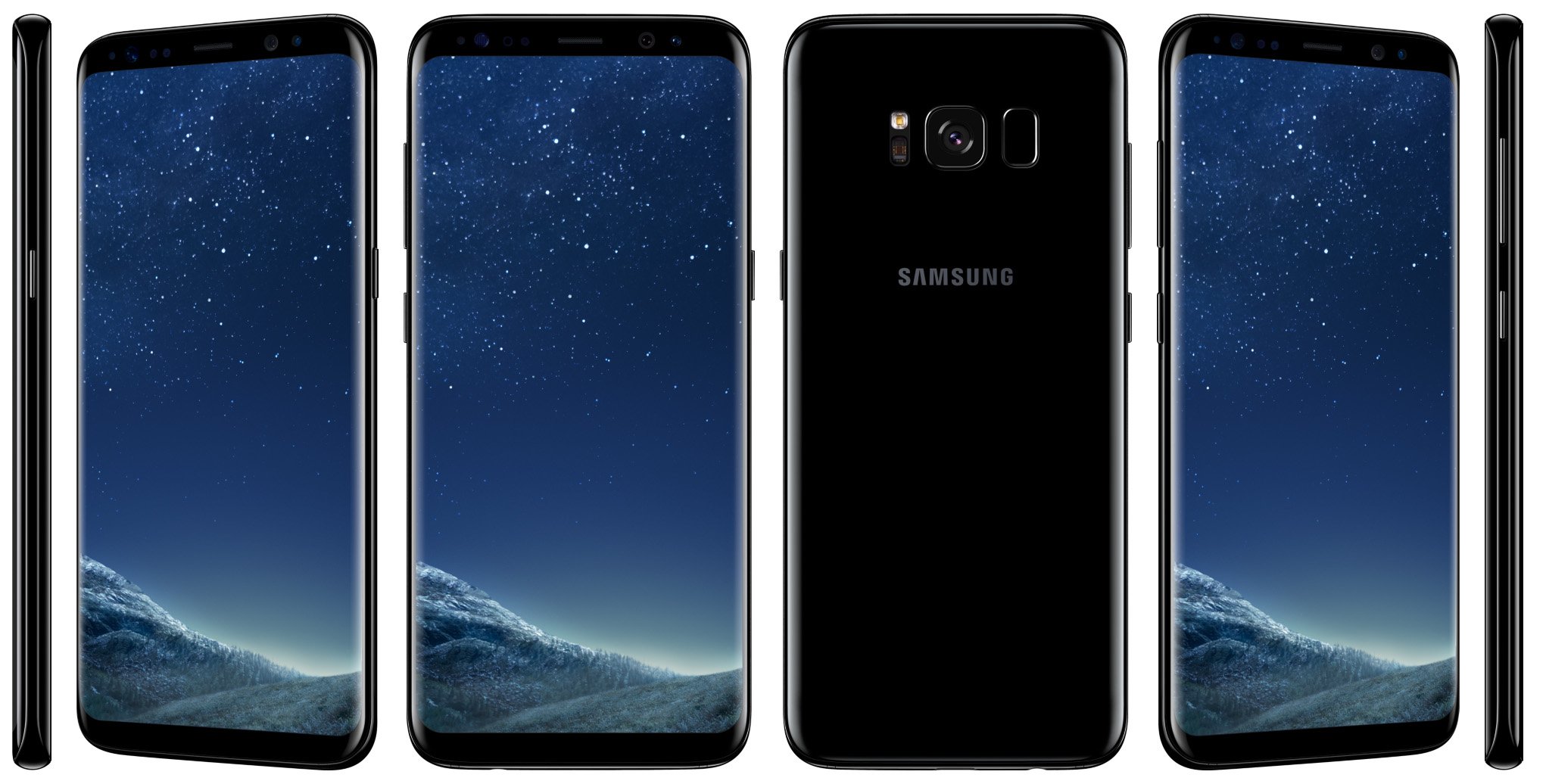
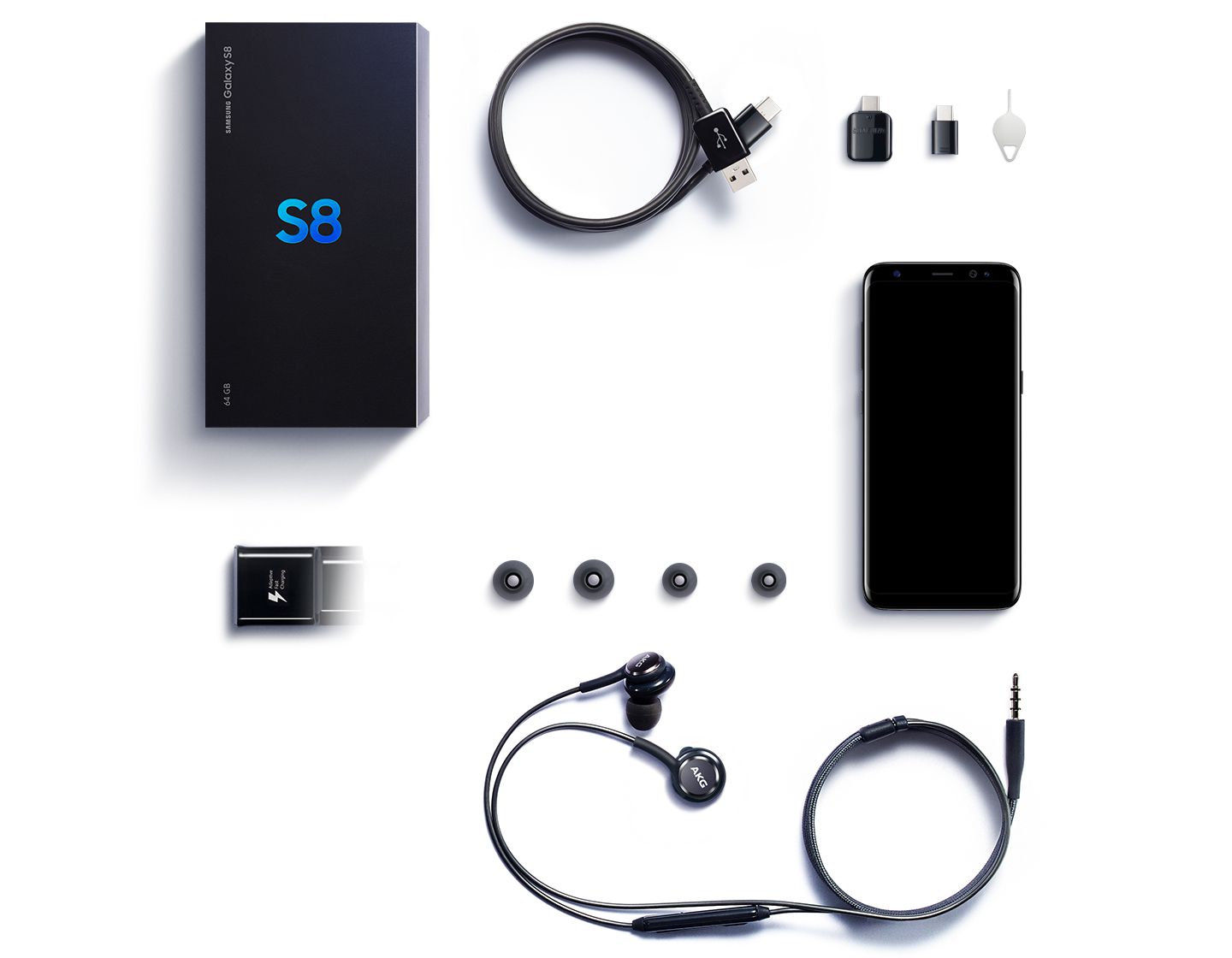
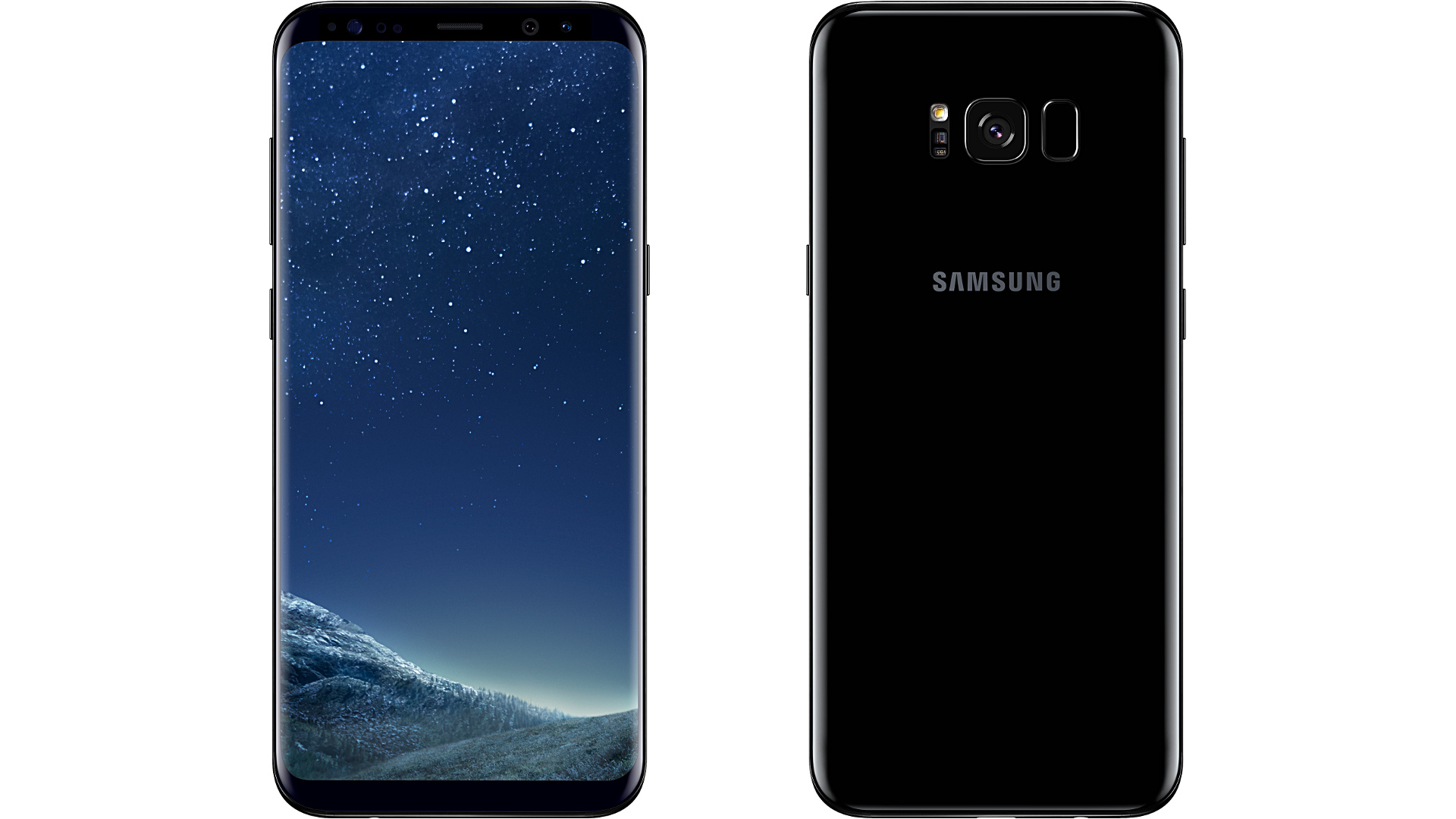
Let’s start with the unboxing of this thing. It’s similar to any recent Samsung box with a SIM tool, instructions, charger, cable, and if you had the Note 7, two converter plugs. When you hold the phone in your hand, it feels heavy but so sleek and beautiful. The Midnight Black color is by far one of the most beautiful phones to ever be made. The entire phone is glass, which is a far cry from the plastic backs and aluminum bodies of the Note 4 and beyond. The entire phone is pitch black, and I mean pure black. It looks like you’re looking into the sky on a clear, dark night. Gone is the front physical button, replaced by a pressure-sensitive home button on the screen. The volume rocker is thinner and sleeker, along with the power button. The new Bixby button (later) is smaller than the power button and underneath the volume rocker, which takes getting used to. There’s a fingerprint sensor on the back next to the camera, as well as a heart rate sensor. Now I have to tell you that the fingerprint scanner feels natural, as your finger is already resting in that area. LG phones have had their scanners on the back for a while now, so it’s nothing new. It’s just a small rectangle in the back and is more responsive than ever.
The camera is virtually flush with the phone this time, and yet Samsung was able to make the phone more powerful. Long gone are the typical Galaxy designs of flat edges and round corners. The entire phone is a seamless piece of glass, and the edges are perfectly rounded and blend in with the edged screen. When I have my phone sitting on a surface, it looks like a beautiful piece of black onyx, as the AMOLED display only turns on the pixels it needs for the Always On Display (introduced in the S7). The phone is as dark as the screen; it’s a seamless color, which is something that’s never been seen on a phone. Sadly, this illusion is broken on other colors of the phone, which is why Midnight Black is my favorite color. The loss of a physical home button and the lack of a front logo allow Samsung to create a much larger screen without making the phone larger in scope. It’s a smart design choice that Apple needs to get on board with.
The Engine
The Galaxy S8 is the first phone to be powered by Snapdragon’s new 835 SoC, an eight-core CPU that isn’t a first for a Samsung phone. 4 cores run at 2.4 GHz, while the other 4 run at 1.9 GHz, allowing for ultra-fast speeds. We get the latest GPU, which is the Adreno 540, allowing for games that would cripple the Note 7 to run at 60 fps. This is an ultra-powerful SoC, and that makes the Galaxy S8 the most powerful smartphone on the market. We still have 4GB of RAM, but this is faster LPDDR4X RAM, which allows for faster bus speeds and loading between apps. The only downside is that Samsung phones are stuck with 64GB of internal ROM, but the upside is that this phone supports up to a 256GB microSD card and has UFS 2.1 ROM, which means lightning-fast read and write speeds.
The Experience
First and foremost, Samsung is the frontrunner in security, and new biometrics have been implemented. While we saw an iris scanner in the Note 7, it was slow, buggy, and made the phone run hot. There was also the issue that it took forever to line up correctly. The new iris scanner is lightning fast, has a brighter red LED light that flashes, and doesn’t slow the phone down. In addition, there’s a new face recognition scanner that works wonders, as nothing shows up on the screen to unlock your phone. When you try to unlock it, the camera recognizes your face instantly and just unlocks it as long as you are looking at your phone. It works well, and Samsung seems to have gotten these biometric scanners down pat this time around.
Along with all these security features is an updated Samsung Pay, which works like you would expect, a new edge screen, and an overall notification setup that is amazing and the least intrusive I have ever seen. Rather than a card that pops down on the drawer or on the screen, a small strip pops up with just the right amount of information. The entire edge of the phone has a rolling color that flashes, and it looks so beautiful and amazing. Samsung seems to roll major gimmicks like palm mute, swipe to capture, and various other gestures as standard features, being more creative and having these gimmicks actually be useful for everyday use. There are still some very minor issues present, however, but they don’t really hold anything back. There is still only one mono speaker, but it does sound a little better than previous phones. With this phone’s 18.5:9 aspect ratio, you’re going to get some stretching in some games and videos. You can make the content full-screen by choice, but ultra-widescreen monitor owners will understand this problem. It’s very minor, but still noticeable.
I hope that the biggest issue with Samsung phones being constantly slowed down over time is eliminated with the more powerful SoC. I have yet to have any slowdown in the three days I have had this phone, and with previous phones, it would start immediately. The last feature I want to discuss is Bixby, as many people are confused as to what it is. This isn’t your average AI that you can use voice commands with. You can’t say “Hello Bixby” and have it search things for you; Google Assistant is still there for that. Bixby is used to exploring the phone’s actual features. It’s just an app that pops up that gives you a summary of your Samsung apps, cards, and highlights, and that’s about it. It’s very basic and not too fancy, but it does do one thing that Google does not, and that’s the Bixby assistant on the camera. Aim it at an object, and Bixby can search on Amazon for the product or similar pictures online. I’m sure this will expand over time, but right now it will be useless for most people.
Overall, the Galaxy S8 is the finest phone I have ever used. Samsung continues to push the boundaries that Apple once did and refuses to do in today’s times. The smartphone business is a vicious one, and you must constantly and always evolve, or you will be left in the dust. I wouldn’t be surprised if Samsung steers toward their own Tizen OS at some point to finally have a proprietary OS that can be tailored to their own hardware, like iOS.
While this is my third smartwatch, this is my first non-Android Wear watch, and I have to admit I was very skeptical and unsure. For one, all my apps and watch faces I bought on Google Play are now gone as Samsung uses their own OS called Tizen to power their watches. Why would I plunk $400 down on a watch and be so unsure? I don’t really have a choice. A lot of smartwatch brands, like Huawei and Motorola, have paused their smartwatch lines until Google can improve and build upon Android Wear. Remember, we’re still on the first version of Android Wear, with only a couple of watches getting 2.0 as of the last couple of months.
What attracted me to the S3 was that it was a 4G watch and looked like an actual watch. It’s rugged, well-built, and fast, unlike some other watches. While Android Wear performed fairly well on the Moto 360 2nd Gen., it still wasn’t enough and felt like it didn’t evolve. Samsung’s own Galaxy App Store is full of useful and fun apps and watch faces. I didn’t really have to worry there, and surprisingly, there’s even quadrupled the number of watch games on the Galaxy App Store compared to Google Play. Before we get there, though, let’s talk about the actual watch.
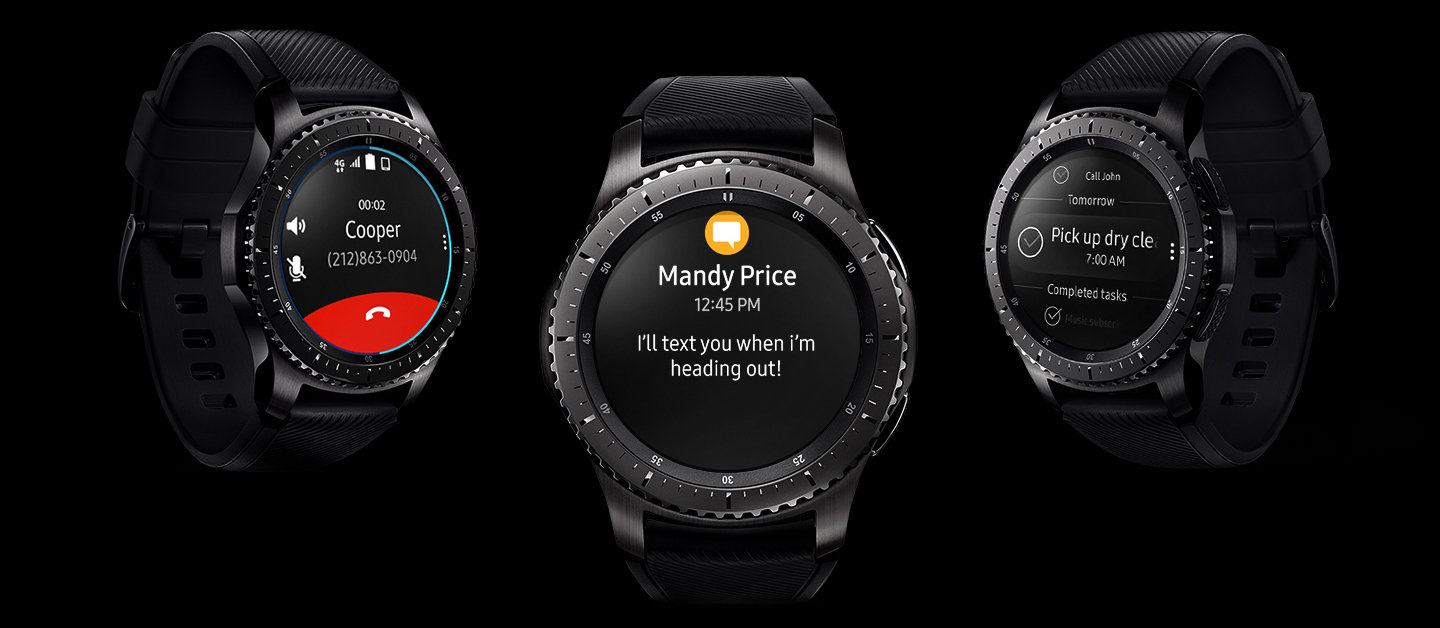
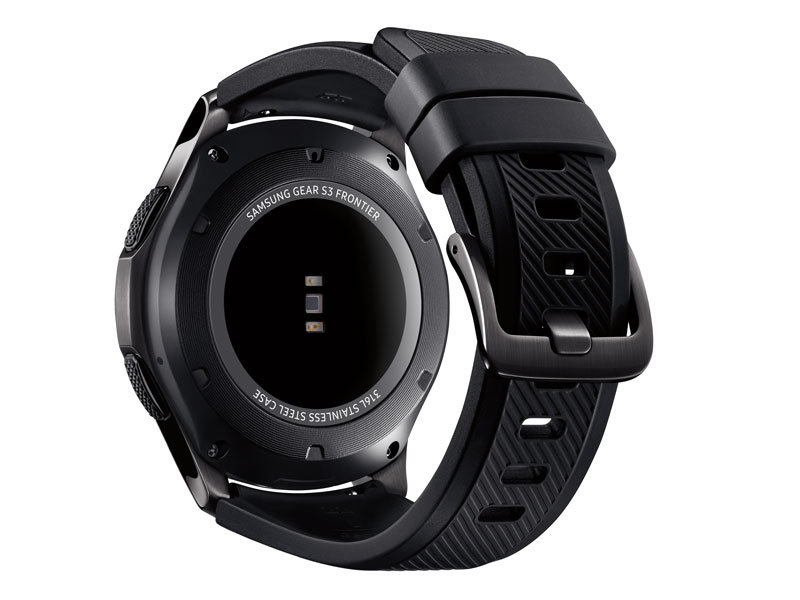
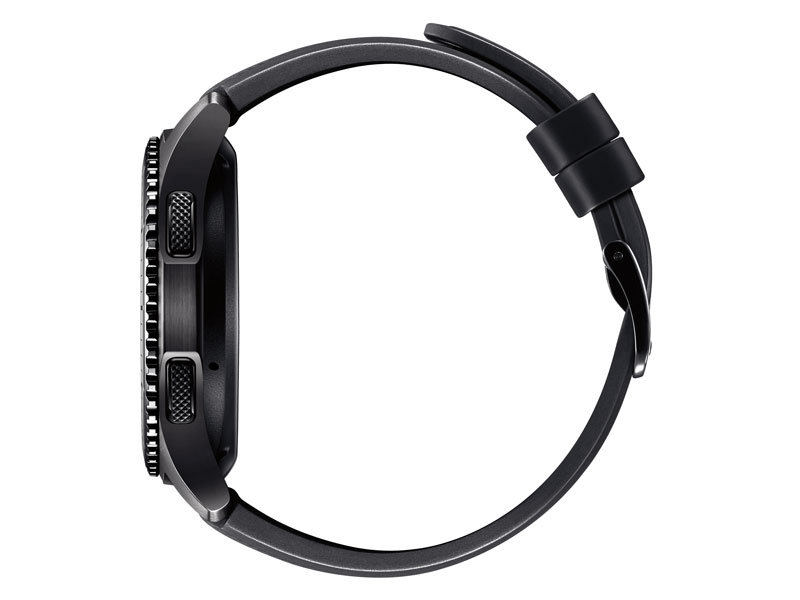
The actual body is a bit heavier than my Moto 360 2nd Gen. It’s made of military-grade material and is actually water- and dust-resistant, with an IP68 rating, which is amazing. You can wash your hands or do some dishes without worrying about ruining your watch. The silicone bands feel well built and much better than the cheap leather Motorola uses on their watches, which deteriorates in about 2 weeks of use. The clicking dial on the watch face feels great to use and is very responsive. I was afraid it would feel cheap and flimsy, but it doesn’t. The touchscreen feels nice and is extremely responsive, which is a must for something like this.
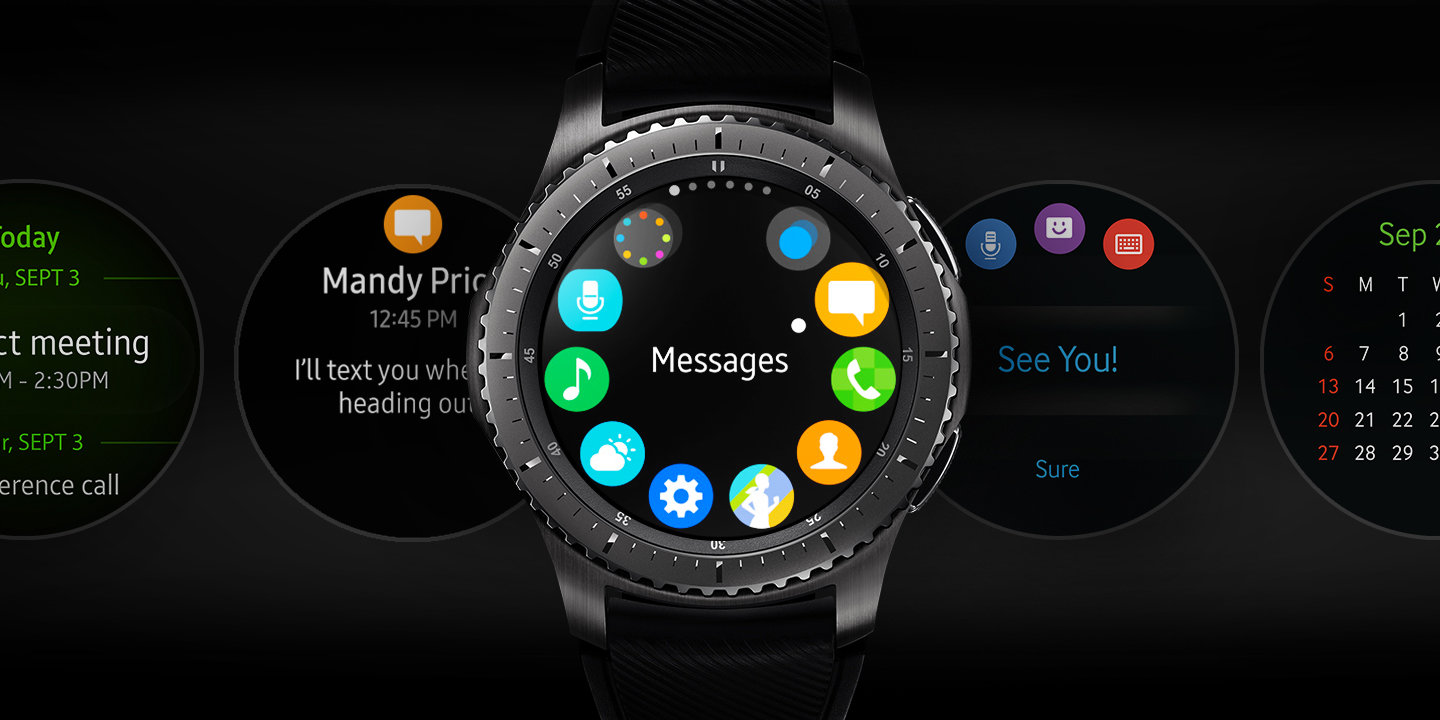
This watch has two physical buttons, one being a back button and one for power. The way Tizen works software-wise is much more convenient than Android Wear, and I was shocked and also relieved because, for now, I’m done with Android Wear until they can make some major improvements. You can swipe to change your watch widgets, which is much better than having an app drawer. One of the biggest fallbacks of Android Wear was that it felt like Android OS mushed down into a watch. All the Samsung apps have their own widgets that operate a certain way on the face at a glance, and then when you press the widgets, you go into the full app on the watch. The scroll wheel just smoothly flies around the watch and makes finding your widget a breeze, and it beats having to rely on the touchscreen and swiping a lot.
If you don’t want to scroll all the way through your widgets, you can go to the app carousel, which has the icon on the face, and you can scroll around to find what you want. It is still very fast and easy to use, and I love this feature. If you scroll all the way to the left, it will show your last-used app one click past the watch face, which is useful. The watch is equipped with Samsung Voice, so a simple “Hey Gear” will bring up a very responsive voice command to call or text anyone. This is made easier with a mic and speaker on the watch, so all calls can be done through your watch, which is a major step up over Motorola’s watches, which only contain a mic and all calls must be done on the phone. This leads to the watch having call forwarding, which is the best feature of this entire phone. You can leave your phone somewhere and still get calls on your watch. This is great if you forget your phone somewhere or don’t want to carry it around. This is only for the 4G watch and not the Bluetooth-only versions.
Surprisingly, this watch doesn’t have the insane hardware to be responsive and quick. The screen has a 360×360 resolution and is running on only a dual-core 1GHz CPU, which is Samsung’s own Exonys 7270. The screen is gorgeous, and it would be with Samsung using a Super AMOLED display, so it is the best-looking watch screen on the market. It only has 768MB of RAM and 4GB of ROM, but it seems to be enough as Tizen is hand-tailored to this hardware. The watch also never gets hot, unlike Android Wear. Snapdragon SoCs are notorious for burning up when pushed really hard, and that is what was in the Moto 360 2nd Gen.
The Gear app is fairly robust and has more features than Android Wear, which hasn’t really been updated since day one. The only thing I can’t change is waking the watch up when you bring your arm up. This is a feature that will never 100% work, as the watch can’t tell if you’re making gestures or looking at it. There is also no dim mode on this watch, which Android Wear does have, and that is probably why you can’t disable the feature. When you aren’t looking at the watch, the screen is off. You can also find your gear through the app and lock it if it is lost or stolen, which is easier to use than Android Wear. One of the best features is the native Samsung Pay that Android Wear has yet to implement. Just long-press the back button, and up comes Samsung Pay, which is really handy if you are into that. One thing that is actually quite simple that I love is that the Gear S3 connects immediately to Bluetooth without any fiddling or errors. Android Wear watches can only be connected properly if you turn on Bluetooth through the Android Wear app. If you just connect through the phone, it won’t connect sometimes. Frequent disconnects were common with my original Moto 360, but I’m happy to say the Gear S3 just connects and stays connected. It even seamlessly transitions from 4G to the phone without any problems.
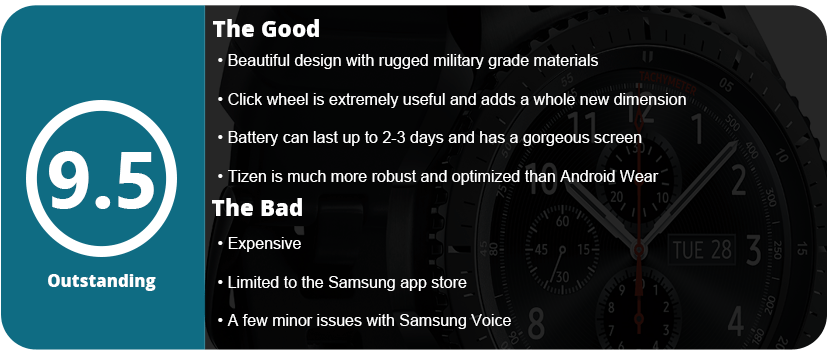
Overall, this is the best smartwatch I have ever owned, and Samsung has Tizen down just right. My fears weren’t that Tizen wasn’t as good as Android Wear, but now knowing that Android Wear is so far behind Tizen, it makes me want to never go back. Naysay what I’m telling you all you want, but I loved my Moto 360 2nd Gen, and I was also very frustrated with the bugs and problems with Android Wear and Motorola’s watches brought on. If you want one smartwatch, the Gear S3 is the way to go, without a doubt. This is the watch to directly compete with the Apple Watch, not Android Wear. Samsung has the streamlined, robust, and easy-to-use OS and design that Android Wear seems light years behind on.
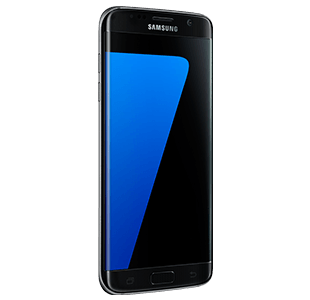
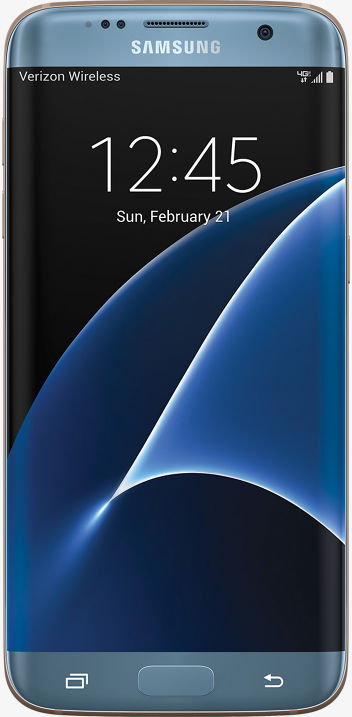
So, this is my fourth Samsung phone, and this company has come a long way. After dealing with the Note 7 disaster, I switched to the LG V20 while awaiting the next Samsung phone, thinking the S7 wasn’t worth it. I recently decided to switch back as the Galaxy S8 is around the corner and the S7 Edge is pretty much the same as the Note7 without the S-Pen and a smidge smaller. The OS is identical, and I really missed the fantastic screen and OS experience from Samsung.
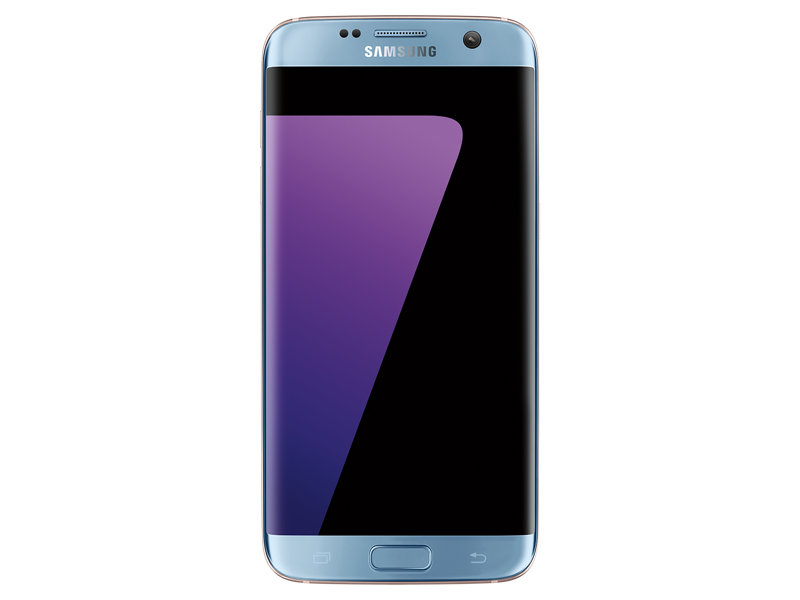
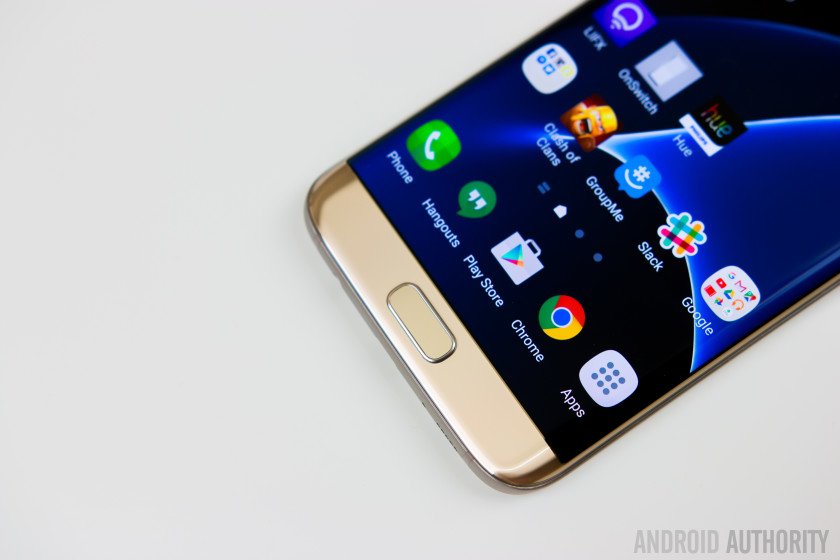
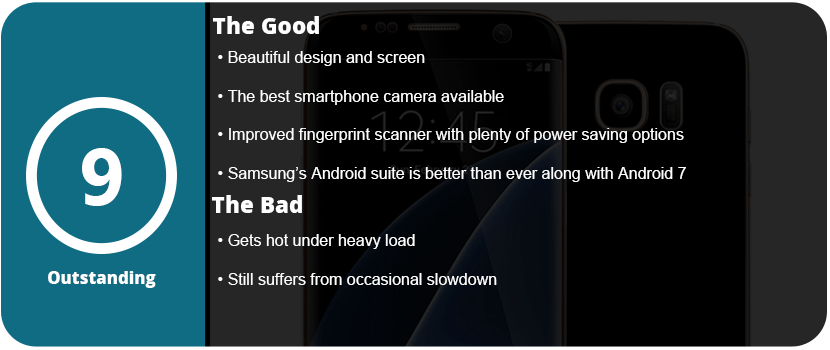
Thankfully, I picked up an S7 Edge after the 7.0 Nougat update, and I have to say it is just a beautiful update to the already great 6.0 that the Note7 shipped with. The S7 Edge has a 2K screen (2560×1440) with a 12MP rear camera and a 5MP front camera. The S7 camera is rated as the best phone camera around, and you can really see just how fantastic it is. The full glass body is sleek and gorgeous and feels great in your hand, and the much-improved fingerprint scanner works great.
The phone has a Snapdragon 820 SoC, which is currently the fastest available for a smartphone and is lightning fast. 4GB of RAM and 32GB of UFS 2.0 memory allow for speedy transfers and writes. The addition of a microSD slot is welcome, and the Adreno 520 GPU allows you to play the latest and greatest games. There’s nothing faster out there right now. However, this phone did tend to run very hot when I did the initial setup. It was so hot it made my hand sweat, but after this setup, I have yet to have the phone get that hot again.
The OS experience is wonderful, and Samsung has implemented so many features over the years that it can be overwhelming. From being able to transfer your files from your old phone via WiFi or USB to advanced security features, excellent power-saving technology, and features for gamers, there’s a lot packed into this tiny brick. Samsung’s Game Tools and Game Launcher are awesome to use, and I have been a fan since day one. Being able to launch a game from the Game Launcher allows you to keep your phone at maximum performance, or you can turn it all down for smaller games that aren’t graphics-heavy. Game Tools allows you to customize each game individually if you want as well.
Samsung’s themes and icons are nice to see on the S7 and make the phone feel unique and personable. Samsung is the only phone maker right now that has this feature, but LG is trying to catch up, but their theme updates are slow going. Samsung has other things packed in here, like Samsung Gear, VR, Pay, and many other proprietary apps that are robust and work well with their own products.
I really can’t pick this phone apart from the Note 7, as it’s exactly the same—same button placement and feel, same style, same screen, same everything. If you were screwed by the Note 7, this has all the exact same hardware but in a slightly smaller form factor. It still has some of the same issues that have plagued Samsung smartphones forever, such as the occasional slowdown if you don’t constantly keep up on optimizing your phone, and it does run hot if the CPU is pushed too hard. Hopefully, this eventually goes away with the next phone, and I don’t know if the OS can’t keep up with the CPU or the other way around, but as time goes on, this issue should not exist.
I reviewed both the S-View case and LED wallet case, and both offered something unique, but neither really was something to write home about. With the third, and final, official Samsung case for the Note7, we will see if this is your best bet.
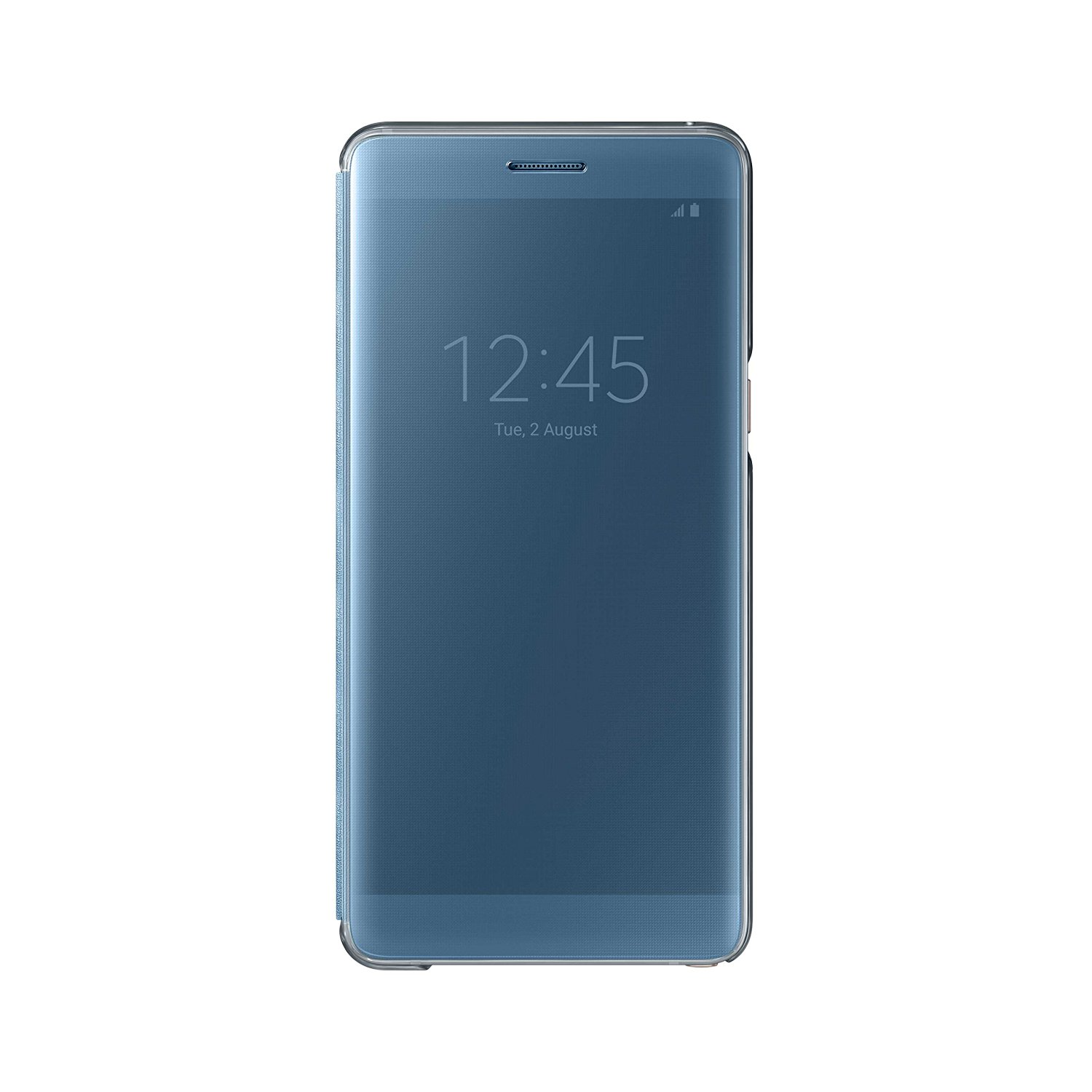
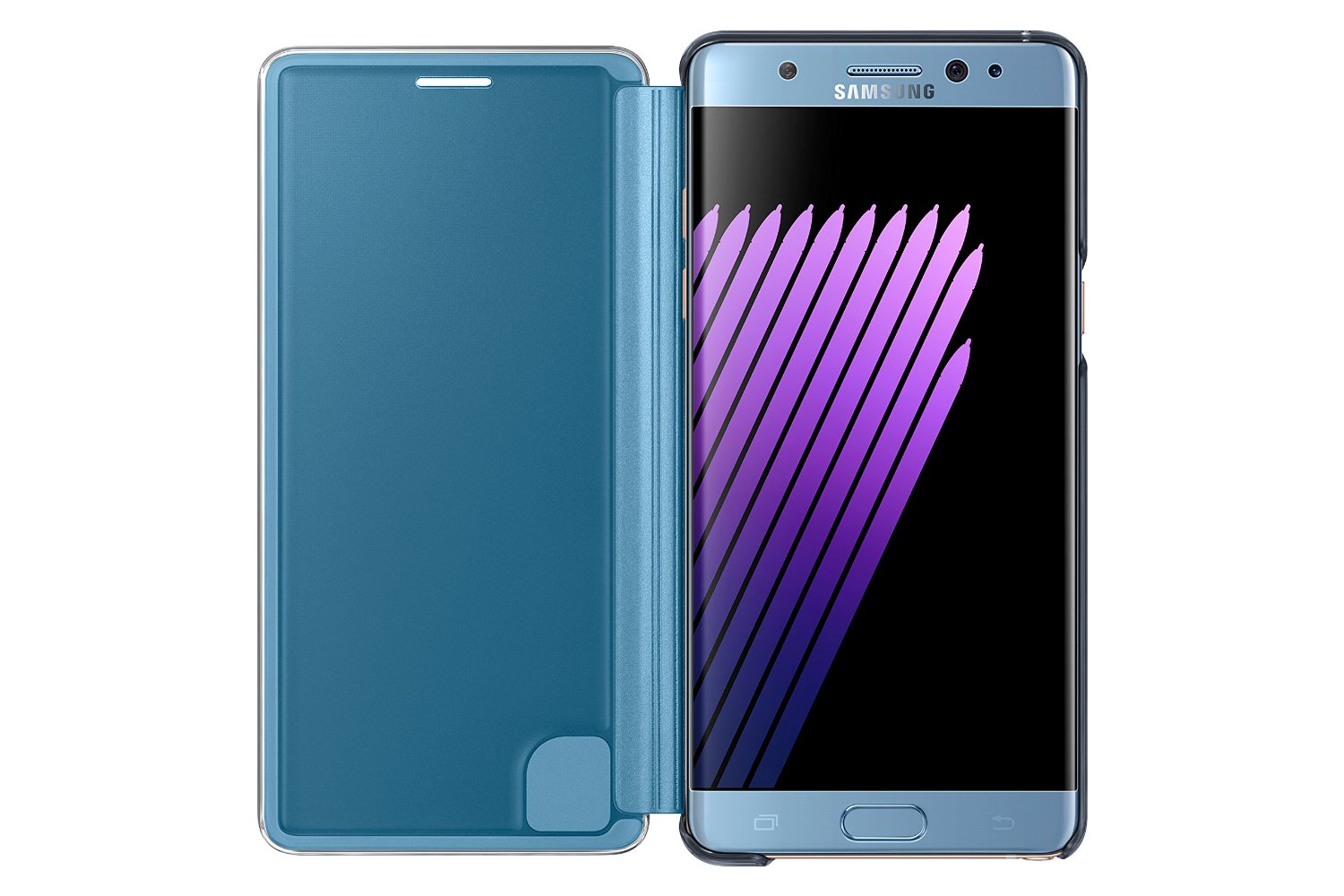
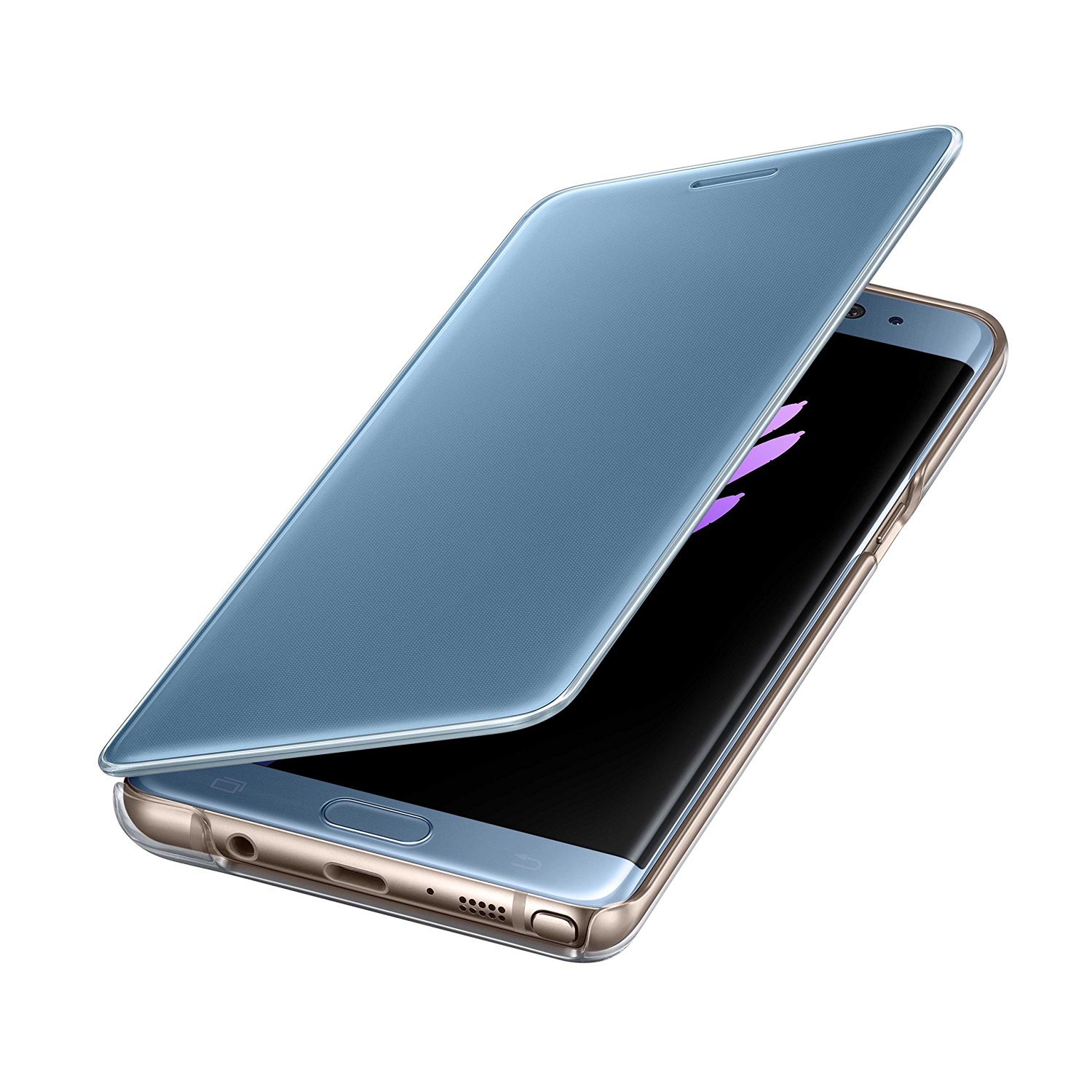
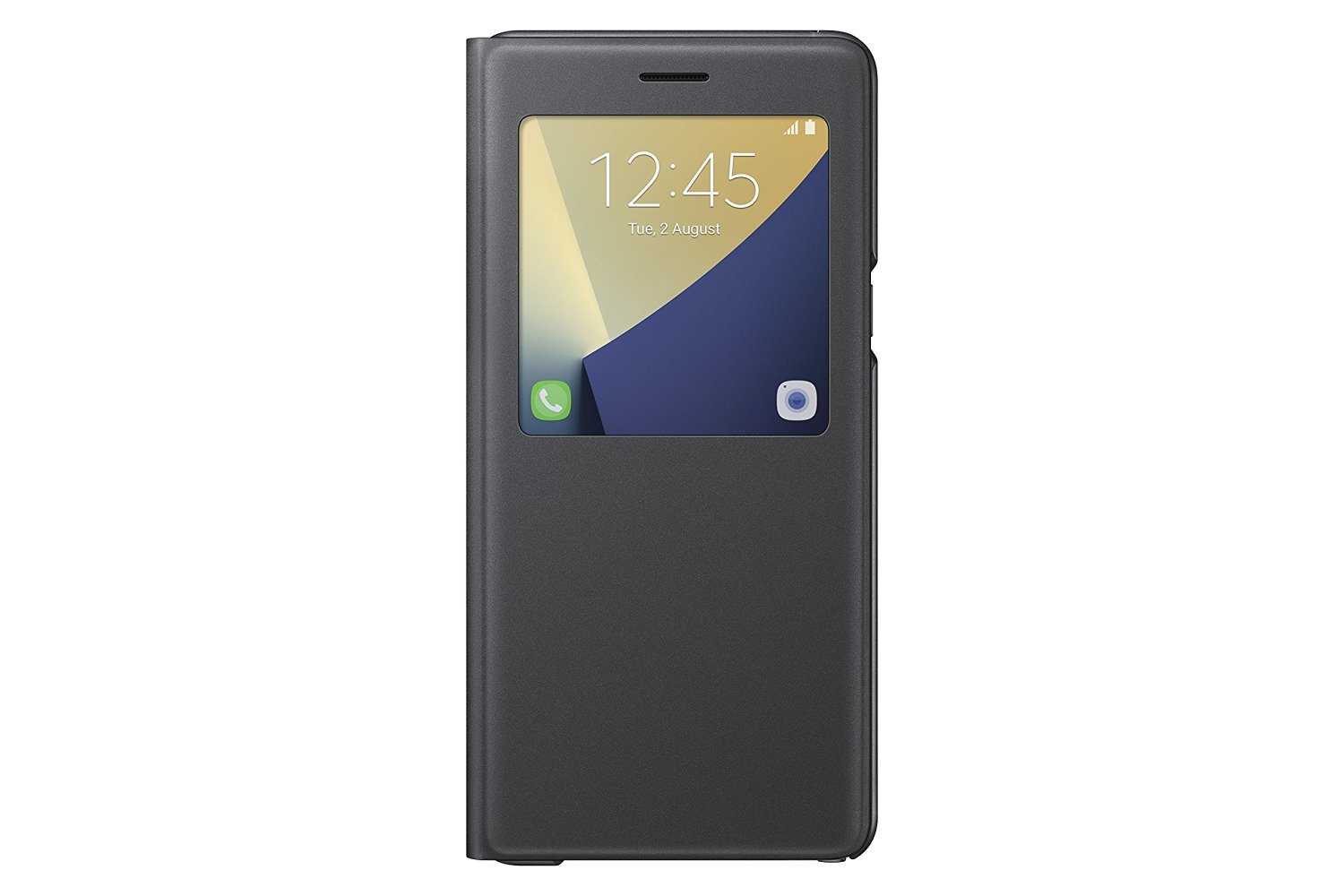
I actually opted to order online this time instead of inside T-Mobile, so I got the same color case as my phone, Coral Blue, and mad does it make a difference? Just being able to match your phone color really shows how great a case can look. The Clear View case is kind of the other two cases combined into one. It’s hard plastic all the way around, so it does provide better protection than the other two, and its door is heavier, so it stays closed more often. It fits firmly around the phone and has transparent edges, like the LED wallet, which looks great.
The front cover is translucent, allowing you to use the always-off display and a full-screen view. You can control calls, see incoming messages, and more with this case, so it’s fully functional. The only downside is that you can use the actual phone with the cover closed, and you have to still open it to see messages in apps, but this is kind of expected. Most standard features use the always-on display, such as phone calls. Most of the screen is black, with only the buttons lit, saving battery power. The case also feels slick and smooth and looks fantastic on my phone.
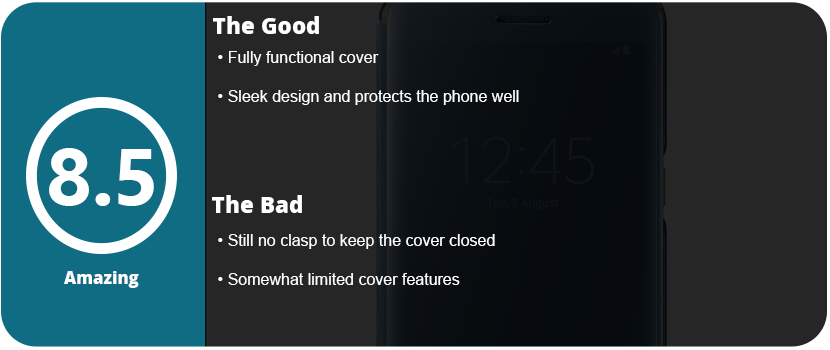
What keeps this case from being perfect is the lack of a clasp to keep that damn front cover closed. This won’t protect your phone if it falls face-first with the cover open, so it’s a gamble. As it is, though, it’s the best case of the three, and this is the one I recommend the most as it’s fully functional, provides better protection, and just looks better.
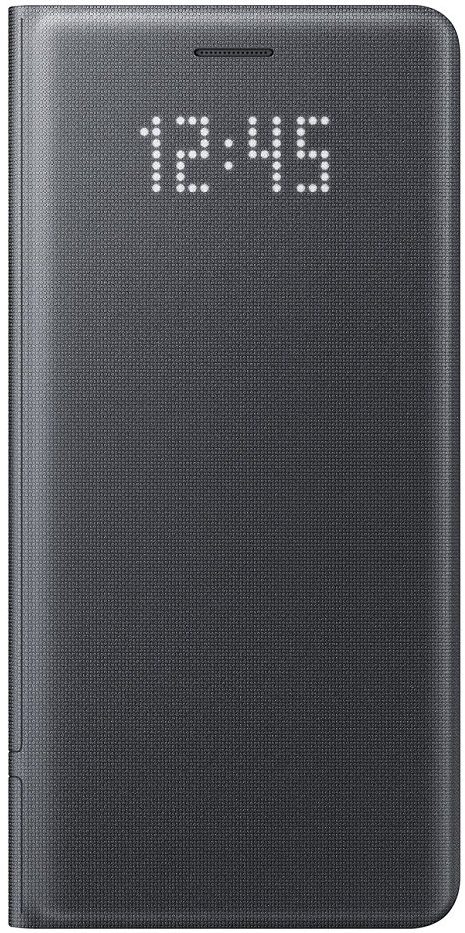
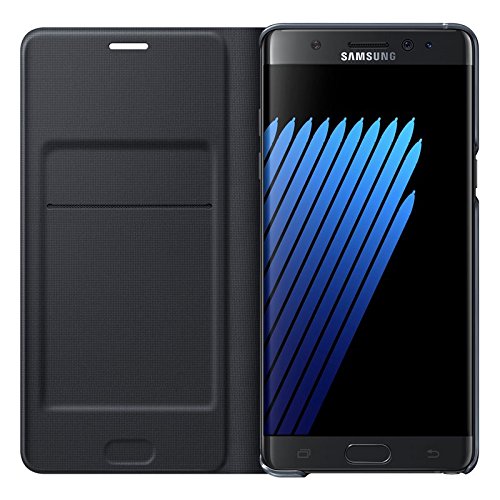
I recently reviewed the S-View case for the Note 7, and it didn’t turn out too well. I then turned to the LED wallet case, as it looked more sturdy and had a unique LED grid on the front cover that no other case I have seen has. What’s awesome about this case is that the LED functionality isn’t battery-powered, but it uses the NFC on your phone to run and takes less than 1% of the battery per hour to operate.
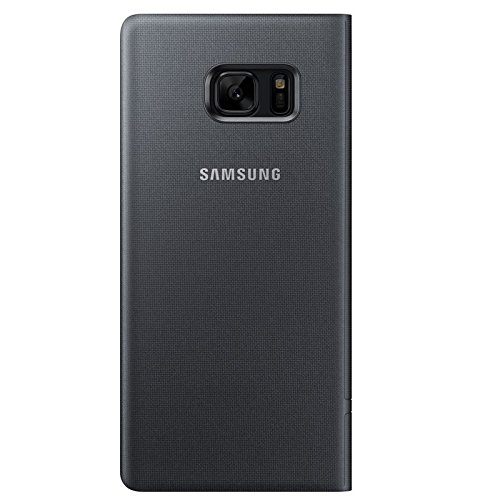
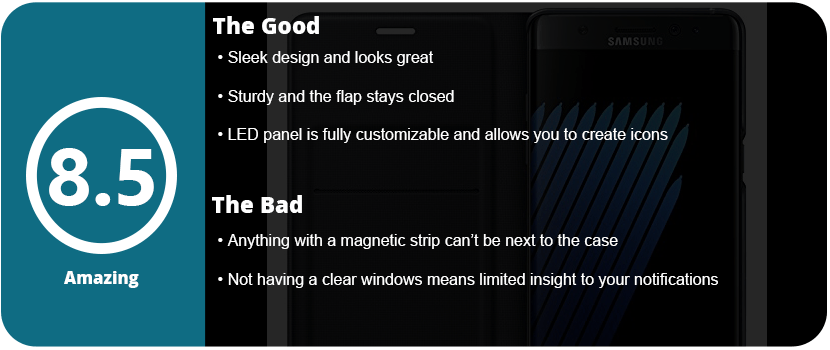
Samsung didn’t stop there, as there are software features that tie into this LED cover. For starters, the case itself is sleeker and better-looking than the S-View cover. It has a nice fabric feel to it, and the sides around the edge of the phone are transparent, so you can see the beautiful edge of your phone (especially the coral blue). The flap of the case has more weight to it, so it doesn’t just pop open even when laying flat, which is what mainly sold me on this case. It feels more sturdy, and a drop should survive in this thing.
Software-wise, the case allows you to see the time on the front as well as notification pictures. These LED (or 8-bit) pictures can be set to certain contacts, or you can draw your own with the S-Pen. Yes, this was a wonderful feature that tied other features of the phone into the case, which was great. Lastly, you can set icons for each and every app you have, which is very convenient. Now, unlike the S-View, you can’t directly see who’s calling or what the notification is. The LED panel is touch-sensitive, so you can swipe to answer or reject calls, and you can talk with the cover closed. These minor gripes don’t really concern me, as I knew what I was getting into when buying the case: There’s no window. You also can’t put credit cards in this wallet, as the magnet will wipe your strip. All you can put in are punch cards, driver’s licenses, and club cards that don’t have magnetic strips. That’s no big deal to me, as I like carrying my wallet and don’t plan to use this pocket anytime soon.
Overall, the LED wallet is so awesome that it turns heads and looks stylish and unique at the same time while protecting your large investment. I am planning on eventually picking up Samsung’s third case, the Clear View, to see which of the three is the best.
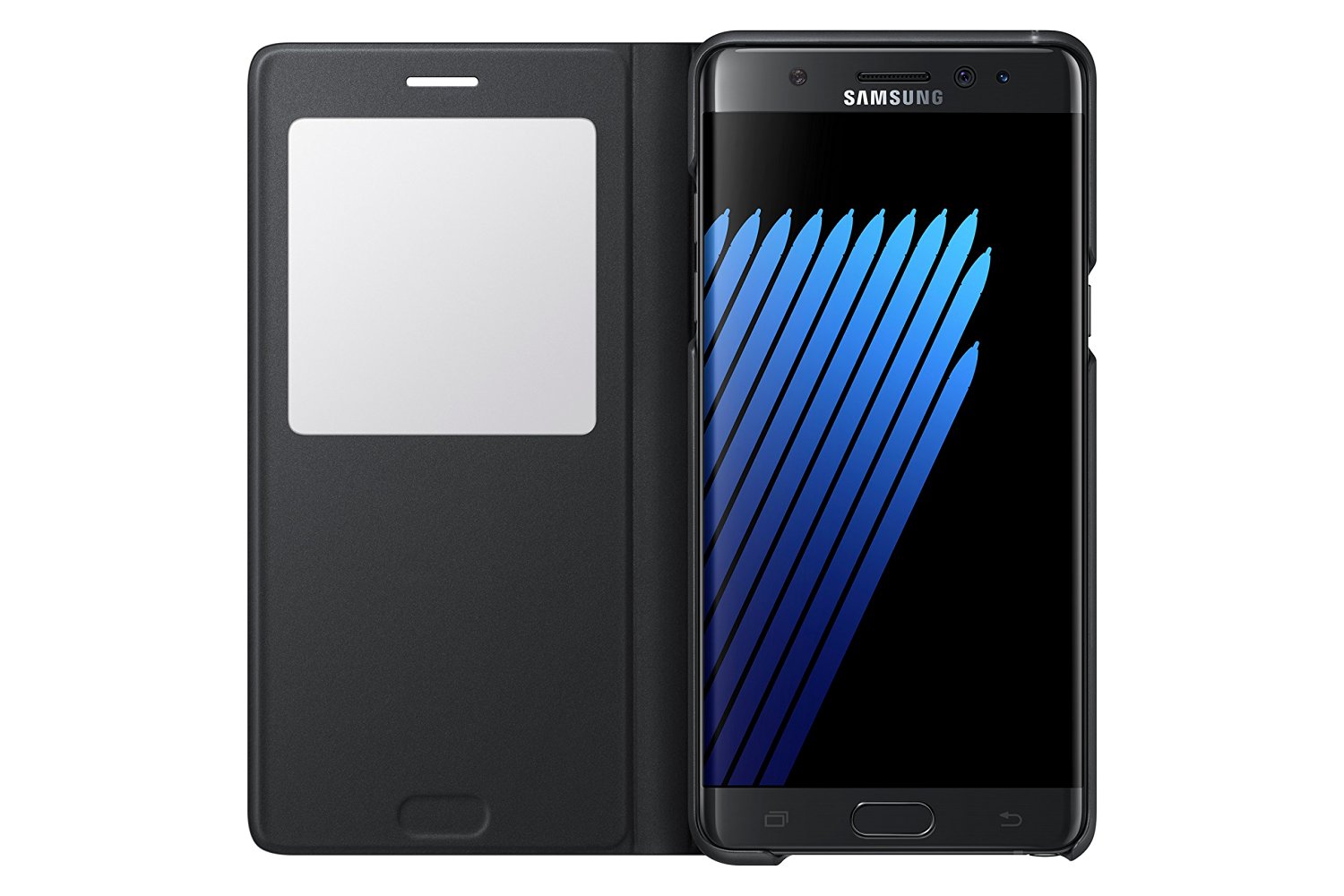
Official cases by phone manufacturers are sometimes the best bet, and Samsung always pushes the bar when it comes to accessories. They may be pricey, but they offer unique experiences you can’t get from third parties. Samsung has had a line of unique cases for some time, and the S-View cover makes a comeback with the Note 7. The case is new and improved over previous versions, but it’s still not quite the perfect case.
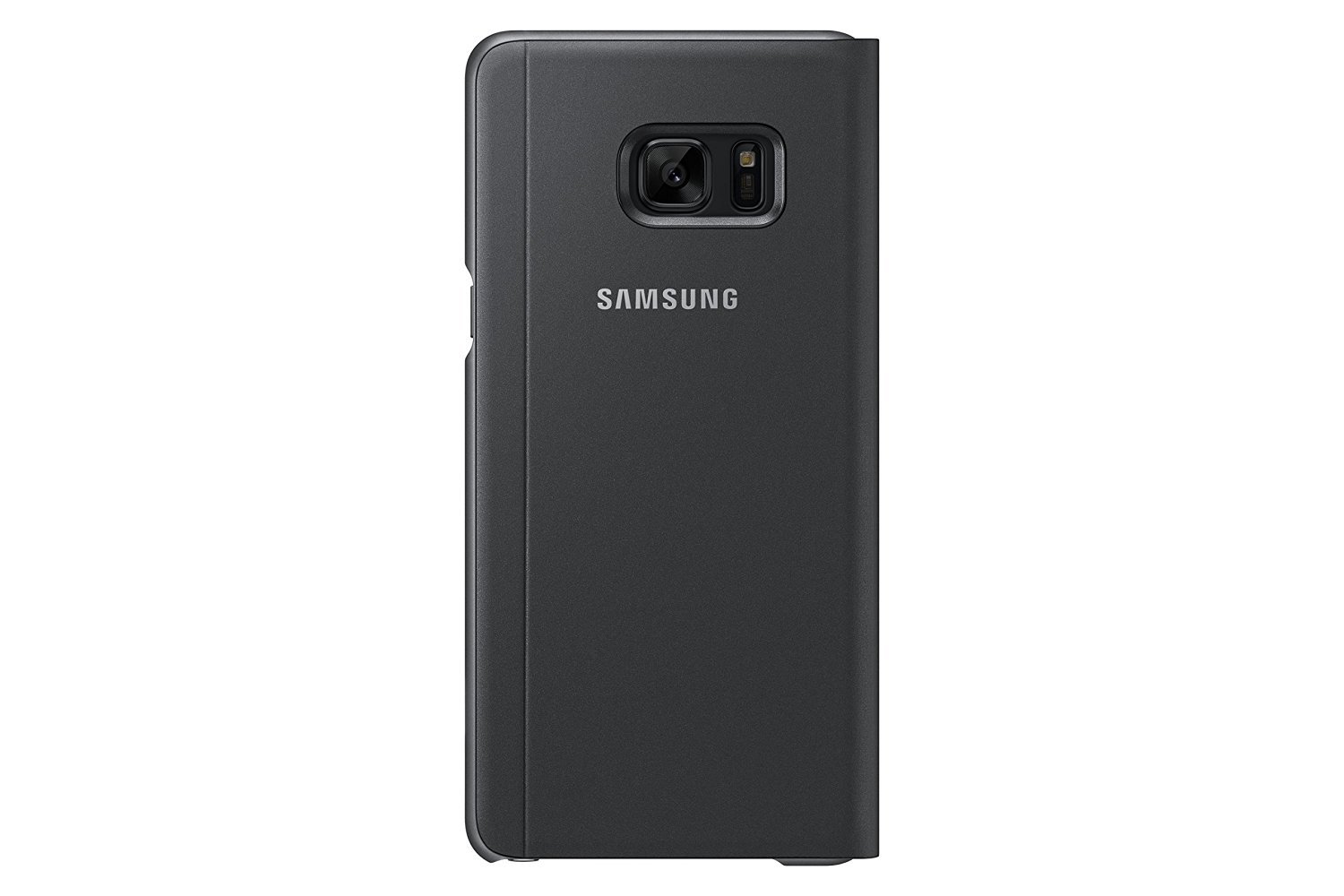
The case has a hardback that the phone snaps into and translucent edges that protect the aluminum sides of the phone. Right off the bat, I didn’t quite like this, as you can’t see the color of the phone inside as the edges are nearly black, blocking out the color. This won’t be a big deal to some, but I love the look of the rose gold edges on my coral blue Note 7, and it’s a must. The material is nice and feels good in your hand, but when you flip the cover over, that’s when things go downhill.
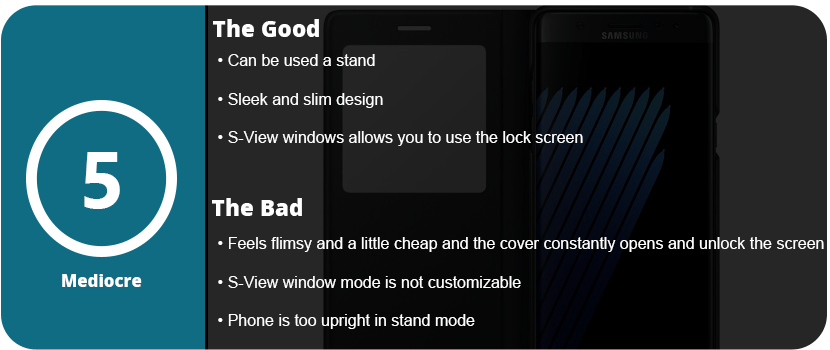
There isn’t a magnetic clasp or any way to keep the cover from flapping open constantly, and it feels cheap. The window is just a square piece of plastic, and after so many months, it could easily be scratched up to the point of not being able to see through it. The volume buttons were nicely labeled on the spine, and they pressed easily enough; however, the case just didn’t feel solid enough.
I did some drop tests on it, and it did protect the phone, but if it lands just right and that front flap opens, the screen is shattered. It felt like it wouldn’t protect the phone and was kind of flimsy. The actual use of the S-View window is nice, as you can access everything you normally would on your lock screen, but you must open the cover to actually see the apps, which was a bit annoying. You also can’t customize what’s seen on the window with just two icons you can switch out.
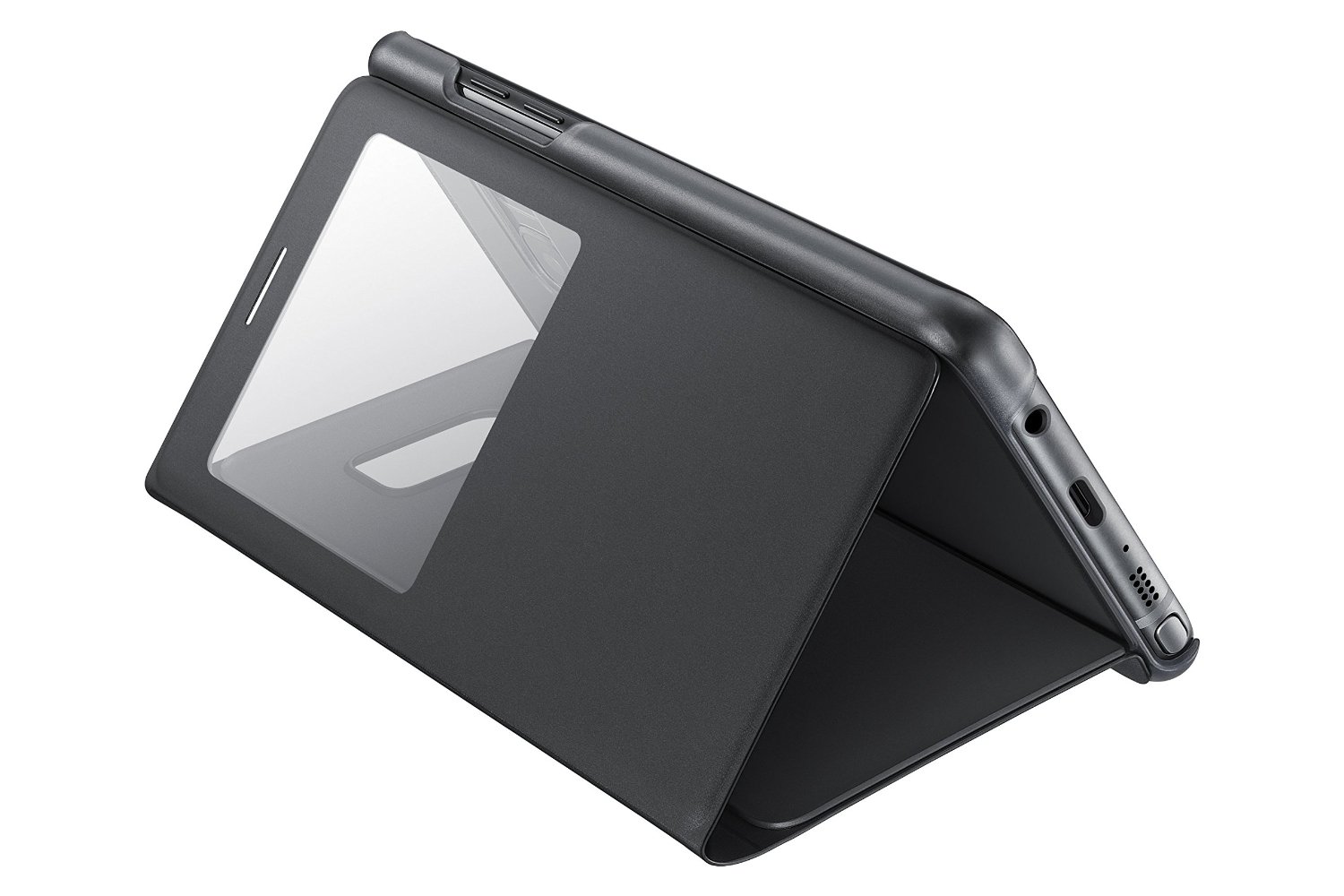
Overall, the S-View cover can’t only be recommended to people who don’t really worry about protecting their phone or already like the S-View cover. I returned this to T-Mobile and got the LED wallet cover instead, which is much better. If there was some way to keep that flap closed, I could see this being better. The only upside is that you can use the phone as a stand, but I felt the phone was too upright and was only ideal when laying down.
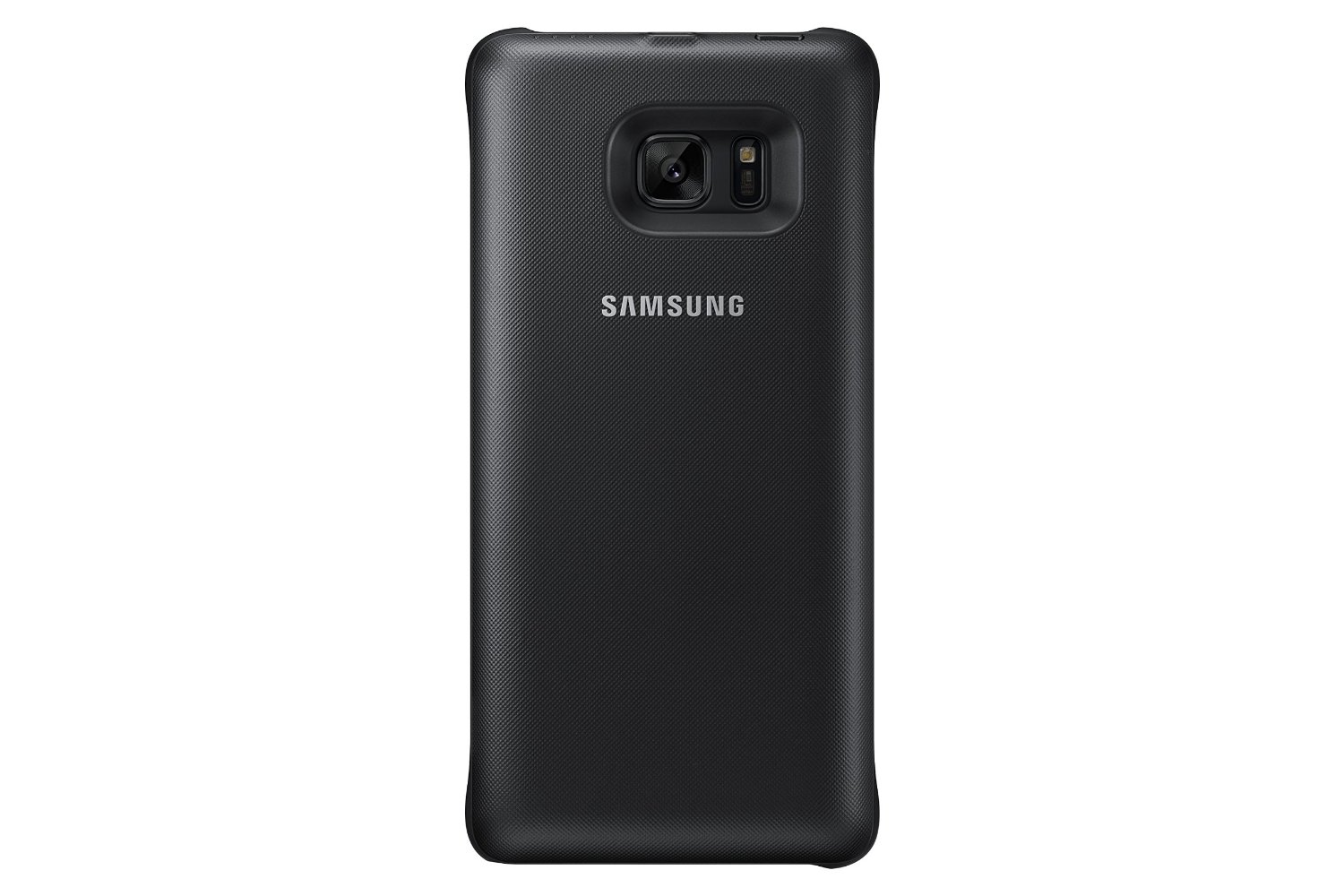
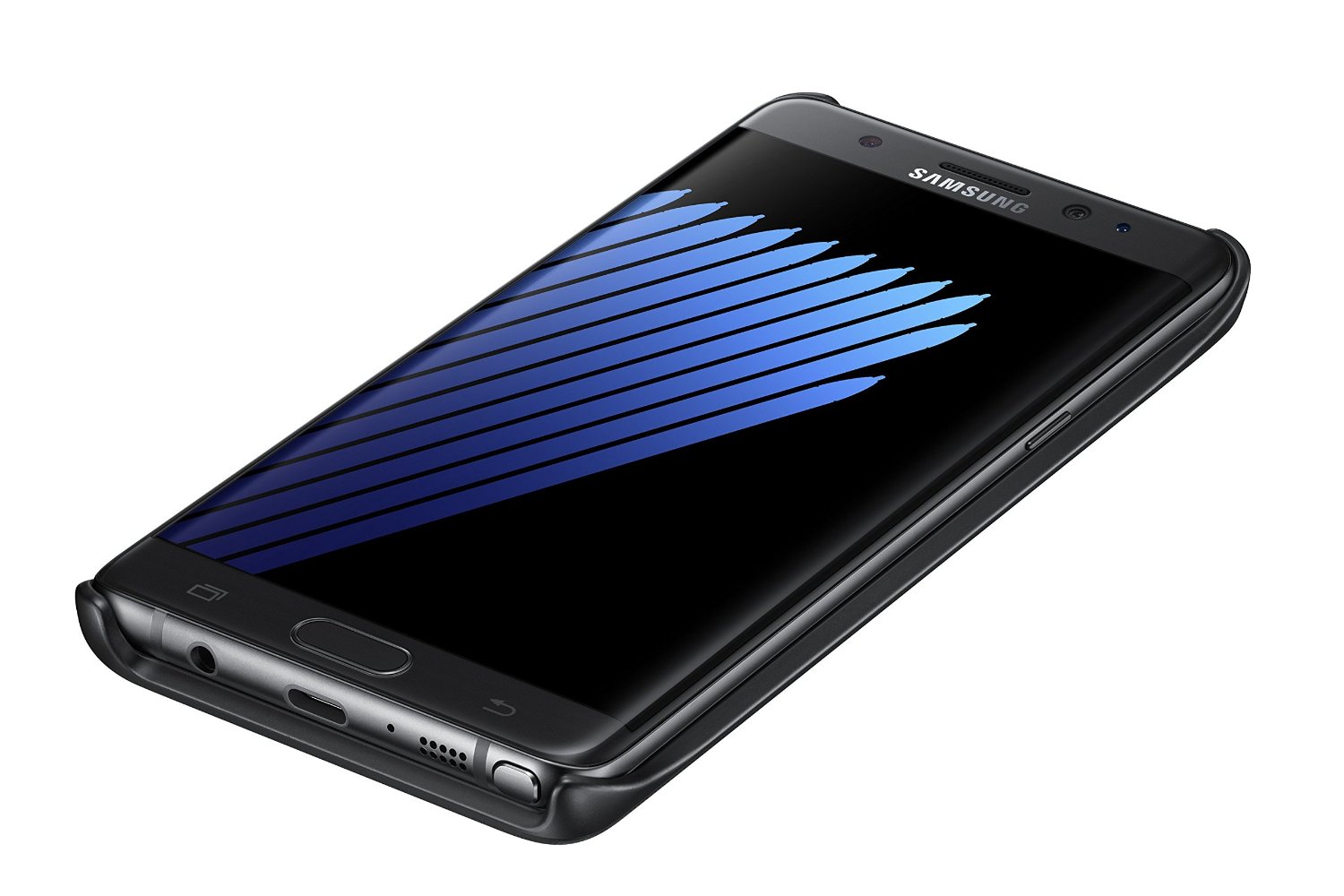
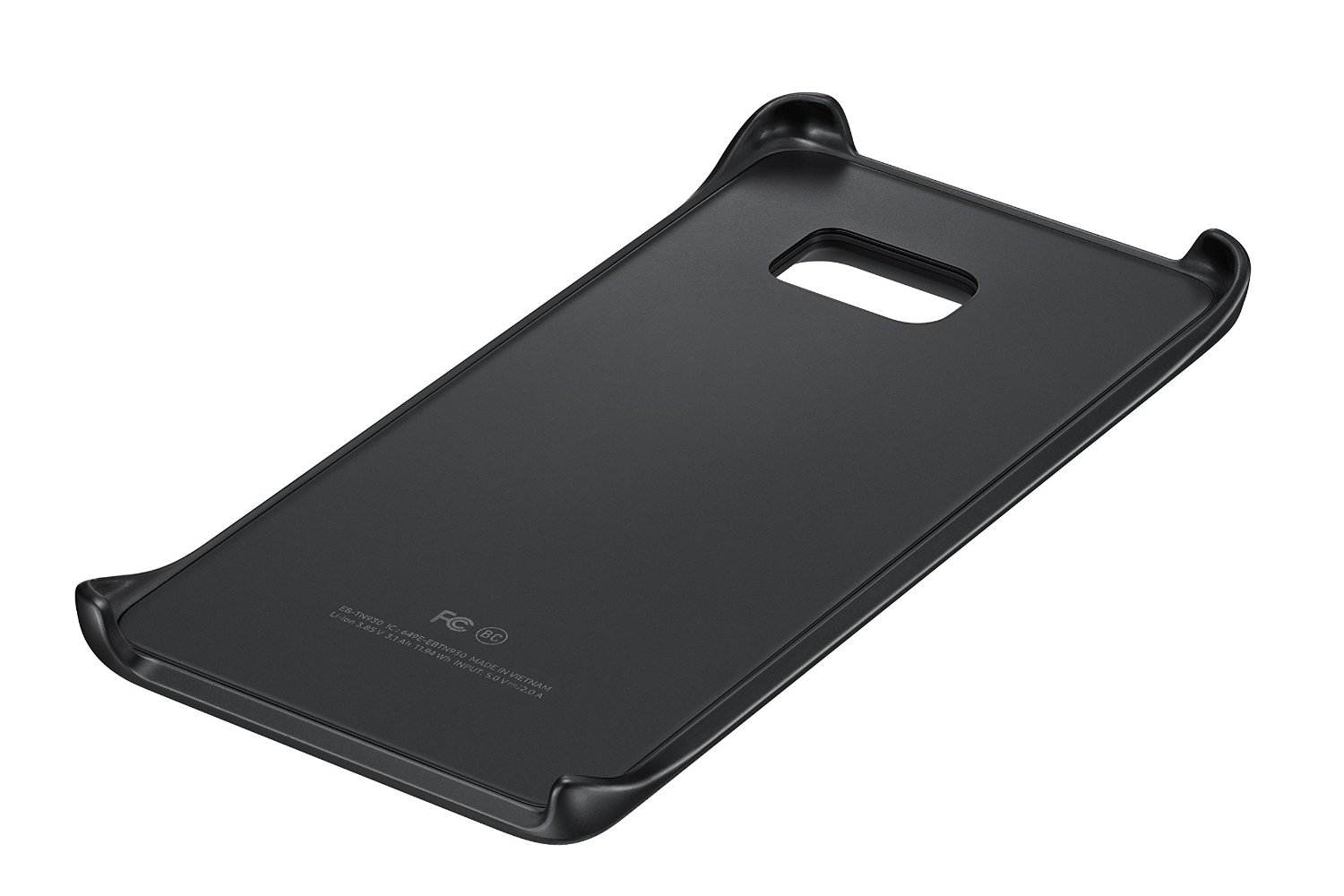
I love the wireless charging features of the new Galaxy phones, but you’re still tethered to a cable at work, in the car, or on the go. Samsung finally thought about bringing about a wireless charging snap-on cover to keep your cord-free. The cover looks sleek, is ultra-light, and complements the design of the Note 7, but it’s not perfect and almost not worth a purchase.
The battery pack itself is perfect design-wise, but for practical use, it’s for emergencies only. It says right on the packaging that it doesn’t charge the phone all the way but “about 1/2 charge,” meaning 40–50%, which is fine. It does support a pass-through charge, meaning the cover will charge your phone and then charge itself if you have the cover plugged in. The other big issue is that this isn’t fast charging. It takes about 1 hour to charge the phone 50%, and if you use the phone, you’re lucky if you get a 35–40% charge. This also isn’t a huge issue, as you can snap the cover on when it’s 100% and keep it there for a couple of hours. I honestly only see this as useful if your phone actually died or is within 30% of dying and you’re away from a charger.
If this cover was fast charging, I could forgive it a lot more, but for the asking price, this is very hard to recommend. I love the convenience, but it’s got a smaller battery than the Note 7 itself. If you find yourself always killing your phone when you’re out or you take long trips, this is for you, as it doesn’t take up much room. If you can always access a charger, then skip this entirely.
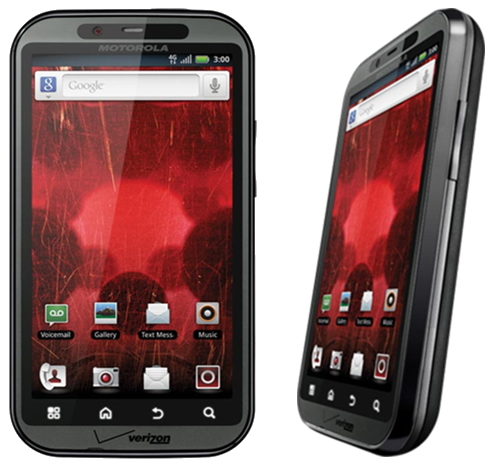
Well, here we are, six years after getting my first Android phone, and the Android environment has grown and changed faster than any other technology I can think of. In the early days of Android, it was obviously trumped by iOS, and rightly so. The operating system didn’t’ do much; it was extremely buggy, very ugly, and not streamlined at all. I remember the early days before Google Play was the Android Store, and it was full of awful apps that either crashed your phone or were spam, and there was no organization whatsoever. Not a single major developer wanted their app in this untrusted “iOS clone,” but I stuck by. It wasn’t just the operating system that was unable to keep up with user demands, but the hardware. Apple perfected its hardware and software with the iPhone 3S, and it hasn’t changed much since. Motorola was one of the best headliners for Android, but their phones were awful and slow, and the custom Android ROM was terribly designed. Trust me, I owned the original Droid and Bionic—the worst phones I have ever had.
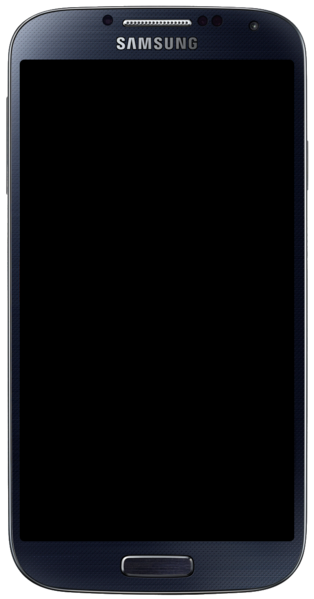
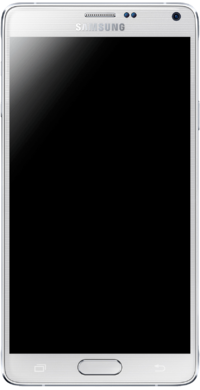
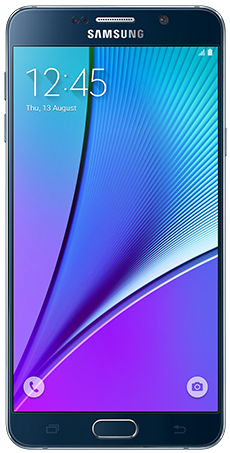
I then switched to Samsung with the release of the Galaxy S4. The issue with Android phones back then was that the manufacturers would master the current OS version and then create the phone around that. Once the new OS was released, the phones were slow, buggy, and unusable. My S4 turned into an overheating paperweight, and I hated it. With the Note 4, it was a little faster and more streamlined with KitKat, but once Lollipop was released, it ruined the entire phone. It became slow, buggy, and also unusable. It wasn’t until the Note5 that Samsung perfected its hardware and got a strong grasp on Android. Google even stopped adding features and released Lollipop as mostly a speed and battery upgrade, and it did wonders.
Motorola Droid Bionic. One of the first phones to have a dual-core CPU and 4G LTE. Hated it right out of the box.
Samsung Galaxy S4. The first step in getting Android phones right, but all the gimmicks drained the battery.
Samsung Galaxy Note 4. A great step in perfecting the phablet, but future Android versions ruined this phone.
Samsung Galaxy Note 5. Nearly perfected. Future updates just made the phone better.
The Looks
So, here we are in 2016 with a brand new set of Android phones. It’s no longer about being bigger and solely relying on who has the highest screen resolution and best camera. These things are all standard and easy to come by, even on budget devices. Samsung is pushing the envelope with its design. That’s right, we’re over new hardware features so much now that we can worry about how a phone looks. When you whip out a phone, you get judged as much as the car you drive these days. The Note5 was one of the sleekest phones ever released, and the Note7 trumps that. It takes the basic body design of the Note5, slims it down a tad, and adds a curved display. It may not seem like much, but it’s so much more enjoyable to view a curved screen. It creates a much more immersive experience, and it’s easier on the eyes. It’s a true edge-to-edge display and looks better than Samsung’s other flagship S series. The new glass and aluminum body that was carried over from the Note5 is perfected in every single way.
Hardware – External
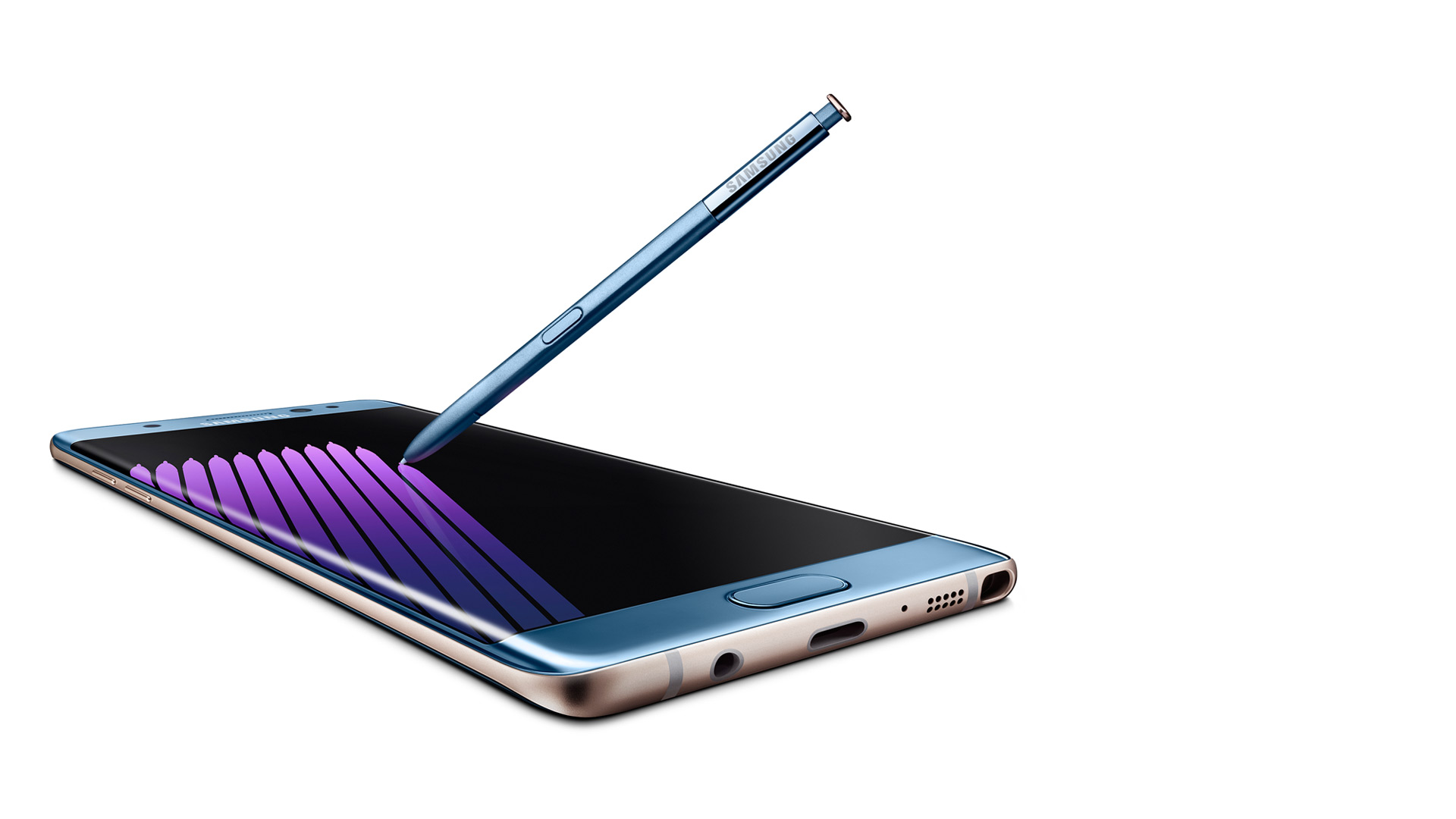
Outside of the sleek look and colors (which look gorgeous, especially Coral Blue), you will start to notice the actual hardware design features. There are additional round circles at the top, which are the new iris scanner and the physical home button, which have been perfected. Yes, I’m bragging about the home button, which has been a Samsung staple since the first Android smartphone. It’s not a solid piece that clicks down, but it’s softer and rocks with your finger. You can roll your thumb over it, and it forms on your thumb, so it’s a smooth press. It also no longer clicks but just presses and feels “mushy,” which is a good thing. So one thing has been perfected so far.
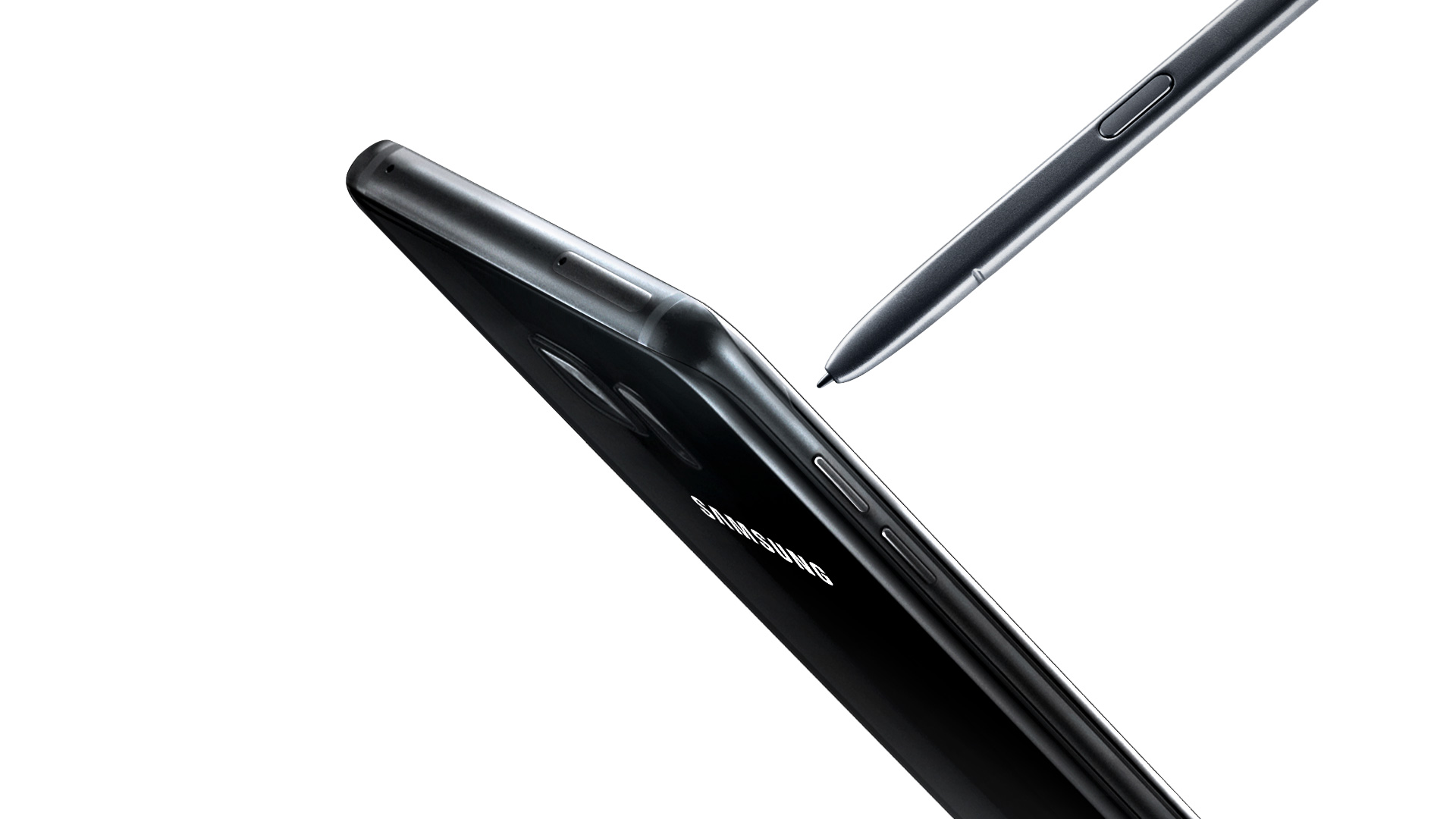
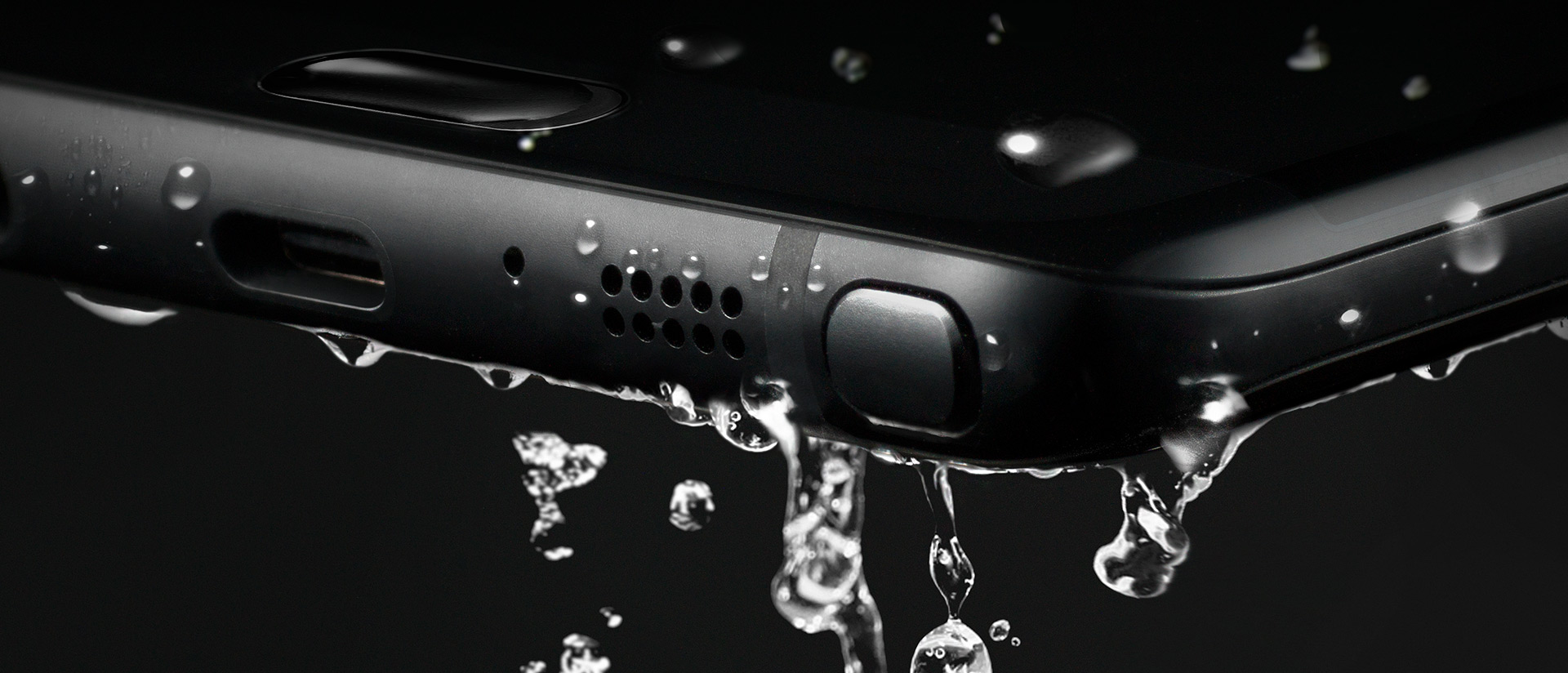
Next, you will notice the usual bottom stuff like the 3.5mm headphone jack, speaker, mic, and S-Pen. This is the same S-Pen used in the Note 5, but more on that later. On the top are your SIM card and microSD card carriage (yes, it’s returned!). and the side features the same power button and separated volume buttons (not a rocker) like the Note5. So, as for the outside of the phone, it’s perfect, and everything fits in your hand just right. Oh yeah, and this phone is water-resistant, meaning you can submerge the phone and it won’t get ruined. It’s not waterproof, as you can’t go a certain depth or have it wet for too long, but a quick dip in a toilet won’t hurt this baby a bit.
Getting Started
As for the setup experience, Samsung has gotten this down pat and it was even easier than with my Note5 last year. Samsung’s new Smart Switch app allows you to plug in a cable to each phone (an OTG adapter is included) and allows you to select what you want to transfer. Files, photos, documents, videos, and apps. You can also select each individual file if it’s to your liking. The downside is that it’s a slow transfer, and impatient people who are excited to mess around with their new phone may bypass this. I chose just a few apps, and it still took 15 minutes to transfer everything. It’s still a great feature and puts your mind at ease about whether you backed everything up or not.
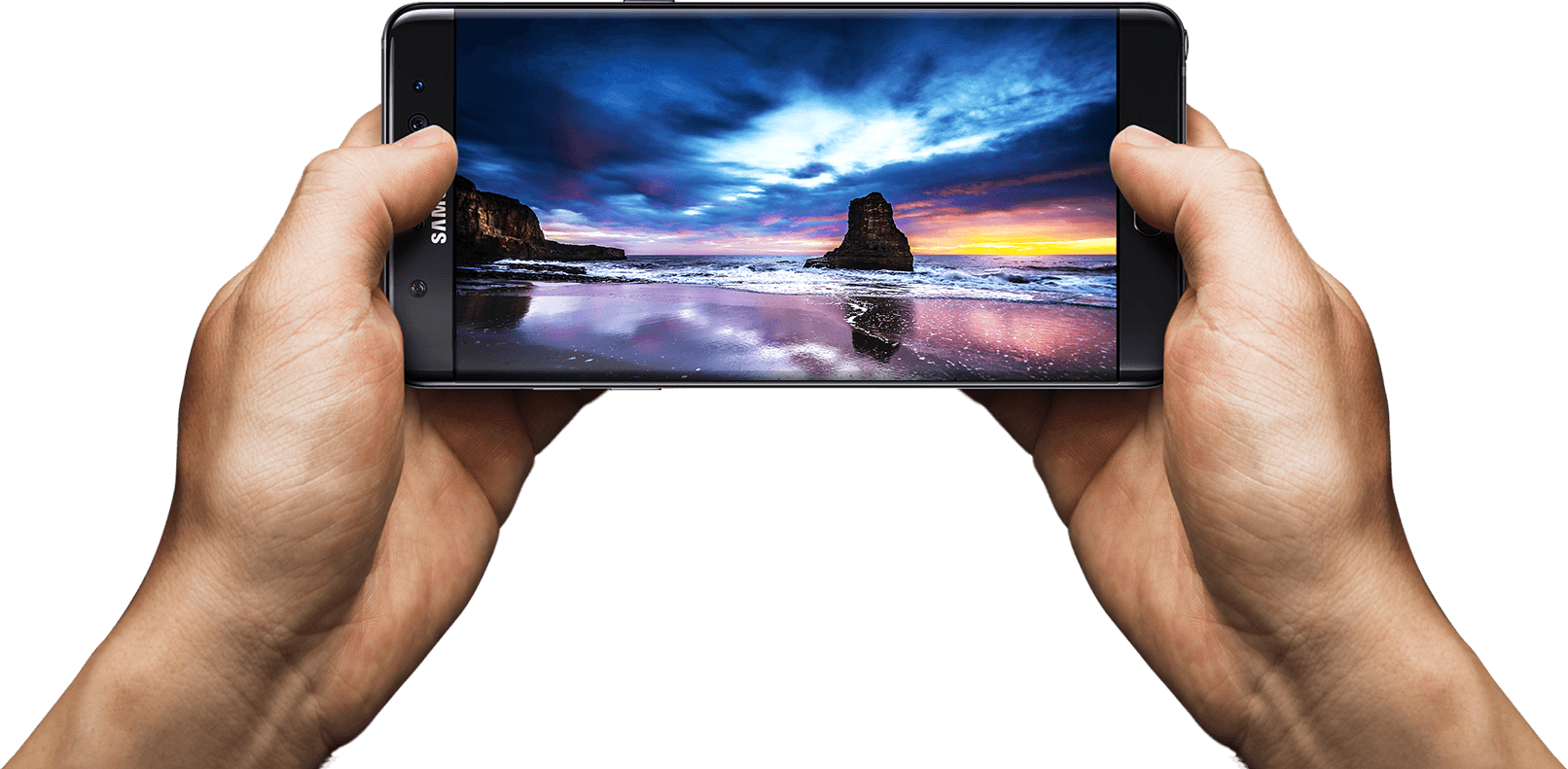
Once the phone was set up and everything transferred, I started to notice how beautiful this screen is. Being QHD (2560×1440) and curved is just mesmerizing. This is the most beautiful smartphone screen I have ever seen. Everything is bright, crisp, and just so true to its real colors. Before I talk about more software features, though, let’s see what’s under the hood.
Hardware — Internal
For the first time in a while, Samsung ditched their own Exonys chipset for a Snapdragon 820 (for North America anyway). It’s a huge difference, as Samsung’s chipsets aren’t really the best, and Snapdragon already has very fast and reliable chipsets. The CPU may have fewer cores and lower clock speeds, but it’s more streamlined, which makes it faster on the software side. The Snapdragon 820 sports 4 cores: 2 running at 2.15 GHz and 2 running at 1.59 GHz. Again, don’t let the low numbers make you think this phone is slow. The GPU is the Adreno 530, which is the latest and greatest for gaming. It sports a whopping 624 MHz clock speed for maximum gaming compared to the Note5’s Mali-T760, which ran at an even 600 MHz. I was able to notice games running at 60 fps, which were done through the software as it was streamlined enough to allow this. Samsung has a great gaming suite (discussed later).
The phone also has Bluetooth 4.1, the latest cellular bands and WiFi, 64GB of internal ROM across the board, and 4GB of LPDDR4 RAM, which is lightning fast and plenty for all your apps. The phone features a snapper from Sony again, which is the new Sony Exmor R IM260, but Samsung’s own front camera, which is their ISOCELL camera, This is the first phone that actually records video in 720p at 240 fps, which looks phenomenal on the screen. If you thought 60FPS at 1080p was amazing (which is standard now), 240FPS is something else.
Write Like a Pro
With that said, let’s get to the S-Pen. It’s not just a copied Note 5 pen with a new color. It looks slightly smaller, and the button is located higher on the pen, like the Note 5. It also has a much finer tip, and this is due to the pressure points being bumped up from 2,056 to 4,096, which is double the sensitivity rate. There’s a huge difference in the way it writes, as it feels like an actual pen on paper. There are also several new software features that make upgrading well worth it. For starters, the screen-off memo has been improved. The phone supports the always-on display, and the AMOLED screen allows the software to control each individual pixel to save battery power. The screen-off memo is now actually truly off, and the pixels turn on as you write, saving power. The Note5 just had a black screen that you wrote on, but the screen was always on.
There’s also a new GIF animation feature that is an upgrade for Smart Select. You can draw a square marquee around a video, record a short GIF, and then later edit it. This is exciting for people who want to send goofy things to their friends. The next brand new feature is the translate button, which allows you to hover over a word, and it will pop up with the translation and audio from Google. This works very fast, but I’d like to see the ability to do more than one word at a time.
Software
There are several other software features that make the Note 7 a perfected Android and Samsung phone. Samsung completely redid their TouchWiz custom ROM, and it looks fantastic. The new pull-down shade, menus, and overall look are gorgeous and complement the curved display and AMOLED screen. I personally don’t like any manufacturer home launchers, but those who hated TouchWiz should take another look. Second, the phone features several new settings, such as a blue light filter if your eyes hurt you when looking at the phone for too long, better WiFi calling, a fingerprint scanner (it’s more accurate), and more accurate smart screen features such as swiping for a screenshot, smart stay, and quick view. The new gaming suite is awesome, and I love it so much.
Gaming Taken Seriously
There are two new tools called Game Tools and Game Launcher. The Game Launcher is a streamlined app that shows all of your games, auto-detects everything (you haven’t had a game that it didn’t detect), and allows you to customize the power-saving features for that game. Already, most games run at 60FPS on the Note 7, but to save power, you can cut it down to 30FPS and even turn off various features of the phone. This is great for lower-end games like Clash of Clans that don’t need to run the phone at maximum capacity. The new Game Tools is a small little red icon (you can move it around) that opens up into a wheel that allows you to take a screenshot, record footage (with audio commentary), turn off notifications, lock the menu and back keys, and minimize the game into a small icon. All these features work smoothly and wonderfully, and I take full advantage of them all the time. I can now record my best hits in Golf Star or make some funny jokes while raiding a village in Clash of Clans and send them to my friends via a Dropbox link.
Biometrics of the Future
I’m saving the best for last; I haven’t forgotten about the iris scanner. Now, this thing works better than I originally thought. The fingerprint scanner in the Note 4 was awful, and I thought the first outing for a new biometric security feature would be the same. I’m dead wrong. The iris scanner works so well that I don’t quite understand how it works. I look at the top portion of the screen, and it just scans my eyes with some sort of night vision camera. Sometimes the iris scanner works faster than the phone can display what’s going on, which isn’t a bad thing. It’s neat, the first of its kind, and a whole new layer of technology. I had someone tell me that it just recognizes the shape of my eyes, but I used three people to unlock my phone, and they couldn’t do it. It can actually read your iris and won’t unlock it for anyone else. This is a wonderful technology, and I feel even more secure knowing that no one will be able to access my phone. Now we just need third-party apps to start implementing it into their software.
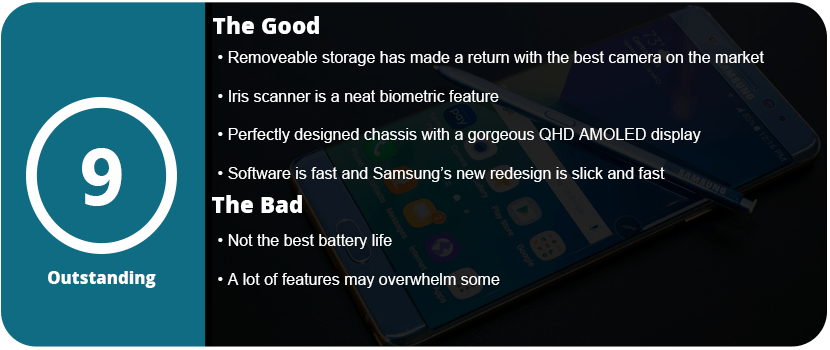
Overall, the Note 7 is a perfect phone. I mean, perfected to a T. I even had a hardcore Apple fanboy comment that Samsung has finally done it and created the perfect phone (he’s currently sweating out the long backorders). From the physical design to the software design, the Note 7 is the pinnacle of smartphone technology. With the return of the microSD card, water resistance, a larger battery, and overall better design, it’s just the perfect phone. It’s fast, powerful, secure, and gorgeous all at once. I know each phone iteration becomes more and more perfect, but the Note5 wasn’t quite perfect, but I can happily say the Note7 is.


















 thebinarymessiah.com
Try multiplayer. A lot of fun !