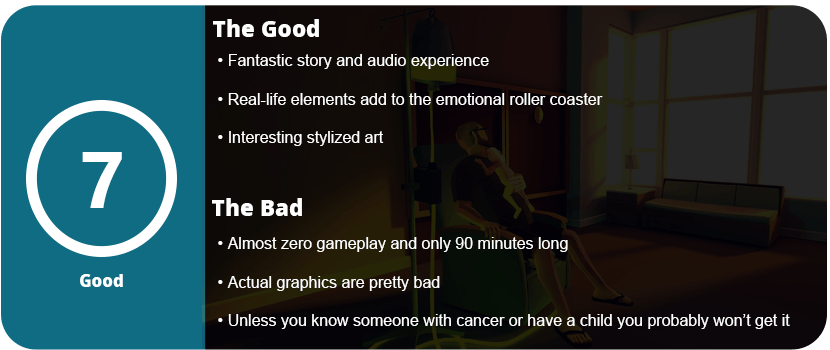
I love games that are emotional roller coasters, as they bring out emotions that AAA games just can’t achieve these days. The indie games are usually the best when it comes to story and characters, and That Dragon, Cancer isn’t a good game, but a good story. Seriously, gameplay-wise, this game stinks, but if you come for the story, you will feel some heavy stuff.
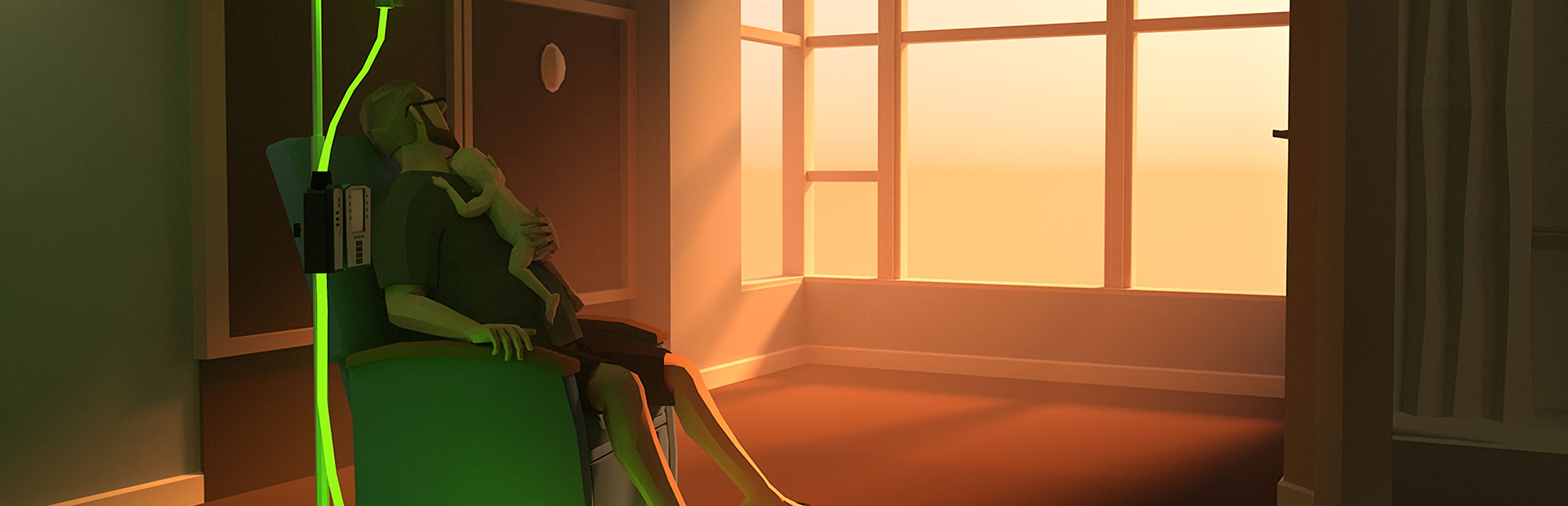
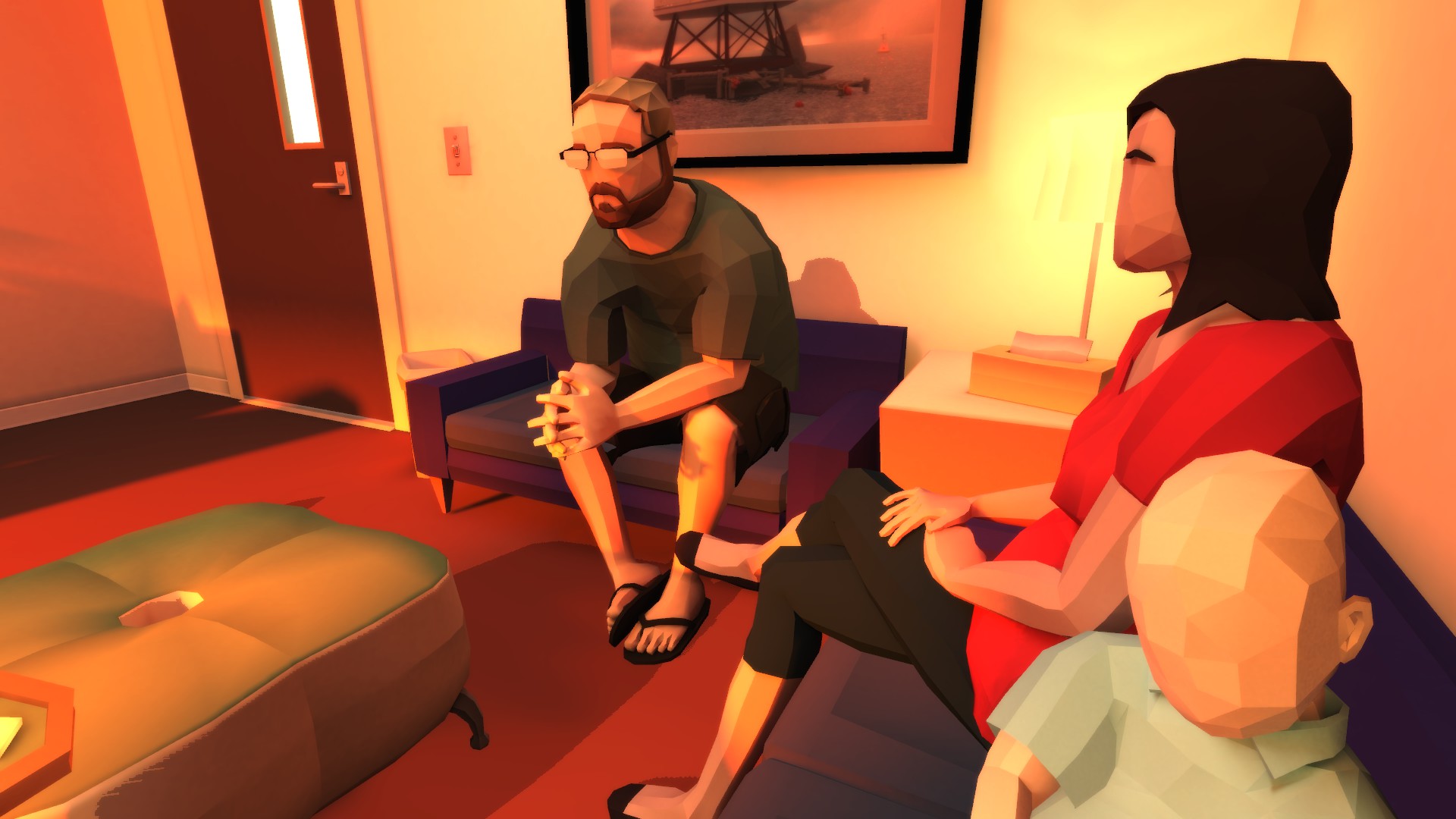
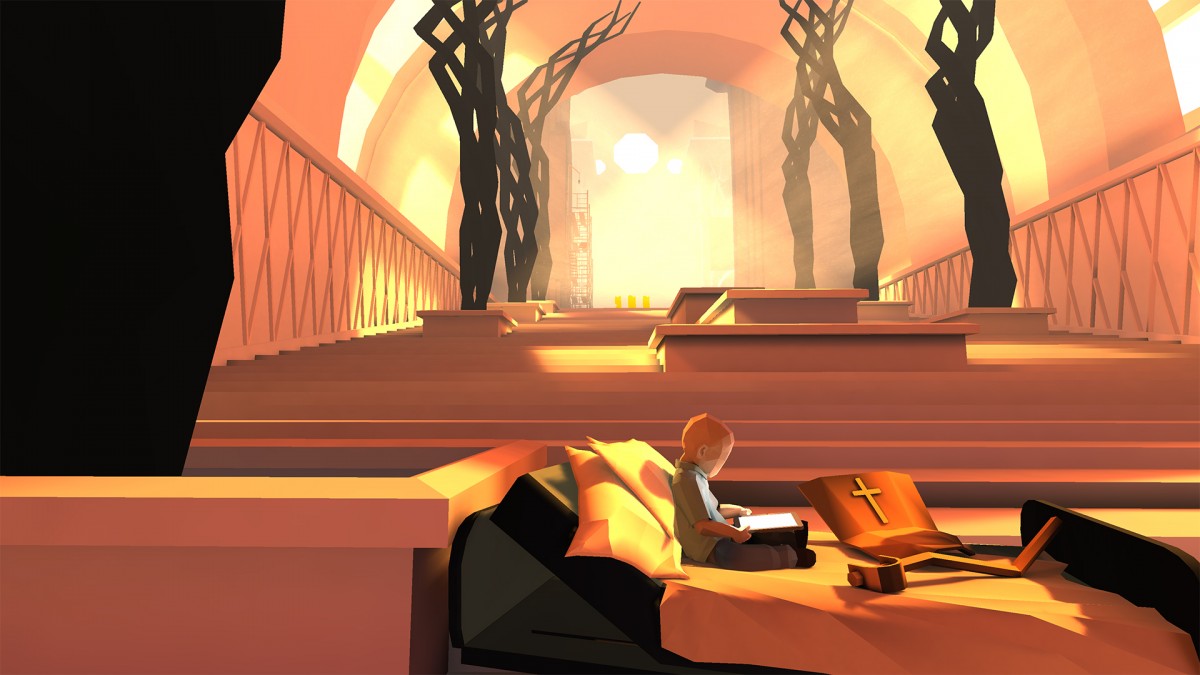
I personally took this game to heart, as I have my own son on the way, and the things that this family went through brought out some emotions I’ve never felt before. A little boy named Joel is battling brain cancer with his family, and you go through the emotional turmoil mostly through metaphors. The game captures most of the parents’ (the dad is part of the development team and helmed this game) memories that are both good and bad. There’s literally zero gameplay involved as you click through levels with flat-colored textures and listen to audio recordings of the family or read letters from other people that are actually real. The emotions didn’t really kick in until about halfway through the game, when you really start to feel the parents’ suffering with this battle.
Outside of clicking to the next area, there are little mini-games, but games say a lot. There’s no objective to various “tasks” like having Joel dodge cancer cells in space, clicking on constellations as they turn into animals and he rides them, etc. These are timed and don’t have any clear goal; you literally just wait it out. As a game, this is one serious piece of a turd, but I didn’t care as I wanted more of the story, and that’s hard to pull off. The best (or worst) part of the game is walking around a hospital and reading real letters in the form of cards from real people; there’re a good hundred of them. The biggest memory was of the dad sitting in the hospital room with Joel with what seems to be a real recording of him wailing in pain as the dad goes through emotional battles in the form of visual metaphors that you listen to him narrate. The crying hit a nerve with me as the dad told him to stop crying, and Joel was bashing his head against the crib. It’s honestly disturbing, but great at the same time.
The game is only about 90 minutes long, and everyone will walk away with this as a crappy game but a great story. I wish they concentrated on the gameplay elements more, as you can tell that was on the back burner. The father was so anxious to get this out that he forgot it’s actually a game. Most children won’t play it as it requires patience and a soul and heart to understand; anyone going through cancer or who survived it should relate, or anyone who adores their children. If you’re a typical heartless gamer, stay away.
Usually, with the second generation of hardware, most manufacturers get everything right. The first-gen Moto 360 was great, but it had many issues that were addressed this time around. For starters, the first generation had major battery issues that weren’t resolved until the end of its support cycle with the Lollipop update; after that, the battery life was great if you didn’t use the ambient screen. The biggest issue of all was staying connected to your phone, and I had issues with this up until about 2 months ago, when I finally resolved them. With the Marshmallow update, the first-gen Moto 360 was pretty solid, but there were also issues with the hardware. The first generation of smartwatches had very slow hardware, equivalent to phones that came about five years ago. The second-generation Moto 360 is 10 times more powerful than the first. This reduces crashing, overheating, hangs, faster boots, and overall responsiveness. The first generation also had a mediocre body, as over time the glue would loosen up and the screen would come up, and the band was not easily changeable without a jeweler or voiding your warranty. The side button also got stuck a lot and didn’t have very good feedback.
The second generation fixes all of this plus some. Let’s start with the hardware. The body itself is thicker, but the overall design makes it seem sleeker. The hardware button is bigger and located on the top right corner, and it clicks very nicely this time. The watchband is not inside the watch anymore and is now attached to the outer frame with quick-release buttons for easy changing. This is a huge update that I love so much, as I can now collect watch bands with ease. The material feels more sturdy and thicker, and the screen has double the resolution and better glass.
With that said, the watch also fits better. We get a three-way point of wrapping due to the “hinges” of the strap rather than one band that you wrap around your wrist. The watch sits flatter and no longer slides around, which is great. If you want to get under the hood, the Moto 360 second generation has the following hardware for the 46mm version, which I have:.
CPU: Snapdragon 400 Quad-Core @ 1.2Ghz GPU: Adreno 305 Display: Corning Glass 3 LCD at 233 dpi (360×330) Storage: 4GB ROM + 512MB RAM Bluetooth 4.0 Battery: 400 mAh
That’s a huge step up from the last watch. This is a fast beast, and the display is beautiful. The 46mm version is the way to go, and the $50–100 jump in price is well worth it if you factor in the extra day of battery life. I can actually use ambient mode with this watch, and it can last more than a day. I could not do that with the first-gen watch. While the watch is the same software-wise (there are no new features), just having it perfected is worth the price to me. I don’t really have any complaints with this one, as all my issues were resolved on the last watch.
With that said the biggest issue is the price. Starting at $300 this is a premium and high-end watch that is the only one that can beat Apple in terms of style (which the Apple Watch is ugly) and usability. If you hated the first-gen watch I suggest coming back as everything is fixed.
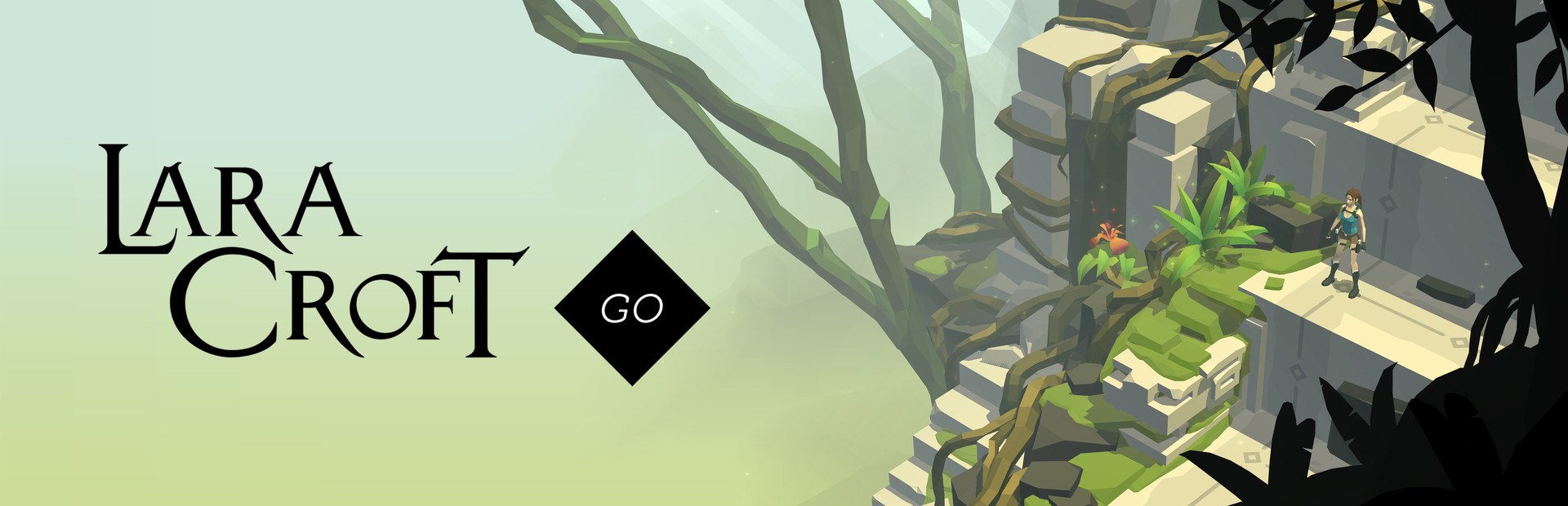
Lara Croft has made a huge comeback thanks to 2013’s Tomb Raider reboot. With her spin-off top-down series, Lara was bound to find her way onto the mobile market. Feeding off the success of Hitman GO, Square Enix takes another popular franchise and ups the ante on the GO series. With fantastically designed puzzles, great graphics, and easy controls, Lara Croft GO is the best mobile game released this year.
If you played Hitman GO, you will be in familiar territory. The levels are comprised of squares that Lara moves along; these squares have dots on them, so you know which ones you can land on. There are various puzzles that will make you really think before advancing to the next level. From pulling switches, avoiding enemies, killing enemies, moving platforms, moving stone pillars, and various other gameplay tidbits. It’s not just as easy as pulling this switch over here and having that switch be done. Enemies play a huge role in this game, and movement is key here. Every time Lara moves a space, so does an enemy. You must line up your moves to avoid the enemy or go around them. The puzzles are brilliantly laid out here and will constantly keep you in check.
The game also felt progressively balanced in difficulty. I started off clearing levels quickly and then slowly had to start thinking. Once I thought I had mastered certain gameplay elements, another was thrown at me and made me think all over again. I can’t stress enough how well these puzzles are designed; they feel like they were made with care and delicate thought in each and every square. In between solving puzzles, there are hidden vases throughout the level that hold gems that will unlock outfits for Lara if all are found in the level.
The game is also quite decent in length. It took me a good two weeks to finish the game, and there is replay value here. Throughout the whole game, I never felt like it was impossible or too hard. It was always something that stared me right in the face, and when I figured out the puzzles slowly, I had a lot of “Aha!” moments, which are so satisfying. Some puzzles I really had to work on, and some were quite easy, but the easy ones in between keep it from getting too frustrating.
The graphics in Lara Croft GO are beautiful papercraft models with great lighting effects and high-quality textures. This is a high-end mobile game at its finest, and I firmly believe every Tomb Raider or puzzle fan must own it. I hope to see more games in the GO series, as they are addictive and so wonderfully crafted. This is a hidden gem and an oasis among awful and ugly free-to-play games.
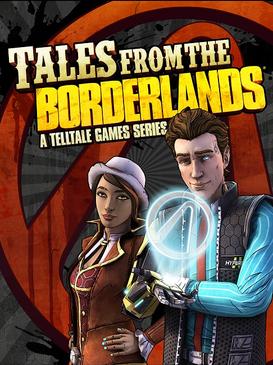
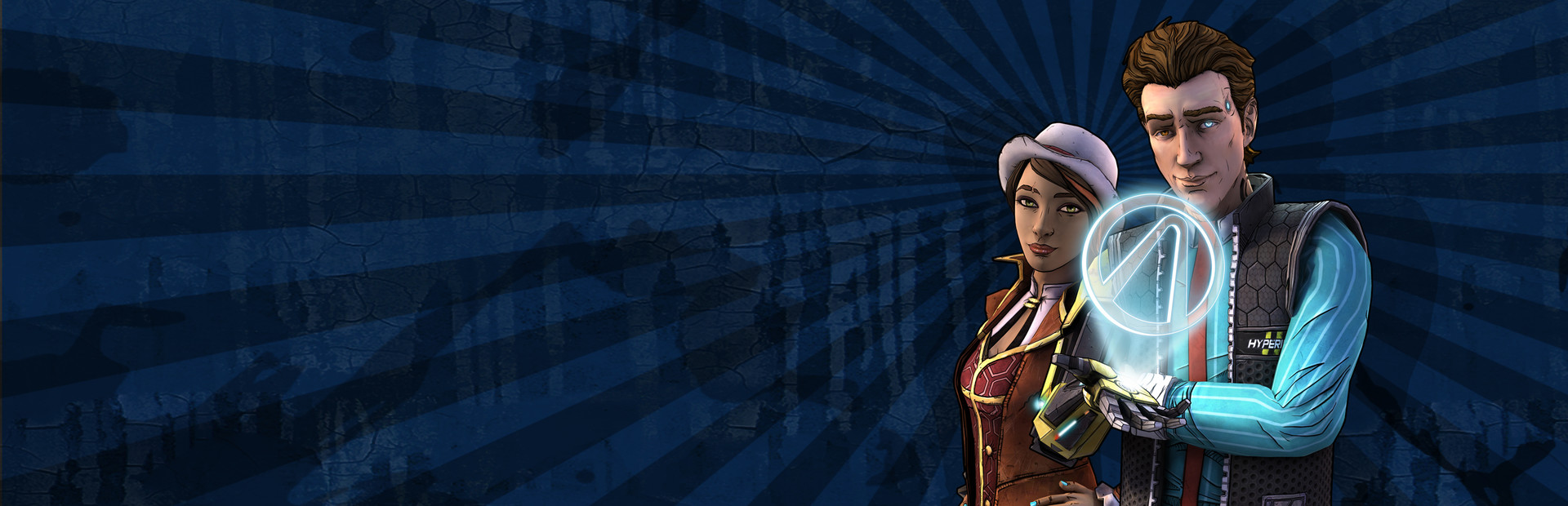
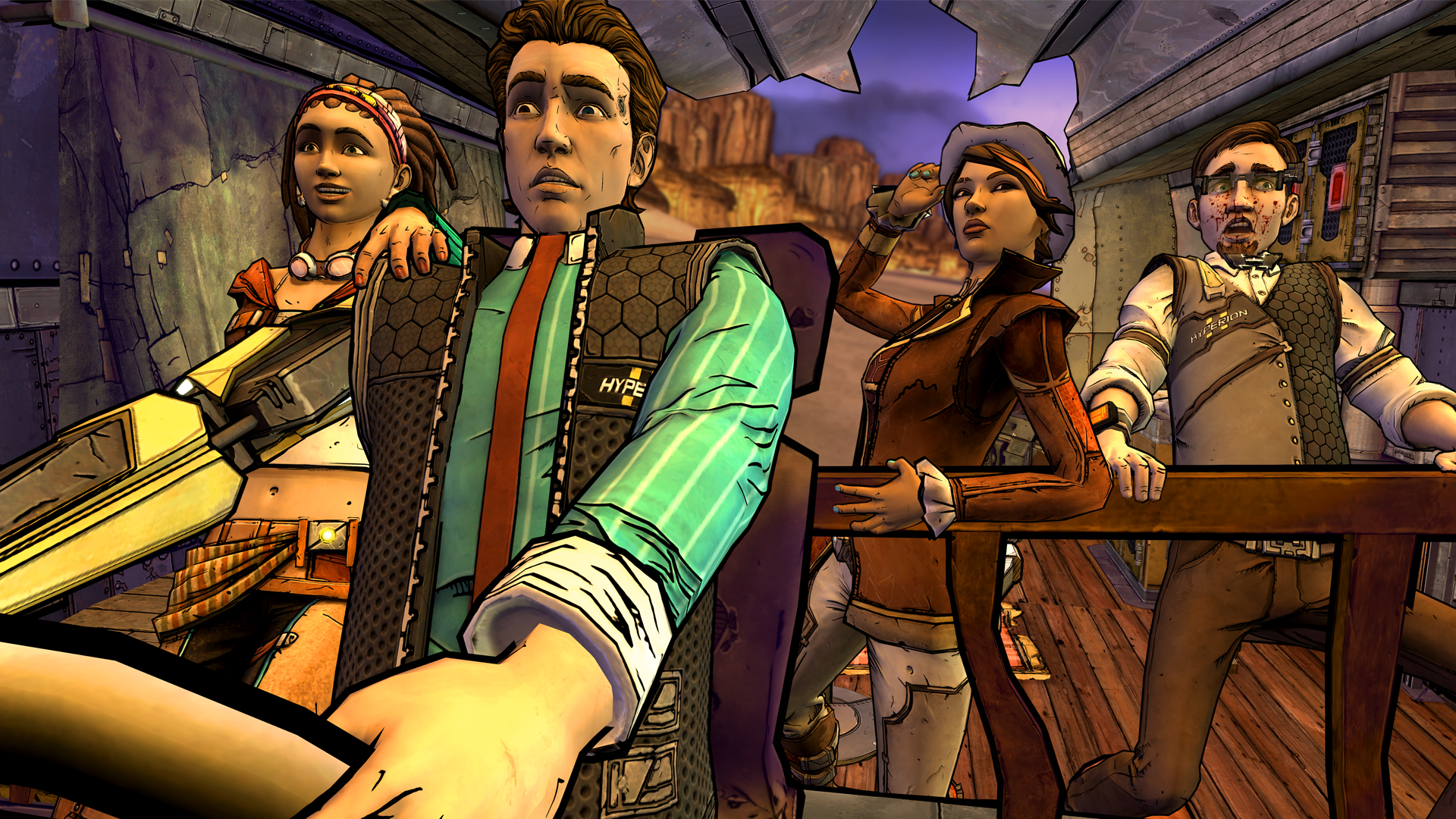
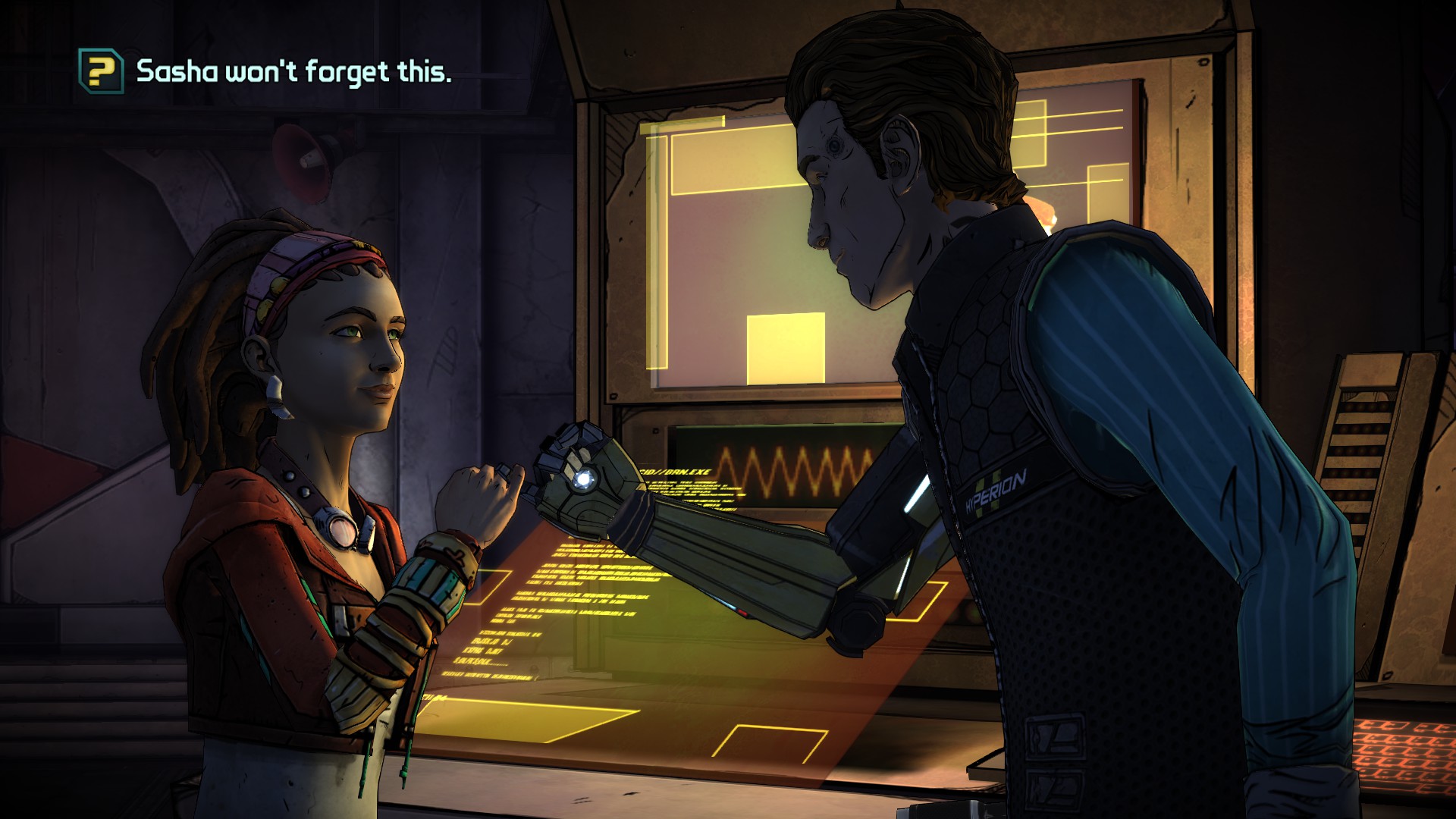
Borderlands is well known as a shooter-RPG hybrid, but with little to no story. There’s a lot of potential in a great Borderlands story, and Telltale Games finally delivered that. TftB is a fantastic story-driven game with memorable characters and enough Borderlands lore and quips to make a fan faint. The visuals are great, and there’s a lot to walk away from after completing it.
You start out by playing as two characters in this game, Rhys and Fiona. Rhys is a Hyperion corporate employee, and Fiona is a Pandorian con artist. The whole goal of the game is to open the Vault of the Traveler and find its hidden treasures. The entire point of any Borderlands game is to open a mysterious vault. The game is mostly comprised of flashbacks, as a man is dragging you two through the desert and having you retell your story leading up to the point of capture. This mysterious figure is well hidden, and I couldn’t guess who it was for the life of me. The unveiling was so surprising. Telltales are masters of surprise and plot twists, and TftB has plenty of them.
Like most Telltale games, there’s not much gameplay involved, just enough to make you feel like it’s a game. However, the stories are so fantastic that you won’t care much. There are a lot of quick-time events and moral choices in the game. These choices are the key components of any Telltale adventure and are what make them memorable. Some choices don’t matter so much, and some can change the course of the entire game. TftB doesn’t have as many story-changing choices as, say, The Walking Dead, but they do make a difference and can be tough to decide on. Putting your own moral compass in the game is what makes these games so memorable, and I love it.
Each episode usually switches back and forth between Rhys and Fiona, from Pandora to Hyperion and back. The game truly felt like a long adventure and was very satisfying and fulfilling all the way to the very end. The game has a large scope, and there is plenty of Borderlands stuff in here for fans. Opening loot crates can give you cash to use in-game; there are various jokes and even cameos of Vault Hunters from previous games. I also felt that the story was told at a decent clip and never got slow and boring or felt rushed. Each episode probably doesn’t stand on its own, but as a whole, the game is wonderful.
I want to complain about the exclusive quick-time events being the only thing that consists of gameplay, but I won’t because it works for the game. There’s action, drama, and plenty of comedy thrown in that any Borderlands fan will love. The visuals aren’t technically impressive, but the meld of Telltale’s art style and Borderlands is a perfect match here, and it feels like an actual Borderlands game, which is what counts.
In the end, no matter what console you play it on, TftB impresses on every level and tells a story that any fan will love and approve of. Even non-Borderlands fans will like the game. TftB is a perfect formula for how you do a franchise spin-off and do it right.
It’s been a long time coming, but I have held off for years on larger tablets. This is mainly due to battery life and power, but most importantly, the screen. Sure, the iPads have decent screens, but I wanted something amazing that all my larger content could look sharp on—something akin to a PC monitor. I have had my seven-inch Nexus tablets for a few years now, and they were great for reading comics and books and playing tablet-style games. I have used various other tablets, like the Samsung Galaxy Tab 3, but it was just awful and slow.
After purchasing the Note 5, I took a look at all of Samsung’s newest hardware. The sleek, paper-thin design of the Tab S2 caught my eye, but I was wary that it was weak and had an awful screen. I heard great things about the Tab S and Note Pro 10.1, so I took a further look. To my surprise, the Tab S2 was powerful and sported Samsung’s very popular Super AMOLED screens that I have grown to love over the years, starting with my Galaxy S4.
Some naysayers may gripe about tablets being steamrolled phones (this was said a lot about the original iPad), and honestly, Microsoft is the only company that has put a PC OS onto a tablet. Apple needs to get OSX working on an iPad, and Google needs to seriously think about getting Chrome OS onto tablets, but that’s a debate for a different time. Right now, tablets have been nearly perfected, and it’s okay to have larger versions of their phone counterparts. Think about it: What do we use tablets for? Movies, reading, and the overall enjoyment of a large screen. First, I would like to help people on the fence about tablets and think about these five things when buying one.
1. For the Movie Lover
There are dozens of movie apps on Google Play right now, and anyone who watches Netflix in bed or out of the house should be a tablet owner. This also goes for anyone who uses Hulu or any other streaming app. This is also great for people who love ripping or downloading movies and loading them directly from the device.
2. Productivity
If you’re a busy student or work in a place that requires a lot of note-taking, then a tablet is great for you, but why not a laptop? Tablets are ultra-light, ultra-portable, and do only what you want them to do. There’s no hassle of things going wrong with your laptop, such as crashes, BSODs, or anything like that.
3. Gamer
Of course, most games are fine on phones, but there are so many great tablet games that you are missing out on. This War of Mine, Talisman, The Witcher Adventure Game, Baldur’s Gate II: Enhanced Edition, Star Wars: Knights of the Old Republic, Desktop Dungeons, Bard’s Tale, and many more games are better suited for larger screens. Not to mention that any gamer loves playing on bigger screens.
4. Reader
Tablets became popular due to ebooks. This is what put tablets on the map, thanks to devices like the Amazon Kindle. There are many great book apps, with Amazon’s Kindle being the most popular. With millions of books available, the list is endless. Laying down and reading on a tablet is more convenient, as you can do other things in between reading. Take a break and watch a YouTube video or two, video chat with a friend for a little, and go back at it. Tablets are just great to relax with, thanks to all the things you can do with them. I personally love reading manga and comics.
5. Artist
Most artists naysay digital art, especially on tablets, but they are great for getting ideas out of your head quickly before they are forgotten. There are many great styli out there for tablets, and while you won’t be able to pump out masterpieces like on your Cintiq tablet at your desk, it can save you from frustration for not being able to get a good idea out.
With that said, these are the people that tablets are aimed at. I nay-said tablets a long time ago, thinking I was just fine with my phone, but realized the potential I was missing out on.
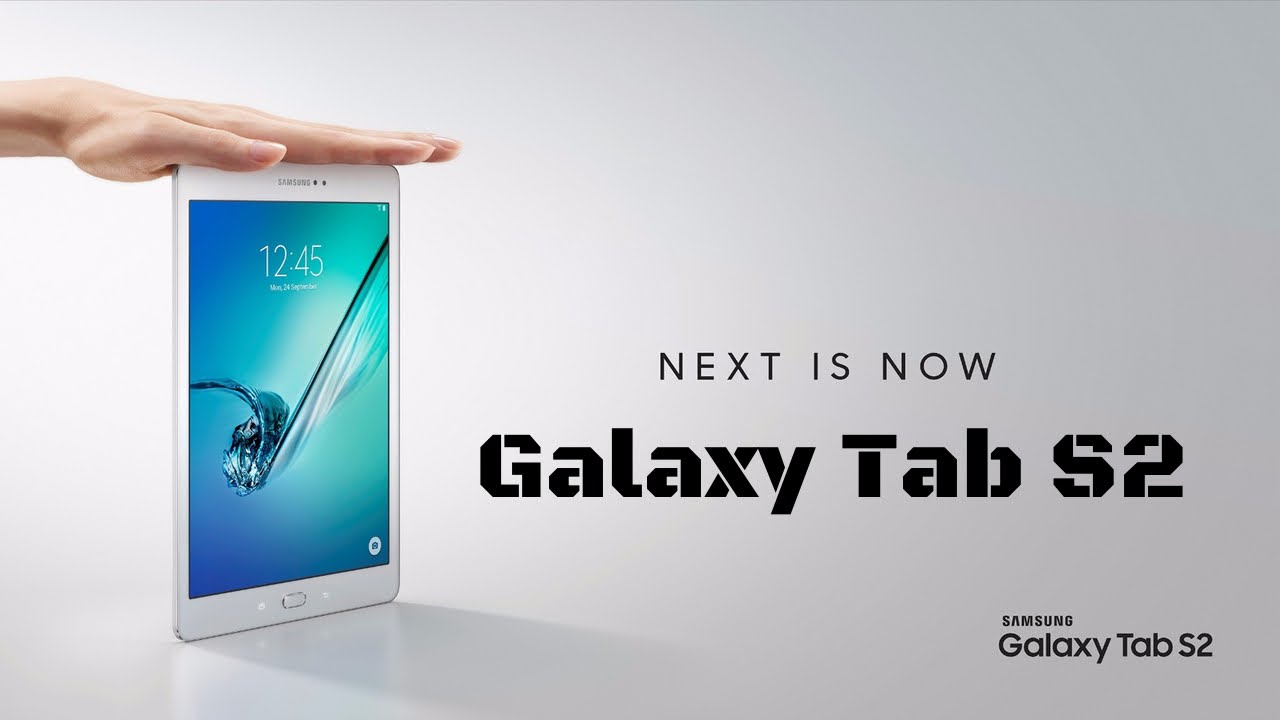
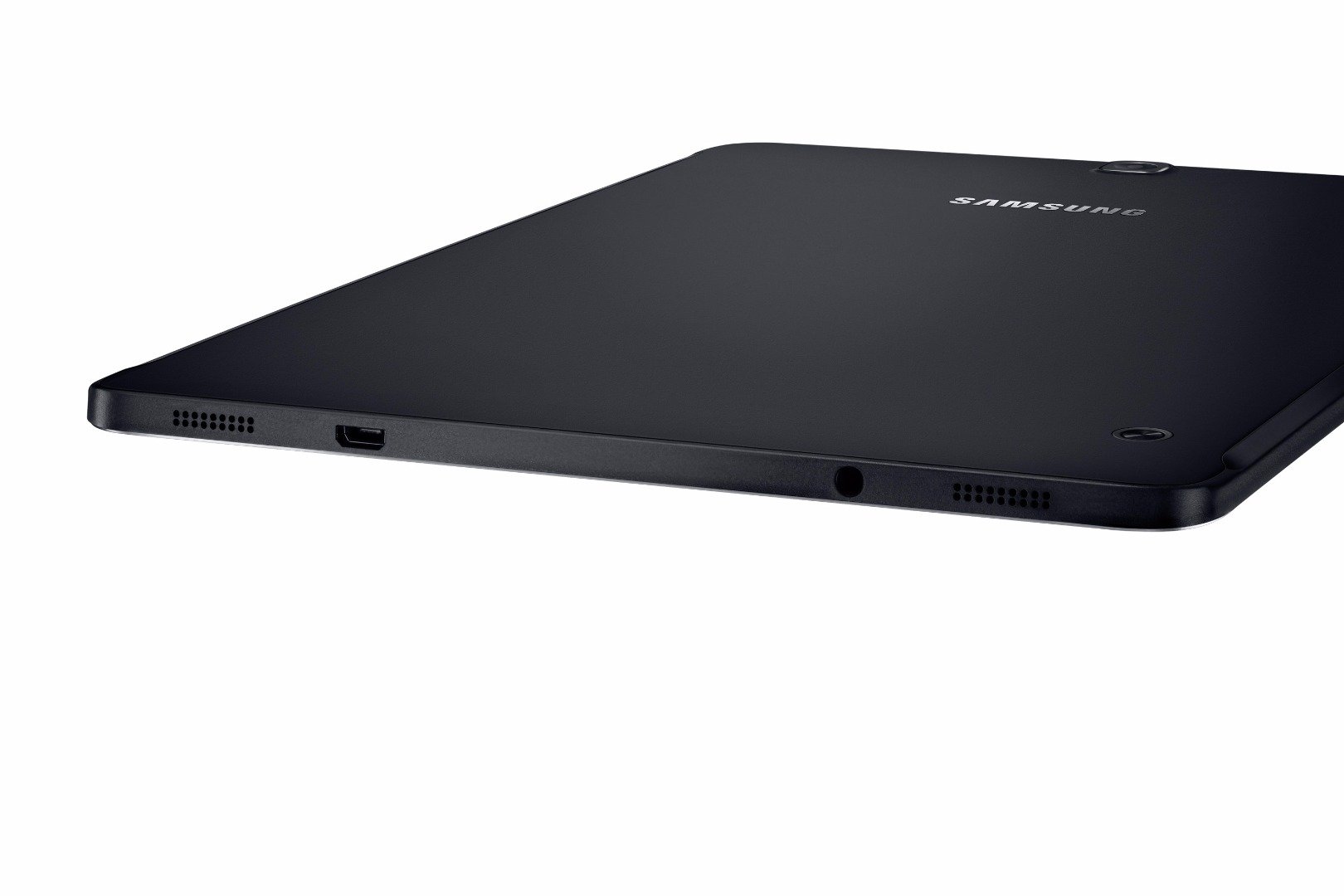
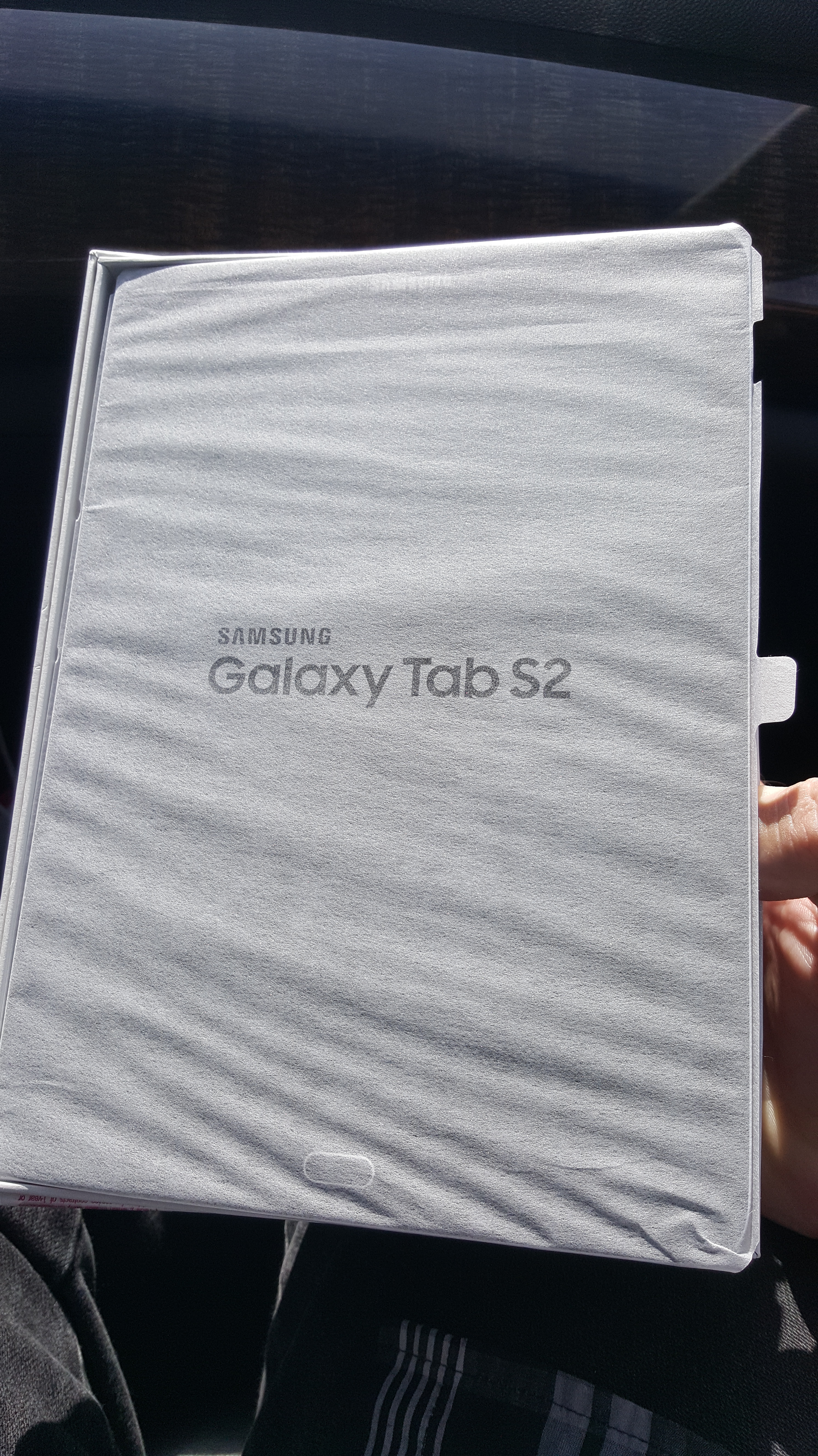
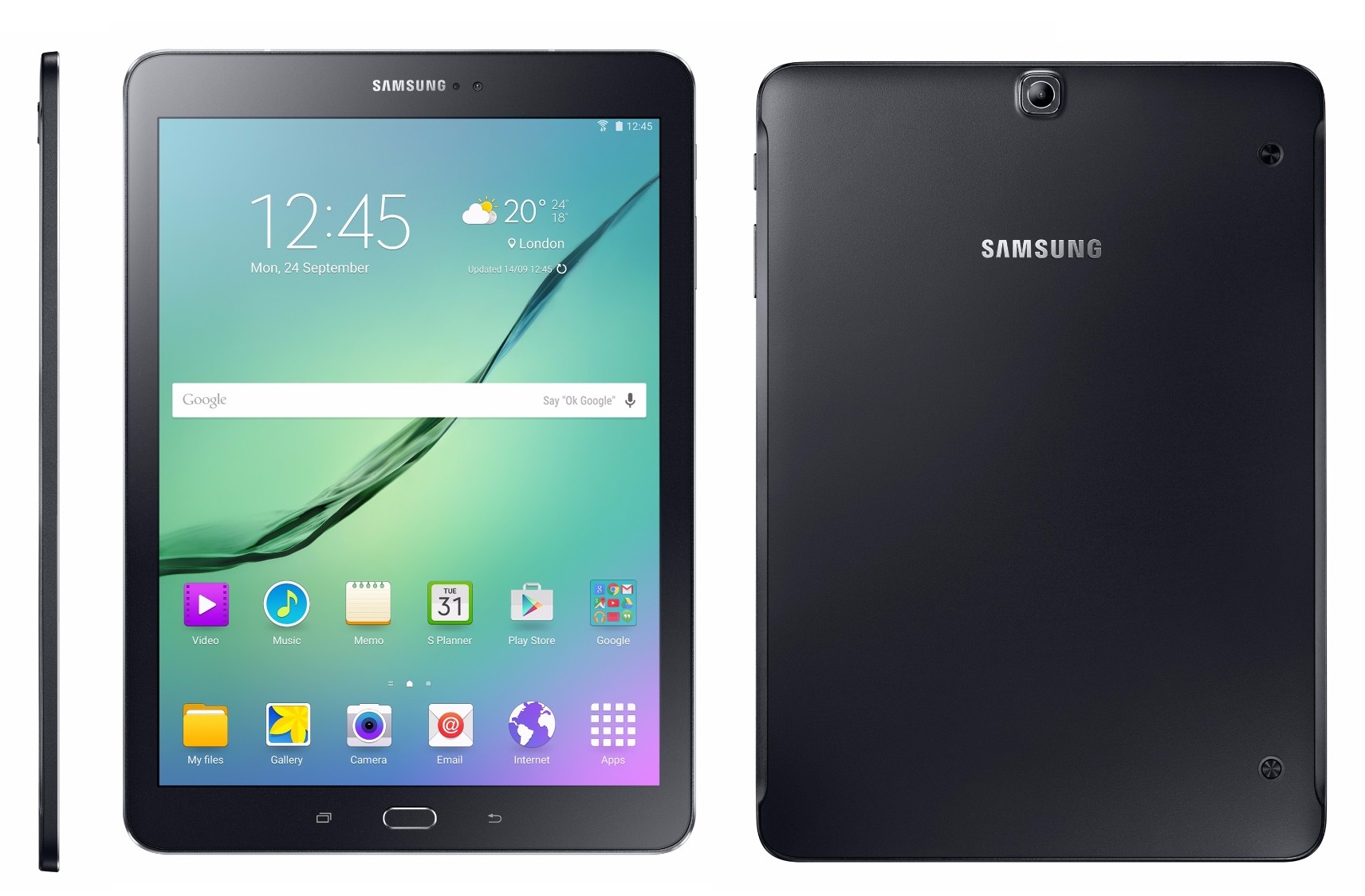
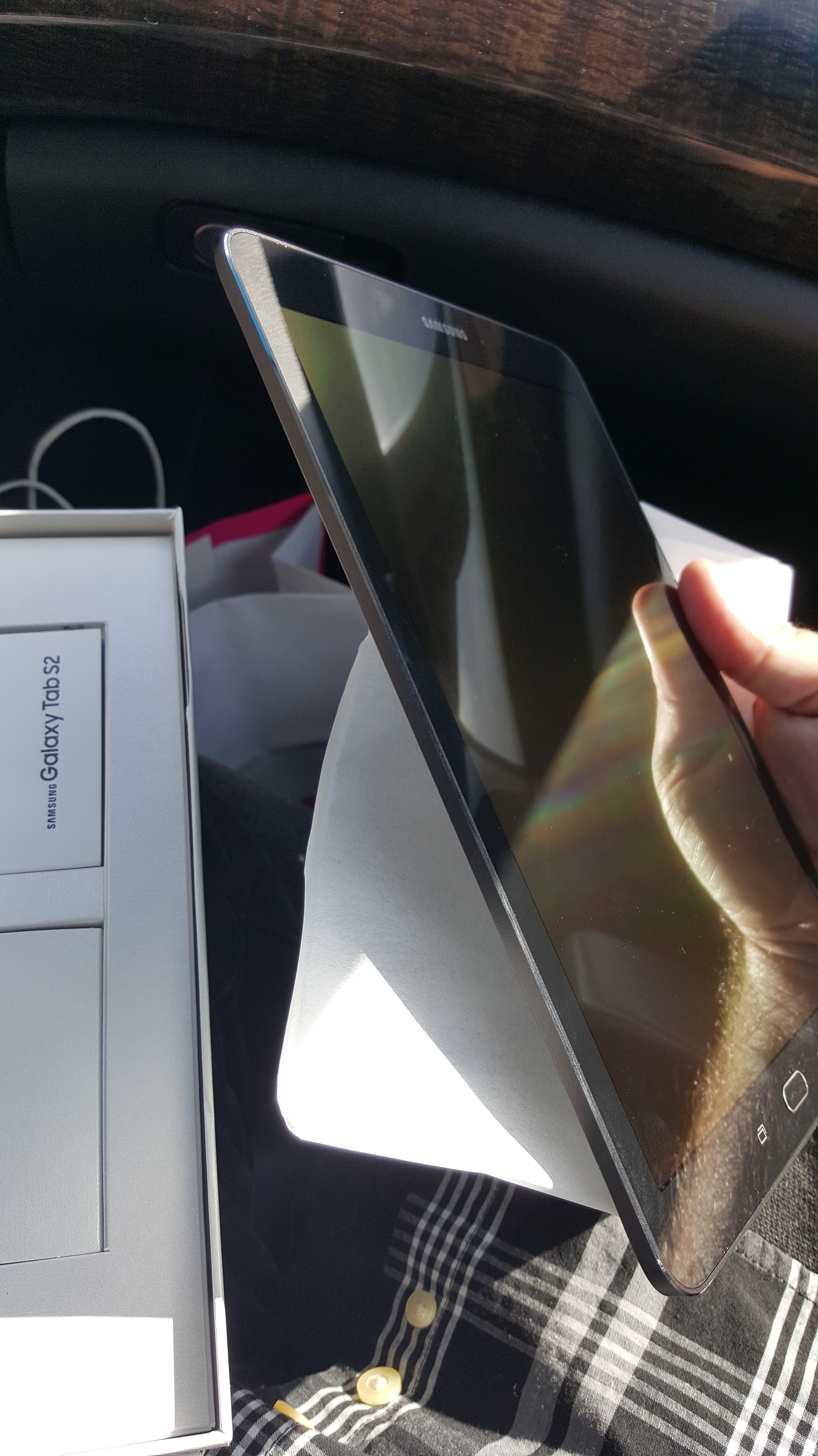
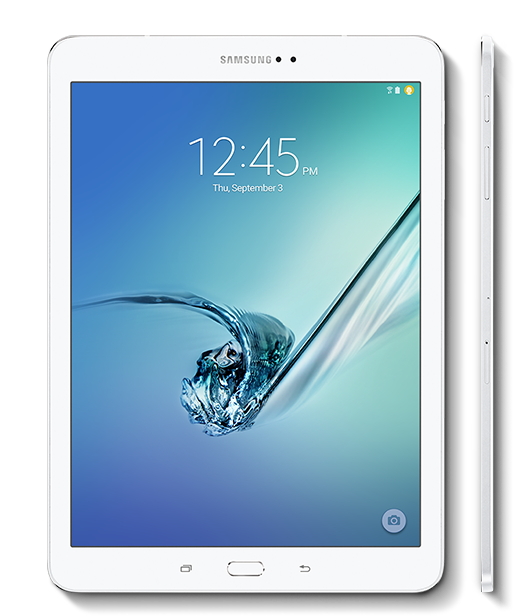
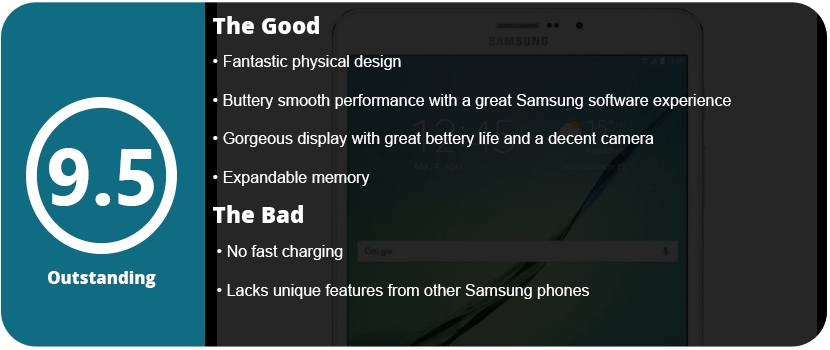
The Samsung Galaxy Tab S2’s first feature you will notice when opening the box is the form factor. This is the thinnest tablet I have ever seen, and it just looks so sleek and incredibly gorgeous. The tablet is a perfect rectangle shape with rounded edges but has a face that’s familiar to Samsung phone owners. The recent apps button and back button, with a physical home button sandwiched in between, are iconic. I was also surprised at how light this tablet was, at nearly 10″. The style is borrowed from the current Galaxy series phones, which have solid power and volume keys (not rockers) and a minimal design.
If you have a WiFi tablet, you won’t have to worry about this step, but inserting the SIM card for the 4G version was quite easy thanks to the little tool that was provided. Just pop the pin in and insert the card into its carriage, and off it goes. The SD card slot is also located just below that slot and works the same way. I was actually so grateful that this tablet came with expandable memory (up to 128GB), as I can now load it with movies, music, and comics while the internal space is used for apps and games. With my Nexus 7, it was a constant balancing act of games and apps over comics, with only 32GB to use. The 9.7″ Tab S2 comes with 32GB built-in, but that’s nothing to complain about thanks to the expandable memory.
Once I turned the device on, I was amazed at the screen quality. While it was expected, it just looked so beautiful in this size. Everything is clear and crisp, which is what you would expect from a Samsung display. I will say that the tablet is a typical Samsung Android experience, and that’s not really bad, but there are not many device-specific features. There is a fingerprint scanner, which is really nice, but I noticed the device lacked the themes that are present in the current Galaxy phones. Anyone new to a Samsung device will find everything quite convenient, but coming from using Samsung phones, I could just dive right in and start setting up the device.
The device ships with the latest version of Lollipop (5.1.1), and Marshmallow is currently in development for the device. There are several features I would like to mention that I love on this tablet, regardless of whether they are standard Android or Samsung features.
First off, the tablet has some great power-saving features as well as an ultra-power-saving mode that turns everything black and white and only allows minimal usage. The battery actually lasts quite a while for such a large device and power-hungry screen. I can go on a full charge for about a day before the device dies, which is great. I also like the palm mute feature that allows you to place your hand on the screen to mute whatever is going on. While there aren’t as many features as the phones from Samsung, I felt what was here was just right and didn’t feel too gimmicky or overbearing. The more features are added, the more the battery can drain. Another feature I liked was the private mode. Enable this, and whatever files or folders you select won’t show up but can still be accessed by apps. Hiding private photos and videos has never been easier. The Tab S2 also has a slew of security features for finding a lost or stolen device and encryption options. This is great for people with sensitive information on their devices.
Let’s talk about performance. The Tab S2 is the fastest tablet I have used. While the Nexus 7 2013 was fairly slow during KitKat and Lollipop 5.0–5.2, it did speed up with 5.1.1. However, the Tab S2 is as fast as my Note 5 and hasn’t stuttered at anything I have thrown at it. The tablet has some pretty beefy hardware under the hood for such a slim device. The device sports Samsung’s flagship CPU chip, which is the Exonys 5433, sporting a 1.9 GHz quad-core CPU and another Cortex-A93 chip at 1.3 GHz (quad-core). This provides ultra-fast processing and allows the buttery smooth operation that you experience. The device has 3GB of RAM, not 4 like the Note 5, which was a little bit of a surprise. I noticed no slowdown or chugging when switching and opening up a lot of apps. The tablet comes with the latest Mali GPU, the TMP760, at 700 MHz, to be exact. This will allow you to play the latest and greatest games without any slowdown.
The Tab S2 also has one of the best tablet cameras I have seen in a while. Now, tablet cameras have been notorious for being subpar to phones; mainly, this is due to tablets not being used for pictures quite as often as phones. To reduce production costs, the camera is cut down, usually to half as many megapixels as current phones, which can make the tablets thinner. The Tab S2 has a rear 8MP camera (no flash) and a 5MP front camera. Both take pictures very well, but the rear camera does not take 60 FPS video, which is a disappointment. But we do get Samsung’s newest camera software suite, which we have seen in the Galaxy S6 and Note 5. There are plenty of different ways to take photos, and the suite is quite powerful for a tablet. As a secondary source for a camera, I can say I’m pretty happy with what’s here.
To conclude, the Tab S2 has brought tablets a long way. With super-fast speeds and an experience similar to their flagship phones, Samsung fans and Android fans will have one of the best tablets on the market in their hands. Of course, this isn’t a budget tablet, and the $500–$650 price range will drive most people away compared to sub-8-inch tablet prices. If you want the latest and greatest, a gorgeous display, and extremely fast performance, then look no further than the Samsung Galaxy Tab S2.
As kids, we all dreamed of being like James Bond or our favorite sci-fi character with cool watches that could show videos, talk, and do various other things, let alone surf the internet. Google made this all possible with the Android Wear OS, and many phone companies jumped on board and saw the profit. This isn’t just an over-glorified calculator app in 8-bit black-and-white text that you got out of a cereal box. This is a legit high-tech futuristic piece of hardware that will just keep growing and getting better over time.
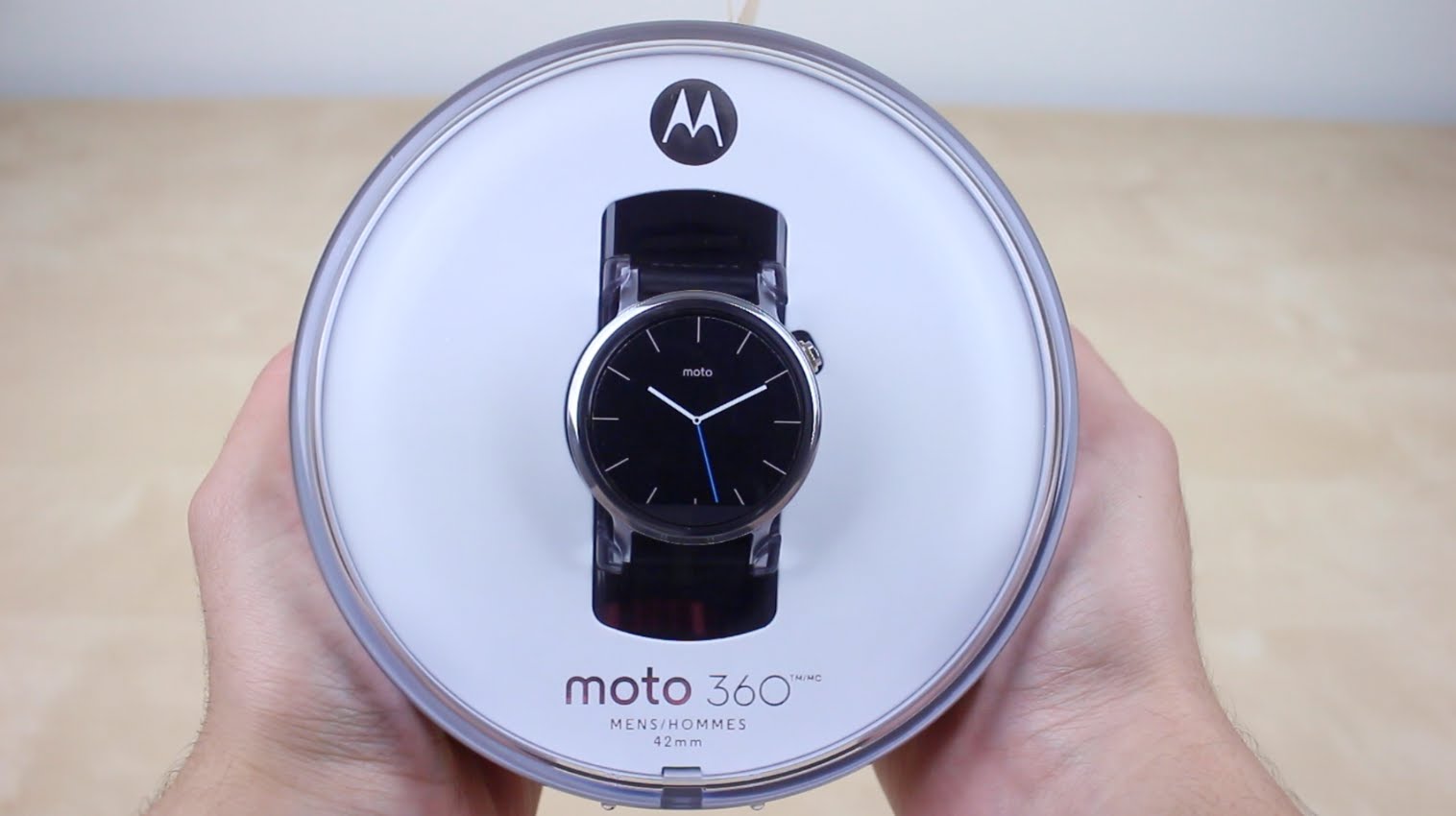
While there are many smartwatches out there from LG, Huawei, Samsung, Sony, and Motorola, I personally think watches should be round; why square? While shopping around for smartwatches and watching them over the last year, I noticed that the square watches are rather ugly and cheap-looking. I got my hands on a Samsung Gear S2 and a Sony watch, and they just looked and felt cheap. The Moto 360 made me cautious as they make awful smartphones and have terrible software, but it looked great, and the recent price drop due to the Moto 360 2 coming out today helped. All I can say is that I didn’t expect this thing to be as useful or as good-looking as I originally thought.
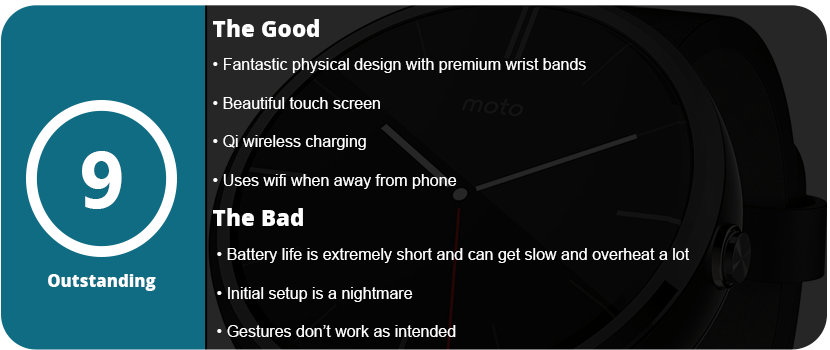
However, there were issues right out of the box, and it wasn’t a fun start. I should rate this watch much lower due to the issues I had getting the thing up and running, but it was an easy fix once I figured out how to fix it. Three hours of searching around online and wishful thinking, and maybe some luck, did the trick. See, the Android Wear OS has been updated quite rapidly over the last year, going from 4.4W.1 to 5.1W.1 in less than a year. My Moto 360 shipped with the original buggy Android Wear OS on it, and I couldn’t get it to update. The Google servers no longer recognize the original Android Wear OS, so you get the Google Services have stopped working and various other crash notices on the watch.
Right out of the box, the watch’s battery was dead, so I had to charge the thing. After about 3 minutes, I got the charging symbol on the watch screen, and after about 30 minutes, I booted the watch up. I have to say that it’s really cool to see a watch boot up and show more than just time; it was quite the experience. After booting up, I set up the Android Wear app on my Galaxy Note 5 and linked the two via Bluetooth. The watch’s battery was at about 40%, so I figured I’d play with it. The first thing I did was check for a system update, and there was one, but it would crash when it got about 5% done. I reset the watch back to factory defaults because it was an endless loop of crashes and errors after each restart. This is where the three hours of research came in, as I could not update the watch to 5.1W.1, and it turns out the latest Android Wear app doesn’t work with that older version. I had to install an older version of Android Wear as the watch downloaded the update through the phone via the Android Wear app. The problem was that the watch was stuck, wouldn’t do a factory reset, had endless crashes, and would shut down. I thought I was going to have to call Motorola tech support when, for some unknown reason, it finally reset on its own. Everything seemed to work fine, so it was obvious that the newer Android Wear app was causing issues. I then downloaded the update, which took about an hour, and everything was fine. I updated the Android Wear app, and I was set.
This kind of stuff is what most common users won’t be able to figure out, and Motorola needs to fix this issue by either recalling their first shipments of the watch or getting together with Google to support older versions so they can update. Also, note that during this fiasco, the watch died about three times, as it’s not meant to be used constantly like a phone. The watch also charges wirelessly, so you can’t use it while it’s charging as the battery will drain faster than it can charge. Thankfully, the watch charges fully in about two hours but will last all day if you use it right. The initial fiddling and setting up will drain your battery a couple of times, but after that, I pulled it off the charger at 1 PM, and at around 8 PM, it was at 53% battery. I later spent about 90 minutes adjusting apps on my phone, which would push updates to the watch. I would also go into the watch to make sure the settings went through. It dropped down to 42% after the adjustments, which isn’t too bad for a 320 mAh battery.
Let’s talk about what a smartwatch actually is and does. This is supposed to be “Your life at a glance,” which is Android Wear’s official motto. This isn’t something you sit down and play around with all day like a phone; you just do simple, quick things like reply to texts, read emails, check the time, do weather updates, do fitness tracking, change tracks on your music, use Google Maps navigation, etc. Various apps will support Android Wear and install its app on your phone. Most major and popular apps support Android Wear already, and it all works better than you think. When you get a text, your watch will vibrate and show the text on the face. You can swipe right to ignore, left to reply with Google Now, or open the app on your phone. This is how every app works for the most part: just the essential information without pulling your phone out of your pocket every 2 minutes.
Using the actual watch was a bit confusing, I would say. The watch has a pull-down drawer that allows you to change your notification settings, swipe left for gestures, watch brightness, and even settings. There’s even a theater mode that will keep the screen off until you press the hardware button. I also used a custom mini launcher, which allowed me to swipe right for a custom launcher that put the apps in a circular grid rather than a scrolling list that the default launcher has. Honestly, the default launcher isn’t that great. After this, I can swipe up for my weather and once again for my Google Fit tracking stats. Now, this is the confusing part that most people don’t understand: most of the major settings are controlled by the apps on your phone. There’s no Google Play Store on your watch; everything is downloaded to your phone or tablet. The phone then beams the Android Wear app to your watch, and it installs.
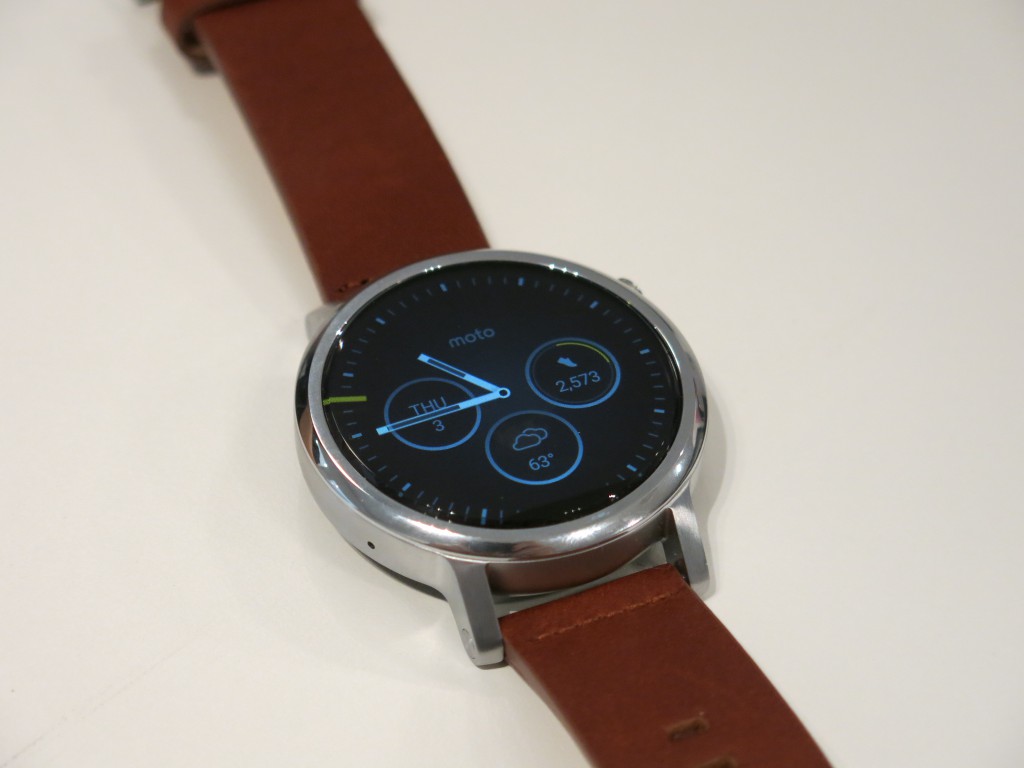
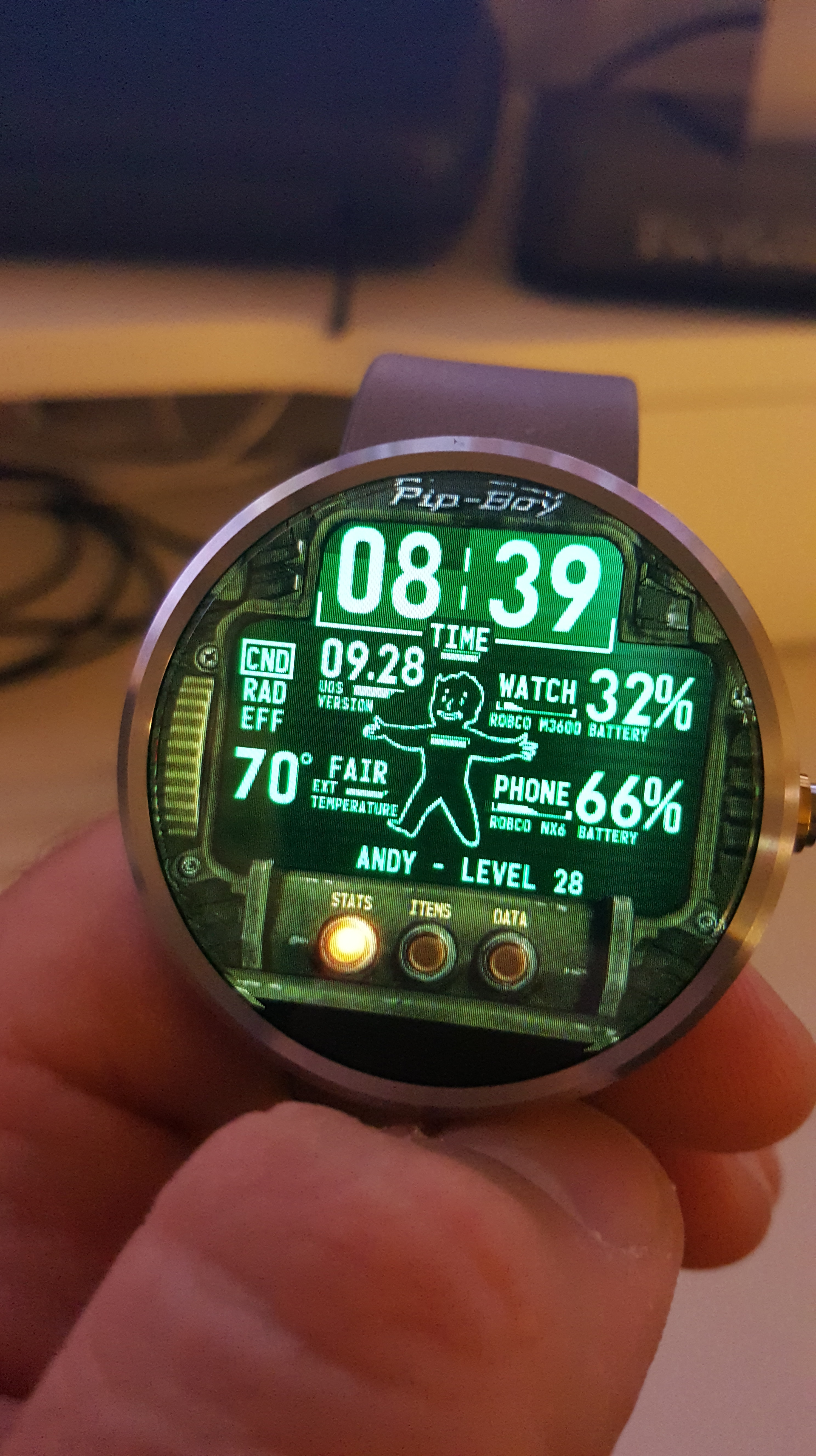
Another, and probably my favorite feature, that makes smartwatches so amazing are the custom watch faces you can use. I personally used the WatchMaker Faces app to download faces that users made that looked incredible. Anywhere from video game and anime faces to digital and analog faces that mimic real-life watches. This app allows each face to use various stats, such as the weather, stopwatch, timer, battery levels, etc. Standard watch faces from the Google Play Store are also just as great, but I’ve found WatchMaker Faces to be the best face app out there. The Moto 360 allows an ambient mode (which is shoddy) to detect when your face is near the watch, or you can use a gesture that will turn the face on when you raise your arm, which I also didn’t prefer as sudden movement kept turning on the screen, killing the battery. Sadly, there’s no way to adjust the sensitivity of the gyroscope, so just touching the screen to see the time worked fine for me.
Now let’s talk about the hardware a little bit. The Moto 360 comes in various colors and styles, such as metal and leather wristbands, and various body colors, from stainless steel to gold. The watch is actually a little thicker than your typical watch, but think of what’s inside this thing. While it looks fine on people with larger hands, it looks a little silly on people with smaller wrists and hands due to the thickness. It’s honestly very stylish and looks like a watch, but you will notice something different about it that makes people ask what it is, mainly wondering why the face is blank. The watch itself has some impressive hardware inside: a 1 GHz Cortex A8 CPU, 512 MB of LPDDR RAM, 4 GB of internal storage, Qi wireless charging, a 9-axis accelerometer, a heart rate sensor, dual microphones, Bluetooth 4.0, 2.4 GHz WiFi, an ambient light sensor, and a capacitive touchscreen. The resolution is 320×290 at 205 PPI, which is pretty standard for a display this size, but it has a great backlight and looks sharp.
When actually using the watch, it feels quite responsive; the touchscreen works like your phone would, is quite sensitive, and doesn’t require stabbing your finger to get things done. I’m not too impressed with the wrist gestures, as the screen wakes up constantly, killing the batter, and using gestures to swipe your cards seems pointless and looks quite silly, but it’s there if you want it. The battery life is also extremely sensitive, and any heavy use will drain it very quickly. If you use the watch as intended, with just a few quick glances, it will last all day.
Overall, the Android Wear suite is quite nice, there are a ton of customization options, and the Android Wear app is a great hub to control what your watch does and get all the information you need from it. The actual Android Wear OS is great, is surprisingly responsive, and does exactly as it’s intended, giving you information about your life at a quick glance. Obviously, going forward, the biggest challenge is battery life and faster hardware; I also would have liked a mic on the watch, but maybe next time.
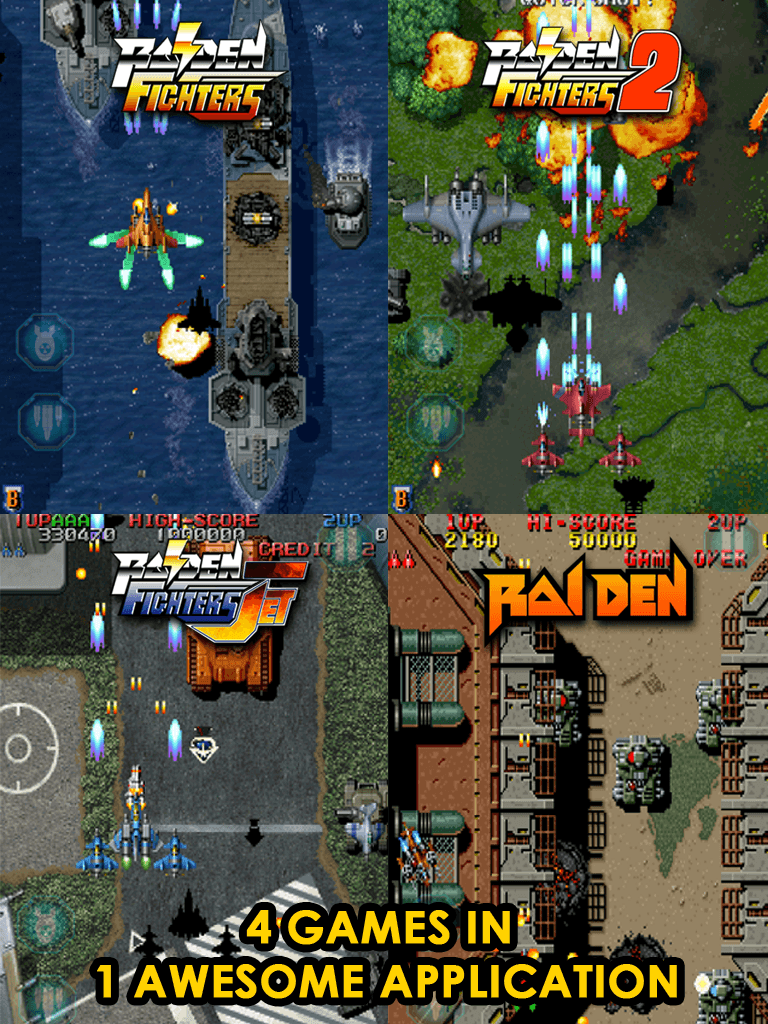
Raiden is one of the original popular shmups that delved away from fantasy settings and more towards a realistic military setting. Raiden is fast-paced, controls smoothly, and has some great enemy layout and level design. To top this all off, Raiden Legacy has four Raiden games that are all a complete blast to play.
The first game is the original Raiden. Using 16-bit graphics and sound, it may look dated, but it plays wonderfully. The sprites are crisp and clear, and the sound is great. It starts off slower than the newer games, with power-ups and faster-paced enemies taking a while to appear. This may seem familiar with some of the recent free-to-play or freemium bullet hell games today. The bosses are fun, there are plenty of jets to choose from, and I found it had a personality over the newer Raidens that made it stand out and unique.
Next up is Raiden Fighters. This is a more updated, newer-looking Raiden that you would see in arcades. The game looks crisp and clean, and there are plenty of power-ups to go after. It is definitely different than the first Raiden and feels different as well. Just like all the other games in this collection, there are plenty of control options, and each game has arcade, mission, and practice modes. It’s always a good idea to get a handle on each level, enemy placement, and power-up management before mastering a level.
The third game in the collection is Raiden Fighters 2. It feels quite similar to the first Fighters game and honestly could have been excluded, and the package would have been fine. The graphics and sound are nearly the same, but there are different jets to use, enemies, and levels, so it is kind of a new game. Still just as solid as the other two and worth a playthrough.
The last game is Raiden Fighter Jet. Fighter Jet is more, well, jets, I guess. You fight a lot more air enemies than ground enemies, and it looks and sounds the best out of the four. After you get to the fourth game, it will start to feel a bit the same, and it will start to become a blur in the end. However, these are fun shmup experiences, and they work great on mobile phones. The control settings are customizable (I preferred Touch 200), and the game just looks awesome in portrait mode on high-res screens.
Overall, if you’re a shmup fan, this is a must-have. Keep in mind that this is a more realistic military-style shooter and less fantasy, but still a great game.
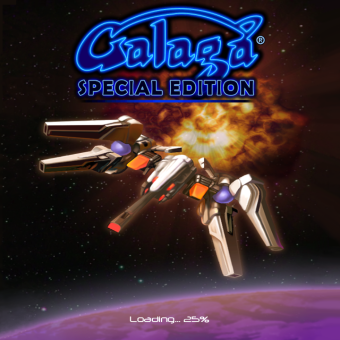
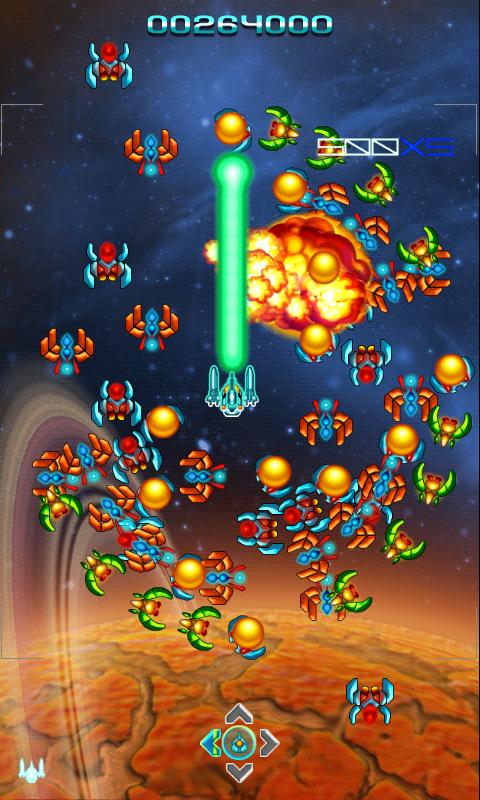
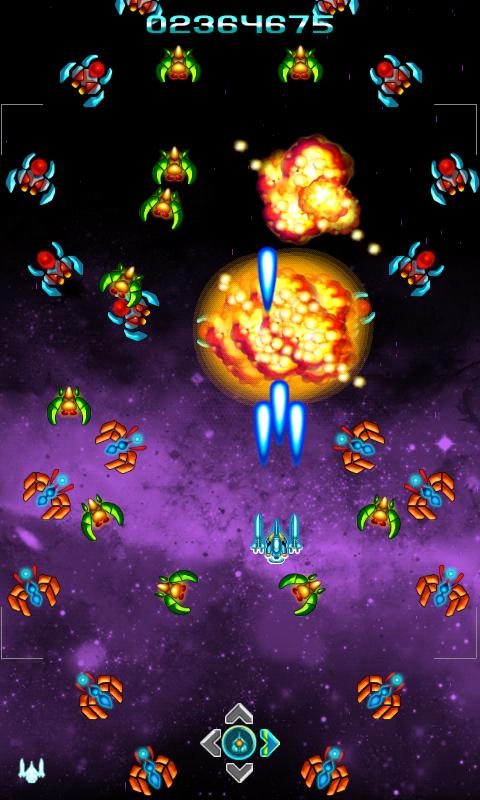
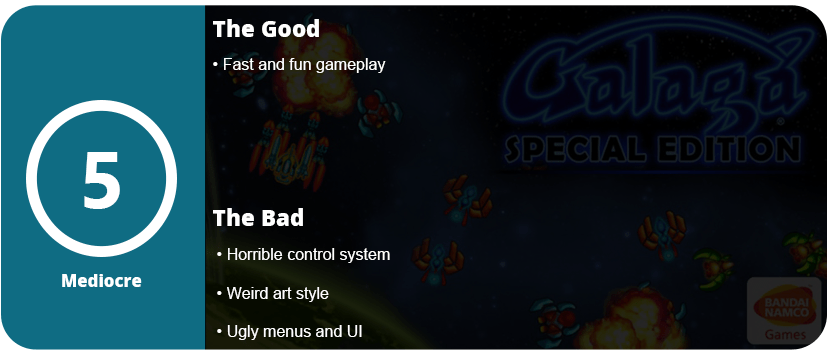
Galaga is one of the original shmups and hasn’t really done much since its incarnation. I had fond memories of playing Galaga on my original Game Boy and remembering how hard it was. Now I’m back with Galaga: Special Edition, and I’m quite disappointed. I wasn’t expecting HD graphics or tons of different modes. I just wanted an honest, updated Galaga experience. What we have here is a messy and not quite up-to-par version that I would have any fan of the series or genre pass up.
For starters, the game just isn’t fun to control, the animations are awful, and the game just doesn’t feel right. Your ship stays on one screen, and you just move around the area, trying to kill the enemies. It’s a stationary shooter ’em up, but one that used to be really fun. The special effects are awful, and honestly, even the menus feel old and not quite up to speed. I honestly feel like this was a crappy Flash game that was just ported to mobile devices.
If you really need a Galaga to fix on the go, this game will get you by, but it can’t hold a candle to the original game. I also felt the game just didn’t control very well and seemed to “skip” around on the screen. There’s really not much to say here other than keep playing and build up a high score. If you don’t like staying stationary or want a lot of on-screen action, this game isn’t for you.
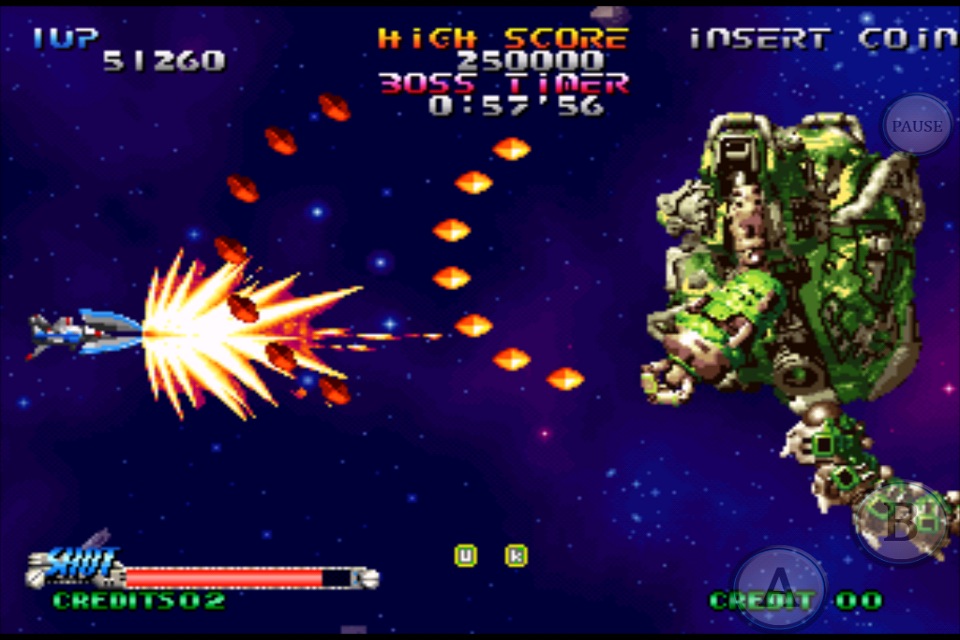
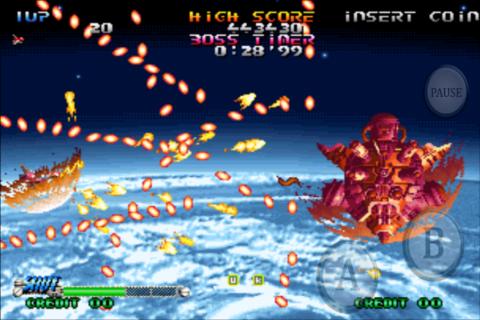
Shoot-em-ups, shmups, and side-scrolling shooters, however you want to call them, had a grand place in the video game industry. While they may seem like a dying breed, they dominated the arcades and consoles leading up to the PlayStation 2. R-Type, Raiden, 1943, Cotton, Ikaruga, Defender, and even Space Invaders and various other shooters were household names. They are also some of the toughest games ever made. Only consisting of a few levels, these difficult pieces of art were what made you a hardcore gamer. Blazing Star was one of many, and it is now playable on mobile phones.
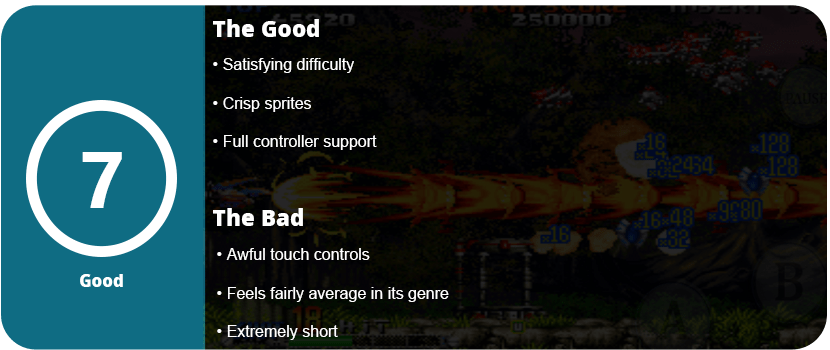
Blazing Star has only seven levels, but they are extremely brutal, and most people won’t make it past the first one. The controls are simple enough: use your thumb to move the ship around while you fire your bullets, and use another button to cause your bullets to scatter around. It’s fairly simple—sometimes too simple—but it works. The game is as hectic as you would expect and is actually one of the harder bullet hell games I have played. As you move along the 3–4 minute levels, you acquire points and also power-ups along the way. If you die, you get a chance to recover your power-ups, but there’s so much going on on the screen that you will have a hard time gathering them all back up without dying again. Honestly, there’s more going on than I could keep track of, but it was a lot of fun.
The final level is actually just a really tough boss, but beating the game is quite satisfying, and I have to say it looks good too. The screens are bright and crisp on high-res phones, and the only problem I had were the controls. They felt strange somehow, but I preferred a controller. I had to constantly lift my thumb and move it back because the ship didn’t follow my thumb where I wanted. The delay caused me to underperform, but this was fixed using an actual analog stick. I honestly can only recommend this game to hardcore shooter fans; casual lookers will immediately hate this game. There’s also nothing particularly memorable about Blazing Star that really sticks out; it feels average, but average enough to be better than a bad shmup.
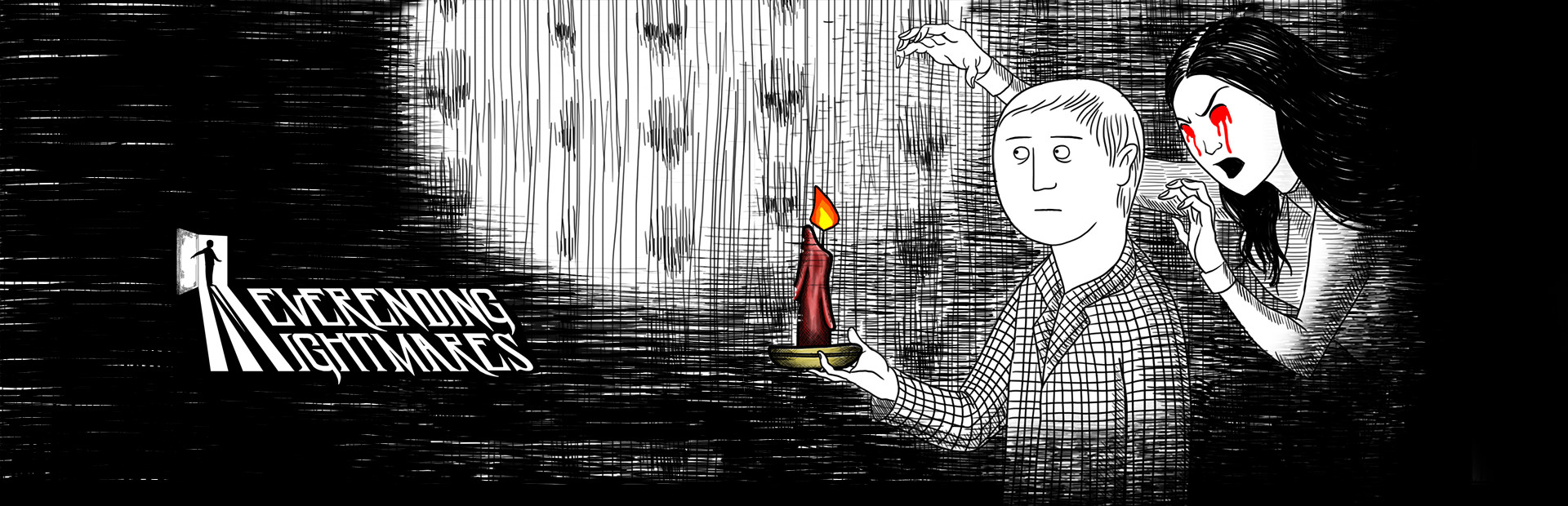
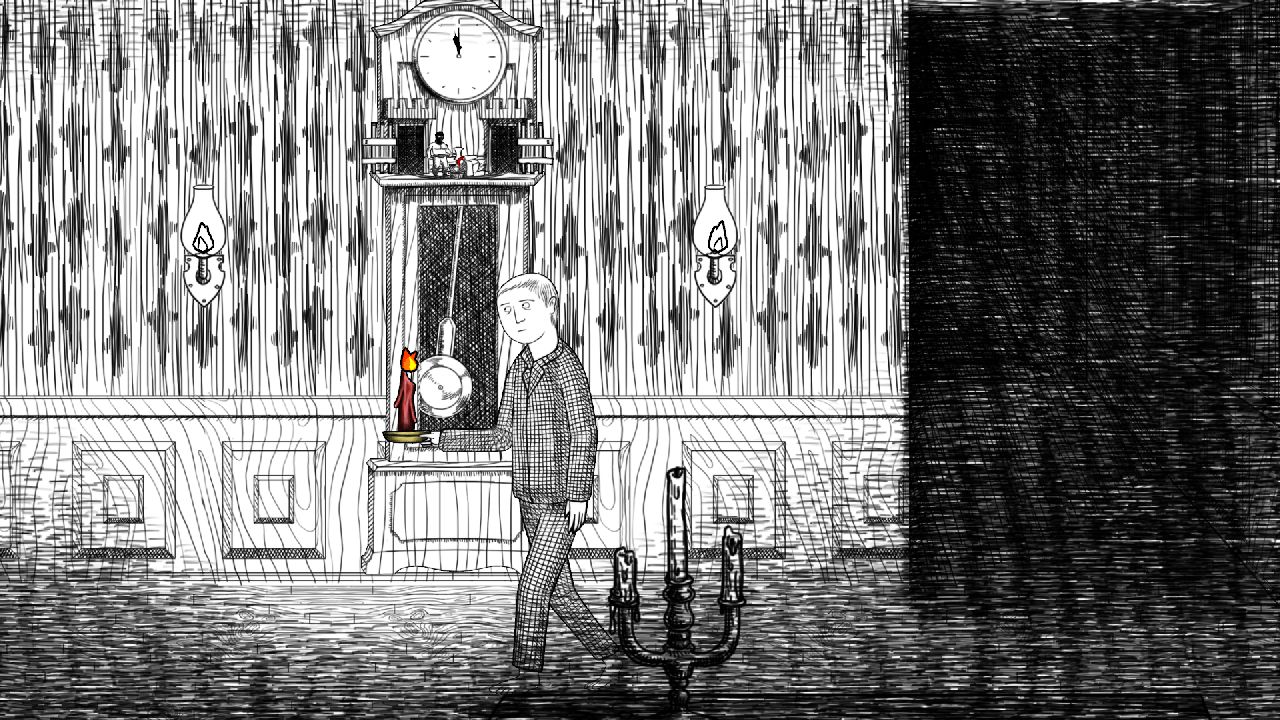
Horror games that are truly scary are far and few these days. Neverending Nightmares actually helps change that idea with an extremely intense atmosphere, which is what horror games are all about. Neverending Nightmares has you playing as a boy (or man?) named Thomas who roams the pencil-sketched hallways in his checkered pajamas trying to find his sister (or wife?) that had been murdered (or she killed herself?). There’s a lot of open interpretation of the game’s story, but that’s kind of the fun part.
The game’s pace is at a crawl; let me just say that right away. Thomas trods along the hallways with a limited—and I mean limited—sprint button. The slow pace is supposed to add to the tension, but sometimes I wish he moved just a tad faster as the game got repetitive towards the end. The point of the game is to continue moving left (or right) through the hallways, opening doors, and interacting with anything that’s colored and stands out from the black and white background. These give hints at what may have happened to the girl that Thomas is looking for. While there’s no inventory system or even a combat system, there’s really no other goal than to head downward. Sure, there are enemies in the game, but your goal is to avoid them or hide from them. The toughest of them all are the big ogre-like monsters that require you to hide in closets, or worse, run from them. I found these segments frustrating as Thomas’ sprint is limited to about three seconds, and I had to exploit this to escape from these ogres and make it to the next door. I had to tap rapidly to stretch out the sprint or time when I started perfectly. This isn’t fun, and it doesn’t add anything but frustration.
The game has three possible endings, but there are no clues as to how to get them. At the end of each level, you are approached by this girl in different ways, but it all kind of blurs together. When you die, you start off in bed again, leading to the fact that Thomas might be asleep and can’t wake up. Is he insane? Is he a ghost? Who knows, but the endless hallways are probably the worst part of the game. Sometimes I thought the game was glitching because I would go through 5–6 hallways that I swore I went through earlier, but somehow I was progressing.
Thankfully, the game is actually scary; use headphones, and you will be in for a scary night. The music is haunting, and so are the sound effects. I applaud the game for the atmosphere, but the gameplay is really something that’s lacking and needs more polish. I’m fine with just wandering around places, but give me something to do while I’m doing that.
As it stands, Neverending Nightmares is a great horror experience, but as an actual game, it’s lacking mechanics, and the story and progression need work. I shouldn’t be playing a game thinking I’m not going anywhere or giving clues as to how to get a different ending.











































 thebinarymessiah.com
Try multiplayer. A lot of fun !