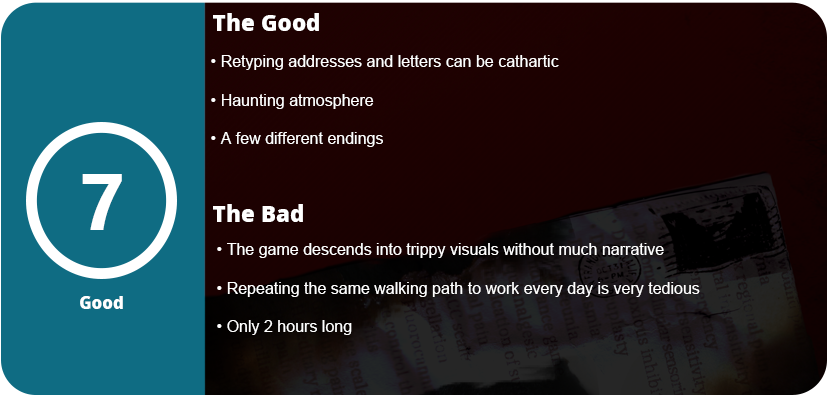
Working a mundane job, thinking something new will make things better, can just sometimes make things worse. We have all been there at least once. You start a new job in a new town trying to restart your life, run away from something, etc. The job ends up crushing your soul; you want to cry every time you wake up to go. Bills start piling up, you end up chasing due dates, and you’re always in the red at the end of everything. Denied time off, denied overtime, and you can’t catch any breaks. Dead Letter Dept. sees this loop as a game. You play as someone who is running away from someone or trying to start a new life and rents a single-bedroom apartment in a random city in the US as a data entry person. The game spirals into something sinister at the department, and the game turns into a detective-style typing game with horror elements.
Honestly, this is another indie horror title that ends up spiraling into trippy visuals and effects that don’t really mean anything. This seems to be a trend and has been for over a decade, and I don’t get why. The game does a great job soaking us in atmosphere with a depressing sky, not being able to look out the window, commentary on the bed, bills piling up, the fridge, and so on. Then you exit your apartment and go down long hallways out to the public transit. The sad part about this is that this sequence repeats after every single day and gets old fast. Nothing really happens during this sequence outside of flickering lights and an occasional shadow. After a few days it would have been nice to just skip the job after exiting the apartment if there was nothing meaningful to tell here.
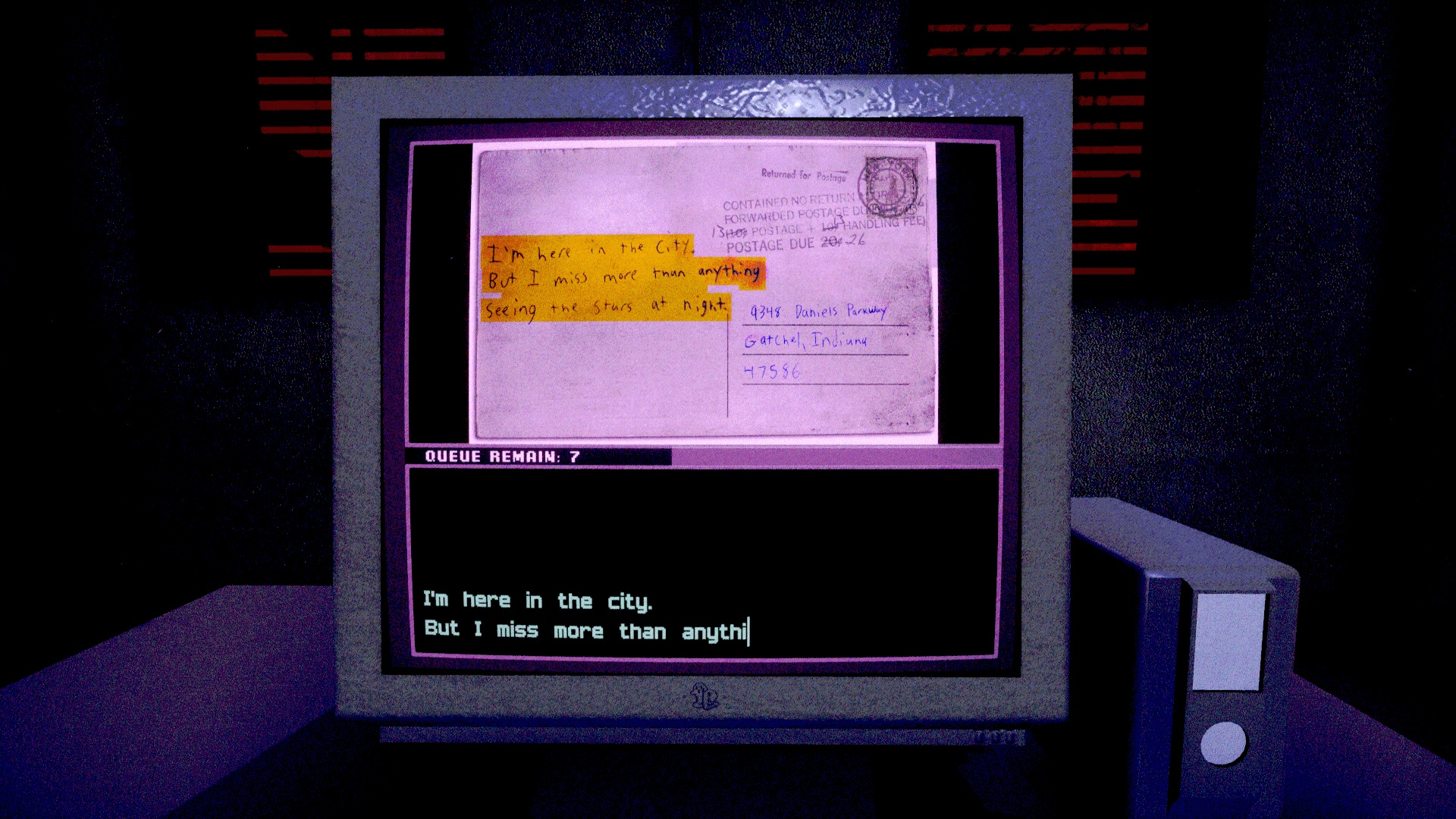
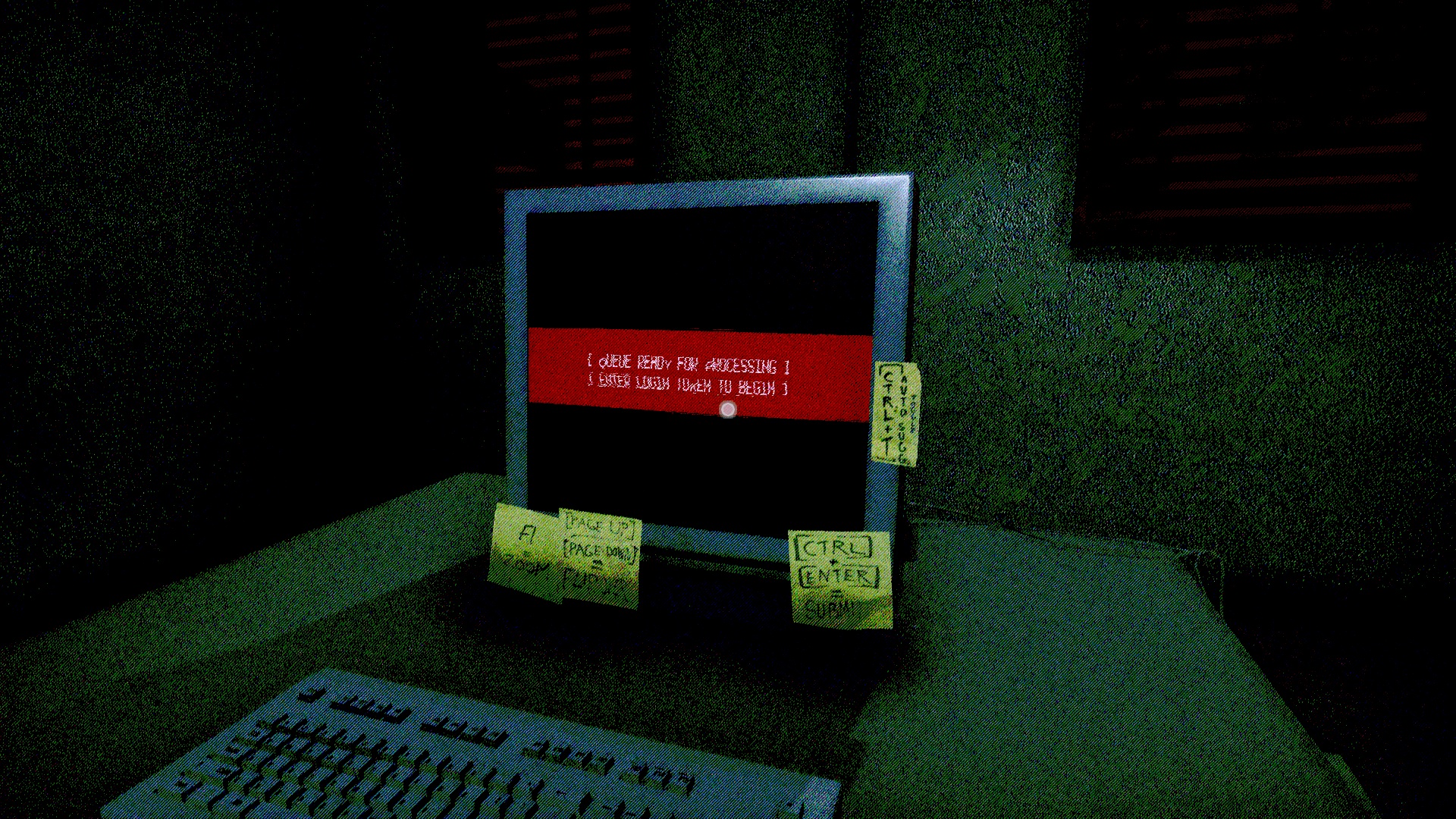
Once you sit down, the meat of the game is the typing. You are presented with letters, postcards, and various crumpled-up pieces of mail. Your job is to translate what is highlighted in yellow. Once you start typing an address, the autocomplete will pop up and can suggest addresses, but it’s mostly useless. You can assign shortcut keys to flip the mail over and zoom in. There are many different types of mail, from typing in entire passages to small greetings. You get a feel of snippets from people’s lives based on what the envelope says or the postcard. As the days move on, you can forward some stuff to different addresses to get different endings, but like most horror games, the different endings don’t really matter and aren’t interesting enough. Once you play as intended, unless you want to achievement hunt, there’s no reason to play again.
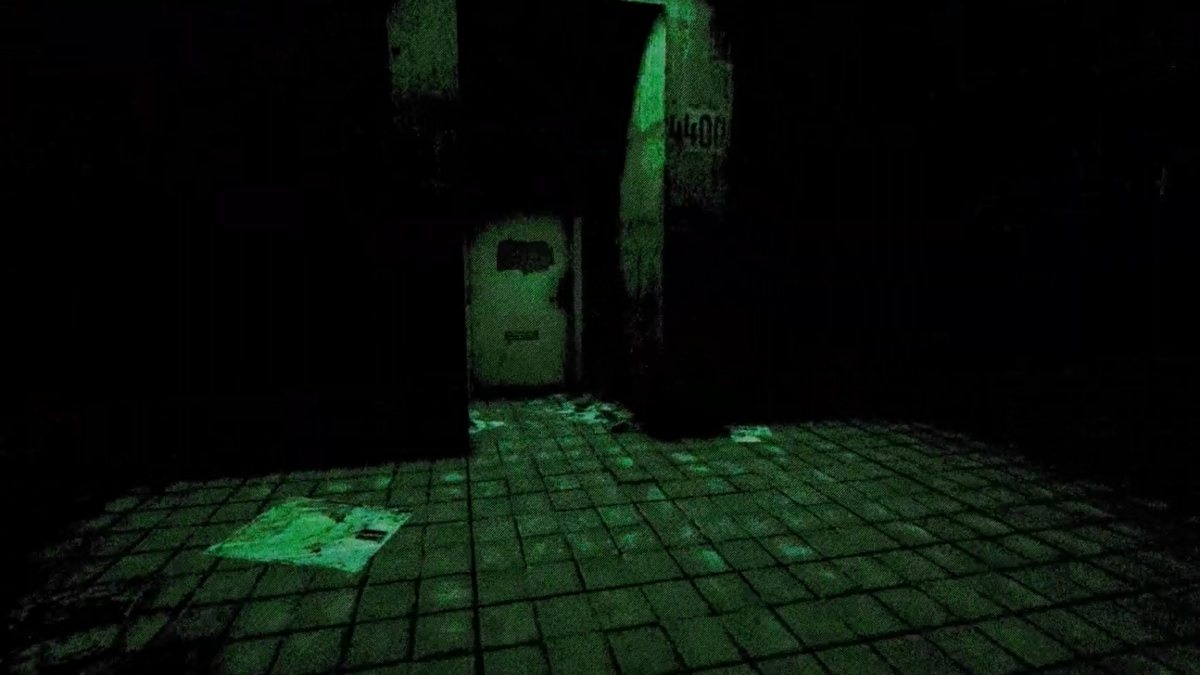
As you would expect, the game starts playing with your senses over time. Shutting power down, making you hallucinate, and various other trippy effects, but there’s no narrative here. Everything is abstract and open for whatever interpretation the player wants. You get strange messages sent to you throughout the game, but there’s no cohesive narrative. It all feels a bit random and obtuse. I still enjoyed it, though, as the game is tense and haunting and you don’t really know what’s going to happen next. There are a few parts in which you wander around through empty hallways. I felt this distracted from the overall core game and didn’t add any value to anything. I just wanted to see the dialog in the apartment, as your character’s internal thoughts are some of the most disturbing in the game. Less is sometimes more.
Overall, Dead Letter Dept. is a fun evening of typing and managing mail but doesn’t tell the best horror story. The atmosphere and happenings in the apartment are great, and what little is there tells quite a lot. The story of struggle and being alone in the world is something the developers should have held on to rather than go off onto this weird, haunted-house, trippy-effect direction. What’s here is good, and there are some frights, but there’s too much here to make it something it’s not.
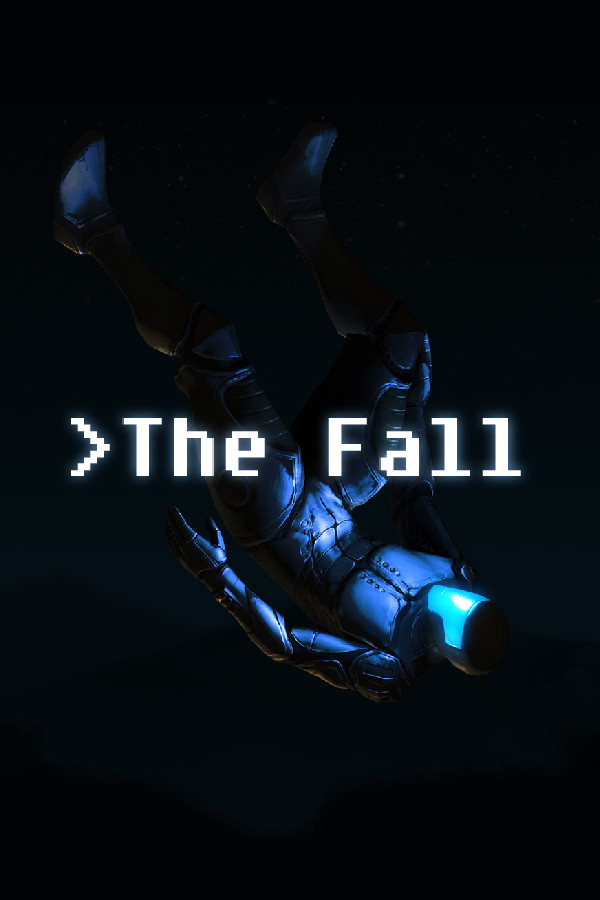
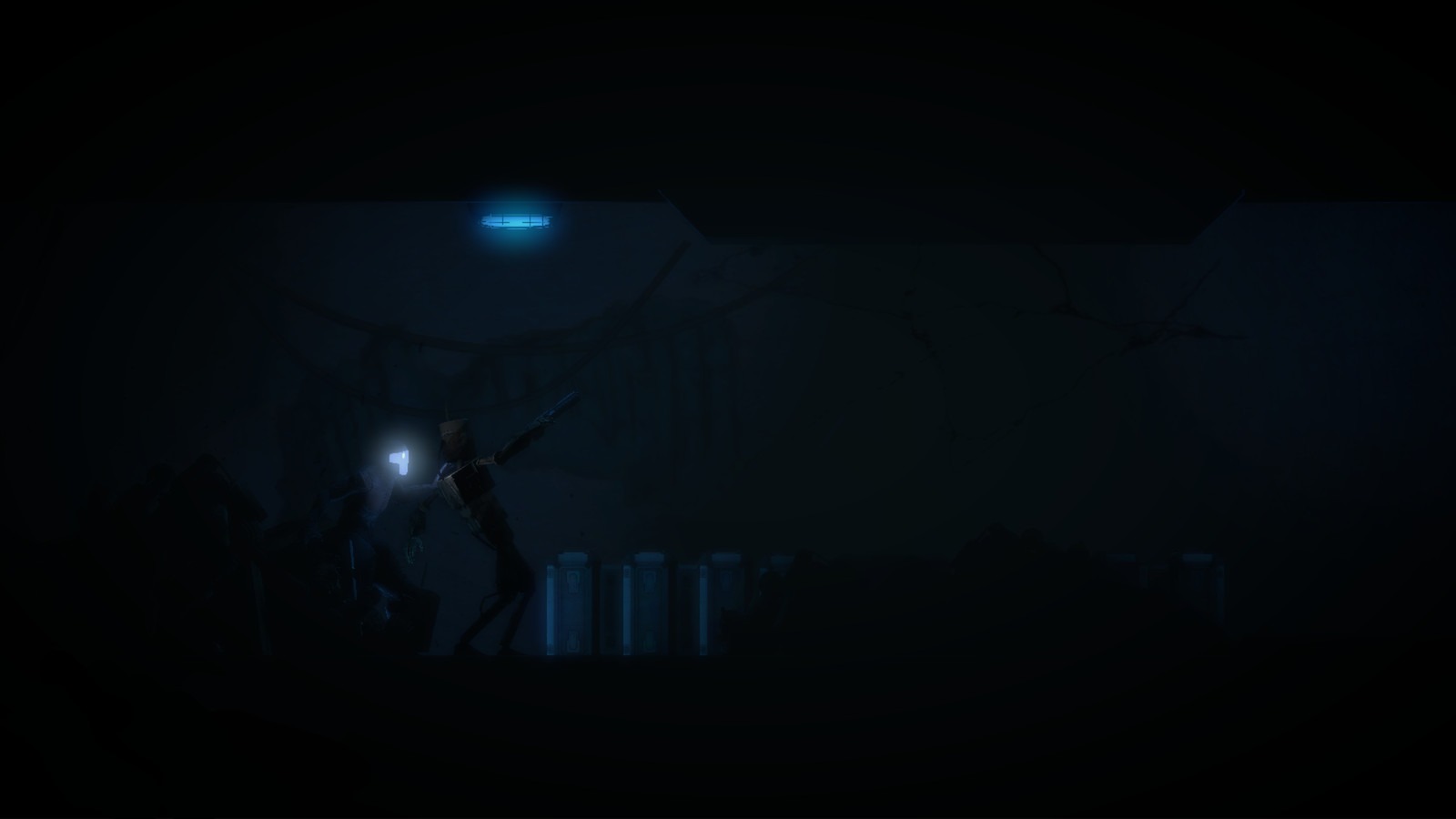
The idea of robots taking over humans has been an age-long discussion, but what if they were designed to help us instead, no matter the cost? That’s the idea that The Fall presents to players. You play as a pilot who has crash-landed on a planet, but the AI known as A.R.I.D. (autonomous robotic interface device) activates and uses an advanced smart suit to essentially control the pilot’s body while searching for medical attention. The pilot lands on a derelict planet run by an AI called the Caretaker, who is examining and studying ARID for unknown reasons. Excellent writing and voice acting bring the story to life, despite its short length. There is not a single wasted line of dialogue or moment. This is an incredible premise and idea that I want to see more of. The Fall is a Metroidvania-lite, but with its own identity. The genre has seen little of this type of game today, especially with the explosion of indie games being produced.
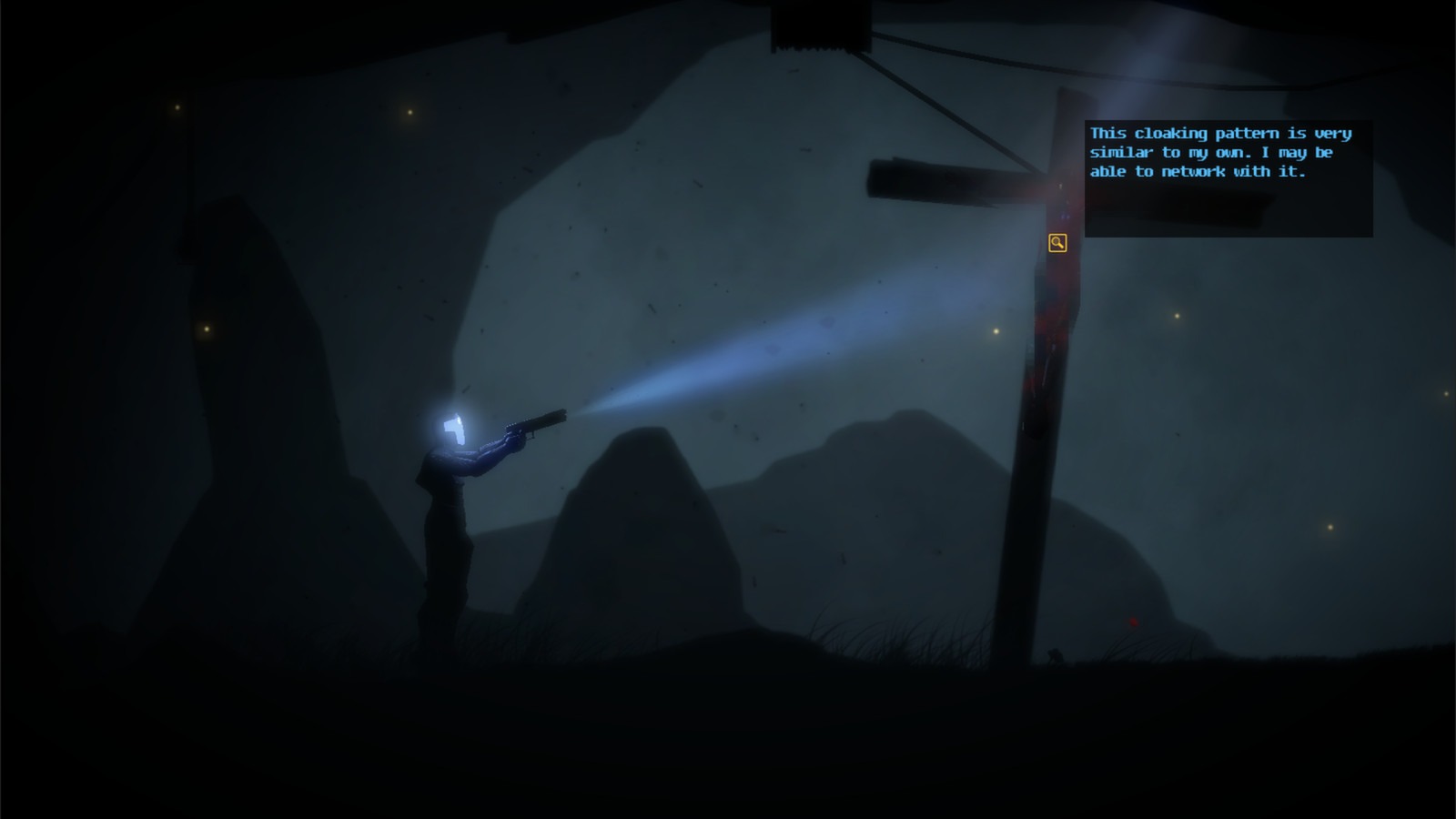
Despite its simplicity, the game boasts a surprisingly complex control layout. You can walk around in a 2D plane, but jumping and combat are limited. You must use the flashlight on your pistol or light the path ahead, as the game is very dark and is mostly underground. When you shine your light over objects, a context piece of text will appear describing it or allowing you to interact with it. The majority of the game is puzzle-based, relying on an inventory system to combine and interact with the right object. The Caretaker’s testing center is the longest section of the game. Many puzzles are actually quite fun and clever, but a few can take a weird obtuse angle and make little sense in terms of how they are solved.
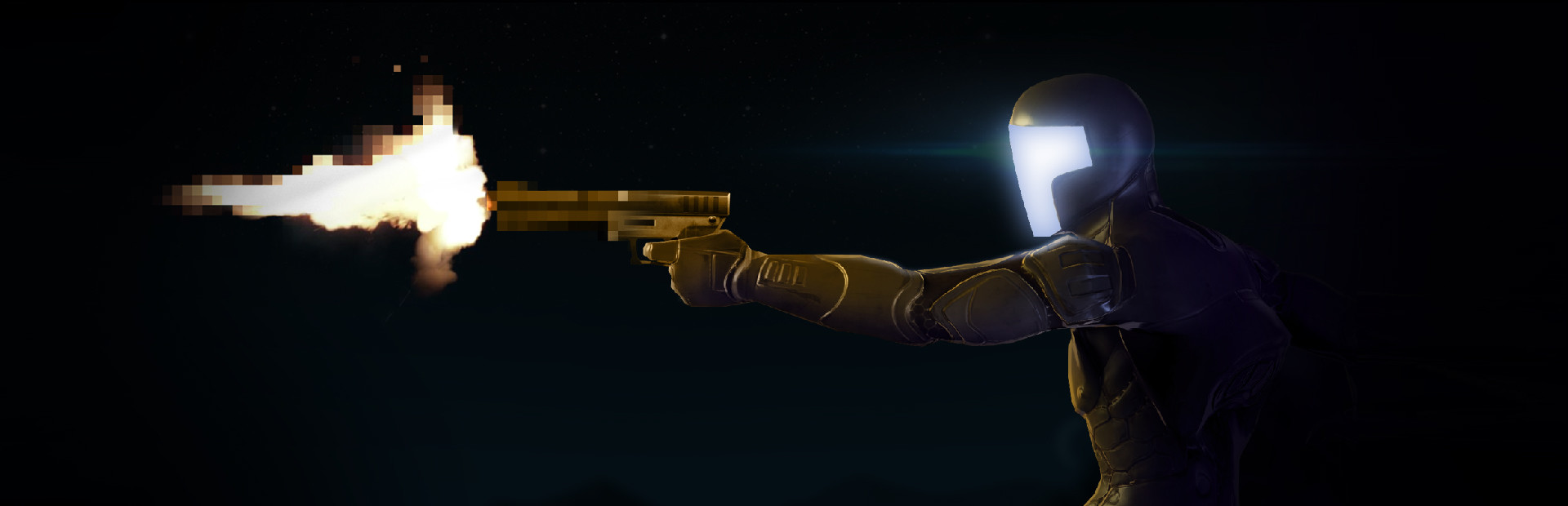
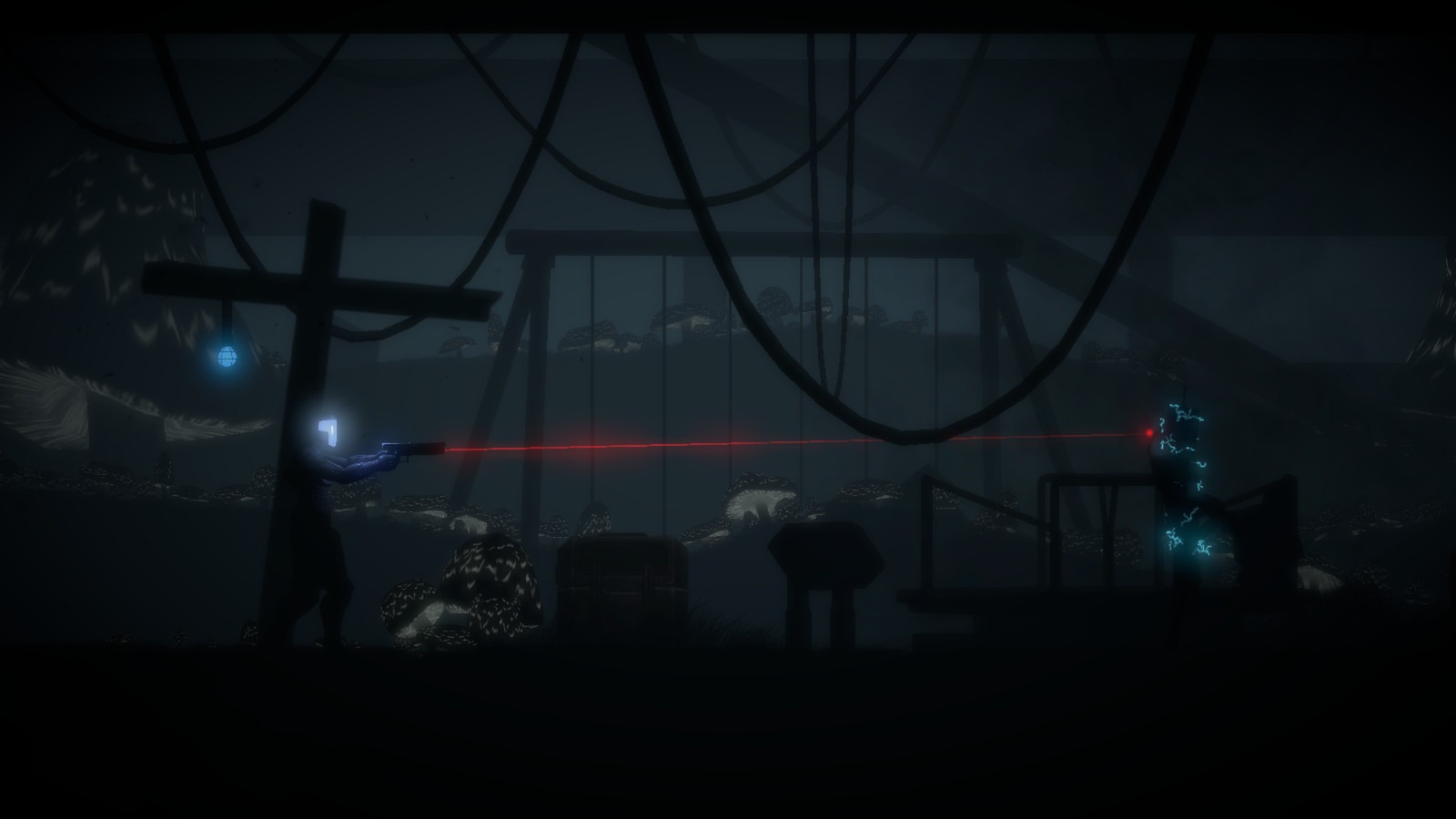
Combat in The Fall is crunchy and powerful but very limited. Other androids will attempt to attack you, but their actions are very limited and occur only during scripted events. You can hide behind cover and pop out to deliver a headshot. You must switch to the laser sight for better accuracy. You can sneak up behind enemies to kill them, or you can advance on them while they take cover. The shots are impactful and crunchy. The combat doesn’t overstay its welcome and is used at the right times. Of course, you can’t use your gun for the first third of the game, as abilities need to be unlocked, such as faster fire rates, the gun itself, and other suit abilities.
The game is tedious because it has a lot of backtracking, so you’ll often go from one end of a level to the other. I understand that this is part of a Metroidvania, but you aren’t going back to a level once you are upgraded and can access new parts of a level. You often find yourself running back and forth to collect parts of a puzzle, hoping you have the correct piece, only to discover that you either don’t or that it belongs to another puzzle located elsewhere. It’s not game-breaking, but it does get old pretty quickly. Once you have read all the text and discovered every part of the level, the adventure part of the game kind of disappears, and all that’s left is the tedious process of solving puzzles and running around.
The atmosphere and graphics are fantastic even today. The game has a surreal feeling of almost transporting you to the world thanks to its great sound design and visuals. While there is a lot going on in the foreground, most of the atmospheric stuff comes from what’s happening in the background. A lot of the background stuff can give you a visual cue as to what’s going on just from one glance. You can see a massive cave and the exterior of a spaceship through the windows, among other things. The few occasions where there is spoken dialogue are excellent, and the excellent writing keeps you captivated with every word.
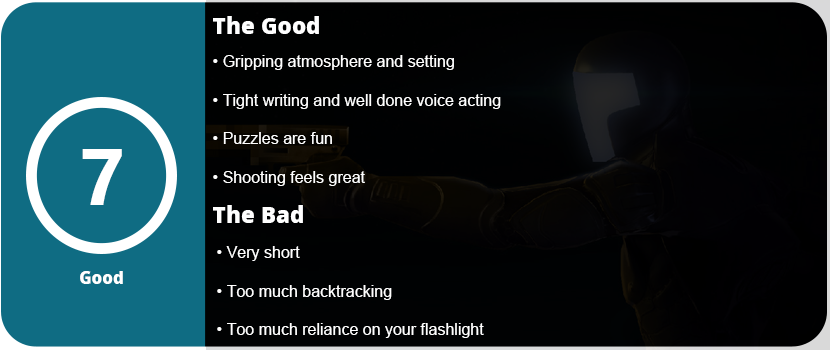
Overall, The Fall is a fantastic atmospheric Metroidvania-lite that features great writing and tense gameplay, including gun sections that do not overstay their welcome. ARID is a wonderful character despite being a programmed robot, and the ending of the game is well worth your time. This game was one of the few indie titles that contributed to the “indie revolution” of the early 2010s and played a significant role in establishing the Wii U eShop as a prominent platform for indie games.
It’s time to move on. I have used “gamer” or gaming keyboards since I started PC gaming back in 2009. Once I had adult money, I could buy the keyboards I wanted. I have had quite a few over time, and there was always something off about them. They either feature a gimmick that causes their price to be a “premium” price or they lack something somewhere. My last gaming keyboard was a Logitech G915, which I’m thrilled with; however, I don’t quite like the keys too much despite how clicky they are. My last-ditch effort was trying the latest offerings from Razer and SteelSeries, but I’m at a point in which RGB just isn’t a priority for keyboards anymore. I’m a touch typist; I always have been. I learned to type in the 3rd grade in computer class. I rarely look down at my keyboard unless I’m using a key I seldom use. My first custom keyboard was the 8bitdo NES keyboard, and I added my own switches and did a tape mod. That was my gateway keyboard for custom keyboards. The pre-manufactured gaming keyboards just lack any kind of personality or customization, even the newest keyboards that allow switch swapping.
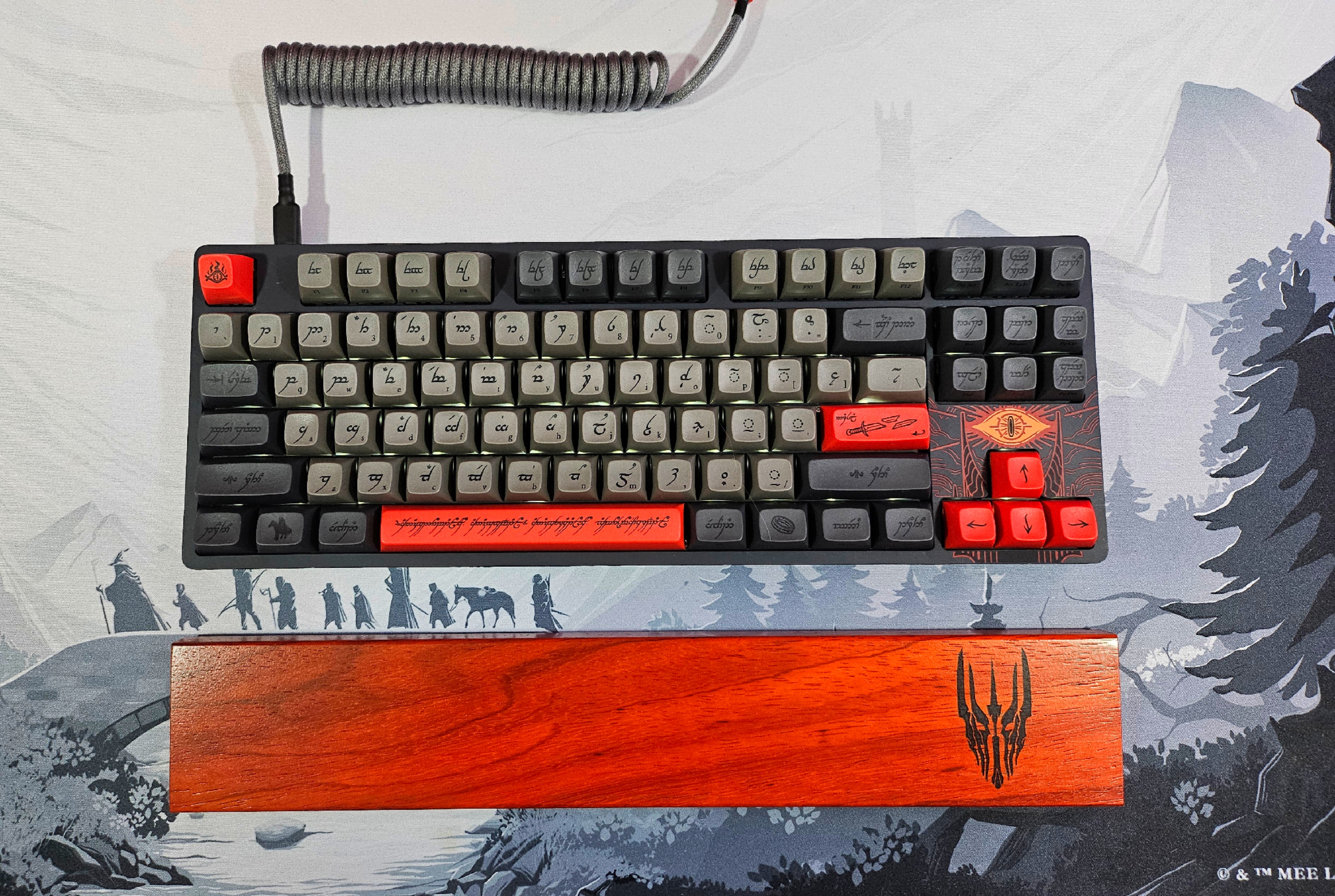
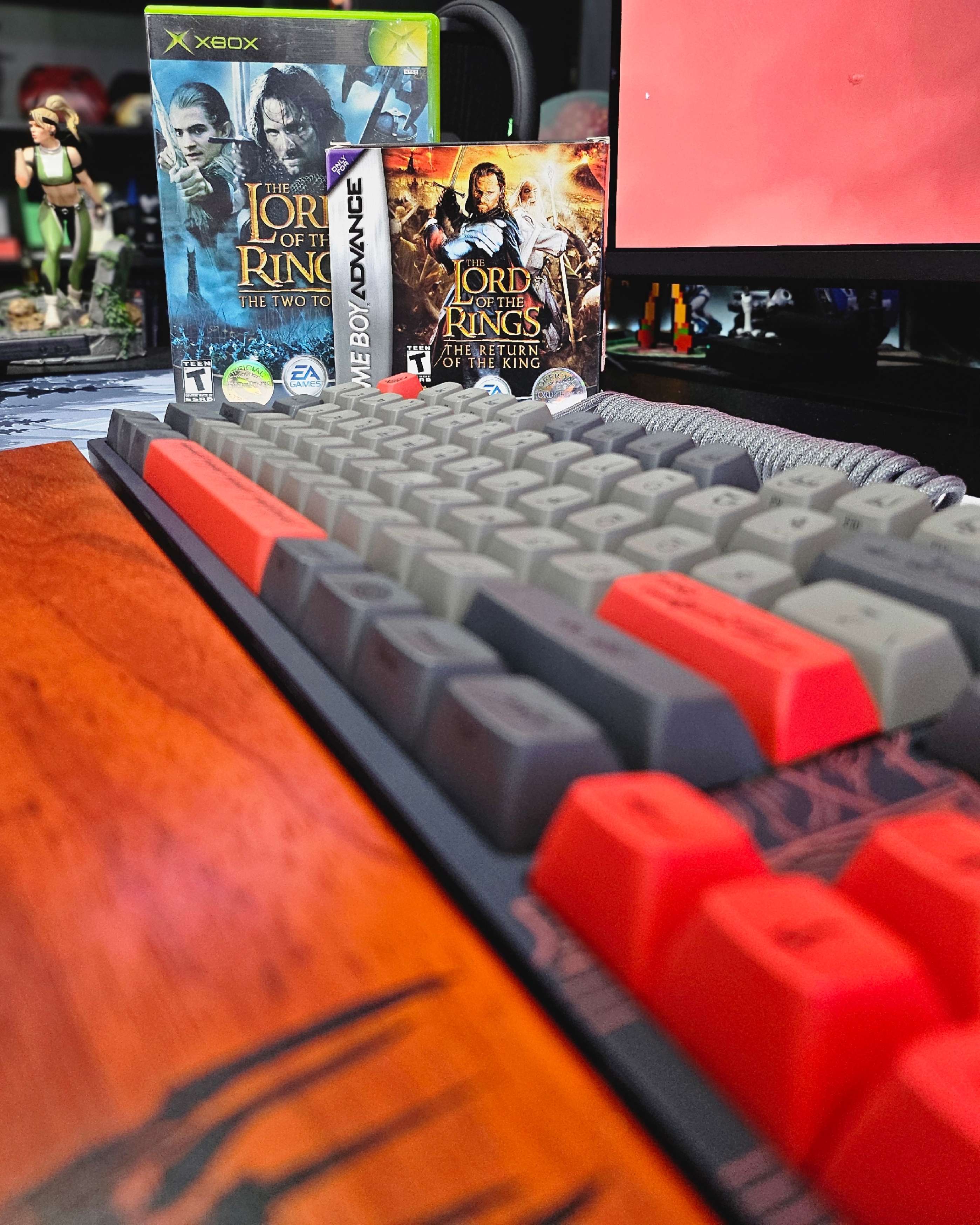
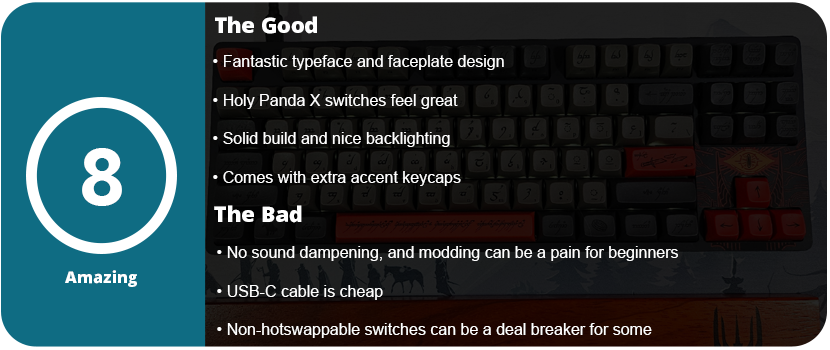
I love The Lord of the Rings. I loved the books as a teenager and was enamored by the movies growing up as a kid. When I saw this collaboration, I felt it was time to switch over to custom keyboards. While the ENTR housing is Drop’s entry-level non-hot swappable switch entry, you can still tell there was effort and quality put into the keyboard. If this is your first keyboard, the loud ping won’t bother you, as there is no pre-installed foam. I had to personally open the keyboard up myself and do a tape mod at the bottom of the bottom plate to reduce the loud ping. Although the switch stabilizers come pre-lubed, the quality of the lube is not optimal. I had to purchase my own and squeeze some down, but overall the stabilizers weren’t squeaky and felt good. Disassembling the keyboard presents a significant challenge. After removing all the caps, I had to undo 16 Torx screws, and the plastic faceplate required further removal. You need a guitar pick to loosen the edges and have to wiggle the center clips loose. Regrettably, the soldered nature of all the switches makes swapping them a laborious task. You’re better off just taking these caps and putting them on another keyboard, but this is an entry-level keyboard. It’s for beginners.
The keyboard’s backlighting surprised me. It does not advertise this anywhere on the box. These LEDs face north and have an off-white color. You can adjust the light or turn it off, making it visually pleasing. I found the Holy Panda X switches pretty satisfying. The keyboard profile is Cherry MX, and I found the keycaps to have quite a pleasing “bowl” shape, feeling them as my fingers were able to be pretty recessed in each key. Sadly, I do have to knock the keyboard down a bit for the loud pinging and no sound dampening. For $200, it should have had this pre-installed. I also found the standard USB-C cable to be pretty lame. The matching YC8 cable would have been nice, as it was available on the website. There is also a matching wooden wrist rest, which I picked up. I sincerely wish they had included this, considering the rest costs only $40. An entire full set would have been great. They also have the artisan keycaps matching each version of the LOTR set.
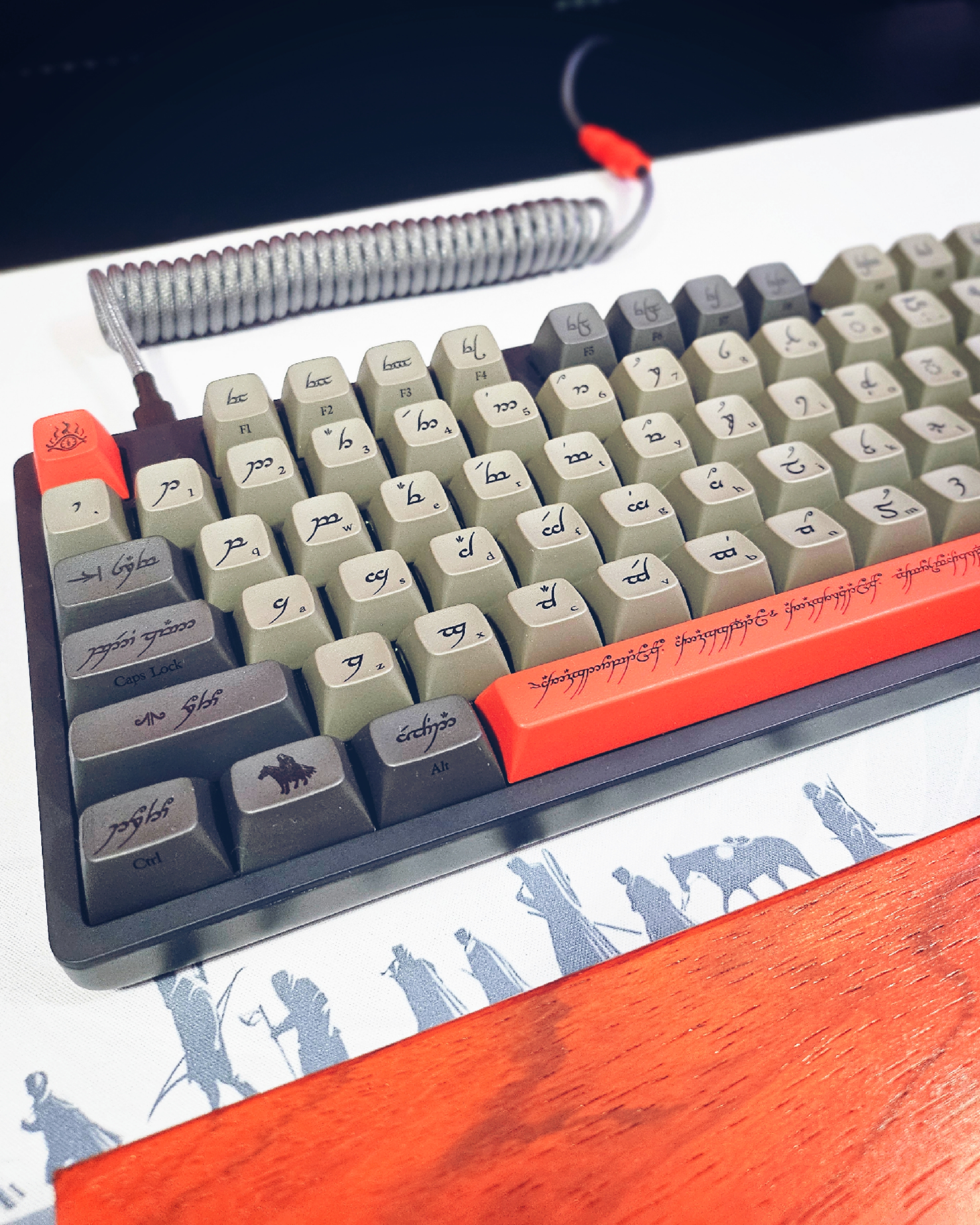
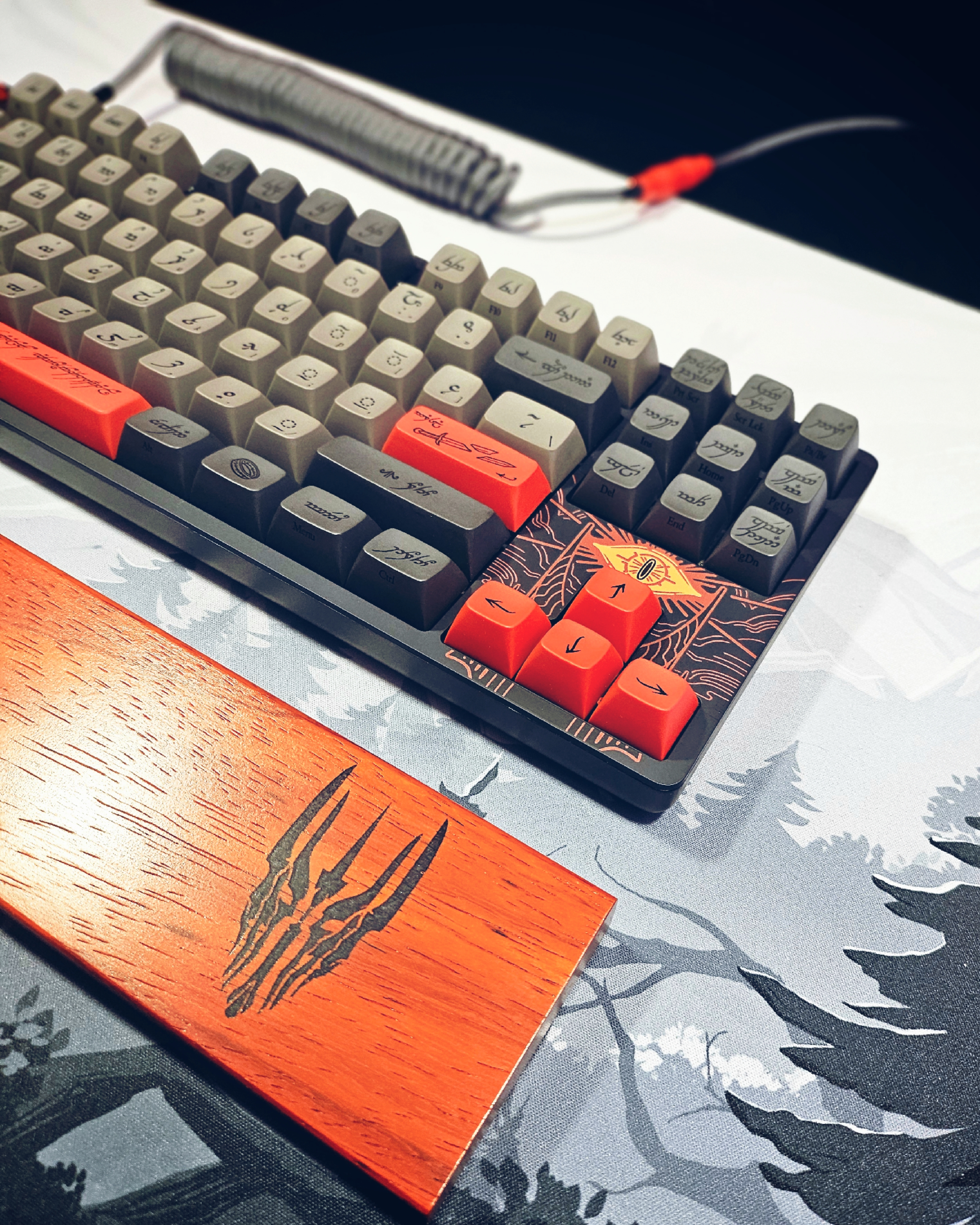
As for the way the keyboard looks, it’s gorgeous. The Black Speech symbols and typeface on the keys with the English version in small print on the bottom right side of the cap just look outstanding. The keyboard comes with optional accent caps that are red, ; unless you want an all-grey keyboard, these are a must. The addition of Sauron’s Eye to the faceplate near the arrow keys is a delightful touch. I matched this with a desk mat that complemented it, and the result is a sleek and elegant appearance. Drop did an amazing job with this keyboard in both the color scheme and the design of the caps themselves.
For the price, I would have at least expected sound dampening and a better USB cable. The keyboard is also not wireless, so don’t expect that. I did love the weight and feel of this keyboard. It’s not large and oversized like many “gaming” keyboards that are TKL. The bottom of the keyboard features a flip-out stand that allows it to be raised slightly at the back. I would have liked a two-step stand, as it may be too high for some. However, the gorgeous design of the keycaps and faceplate are just phenomenal and if you are a big LOTR fan than you can’t go wrong with this keyboard.
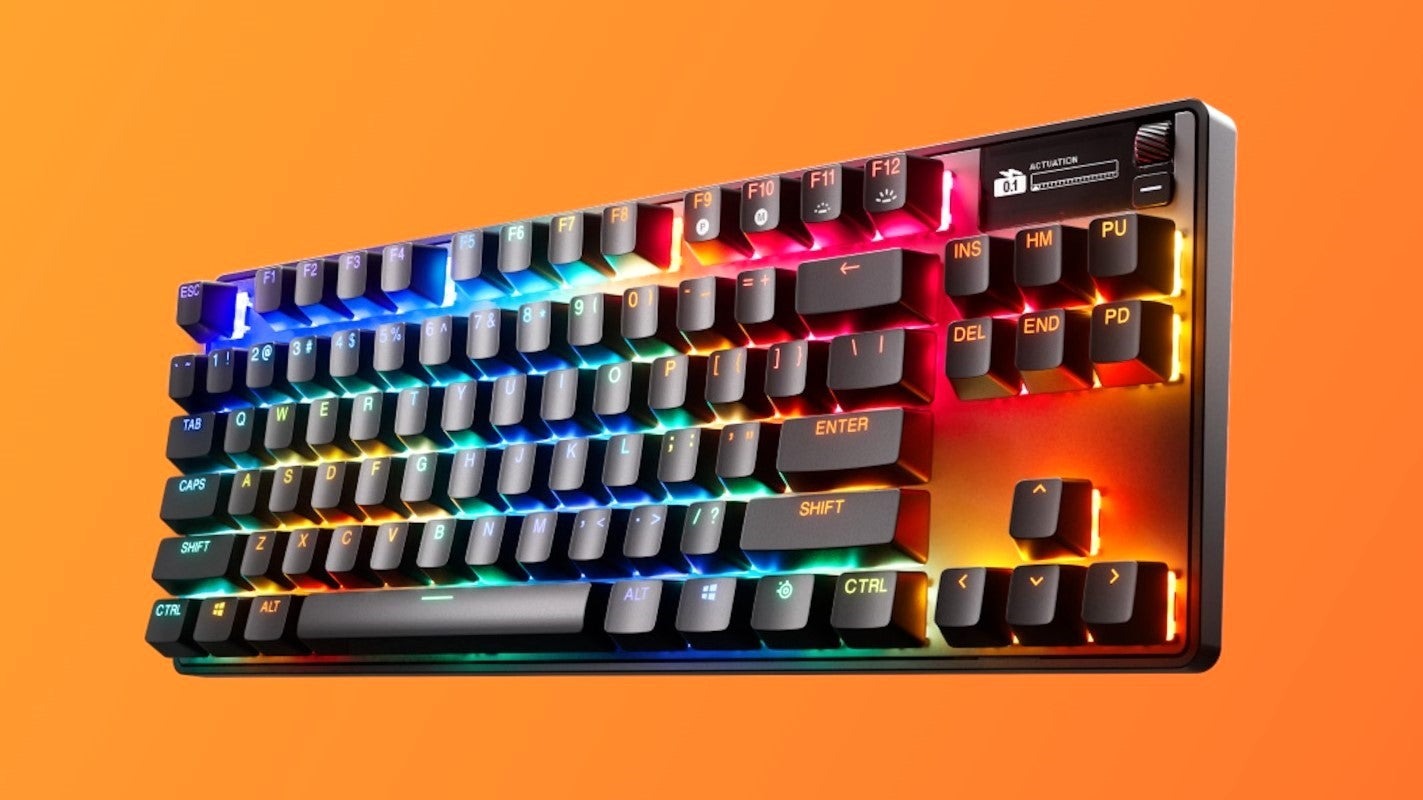
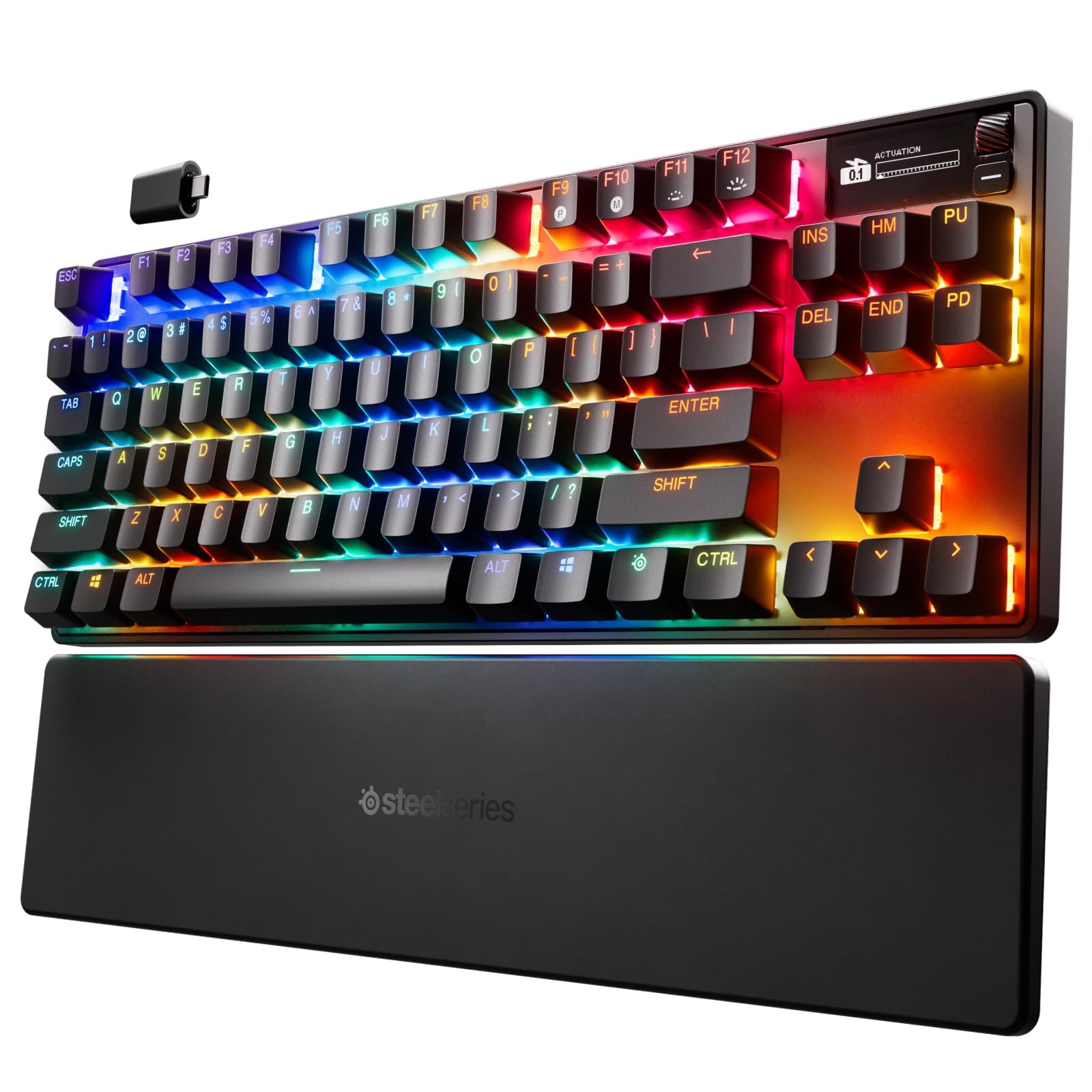
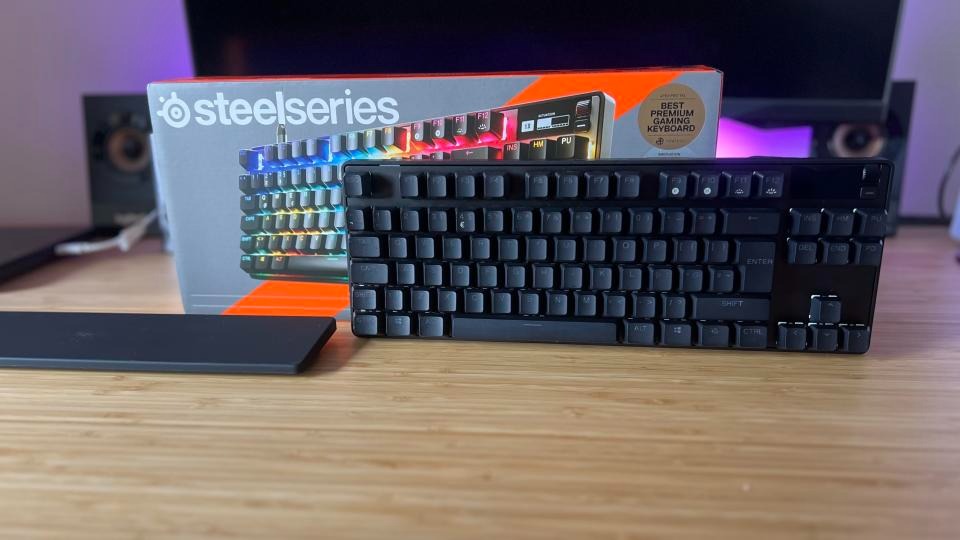
This keyboard features an additional OLED screen. There’s also a premium price tag for this as well as less customizability. I have never owned any SteelSeries products outside of an RGB mouse mat years ago. The packaging was decent, nothing special, and it came with a keycap puller, a USB-C cable, and a USB-C dongle, which was nice. The keyboard also works with Bluetooth, but the software has limitations in this mode. Once I got the keyboard out and the palm rest, I was surprised at how comfortable it was to type on. The biggest gimmick is the screen and their Omnipoint actuation adjustability to change the sensitivity of key presses. No, this isn’t like a DualSense controller in which your key switches get “harder,” but they just become more or less sensitive and register with a stronger keypress or light press. It’s a neat feature, but mostly unnecessary.
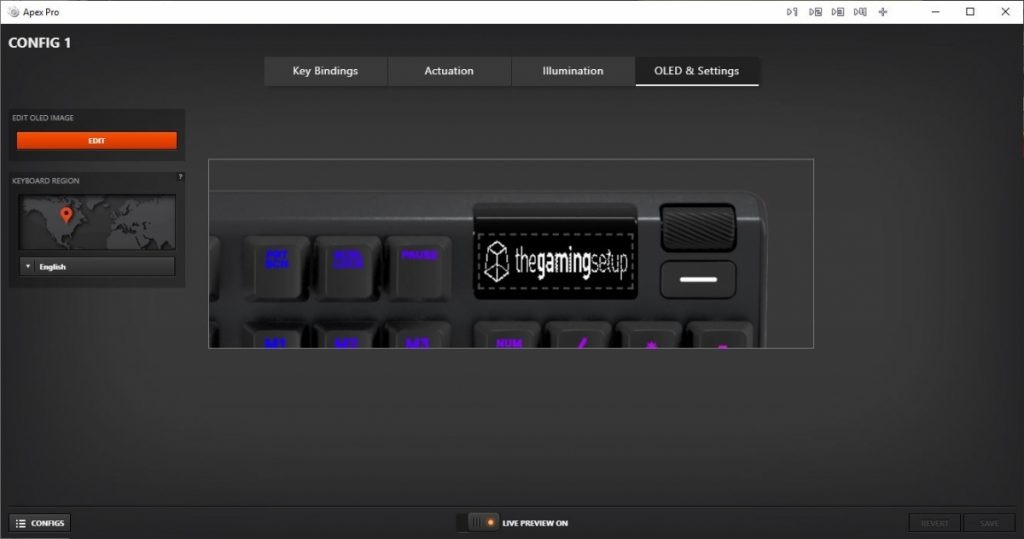
The Omnipoint 3.0 switches felt good to type on, and the foam mod at the bottom of the PCB prevents any ping. I did think the switches lacked a more tactile feel than I’d like, but that’s personal preference. The keyboard itself is unremarkable looks-wise. This keyboard appears to be a standard black “gamer” keyboard, complete with RGB illumination. The black and white two-line OLED display is the only feature that will draw your attention. The display is rather primitive for being OLED and honestly doesn’t do much. Outside of showing your actuation meter, PC temp, GIF animations, and a few app integrations like Tidal (not official Spotify support), there’s not much here. I had the most fun with the GIF animations, but the limited display can’t show anything with detail. You need very chunky 8- or 16-bit graphics for anything to show up well. There isn’t a dedicated repository for GIF animations, with the exception of an Imgur album containing approximately 60 animations that someone has created. Any other support requires using their GameSense SDK, which no one has really made anything for. One individual has created a GameSense Essentials app on GitHub, which merely displays Spotify artist and song information along with a clock. The lack of support is really sad.
I did like the power-saving features, such as the OLED and lights turning off after a certain amount of idle time. However, even with this, the battery went down to 50% in just a few hours of use. You’re lucky if you will get 8-10 hours before the battery dies. This was achieved while using the wireless mode, not Bluetooth. Sadly, the SteelSeries Engine app works fine but isn’t as flashy or robust as Logitech or Razer’s offerings, but at least it works. I found making macros and changing the settings of the actuation rather cumbersome due to flipping through so many screens. The OLED screen options are pitiful, and even just navigating the screen is a chore. There’s a tiny scroll wheel and a button. With the limited app support, this screen doesn’t offer much beyond being there just for the sake of it.
Sadly, this keyboard doesn’t support hot-swappable switches. They are soldered on and only support the Omnipoint switches thanks to the actuation and Rapid Trigger gimmick. This also supports only a select few keys. If you need different actuation on switches, you are better off just buying a custom keyboard with the switches you really want in them. Relying on software drive actuation just isn’t the same. It can come off as just unresponsive to some people. I honestly didn’t notice much of a difference outside of the hardest of key presses. There’s not much play in between. Adjusting individual key actuation is useful for WASD keys or harder keys. There is also a feature to prevent nearby keys from being accidentally pressed.
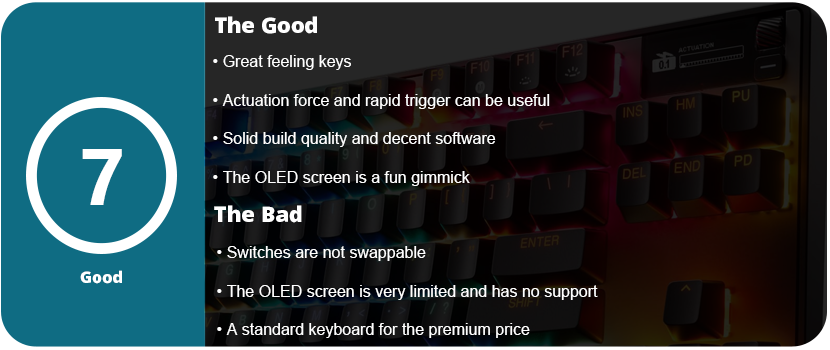
Overall, an underutilized OLED screen and gimmicky, non-replaceable switches contribute to the keyboard’s premium top-tier price. The keyboard’s overall design is a classic black “gamer” keyboard featuring RGB lighting. The software is decent and usable, but the actuation force and rapid triggers feel like gimmicks outside of specific use cases. The keys feel nice, and the sound is dampened, and the palm rest is nice, but overall, you’re better off spending the $270 on a custom keyboard.
I took a long break from Razer products for a while. Razer’s quality has gone downhill over the years, and not to mention, their Synapse software has become bloated, buggy, and just plain awful. I only ever owned three Razer mice, and one was my first ever gaming mouse back in 2009. That mouse in question was the original Naga MMO. I also had the Razer Mamba 2012 and Ouroboros. They all had issues with the laser causing drift, the material wore down fast, and the Teflon feet became uneven in less than a year. I never went with a Razer mouse again. I then tried a headset, Man O’ War (awful after a few weeks), a keyboard, Blackwidow Chroma V2 (not too bad), and I was just never pleased with them. There’s something always off about Razer that just feels icky. If the product works fine out of the box, then the software has issues. If you don’t have software issues, you might have issues with the hardware somewhere down the road. Razer simply manufactures subpar products under the “Gamer” label and then moves on. For the insane premium price they charge, I would expect better.
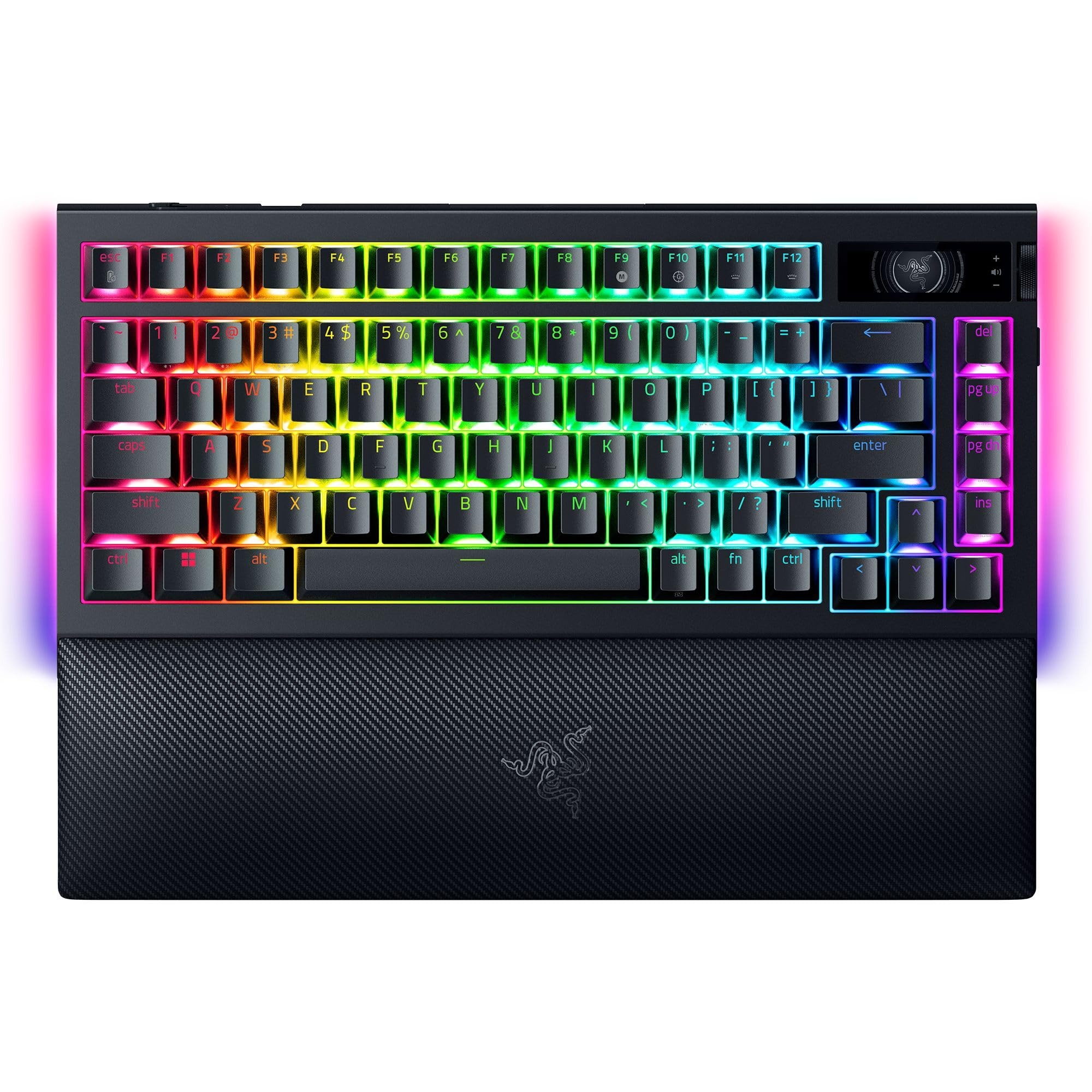
To wit, I thought I’d give them another shot. At this point, I have mostly moved on from gaming keyboards, as I’m beginning to value key switch feel over aesthetics and RGB. Razer’s RGB is rather decent, and all of their products work with SignalRGB, which is a third-party RGB software I use to control everything. If SRGB doesn’t support it, I won’t use it. The OLED panel on the keyboard was very intriguing; however, I hesitate whenever gaming-branded keyboards have a gimmick. The last keybord I had with a massive gimmick was the Mad Catz Strike 5 keyboard. They are usually mostly useless or are never really supported by anyone or the community. I was also interested in the modularity of this keyboard. More mainstream gaming keyboard companies are trying to embrace the modding community, but it’s a hard community to win over. A lot of these keyboards just don’t have any personality or soul. They don’t feel unique or are too gaudy for the custom keyboard community.
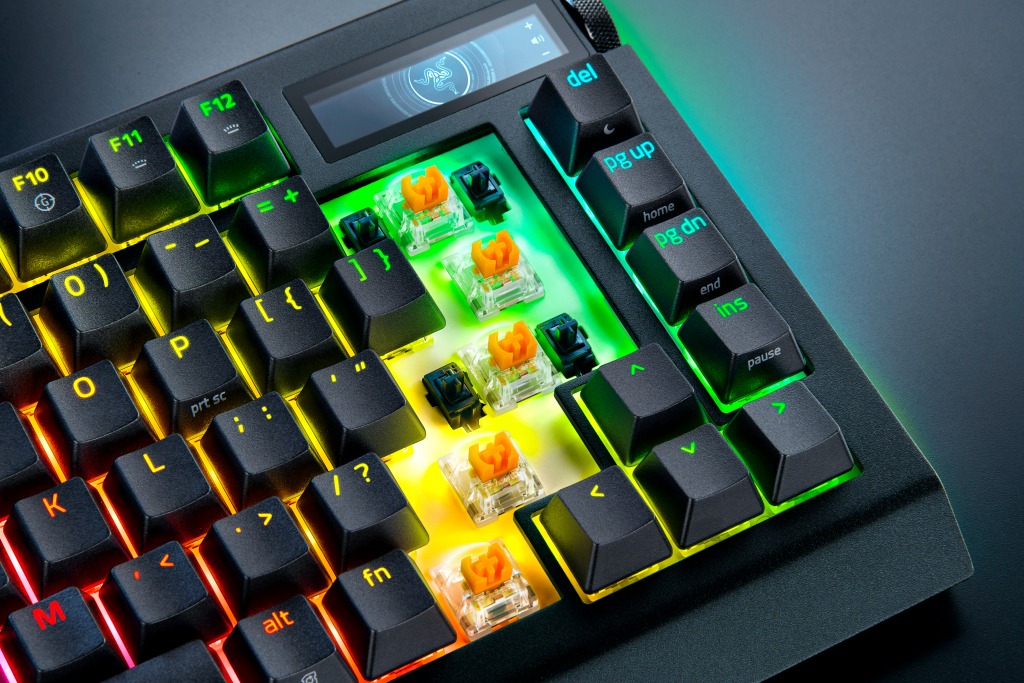
As always, Razer has premium packaging; I can’t fault them there. The keyboard itself has an aluminum body and feels solid and sturdy. It feels great to type on. The switches have a nice tactility, and the foam mod inside the keyboard reduces pinging and enhances the tactile feel of the keys. The Razer Orange Tactile Mechanical Switch Gen 3s aren’t bad. You can swap the switches out for any 3 or 5 pin switches, which is really nice, but with the RGB lighting, you are limited to the type of keycaps you can use. “Backlit” or “Shine-Through” caps are not very popular. You can disassemble and mod the keyboard, but the only benefit is the Razer branding and OLED screen. If you want to take a keyboard apart and mod it, you might as well get a better moddable keyboard for a third or half the price.
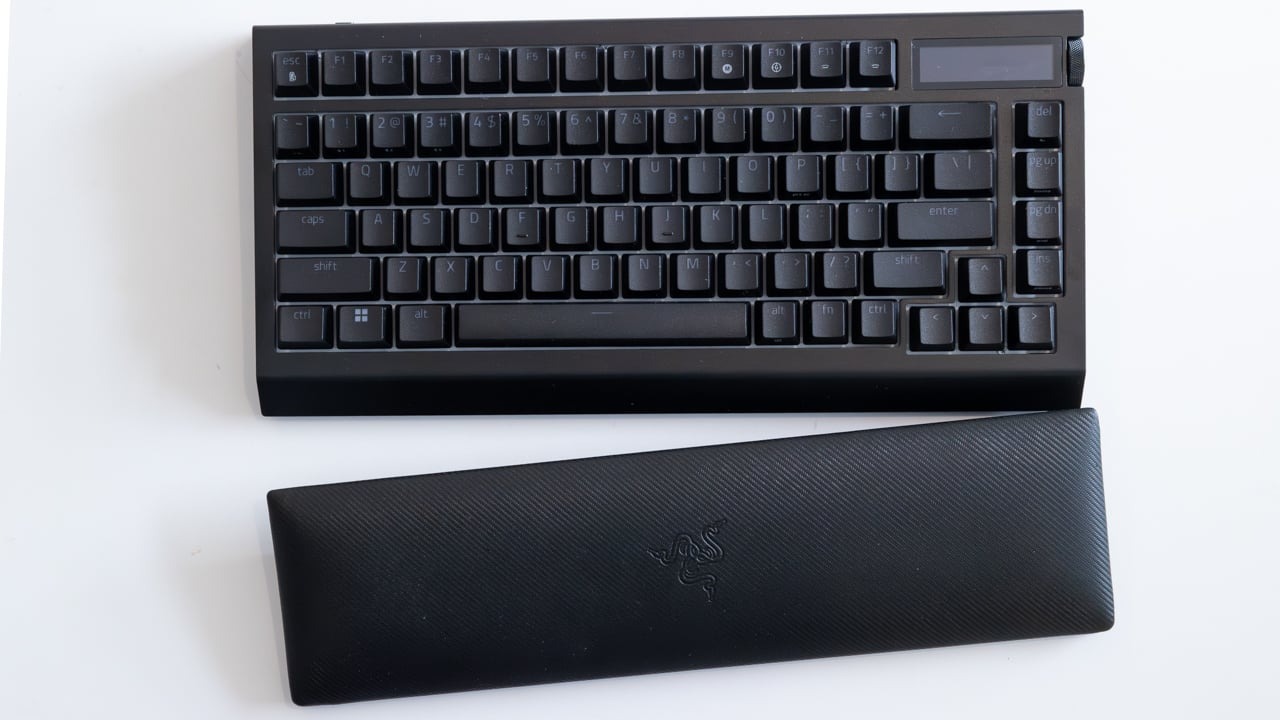
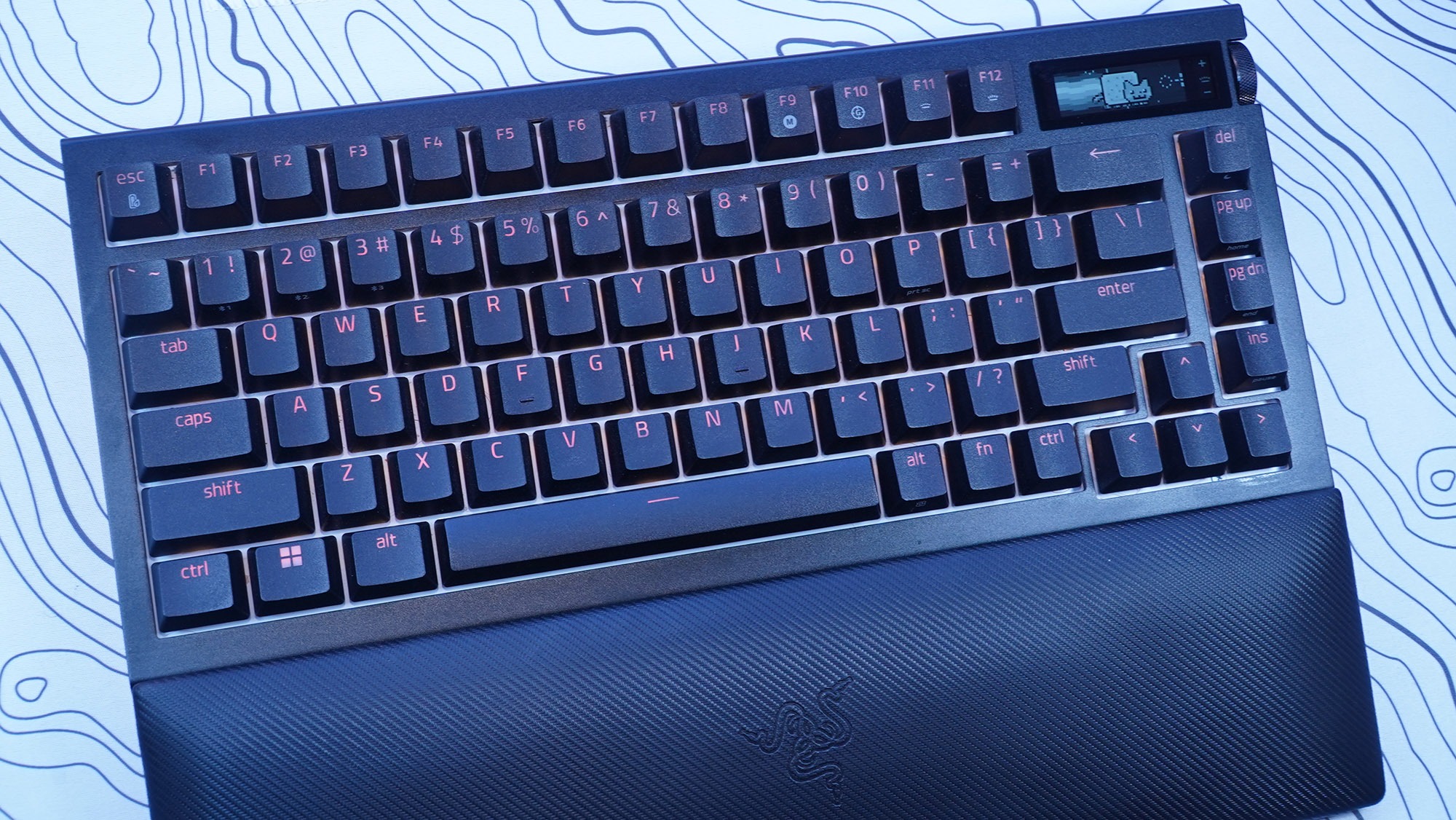
The palm rest is comfortable and plush, and it is magnetic so it won’t slide around on your desk; however, I know this material will wear over time. I’d rather have a harder rubber material instead of the plush. Over time it will fade, discolor from the acid in the oil from your skin, and eventually start tearing and becoming thin. Overall, the design of the keyboard is rather standard and unordinary. It has an all-black finish with black keycaps that looks rather standard. The entire keyboard is nothing special to look at. The OLED screen will catch most people’s eyes. I couldn’t find any specs or resolution on the OLED display, but it is black and white, not color, and has minimal customization and features. What probably accounts for at least $100 of the price tag is, at best, a simple gimmick.
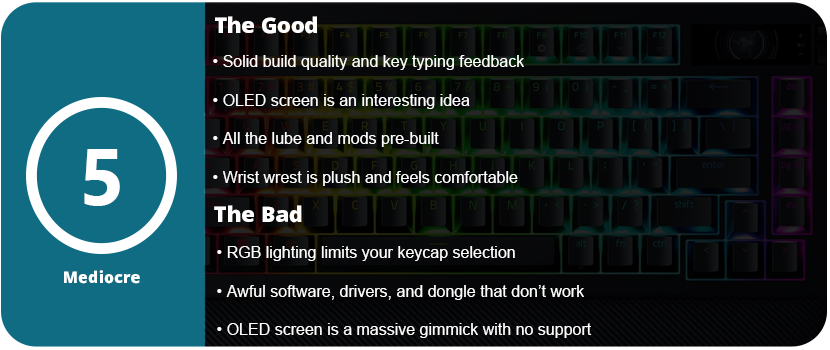
The OLED screen is controlled with a wheel on the side of the keyboard next to the screen that also clicks in. There is also another button below this. You can change the “screensaver” animation and swap between “apps” such as volume control, media control, system info (such as CPU and GPU temperature), keyboard info, and an audio visualizer. This isn’t very impressive given the technology we have today, and it’s an OLED screen. You’re stuck with everything Razer branded. The animation and text banners are generic and all Razer logos. GIF animations can be uploaded to the keyboard, but resolution and size limit them. The keyboard saves only 150 frames. This was the coolest part of the screen, as switching between apps like media controls and the volume got annoying. It’s faster just to use dedicated keys for that. I also could not get the keyboard to read my system info. Overall, the OLED screen is a disappointing gimmick with no support from Razer and no way to customize anything outside of a scrolling text banner and GIF animations. There’s also the battery-eating part. With the OLED screen just on 50% brightness, the keyboard’s battery didn’t last a day. I also had issues with the OLED screen syncing and working on any wireless mode. Synapse would stop syncing things and it would crash. The transfer rate is also really slow for uploading GIFs and most of the time it would time out before an upload would finish.
My biggest issue with this keyboard isn’t the overall lack of impressive features that are already present in custom keyboards. Razer claims to have invented revolutionary features. The damn thing just doesn’t work. It works best in wired mode, but Synapse 4 is an awful piece of software. This keyboard is not compatible with the more stable Synapse 3 software. The keyboard also worked fine in Bluetooth mode, but SignalRGB does not work over Bluetooth due to the bandwidth limitations, and many Synapse features are not available in Bluetooth mode. I wanted to use the keyboard in wireless mode with the 4K Hyperpolling dongle. It never worked. It would continuously disconnect every 2–3 minutes. I spent 4 hours troubleshooting this. I tried reinstalling the Synapse software, deleting all devices in device manager, different USB ports, a USB hub, USB 2.0 and 3.0, front and rear USB ports, a different computer, and updating the dongle and keyboard firmware. If you think of it, I tried it. I also don’t understand how Razer can’t just give us a normal USB dongle. You need to attach a USB cable to this device, which then dangles and flops around on the desk or behind your PC. 8000 Hz polling is also a placebo effect. No one can type that fast or needs that kind of responsiveness. Most people are fine with 1000 Hz polling. 4K is even unnecessary.
This absolute garbage driver issue caused me to return the keyboard, and the fact that this expensive OLED screen is a mere gimmick with no third-party support or seemingly any support from Razer, for that matter. Synapse 4 is also an unwieldy, bloated piece of software trying to advertise so many other Razer software apps that it has acquired. I just cannot believe that the most expensive keyboard I have ever purchased is this bad. Razer really needs to overhaul their product line, fix their software issues, and stop offering gimmicks that most people won’t care about. Sure, you can set macros on the OLED screen and keyboard, but they are unwieldy, and using keyboard commands is much faster than flicking through a screen. Additionally, the keyboard lacks color and rapidly drains the battery. Overall, just stick with whatever keyboard you currently have, as I’m sure it works much better than this overpriced monstrosity.
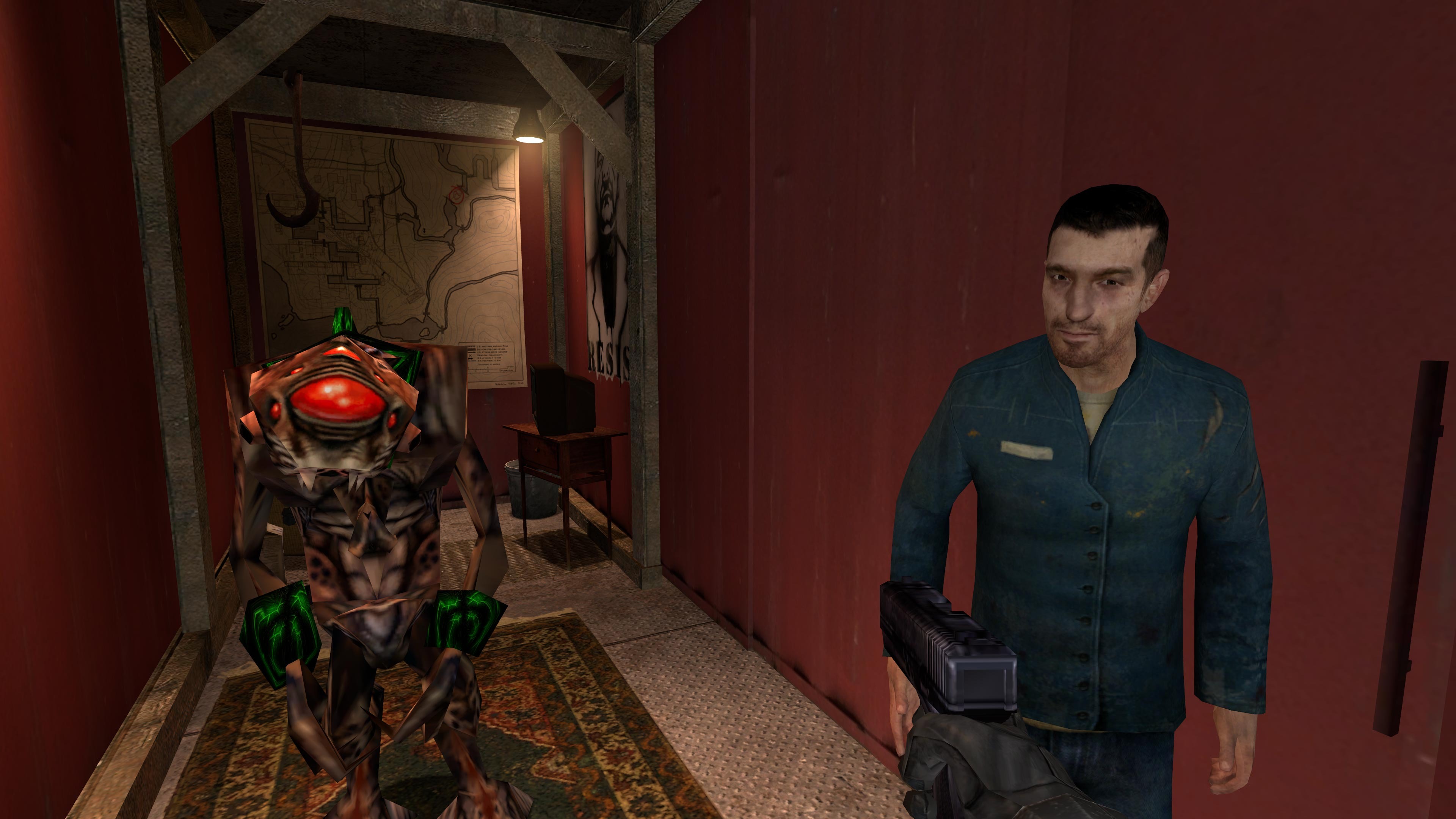
Who hasn’t played Half-Life 2 yet? I still have a free coupon from 2007 in my Steam account, but I can’t give it away because everyone I know or have spoken to owns HL2. The game industry and people’s minds haven’t forgotten Half-Life, but it’s been on the back burner for a while now. Every time a new false rumor for a Half-Life 3 emerges, people perk up, and the game becomes popular for a bit and fizzles out. There have been many community updates, such as the famous Half-Life 2: Update that improved visuals and fixed bugs. However, Valve has finally released their definitive version of the game 20 years later.
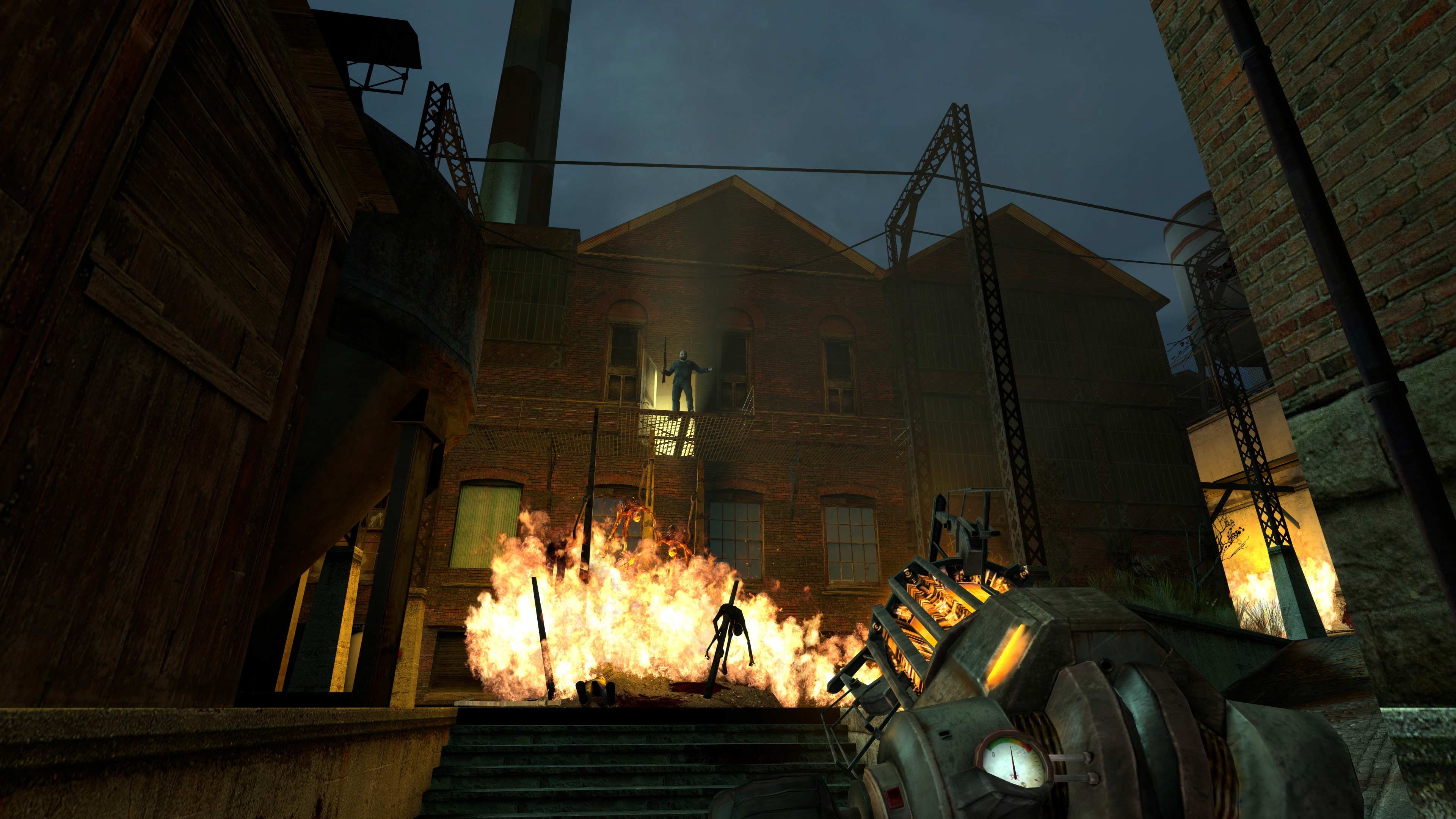
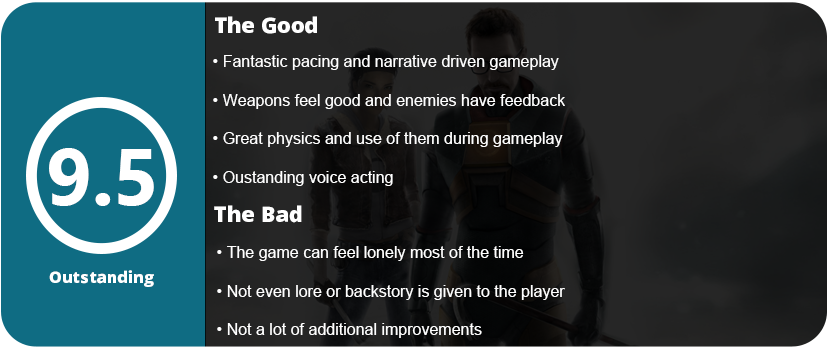
The Anniversary Update incorporates several significant improvements, including enhanced resolution light cubes, the correction of G-Man’s green eyes during the intro, the ability to choose between original and improved blood and flame effects, a more contemporary user interface and menu, an additional 3.5 hours of commentary, the incorporation of both episodes, and additional features. These quality of life improvements make a huge difference and make the game more palatable to play by today’s standards. Half-Life 2, in general, is a fantastic game with a flow unlike any other game I have played.
To celebrate the 20th anniversary, I am going to do a full review of Half-Life 2 through modern-day eyes. Although I didn’t have the best experience when I first played the game on a business desktop in 2005, it was well-optimized for the time and ran smoothly on potato computers. This was the game that prompted me to finally download Steam. People tend to forget how awful it was back in the day, when it constantly crashed and updates would break both the software and the games that required it. While today’s gamers adore Steam, the gaming community didn’t hold the software in high esteem 20 years ago.
As for the game itself, the modern UI is a welcome change, especially on Steam Deck. The game now supports controllers properly with no need to remap anything. You can choose from a grid or carousel-style weapon menu too, which is a nice change. The visuals are sharp and crisp at higher resolutions, and the game overall looks very clean. It has aged incredibly well, and this is thanks to Valve’s Source Engine and the way everything scales up for higher resolutions. As for playing the game, it feels better than ever. The game takes place shortly after the first game, where Gordan wakes up mysteriously on a train bound for City 17, and features a now-famous intro by G-Man himself. The game is a master class on in-game storytelling. Instead of taking away the players’ controls and inserting pre-rendered cutscenes, the game tells everything through subtle details in the surrounding world.
The beginning of the game is the best example of this. Valve also teaches players how to play the game through natural in-game dialogue and simple puzzles at first. The Metro cop, who instructs you to pick up the can at the start of the game, teaches you how to use physics. The inclusion of this now infamous line ensured that players understood their capabilities. This may seem dated today, but in 2004, physics were very CPU heavy, and most high-end processors struggled with them. People had to learn how to pick up objects using real physics back then. Barney explains the first stacking puzzle, instructing you to stack boxes in order to escape a window.
The game’s natural progression is stellar. The game’s long segments ensure that you always feel like you are moving in the world and making progress in real time. Each area is an hour or two long, and you progressively make your way toward the Citadel and Dr. Kleiner’s lab. The hoverboat area is quite lengthy, giving you the impression that you’re actually traveling to your destination in real time. However, these lengthy segments are not monotonous. Valve puts little tidbits in the game that the player can do or ignore. You have the option to escape and obtain ammo or supplies from a passing house, but doing so could potentially lead to a firefight. There are hidden Lambda caches all over the game, and these really help and come in handy.
The transition from a vehicle to on-foot and back again significantly breaks up the pace. There aren’t many puzzles in the game, but there are some areas that require navigation of pipes and ladders and need a bit of thinking to find your way out. Every game introduces something new, whether it’s a weapon or the ability to command squads. While this is very simple and archaic by today’s standards, I found they mostly get in the way and rarely help outside of offering medkits and distracting enemies. Every game introduces new enemies, and just when you believe you’ve defeated them all, a new type emerges. The enemies range from Metro cops to zombies, and from Elite Combines to Striders. Weapons feel excellent and have a unique and distinct feel to weapons, such as the pistol, are not suitable for use in specific situations. It’s mostly useless after you get around half the guns in the game, and I rarely ran out of ammo. The more powerful weapons have limited ammo, so it’s crucial to use skill to ensure you hit everything, kill enemies, and avoid wasting ammo.
There are ammo crates, boxes, and medkits everywhere. While medkits are not a thing anymore in FPS games, they work well here. Gordon has the ability to recharge his HEV suit for armor purposes. Most of the game feels dated in terms of navigation. The entire game, including linear buildings, vents, doors that need to be opened, and tunnels, guides you along a linear path. Although the game may appear expansive and open at times, it actually follows a linear structure, which was the standard for first-person shooter games during that era. While other games such as Halo 2 set the standard, Half-Life 2 stands out for its organic progression structure and illusion of real-time progress in the world. The inclusion of physics such as needing to use the iconic Gravity Gun to pull a wooden beam from in front a door through a window to progress is something that FPS never really did.
Half-Life 2 has a distinct and unique sound and appearance. There are a lot of browns and beiges, but the game still has color in places. The coastline boasts a plethora of blue water, while Ravenholm is characterized by its dark hues of gray, dark metal, and aged wood. The sound design is iconic, from the HEV suit charging to the Metro cop and Combine radio chatter to the bleeps and bloops of the turrets, which were later used in Portal. The entire game exudes a distinct vibe, ranging from Gordan’s slick momentum to the physics and the firing of the weapons. Enemies respond well to weapon fire and ragdoll when dead or blown up. While there isn’t too much gore in the game there is a lot of blood. Enemies won’t gib at grenades, but you might see the occasional severed head.
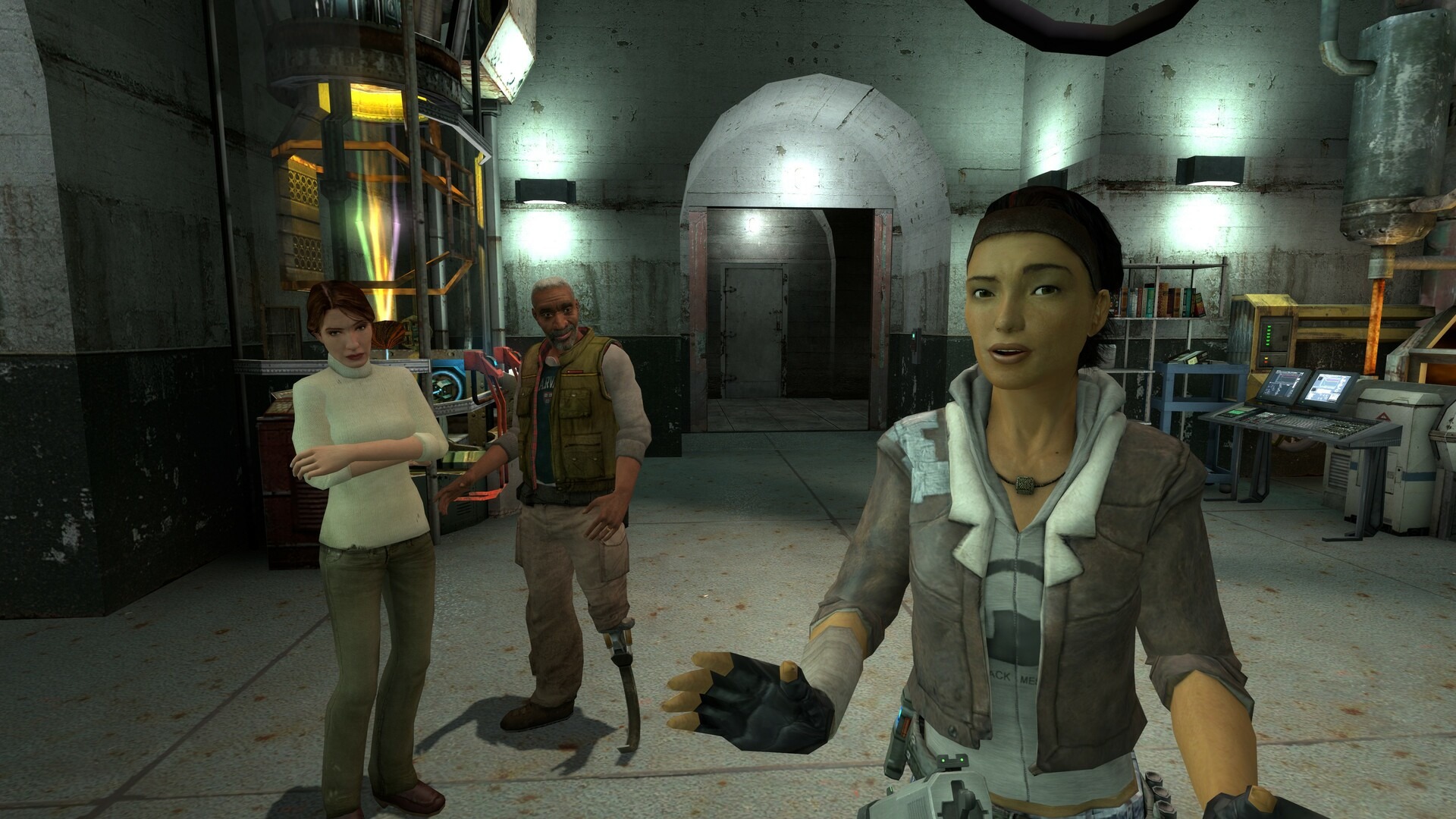
The overall oppressiveness of the world of Half-Life and the Combine is palpable in this game. Every time you encounter a group of rebels, even if it’s just for a brief conversation, it’s a refreshing change from feeling alone and feeling like your assistance is fleeting. Ever since I was 15, this game has felt so lonely and melancholy. It’s one of the reasons I haven’t played through this game too many times over the years. Valve masterfully captures the sense of being a superhero, with everyone relying on you, and effectively conveys the dire consequences of making a mistake. The player bears the entire game’s burden.
The Anniversary Update may not seem like much to some. It’s not a remaster or remake, but rather a set of quality-of-life improvements that are not in any way detrimental. HL2 doesn’t need a remake as it works perfectly fine today. A remake would primarily serve as a cosmetic enhancement, but thanks to Steam Workshop’s implementation, we have access to mods that accomplish this for us.
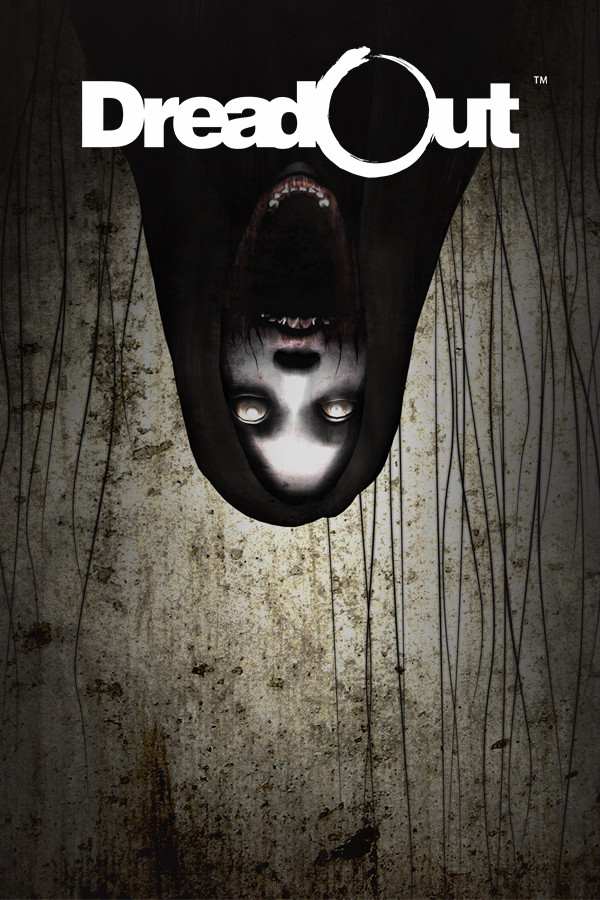
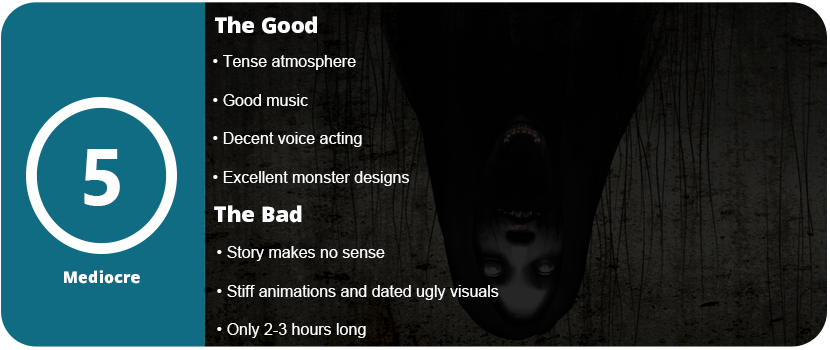
I turn to indie horror games for my fix because AAA horror titles just aren’t much of a thing anymore. Back in the day when we got regular Silent Hill releases and games like The Suffering, Obscure, Haunting Ground, and Resident Evil, there were more than you could count. Today, the majority of indie horror titles range from bad to subpar, with only the rare ones being truly good. DreadOut falls into the badto subpar category, but it doesn’t come with the majority of problems that most indie horror titles have.
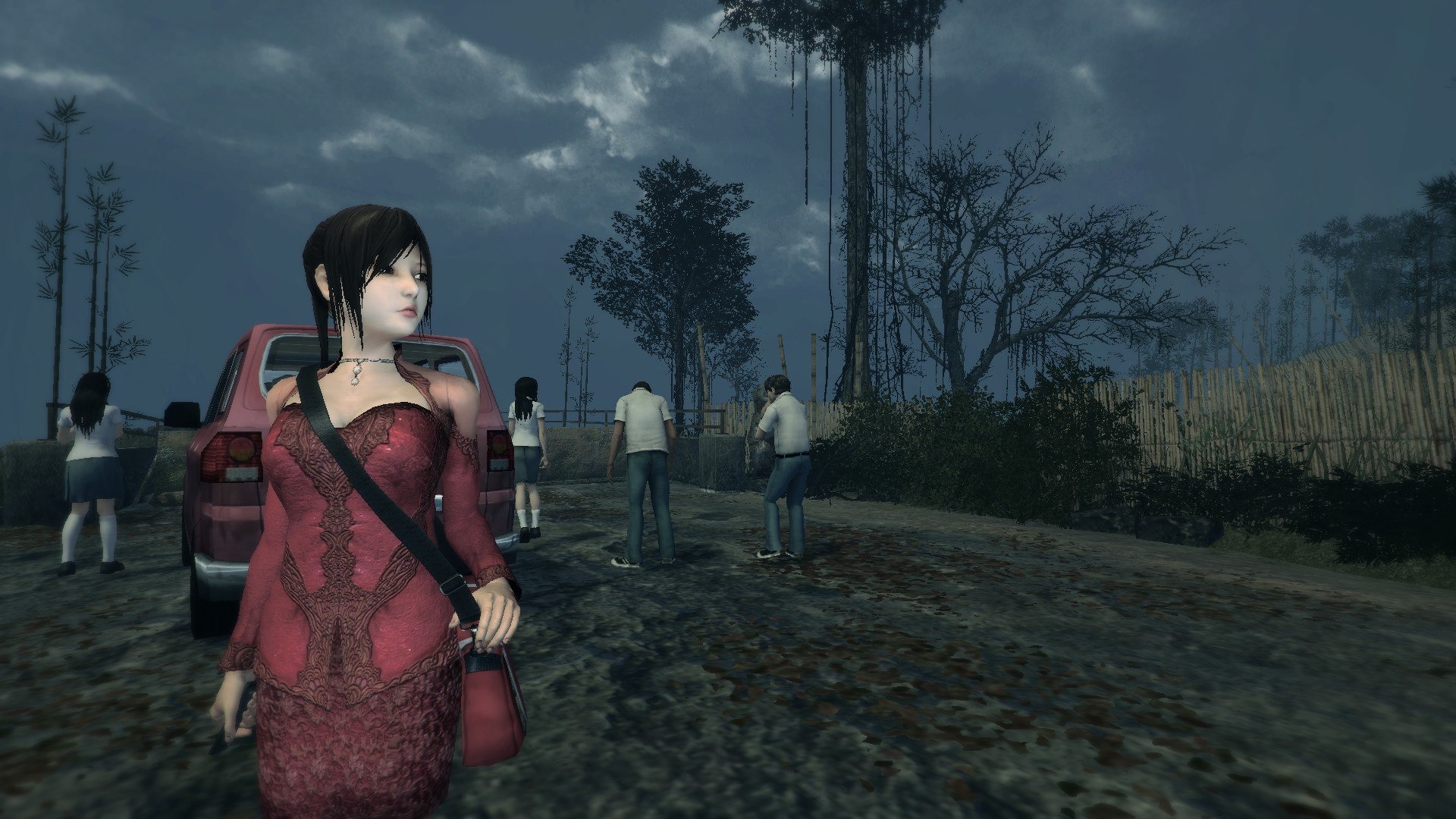
The story itself relies heavily on Indonesian folklore, and unless you are adverse to this subject, you won’t have any idea of what’s going on. In essence, the story unfolds as you embark on a school field trip, encounter an unexpected bridge, and ultimately find yourself inside a haunted school. The explanation for the appearance of this bridge, the existence of a haunted school in this town, and the other events in the game are mostly left to the player’s imagination. There are hints in the notes, but I never figured it out. I mainly came for the scares, and DreadOut does provide some.
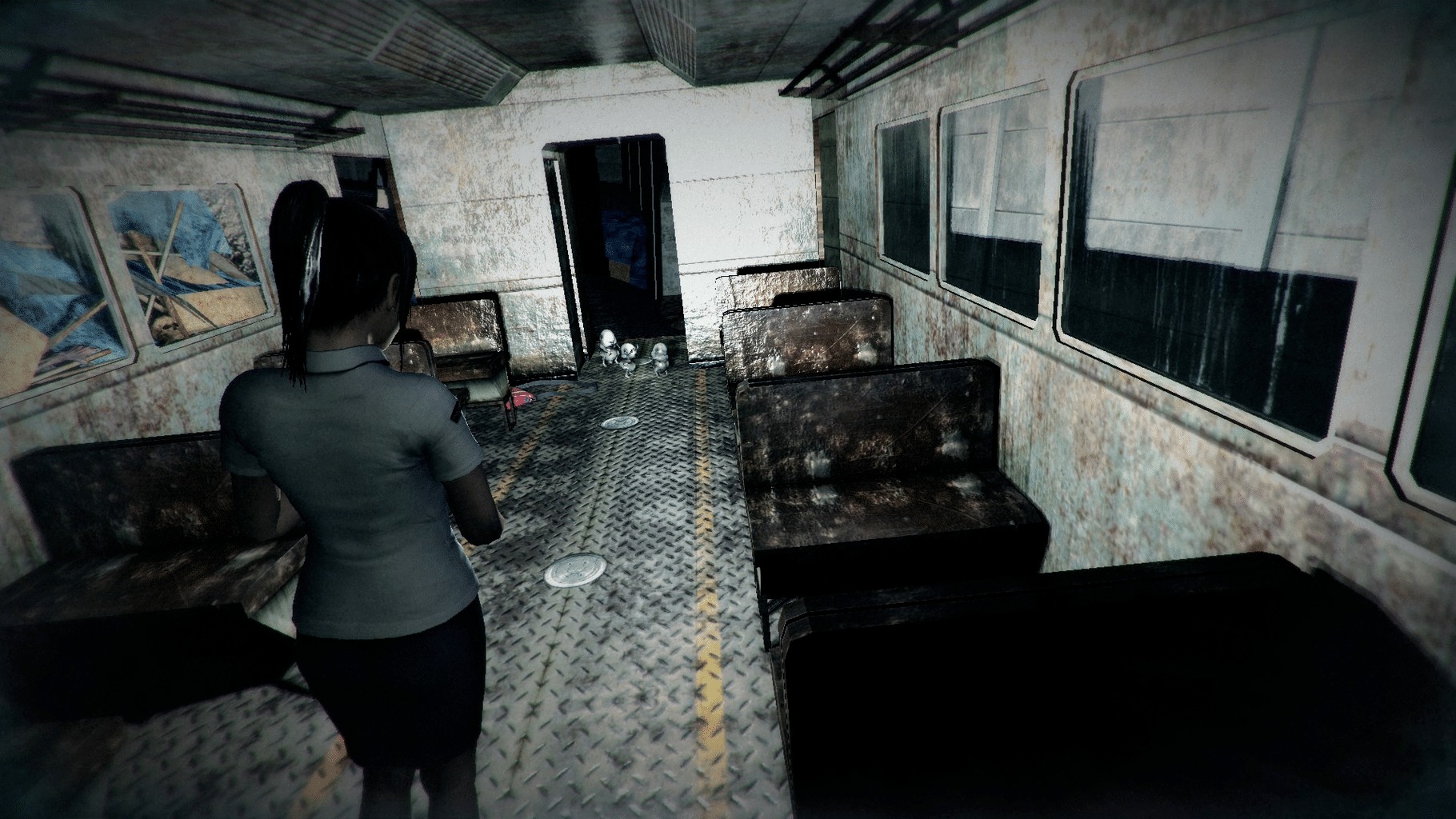
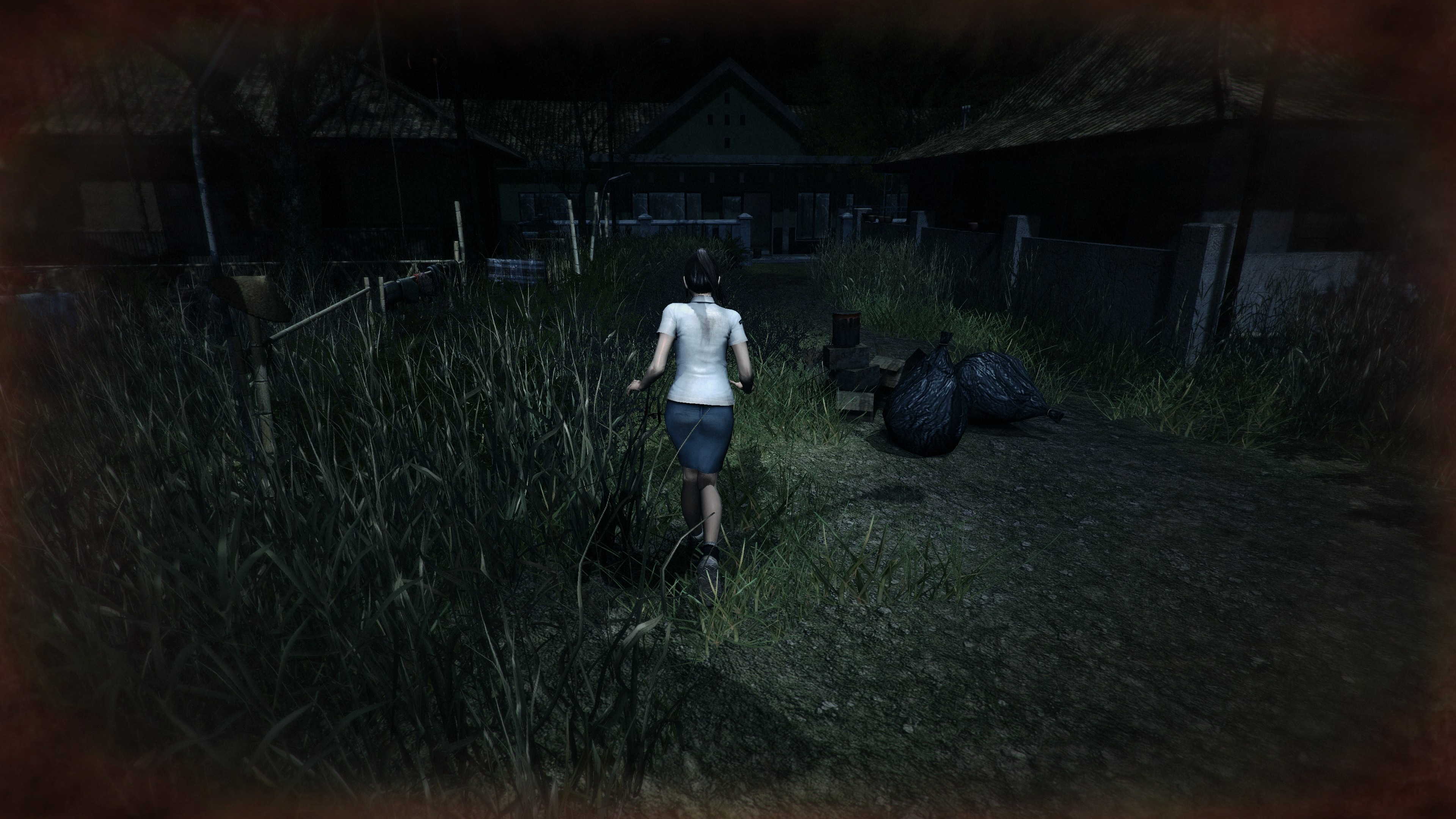
The combat system is similar to Fatal Frame in that it uses a camera obscura to battle ghosts and poltergeists. In this game, you can only see them in the camera frame (or phone screen). You do get a DSLR later on, but I found this a bit pointless as it doesn’t increase your “attack power,” and you only get a light if you press the flashlight button by creating a large flash around you. The phone actually uses the camera light as a flashlight, and it works well in most dark areas. The game employs a vignette around the screen to indicate the presence of a hint or object nearby (blue) or an enemy (red). If the vignette is red, it requires you to pull out the camera and search for anything moving. Unfortunately, most of the time, the ghost was nearly impossible to see, either because it was too close to the walls which required me to press the shutter button at random. The phone screen will “glitch” when a deadly shot is ready. When this happens, gold particles fly out of the ghost, and you know it took damage.
Thankfully, unlike most horror games, combat isn’t the main focus. They’re rare and you never fight more than one ghost. There are a few boss fights in the game, and these are the most captivating of the ghost designs. They aren’t difficult, and dying doesn’t reset any progress. Your punishment is a further walk from limbo to “the light.” You can acquire an item to nullify this walking distance or change it in the settings. I was unaware of the purpose of these items, as the game provided no explanation and was extremely ambiguous. When you enter the light, you simply pick up right where you left off. You can usually take 3-5 hits from a ghost before “dying.” It’s not very punishing at all.
Exploration would be the best part of the game, but it is incredibly ugly and dated (even for its time), with low-res textures, stiff animations, low-res models, and very little detail in anything. This looks almost like a first-gen PS2 game. The game’s release was just before the launch of the PS4 and Xbox One, making the graphics engine, which was already a decade old, unjustifiable. Most of the game is very linear and straight forward, but the first area in the school was a confusing mess of hallways and doors, but other than that, it wasn’t difficult to navigate around.
You can finish the game in 2-3 hours, but honestly, there are many other games, like DreadOut, that not only look better but also play better. The voice acting is mostly passable, and there isn’t much dialogue to begin with, including a lackluster story. Why would you bother with this game? Well, if you really love horror like I do and enjoy the atmosphere of these games, which DreadOut does well, then this game is definitely worth your time. The music is also surprisingly excellent and really sells the haunting and uneasy atmosphere. The game has a few decent jump scares, and I felt uneasy through most of the game, so it at least accomplishes that.
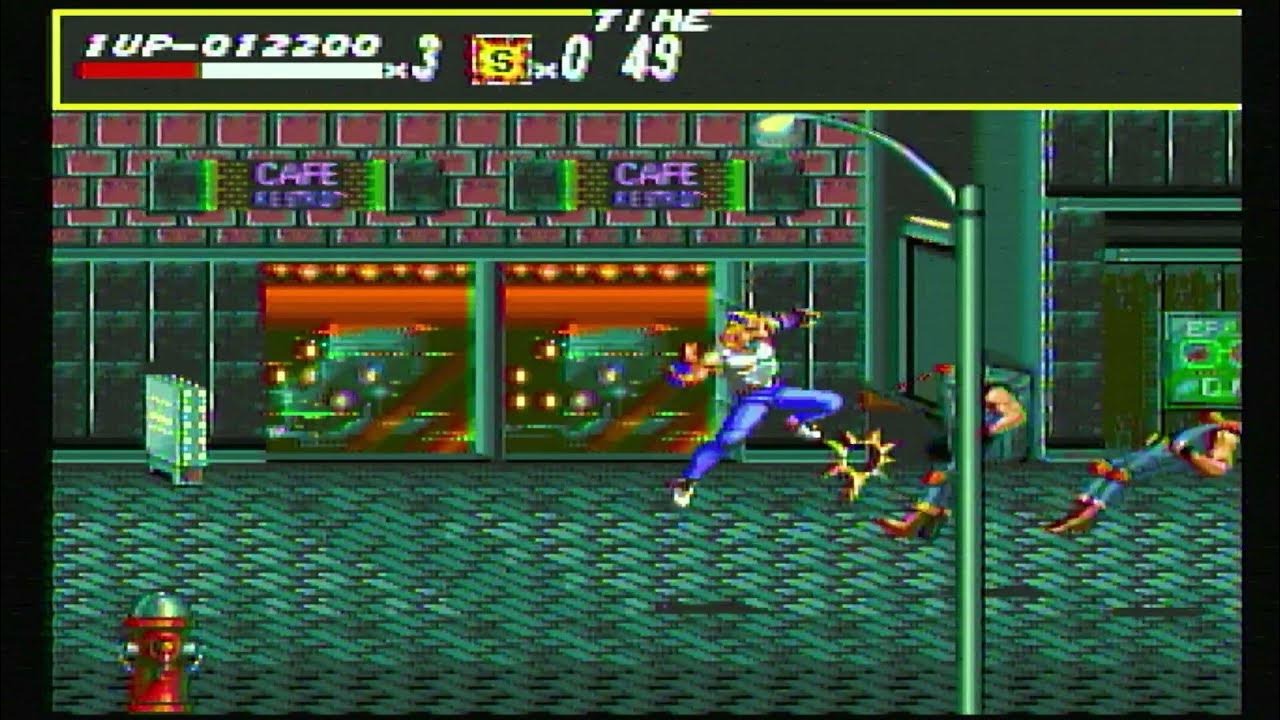
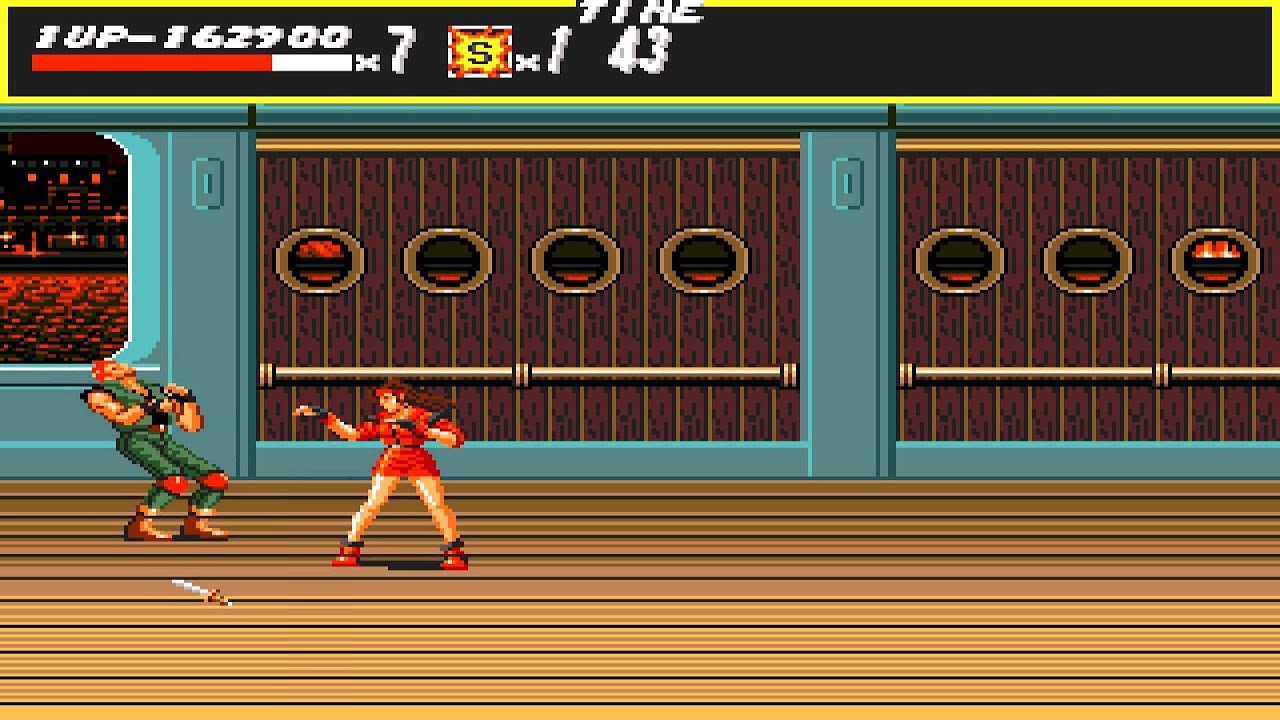
When I had my Sega Genesis back as a small toddler or child, I didn’t ever play Streets of Rage. I probably saw it on the shelves, but I ignored it. For me, it seemed like a “big kid” game. I was more into mascot platformers like Sonic the Hedgehog and games like Ecco the Dolphin. For years, I avoided this game. Side-scrolling brawlers have grown and evolved over time, but after playing this, I realized it’s one of those genres that can’t really do much outside of what’s on the tin. Responsive controls, combat, and enemy variety are the imperatives. Streets of Rage was one of the first games to make this genre a 16-bit staple back in the day.
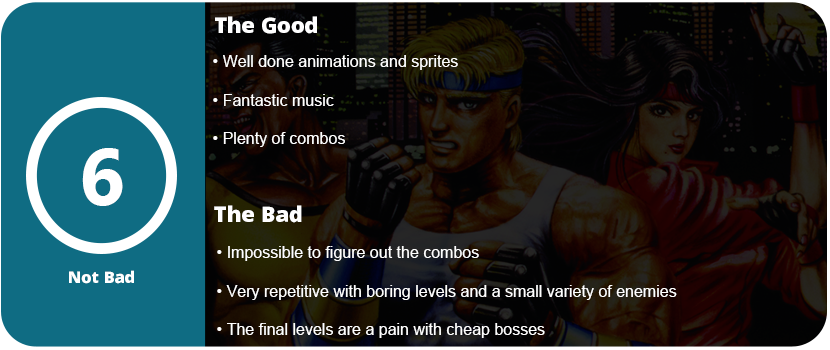
You can play as three different characters. Axel, Blaze, and Adam in the fictional city of Wood Oak. These three crime fighters follow a very basic story that was typical back in the day. You only played RPGs for stories. The controls are rather strange and challenging to get used to. I found the characters’ momentum to be wrong. You walk side to side slowly, but up and down is twice the speed. This lets enemies hit you cheaply when you dodge. There is no dodge button, so you need to predict the enemies’ moves so you can sidestep out of the way. Jumping attacks are very floaty and almost useless if you jump too high. Additionally, I observed that the execution of combos and various moves was haphazard, lacking any discernible pattern.
Sometimes I would do a spin kick, grab an enemy, and flip over them. While all these moves look cool on screen, I could not figure out a combo to do them. I was mashing A the entire time, wiggling the D-pad. There’s not much else to it. The game isn’t too difficult until you get to the bosses. Suddenly, you can wipe out your health bar in just four hits. Like any 16-bit annoying trope, the last level is incredibly long, and you go through a boss rush before fighting the final boss. Once you get to him, you can answer a question, and if you choose yes, you will be dropped two levels back to do it all over again. Lives are very scarce, so it’s important to pick up weapons and use them whenever you can.
I found that when there were more than four enemies on screen, the combat just wasn’t good enough for this. Locking enemies into a combo is key, but, like I said earlier, it’s nearly impossible to figure out. Bosses rarely lock in, which intensifies their difficulty. Most players won’t get past the first few levels before giving up. The game is very unforgiving. I just wish the characters moved faster and didn’t feel so sluggish. The environment is also nothing to write home about. The environment is primarily brown and dark, featuring generic settings like a large city bridge, a beachfront, and a mundane building. The enemy variety is also quite small.
By the time you get to the eighth and final stage, you will feel burned out and done. If you somehow managed to survive, there’s not a lot of incentive to keep retrying, given how incredibly repetitive this game is. If combat and controls were more responsive or there was a dodge button, this would be forgiven. Even the screen-clearing special attack doesn’t help much, as you have to save them for bosses, and you don’t get many. Playing this game with another player significantly improves the overall experience. This game is not suitable for solo play.
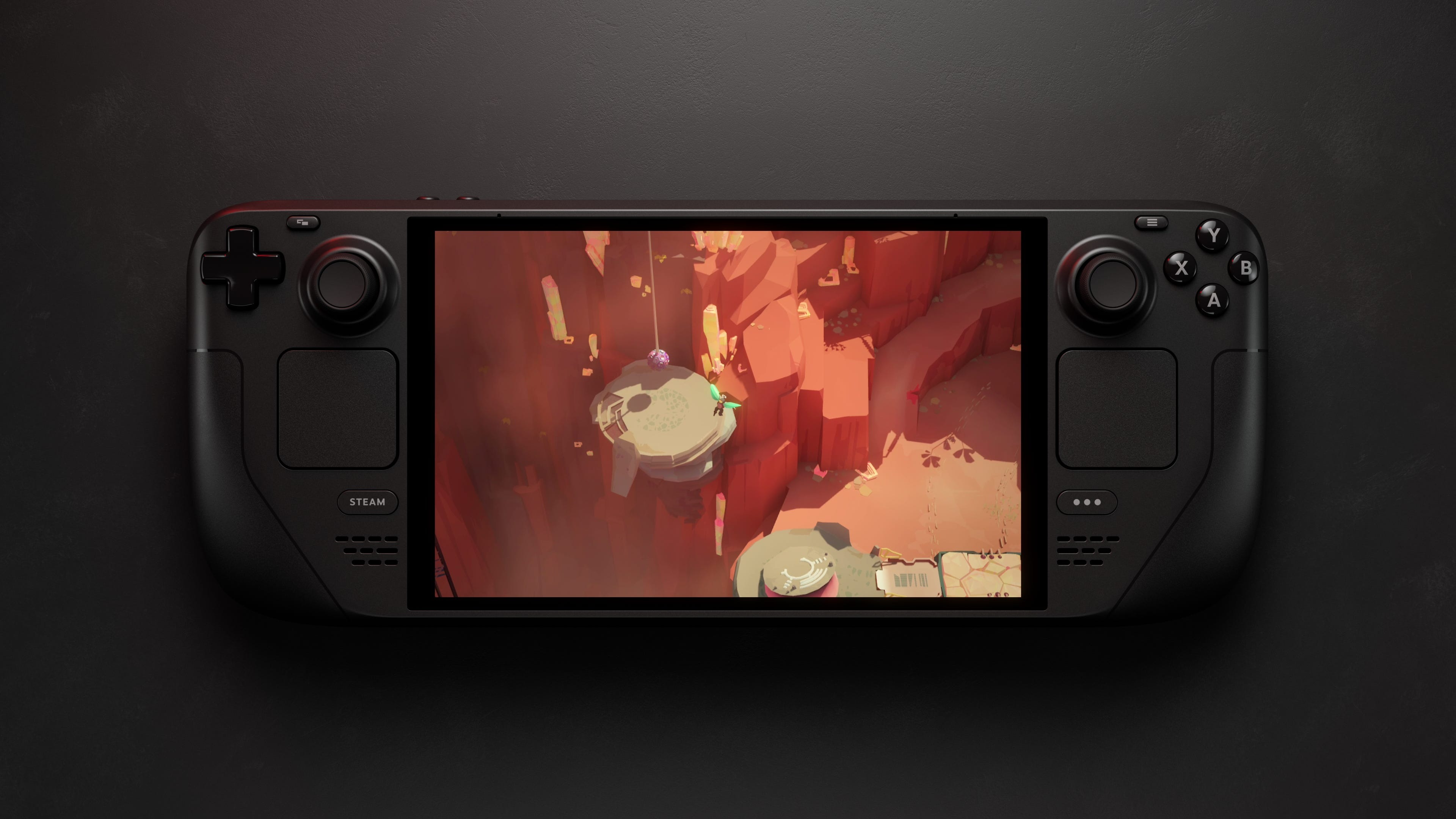
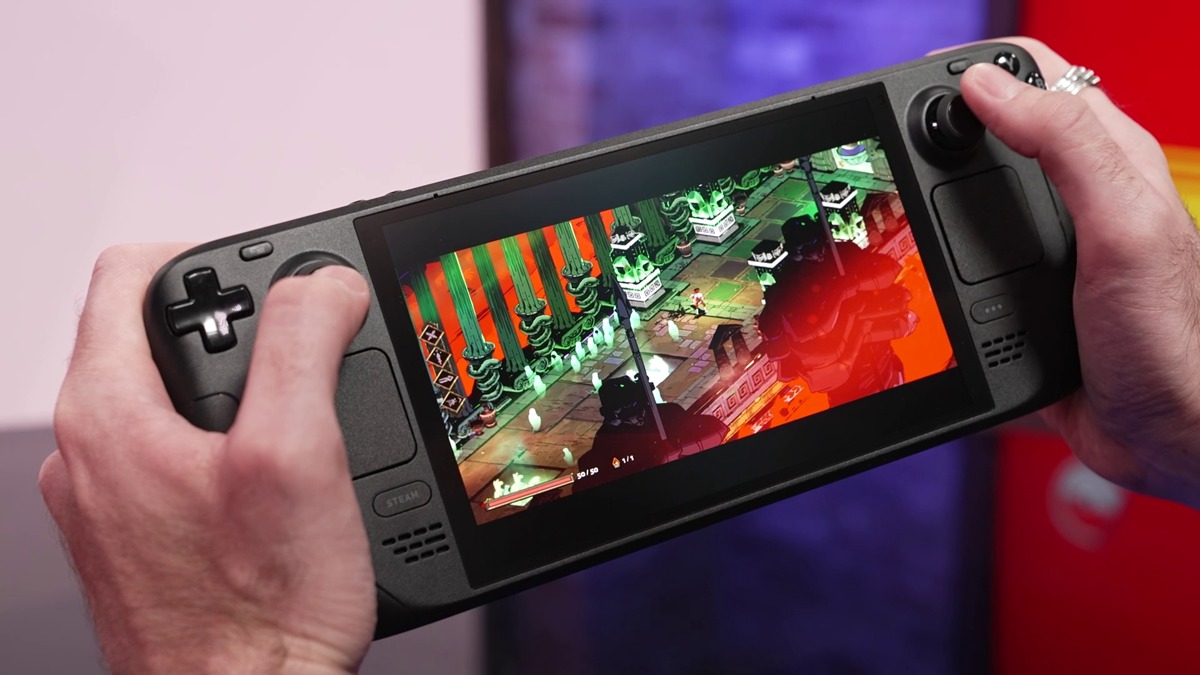
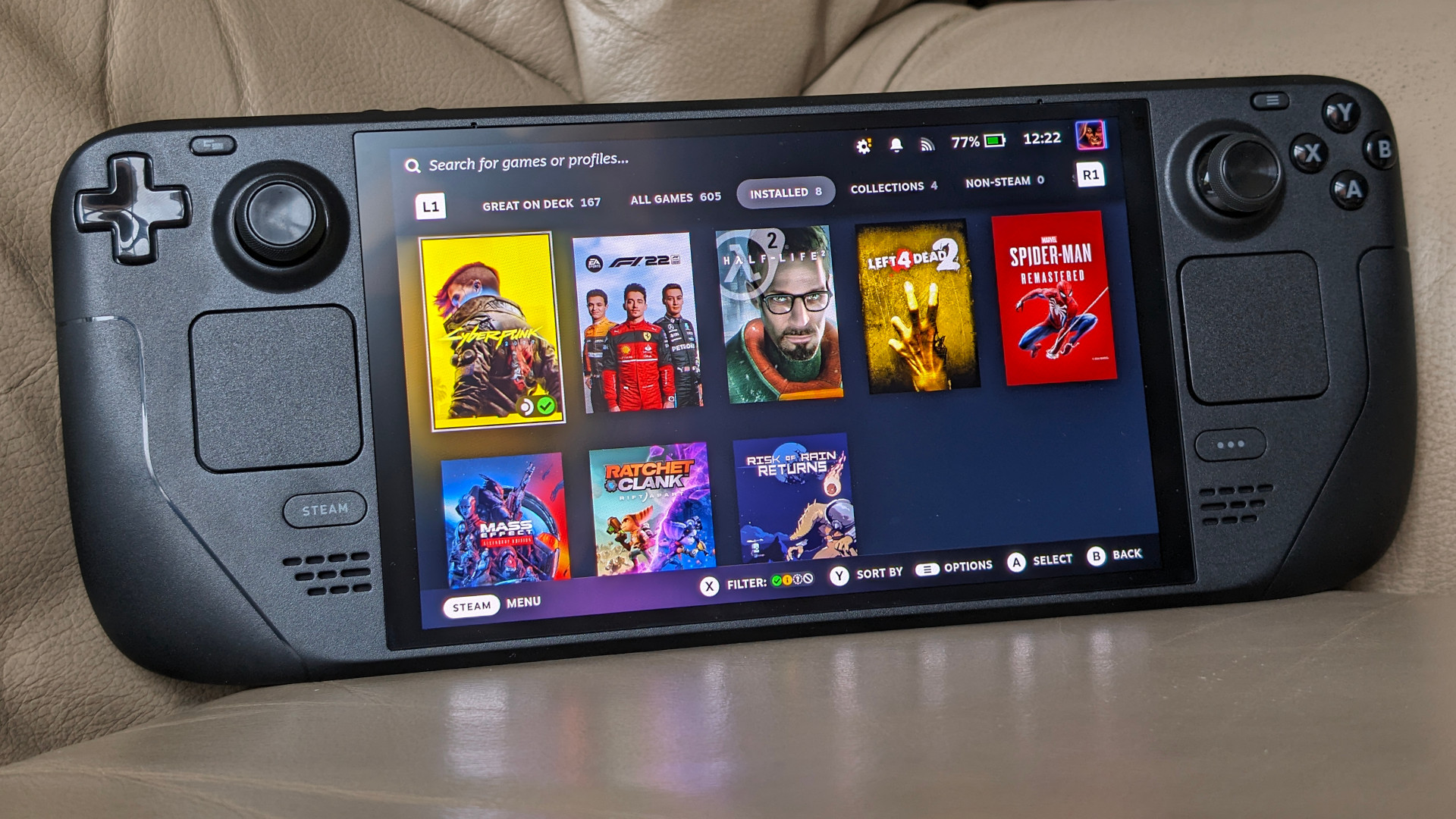
I didn’t think Valve would be pushing out a new hardware interface about a year after its release. The Steam Deck jump-started an entirely new category of hardware: handheld gaming PCs. This puts pressure on the gaming laptop market and is a great fit for desktop PC users or console owners who don’t want to invest in PC gaming. Valve took a huge page out of Nintendo’s book and listened to users. One of the most requested items was an OLED display. It’s also nearly half an inch bigger than the original LCD model. It makes a huge difference and makes games pop and come to life.
The OLED model has the same unboxing experience as the LCD model. It ships in its own carrying case inside a discreet cardboard box. You get a charger and a cleaning cloth with it. The case (at least for the 1TB model) is of higher quality than the LCD case. There is now a velcro strap that goes over the zipper to keep you from accidentally forgetting if the case is zipped and having the deck fall out. I have seen many photos on Reddit of this exact accident. Outside of that, unless you already own the original model, there won’t be much left to notice. However, having owned the original 512GB model, the deck is much lighter, and the shell itself feels more solid, almost like it’s been shot with a higher-quality or thicker plastic. There’s no squeaking or flex when you twist the system this time around.
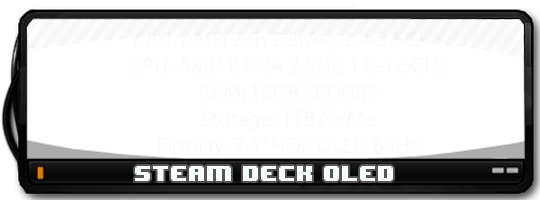
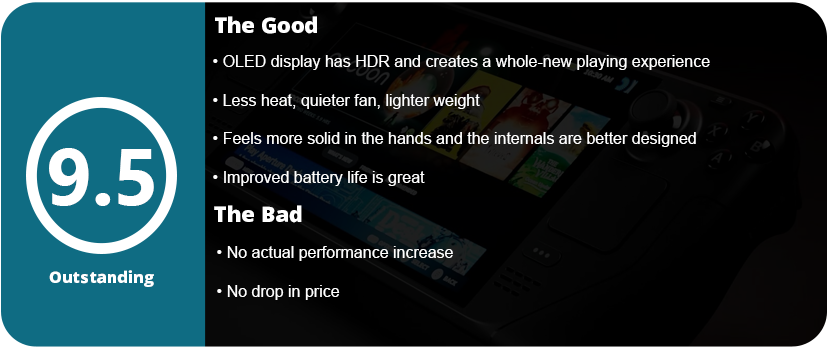
The system doesn’t seem any thinner, but that’s okay. It does feel much lighter. The analog stick bases are now black instead of white, and the power button is orange. Other than that, there is little difference physically between the systems. The touchpads, however, are leaps and bounds better and are one of the best improvements to the system. Outside of the chipset shrink and better battery life, the OLED is quieter, which I assume is a better fan. The system also has a 90-Hz display, which is a huge deal. On top of that, the display has awesome HDR. The new screen pretty much checks all the boxes; however, only the higher-end 1TB model has better anti-glare etched glass. This increase in the 60-Hz LCD display puts it closer to its other Windows-based competitors. While not the top dog, the OLED display itself makes it the nicest-looking handheld gaming PC out there.
Don’t let the fact that there is an increase in performance confuse you. There may be negligible increases due to better thermal handling and cooling, but you won’t get huge leaps and gains. The compromise mostly focused on better battery life, which is one of the biggest complaints about the deck. The alleged 25% increase puts it closer to its competitors. The 50-watt battery helps quite a bit, as does the addition of WiFi 6E and Bluetooth 5.3. I do notice longer battery life when doing every task, from gaming to just using desktop mode.
I also want to mention that the Deck OLED itself is just built better internally. I removed the rear plate to replace it with a transparent one, and everything seemed better built. The touchpad unit is no longer so sensitive that it never feels the same again once removed. My last Steam Deck had to be repaired due to a faulty solder joint on a ribbon cable and the touchpads not working correctly, despite everything being put back correctly. I’m also happy to see just how sturdy and well-engineered everything is inside.
Outside of the actual hardware itself, how are the games? Well, since I last reviewed the Steam Deck, the OS has come a long way. Thanks to Valve’s custom chipset, they can squeeze every drop of power out of it with their custom drivers. Games run better and better every month, and games that don’t push the Deck to its limits run beautifully at 90hz. That extra boost in refresh rate really shines, allows for more responsive controls, and lets the OLED pop. The HDR is especially brilliant, with games like Tetris Connected looking stunning at 90 Hz and with HDR enabled. The screen alone can be a system seller for Valve, as people have turned the deck away for just not having an OLED panel after Nintendo spoiled everyone. The Switch OLED also doesn’t have HDR or run at 90 Hz, so it’s the best handheld display on the market right now.
What’s more to say? The Steam Deck OLED is a fascinating and wonderful piece of tech that feels as premium as The Big 3’s systems. There are downsides to being a Linux system on the software side (mostly compatibility), but there are no hardware limitations or performance overhead due to Windows 11 sucking up precious bandwidth. The OS is fully customizable thanks to third-party plugins like Decky Loader, and you can even dual-boot into Windows if you want.
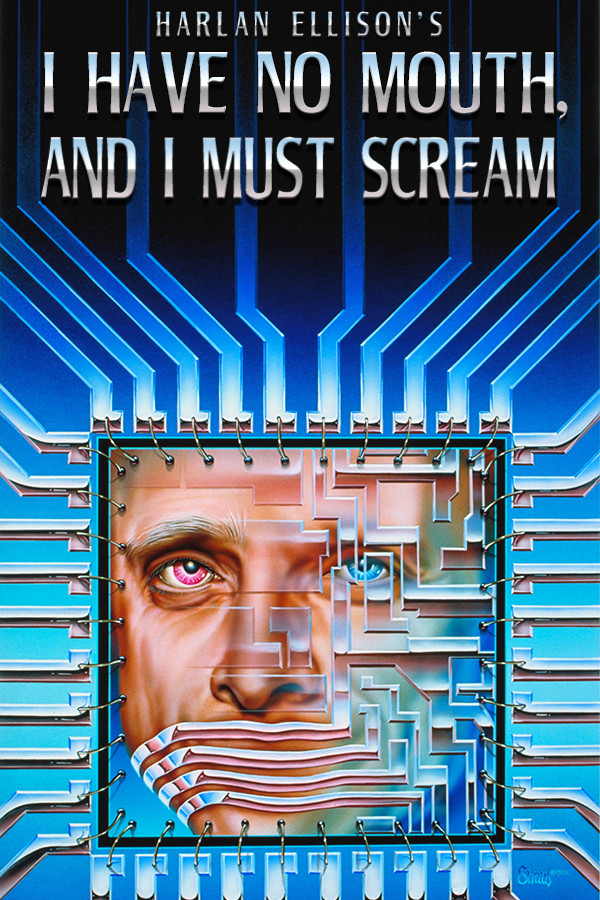
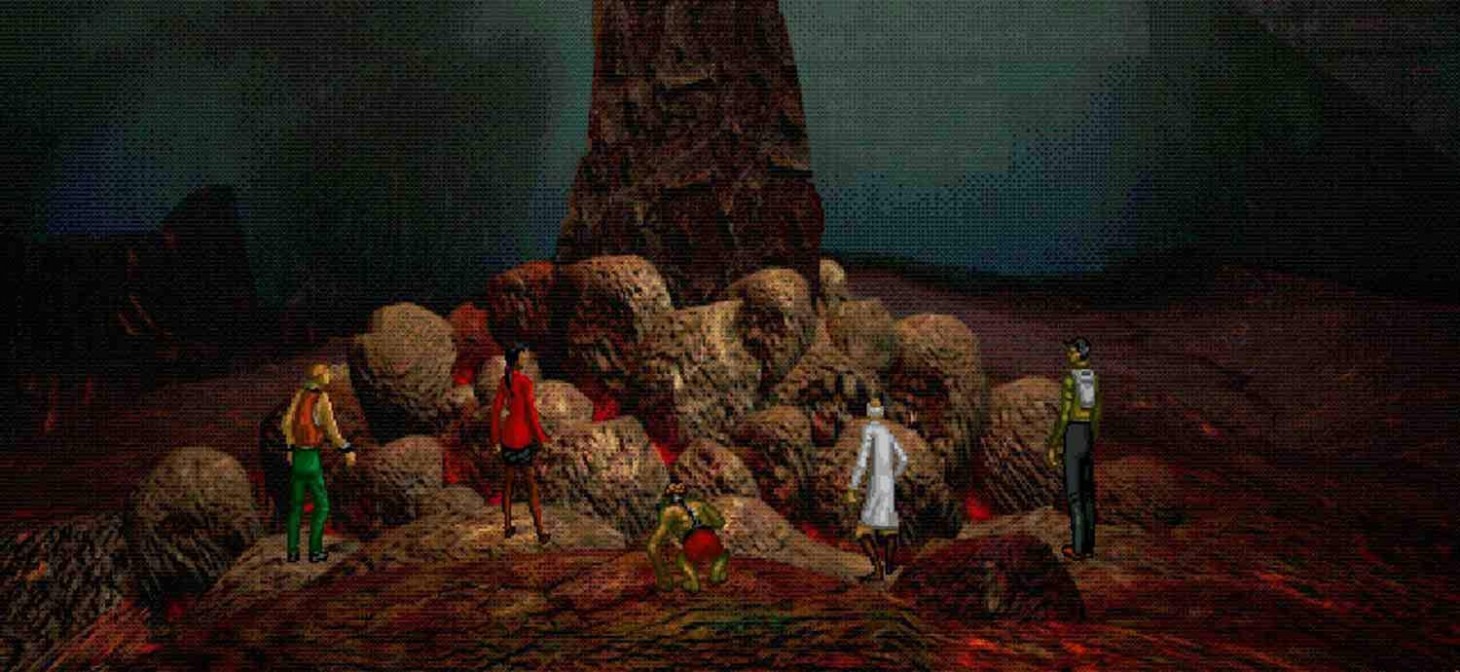
A game based on the short story by Harlan Ellison sees a group of five people trapped inside some sort of digital hellscape. They have been there for over 100 years and want to escape; however, the all-powerful and overseeing AI called AM is trying to stop them. The short tales of these five individuals, with almost no backstory, thrust us directly into their lives. We don’t understand their motivations for being here, and we barely get to know who or what AM is. I Have No Mouth is another adventure title from Cyberdreams that focuses more on the atmosphere, art, and voice acting than on gameplay.
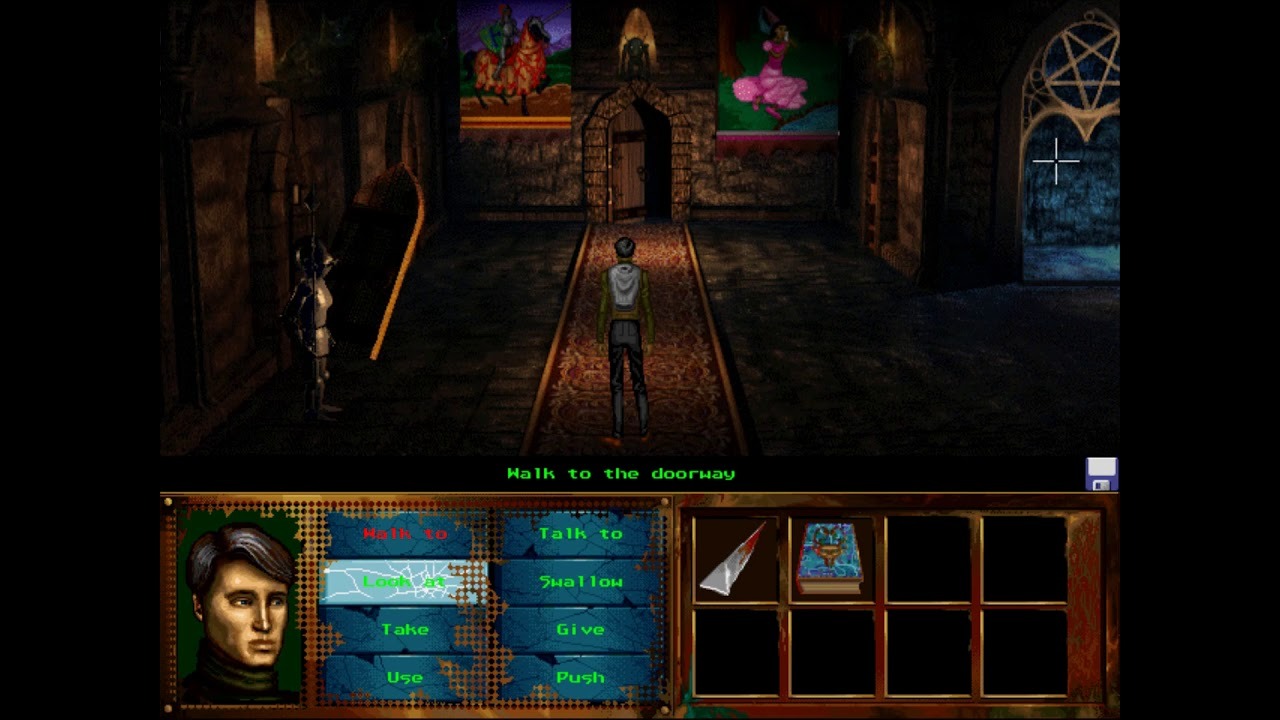
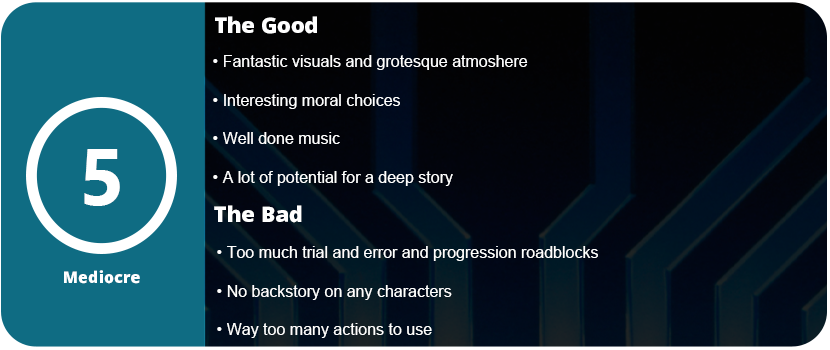
I Have No Mouth is jam-packed with puzzles, items for your inventory, and a variety of ways to utilize them. I recommend following a guide to a T to get an idea of how the game plays out first, but even with the guide, I was confused and lost. Each scenario has multiple endings, and getting the totem at the end of each scenario requires a perfect playthrough. These roadblocks will either just end the scenario, resulting in that character not being able to act in the final scene, or end the entire game. This will necessitate constant trial and error and backtracking, which can be incredibly frustrating. Who would want to do this? This open-endedness is the wrong way to get different endings.
Even within each scenario, combining objects and using them in the correct order is mostly impossible without a guide. Unless you spend dozens of hours trying things in different ways, you will never get far. Some puzzles are extremely obtuse, and even with a guide, I constantly reminded myself that I would never have guessed to solve them. Using certain objects in a particular manner simply doesn’t make sense. You can’t use a cloth as a blindfold to bypass a specific character. How would I have known that? Adventure games from the early to mid-1990s faced numerous issues, which are evident in I Have No Mouth.
If you do use a guide, the scenarios are quite interesting and play a part in the morality and perspective of both good and bad people. The artwork and music are amazing, with a lot of detail put into the atmosphere. Each scenario looks and feels different, but I wanted to know more about AM and why these characters are here. There’s not much of an explanation for any of this. Each scenario is also very short. You can complete the entire game with a guide in less than 2 hours. I also feel that for the amount of trial and error the game has, there are too many actions you can use. Swallow, give, take, push, use, talk to, walk to—it’s just way too much. It becomes tedious to use nearly every command on each object. It’s simply not fun at all.
Overall, I Have No Mouth is an interesting spin on moral choices, but there’s no overarching story here to keep you wanting more. The characters also have no backstory, and I wanted to know more about AM and what this hellscape is all about. The game has way too many actions, trial-and-error roadblock endings, and just a bad case of 90’s adventure qualms. I Have No Mouth is largely overrated as a game, and there are other adventure titles that offer more striking visuals. If you need to use a guide just to finish the game, then you know there’s a problem. Good voice acting and music aside, there’s just too much that will make a player quit early on.





































 thebinarymessiah.com
Try multiplayer. A lot of fun !