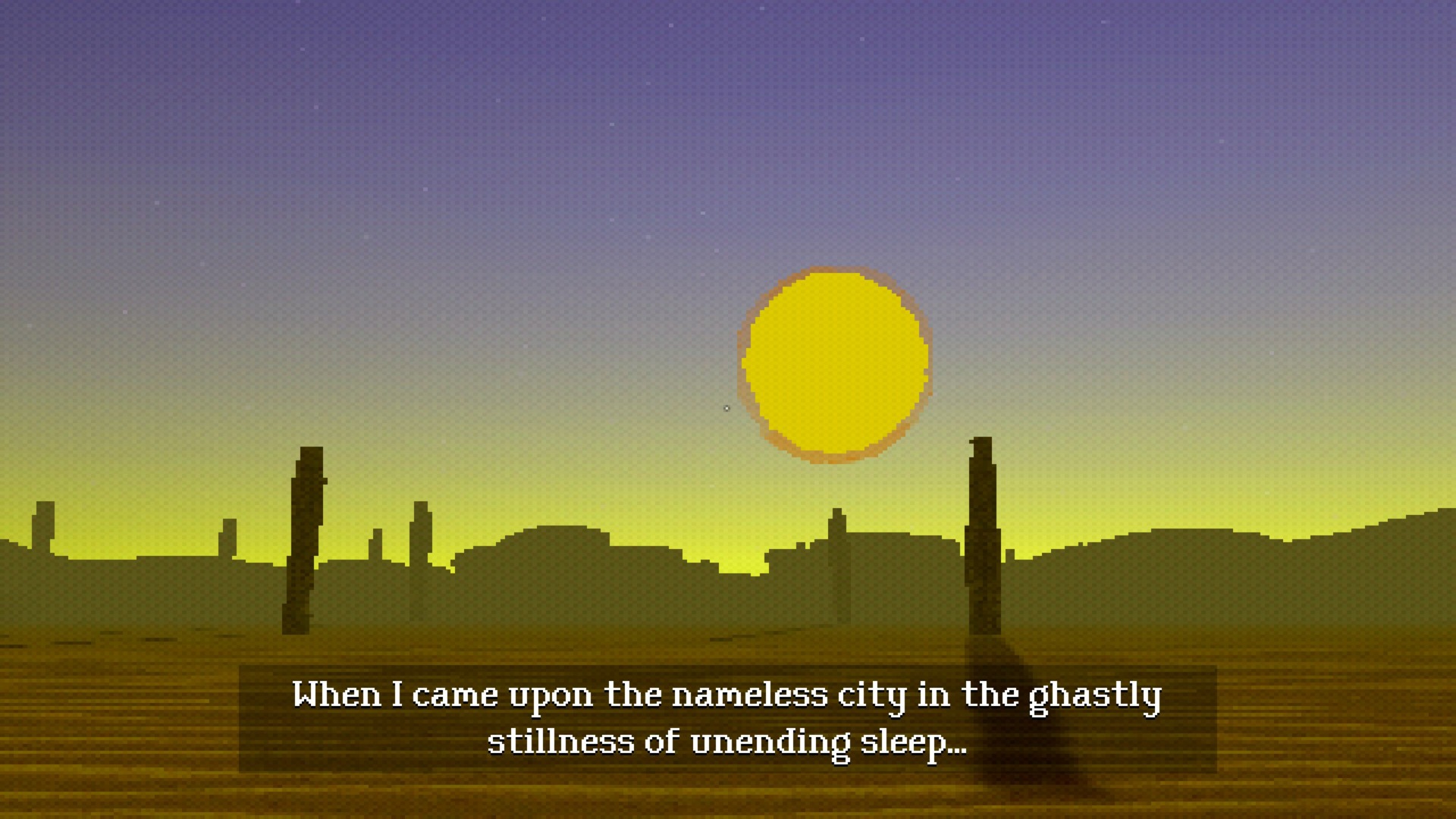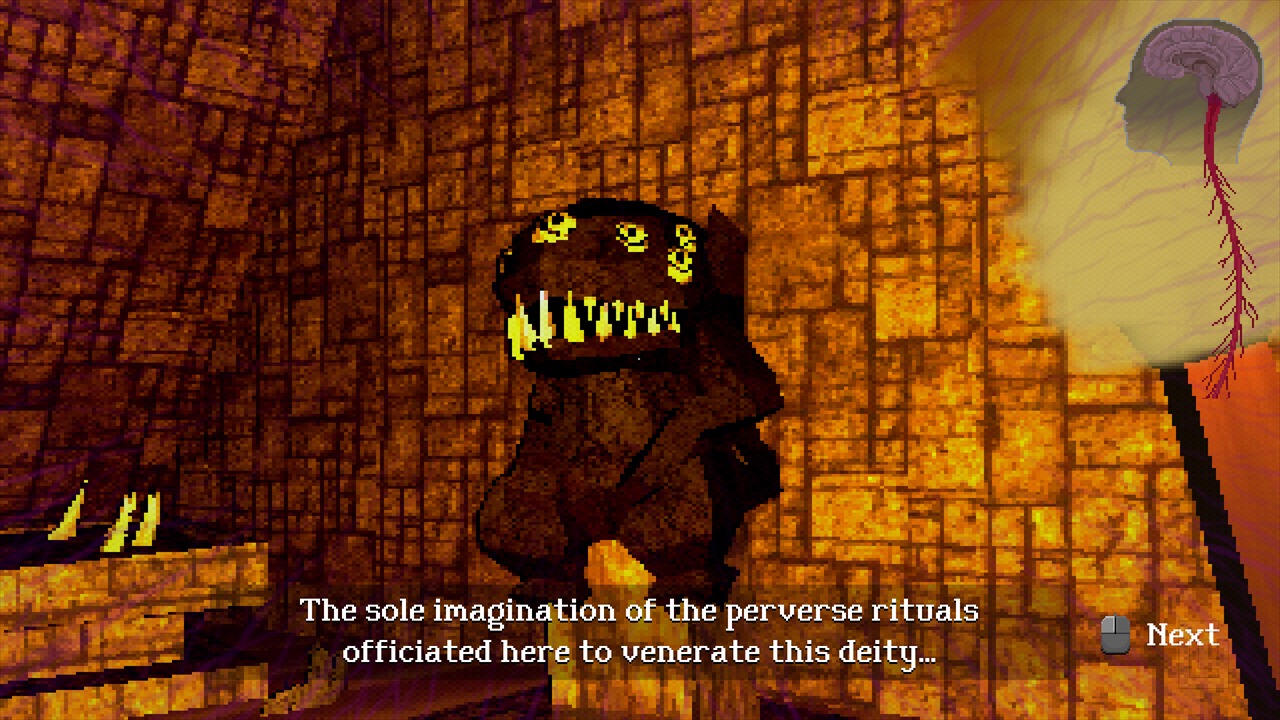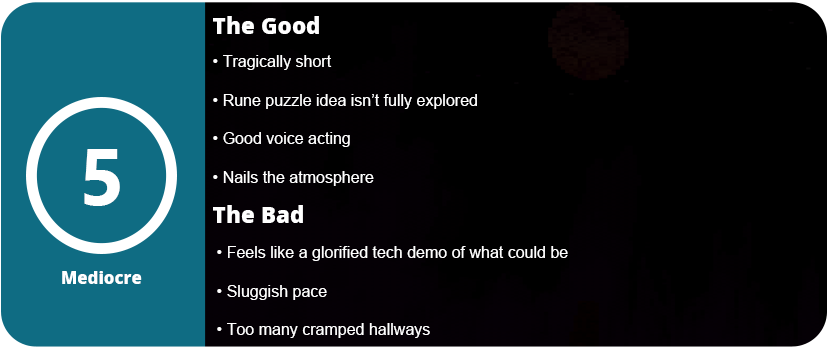
H.P. Lovecraft’s stories are difficult to translate into game form, and very few are successful. It’s almost like a curse in and of itself. Many games based off of his short stories are adventure titles, and I have played many of them, with almost none being good. The Nameless City has some good ideas. It nails the atmosphere and the setting and has an interesting gameplay mechanic, but this game feels like a glorified demo of what could be.
The game starts you out at a campsite outside of some ruins in a desert. The lone adventurer narrates the game with a subtle and almost depressing tone. He is quoting lines from Lovecraft’s short story of the same title. A mysterious being is said to live in these ruins, and people will hear the call in their dreams. As you make your way through the ruins, you will come across runes. These can be learned to help open up pathways further in. As night falls, however, you will lose all of your sanity and have to start back at the last checkpoint. This isn’t all that bad, as the game is so short. There are only three runes you use in the game. You can use one rune for casting and another for dispelling or casting a barrier. These spells are just for barriers, and that’s it. There are strange open holes that blow wind across a chasm that you need to navigate. These will blow you off the mountain, so you need to crouch under some.
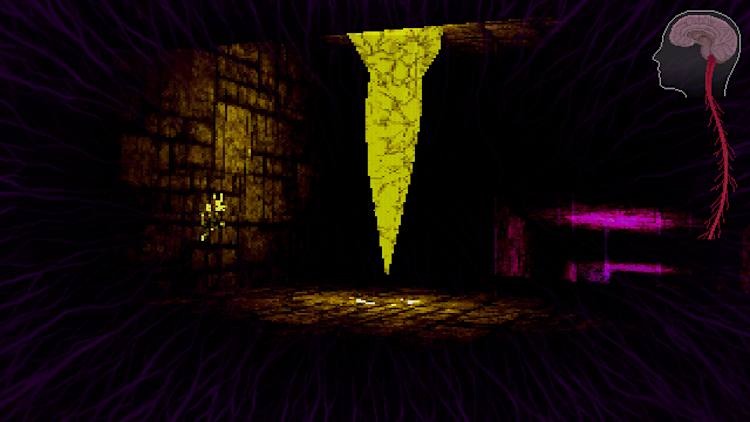
Once you get into the cave system, it’s pretty boring. You can eventually use a spell to cast light on strange crystals as your sanity depletes in the darkness quickly. Once you get through the cave system and back out, the game is pretty much over. I did hate the maze puzzle. This entire level will take up most of your 90 minute playtime. It’s an endless maze that repeats forever. You need to use this to your advantage to activate crystals to stop a beam from blocking your path. It took me nearly 45 minutes to figure this puzzle out, and it was not fun at all. That means there’s only 45 minutes of actual gameplay outside of this awful level.
With that said, there isn’t much to say for the game even if I wanted to. The visuals use the PS1 style graphics and look appealing. The atmosphere and ominous sound effects do a good job, and the end monster is a little goofy looking. The game is very affordable and can provide a spooky experience for an evening playthrough, but don’t expect too much from it.
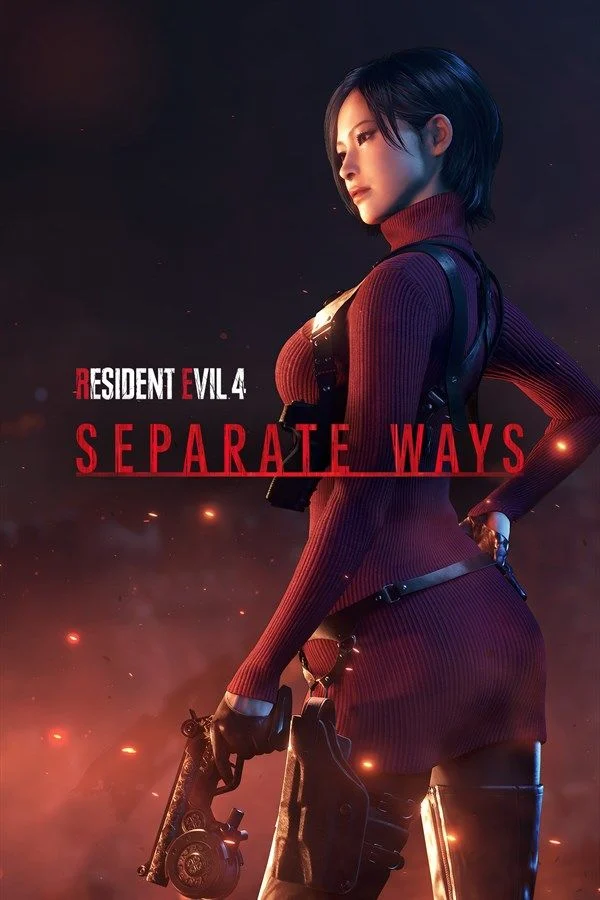
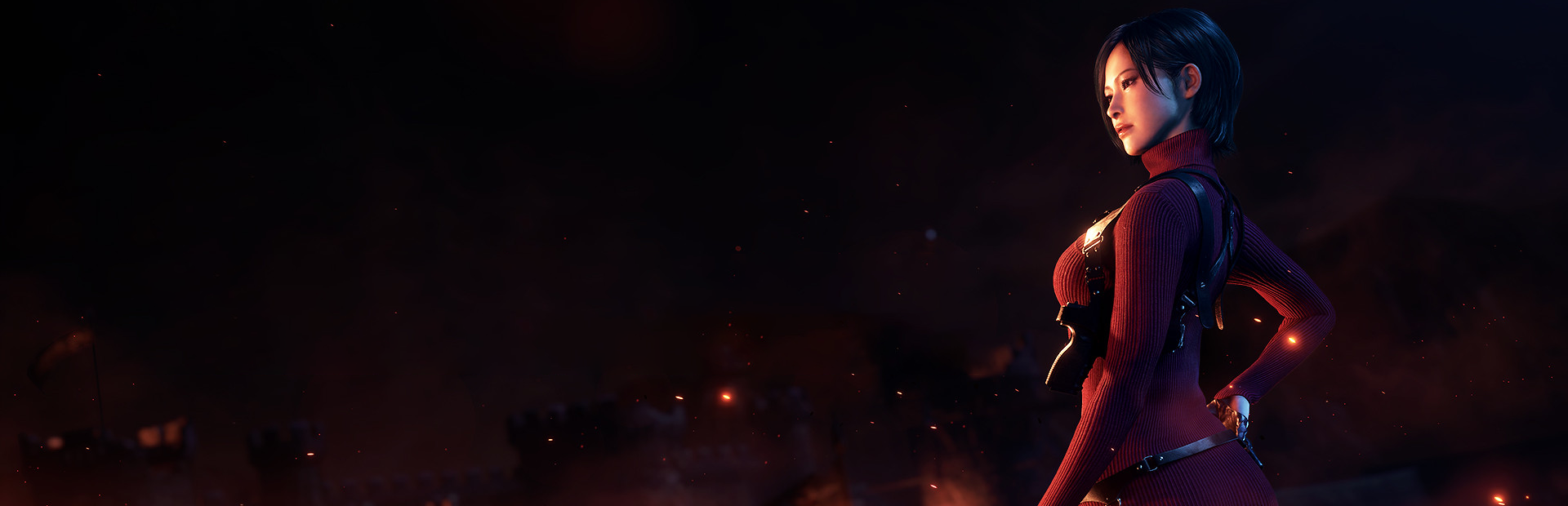
Have you always wanted to know how certain things happen in Resident Evil 4? Why did Leon escape from situations at the right moment, or why did the odds of him surviving certain encounters seem unusual? Some of those questions are answered in Separate Ways. This is the side content from the original game remade for 2023. You play as Ada Wong here. She’s such a fascinating character, and despite being an early childhood crush, I found I appreciated her more endearing qualities as an adult. She’s mysterious and bold, doesn’t take crap from anyone, but is still fighting a moral quandary within herself. She wants to be a bad guy, but not that bad. She also has a hankering for Leon, and their sexual tension ratchets up here more than any other time.
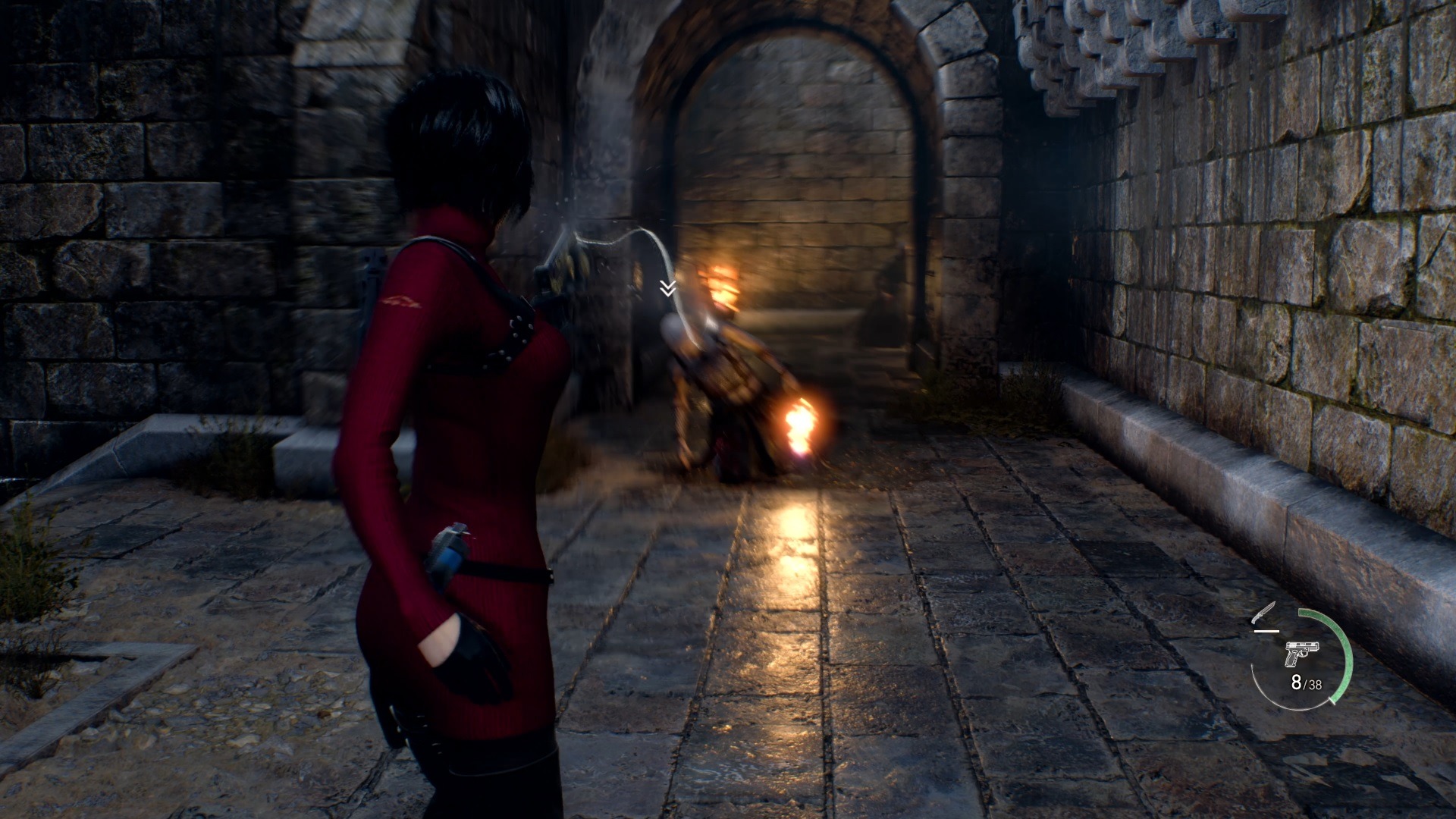
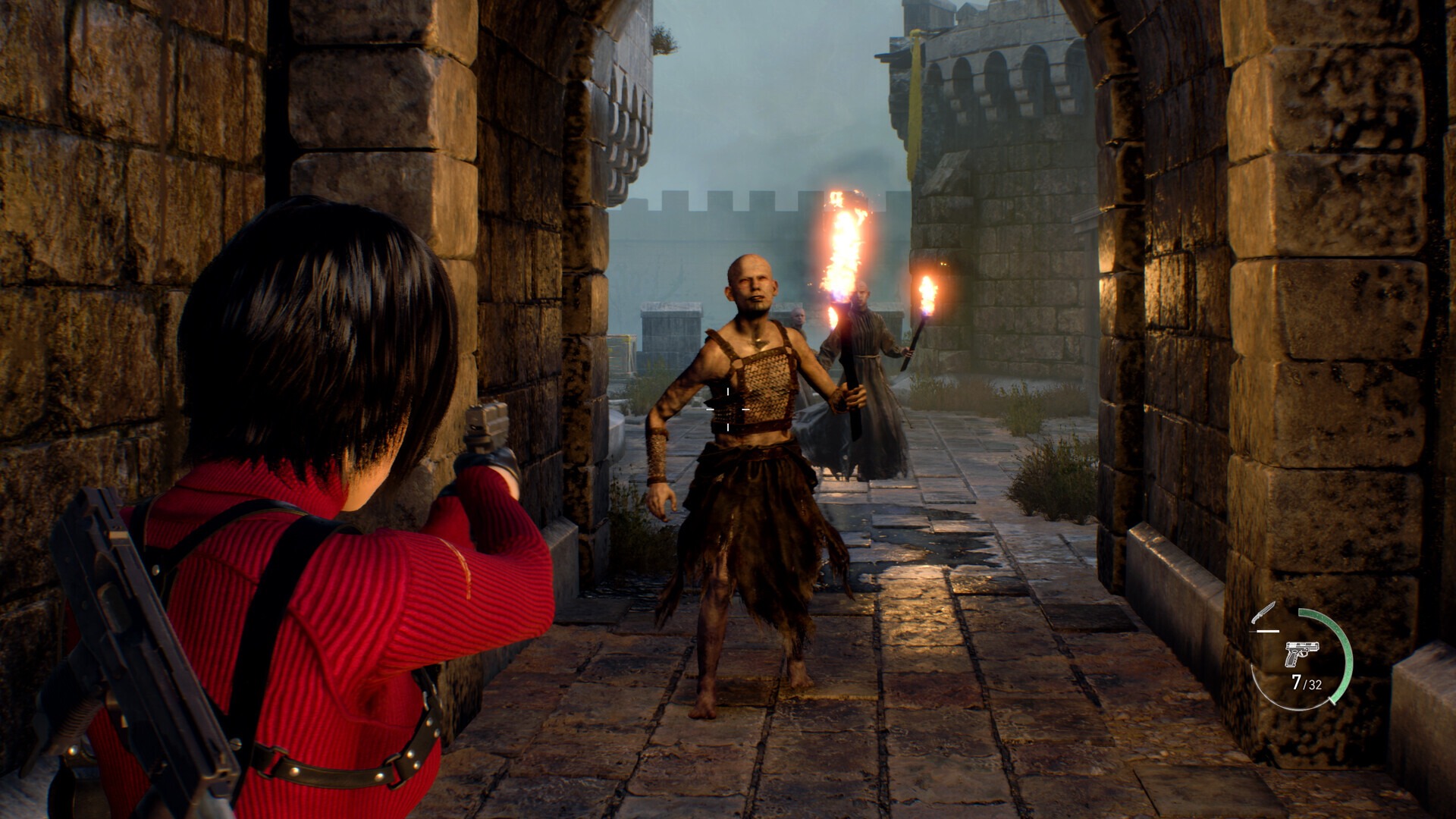
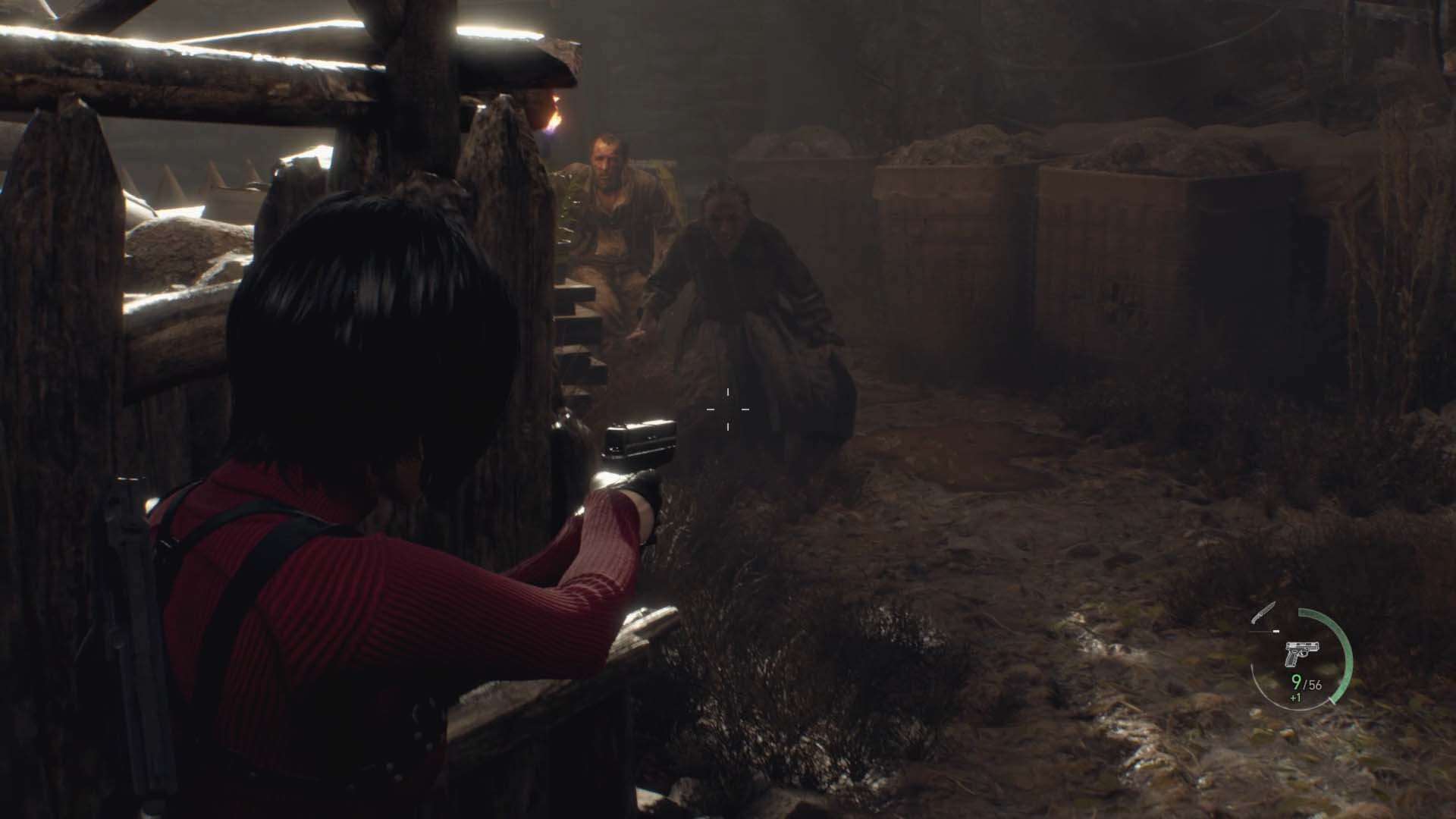
Separate Ways is more of a remix of the main game than anything really new. New battlefields are usually above or in Leon’s old areas. Sometimes you will notice he’s cleaned up the place or destroyed an area before you get there. One such area is after the church bell tower fell in the main village. You go through the game in the same order, but at a rapid speed. Ada has a grappling hook in her arsenal to traverse the high ground. She can also use this to get closer to enemies quicker for a finisher and rip shields off of enemies. This is even used during the boss fight with El Gigante. She can swing up and fight on top of buildings, giving her an advantage. Ada also has access to the shopkeeper and a small repertoire of guns. She starts out with the Punisher MC pistol and the TMP. She’s all about close quarters combat. You can eventually get the M1903 rifle and the much better Stingray toward the end, but you will most likely always be charging in to get close. You can get access to the shotgun as well, but shells are really rare and take 12 gunpowder to create just 6 shells. Although it won’t be useful frequently, it can save you in an emergency. Save it for dispersing large crowds or for tougher enemies.
Ada also gets a few side quests, such as her very own medallion mission and fetching various items. There’s plenty of treasure lying around, and gemstones can be inlaid into valuable items to make them worth more. Be on the lookout for hanging treasure pots and chests everywhere. You will need those Pesos. You can use Spinel gems to trade for passive keychains to add to your cache to increase stats such as sprint speed, damage, and defense. I didn’t end up using any of these, as they are expensive, and the DLC’s short run time means you’re better off upgrading your pistol, TMP, and buying new weapons. I did end up with the Red9 towards the end and spent most of my money on upgrading those two weapons, as the ammo is most plentiful for them. I only used the bow a few times, but bolts use knives, and these are better suited for stabbing enemies on the ground before the Las Plagas pops out of their head. You will also need to get out of tight situations, and you can sneak around some areas and pick off some enemies too. Here it’s best to be resourceful, as ammo is scarce, and so are healing items, more so than in the main game.
Ada does run into her fair share of bosses, but not all of them are attacked head-on. One boss is a chase scene through a facility, while some are recycled from the main game but remixed a bit. I found the constant scraping for supplies, upgrading, crafting, and looking for treasure to be just as fun as the main game. It was nice seeing new areas and having some questions answered. Ada is a great on-screen presence and is one of my favorite female video game characters of all time. Her new voice actress does a good job making her sound emotionless and stern, but when emotion needs to break through, she can’t quite seem to land it. Emotions like surprise and slight fear just don’t come across well. Ada is almost like a robot by design, but she does have her humanity peek through from time to time, and that makes her such an awesome character. She’s not as evil as Wesker, but a nice in-between.
Overall, Separate Ways is a fantastic DLC that does everything right. Coming in at 4-5 hours of run time, it’s enough for a nice evening playthrough and to see the other side of RE4 that Leon can’t access. There are no upgraded visuals or anything like that with this, and there’s nothing inherently new or unique. It’s a remix of RE4 and that’s fine.
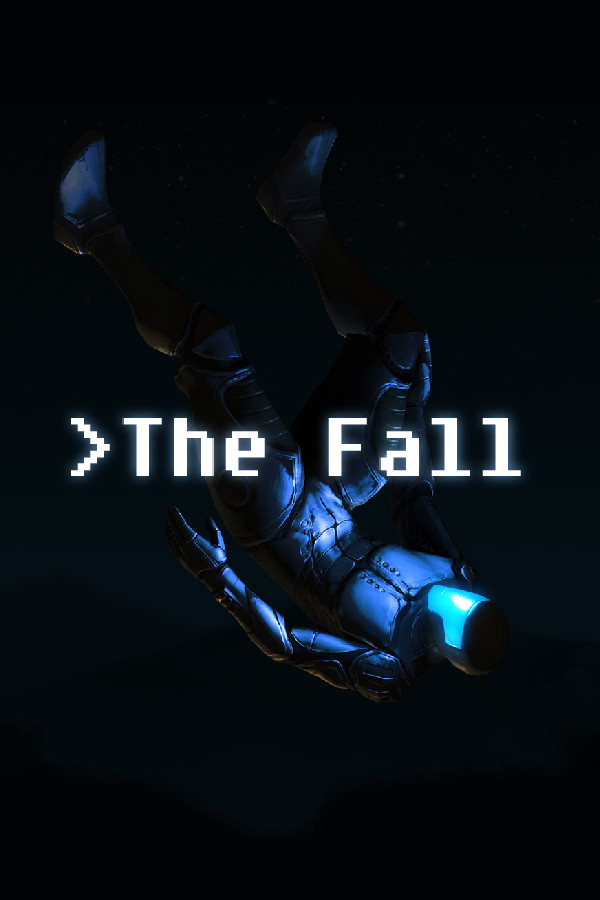
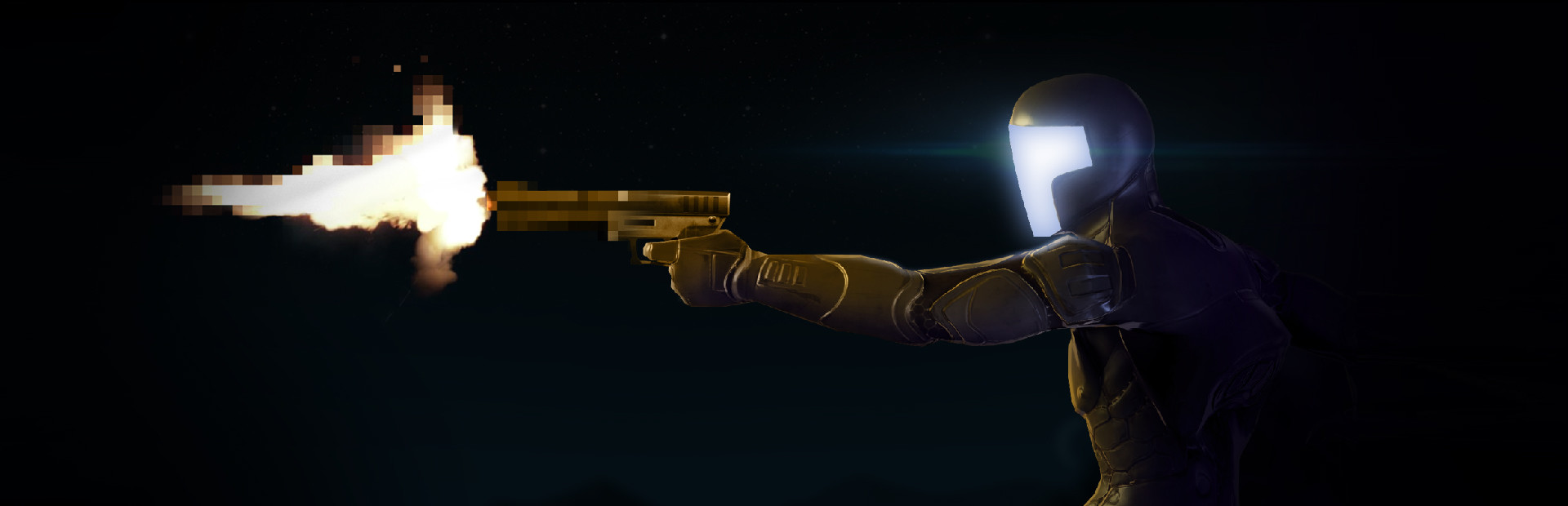
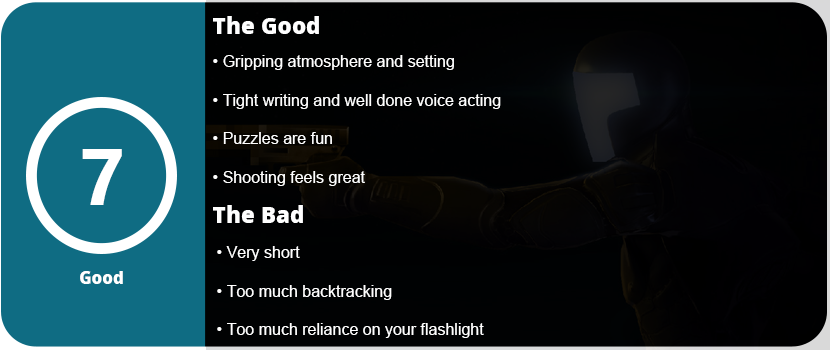
The idea of robots taking over humans has been an age-long discussion, but what if they were designed to help us instead, no matter the cost? That’s the idea that The Fall presents to players. You play as a pilot who has crash-landed on a planet, but the AI known as A.R.I.D. (autonomous robotic interface device) activates and uses an advanced smart suit to essentially control the pilot’s body while searching for medical attention. The pilot lands on a derelict planet run by an AI called the Caretaker, who is examining and studying ARID for unknown reasons. Excellent writing and voice acting bring the story to life, despite its short length. There is not a single wasted line of dialogue or moment. This is an incredible premise and idea that I want to see more of. The Fall is a Metroidvania-lite, but with its own identity. The genre has seen little of this type of game today, especially with the explosion of indie games being produced.
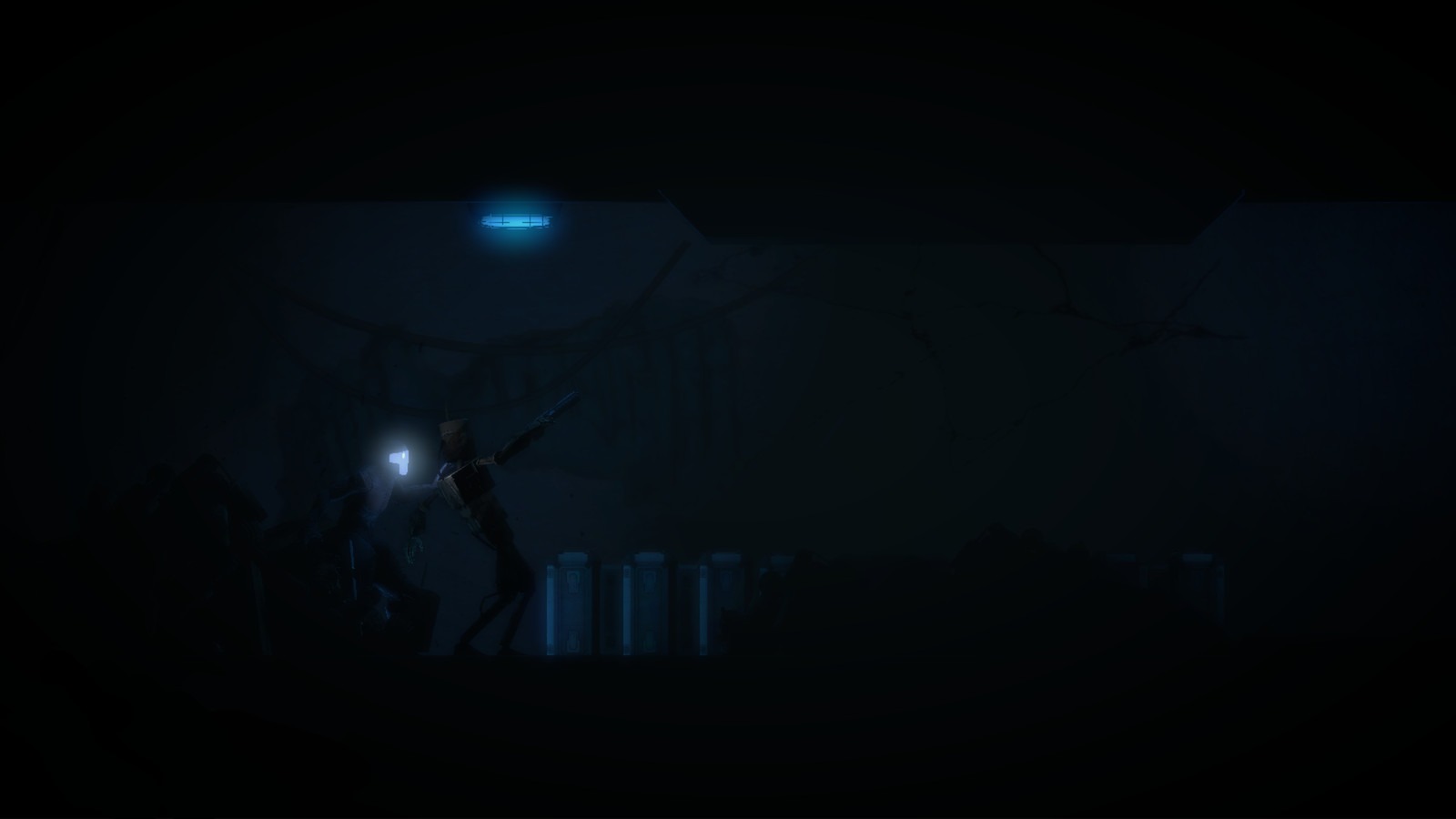
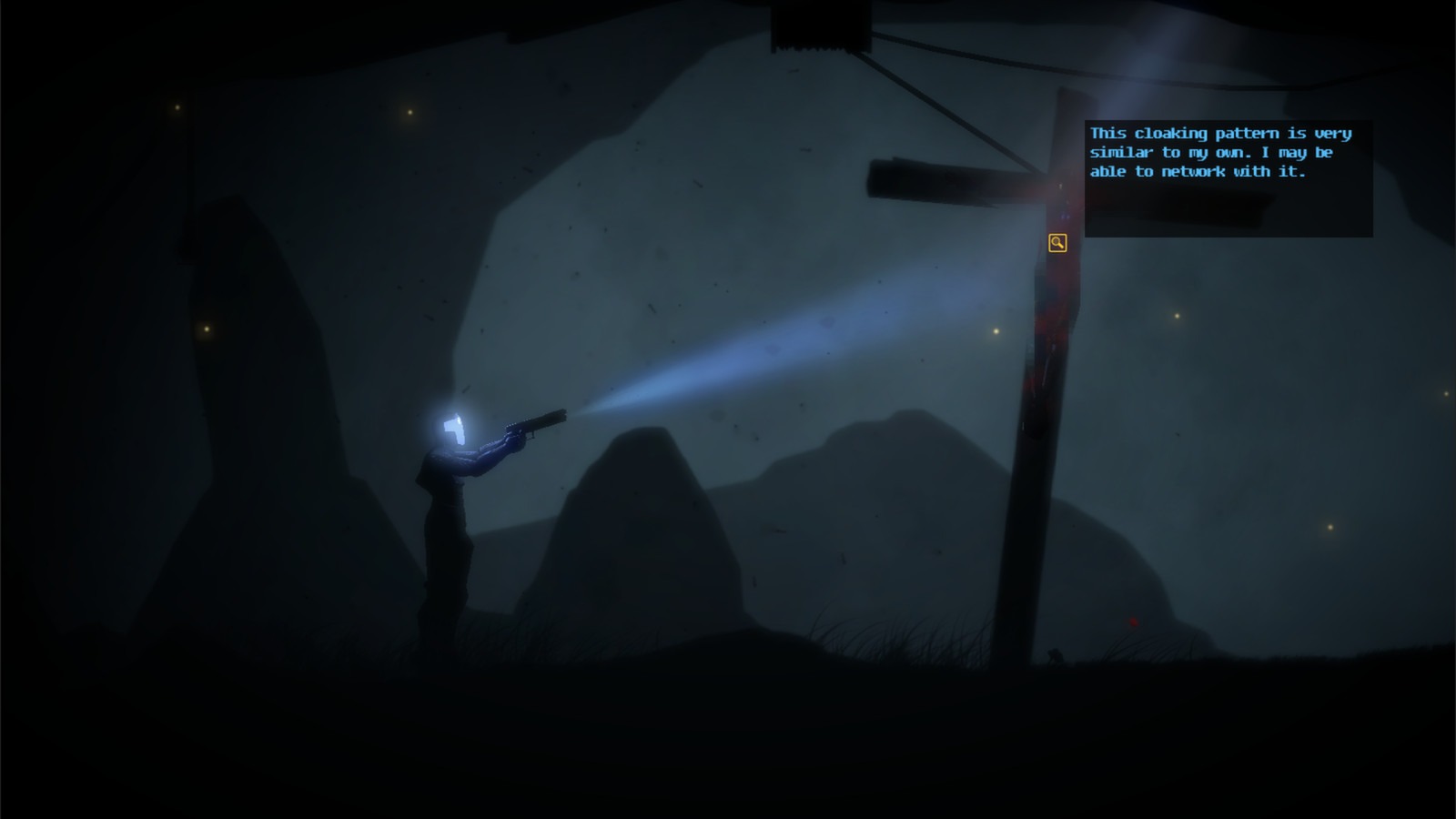
Despite its simplicity, the game boasts a surprisingly complex control layout. You can walk around in a 2D plane, but jumping and combat are limited. You must use the flashlight on your pistol or light the path ahead, as the game is very dark and is mostly underground. When you shine your light over objects, a context piece of text will appear describing it or allowing you to interact with it. The majority of the game is puzzle-based, relying on an inventory system to combine and interact with the right object. The Caretaker’s testing center is the longest section of the game. Many puzzles are actually quite fun and clever, but a few can take a weird obtuse angle and make little sense in terms of how they are solved.
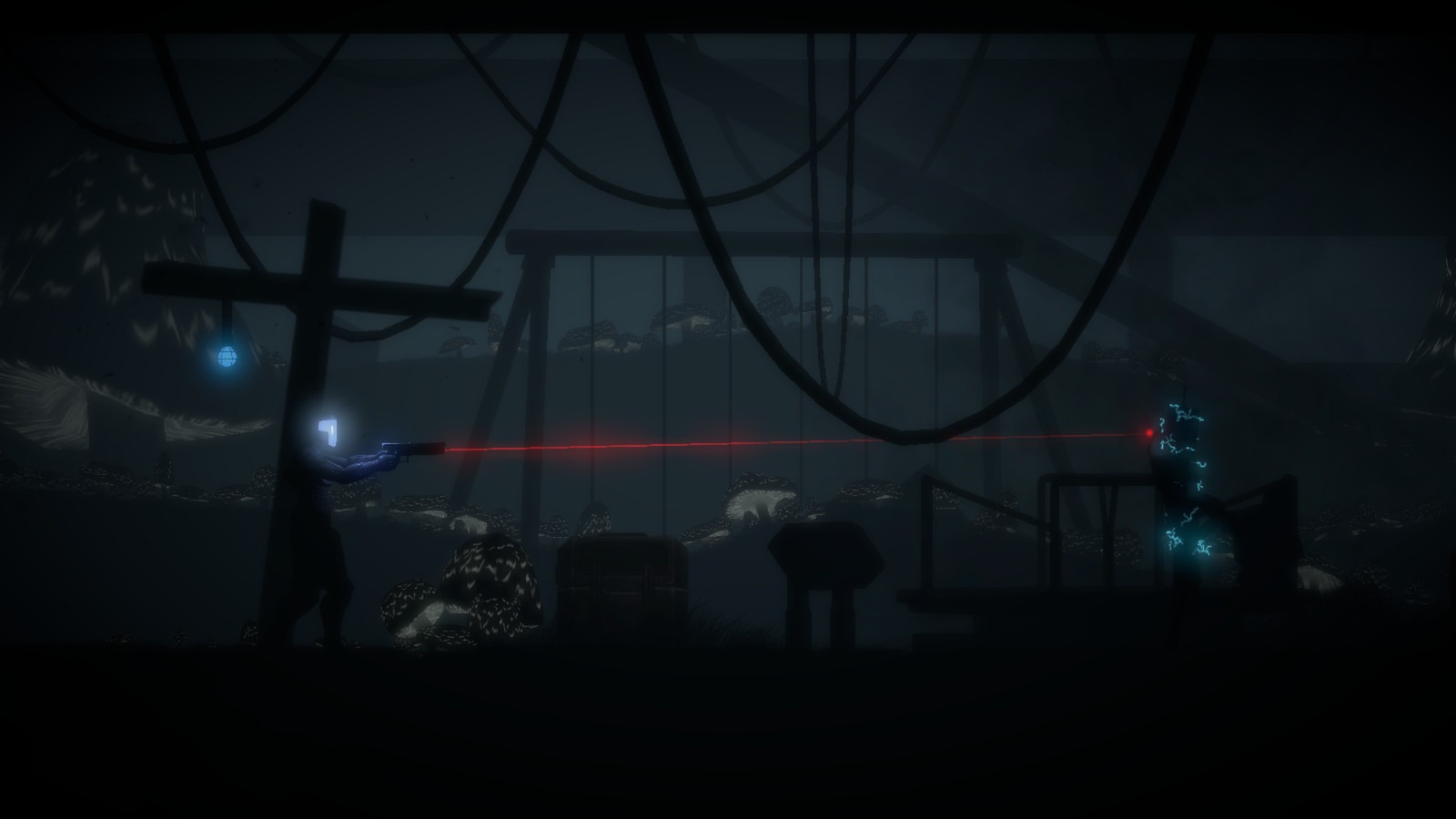
Combat in The Fall is crunchy and powerful but very limited. Other androids will attempt to attack you, but their actions are very limited and occur only during scripted events. You can hide behind cover and pop out to deliver a headshot. You must switch to the laser sight for better accuracy. You can sneak up behind enemies to kill them, or you can advance on them while they take cover. The shots are impactful and crunchy. The combat doesn’t overstay its welcome and is used at the right times. Of course, you can’t use your gun for the first third of the game, as abilities need to be unlocked, such as faster fire rates, the gun itself, and other suit abilities.
The game is tedious because it has a lot of backtracking, so you’ll often go from one end of a level to the other. I understand that this is part of a Metroidvania, but you aren’t going back to a level once you are upgraded and can access new parts of a level. You often find yourself running back and forth to collect parts of a puzzle, hoping you have the correct piece, only to discover that you either don’t or that it belongs to another puzzle located elsewhere. It’s not game-breaking, but it does get old pretty quickly. Once you have read all the text and discovered every part of the level, the adventure part of the game kind of disappears, and all that’s left is the tedious process of solving puzzles and running around.
The atmosphere and graphics are fantastic even today. The game has a surreal feeling of almost transporting you to the world thanks to its great sound design and visuals. While there is a lot going on in the foreground, most of the atmospheric stuff comes from what’s happening in the background. A lot of the background stuff can give you a visual cue as to what’s going on just from one glance. You can see a massive cave and the exterior of a spaceship through the windows, among other things. The few occasions where there is spoken dialogue are excellent, and the excellent writing keeps you captivated with every word.
Overall, The Fall is a fantastic atmospheric Metroidvania-lite that features great writing and tense gameplay, including gun sections that do not overstay their welcome. ARID is a wonderful character despite being a programmed robot, and the ending of the game is well worth your time. This game was one of the few indie titles that contributed to the “indie revolution” of the early 2010s and played a significant role in establishing the Wii U eShop as a prominent platform for indie games.
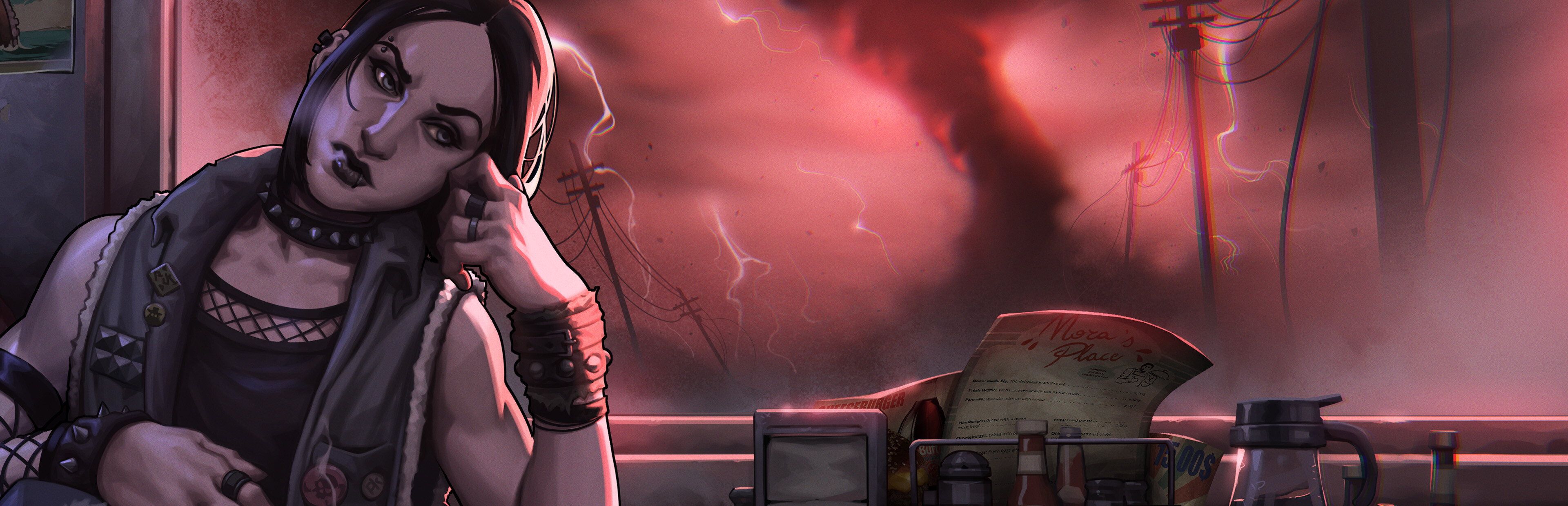
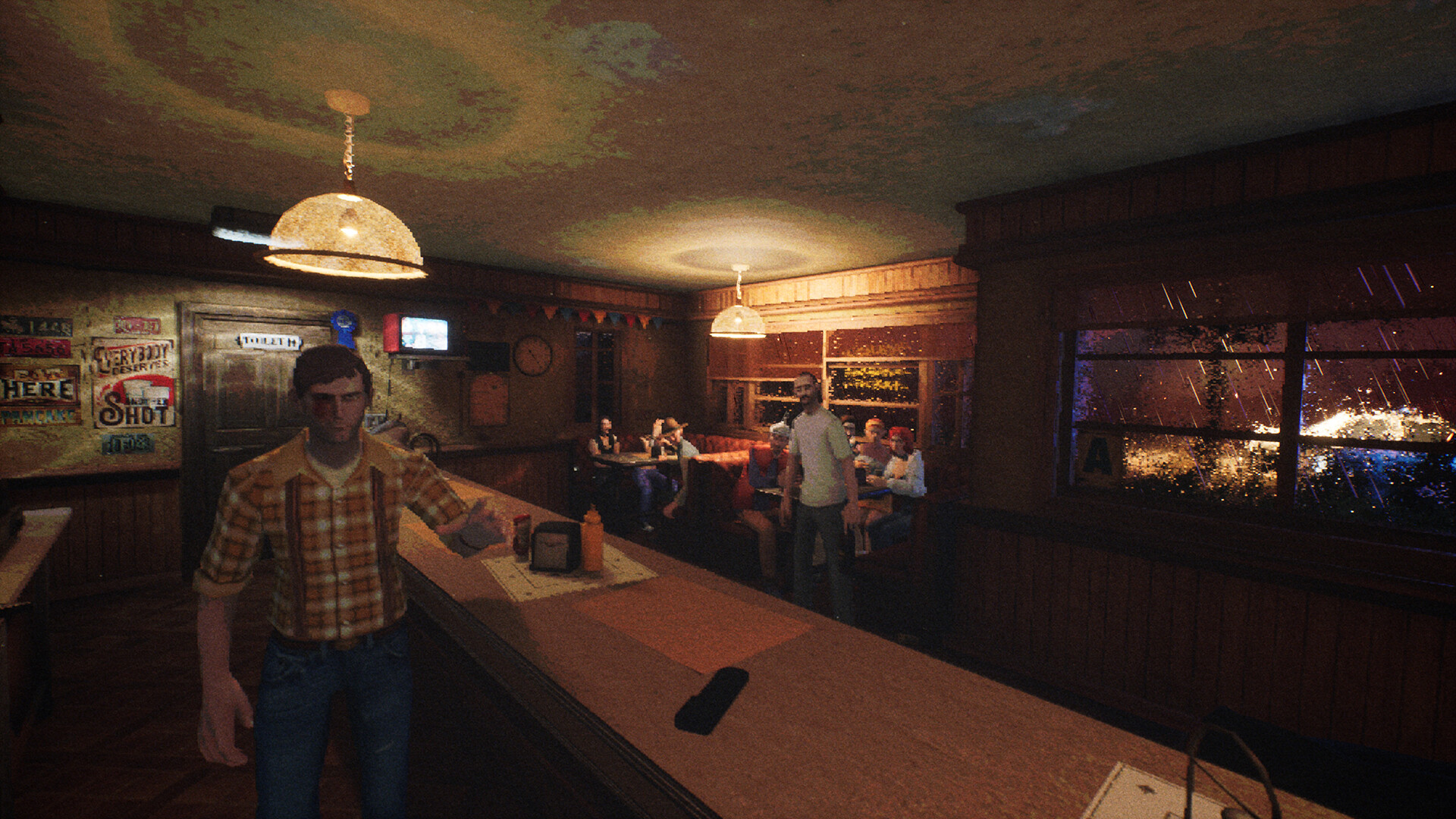
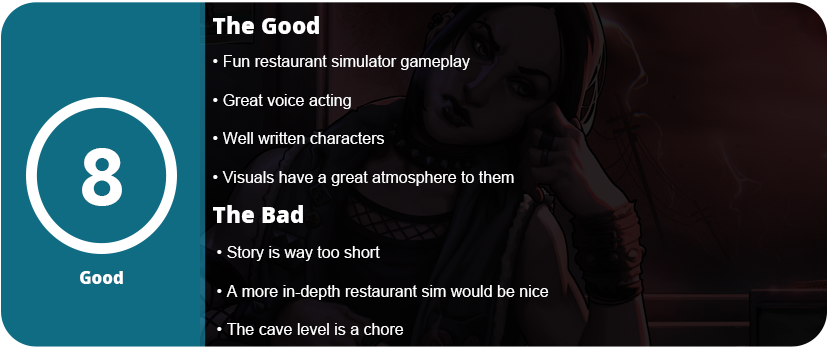
Retro-style games are booming right now, especially those with PS1-style graphics. Their limited capabilities are excellent for giving a certain vibe and atmosphere and are especially popular with horror games. While We Wait Here isn’t exactly a horror title, it does have a dark tone and theme. This is a story that begins near the conclusion and works its way backwards to tell everyone’s story. You are a couple who owns a diner in a small town in the middle of nowhere out in the Heartland of America. There’s no specific location given, and the entire area is generic, but it feels like somewhere out in the Midwest near Tornado Alley.
You are a couple who are about to move out of town and sell their diner. Lisa’s father owned this diner, and she assisted him in running it as a child. You meet Alex, your husband, while working at the diner as an adult. The game is a strange mix of horror, adventure, walking simulator elements, and restaurant sim similar to Diner Dash. However, the integration of the simulation elements with the rest of the story and game is so compelling that I found it impossible to stop playing. I played the entire game in one sitting. The writing is tight and well done, and the characters are very intriguing. Each character ends up at the diner, and you hear their conversations while cooking and play a 10-15 minute segment about their lives before arrival. The characters include two punk rock best friends who are constantly shushing each other about a secret, a couple with a newborn baby, a workaholic old man, and a peculiar and paranoid local.
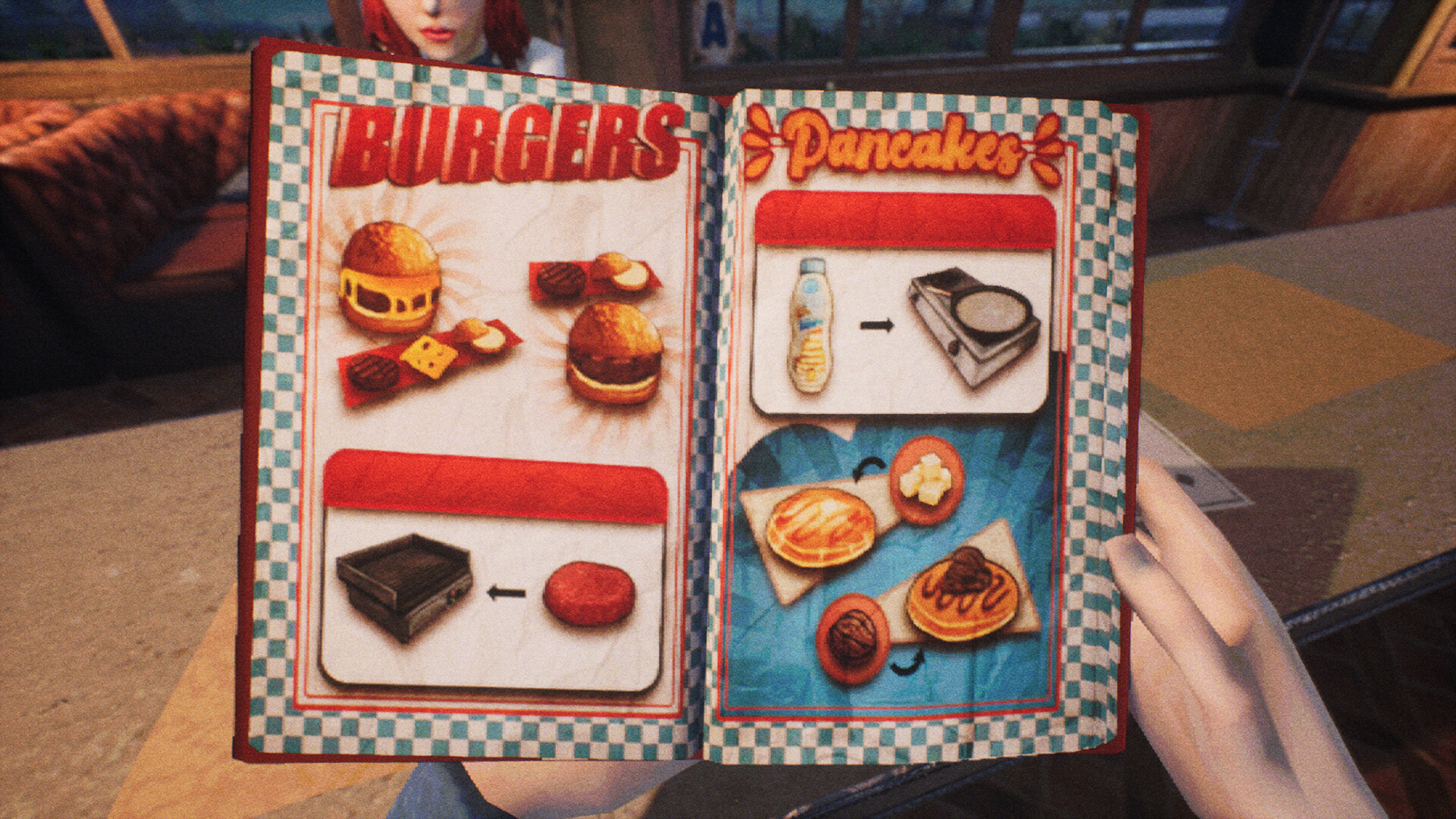
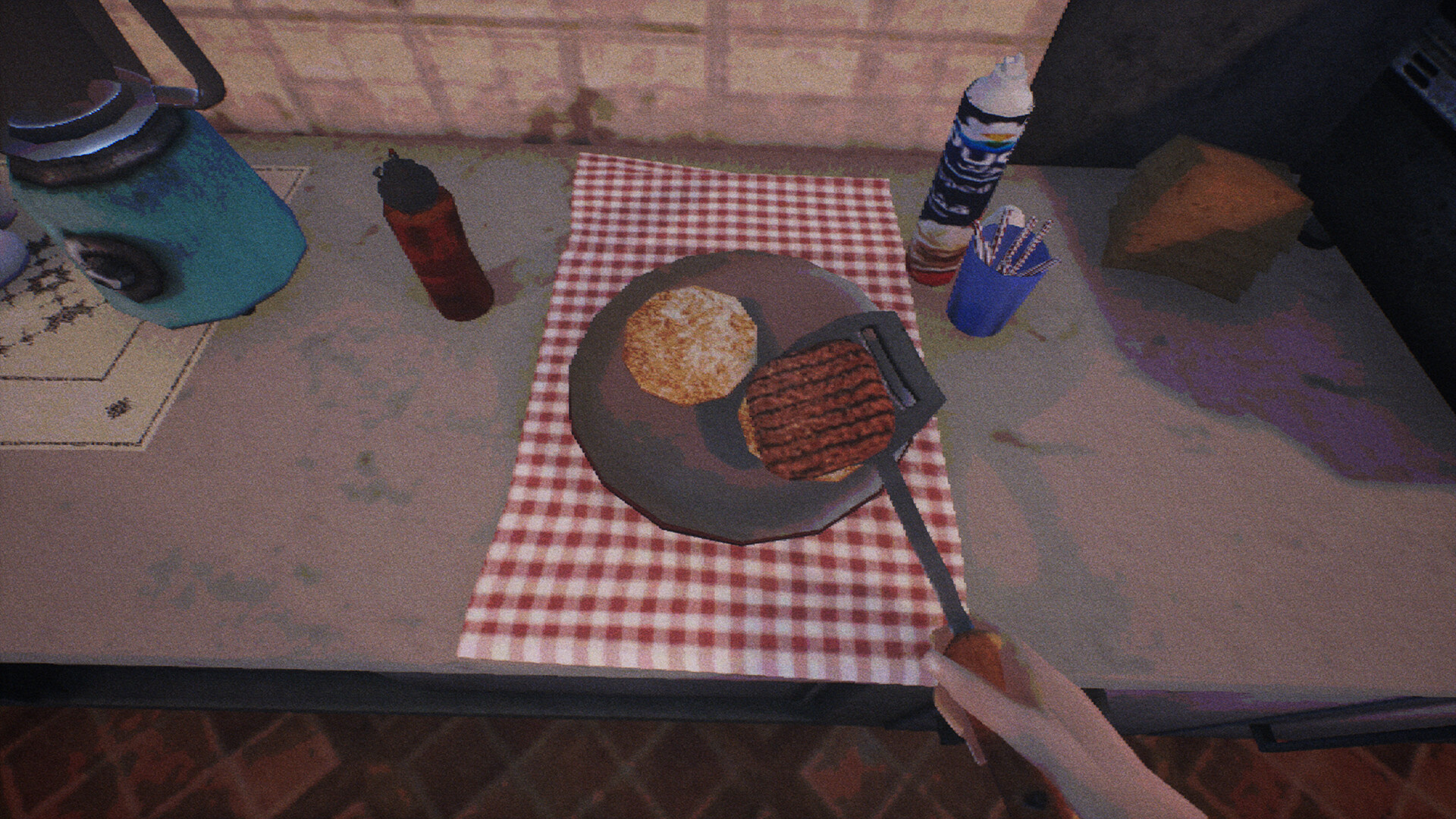
Your story with Alex is eventually told, and I can’t really give any other details about the story, as it could spoil it. There is a mystery between the two and the diner itself. There are many first-person interactions with the people, but mostly on the sim side. Each person can order something off of the menu. The menu is accessible with a button that gives instructions on what items go with each order. Once you place a ticket down on the table, you can go about your business. It’s not very complicated, but the animations are detailed, and overhearing the chatter in the back as the story goes on is great. You can grab milk and ice cream to make a milkshake. Put everything in a blender, grab a glass, and prepare it for the customer. Some food dishes require placing a plate in the prepping area, such as hamburgers. Make sure you look at the ticket icon and see whether they want cheese or not. You can grill, make pancakes, give whiskey shots and coffee, and clean and put away the dishes. That includes putting back ingredients like milk and frozen french fries. This isn’t very deep, and only during a few moments will you have many orders, but there’s no rush. There is no time limit on the game.
You will eventually prepare every type of item by the end of the game, but that’s okay. There’s just enough here for the 2- to 3-hour story, and by then I felt like if I had to prepare more, it would become tedious. There are a few other mini-games such as shooting with a gun during a couple of segments and painting a room, but they don’t overstay their welcome and are relevant to the story. I did find one particular area in the game that really drove me nuts. You need to navigate a labyrinthine cave at a snail’s pace, and it took me nearly 30 minutes to find my way out. The story could have greatly benefited from reducing or eliminating this part of the game.
The visuals are great. Despite the PS1 style, the character models surpass the system’s capabilities in detail. The game is always dark, and you always wonder what’s just outside the window. The bizarre storm that’s the centerpiece of the story made me curious. The entire game made me curious, and I wanted it to go on further. The writing is so well done, as is the voice acting and characters. I was eager to delve deeper into these characters’ lives, yet what’s presented here fulfills its intended purpose and accomplishes the task. Both the resolution and each character’s conclusions are satisfying. It is very difficult to have such a good story for this short of a game.
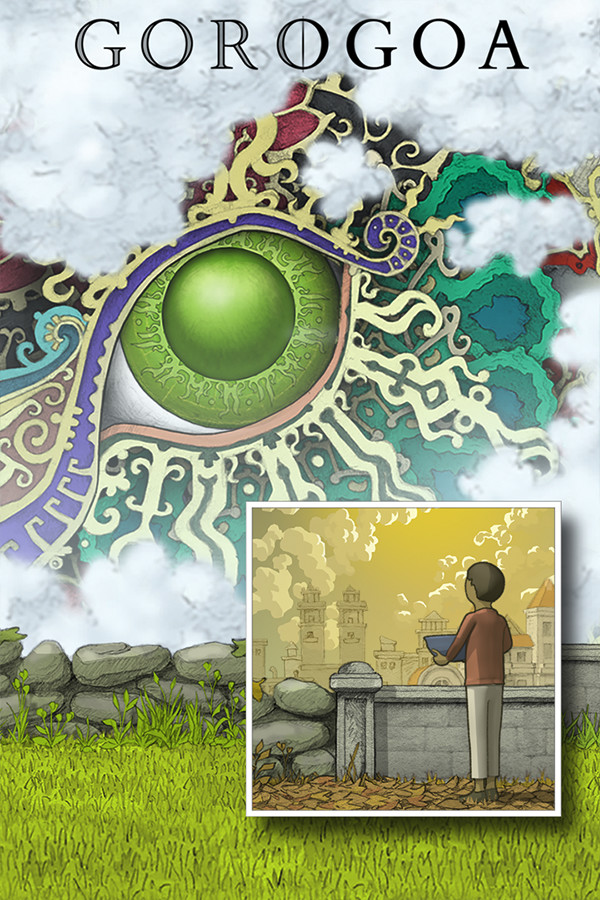
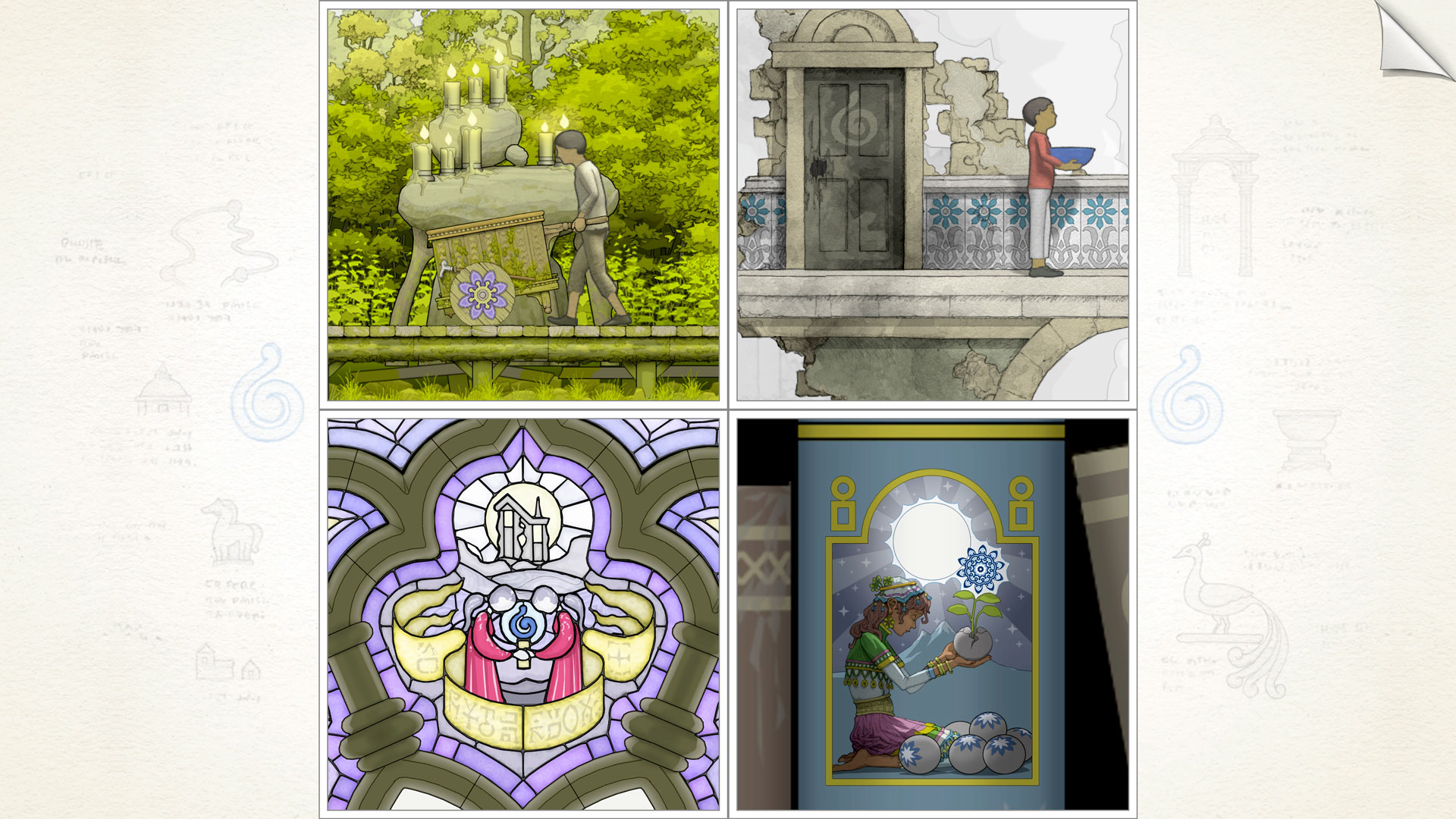
Gorogoa is a puzzle game I have avoided for years. All for two reasons: It’s incredibly short, and I thought the game would be so abstract that it would be extremely obtuse and difficult to play. I was mistaken, indeed. Gorogoa only takes 90 minutes to 2 hours to complete depending on how stumped you get. The first two chapters of the game ease you into the concept of the entire thing. The story primarily involves following a boy during wartime as he collects different colored fruit to complete an artistic masterpiece. At least that was my interpretation of the story. There isn’t a single piece of written dialogue in the game, so you must use your imagination to get the story across.
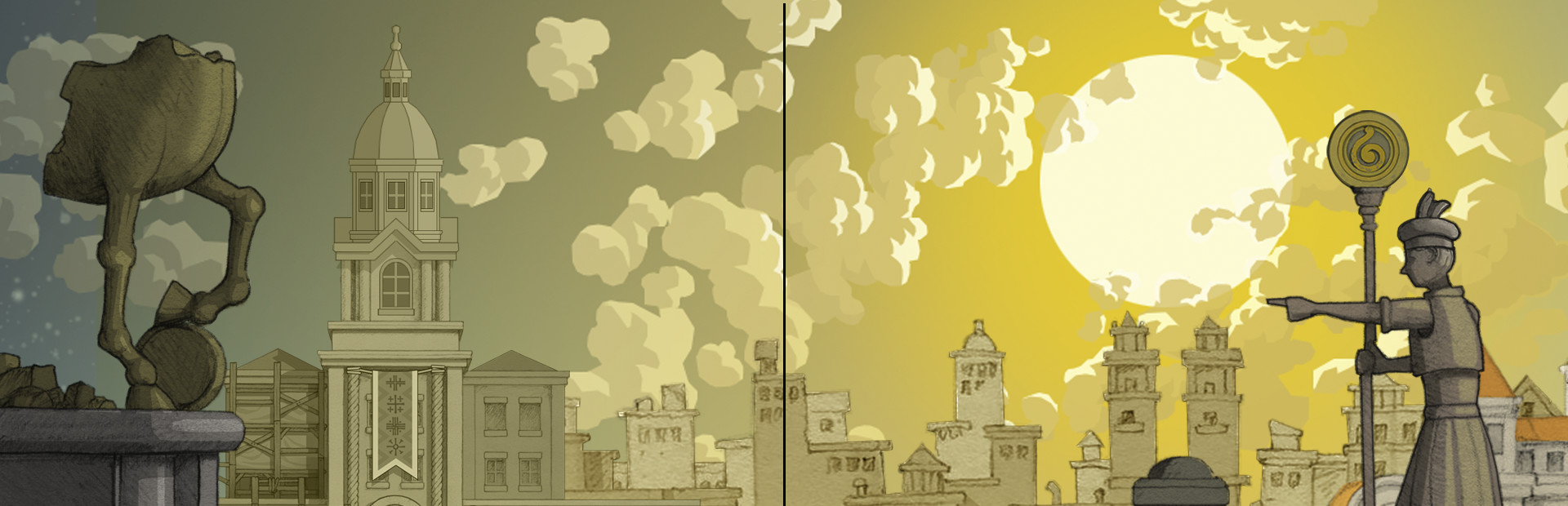
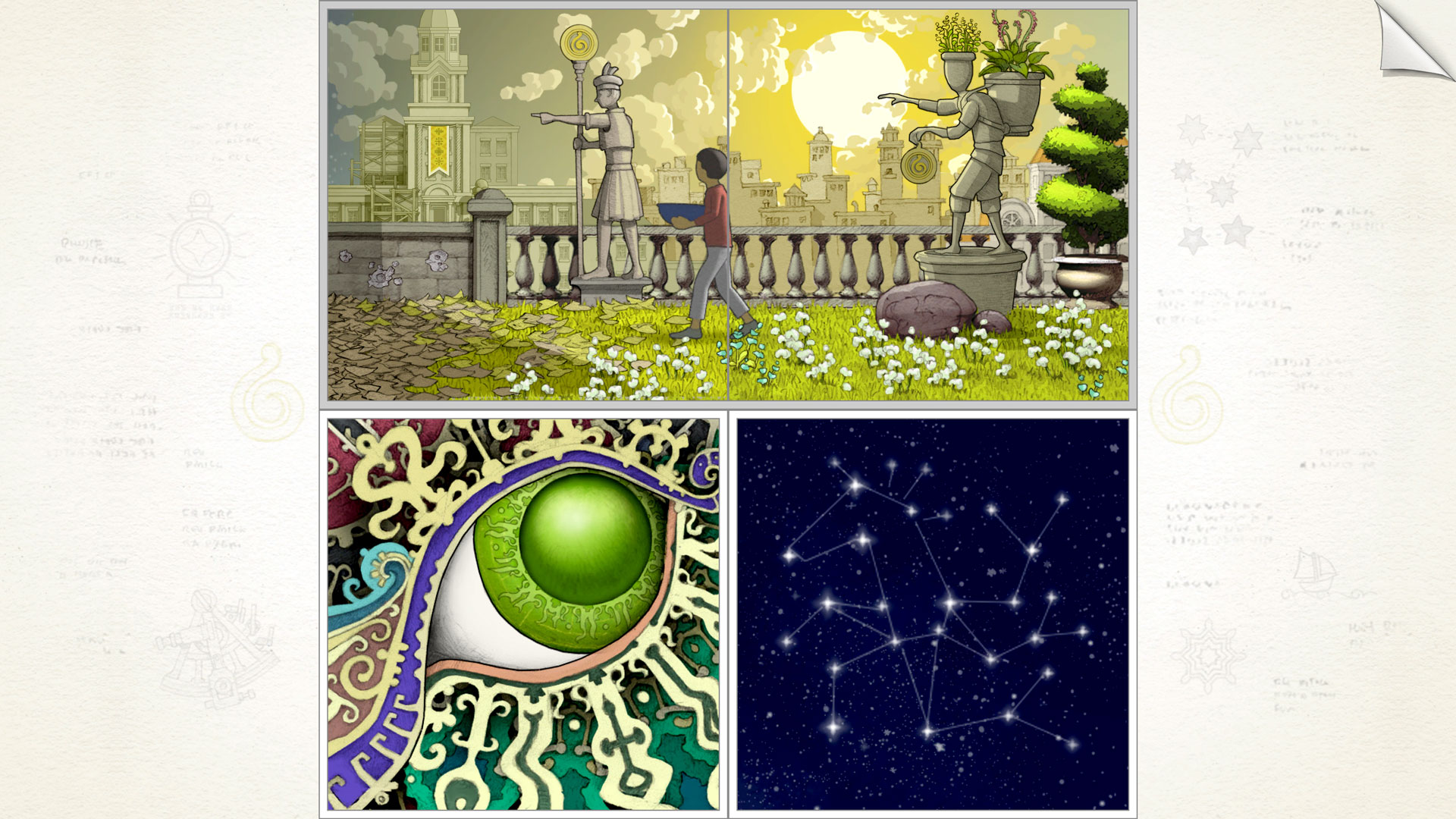
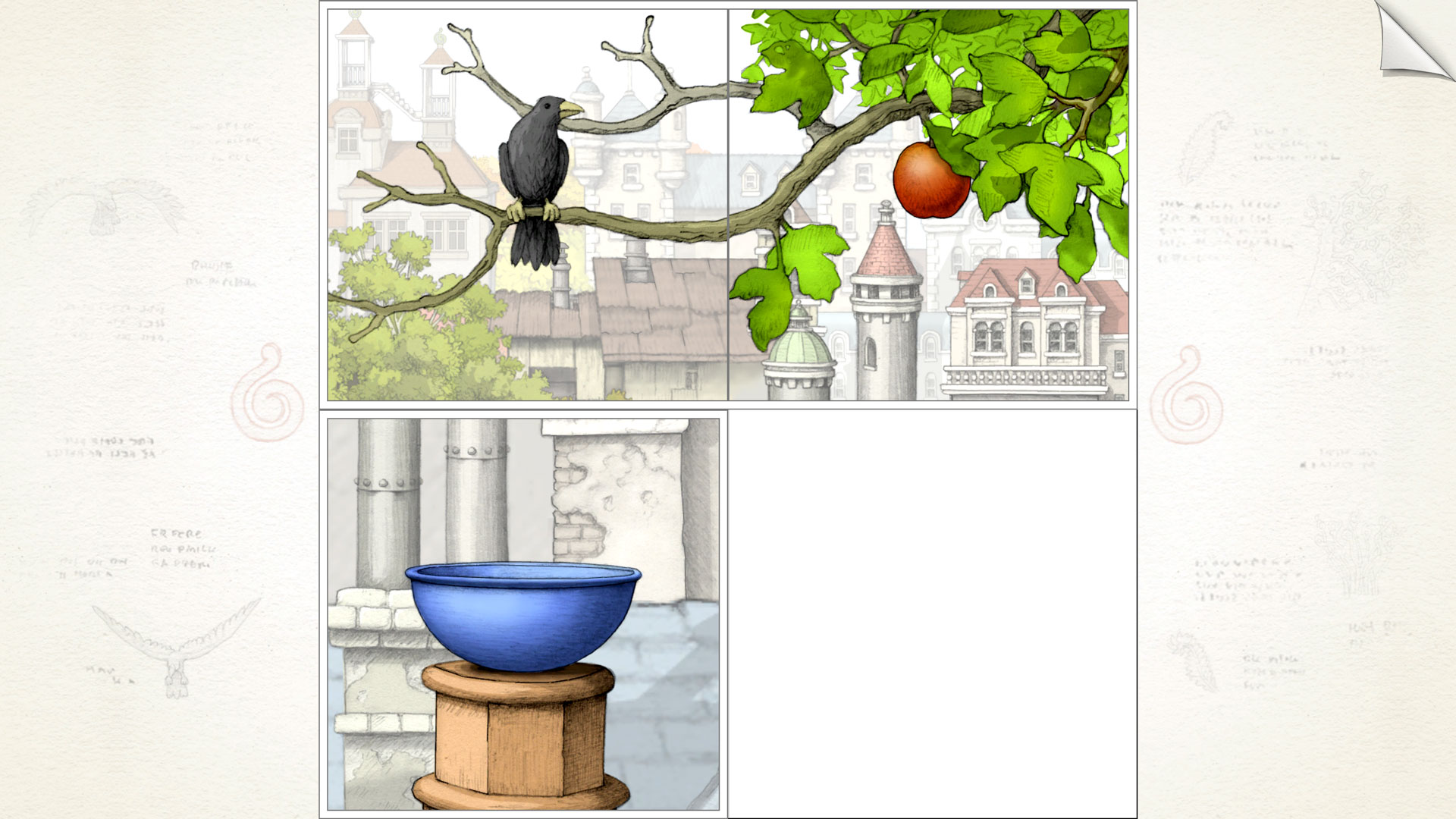
You have four tiles you can move pieces around on. Each tile is a moving picture. An hourglass icon will appear when an animation is playing, indicating that you cannot interact until the animation concludes. You can then click the tile, and blue flashes will appear over the part you can interact with. You can then zoom into the area, and occasionally you can zoom in multiple times, altering the perspective of the tile. Many times you need to find a “frame” to pull out of the tile and put to the side. Usually, another tile lies beneath this frame, requiring you to zoom out to reveal another puzzle piece. Occasionally you can pull multiple “frames” from the same tile and then zoom out and around on the frames as well. This procedure seems confusing in writing, but in practice it works really well. This reminds me of games such as echochrome, which challenge your perspective and encourage unconventional thinking.
Some puzzles will require you to move the boy from one frame to another. You can usually guess which one by matching the surroundings around the boy as he walks down a staircase. A doorframe might be the “frame” you pulled, and you need to zoom in and out of the frame the boy is in to figure out where to put the doorframes so he can continue towards the fruit. There are some puzzles in which you need to have an object interact with multiple frames, such as a box of rocks needing to be turned into a giant boulder to break glass. Perspective comes into play when matching tiles to determine which way the boulder should go. In chapters four and five the scenario gets more complicated with the need to rotate tiles, and you have several areas you can zoom in and out of in a single frame.
You get a lot of Eureka! moments if you just zoom around and fiddle around a bit. A couple of times, I understood the concept or knew the goal, but reaching it was challenging. I won’t blame the game for this, as it could just be my thinking, as these puzzles are very well designed and extremely clever in using perspective. I couldn’t find much to really nitpick at apart from the rotation animations need to fully play out before you can zoom in and out. I wish there was a skip animation button to expedite the tile rotations, enabling me to solve the puzzle before losing my focus. I found that the music stopped a little too frequently, and while it was good, I don’t quite understand why this was the case.
The artwork is fantastic, and the game is one of those games that feels like interactive art. The colors really pop on OLED displays, and I was surprised at how well this game scaled from a small screen to an ultrawide monitor. While the playspace is just a 4:3 box for the four tiles, the space around it has been scaled out to accommodate the empty screen space. The space it utilized resembled a sheet of paper. I was also surprised at how well the controls worked, from a touch screen to a touchpad to a mouse. However, this is a game that will not work with traditional controllers. There’s too much sliding around the tiles, and this would get frustrating quickly.
As it stands, Gorogoa is a gorgeous and clever puzzle game with lovely ambient music and enough puzzles to really make you think; however, basic logic will give you that Eureka moment and give you just enough of a serotonin hit to keep going. Though the game ends too quickly, it’s a great work of art that puzzle fans should play.
It’s time to move on. I have used “gamer” or gaming keyboards since I started PC gaming back in 2009. Once I had adult money, I could buy the keyboards I wanted. I have had quite a few over time, and there was always something off about them. They either feature a gimmick that causes their price to be a “premium” price or they lack something somewhere. My last gaming keyboard was a Logitech G915, which I’m thrilled with; however, I don’t quite like the keys too much despite how clicky they are. My last-ditch effort was trying the latest offerings from Razer and SteelSeries, but I’m at a point in which RGB just isn’t a priority for keyboards anymore. I’m a touch typist; I always have been. I learned to type in the 3rd grade in computer class. I rarely look down at my keyboard unless I’m using a key I seldom use. My first custom keyboard was the 8bitdo NES keyboard, and I added my own switches and did a tape mod. That was my gateway keyboard for custom keyboards. The pre-manufactured gaming keyboards just lack any kind of personality or customization, even the newest keyboards that allow switch swapping.
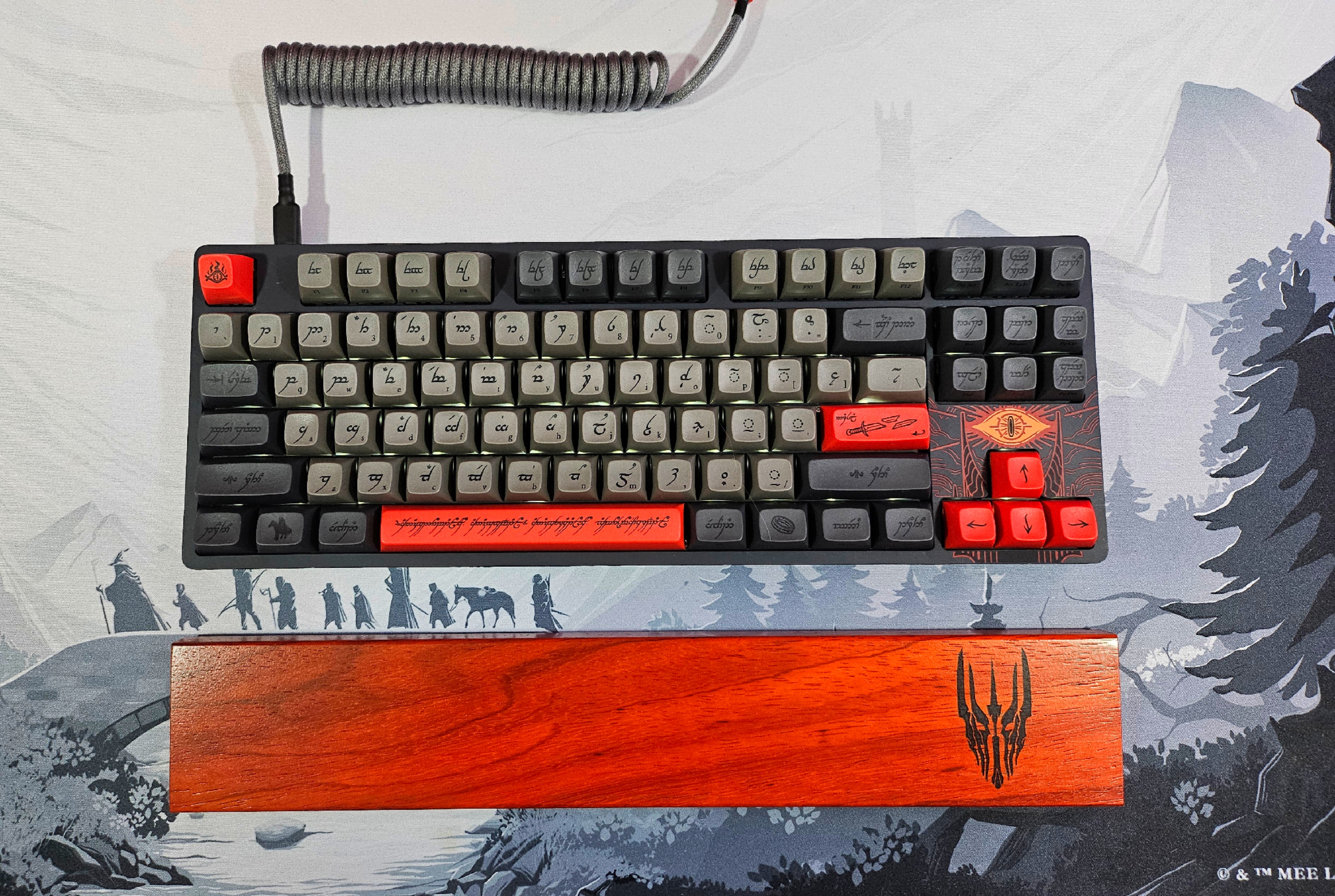
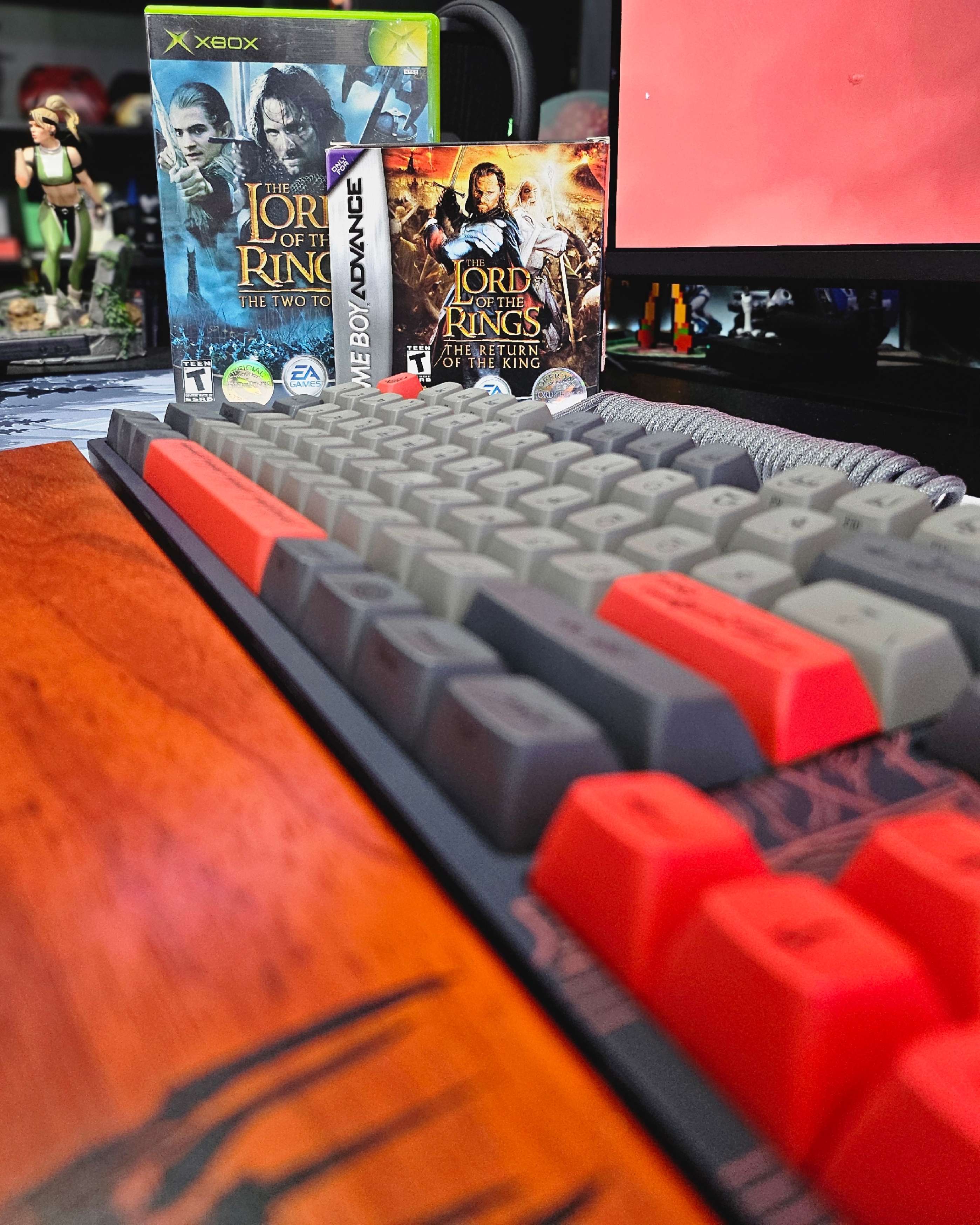
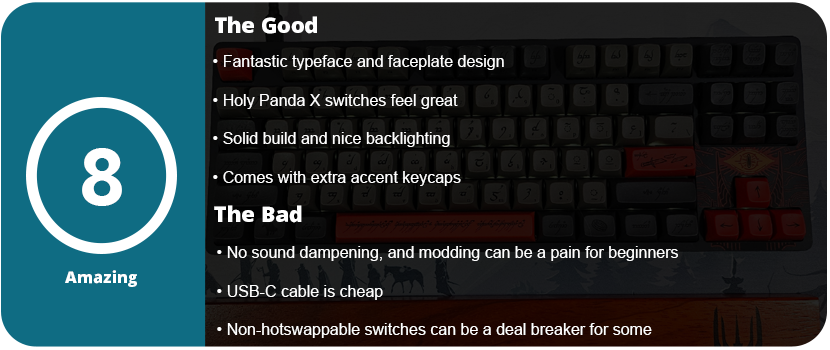
I love The Lord of the Rings. I loved the books as a teenager and was enamored by the movies growing up as a kid. When I saw this collaboration, I felt it was time to switch over to custom keyboards. While the ENTR housing is Drop’s entry-level non-hot swappable switch entry, you can still tell there was effort and quality put into the keyboard. If this is your first keyboard, the loud ping won’t bother you, as there is no pre-installed foam. I had to personally open the keyboard up myself and do a tape mod at the bottom of the bottom plate to reduce the loud ping. Although the switch stabilizers come pre-lubed, the quality of the lube is not optimal. I had to purchase my own and squeeze some down, but overall the stabilizers weren’t squeaky and felt good. Disassembling the keyboard presents a significant challenge. After removing all the caps, I had to undo 16 Torx screws, and the plastic faceplate required further removal. You need a guitar pick to loosen the edges and have to wiggle the center clips loose. Regrettably, the soldered nature of all the switches makes swapping them a laborious task. You’re better off just taking these caps and putting them on another keyboard, but this is an entry-level keyboard. It’s for beginners.
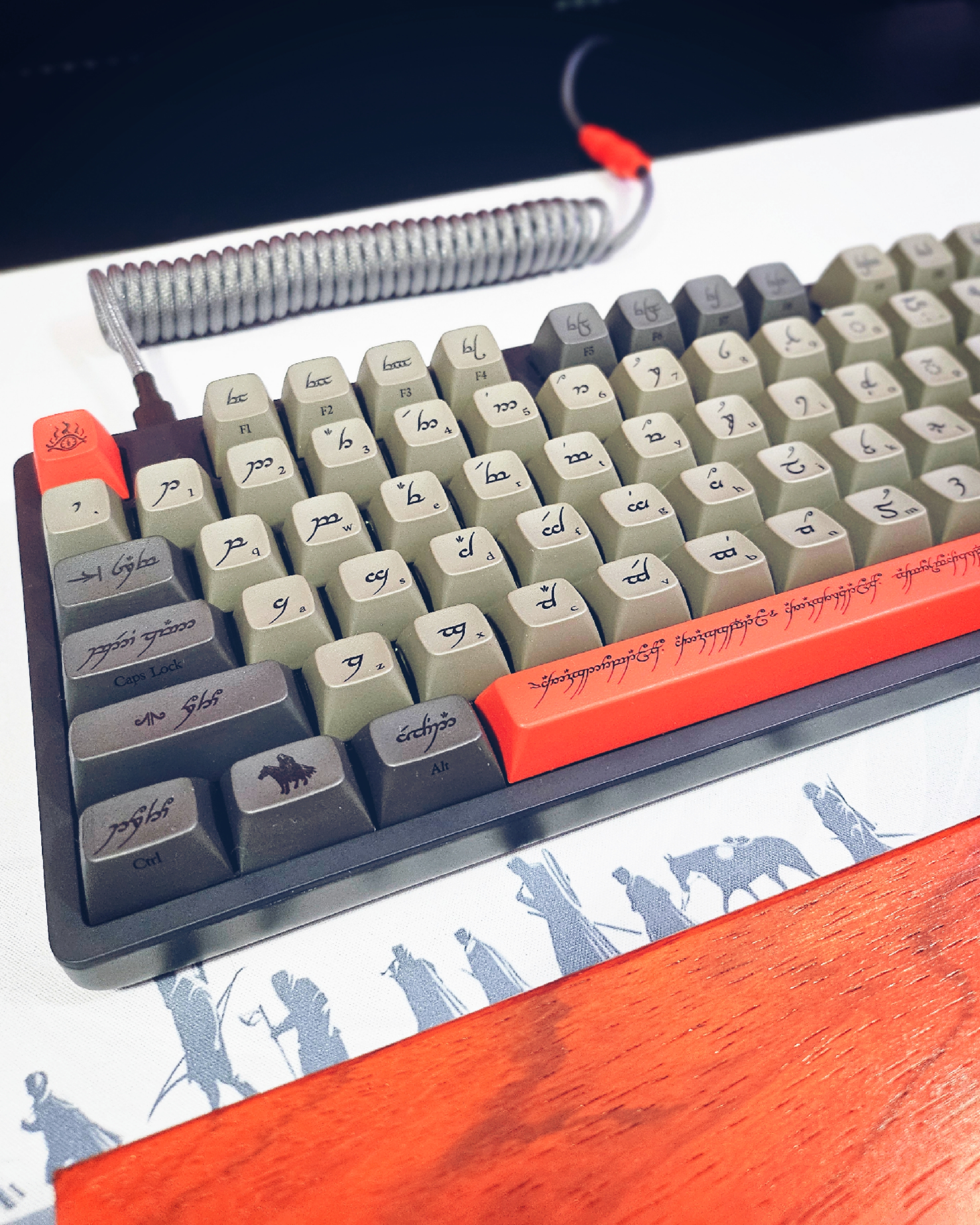
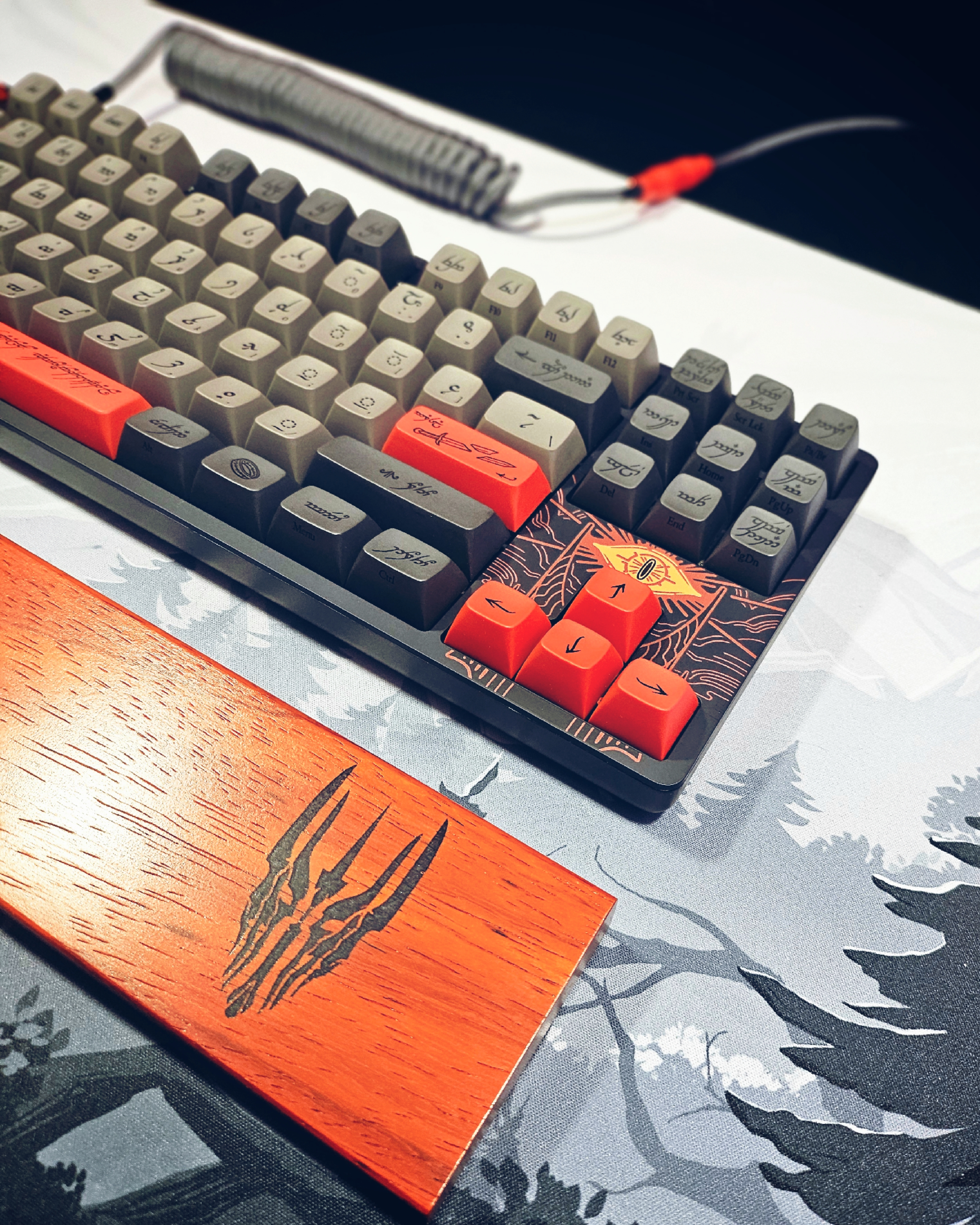
The keyboard’s backlighting surprised me. It does not advertise this anywhere on the box. These LEDs face north and have an off-white color. You can adjust the light or turn it off, making it visually pleasing. I found the Holy Panda X switches pretty satisfying. The keyboard profile is Cherry MX, and I found the keycaps to have quite a pleasing “bowl” shape, feeling them as my fingers were able to be pretty recessed in each key. Sadly, I do have to knock the keyboard down a bit for the loud pinging and no sound dampening. For $200, it should have had this pre-installed. I also found the standard USB-C cable to be pretty lame. The matching YC8 cable would have been nice, as it was available on the website. There is also a matching wooden wrist rest, which I picked up. I sincerely wish they had included this, considering the rest costs only $40. An entire full set would have been great. They also have the artisan keycaps matching each version of the LOTR set.
As for the way the keyboard looks, it’s gorgeous. The Black Speech symbols and typeface on the keys with the English version in small print on the bottom right side of the cap just look outstanding. The keyboard comes with optional accent caps that are red, ; unless you want an all-grey keyboard, these are a must. The addition of Sauron’s Eye to the faceplate near the arrow keys is a delightful touch. I matched this with a desk mat that complemented it, and the result is a sleek and elegant appearance. Drop did an amazing job with this keyboard in both the color scheme and the design of the caps themselves.
For the price, I would have at least expected sound dampening and a better USB cable. The keyboard is also not wireless, so don’t expect that. I did love the weight and feel of this keyboard. It’s not large and oversized like many “gaming” keyboards that are TKL. The bottom of the keyboard features a flip-out stand that allows it to be raised slightly at the back. I would have liked a two-step stand, as it may be too high for some. However, the gorgeous design of the keycaps and faceplate are just phenomenal and if you are a big LOTR fan than you can’t go wrong with this keyboard.
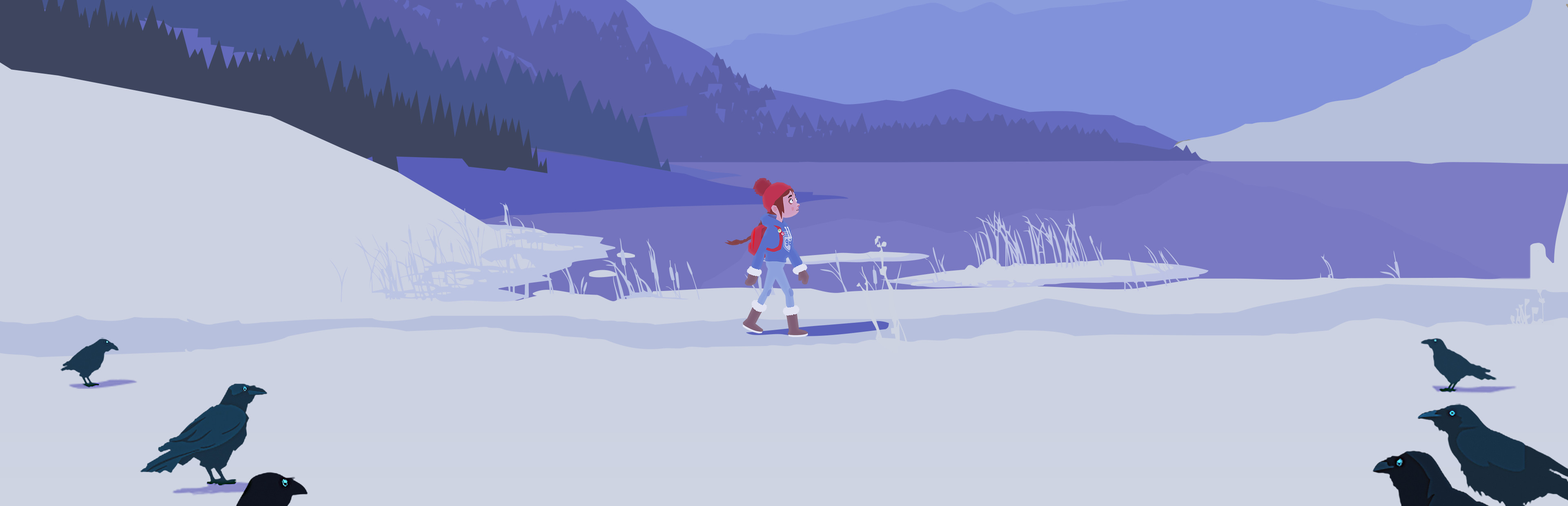
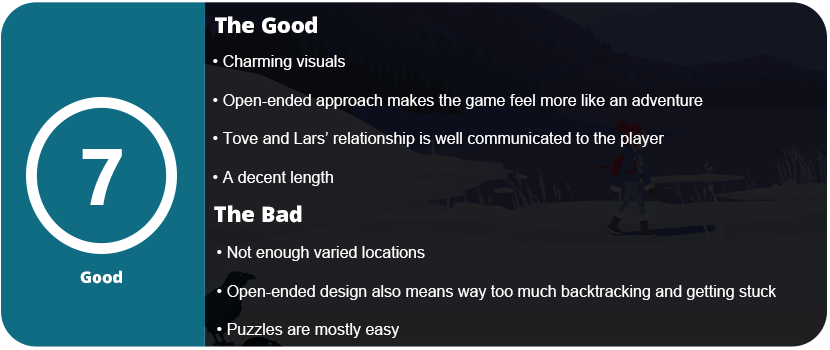
Do you remember the days you were a kid and went on adventures outside? The days you would be outside from dusk to dawn playing too far away from home and weren’t quite sure you’d find your way back, but kept going anyways? That’s the feeling of adventure you get from Röki. The game is much longer than most point-and-click adventures, taking around 8 hours to complete. This allows for a better and deeper story to unfold. While the overarching story isn’t anything super special, the relationship between Tove (the girl) and Lars (her little brother) and their father is rather deep, and you can feel the tight relationship and love this family has.
The game is a more open adventure title. Rather than being completely linear, you can fast-travel between several areas to find objects and solve riddles. The game’s openness necessitates the ability to press the left stick for interactive objects to flash. Just like any adventure title, you need to find objects to advance the story, and due to the openness, some puzzles might take a couple of hours before you eventually get all the parts to solve them. This also leads to the most frustrating thing about the game. If you miss an item for a puzzle, you have to figure out where it is. As the game opens up, this can lead to tedious backtracking and flashing all the objects on the screen and running around until you figure out what you missed. Frequently, this occurred due to the game’s lack of clear instructions or tracking features. The journal is rather useless and holds a map and various optional items you can pick up as collectibles.
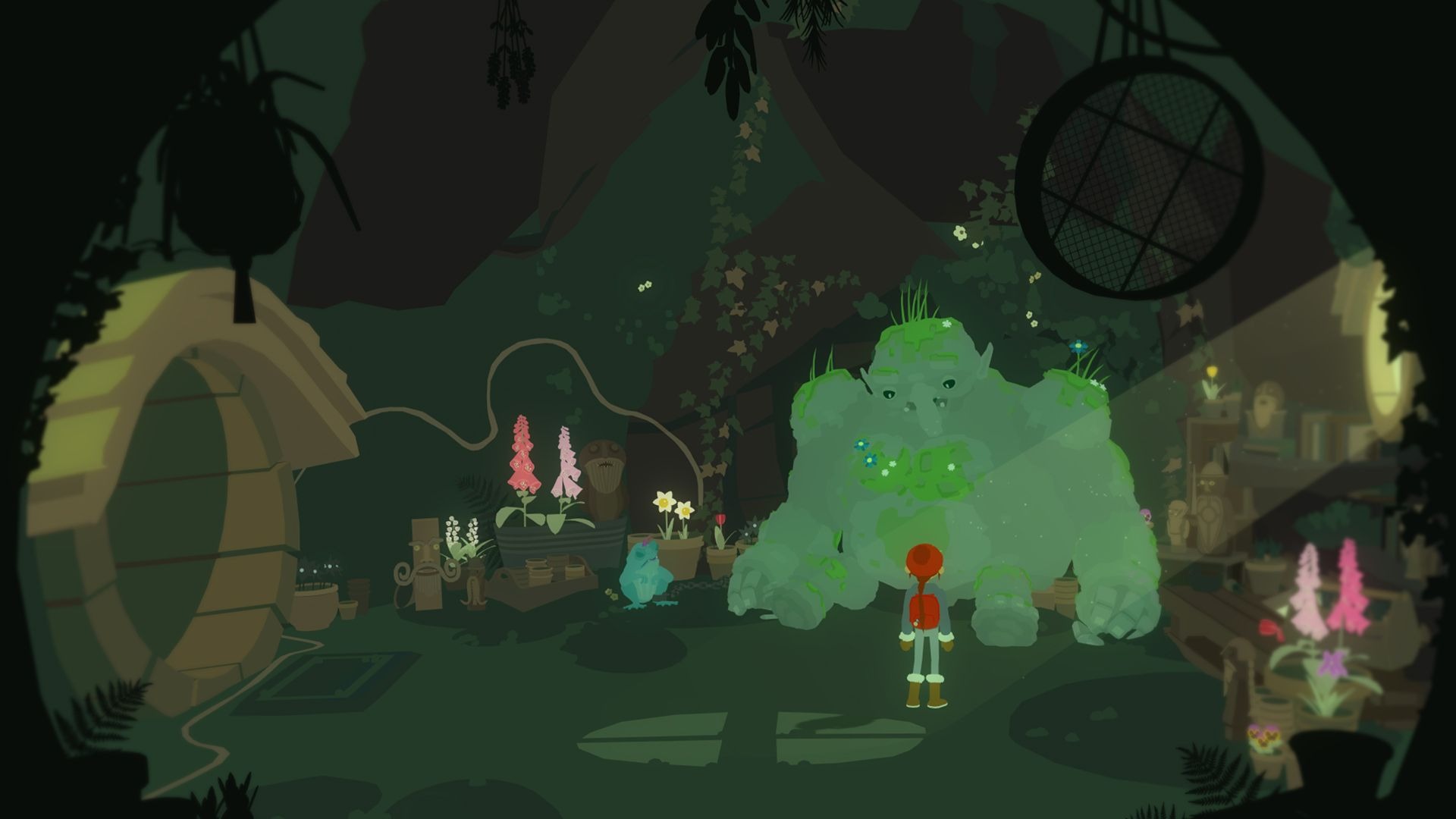
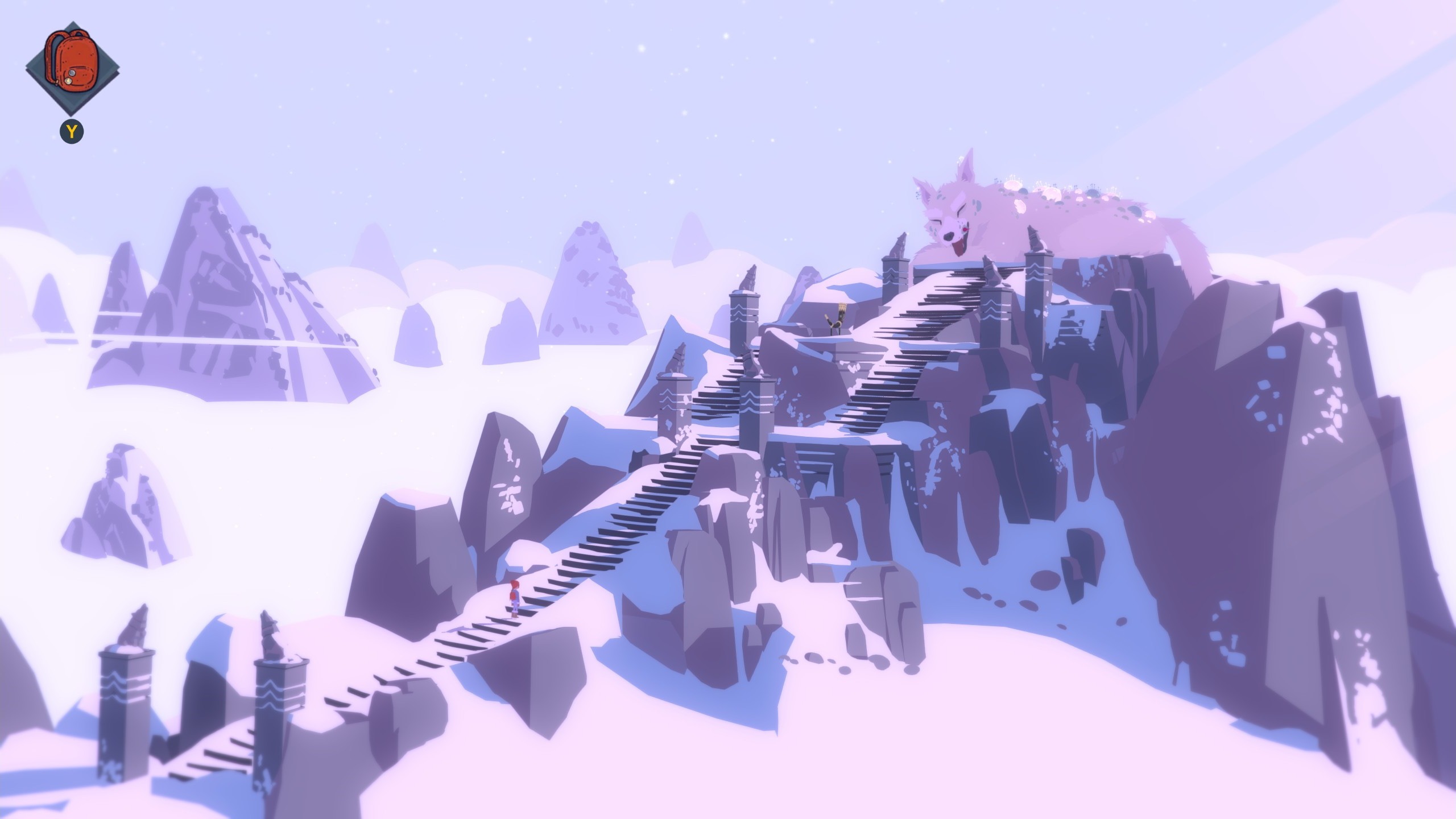
Tove can run by holding down a button, and she can interact with objects. Outside of this, there isn’t much to the controls. She can climb walls and ladders, but you’re mostly just interacting with things. I found some of the puzzles quite fun, intuitive, and clever. The game experiments with ideas such as controlling two characters (swapping) and using a couple of different objects to complete puzzles and unlock new areas. There are giant beasts that need to be defeated and tamed. The game is based around Norse mythology, so you will encounter many beasts from this lore.
Despite the game’s lack of voice-acting, the writing conveys the characters’ emotions. Every so often the game will cut to a long scene and then give you control back. There aren’t many cutscenes in the game, but despite the length, the game never felt tedious or boring. I wish there was less need for backtracking. Sure, fast travel is helpful, but you still have to run towards an area, climb, or enter it, and some parts of the game can be really tedious to get to. You can’t skip climbing segments. Climbing dominates some later puzzle areas, leading to frustration. I spent more time waiting for animations to finish than actually solving the puzzle.
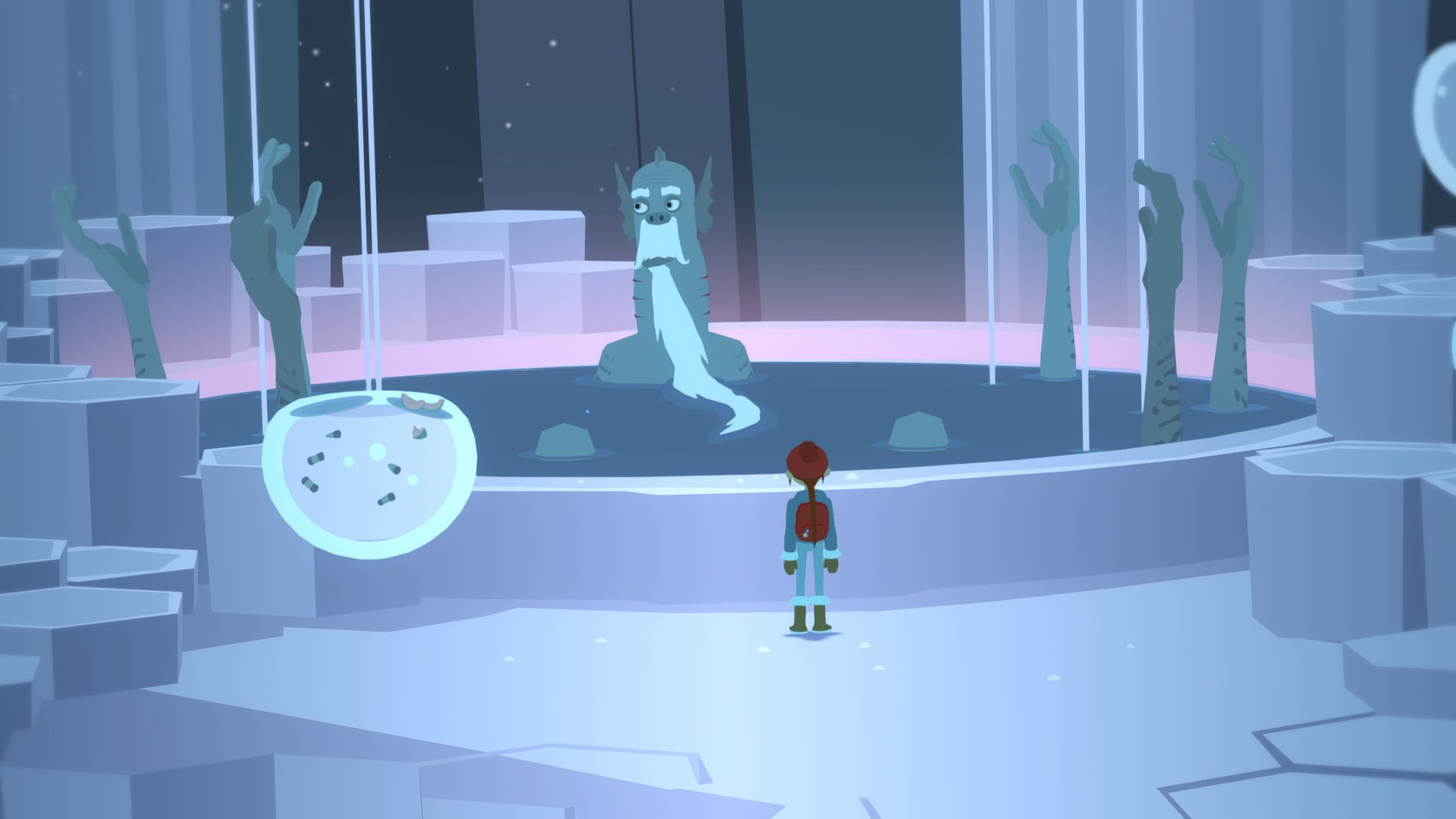
The visuals are really nice, but this visual style is something we are seeing a lot of, and I don’t find it the most appealing. The use of paper cut-out/flat texture with solid colors is a common visual style. It works, but I would like to see something more original. The music creates a captivating atmosphere, and certain tracks evoke strong emotions during specific scenes. I found the whimsy of the beasts and monsters to be really charming, and this is where the art style worked the best. The game has a lot of whites and grays (stones) due to the entire thing being set in the winter. There’s not much variation in environments.
Overall, Röki is a surprisingly lengthy but well-built adventure title. There are a lot of puzzles and rooms, and the pacing is great. I didn’t really want to put the game down…until something tedious came up, like missing a single object for a puzzle, and I had to spend 20–30 minutes hunting it down. This happened far too frequently. This phenomenon occurred at least once with each major puzzle. If you love Norse mythology or just want a touching story about family, then this is for you.
This keyboard features an additional OLED screen. There’s also a premium price tag for this as well as less customizability. I have never owned any SteelSeries products outside of an RGB mouse mat years ago. The packaging was decent, nothing special, and it came with a keycap puller, a USB-C cable, and a USB-C dongle, which was nice. The keyboard also works with Bluetooth, but the software has limitations in this mode. Once I got the keyboard out and the palm rest, I was surprised at how comfortable it was to type on. The biggest gimmick is the screen and their Omnipoint actuation adjustability to change the sensitivity of key presses. No, this isn’t like a DualSense controller in which your key switches get “harder,” but they just become more or less sensitive and register with a stronger keypress or light press. It’s a neat feature, but mostly unnecessary.
The Omnipoint 3.0 switches felt good to type on, and the foam mod at the bottom of the PCB prevents any ping. I did think the switches lacked a more tactile feel than I’d like, but that’s personal preference. The keyboard itself is unremarkable looks-wise. This keyboard appears to be a standard black “gamer” keyboard, complete with RGB illumination. The black and white two-line OLED display is the only feature that will draw your attention. The display is rather primitive for being OLED and honestly doesn’t do much. Outside of showing your actuation meter, PC temp, GIF animations, and a few app integrations like Tidal (not official Spotify support), there’s not much here. I had the most fun with the GIF animations, but the limited display can’t show anything with detail. You need very chunky 8- or 16-bit graphics for anything to show up well. There isn’t a dedicated repository for GIF animations, with the exception of an Imgur album containing approximately 60 animations that someone has created. Any other support requires using their GameSense SDK, which no one has really made anything for. One individual has created a GameSense Essentials app on GitHub, which merely displays Spotify artist and song information along with a clock. The lack of support is really sad.
I did like the power-saving features, such as the OLED and lights turning off after a certain amount of idle time. However, even with this, the battery went down to 50% in just a few hours of use. You’re lucky if you will get 8-10 hours before the battery dies. This was achieved while using the wireless mode, not Bluetooth. Sadly, the SteelSeries Engine app works fine but isn’t as flashy or robust as Logitech or Razer’s offerings, but at least it works. I found making macros and changing the settings of the actuation rather cumbersome due to flipping through so many screens. The OLED screen options are pitiful, and even just navigating the screen is a chore. There’s a tiny scroll wheel and a button. With the limited app support, this screen doesn’t offer much beyond being there just for the sake of it.
Sadly, this keyboard doesn’t support hot-swappable switches. They are soldered on and only support the Omnipoint switches thanks to the actuation and Rapid Trigger gimmick. This also supports only a select few keys. If you need different actuation on switches, you are better off just buying a custom keyboard with the switches you really want in them. Relying on software drive actuation just isn’t the same. It can come off as just unresponsive to some people. I honestly didn’t notice much of a difference outside of the hardest of key presses. There’s not much play in between. Adjusting individual key actuation is useful for WASD keys or harder keys. There is also a feature to prevent nearby keys from being accidentally pressed.
Overall, an underutilized OLED screen and gimmicky, non-replaceable switches contribute to the keyboard’s premium top-tier price. The keyboard’s overall design is a classic black “gamer” keyboard featuring RGB lighting. The software is decent and usable, but the actuation force and rapid triggers feel like gimmicks outside of specific use cases. The keys feel nice, and the sound is dampened, and the palm rest is nice, but overall, you’re better off spending the $270 on a custom keyboard.
I took a long break from Razer products for a while. Razer’s quality has gone downhill over the years, and not to mention, their Synapse software has become bloated, buggy, and just plain awful. I only ever owned three Razer mice, and one was my first ever gaming mouse back in 2009. That mouse in question was the original Naga MMO. I also had the Razer Mamba 2012 and Ouroboros. They all had issues with the laser causing drift, the material wore down fast, and the Teflon feet became uneven in less than a year. I never went with a Razer mouse again. I then tried a headset, Man O’ War (awful after a few weeks), a keyboard, Blackwidow Chroma V2 (not too bad), and I was just never pleased with them. There’s something always off about Razer that just feels icky. If the product works fine out of the box, then the software has issues. If you don’t have software issues, you might have issues with the hardware somewhere down the road. Razer simply manufactures subpar products under the “Gamer” label and then moves on. For the insane premium price they charge, I would expect better.
To wit, I thought I’d give them another shot. At this point, I have mostly moved on from gaming keyboards, as I’m beginning to value key switch feel over aesthetics and RGB. Razer’s RGB is rather decent, and all of their products work with SignalRGB, which is a third-party RGB software I use to control everything. If SRGB doesn’t support it, I won’t use it. The OLED panel on the keyboard was very intriguing; however, I hesitate whenever gaming-branded keyboards have a gimmick. The last keybord I had with a massive gimmick was the Mad Catz Strike 5 keyboard. They are usually mostly useless or are never really supported by anyone or the community. I was also interested in the modularity of this keyboard. More mainstream gaming keyboard companies are trying to embrace the modding community, but it’s a hard community to win over. A lot of these keyboards just don’t have any personality or soul. They don’t feel unique or are too gaudy for the custom keyboard community.
As always, Razer has premium packaging; I can’t fault them there. The keyboard itself has an aluminum body and feels solid and sturdy. It feels great to type on. The switches have a nice tactility, and the foam mod inside the keyboard reduces pinging and enhances the tactile feel of the keys. The Razer Orange Tactile Mechanical Switch Gen 3s aren’t bad. You can swap the switches out for any 3 or 5 pin switches, which is really nice, but with the RGB lighting, you are limited to the type of keycaps you can use. “Backlit” or “Shine-Through” caps are not very popular. You can disassemble and mod the keyboard, but the only benefit is the Razer branding and OLED screen. If you want to take a keyboard apart and mod it, you might as well get a better moddable keyboard for a third or half the price.
The palm rest is comfortable and plush, and it is magnetic so it won’t slide around on your desk; however, I know this material will wear over time. I’d rather have a harder rubber material instead of the plush. Over time it will fade, discolor from the acid in the oil from your skin, and eventually start tearing and becoming thin. Overall, the design of the keyboard is rather standard and unordinary. It has an all-black finish with black keycaps that looks rather standard. The entire keyboard is nothing special to look at. The OLED screen will catch most people’s eyes. I couldn’t find any specs or resolution on the OLED display, but it is black and white, not color, and has minimal customization and features. What probably accounts for at least $100 of the price tag is, at best, a simple gimmick.
The OLED screen is controlled with a wheel on the side of the keyboard next to the screen that also clicks in. There is also another button below this. You can change the “screensaver” animation and swap between “apps” such as volume control, media control, system info (such as CPU and GPU temperature), keyboard info, and an audio visualizer. This isn’t very impressive given the technology we have today, and it’s an OLED screen. You’re stuck with everything Razer branded. The animation and text banners are generic and all Razer logos. GIF animations can be uploaded to the keyboard, but resolution and size limit them. The keyboard saves only 150 frames. This was the coolest part of the screen, as switching between apps like media controls and the volume got annoying. It’s faster just to use dedicated keys for that. I also could not get the keyboard to read my system info. Overall, the OLED screen is a disappointing gimmick with no support from Razer and no way to customize anything outside of a scrolling text banner and GIF animations. There’s also the battery-eating part. With the OLED screen just on 50% brightness, the keyboard’s battery didn’t last a day. I also had issues with the OLED screen syncing and working on any wireless mode. Synapse would stop syncing things and it would crash. The transfer rate is also really slow for uploading GIFs and most of the time it would time out before an upload would finish.
My biggest issue with this keyboard isn’t the overall lack of impressive features that are already present in custom keyboards. Razer claims to have invented revolutionary features. The damn thing just doesn’t work. It works best in wired mode, but Synapse 4 is an awful piece of software. This keyboard is not compatible with the more stable Synapse 3 software. The keyboard also worked fine in Bluetooth mode, but SignalRGB does not work over Bluetooth due to the bandwidth limitations, and many Synapse features are not available in Bluetooth mode. I wanted to use the keyboard in wireless mode with the 4K Hyperpolling dongle. It never worked. It would continuously disconnect every 2–3 minutes. I spent 4 hours troubleshooting this. I tried reinstalling the Synapse software, deleting all devices in device manager, different USB ports, a USB hub, USB 2.0 and 3.0, front and rear USB ports, a different computer, and updating the dongle and keyboard firmware. If you think of it, I tried it. I also don’t understand how Razer can’t just give us a normal USB dongle. You need to attach a USB cable to this device, which then dangles and flops around on the desk or behind your PC. 8000 Hz polling is also a placebo effect. No one can type that fast or needs that kind of responsiveness. Most people are fine with 1000 Hz polling. 4K is even unnecessary.
This absolute garbage driver issue caused me to return the keyboard, and the fact that this expensive OLED screen is a mere gimmick with no third-party support or seemingly any support from Razer, for that matter. Synapse 4 is also an unwieldy, bloated piece of software trying to advertise so many other Razer software apps that it has acquired. I just cannot believe that the most expensive keyboard I have ever purchased is this bad. Razer really needs to overhaul their product line, fix their software issues, and stop offering gimmicks that most people won’t care about. Sure, you can set macros on the OLED screen and keyboard, but they are unwieldy, and using keyboard commands is much faster than flicking through a screen. Additionally, the keyboard lacks color and rapidly drains the battery. Overall, just stick with whatever keyboard you currently have, as I’m sure it works much better than this overpriced monstrosity.
The quality of minimalist games varies greatly. Games like Gris, Planet Lana, Inside, Little Nightmares, etc. are sidescrolling titles that have a focus on one or two things. Visuals alone typically tell the story, which can be challenging to master. Neva seems to nail the story, which is rare for these types of games. The only voice acting in the game is Alba, your character, who grunts and calls out Neva’s name. Neva, a dog or wolf god, is fighting back against a blight that has swept the land. Everything has been overtaken by black goo disguised in strange white masks, and your mission is to uncover the cause of this calamity before it destroys all life on the planet.
The story requires a lot of player interpretation, but it’s quite obvious what is going on. We don’t have names, lore, history, or anything like that, but it’s an obvious good vs. evil story, and Alba obviously has a strong bond and love for this God, Neva. There are ups and downs, close calls, and tragedies in the story as you fight your way through everything. I don’t want to spoil anything, but the story is very touching. The gorgeous animations and art mixed with the astounding soundtrack by Berlinist will wrench a couple of tears from you; it nearly did for me. Most of the game focuses on skilled platforming with triple jumps and some puzzles here and there. There are also some extras you can collect, but they require a bit of thinking, and some of the most advanced platforming in the game requiring surgical precision on distance and height.
The game uses white to indicate what you can do. Bright white lines adorn climbable platforms and walls. At times, you must solve puzzles by striking white gongs, which can move platforms in various ways. As the game progresses, these challenges escalate in complexity, yet they remain surmountable. The game consistently introduces new elements to the player, leaving me astonished each time. Just when I thought I saw everything the game had to offer, something new came along. At times, you can ride Neva and use her for combat; new enemies will emerge, surprising you with their unique fighting styles. Even some puzzles will be enemies themselves. One of my primary concerns with brief games such as these is that they reveal all their features within the initial hour, leaving you trapped in an endless loop of gameplay that quickly loses its allure. Neva consistently introduces new elements or modifies familiar elements to keep you engaged. I love this so much.
Combat is simple as it contains only a three-hit combo, but the enemies are the real challenge. You must learn their patterns and attack animations, and then dodge, jump, and attack accordingly. As previously mentioned, the game introduces new enemies in unique ways. You can roll through enemies and some of their projectiles, but some might be in the air, some might throw things, and some might be huge, including bosses. In some fights, you can use Neva to stun enemies, which can be advantageous. However, in other fights, Neva may not be available, resulting in reduced damage and a reliance on pure skill. Some fights were so tough I restarted over a dozen times because my timing was off. Multiple enemies pose a real challenge, and the game lulls you into a false sense of security early on—that the combat is simple and easy and something you don’t need to focus on.
The game never becomes dull or boring because everything, including the scenery, is constantly changing. The game is absolutely stunning to look at with so much color and vibrant displays of black. Playing with an OLED screen is a must, as the colors pop and come to life. The game’s short duration of about 4–5 hours may turn most people away, but the sheer variety of what’s changed up with so few enemies and a simple gameplay loop is superbly done. I couldn’t put the game down, as I wanted to see these two succeed and find out what caused this blight in the world of Neva. The game and its characters are truly captivating, and I eagerly anticipate more.
Yep! The fact that I forgot about this game until you made a comment proves that.