
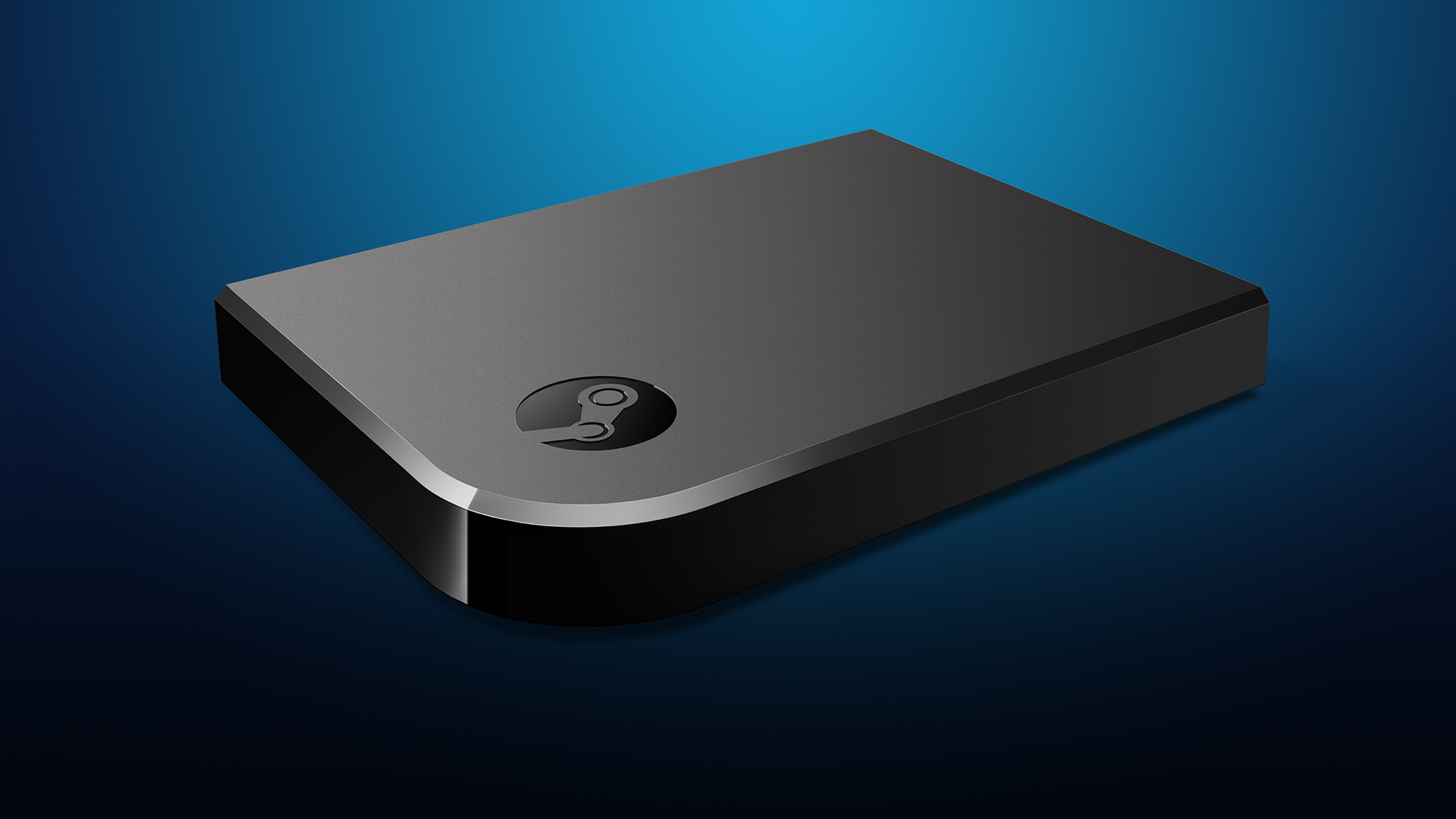
Manufacturer: Valve Corporation
Release Date: 11/10/2015
MSRP: $49.99
Video game streaming hasn’t really been a big option until the last couple of years, thanks to Steam. In-home streaming was possible for other computers, as this allowed computers or laptops that weren’t all that powerful to stream from a computer that was. This was great for families but didn’t have much practical use for anyone else. Now, thanks to Steam Link, anyone can stream their PC games right to their TV, but it isn’t without issues.
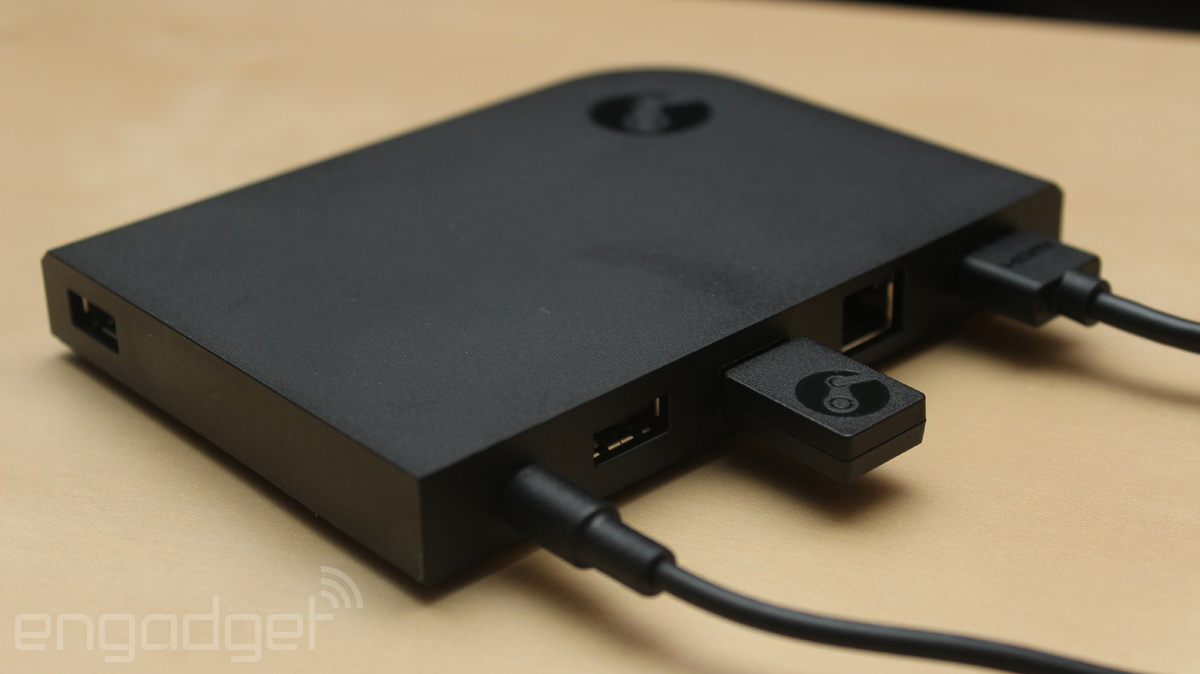
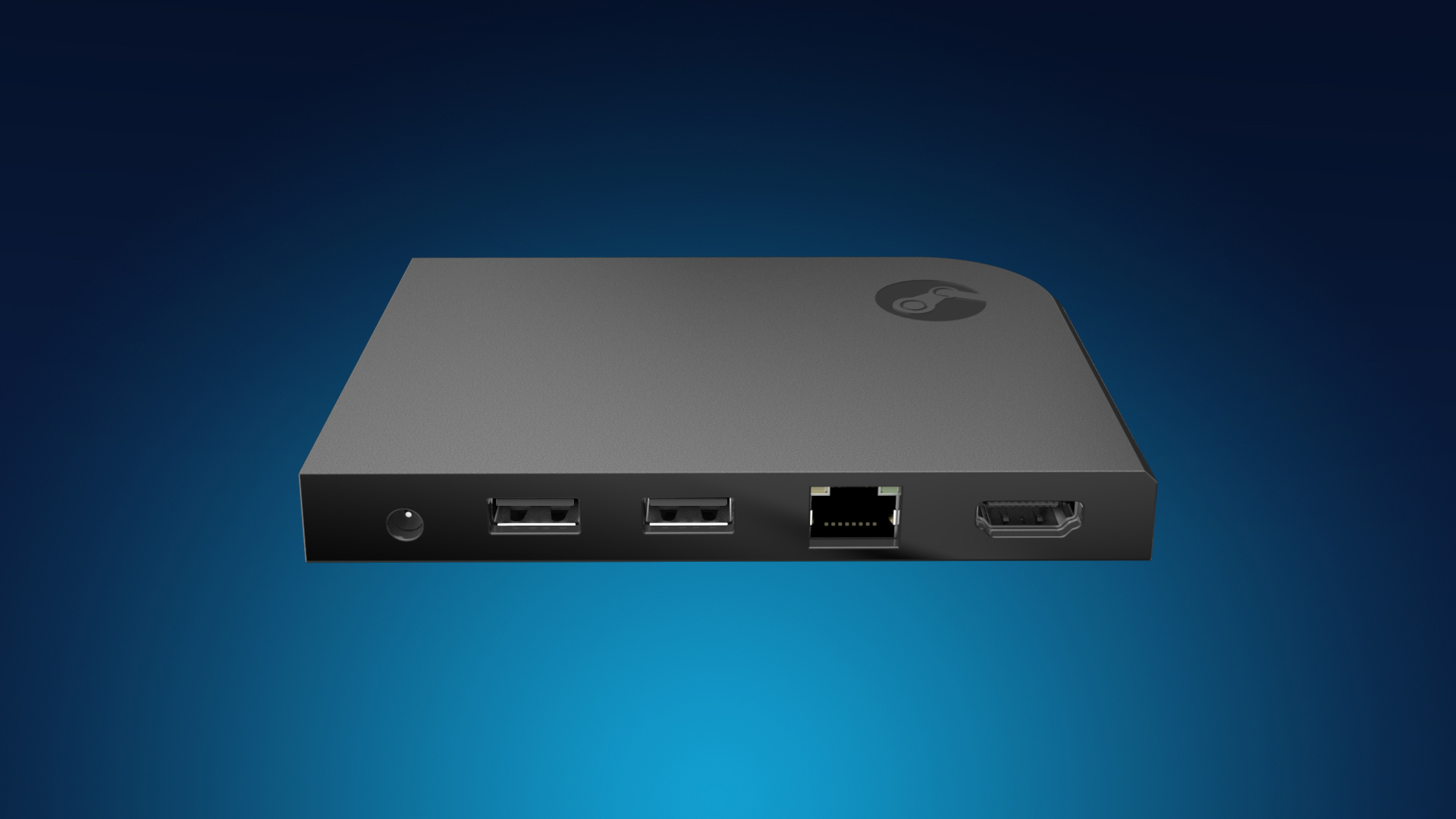
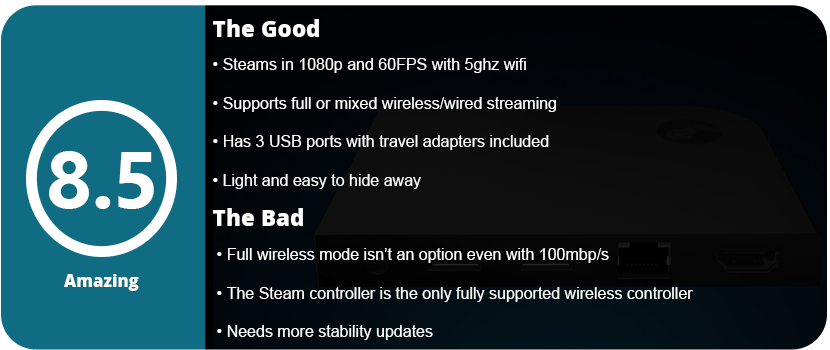
The Steam Link is a little confusing to set up at first. There’s a wired and wireless option, but the quick guide (the only instructions in the box) says that the PC should be connected through Ethernet to the router and then through Ethernet to the Link box. You don’t HAVE to have everything set up wired, but it can all be wireless as well. This requires an extremely fast internet speed, a 5GHz router, and a modern modem/router setup. Even then, you will experience latency issues. The box includes power adapters for different parts of the world, which is, I guess, good if you travel a lot; otherwise, it won’t matter. A 6′ Ethernet and HDMI cable are also included, which is a nice plus. Once I had everything set up, the Steam Link just kind of turned on; there’s no on or off switch. I then realized I needed a controller, so I used a wired Xbox One controller, but I realized I needed a longer USB cable, so I had to use a USB extension cord. Finally, I was ready to play.
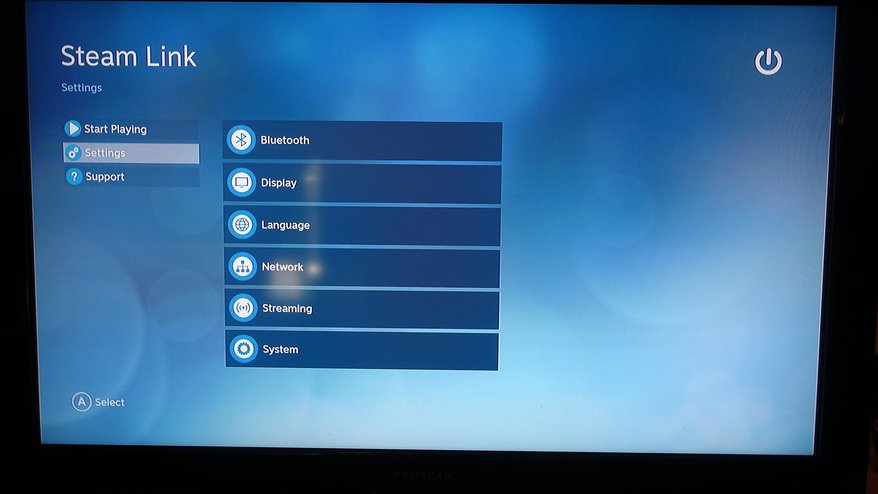
The software setup was pretty quick; the Steam Link had a software update, and after about 5 minutes, I was ready to go. I set up the Steam Link through WiFi via a 5 GHz connection and 100 mbit/s. Steam on my computer launched in Big Picture Mode, and I set the streaming quality to “Beautiful.” I then launched Fallout 4 and had my first issue. Unless you have a Bluetooth keyboard and mouse and/or a Steam Controller, there is no mouse emulation. I had to walk over to my computer and press play from the game launcher before it would boot. That was really annoying.
After playing the game for about 10 minutes, I noticed there wasn’t any video latency but only audio latency. There were pops and crackles in the audio, and it would cut in and out a lot. Every so often, the picture would compress a bit, and the whole picture would look pixelated. This wasn’t going to be feasible, so I ran an Ethernet cable from my router, under my rug, and up to the entertainment center, and then the audio cutouts stopped. However, the stream from my PC to the router was still wireless, but that didn’t seem to be an issue. I’m sure a software update could fix the latency for wireless streaming on the actual Link box.
Using Steam itself was a breeze in Big Picture Mode; it felt like a highly streamlined console UI (in fact, better than Sony, Nintendo, and Microsoft have ever come up with), and I could easily access the store, friends chat, and my library without a fuss. Another plus is being able to access your own music and various other Steam features. This is actually the best way to get a Steam machine experience without actually having to buy one.
In the end, the Steam Link is a great buy, but you must have the right setup before bothering. Have a wired setup, or make sure you have a 5 GHz router and at least a 100 Mbit/s connection before even thinking about wireless streaming. A Steam Controller is the best way to go here, as it will connect to the actual Steam Link box directly; otherwise, your only other wireless controller option is the Xbox 360 controller with the wireless adapter. Once the Xbox One wireless adapter releases, it will be much easier, and we need some more stability updates from Valve before this is seen in everyone’s living room. For $50, you don’t really have much to lose here.








































































































 thebinarymessiah.com
Try multiplayer. A lot of fun !